-
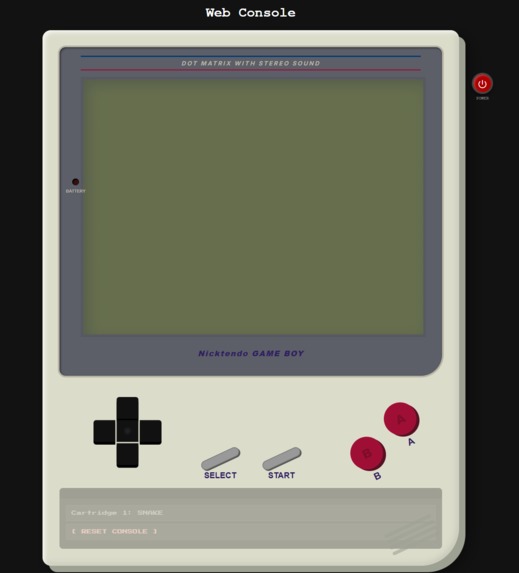
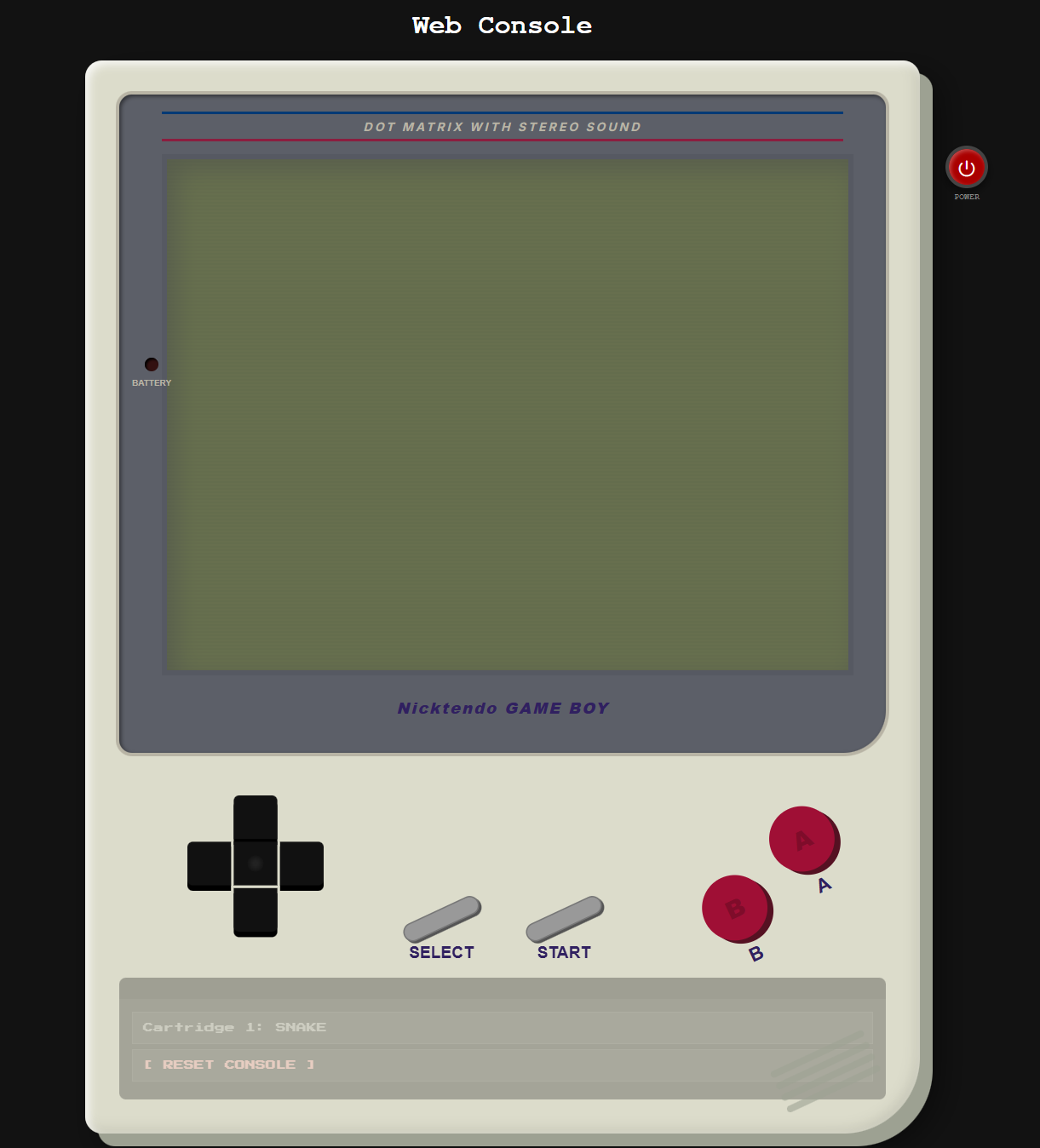
Gameboy-Like Interface
-
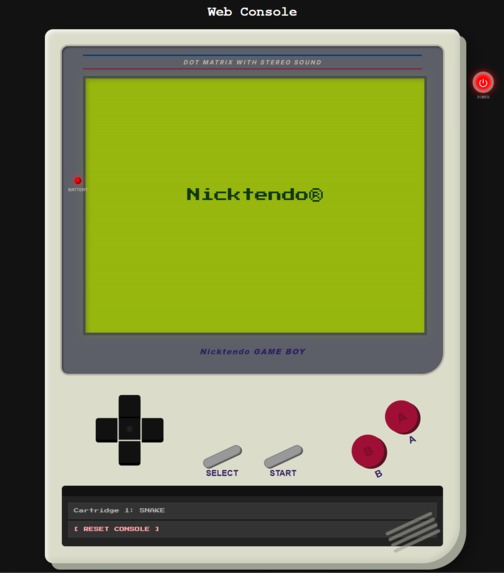
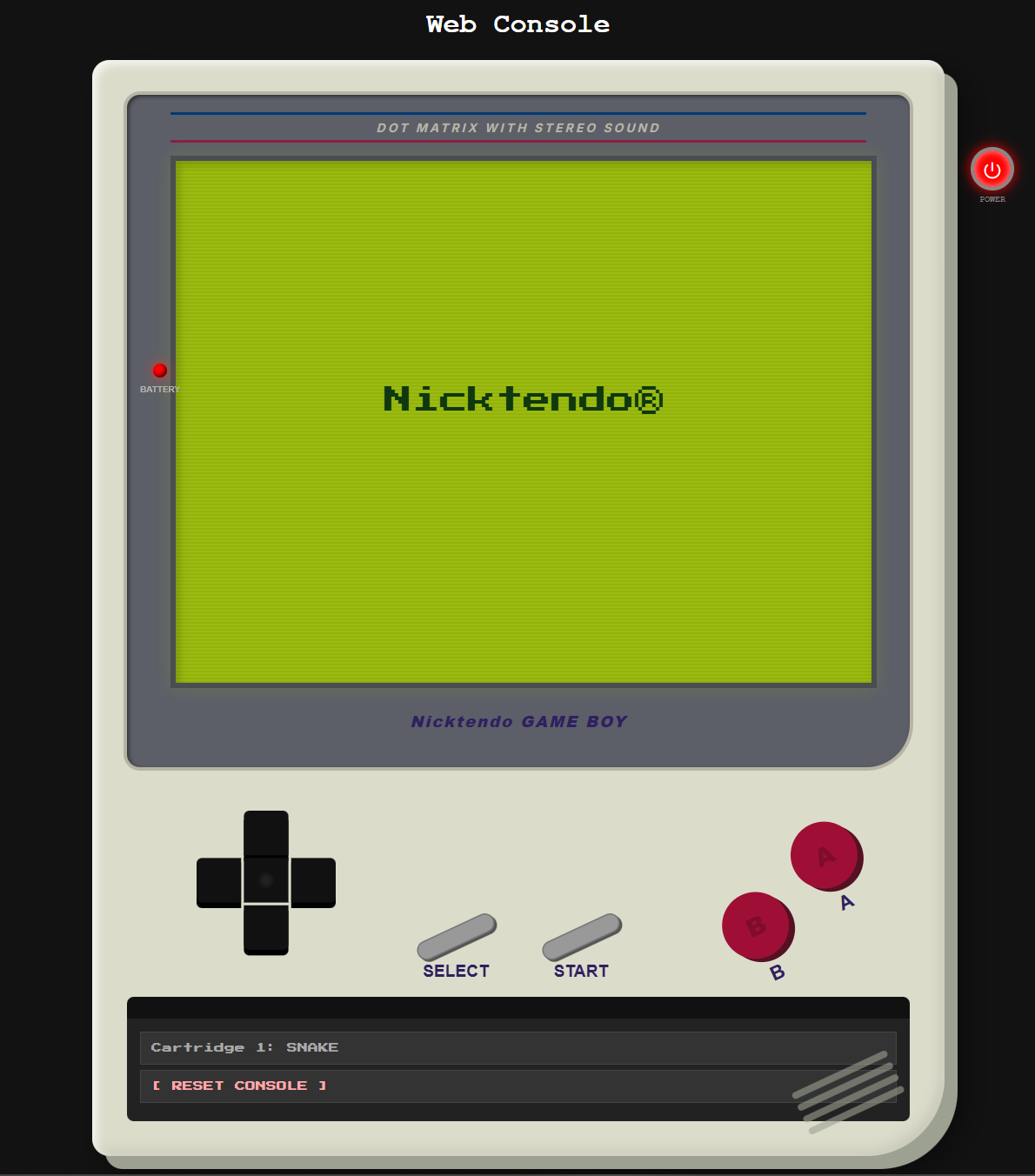
Introduction Screen
-
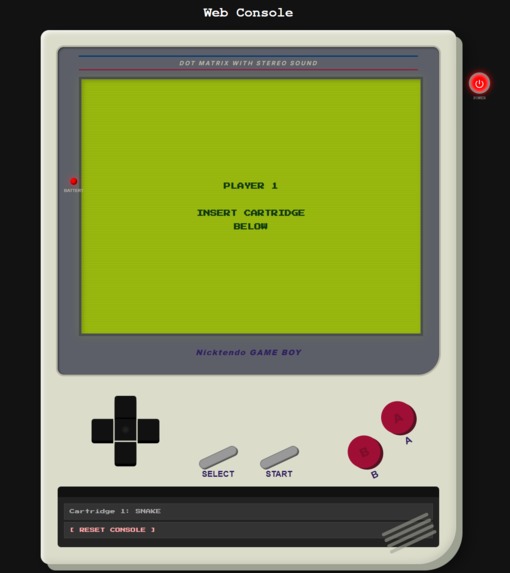
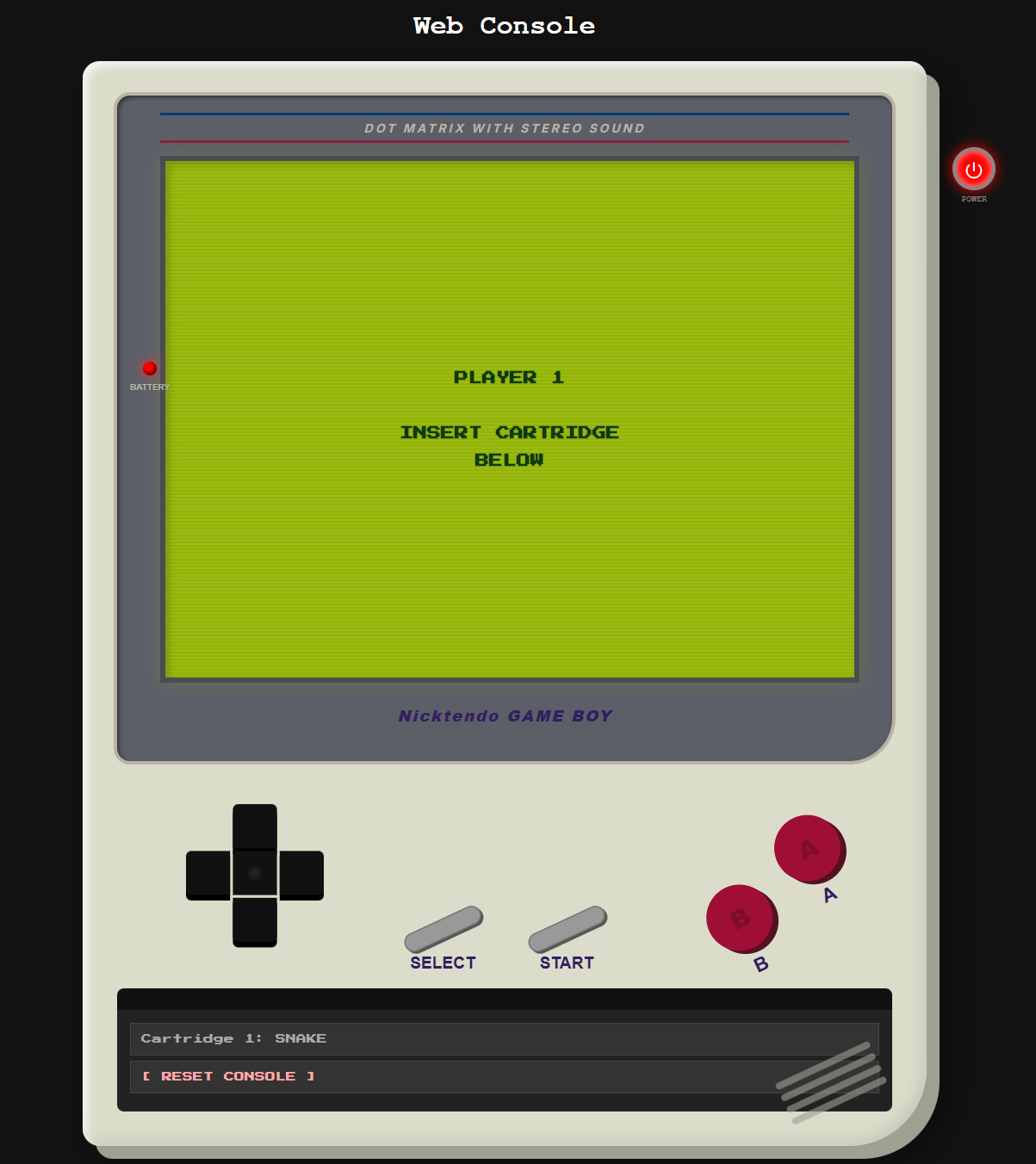
Select the Game
-
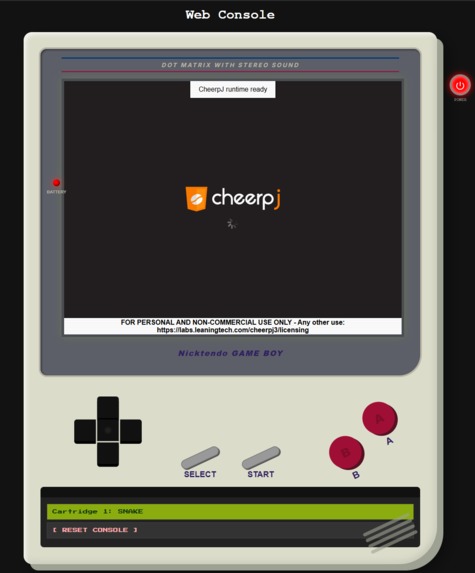
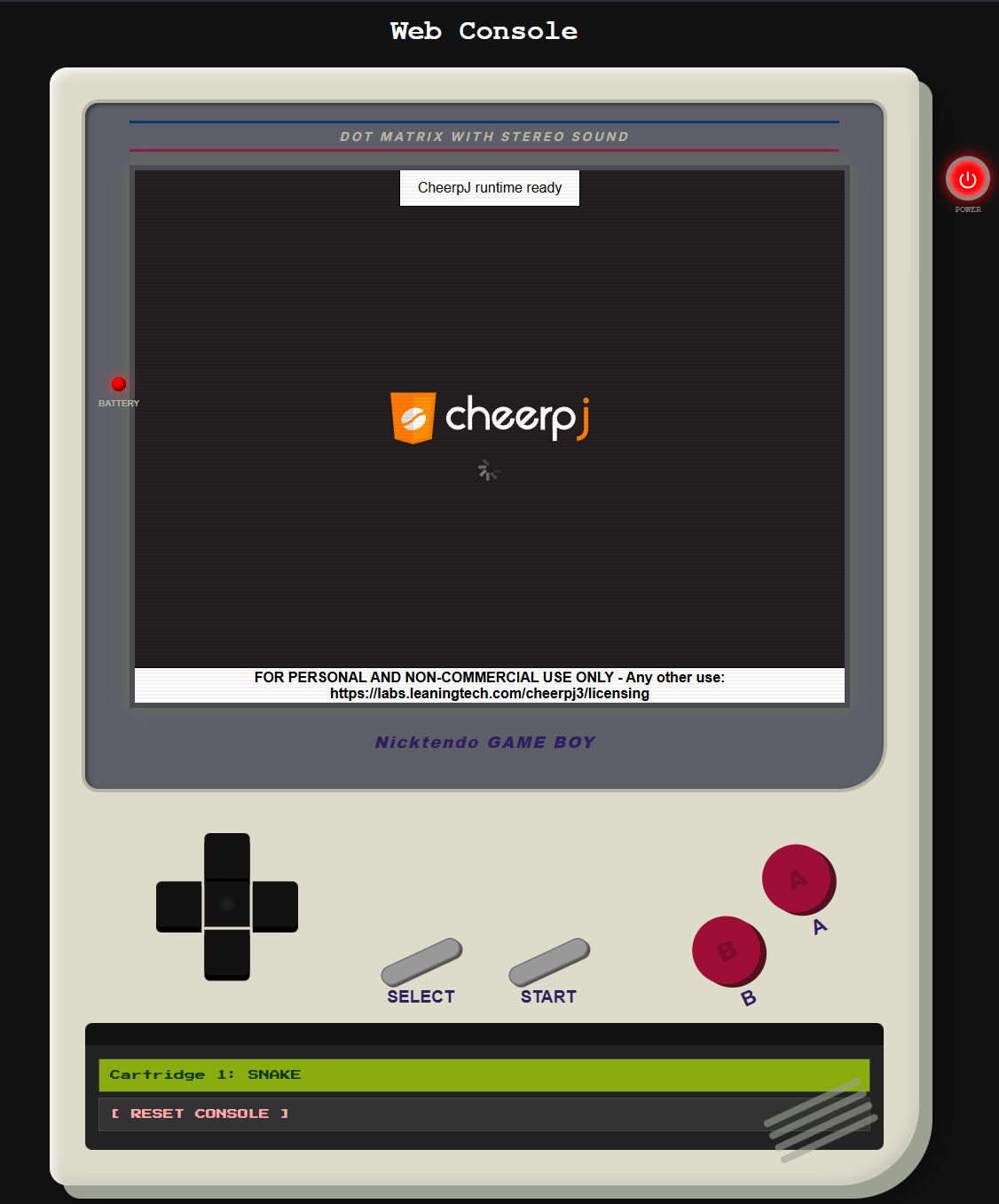
Loading the game using CheerpJ
Retro GameBoy Web Console (CheerpJ Powered)
A fully interactive, browser-based GameBoy-style console that runs Java .jar games using CheerpJ - no Java installation required.
Inspiration
This project began with the simplest spark: boys being boys who love games. The moment we heard the project involved Java, we instantly wanted to create something related to gaming. That excitement led us to design a fully functional, retro-inspired GameBoy experience that runs entirely inside the browser.
What it does
The Retro GameBoy Web Console recreates a classic handheld gaming experience on the web. It includes:
- A power button with LED indicator
- Authentic GameBoy-style boot animation
- Scanline LCD effect
- D-Pad, A/B, Start, and Select buttons
- A cartridge slot interface
- Ability to load and play Java
.jargames via CheerpJ
Users can power on the console, watch the startup animation, insert a cartridge, and instantly play Java-based games — all inside their browser.
How we built it
We used:
- HTML/CSS for the console body, retro-styled UI, and screen effects
- JavaScript for controls, state management, animations, and input mapping
- CheerpJ 3.0 to run Java
.jargames through a WebAssembly-based Java runtime in the browser
We built:
- A cartridge loading system
- A scaled Java game display using
cheerpjCreateDisplay() - A virtual controller mapped to keyboard events
- Power cycles, boot sequences, and UI transitions
Every detail - from the power LED to the screen bezel - was manually crafted to mimic the classic device.
Challenges we ran into
- Integrating CheerpJ into a custom-designed canvas container
- Ensuring all
.jargames worked reliably - Handling input mapping for both keyboard and on-screen buttons
- Building realistic power on/off behavior
- Managing render issues when the display resized
- Timing the CheerpJ initialization so cartridges load correctly
Accomplishments that we're proud of
- Creating a polished, fully interactive retro console UI from scratch
- Successfully running real Java
.jargames in-browser - Achieving smooth animations and transitions
- Building responsive controls for desktop and mobile
- Combining nostalgia with modern web technologies in a seamless way
What we learned
We learned:
- How to effectively integrate CheerpJ with a custom frontend
- How Java apps behave in browser-based JVM emulation
- Advanced event handling for simultaneous button presses
- UI/UX design considerations for retro interfaces
- Managing animation timing, state transitions, and performance
Most importantly, we learned how creativity and technical challenges can merge into something fun and memorable.
What's next for Retro GameBoy Web Console (CheerpJ Powered)
Planned improvements include:
- A full game library UI
- More
.jarcartridges - Support for save states
- Retro audio support
- Alternate skins (Pocket, Color, Advance)
- User-uploaded cartridges
- Extra visual effects (battery warnings, screen flicker, animations)
Contributors
- Krithik Sharan Suresh Alagianayagi
- Asjad Moiz Khan
- Uday Kiran Reddy Mule
- Haritej Karimisetti
If you'd like, I can package this as a downloadable .md file too.
Built With
- cheerpj
- css
- html
- javascript

Log in or sign up for Devpost to join the conversation.