-
-
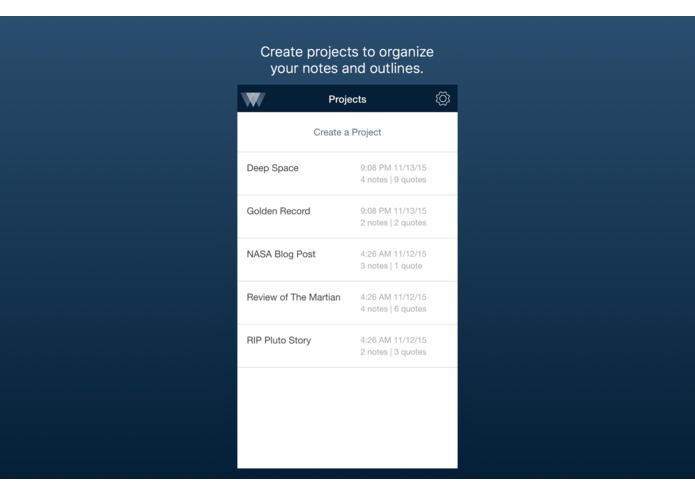
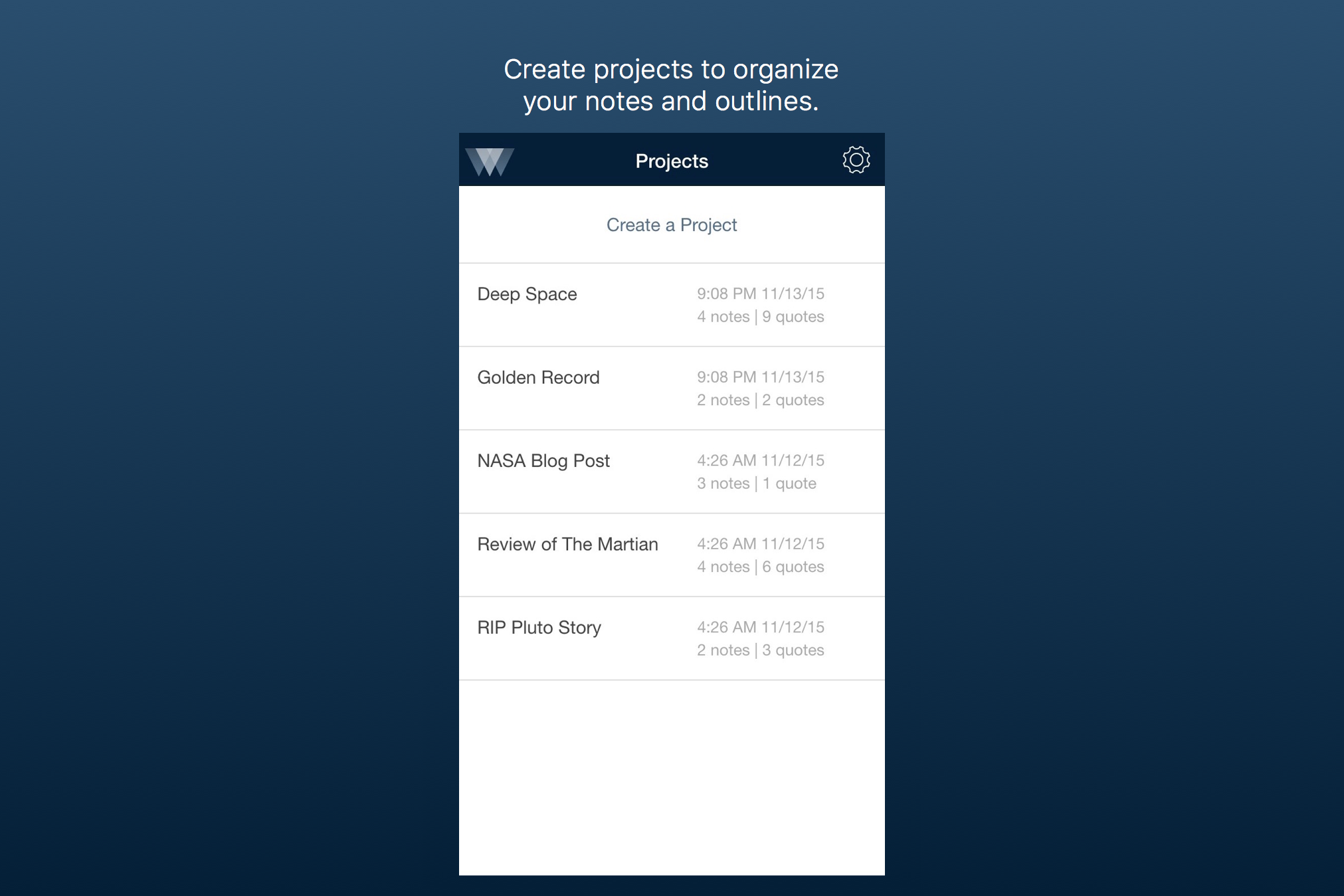
Sort notes and outlines by project.
-
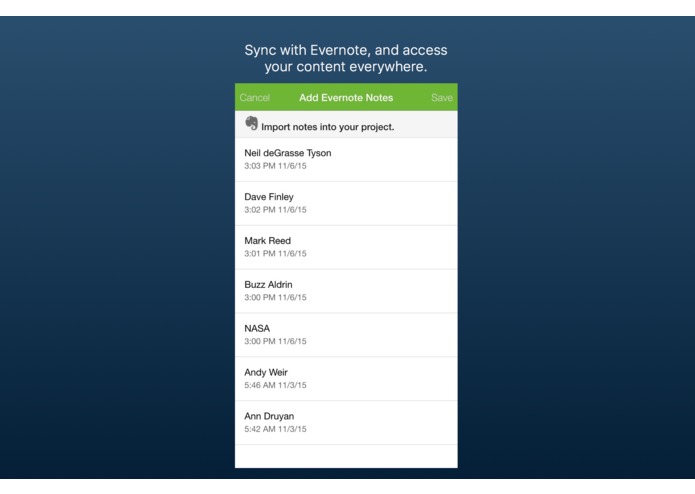
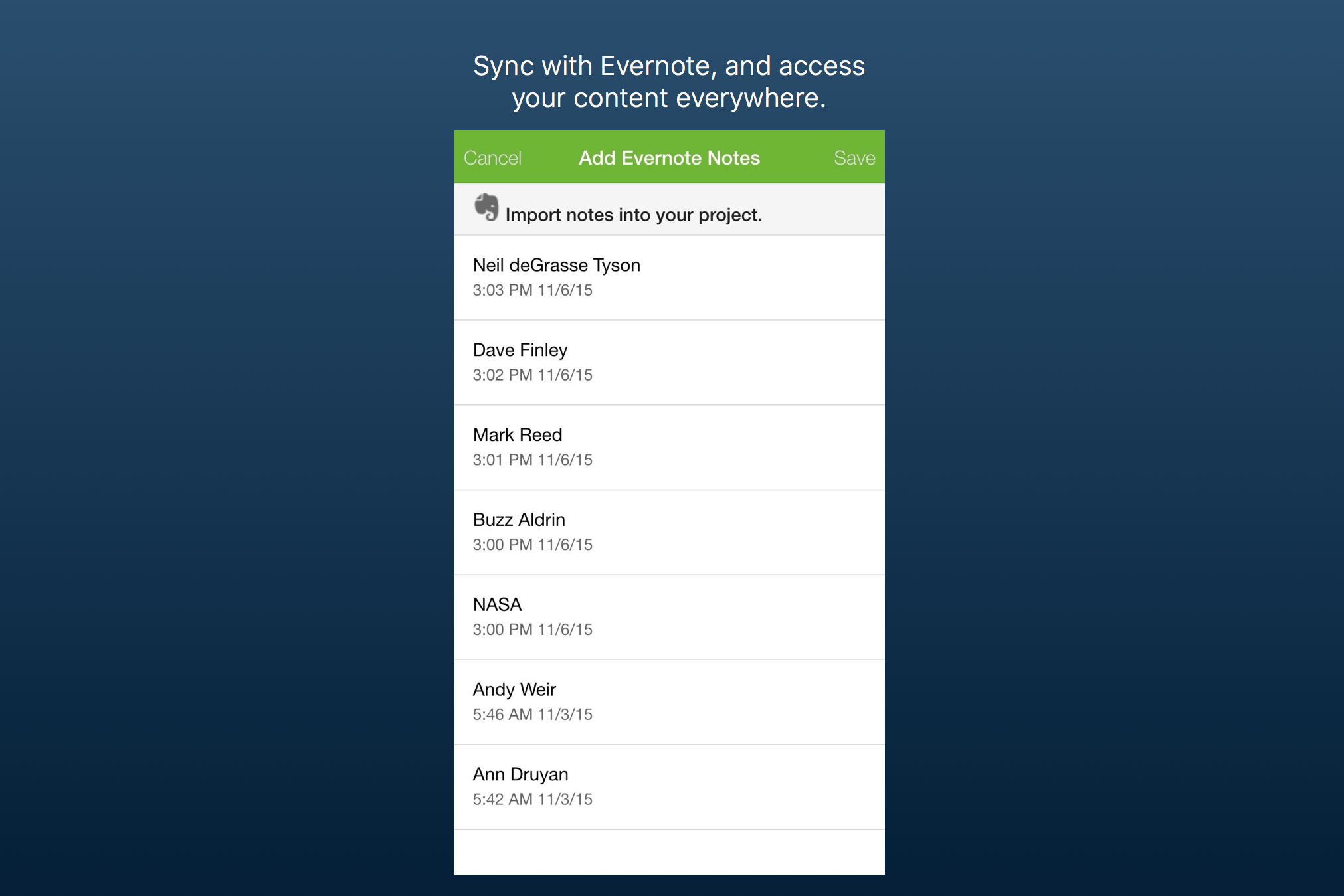
Leder syncs with Evernote, so your content is available on every device, everywhere you work.
-
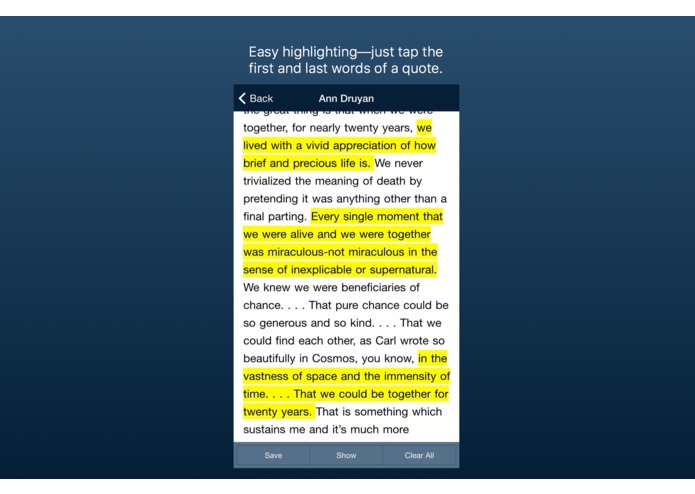
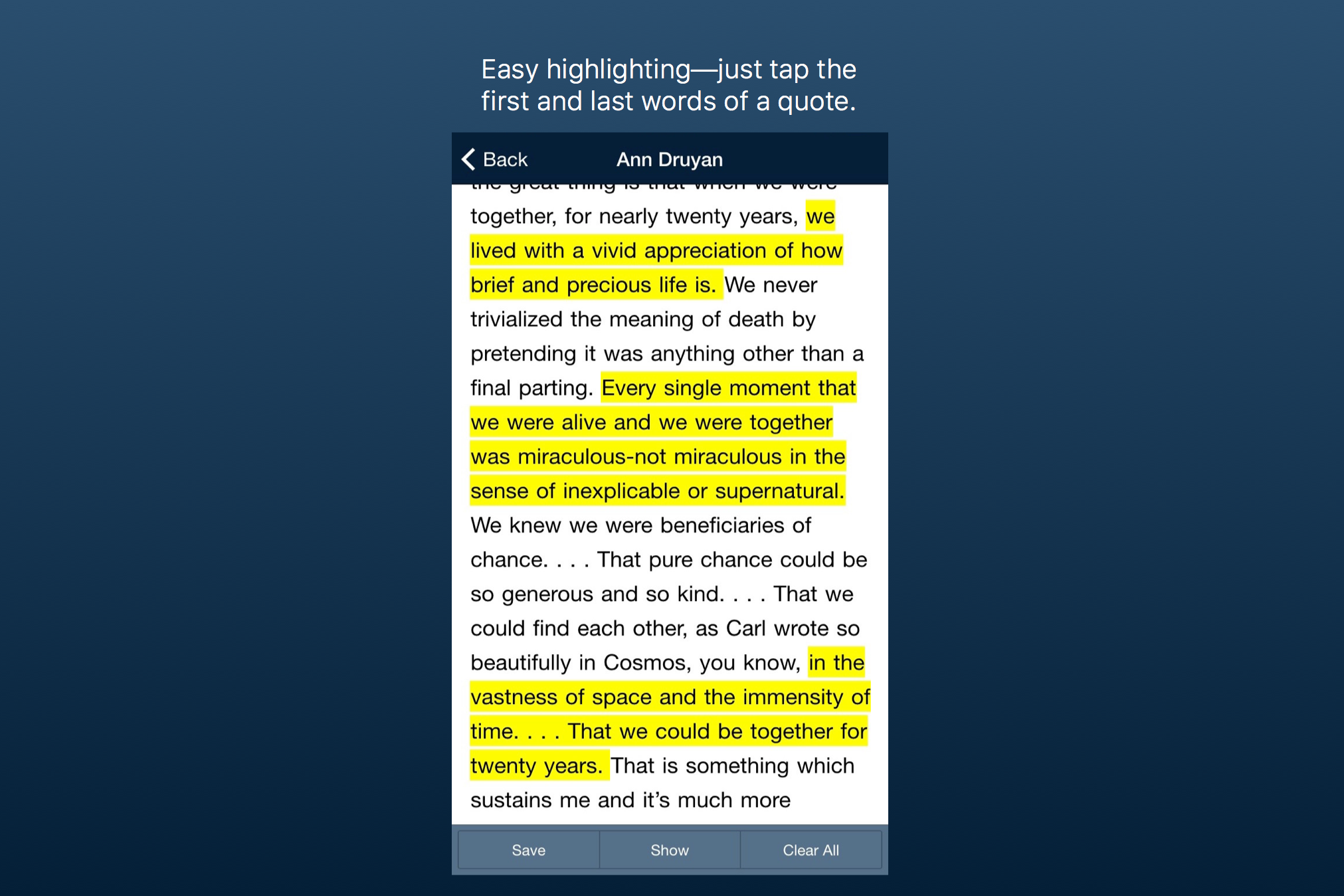
Highlight only the parts of each note that you want to keep.
-
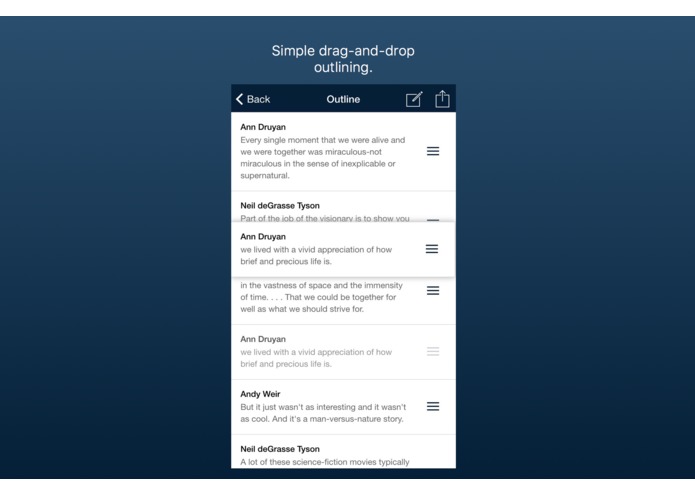
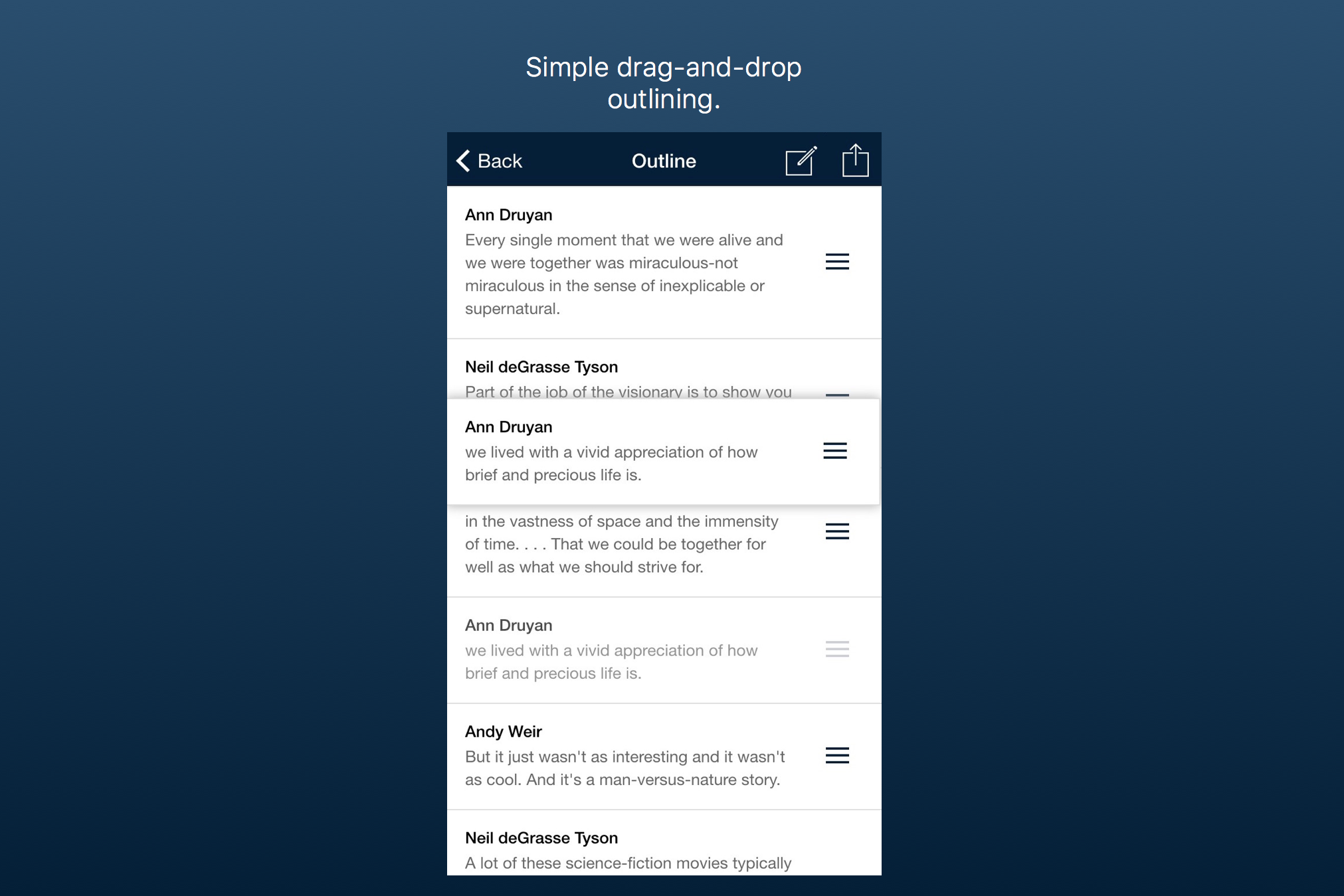
Combine quotes from different notes and organize it all in one easy outline.
-
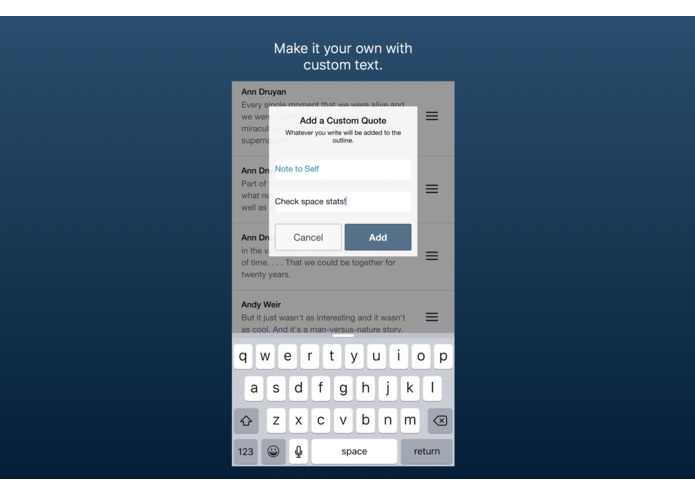
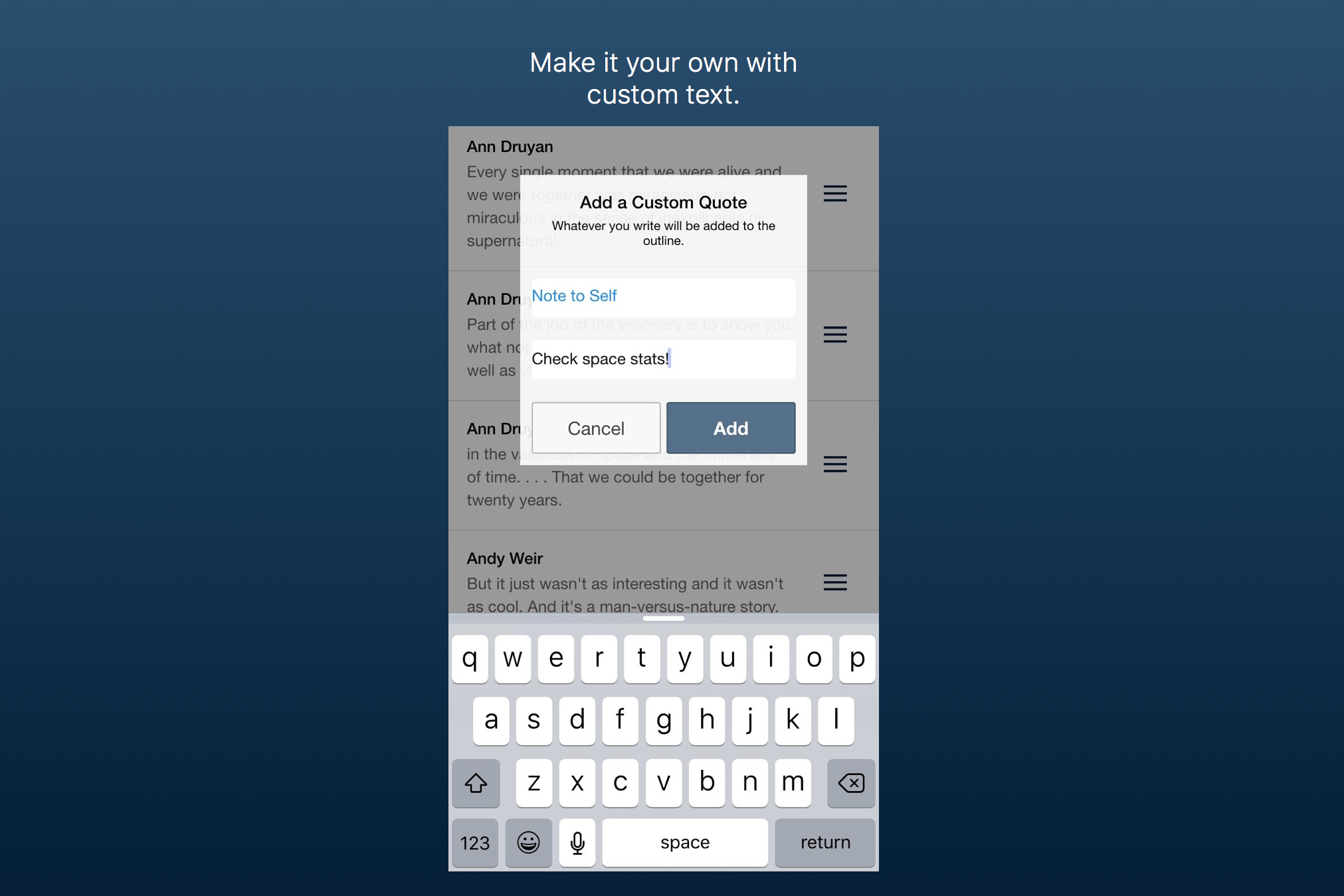
Make it your own by adding custom text.
Inspiration
I had just left my awesome job as a real-estate reporter to begin a master's program in design and front-end development under the George J. Mitchell Scholarship. As part of my degree, I had to design and develop some sort of digital product. I knew early on that I wanted to create a tool for journalists (really all writers) that would make the writing process easier.
After much research and many conversations, a trend began to emerge—taking notes is easy, but there is little you can actually do with your notes after you’ve taken them.
What it does
Leder is an iOS outlining app that lets you extract and outline text from your already typed up notes. Most importantly, Leder's custom highlighting technology makes highlighting as easy on your phone as it is on paper.
How I built it
Leder is a hybrid application designed for the iPhone and optimized for iOS 9. It written in HTML, CSS, and JavaScript, paired alongside the AngularJS architectural framework and the Ionic user interface framework, and deployed through PhoneGap.
Challenges I ran into
One of my biggest challenges was designing and developing the custom highlighting technology.
Accomplishments that I'm proud of
I am proud of the onboarding experience that I created for Leder.
What's next for Leder
Leder is still a work in progress, and I plan to continue investing in it in the months to come. Please feel free to share your thoughts, questions, and concerns about Leder. Contact me on Leder's site, or by email at [email protected].


Log in or sign up for Devpost to join the conversation.