Inspiration
We ditch lectures. Not by choice — life outside of school has a way of getting in the way — and the podcast rabbit hole is a famously bad substitute. We wanted something that could meet us where we are: drop in a link (or just a topic), and walk away with everything you actually needed from that lecture.
What it does
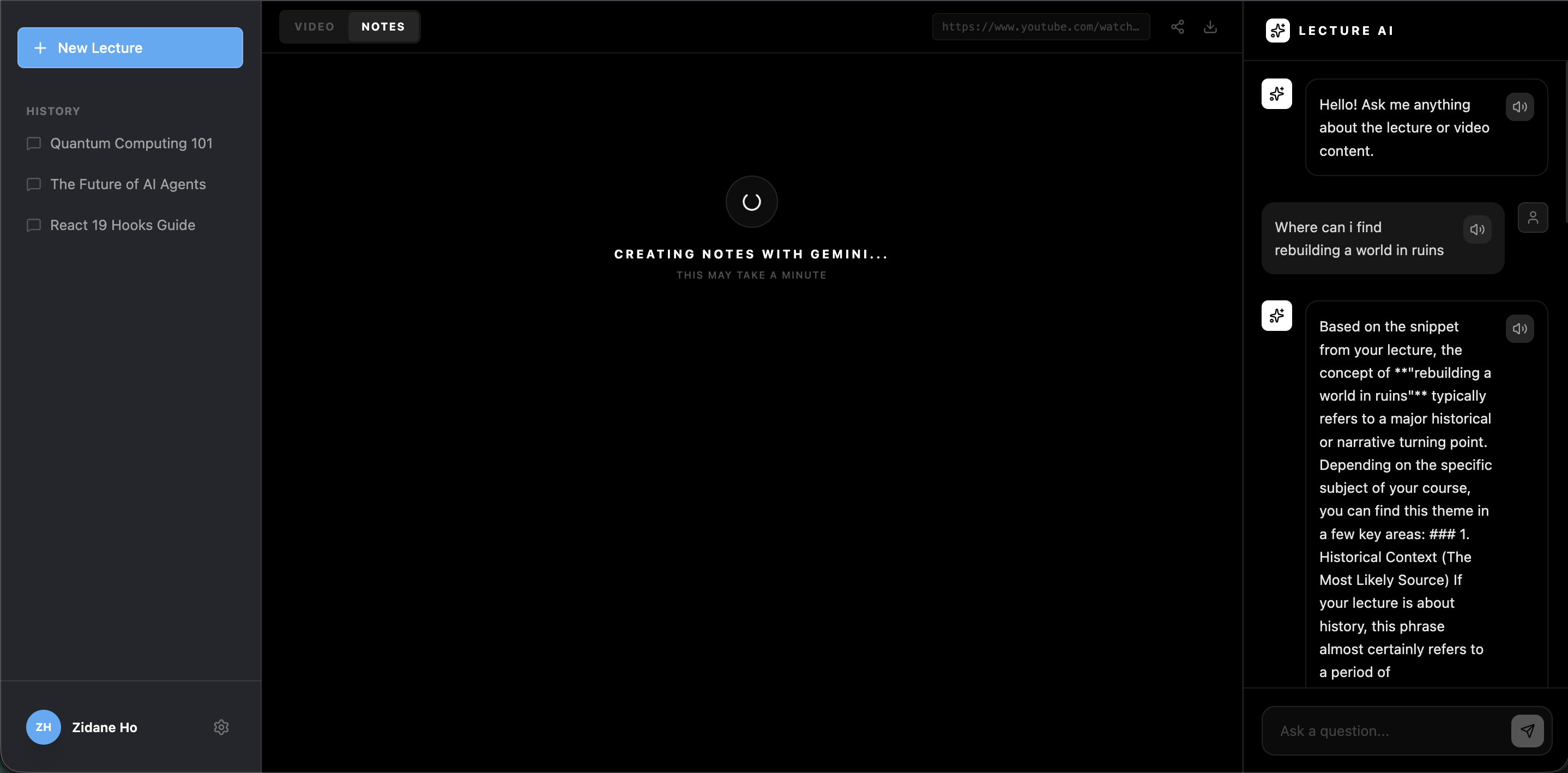
LectureLens turns any lecture video into an interactive study session. Give it a topic or a YouTube link, and it finds the video, analyzes it, and generates structured lecture notes with timestamps, key concepts, and curated external resources. You can then chat with an AI that has actually "watched" the video — ask it anything, and it'll point you to the exact moment in the video where the answer lives.
How we built it
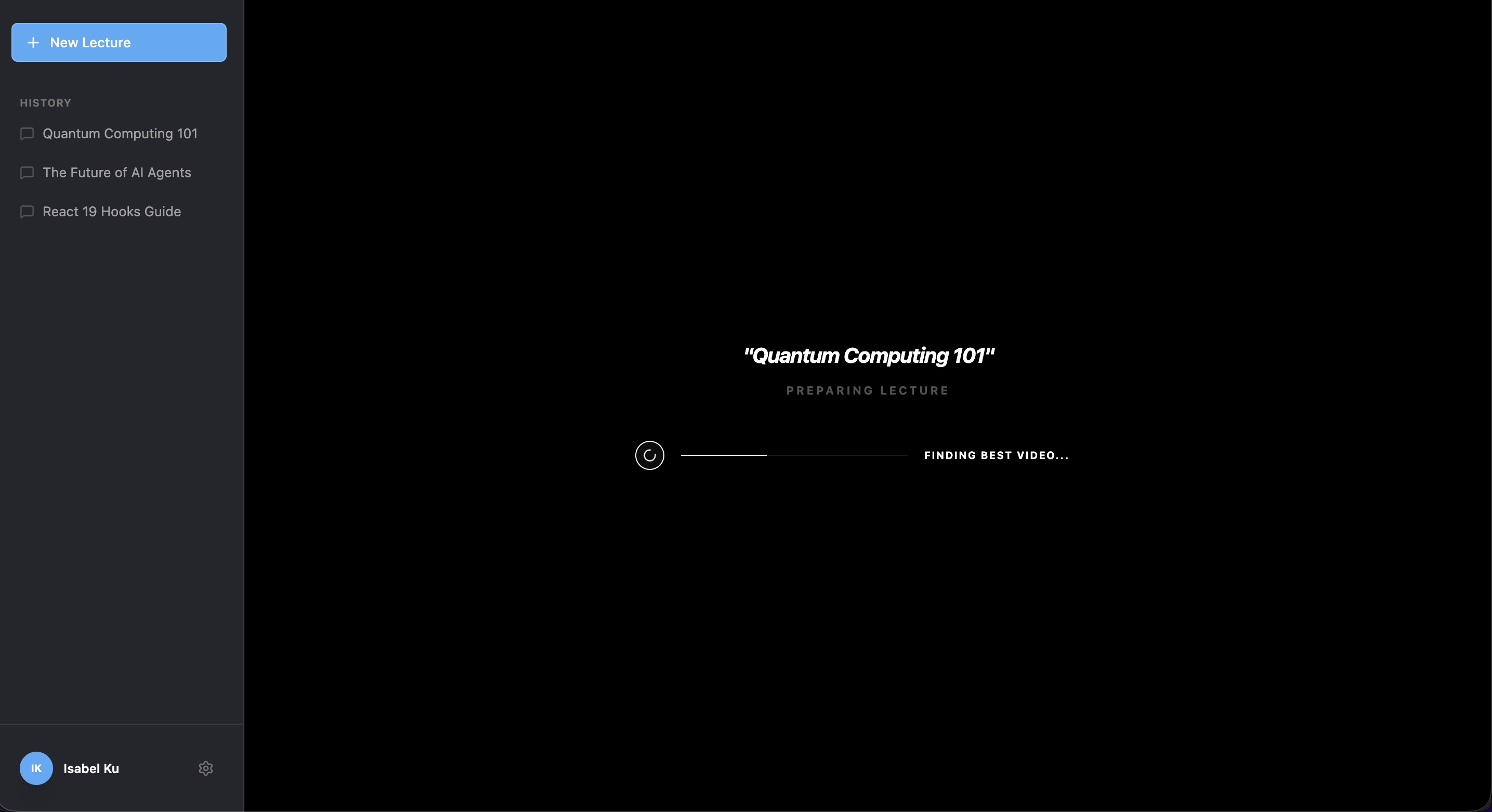
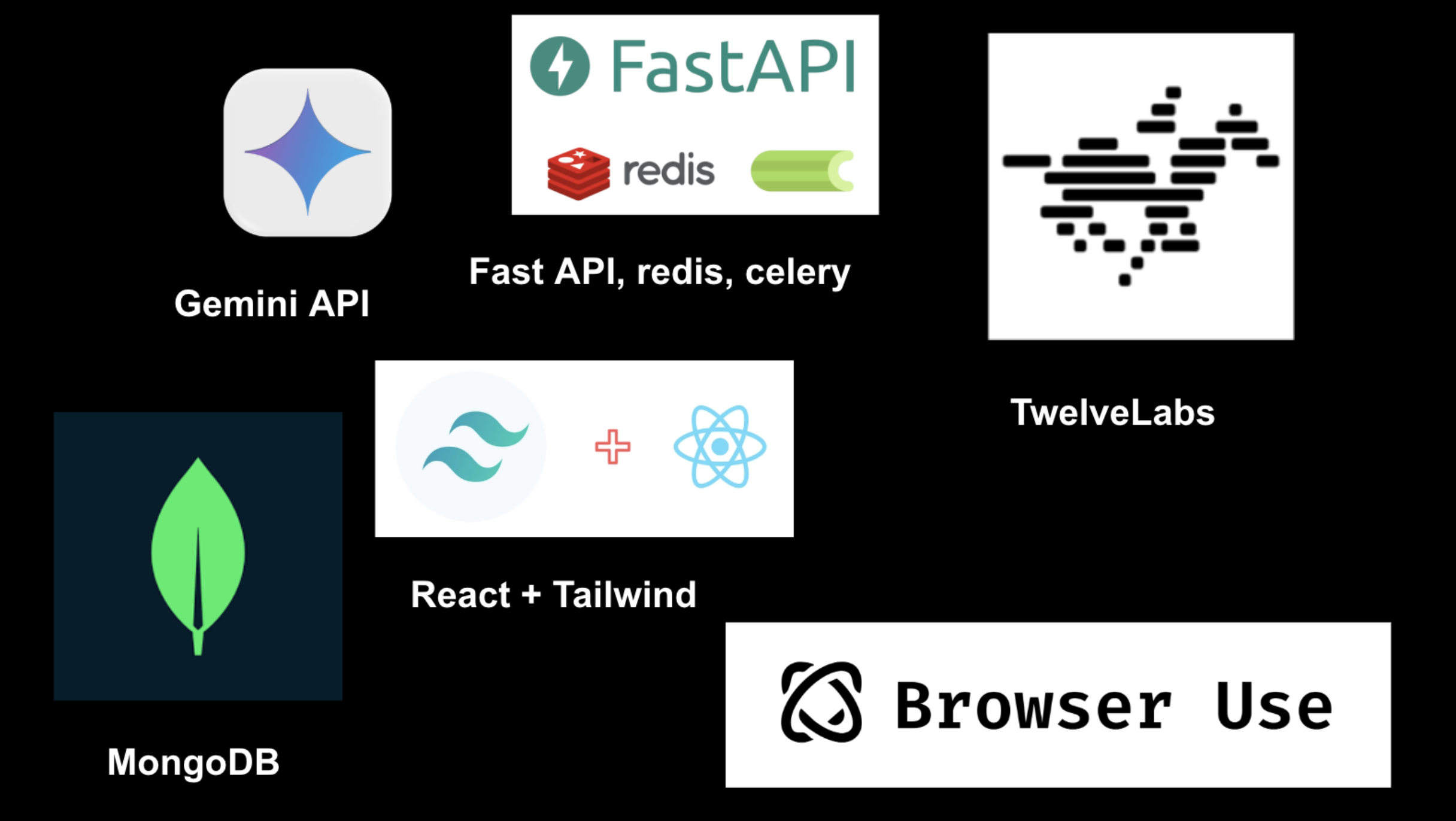
The pipeline has four stages. It starts with Browser Use, an AI-powered browser agent that takes a natural language prompt, searches the web, and returns a verified video URL — essentially automating the part where you'd go hunting on YouTube yourself. If you already have a link, it skips that step entirely and goes straight to processing.
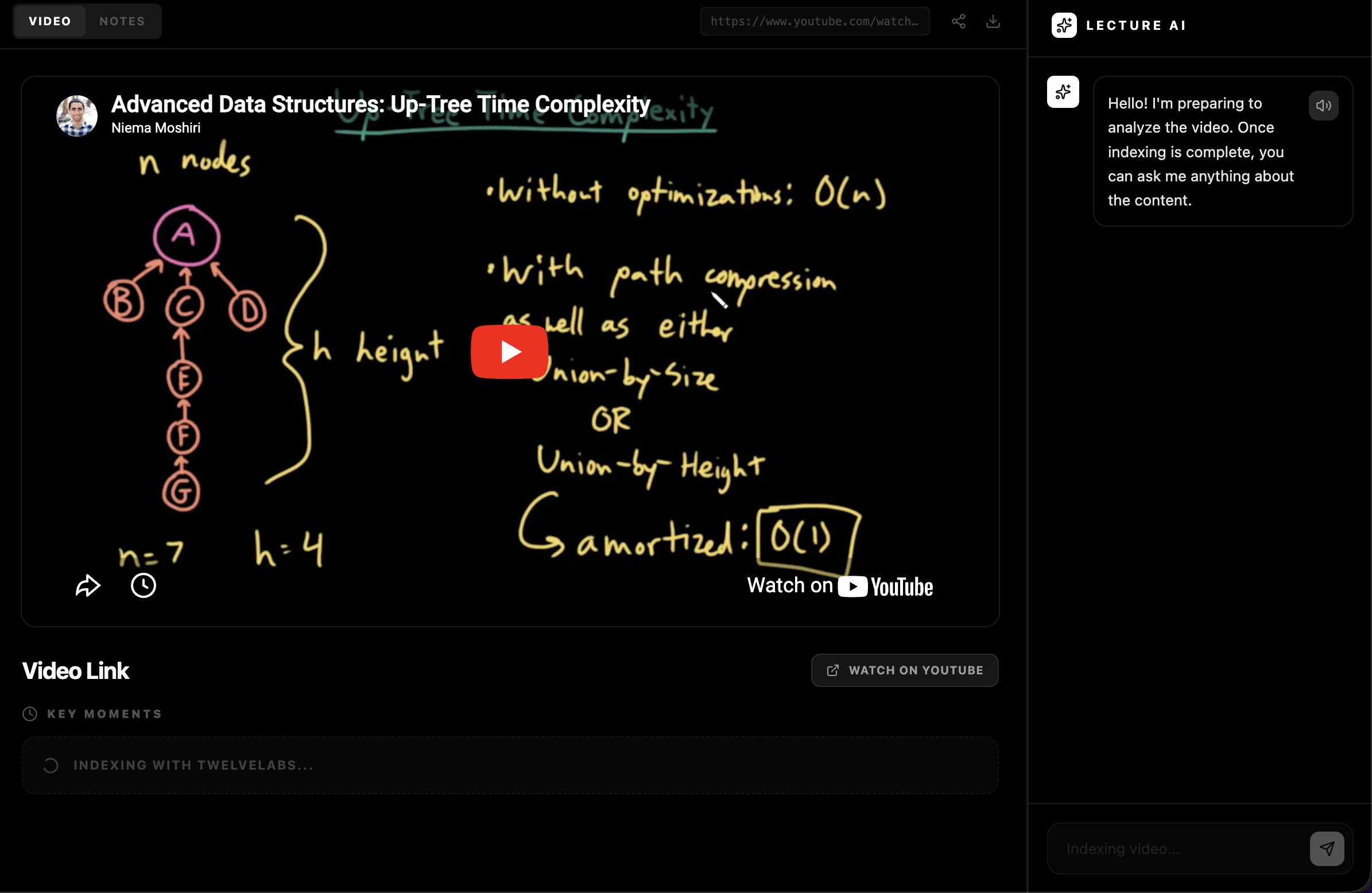
The video is then handed off to TwelveLabs, which indexes it and extracts a full transcript broken into timestamped segments along with key concepts identified throughout the video. This is the backbone of everything downstream — the timestamps, the chat references, all of it flows from what TwelveLabs pulls out.
That data gets passed to Gemini, which synthesizes the raw transcript and concepts into clean, structured lecture notes in Markdown — headings, summaries, the works — and identifies topics worth exploring further as external resources. The fourth stage is the chat interface, which combines TwelveLabs' search API (to locate the relevant moment in the video) with Gemini (to articulate a full answer), so every response comes with a timestamp you can jump to directly.
The whole thing runs on a FastAPI backend, with Celery and Redis handling the long-running processing tasks asynchronously so the frontend can poll for progress rather than hanging. MongoDB stores video data and processed results. The domain is live on a .tech domain, and the React frontend handles everything from the video player to the chat interface.
Challenges we ran into
Getting the video to actually render was more of a journey than expected. An AI-suggested react-player integration wasn't cooperating, so we switched to a plain iframe — and somehow that just worked. Timestamp alignment was another puzzle: mapping chat responses and transcript segments back to the right moment in the video required careful coordination between what TwelveLabs returns and how the player interprets seek commands.
Accomplishments that we're proud of
The core loop works end-to-end. You give it a video, it comes back with real notes, real timestamps, and a chat interface that can point you to specific moments. Getting all three external APIs (Browser Use, TwelveLabs, Gemini) talking to each other reliably in a hackathon timeframe felt like a genuine win.
What we learned
We got hands-on with TwelveLabs and Browser Use for the first time, and Browser Use in particular left an impression — the ability to give an agent a high-level goal and have it navigate the web to get there opens up a lot of ideas beyond this project. More broadly, this was a crash course in running multiple AI tools in parallel: Superset, Claude Code, and Gemini all had a role, and coordinating them while keeping the contract between frontend and backend clean was its own skill.
What's next for LectureLens
- Voice responses via ElevenLabs so the AI can actually talk back, a richer persona system (professor mode, chaotic SpongeBob mode)
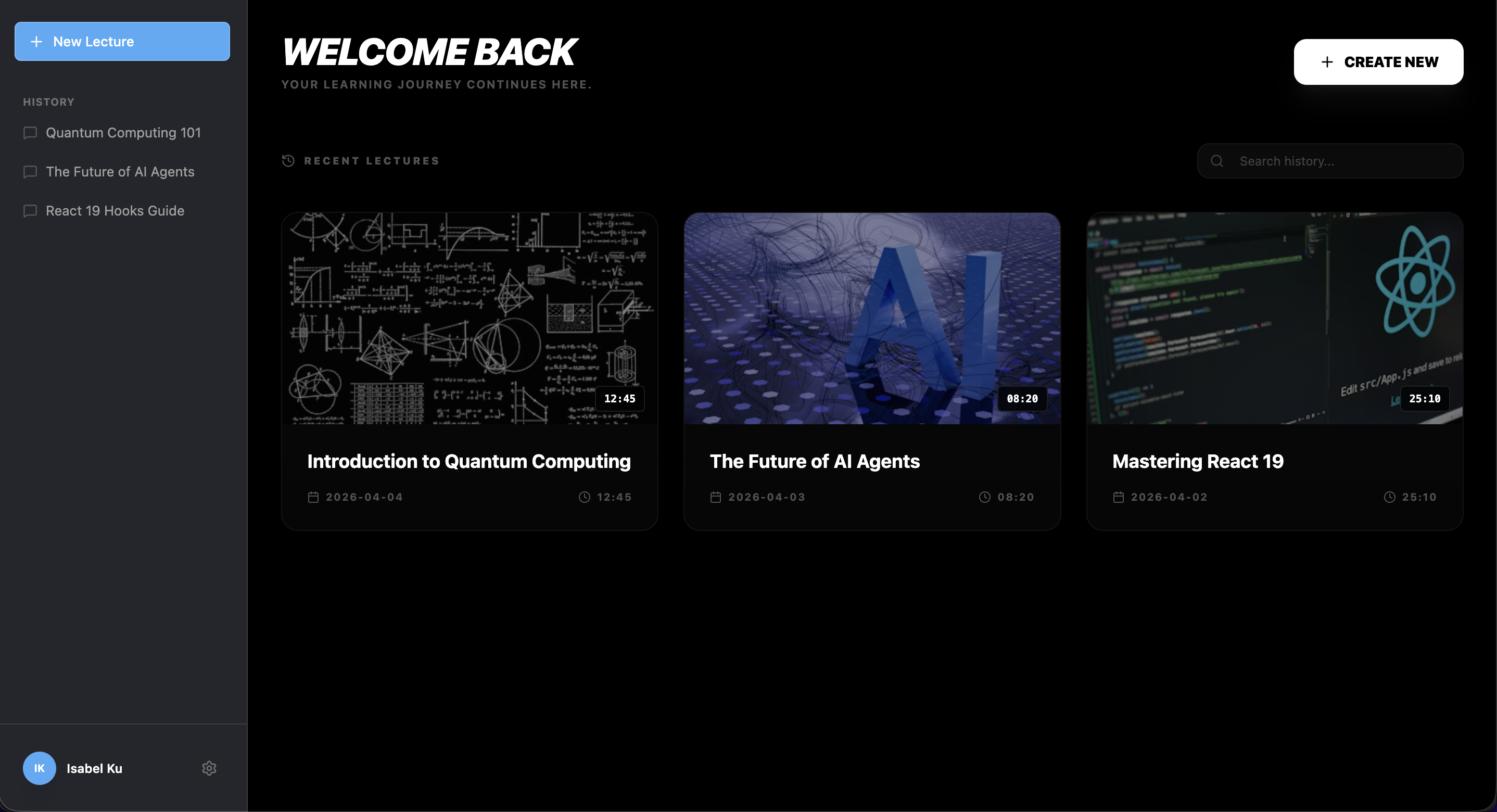
- A proper user history dashboard so you can return to past lectures.
- Adding supplementary readings and exercises automatically based on the lecture content using Browser Use


Log in or sign up for Devpost to join the conversation.