-
-
Home Page
-
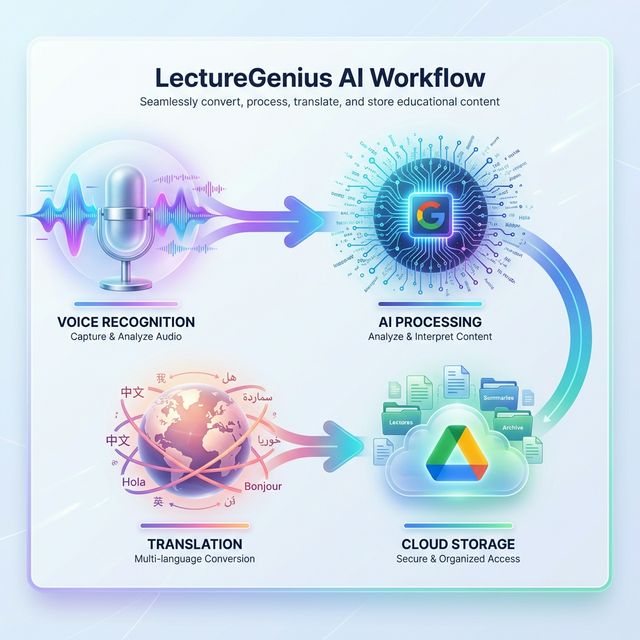
AI Workflow
-
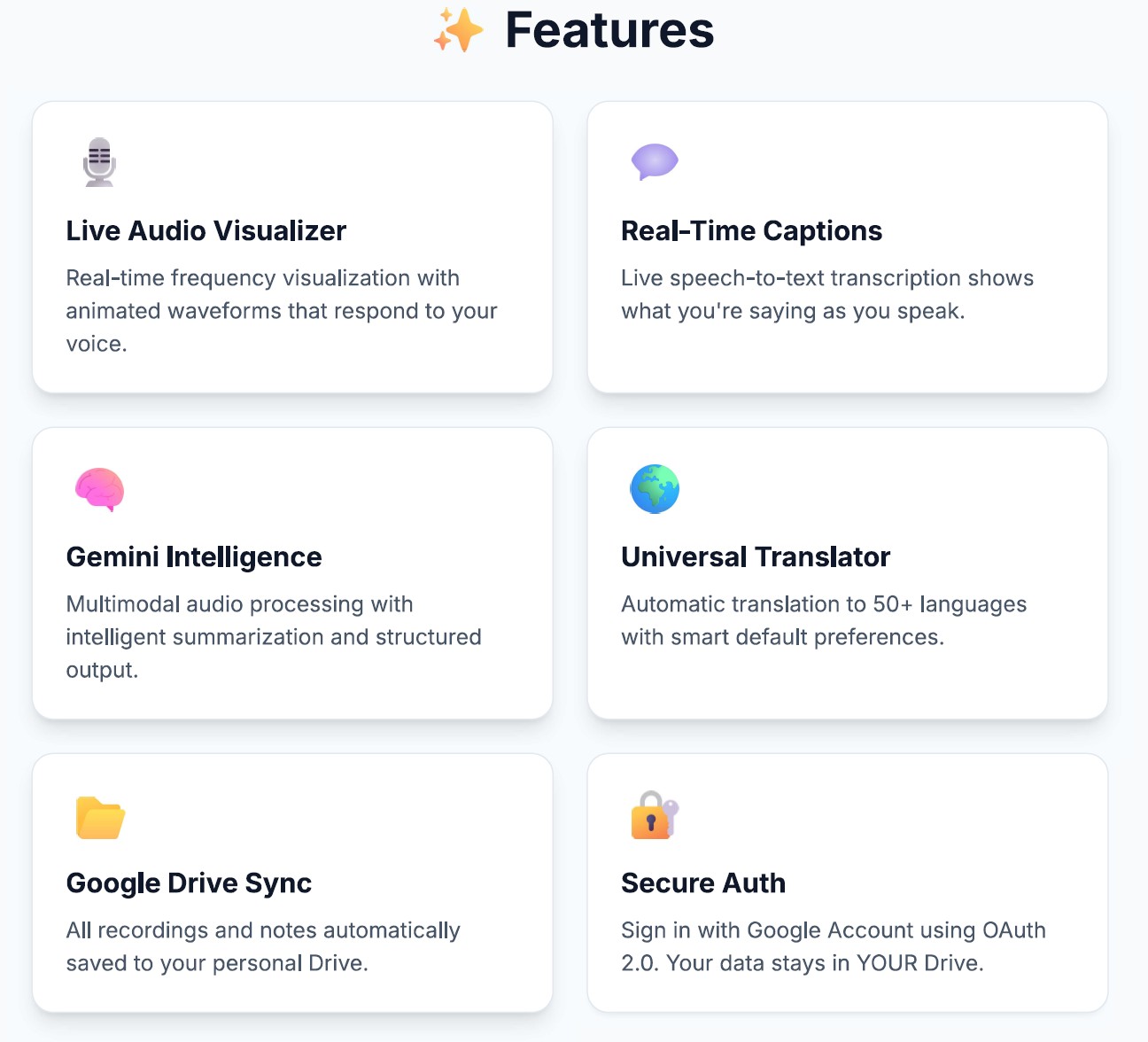
Features
-
Tech Stack
-
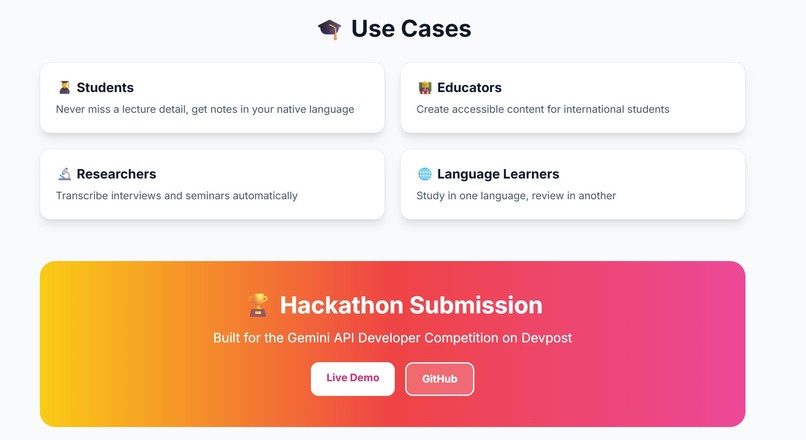
Use cases
Inspiration
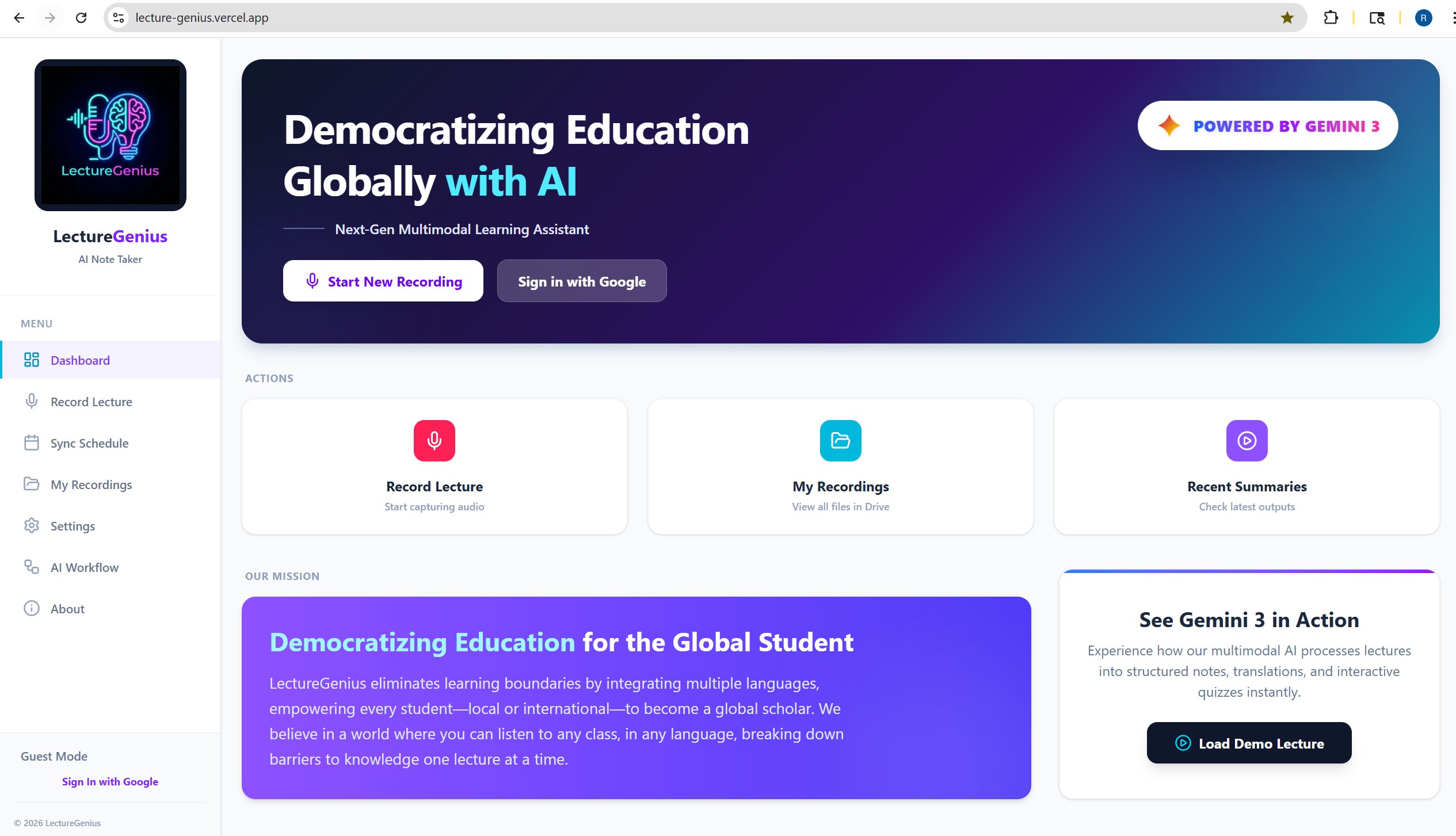
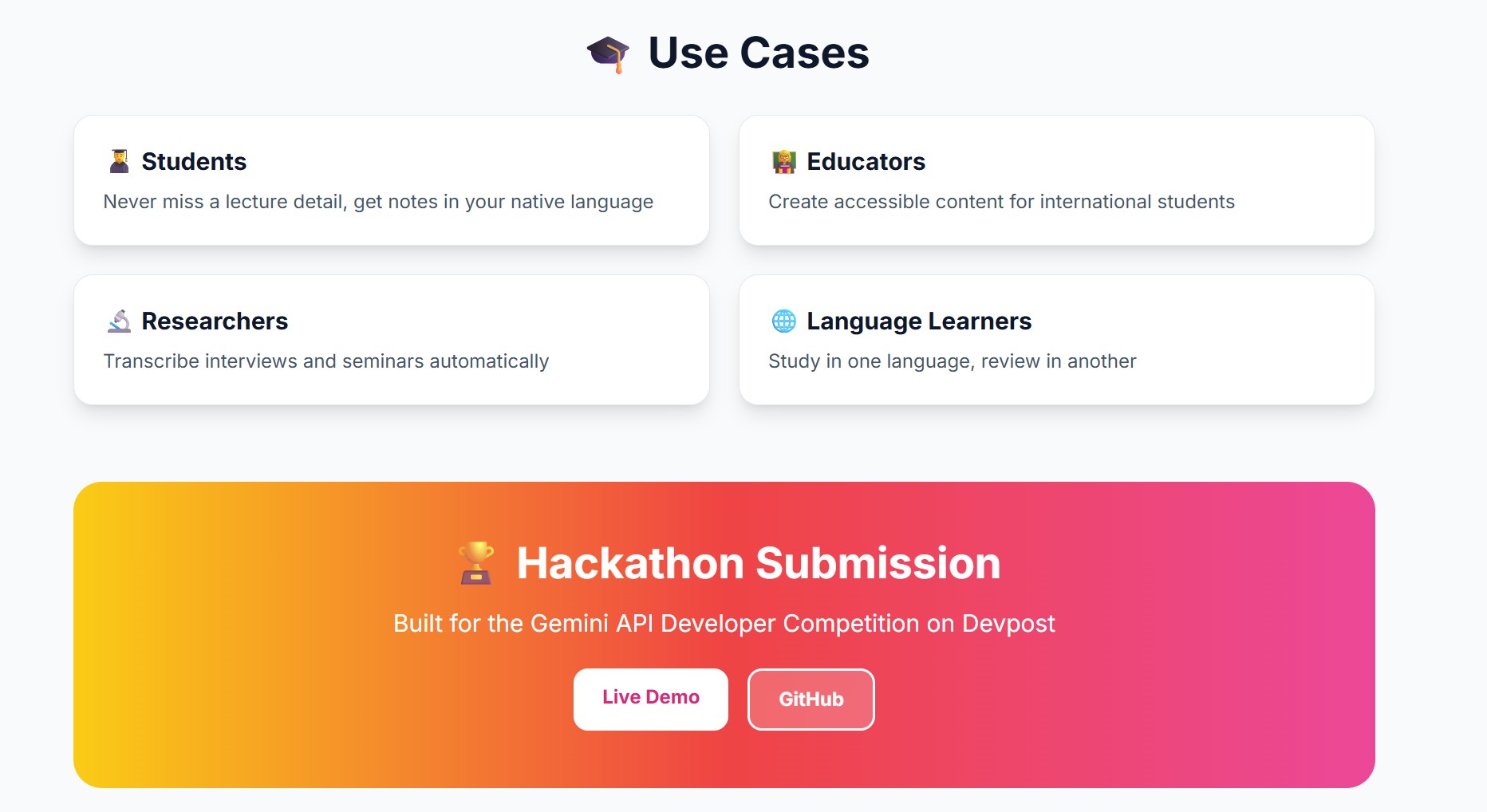
Education should have no boundaries. We noticed many students—especially international ones—struggle to keep up with fast-paced lectures in a non-native language. We wanted to build a tool that not only records notes but actively breaks down language barriers, empowering any local student to access global knowledge without fear of missing out.
What it does
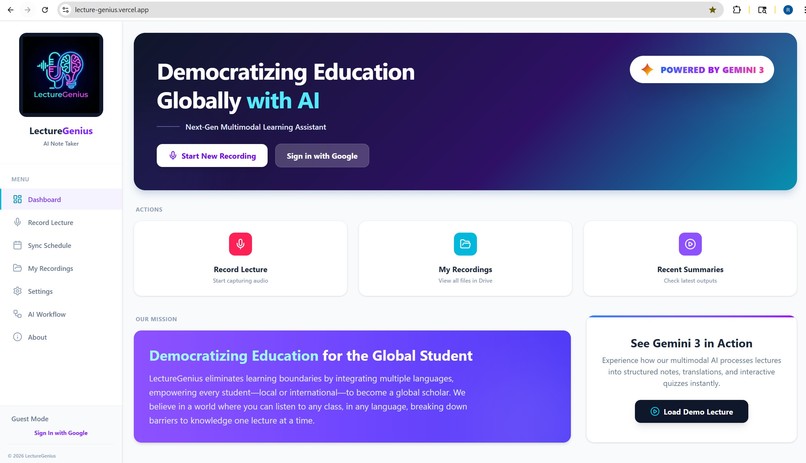
LectureGenius is an AI-powered educational companion with a social mission: to democratize access to knowledge.
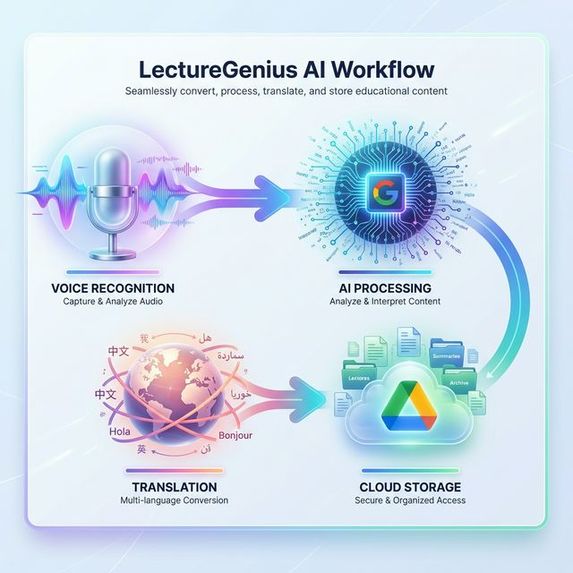
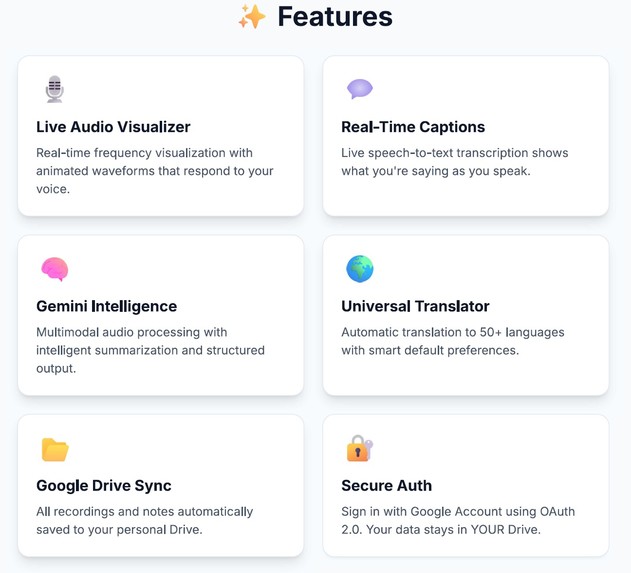
It records live lectures with a real-time audio visualizer and live captions that show what you're saying as you speak, providing instant visual feedback.
Using Google Gemini 3, it instantly generates transcripts, summaries, and key takeaways. More importantly, it features a Universal Translator with automatic translation that converts these notes into over 50 languages based on your default language setting.
By saving everything as neatly formatted Google Docs directly in the user's Drive, it allows students to focus on listening and understanding, rather than frantically taking notes.
It also features a Course Management module that prepares for seamless LMS integration (Canvas, Blackboard), allowing students to map their recordings to specific subjects and schedules automatically.
How we built it
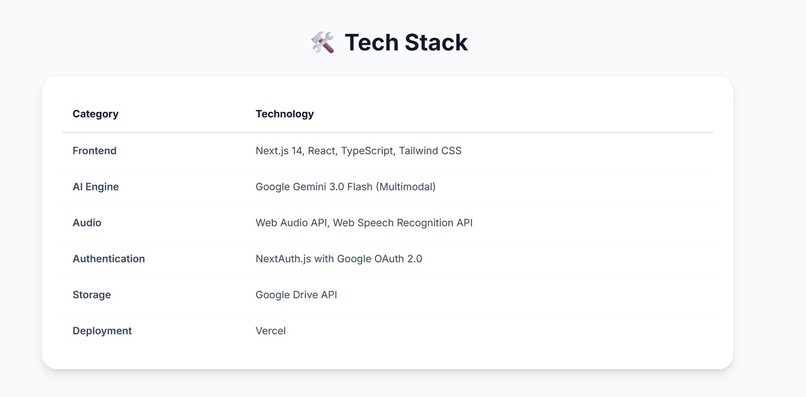
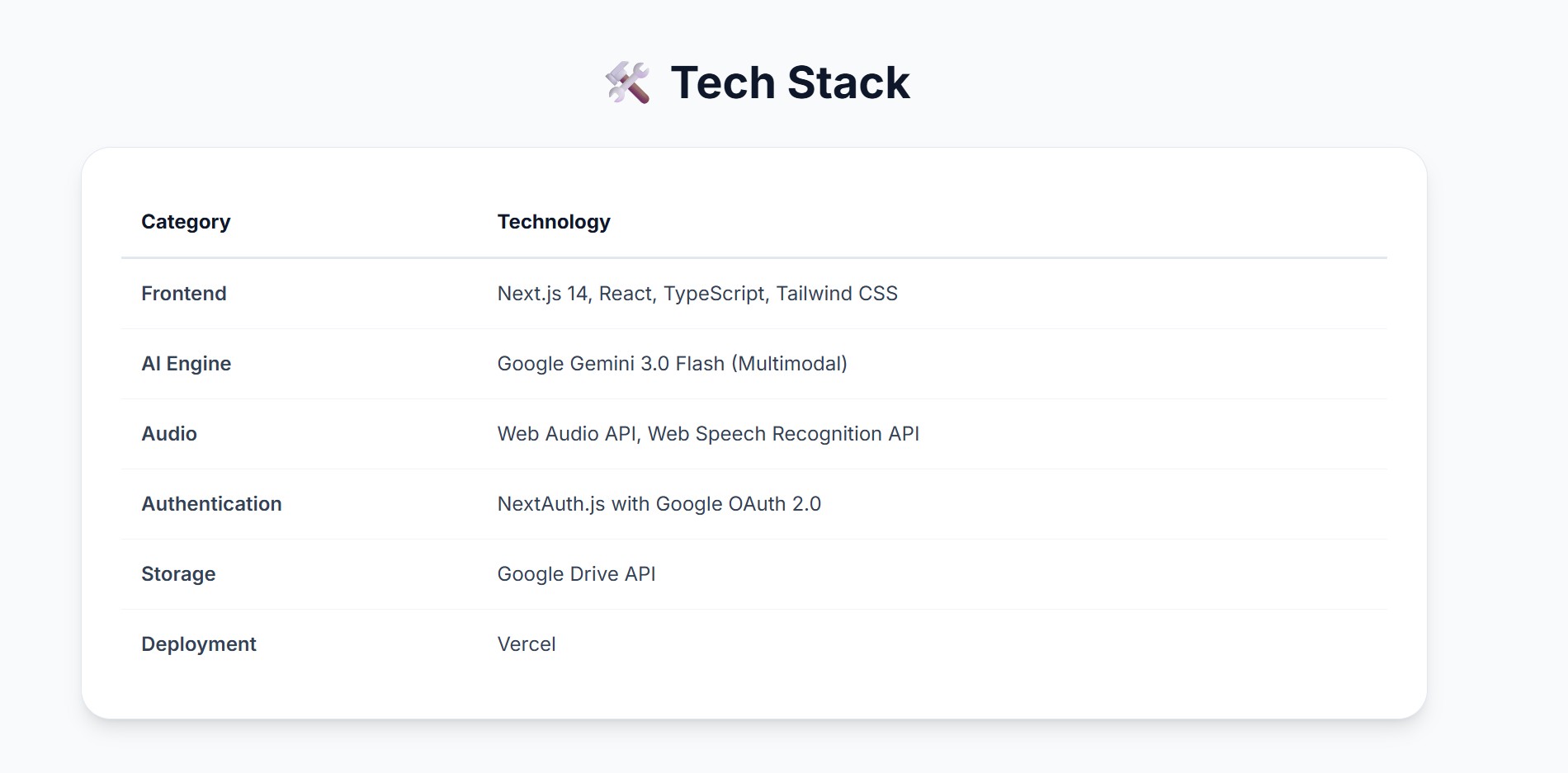
We built the frontend with Next.js 14 and Tailwind CSS for a modern, responsive "Glassmorphism" UI.
The live audio visualizer uses the Web Audio API to create real-time frequency visualizations, while live captions leverage the Web Speech Recognition API for instant feedback.
The core intelligence is powered by Google Gemini 3, using its multimodal capabilities to process raw audio files directly without needing a separate speech-to-text step.
For storage and authentication, we used NextAuth.js and the Google Drive API, ensuring users own their data in their own Drive.
Challenges we ran into
Getting the Google Drive API permissions correct for creating folders and files on behalf of the user was tricky. We also had to ensure that large audio blobs from the browser were handled efficiently before being sent to Gemini. Formatting the markdown output from Gemini into a clean HTML structure for the Google Doc upload also required fine-tuning.
Accomplishments that we're proud of
We are most proud of the seamless "One-Click" experience. A user hits record, stops, and minutes later, a folder appears in their Drive with everything they need. The real-time visualizer and automatic translation workflow (which respects user settings) makes the app feel truly "smart" and responsive.
What we learned
We learned how powerful the Gemini multimodal API is—processing raw audio directly is much faster and more context-aware than traditional transcription pipelines. We also gained a deeper understanding of OAuth 2.0 scopes and the Google Drive file system structure.
What's next for LectureGenius
Next, we plan to fully implement the LMS sync backend to auto-join Zoom/Teams classes. We also want to implement "Real-time" streaming transcription so users can see notes appear as the professor speaks, and add a "Flashcard Generator" feature that creates Anki decks from the lecture summaries.
Built With
- gemini3
- google-drive-api
- google-oauth-2.0
- next.js-14
- nextauth.js
- react
- tailwind-css
- typescript
- web-audio-api
- web-speech-recognition-api


Log in or sign up for Devpost to join the conversation.