-
-
Home
Inspiration
I've always found traditional note-taking during lectures deeply flawed. You spend so much time frantically typing down words that you often miss the underlying concepts, and let's be honest — we rarely read those walls of text again. I wanted to build something that shifts the focus from passively recording words to actively understanding connections. I visualized a tool that could "listen" alongside me and instantly translate a verbal lecture into a clean, visual map of concepts as they were being spoken.
What it does
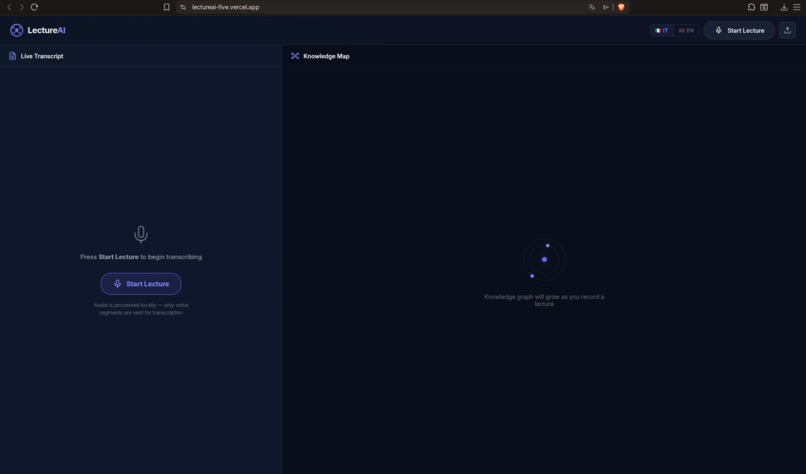
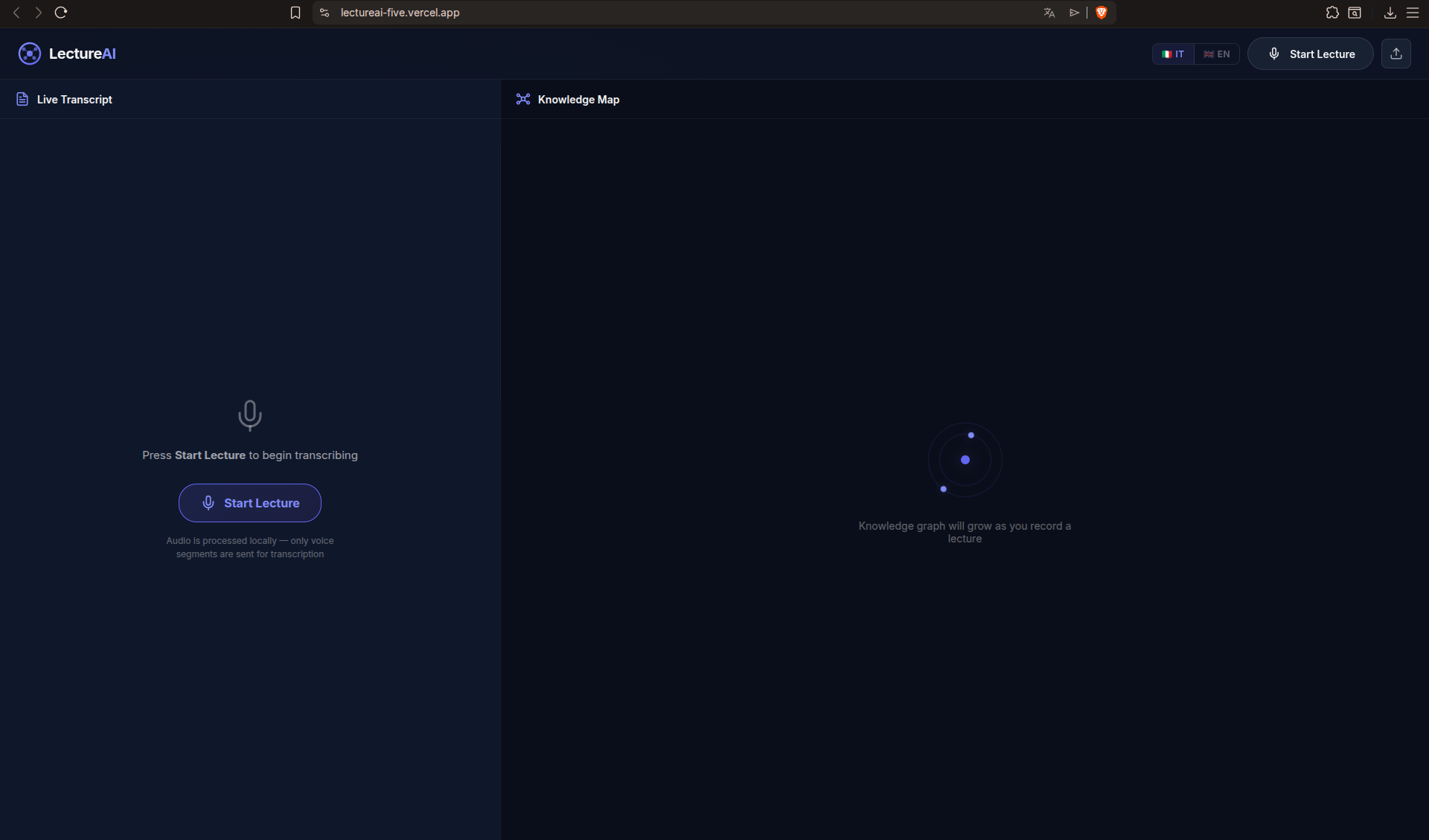
LectureAI is a real-time listening assistant for students. Whether you start a live recording via microphone or upload an existing audio file, the app processes the speech and generates a live-updating, hierarchical Knowledge Map of the lecture. As the speaker talks, you can watch the abstract concepts automatically branch out into categories and sub-details on your screen. Once the lecture is over, the app finalizes the process by generating a comprehensive summary and a set of graduated review questions to test your comprehension.
How I built it
I designed the architecture to be as lightweight and real-time as possible: Frontend: React, styled with vanilla CSS, using Zustand as the single source of truth to seamlessly sync the transcript, the graph nodes, and the application state. Audio Processing: I used the browser's Web Audio API (OfflineAudioContext) to locally downsample uploaded audio to 16kHz mono. This compresses the data massively before it ever leaves the browser. Transcription & AI: Whisper (via Groq) handles near-instant speech-to-text. Every 30 seconds, the new transcript chunks are sent to a Vercel Serverless Function running Mistral Large, which is strictly prompted to extract new hierarchical concepts into a rigid JSON delta. Visualization: I paired Dagre (a directed graph layout engine) with React Flow. Dagre handles the complex math to position the tree structure cleanly, while React Flow renders the interactive nodes and auto-centers the camera.
Challenges we ran into
The absolute biggest hurdle was getting the Knowledge Map to render properly. I lost count of how many times I rebuilt it. Initially, I tried using physics-based, force-directed layouts, but the nodes just bounced around chaotically and overlapped into an unreadable mess as the lecture went on. Even when I switched to a structured, calculated tree layout using Dagre and React Flow, the map kept breaking or rendering invisibly. I spent hours staring at blank screens, frustrated because the AI was extracting the concepts perfectly but the UI was completely blind to them. It turned out to be a series of tiny, cascading bugs deep in my state management where the React Flow component was ignoring the updated coordinates stored in my Zustand backend. I literally only discovered and fixed the final bug on the very last day right before submission! It was high stress, but seeing it finally auto-center and build itself flawlessly was the best feeling of the entire hackathon.
Accomplishments that I'm proud of
I'm incredibly proud of how dynamic and cohesive the UI feels. Even though the Knowledge Map isn't drawn instantly word-by-word, watching it organically explode, branch out, and automatically re-center itself right after a chunk of lecture is processed feels magical. It turns a static wall of text into a living document. Technically, I am most proud of my implementation for browser-side audio downsampling. Processing and compressing the audio directly on the client device before it ever hits the Whisper API drastically cut down bandwidth usage and transcription latency. It was a complex optimization, but it makes the entire application feel incredibly fast and responsive
What we learned
This project pushed me to deeply understand the Web Audio API and how to handle raw audio buffers in the browser. I also learned a lot about Prompt Engineering for strict data extraction—getting an LLM to consistently output perfectly structured JSON arrays comprising interconnected nodes and edges without hallucinating required significant fine-tuning of the system prompt.
What's next for LectureAI
I want to make the app even more actionable for students. The immediate next step is adding a direct export feature to Anki, meaning the generated Knowledge Map and review questions can be instantly converted into spaced-repetition flashcards. I'm also planning to explore integrations with Notion and Obsidian so students can sync their auto-generated lecture notes straight into their personal knowledge bases.


Log in or sign up for Devpost to join the conversation.