-
-
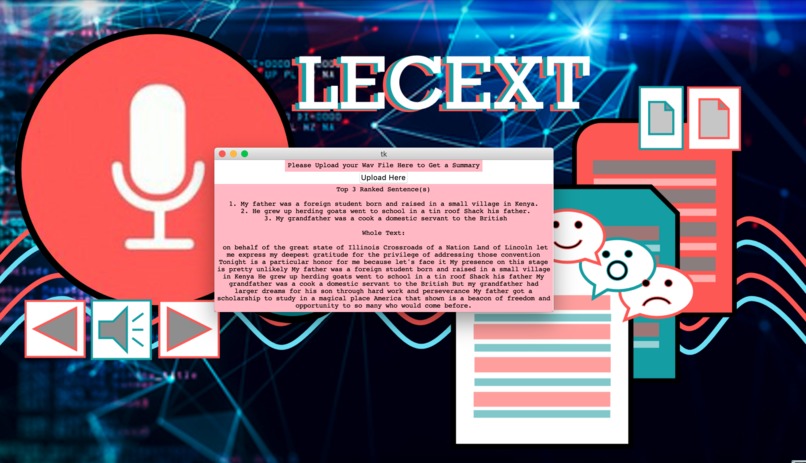
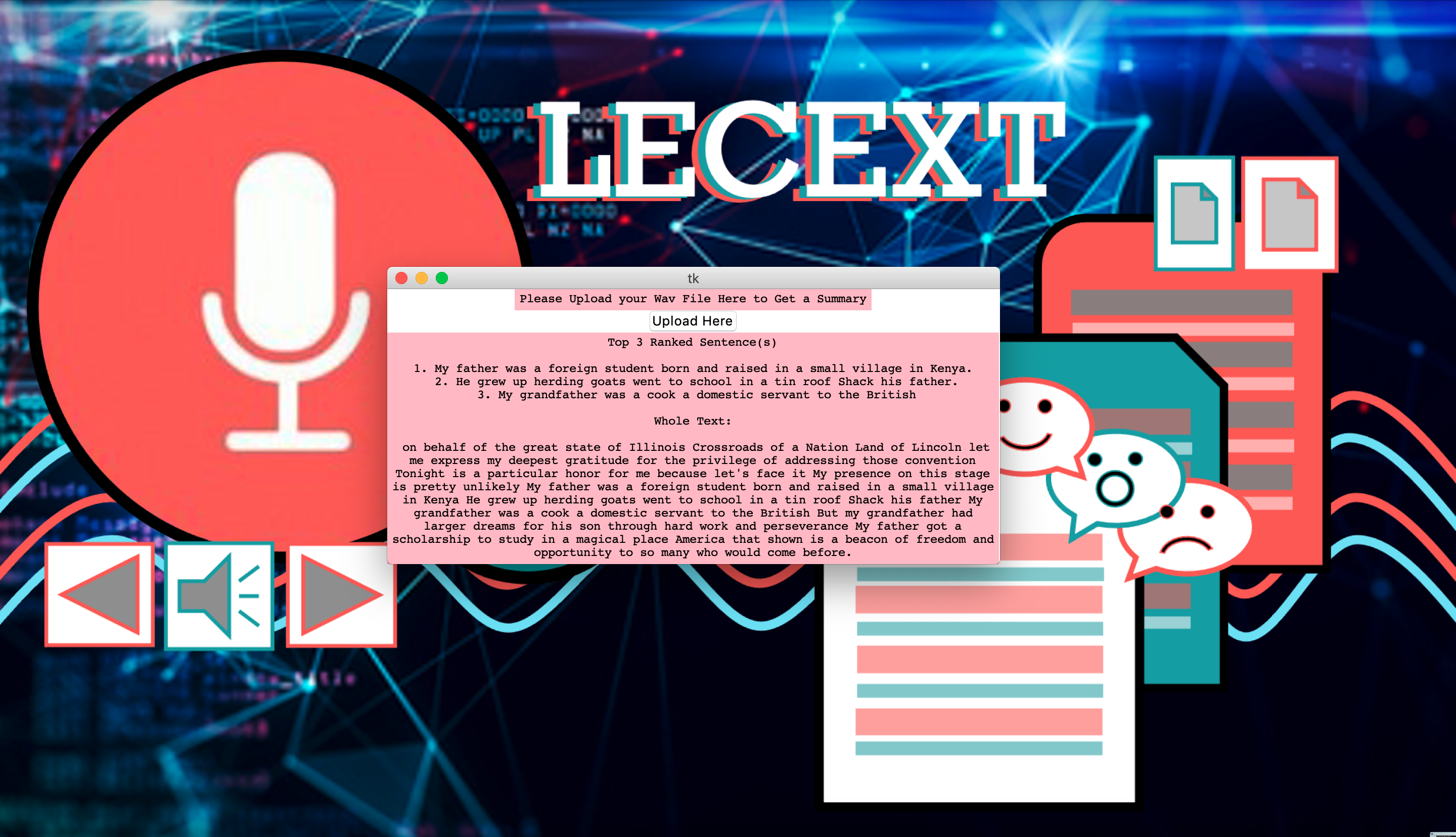
The user can see the key points of their audio file, as well as a full transcription (with punctuation).
-

Inspiration
Since quarantine started, most colleges have completely switched to online platforms. This means that students need to watch pre-recorded lectures, which can be stressful and extremely long to listen. Keeping this in mind, we designed our product to ease out students' stress of listening to lectures, by creating a software that presents a summary of audio lecture videos.
What it does
Our product is designed for students to ease their learning process and make college learning hassle free. Users get to upload their lecture recording from their local computer in (.wav) format and it will create a short summary of the lecture for you. This saves your valuable time and helps you utilize your time efficiently.
How we built it
We built it entirely using Python. We used Google Cloud Storage (a product of GCP) to store lecture recordings in a bucket, and then used the Google Cloud Speech-to-Text Recognition API to get the raw transcript. Later, we used a text summarization algorithm using Natural Language Processing (NLP) to get a short summary of the lecture recording. The GUI was built using tkinter.
Challenges we ran into
Some of the top challenges we ran into included getting the raw transcript of the lecture recording. However, Google's Speech-to-Text Recognition API proved very useful in providing a high accuracy of transcribing voice into text. One other challenge we faced was to make our product versatile for long audio files. This wouldn't have been possible without Google Cloud Storage and the use of GCP as we could store large audio files in buckets and later transcribe it to text.
Accomplishments that we're proud of
Creating a need of the hour product to assist students in learning and make it hassle free. Integrated GCP with our product to obtain an almost 100% accurate transcription of the audio file. Made our product versatile for any length of audio files using Google Cloud Storage.
What we learned
Using GCP and their API (Google Cloud Speech-to-Text API), Google Cloud Storage to store files into cloud. We also learnt how to use different NLTK libraries for sentiment analysis and getting the text summary. For the GUI using tkinter we learnt how to use different types of buttons and integrating it to upload an audio file from the user.
What's next for What's next for LECEXT: Lecture Summary Generator
Our next primary goal is to make it better by giving the user the flexibility to upload any format of audio files not just restricting it to (.wav) file. We also aim to make multiple uploads at the same time in the future. Further, we plan to make LECEXT technology function for on mobile devices. By making the app cross-platform, we can reach a wider customer base, and provide a better user experience.
Built With
- google-cloud
- google-cloud-speech
- google-web-speech-api
- nltk
- numpy
- python


Log in or sign up for Devpost to join the conversation.