Inspiration
Think about a lecture hall. Eighty students, one lecturer, forty-five minutes. The lecturer speaks at a natural pace — because that is how humans speak. Some students catch every word. Others don't.
Not because they aren't paying attention. Because they can't.
Some students are deaf. Some are hard of hearing. Some are sitting at the back of a crowded room where the sound fades before it reaches them. Some have auditory processing difficulties that make rapid speech hard to follow in real time. Some are studying in a second or third language and need a moment to translate a word in their head before the next sentence arrives.
Then there is a second problem, one that affects almost every student, hearing or not: you cannot write as fast as someone speaks. A lecturer can say two hundred words a minute. A careful note-taker captures maybe sixty. So students triage. They write what they can, skip what they can't, and tell themselves they'll remember the rest. They rarely do. By the time the lecture ends, half of what was said is already gone from their notes — and the parts that survived are fragments, disconnected, missing the context that made them make sense.
For deaf and hard-of-hearing students, this is worse. For many, a note-taker or captioner is not provided. They rely on watching the lecturer's lips, watching the slides, and writing what they can — all at once. The cognitive load is enormous. Even the most diligent student leaves the room having missed things they will never recover.
Existing tools do not solve this. Caption apps are cloud-locked and require an internet connection that many classrooms do not have. Commercial note-taking services are expensive. Lecture recording platforms charge per seat. And almost none of them were designed with deaf users in mind — they were designed for hearing users and retrofitted with captions as an afterthought.
I wanted to build the opposite. A tool designed for the deaf and hard-of-hearing student first — and in doing so, made better for every student.
That's Lecture Companion.
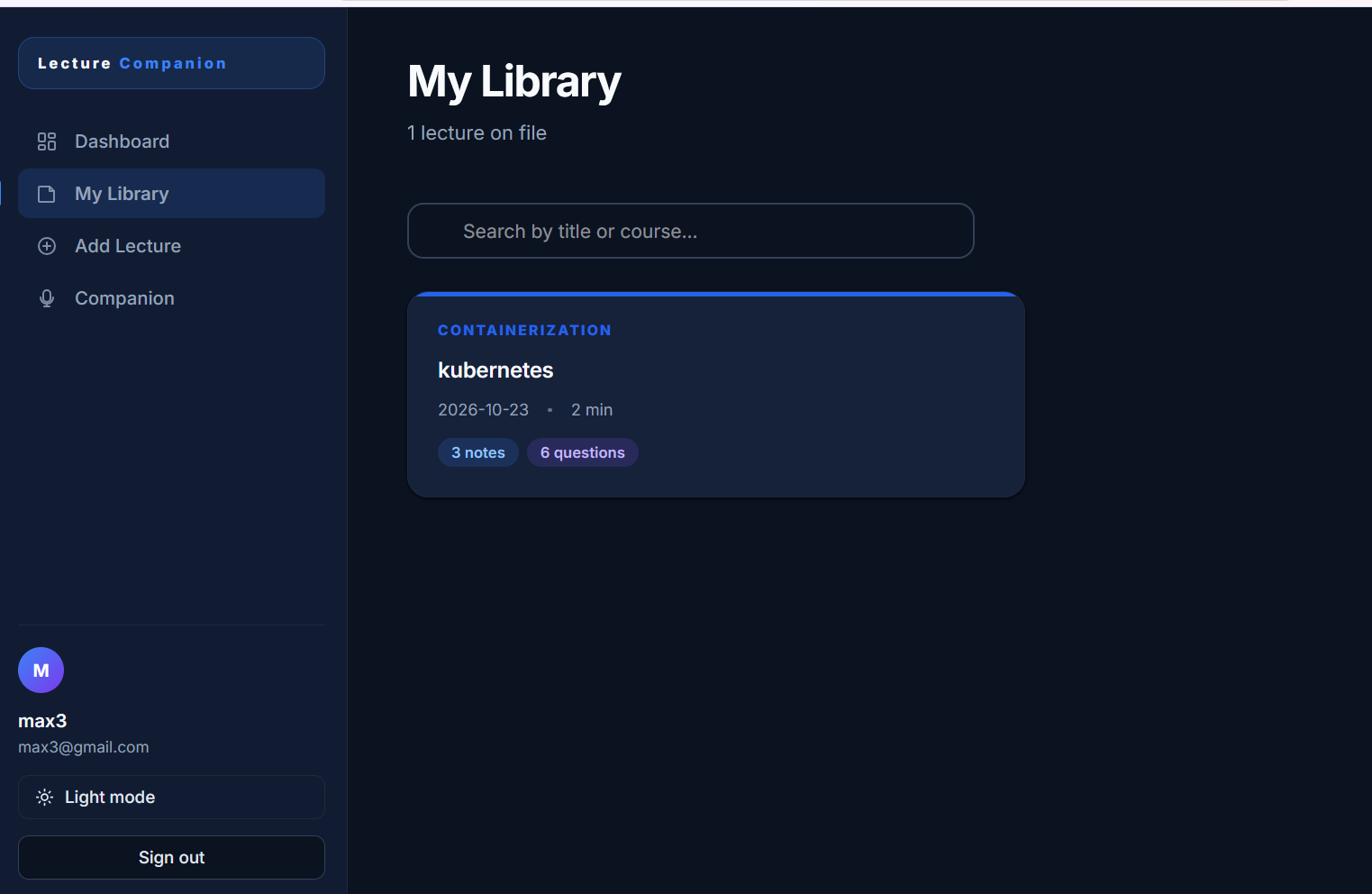
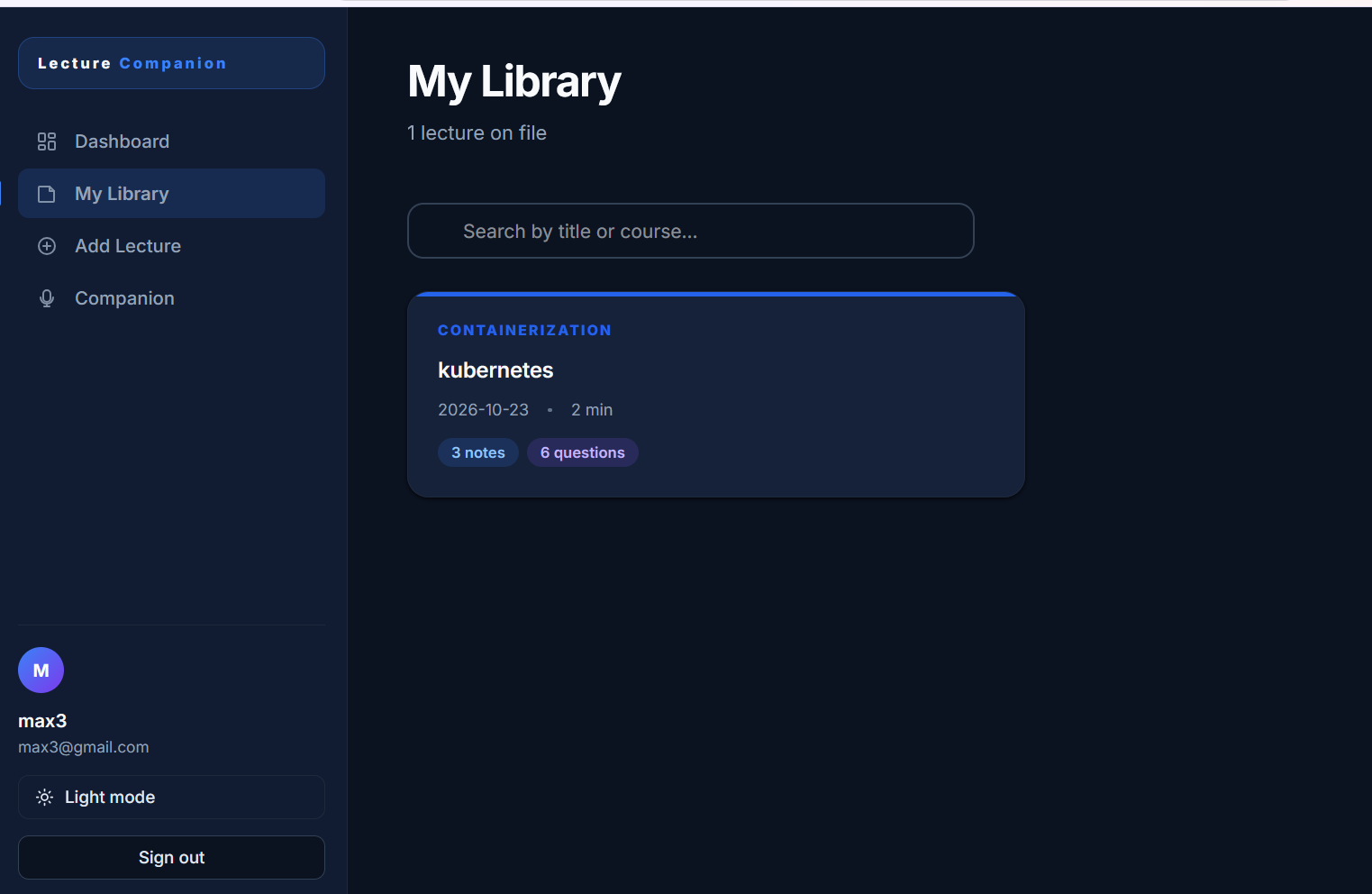
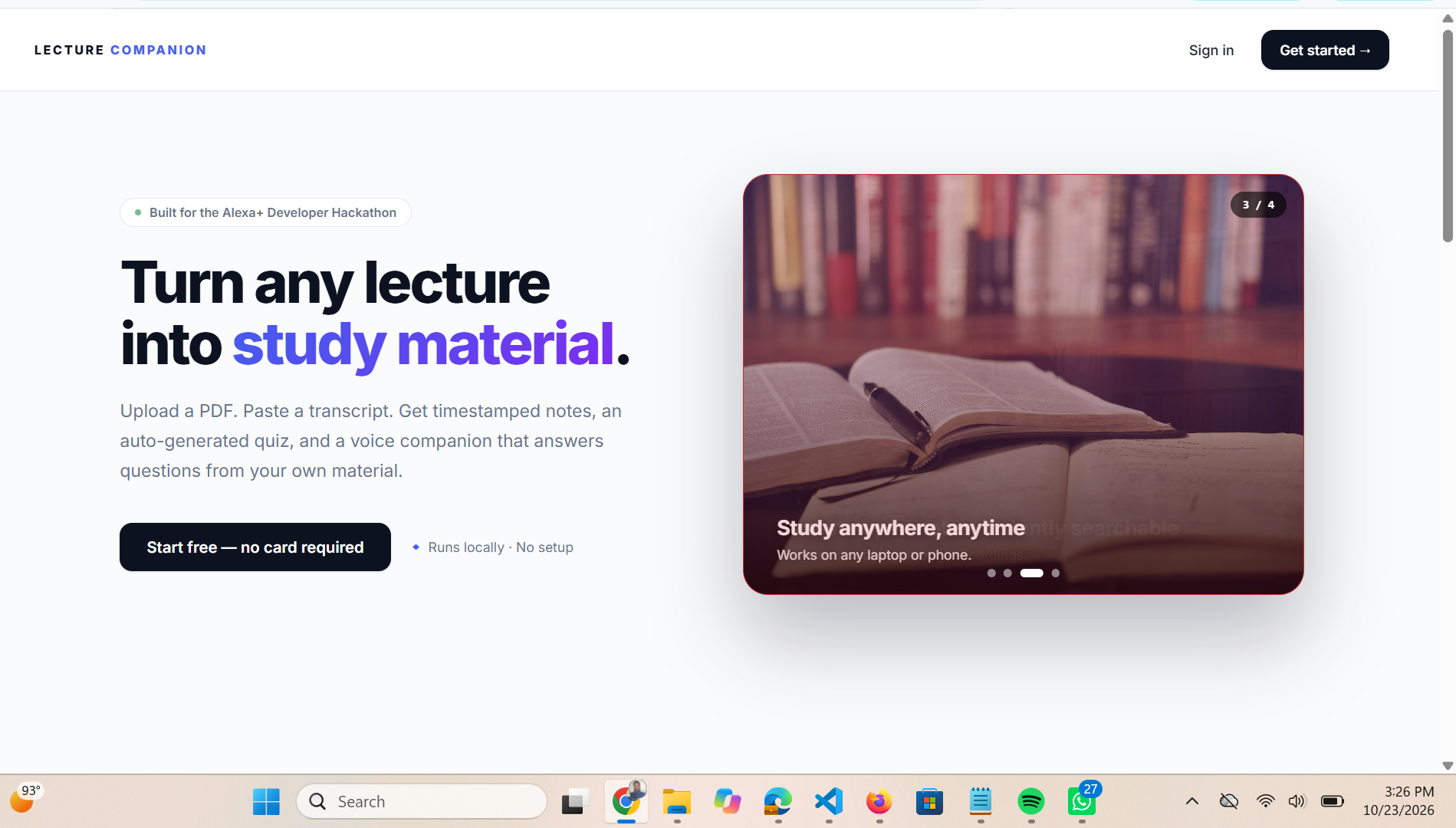
You record a lecture — or upload the recording you already have. The app transcribes it locally on your laptop, with no cloud and no API key. It turns the transcript into timestamped notes, a quiz, and a study sheet you can read, search, and review at your own pace. Every spoken moment is preserved as text. Nothing is lost because you couldn't hear it. Nothing is lost because you couldn't write it fast enough.
And the voice companion — the part most people see first — is not actually voice-only. Every response it gives is captioned. The entire app works by typing. A deaf student can use the same product, the same way, without ever touching a microphone. That's not a fallback mode. That's the primary design.
I built this because I believe the students who struggle most to hear a lecture should not be the ones who get the least out of it. Lecture Companion makes the classroom available to everyone — at their own speed, in their own way.
What it does
Lecture Companion turns any lecture into study material:
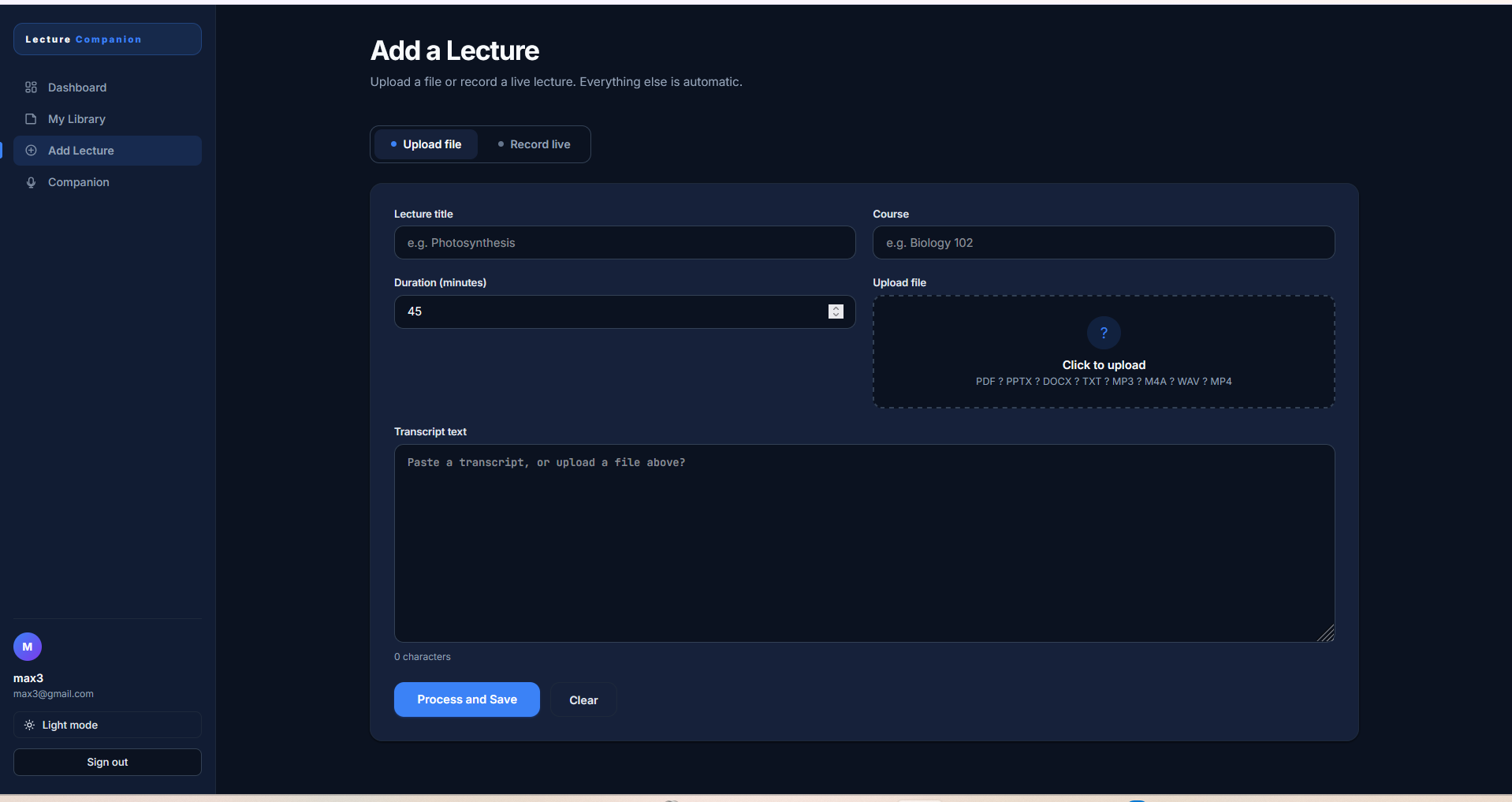
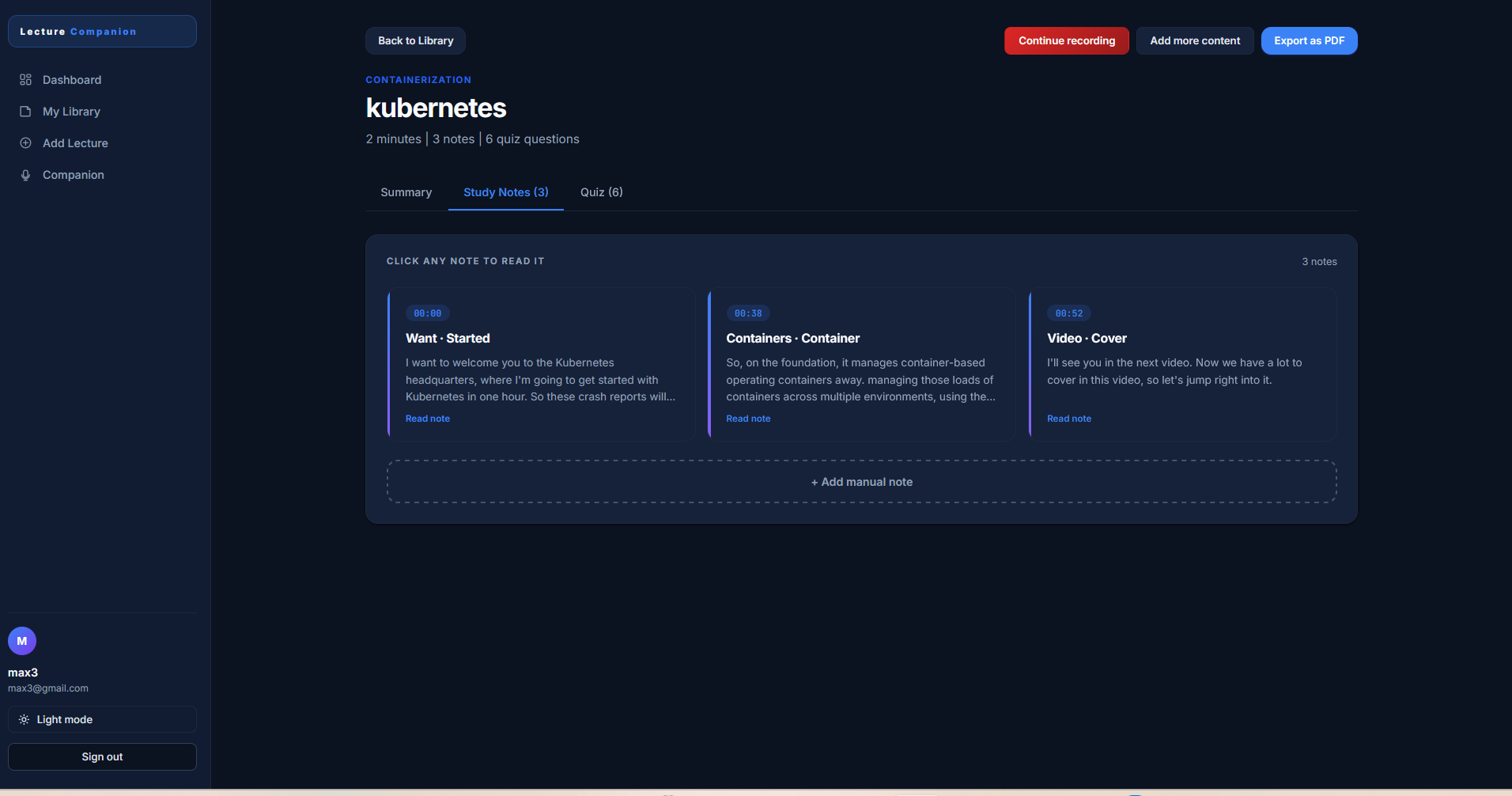
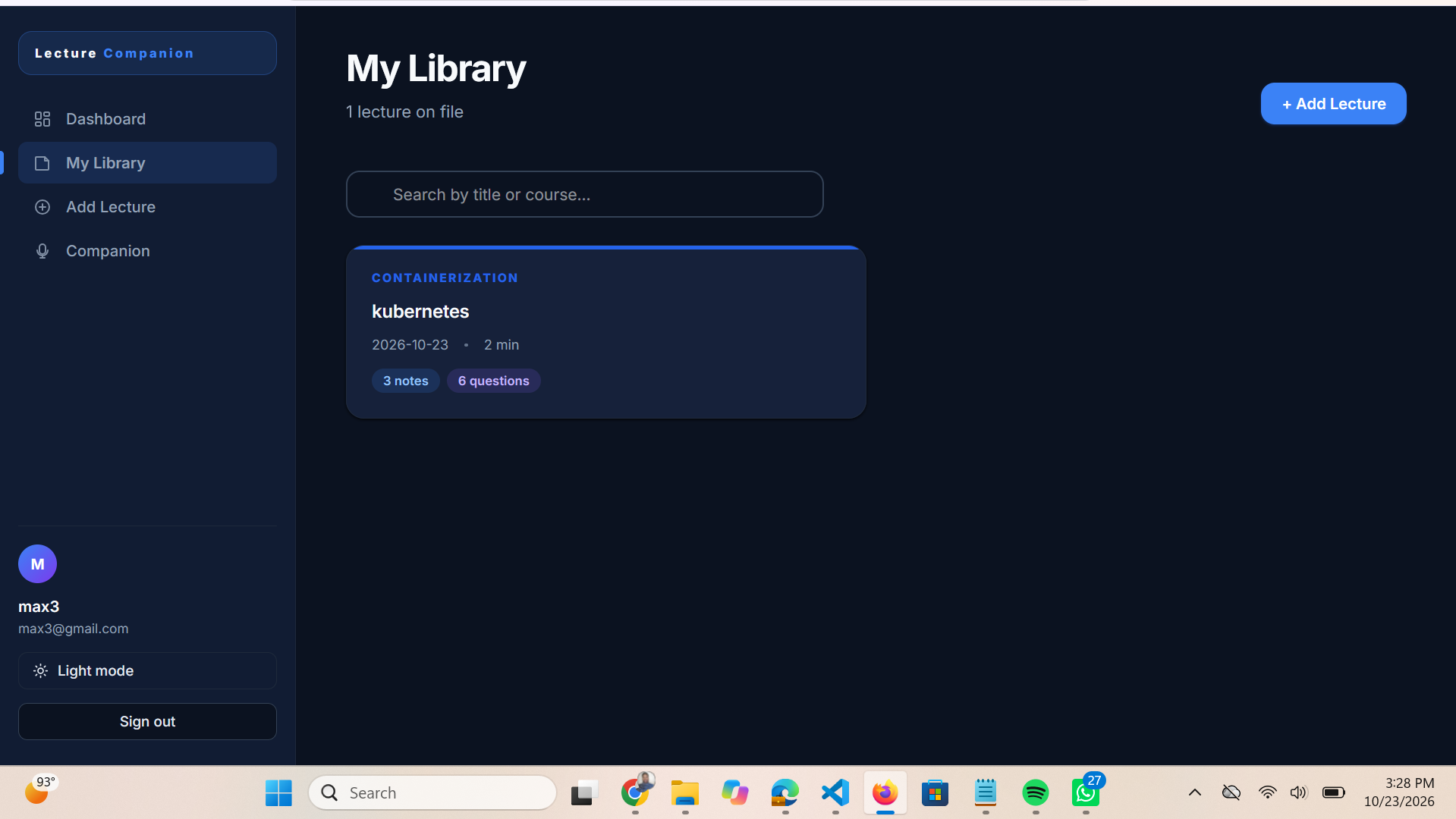
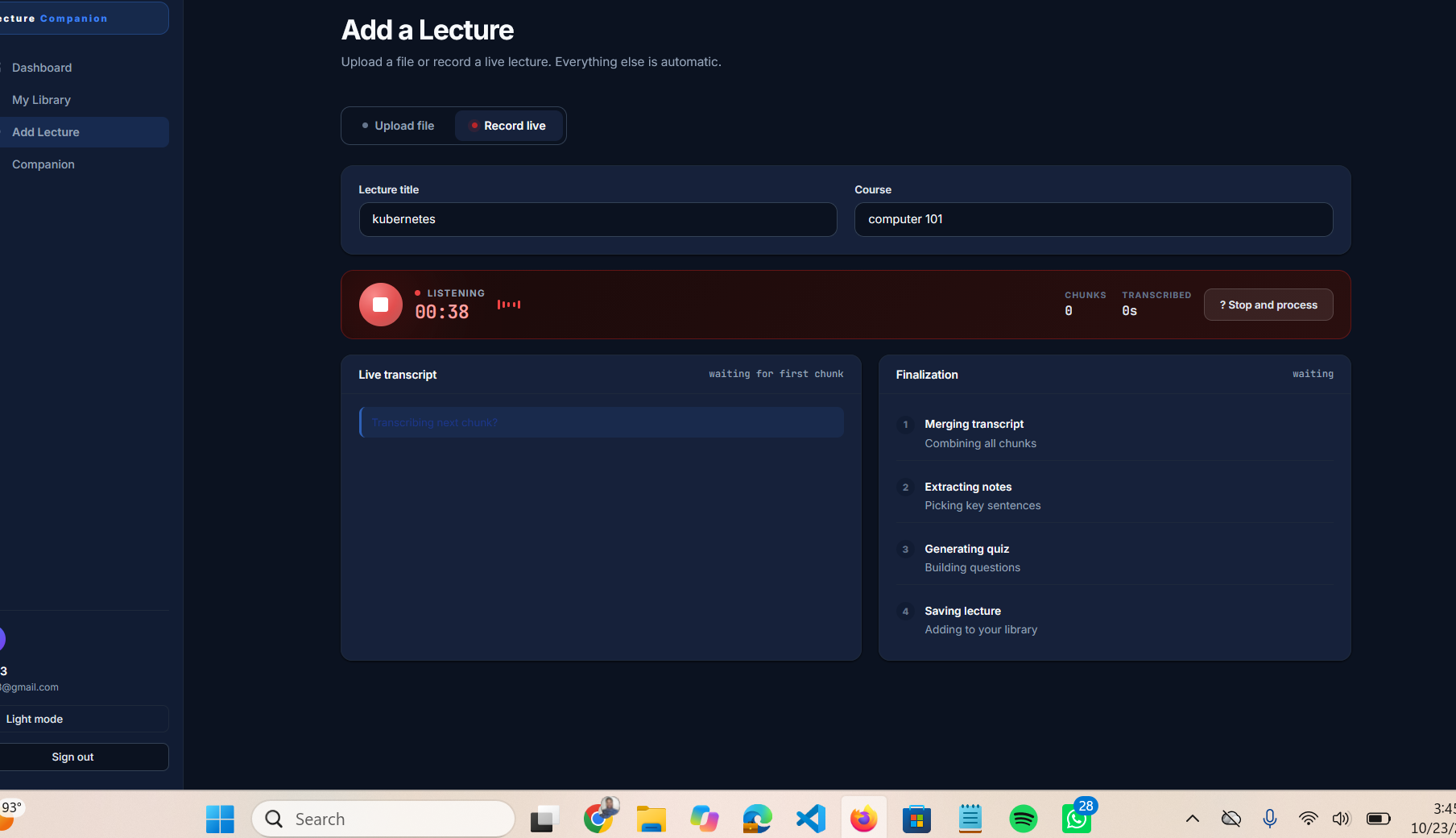
- Upload or record. Accepts PDF, PPTX, DOCX, TXT, VTT, SRT, and MD files, or records a live lecture in the browser.
- Extracts and transcribes. Server-side text extraction with pypdf, python-pptx, and python-docx. Live and pre-recorded audio is transcribed offline with local Whisper (faster-whisper) on CPU.
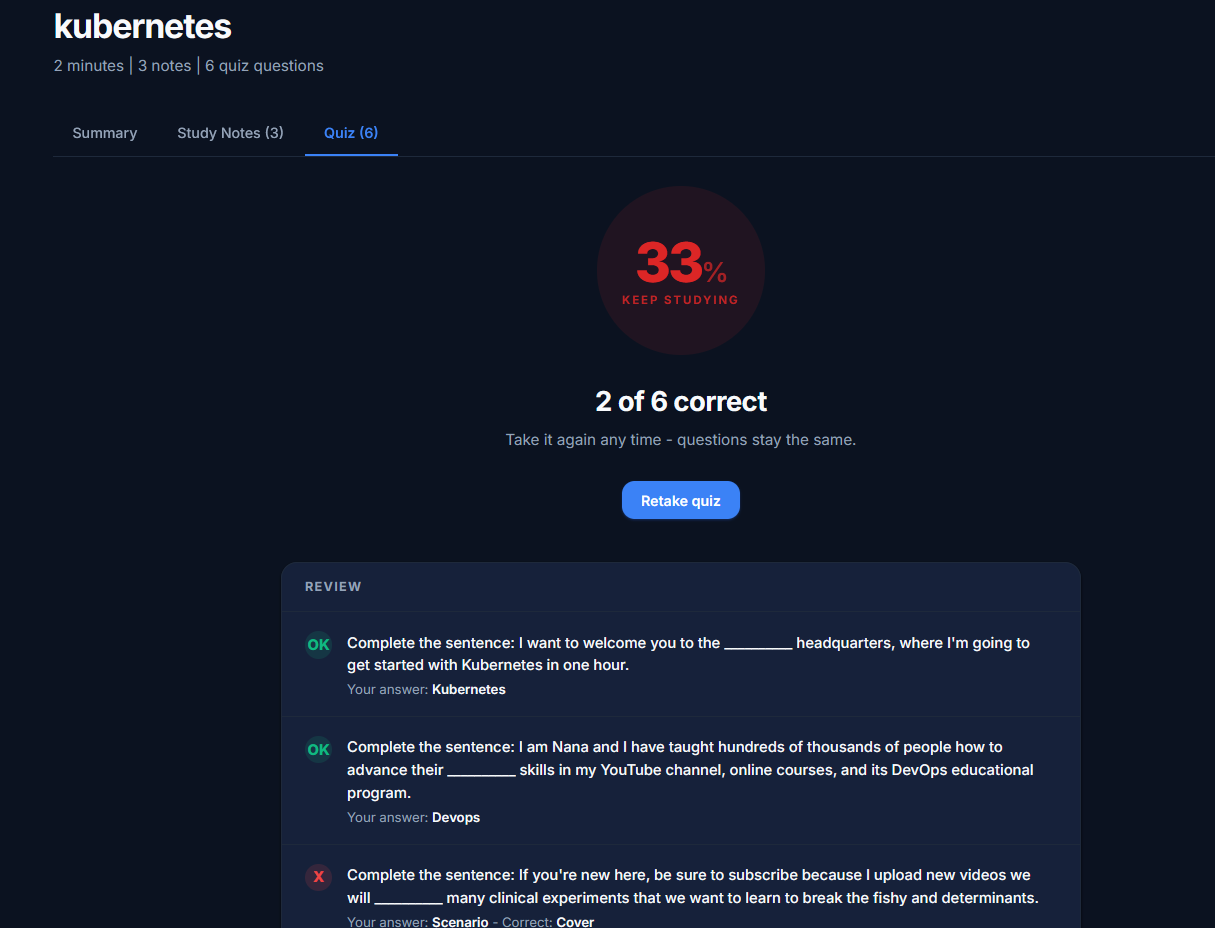
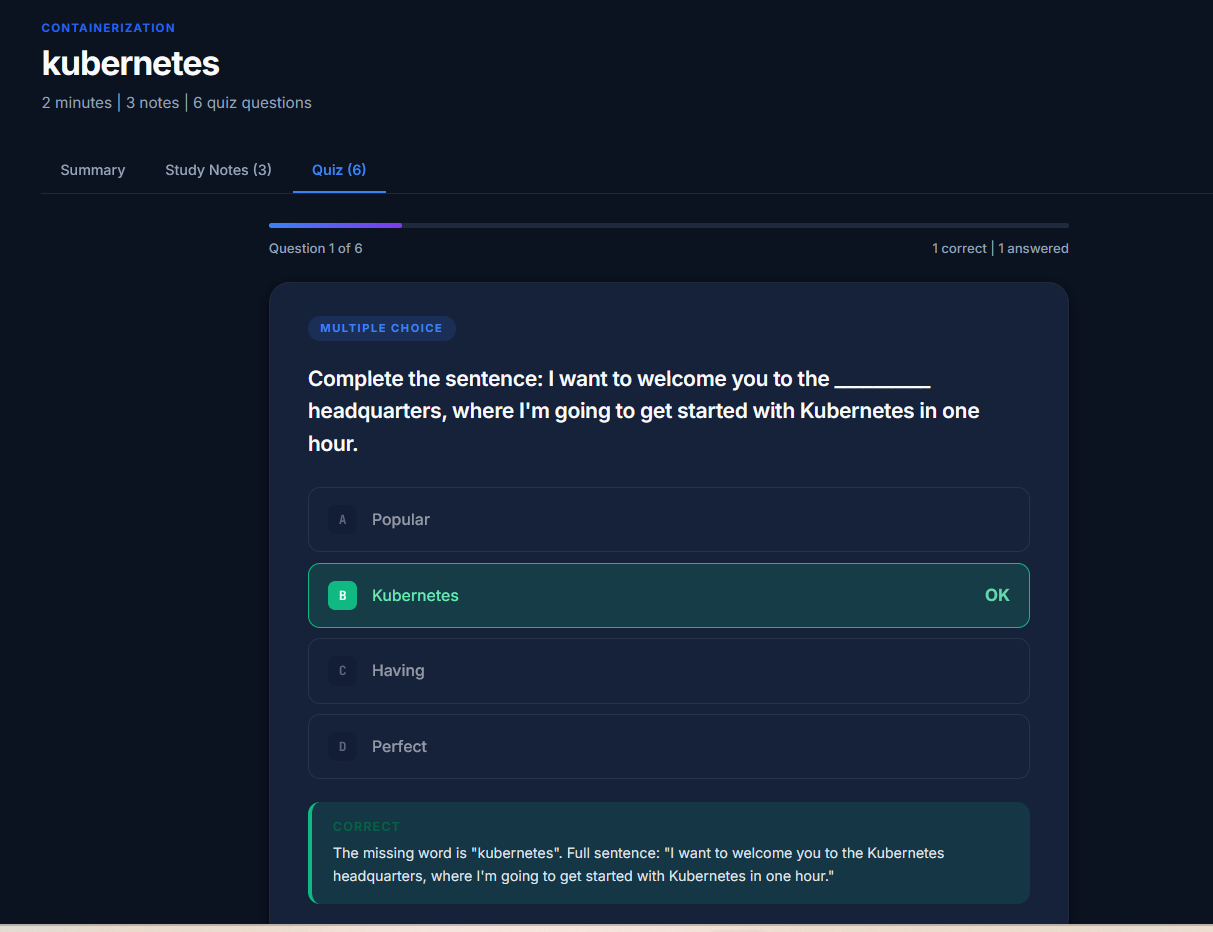
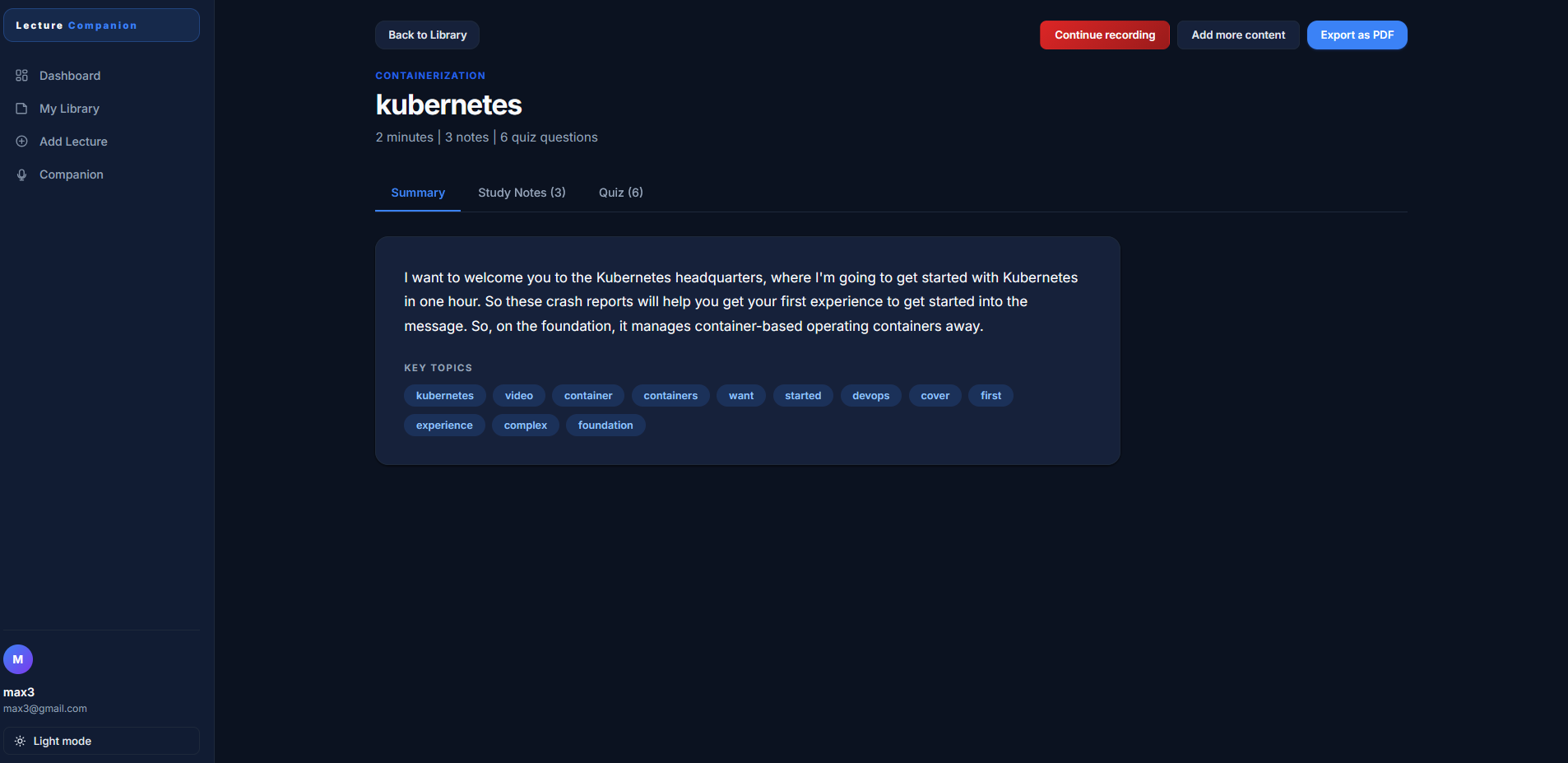
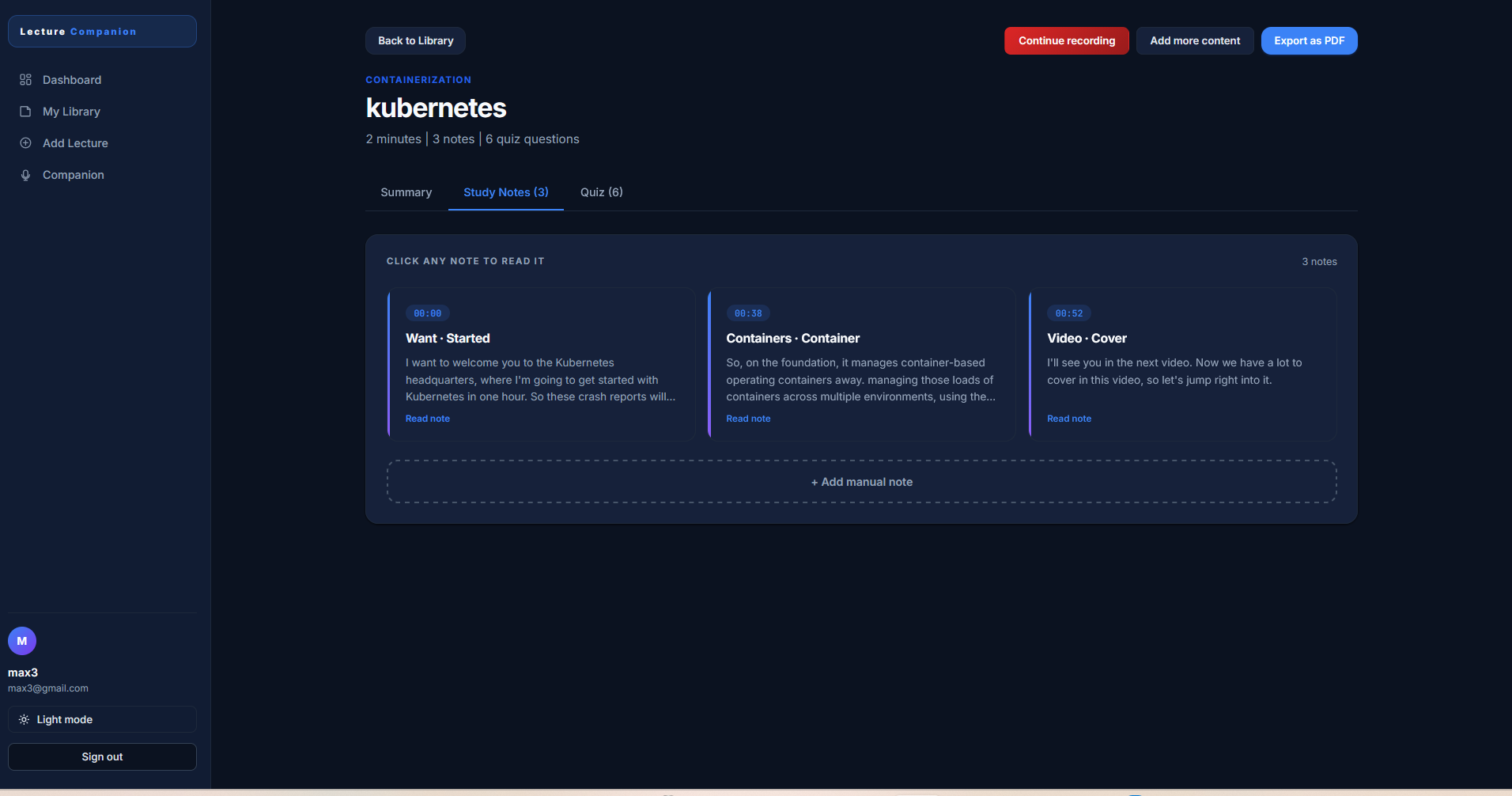
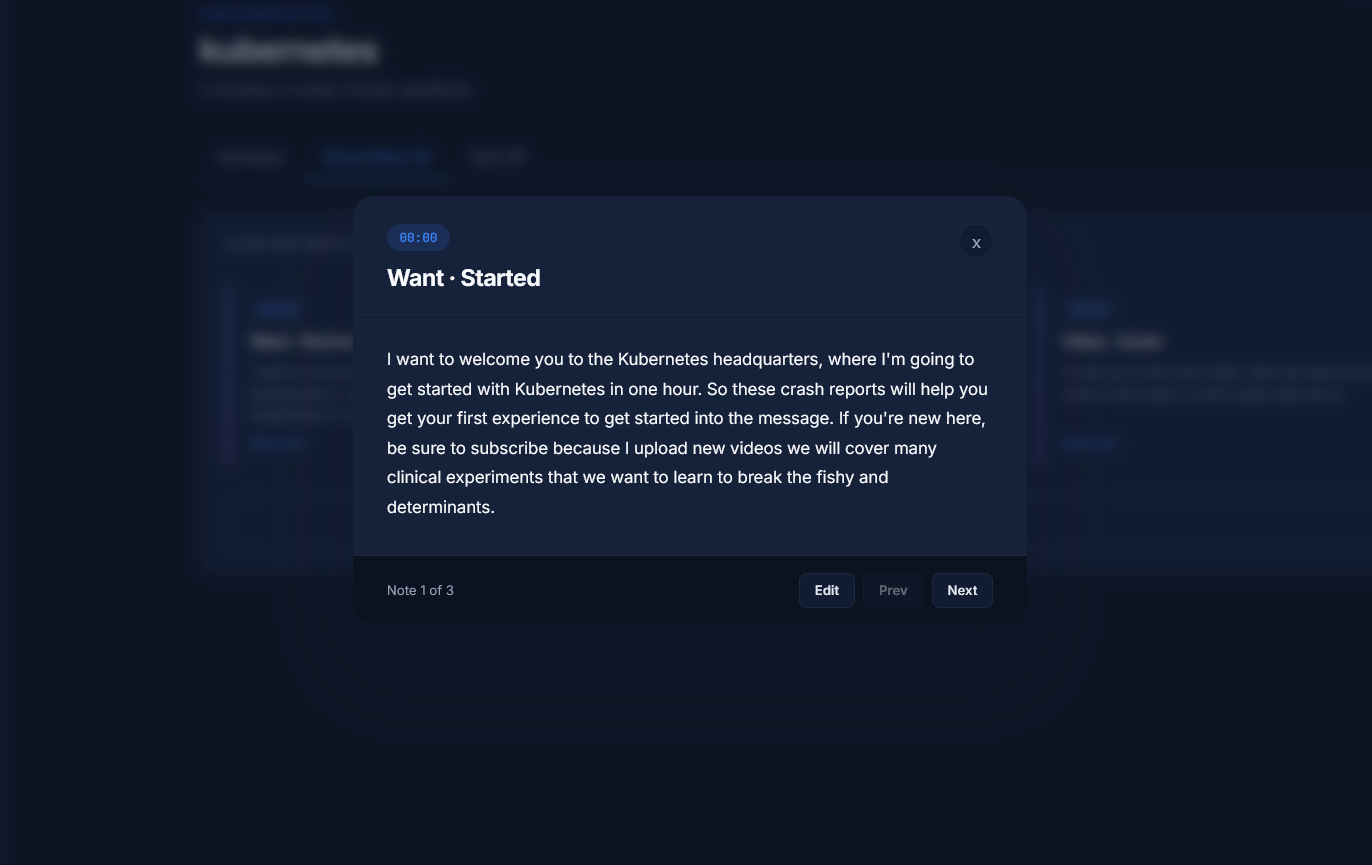
- Generates study material. An extractive pipeline produces timestamped notes clustered by topic, multiple-choice quizzes drawn from the lecture, a summary, and keyword topics.
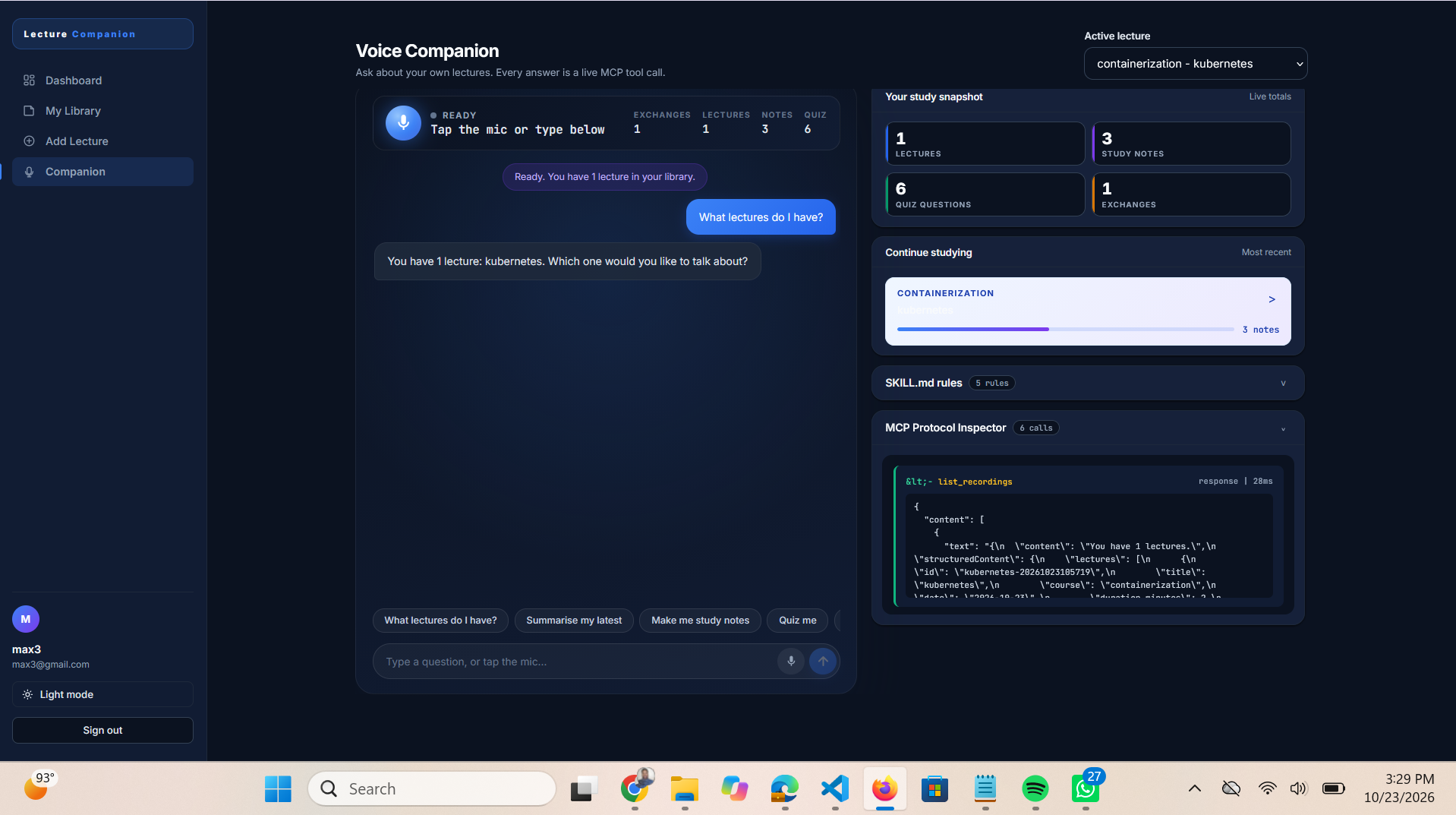
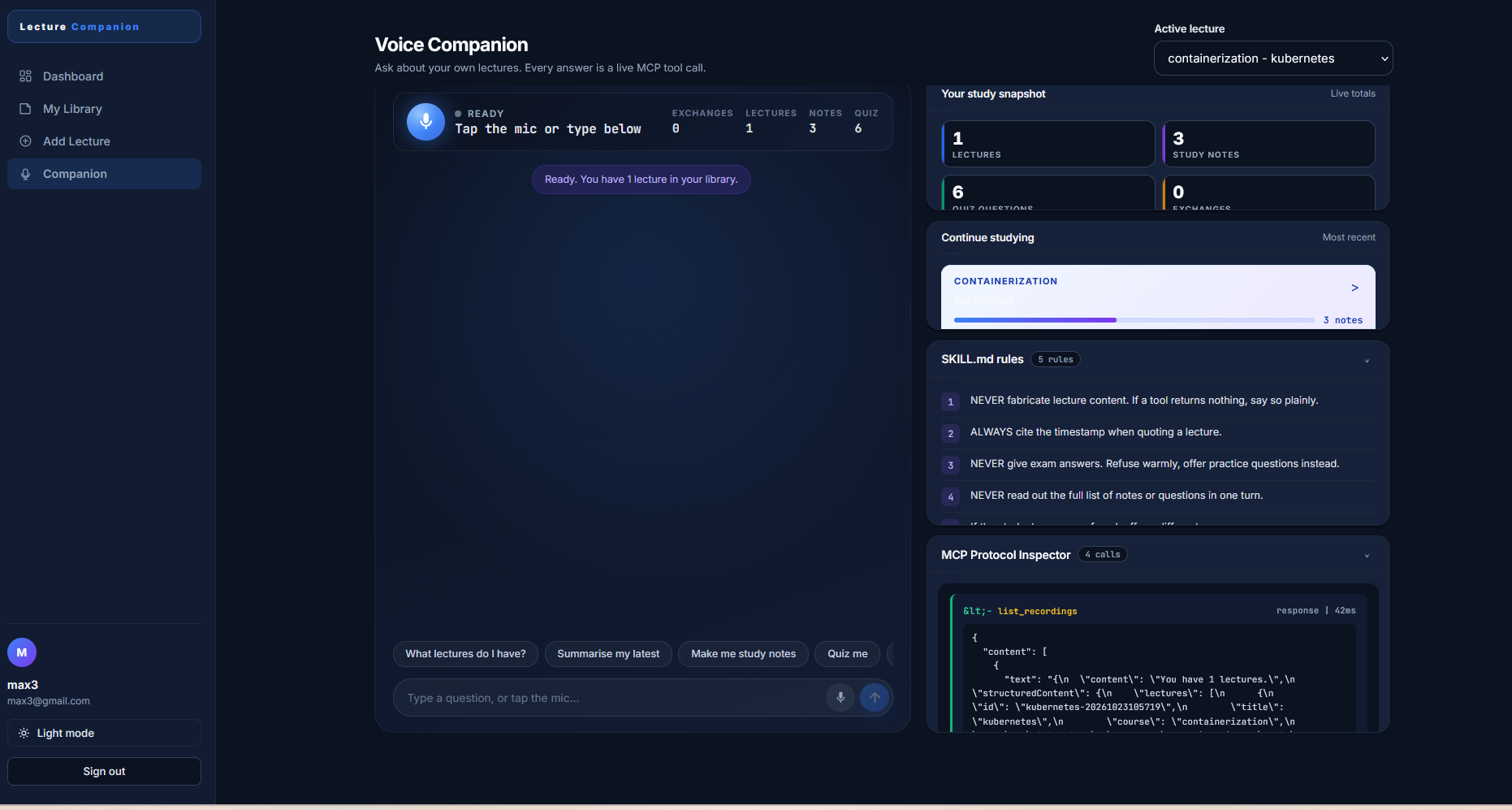
- Answers questions. A voice companion built on a self-hosted MCP server (12 tools, Streamable HTTP spec 2025-11-25, stateless mode) answers questions about any lecture. Every answer is also captioned in the transcript panel.
- Exports. ReportLab generates a clean, paginated PDF study sheet with summary, key topics, notes, quiz, and answer key.
- Continues and edits. Record more audio to an existing lecture, or paste additional content. Auto notes regenerate; notes you've edited are preserved.
Accessibility as the default
Every voice interaction has a text equivalent. The entire app works by typing. Deaf and hard-of-hearing students have the same experience as hearing ones — not as a fallback mode, but as the primary design.
- No voice required at any step
- All voice responses are captioned in the transcript
- Full keyboard navigation (Enter to send, Tab to navigate, Cmd/Ctrl+K for the command palette, Esc to close modals)
- High-contrast dark mode that persists across sessions
- Works without a microphone — the Voice Companion degrades gracefully to text-only
How I built it
Backend — Python 3.12 with the MCP Python SDK. The server implements the Streamable HTTP transport (spec 2025-11-25) in stateless mode with JSON responses. Twelve MCP tools cover listing, summarising, note generation, quiz generation, search, status, add, delete, append, note editing, and PDF export. Every tool takes user_id and scopes all reads and writes to that user.
Auth — SHA-256 password hashing, bearer-token sessions, JSON file store. No external database required for the demo.
Transcription — faster-whisper small model, int8 quantisation, CPU-only. Audio chunks are transcribed every 30 seconds so transcripts stream in as the lecture runs. No cloud, no API key, no cost.
Extractive pipeline — Segments the transcript into sentences, scores each by keyword density, clusters them by shared terms, and produces notes with topic headers and timestamps. Quiz questions are built from three reliable techniques: definitions ("X is Y" → "What is X?"), counts ("X has N Y" → "How many Y does X have?"), and cloze deletion with distractors drawn from the same lecture's content words.
Frontend — Next.js 14 App Router, React 18, TypeScript. Custom hand-written design system. Dark mode with localStorage persistence, mobile-responsive with a collapsible sidebar drawer, command palette (Cmd+K), sticky headers, and a live MCP Protocol Inspector showing every JSON-RPC call with latency in milliseconds.
Voice input — MediaRecorder API for browser-side capture, server-side Whisper for transcription. Chose this over the browser's SpeechRecognition API because MediaRecorder works identically in Chrome, Edge, Firefox, and Safari — and it lets the same audio path feed both live recording and file upload.
SKILL.md guardrails — A skills/SKILL.md file defines five hard rules the agent must obey. Rule 3 — never give exam answers — is enforced visibly: when it fires, the rule highlights red in the SKILL.md panel and the Protocol Inspector logs it next to the tool call. The guardrail is not prompt-deep; it's implementable and testable.
Challenges
MCP SDK v2 migration. The SDK renamed FastMCP to MCPServer and changed the transport API between versions. Migrating required reading the changelog carefully. The correct combination is streamable_http_app(stateless_http=True, json_response=True) — it isn't documented on the SDK's front page.
CORS was silently blocking every request. The MCP app didn't have CORS middleware, so every browser POST failed on the OPTIONS preflight. Wrapping it in CORSMiddleware fixed it — but doing it wrong caused a 307 redirect loop that took half a day to debug. The fix: add auth routes directly to the MCP app instead of wrapping it in another Starlette app.
MediaRecorder produces headerless fragments. recorder.start(30000) only writes the WebM container header on the first blob. Every subsequent chunk was a headerless fragment that ffmpeg couldn't decode. Fixed by stopping and restarting the recorder every 30 seconds so each chunk is a complete, playable file.
PyAV 19 broke faster-whisper. The metadata_errors parameter was removed from av.open(), and faster-whisper still passed it. The fix was to pin av==18.0.0 until the dependency chain catches up.
Building for accessibility first. Every voice interaction needed a text path. That constraint shaped the entire UX — the transcript panel, suggestion pills, keyboard navigation, and fallback to typing. It made the app better for everyone.
Accomplishments
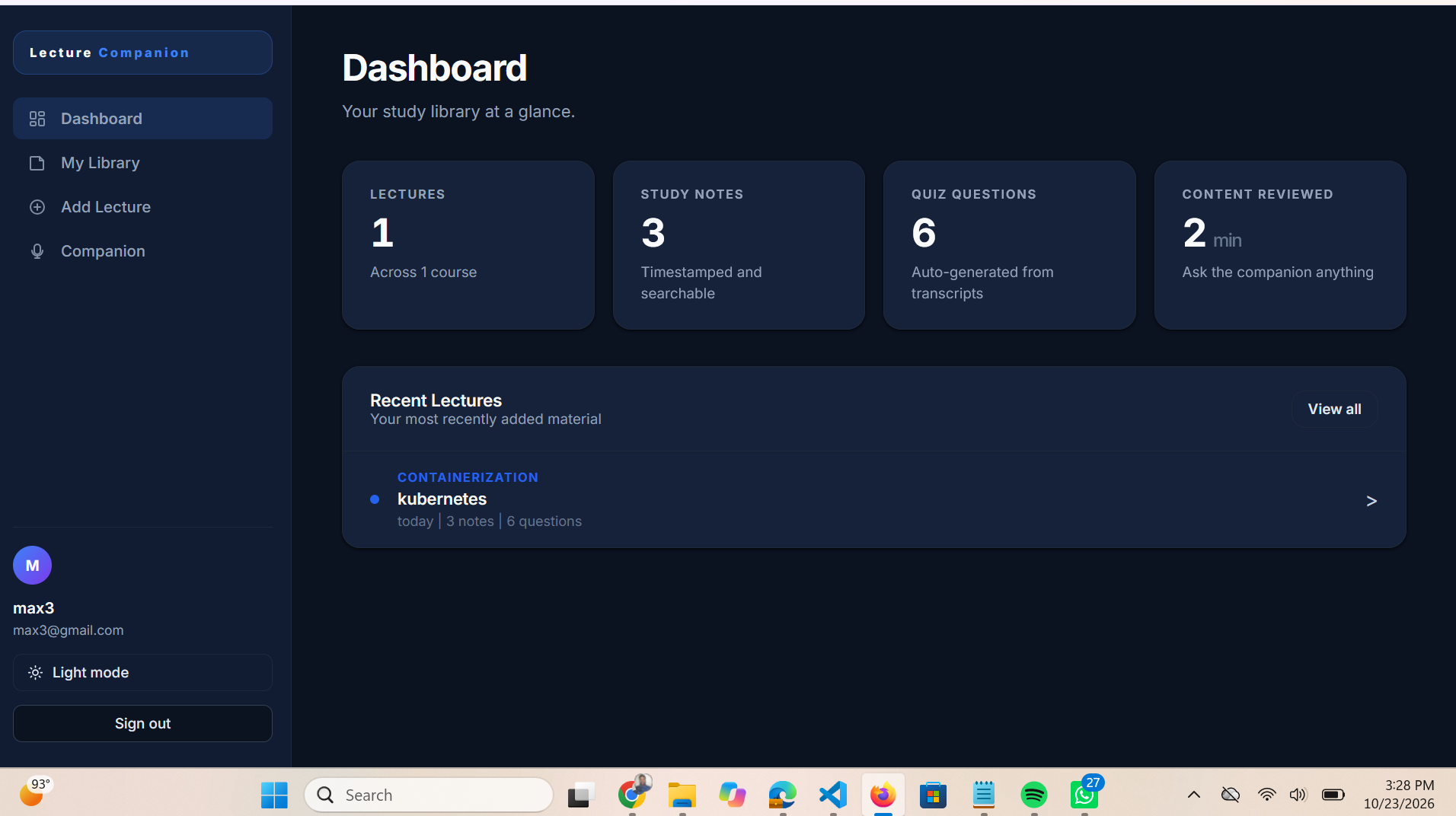
Shipped a complete product with 12 MCP tools, multi-user authentication, live recording, offline Whisper transcription, editable notes, PDF export, and a working guardrail contract — all with zero external API costs, running entirely on a laptop. Fully accessible to deaf and hard-of-hearing students by default, not as an add-on.
What I learned
MCP is a real protocol with a real learning curve. The trickiest part is the transport layer, not the tool definitions. Streamable HTTP has to be correct or nothing works.
Shipping a real product means shipping real error states — the empty dashboard, silence-handling in audio chunks, the offline MCP chip, the graceful fallback when the microphone is denied. These matter more than the happy path.
Accessibility is a design constraint that improves everything. Building for deaf users first meant the app is also keyboard-first, mobile-friendly, and works on bad networks.
What's next
- LLM enhancement as an optional add-on — keep the fast, free extractive pipeline as the default, offer richer notes on demand
- Course-level dashboards — aggregate stats per course, semester, and student
- Offline sync via IndexedDB so students can record on a phone without network and sync later
- Real Alexa+ integration once the MCP Toolkit is available outside Preview
Built With
- accessibility
- faster-whisper
- mcp
- media-recorder
- nextjs
- open-source
- pypdf
- python
- python-docx
- python-pptx
- react
- reportlab
- starlette
- typescript
- uvicorn


