-
-
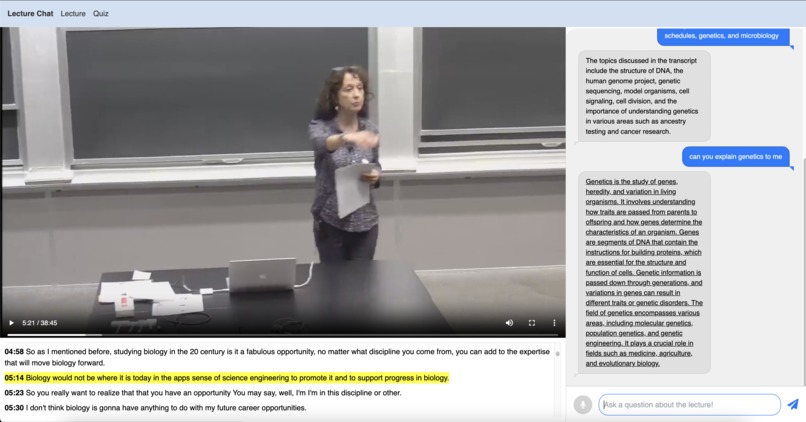
Lecture Chat interface in English
-
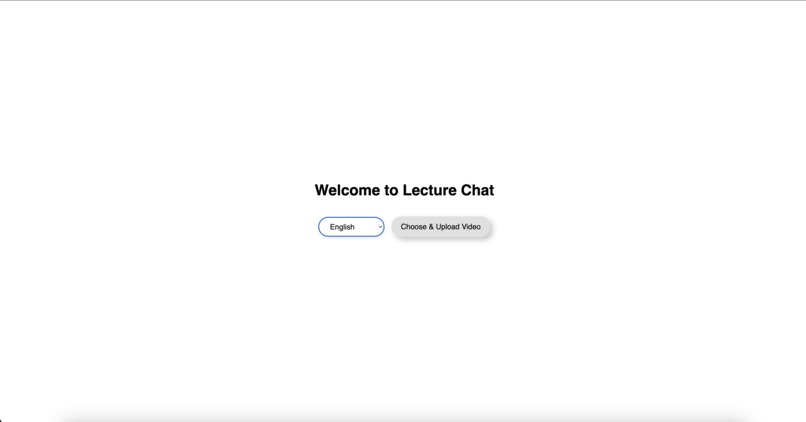
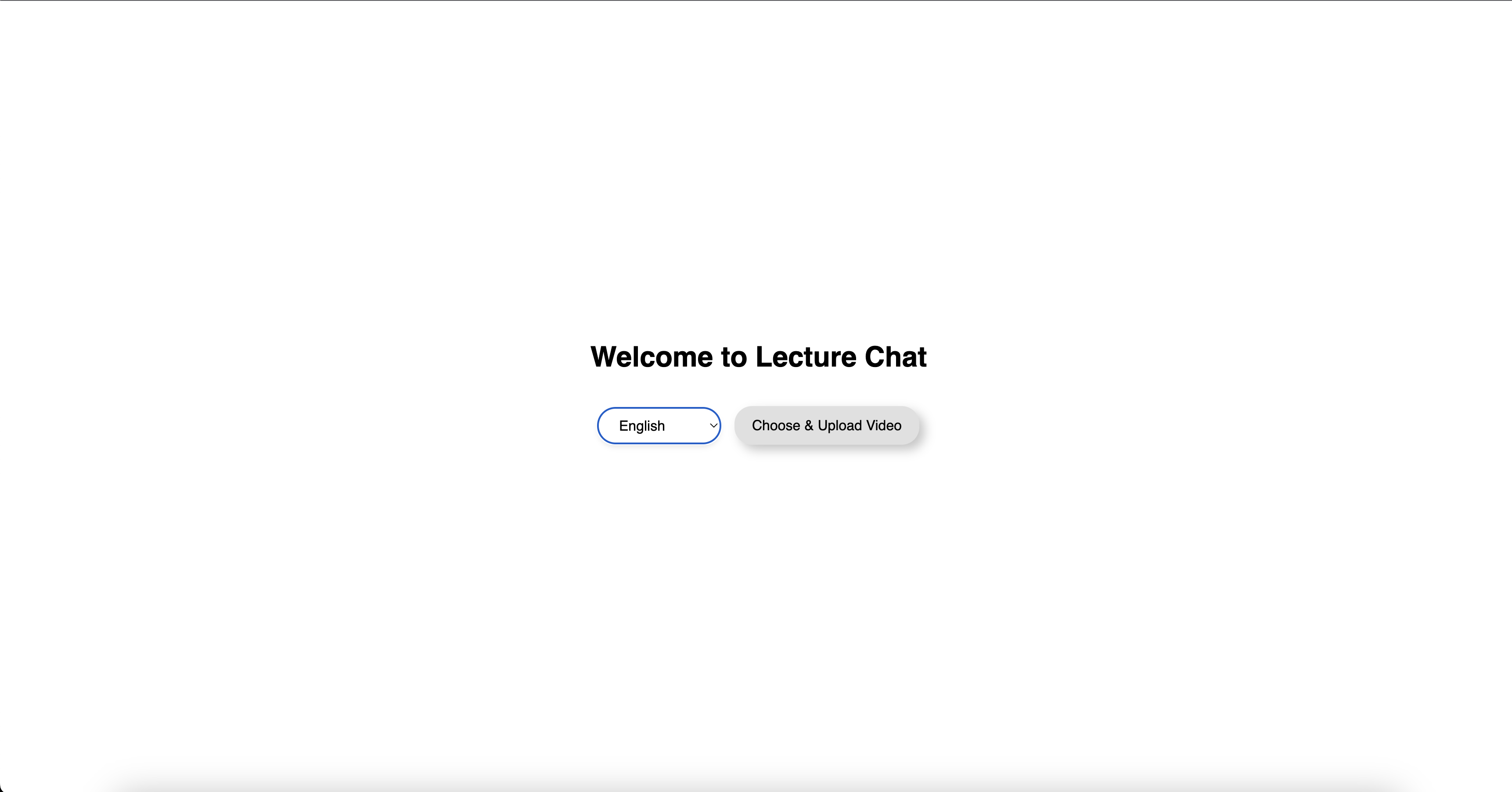
Lecture Chat opening interface
-
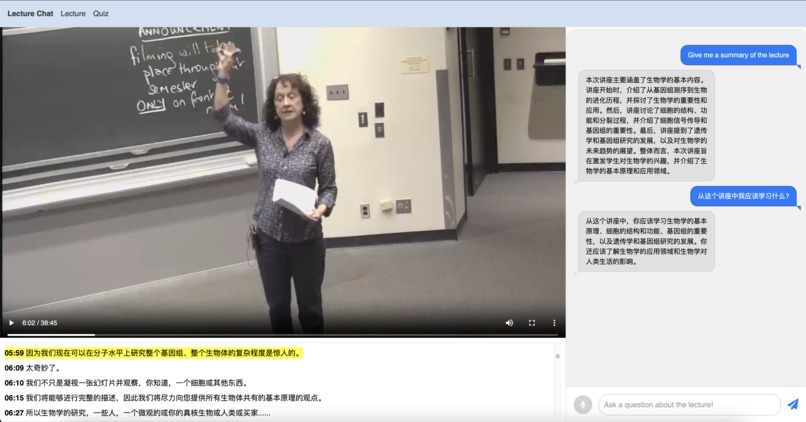
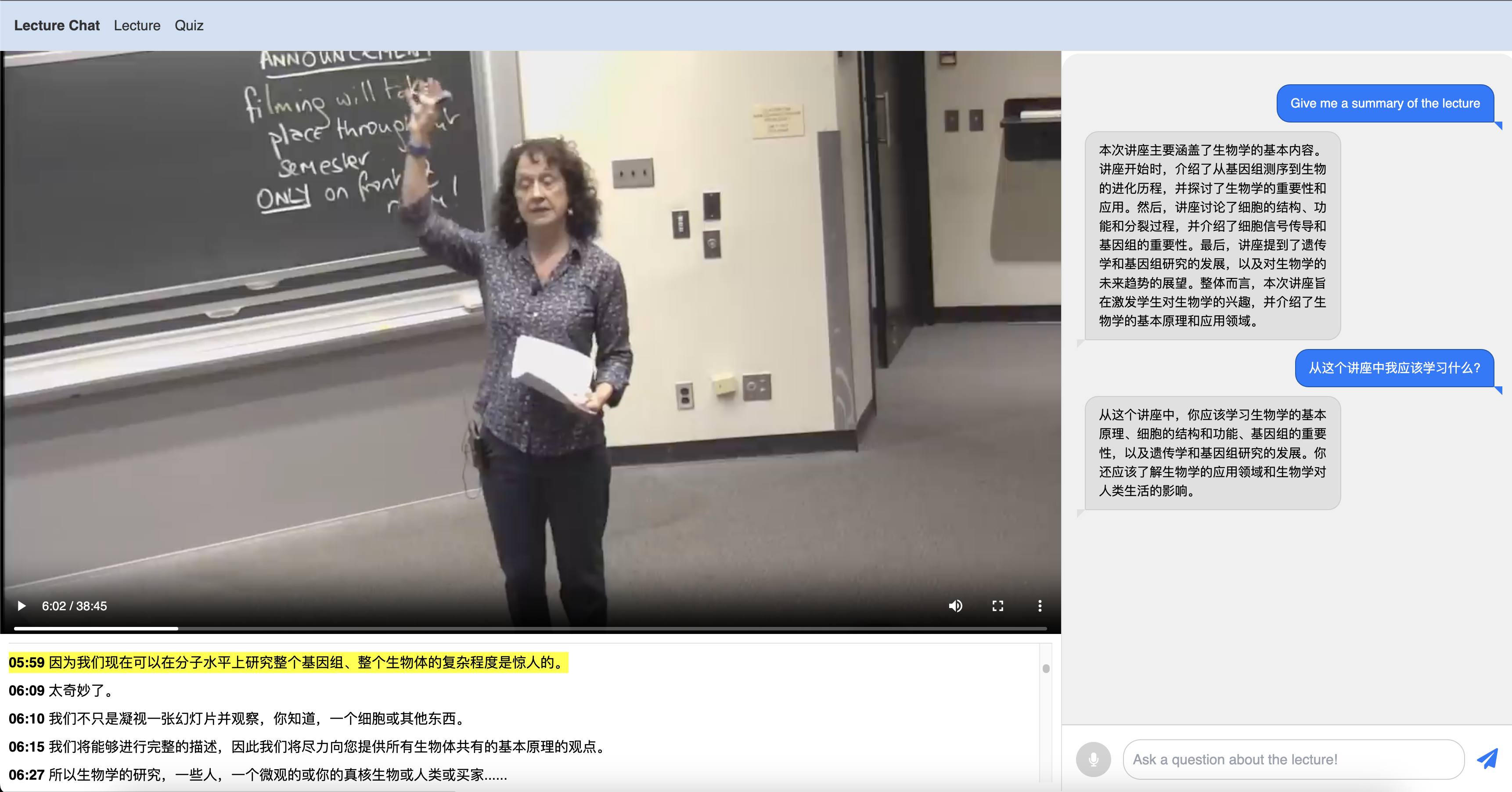
Lecture Chat interface in Simplified Chinese
Inspiration
As an engineering student, there have been many late nights, conflicting deadlines, and hard midterms. Sometimes, there are 5 1hr lecture videos I have to watch to prepare for a midterm that I procrastinated. I don't have the time to watch those, but I want to extract important information from them. We built an app that allows anyone to upload a lecture video in any language and talk with it in any language through text and voice. You can ask the AI to quiz you based on content in the transcript, explain important concepts, and develop a study guide of important points.
What it does
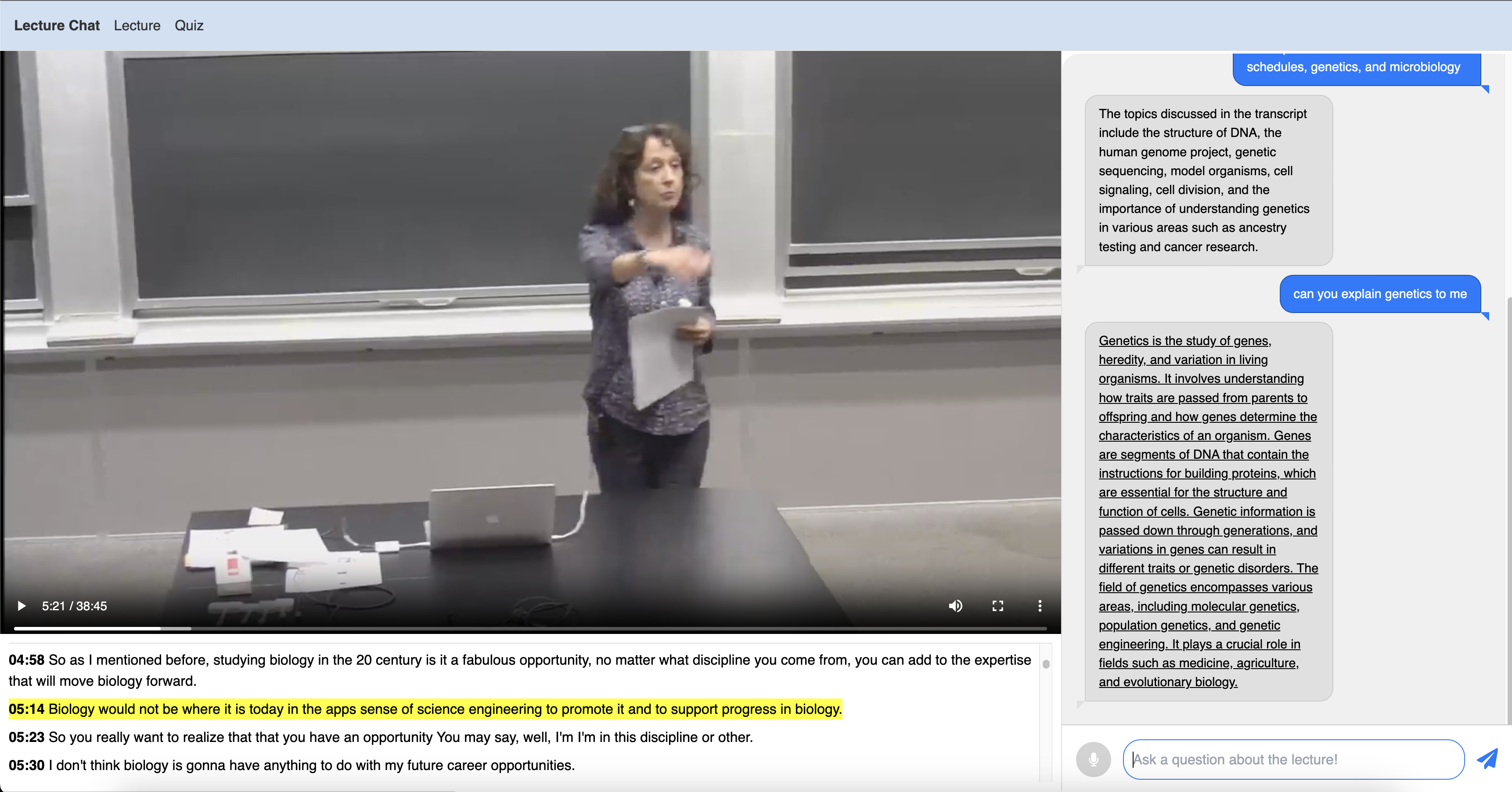
A user can upload a lecture video. This video can be any length and in any language. An interactive transcript is generated, as well as a chat window. In this chat window, you can chat to the AI as if you are talking to your professor. It can respond in any language and you can chat with it using your voice or text (in any common language of course). You can watch the lecture video interactively, and ask questions at it progresses to help explain important concepts. Think of it as someone handguiding you through the lecture you missed.
How we built it
This was built from the ground up using NextJS and TailwindCSS. GPT3.5 is used to generate the responses. DeepGram Nova is used for the fast speech to text. Google Translate AI is used for the language translation. FAISS is used for the transcript RAG, with a Pearson correlation similarity search based on a question.
Challenges we ran into
An application like this has both server-side and client-side rendering. Keeping track of both and determining which component needs to go where was very tough. This was our first time developing using NextJS and TailwindCSS, and the learning curve was much steeper compared to Streamlit (which is Python based instead of Typescript). Also, getting the AI to reliably output a response at a fast speed was very tough, and sometimes the OpenAI API failed. Also, managing state across the components for the transcript and language was hard to get right.
Accomplishments that we're proud of
We are proud of the fact that this was our first time building an application with NextJS and TailwindCSS. We are familiar with the AI, but it was cool to get our hands dirty with web apps. Also, the application is extremely useful; many of our friends said they'd love a tool like this, which essentially augments GPT3.5 or GPT4's abilities. It also appeals to the world: there are students in every country across the globe that speak different languages; this app is not just limited to English speakers.
What we learned
We learned about NextJS and TailwindCSS (and how much of a pain it still is to build web apps). We also learned about how to optimize requests to APIs and how we can switch between model providers.
What's next for Lecture Chat
There are many future directions:
- ElevenLabs for dubbing and more realistic speech outputs
- Training an embedding model on lecture transcripts for more accurate retrieval
- Using Llava1.5 to look at points in the lecture video and be able to describe what is on the screen (helps for people with disabilities)
- Support for creation of study guides, quizzes, and powerpoint slides
- Streamlined interface
Built With
- deepgram
- googleai
- nextjs
- openai
- react
- tailwindcss

Log in or sign up for Devpost to join the conversation.