Inspiration
I built Lectura Lite because I realized that most AI tools we use today depend too much on the cloud. They’re great, but they break the moment your internet drops, or your API key fails.
As a student and developer, I wanted something that actually works offline — fast, private, and built right into the browser.
When I saw Chrome’s new built-in AI APIs, I knew this was the perfect chance to build an extension that doesn’t just rely on servers, but runs right on your device — powered by Gemini Nano.
What it does
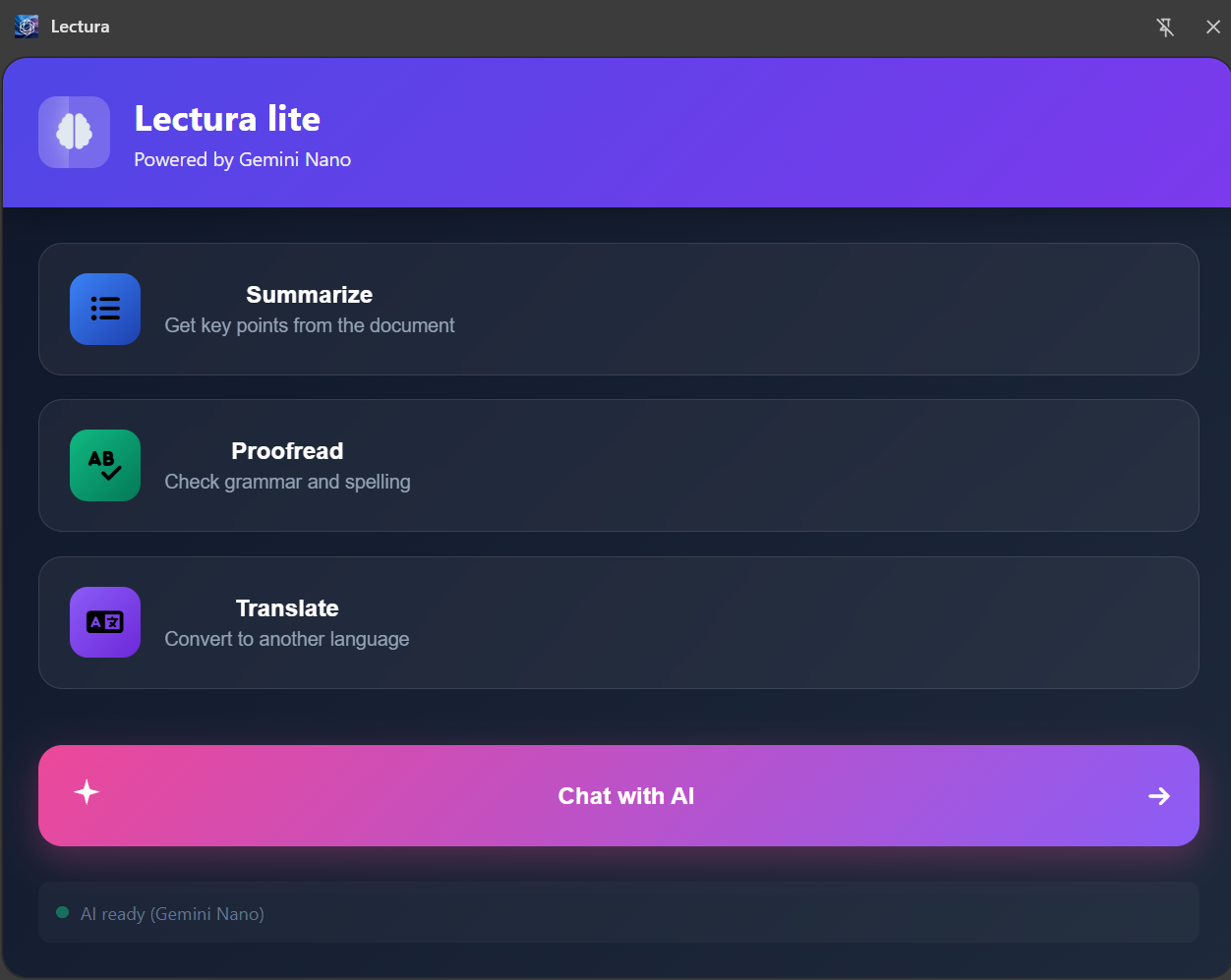
Lectura Lite is a Chrome Extension that enhances how you read, write, and understand content online.
It comes with four main features:
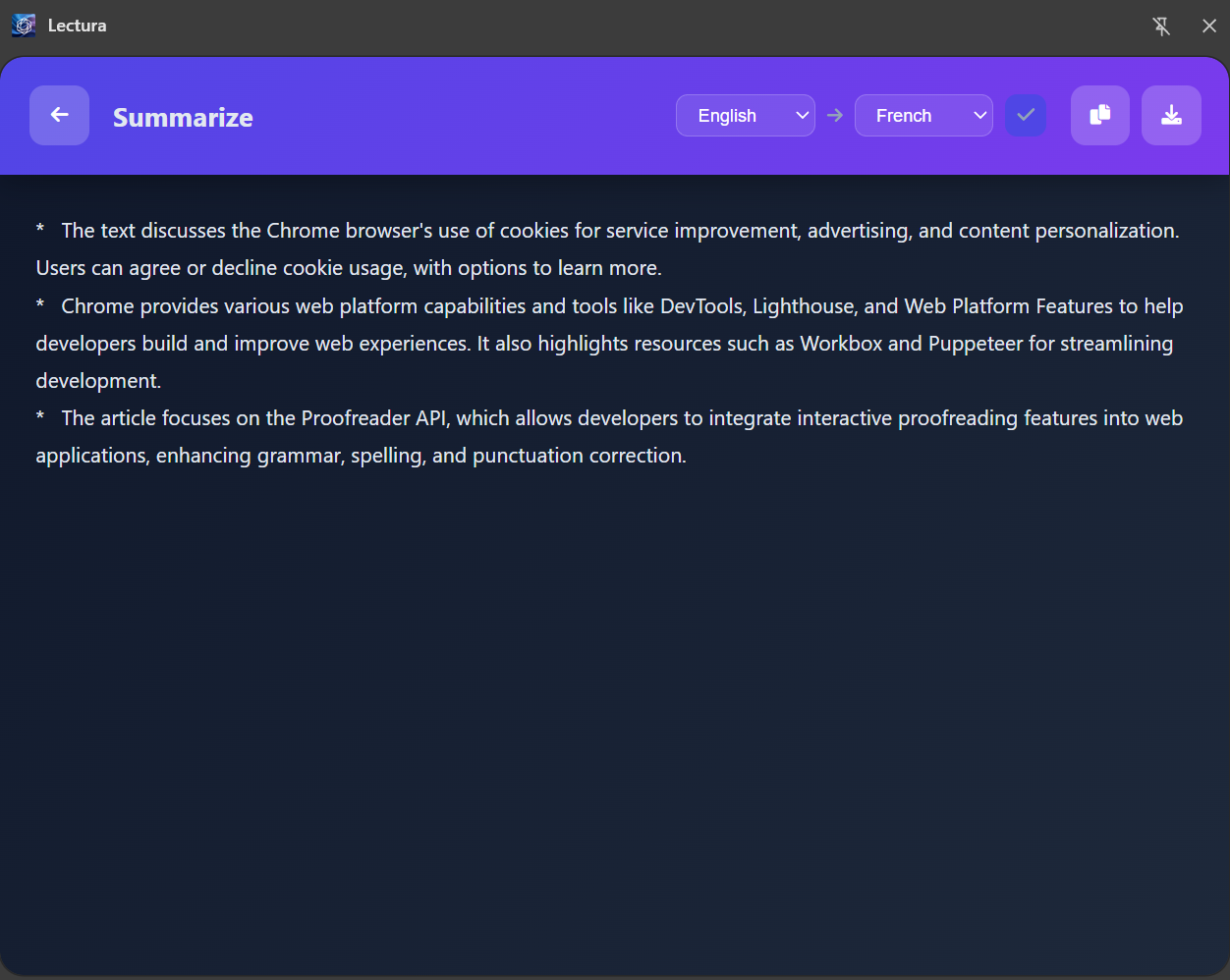
- 🧠 Summarize — Condense long webpages or PDFs into short, clear summaries using Chrome’s Summarizer API.
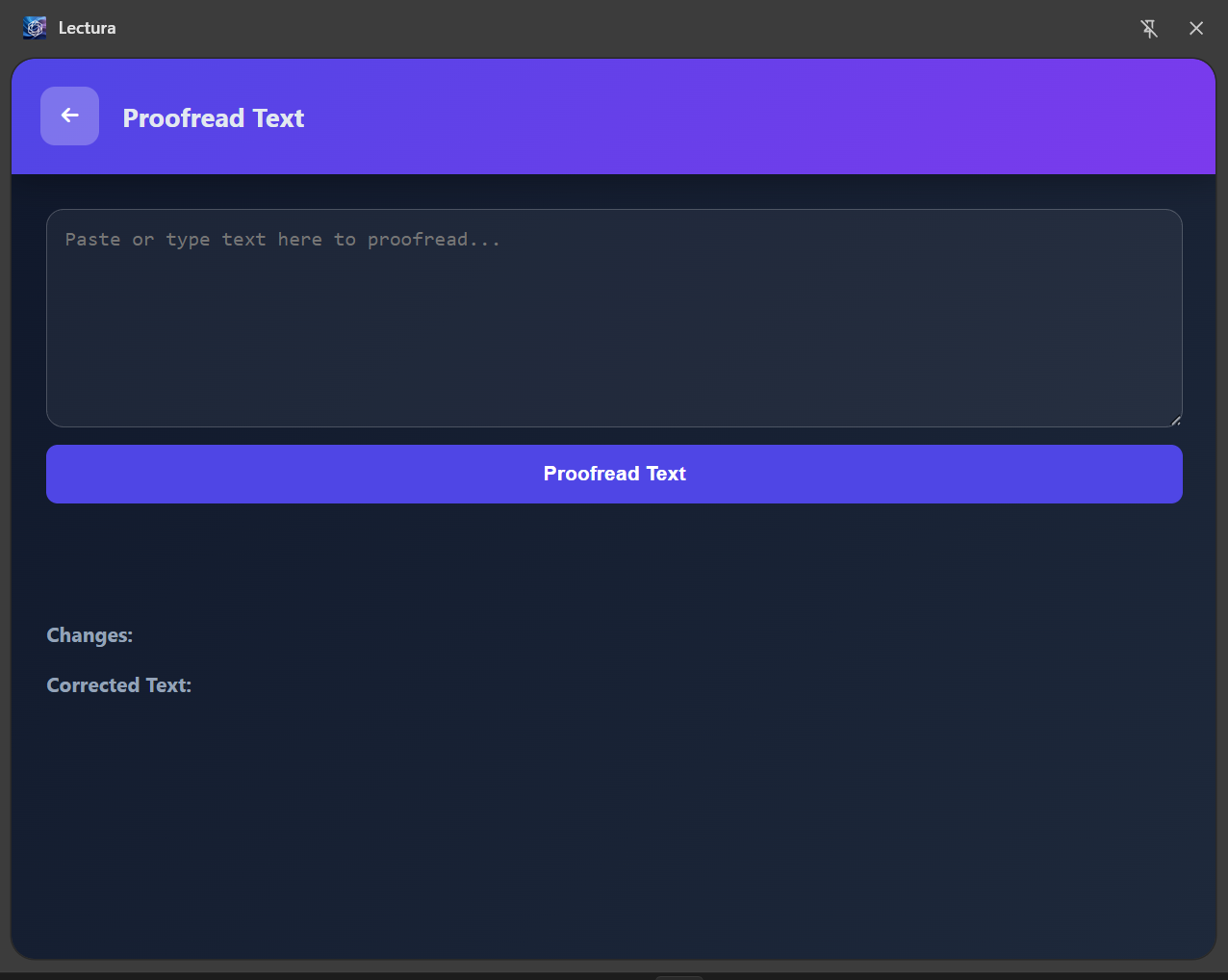
- ✍️ Proofread — Instantly correct grammar and polish writing with the Proofreader API.
- 🌐 Translate — Translate selected text into any language with the Translator API, even when you’re offline.
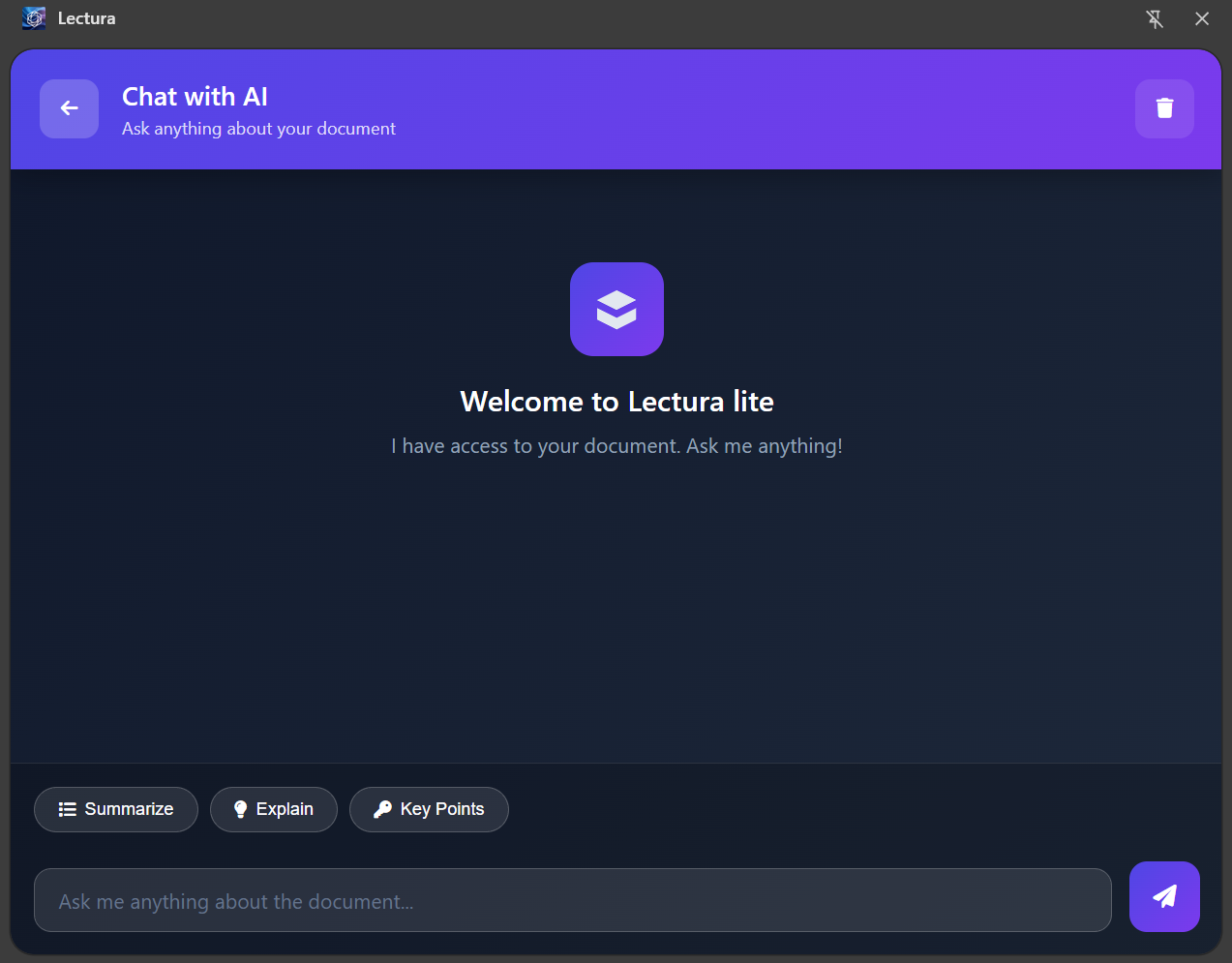
- 💬 Chat with AI — Have conversations and ask questions using the Prompt API and
promptStreaming().
Everything happens locally — no servers, no cloud calls, just on-device intelligence that respects your privacy and works anywhere.
How we built it
I built Lectura Lite using Manifest V3, JavaScript, and the new LanguageModel interface inside Chrome.
Each AI feature connects directly to Chrome’s built-in APIs:
- The Prompt API powers dynamic chat and context understanding.
- The Summarizer API handles large text and PDF extraction.
- The Proofreader API improves text clarity and correctness.
- The Translator API bridges language barriers instantly.
I also added a tooltip feature where users can highlight a text and then four options will pop up, allowing them to select any tooltip option for its respective function. Everything is designed with performance, privacy, and offline capability in mind.
Challenges we ran into
The biggest challenge was understanding how the LanguageModel API interacts with Chrome locally — since window.ai is deprecated.
I also faced issues with the Proofreader API, where in some Canary versions it didn’t work even with the #Proofreader API for Gemini Nano flag enabled in chrome://flags, which made debugging especially frustrating.
Switching from older documentation to the new Prompt API setup took some testing and debugging.
Also, keeping all AI features fully offline without relying on any cloud API was tricky but worth it.
Accomplishments that we’re proud of
I’m proud that Lectura Lite works completely offline — no external API calls, no data collection, just pure client-side AI.
It’s fast, simple, and it feels like a glimpse of the future — where the browser itself becomes your AI assistant.
Bringing four APIs together (Prompt, Proofreader, Summarizer, and Translator) in one cohesive Chrome Extension was a huge milestone for me.
What we learned
I learned how to integrate Chrome’s built-in AI stack using LanguageModel instead of external APIs.
I also understood how to handle promptStreaming() for real-time AI chat and discovered how Chrome manages Gemini Nano downloads for offline use.
This project taught me how local AI can make web experiences more private, responsive, and resilient.
What’s next for Lectura Lite
Next, I want to connect Lectura Lite with my upcoming app, Lectura AI, so users can access flashcards, summaries, and study tools across both platforms.
I also plan to add voice transcription, note generation, and offline flashcard creation powered by Chrome’s AI suite.
The goal is simple — to make AI reading and learning tools that don’t need the cloud.
Built With
- chrome
- gemini-nano
- javascript

Log in or sign up for Devpost to join the conversation.