Inspiration
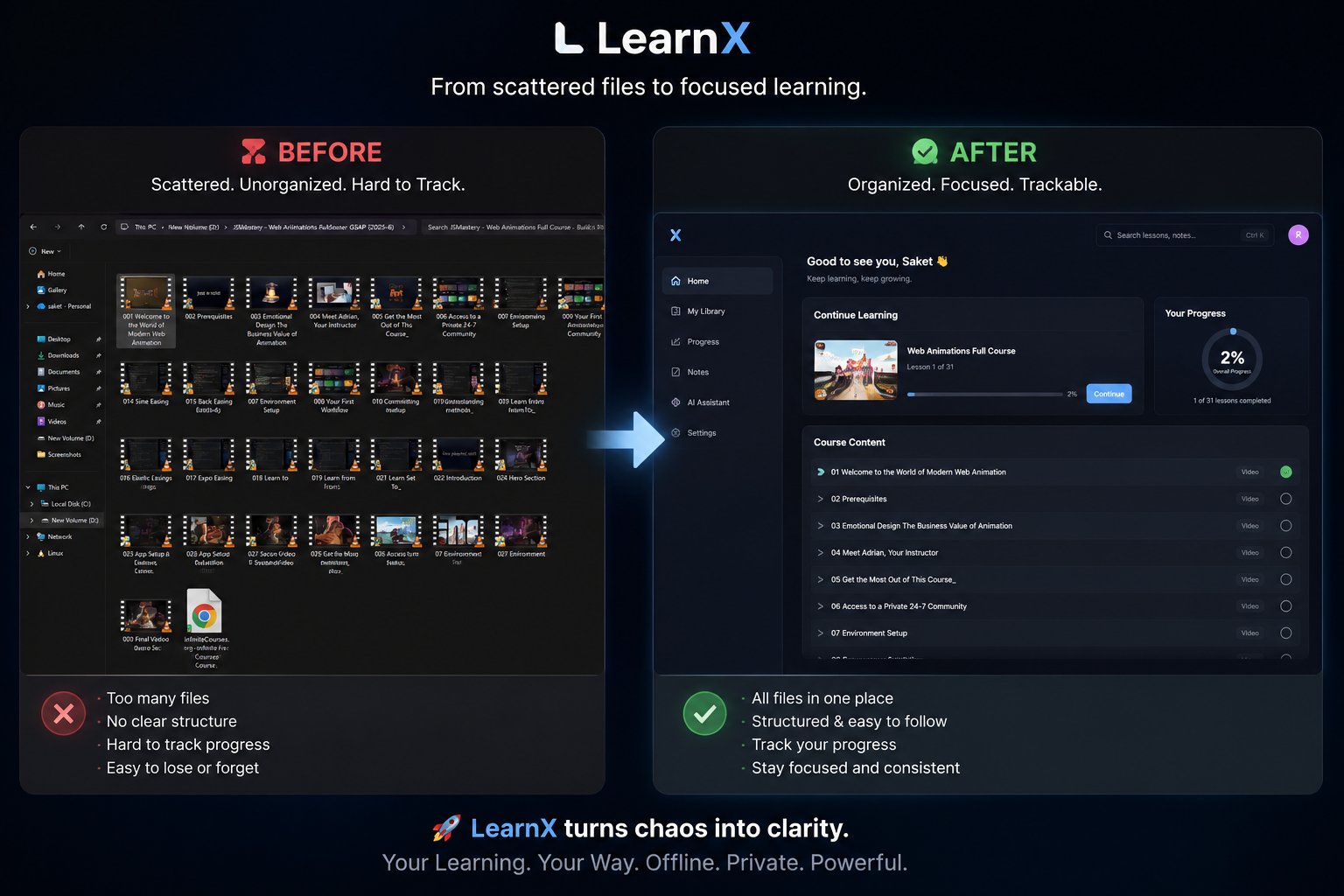
I had a backlog of downloaded courses sitting in folders on my disk — Udemy downloads, YouTube playlists saved offline, PDF notes. My "progress tracking" was a mental list and renamed files like lesson-3-DONE.mp4. Every existing solution either needed a server, required cloud uploads, or was too generic to feel like a real learning experience. I wanted something that just worked — offline, private, and zero setup. So I built it.
What it does
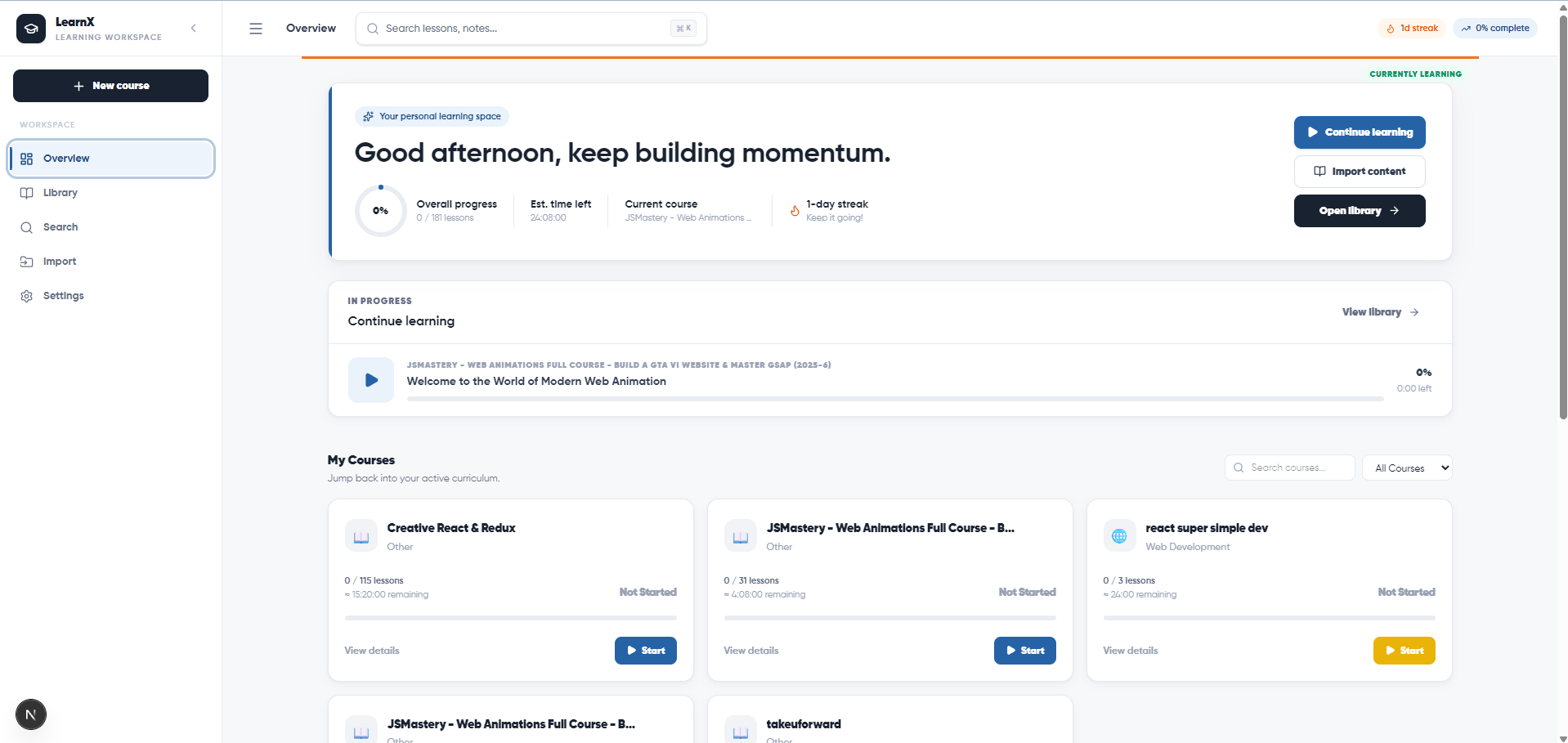
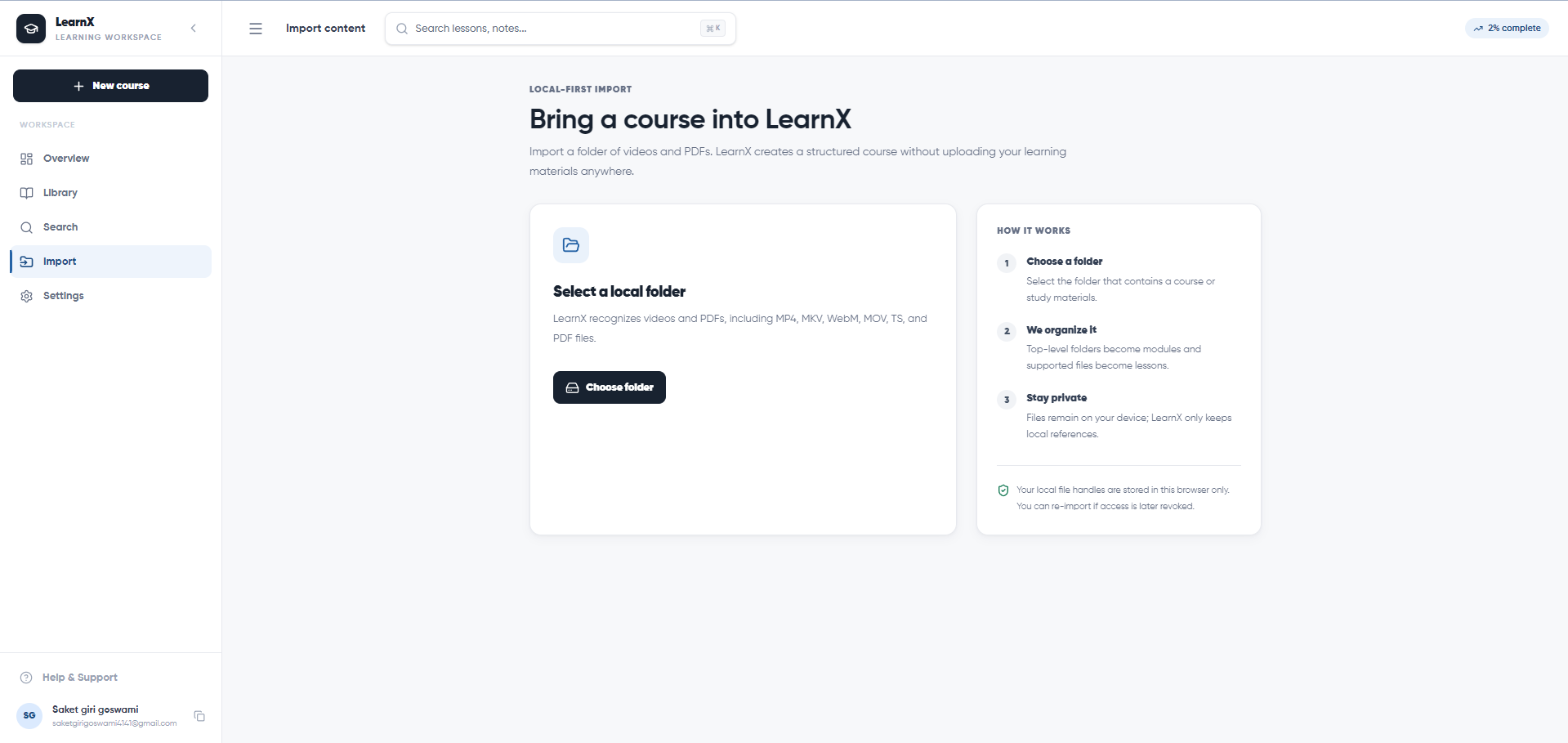
LearnX turns any local folder of videos and PDFs into a structured, trackable course — entirely in your browser.
- Folder import — subfolders become modules, media files become lessons, scanned recursively at any depth
- YouTube lessons — paste a URL to add a lesson; chapters are auto-detected from the video description, with Gemini AI as a fallback for generating topic segments
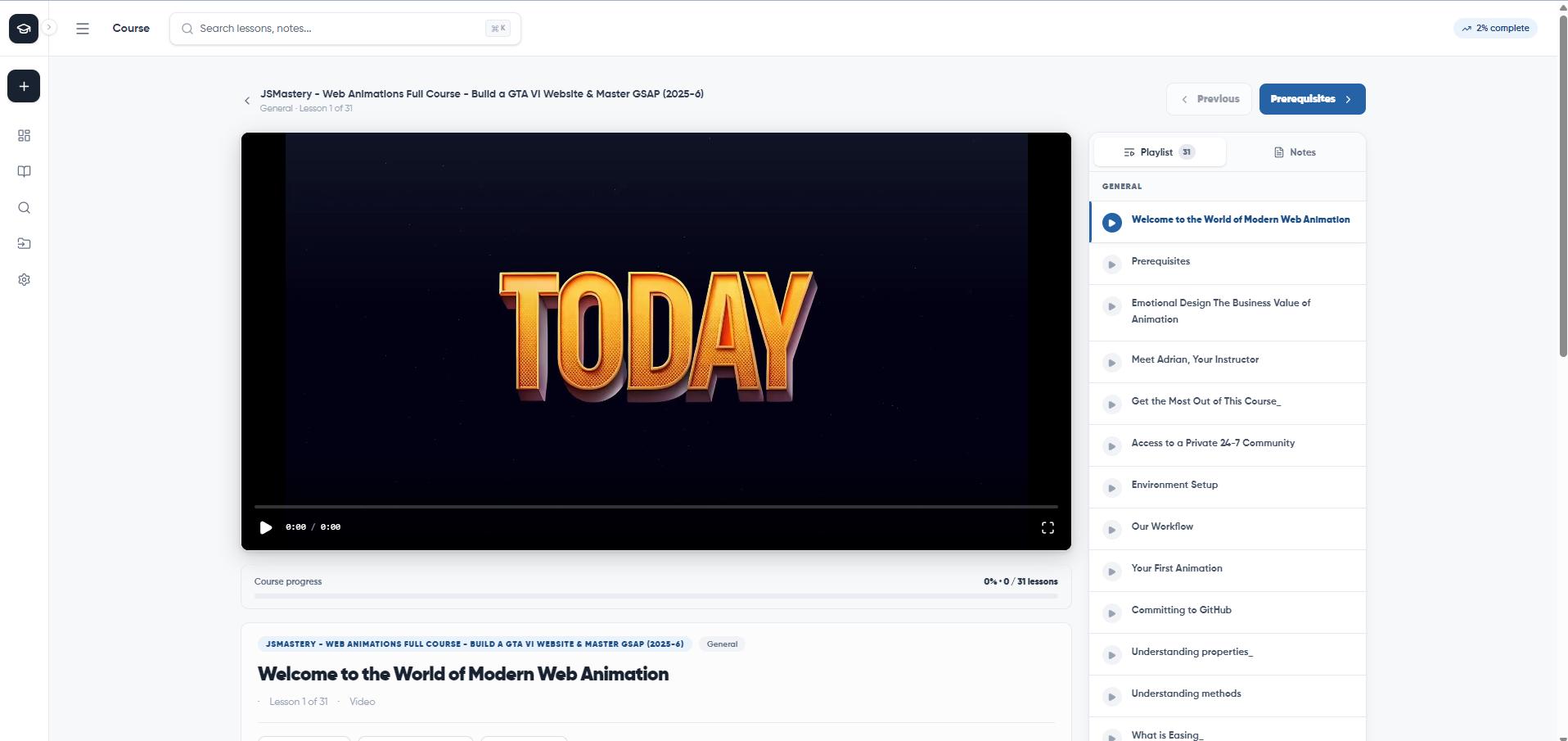
- Progress tracking — watch time, completion status, bookmarks, and timestamped notes all persisted locally
- Full-text search — across courses, lessons, and notes, entirely client-side
- MPEG-TS playback —
.tsfiles that browsers can't natively play are handled viampegts.js - No account, no uploads, no backend — everything lives in IndexedDB on your device
How we built it
Stack: Next.js 16 (App Router) · TypeScript · Tailwind CSS v4 · Zustand · IndexedDB · mpegts.js · Gemini Flash API · Framer Motion
The core is the File System Access API — it lets us ask for permission to read a folder, store a file handle (not the file itself) in IndexedDB, and resolve it to a blob: URL on demand. Files never leave the disk.
All app data — courses, modules, lessons, progress, notes, bookmarks — is managed through a custom IndexedDB service layer with no external database. Two lightweight Next.js API routes act as CORS proxies for YouTube features: one fetches auto-generated captions, another scrapes chapter timestamps from video descriptions.
Challenges we ran into
File handle persistence — The File System Access API stores a reference to a file, not the file itself. After a browser restart, re-permission is required. Making this feel seamless — auto-prompting the user at exactly the right moment without disrupting playback — required careful UX handling.
MPEG-TS playback — Most downloaded course videos come as .ts files that browsers refuse to play natively. Integrating mpegts.js with Media Source Extensions and making it coexist cleanly with the native <video> element required a proper feature-detection layer.
YouTube chapter parsing — YouTube's chapter format in video descriptions isn't standardized. Building a parser that handles missing chapters, non-standard timestamps, and empty descriptions — and gracefully falls back to Gemini AI — took several iterations to get right.
Accomplishments that we're proud of
- Shipped a fully working, zero-backend learning platform that runs entirely in the browser
- YouTube + local video support in the same unified player interface
- Gemini-powered AI chapter generation as a seamless fallback — no visible seam between rule-based and AI detection
- Used by friends with zero onboarding — they just pointed it at a folder and it worked
What we learned
- How the File System Access API and IndexedDB work together to build truly local-first applications
- How to design a custom service layer over raw IndexedDB without an ORM
- How to integrate Gemini Flash for lightweight AI features without over-engineering the architecture
- That the best products are often the ones you build to solve your own problem first
What's next for LearnX
- Firefox and Safari support — once the File System Access API lands in those browsers
- Spaced repetition — auto-schedule lesson reviews based on completion history
- AI quiz generation — use Gemini to generate questions from lesson notes and video transcripts
- Sync across devices — optional encrypted export/import of IndexedDB data
- Subtitles and transcript search — index
.srtfiles and make every word in a video searchable

Log in or sign up for Devpost to join the conversation.