LearnTwin
The Problem
Most learning platforms teach every student the same way. When a student gets an answer wrong, they usually receive the correct answer — but not an explanation of why they made the mistake.
Every student learns differently. LearnTwin was built to make learning more personalized.
The Solution
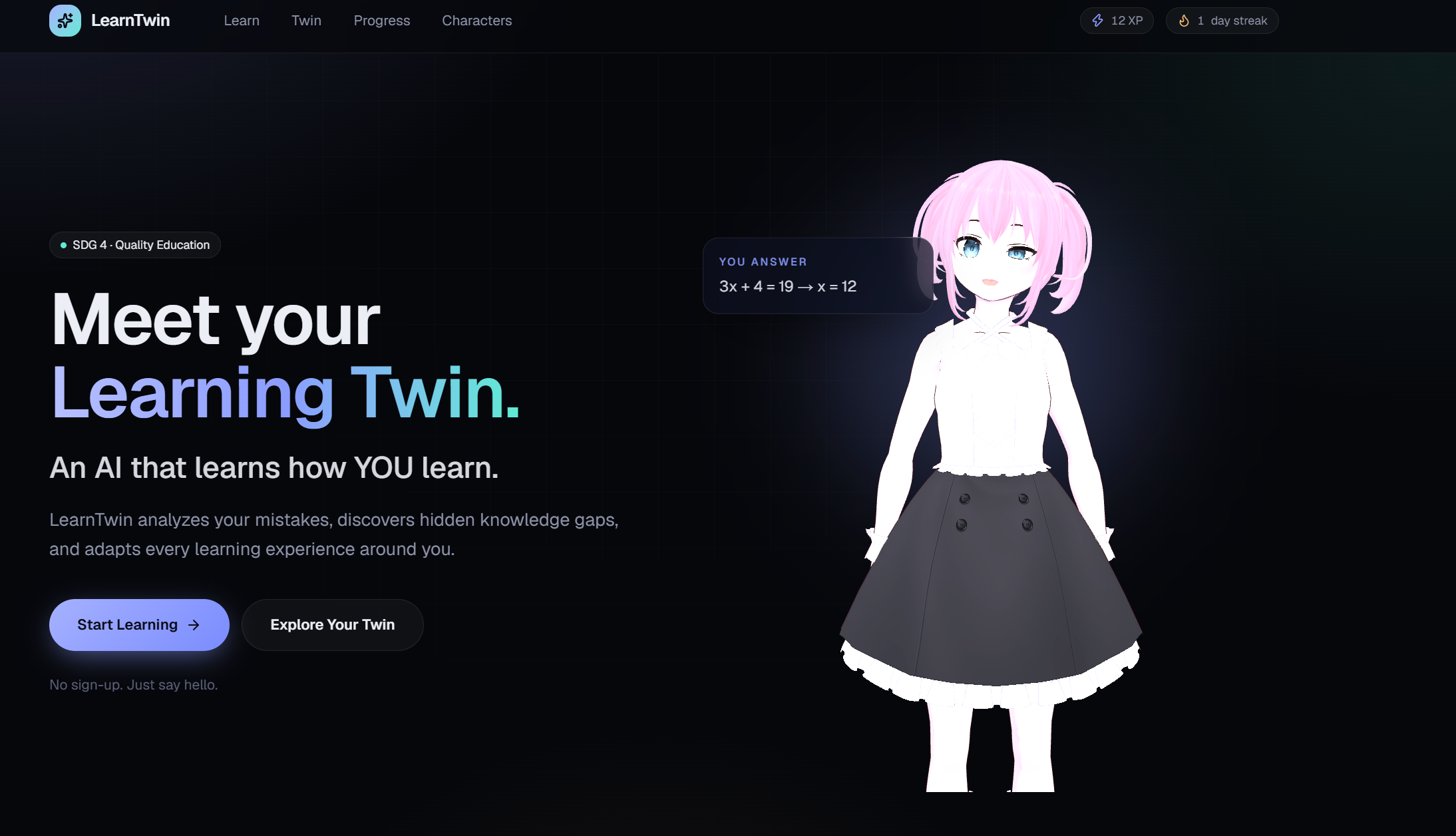
LearnTwin is an AI-powered personalized learning platform with interactive 3D mentors.
Instead of simply marking an answer as wrong, LearnTwin analyzes the student's response, identifies the likely misconception, and adapts the next explanation or activity.
Key Features
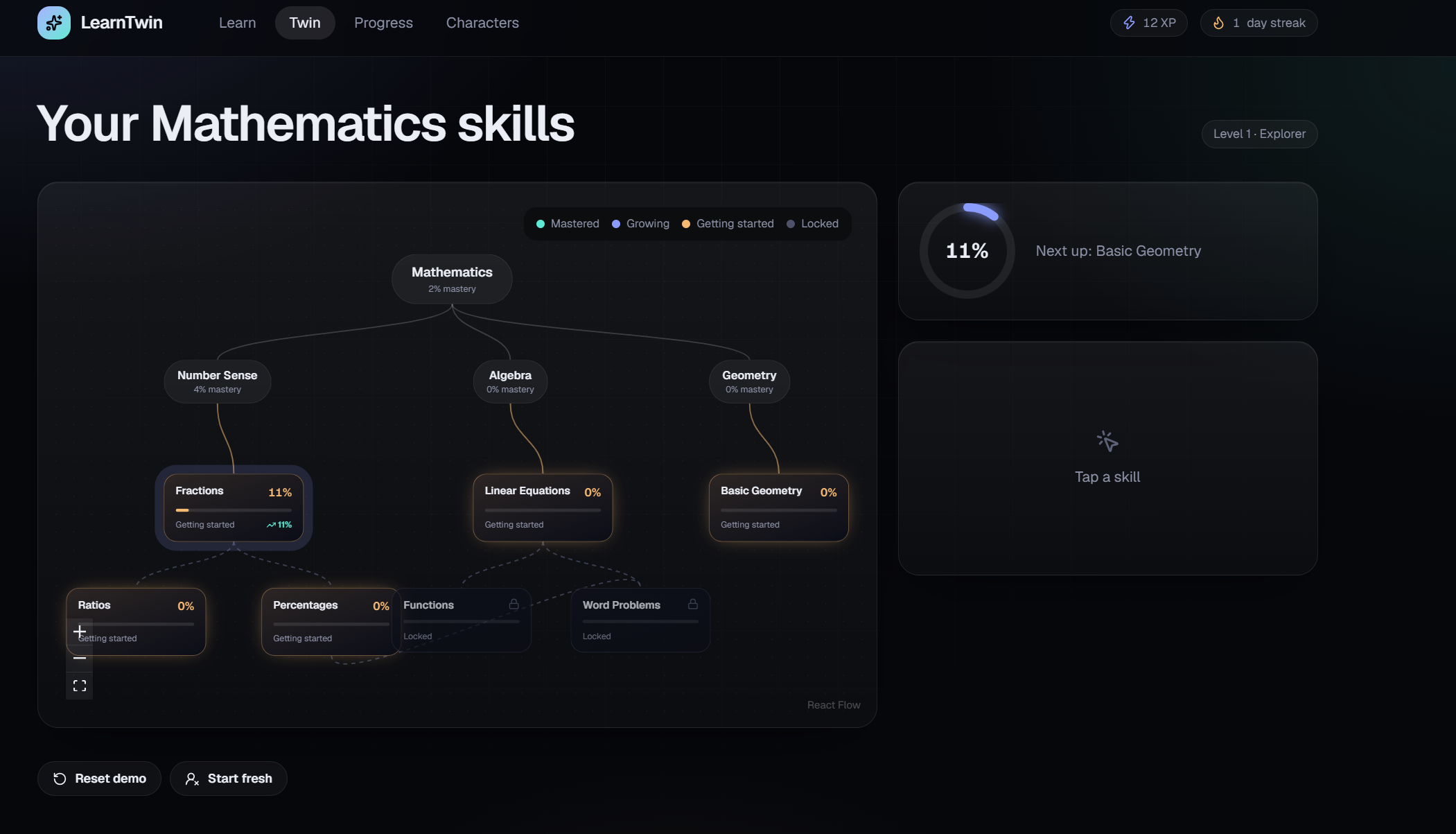
- AI Learning Twin — Builds a live understanding of what the student knows and where they struggle.
- Personalized Teaching — Changes explanations and practice based on individual mistakes.
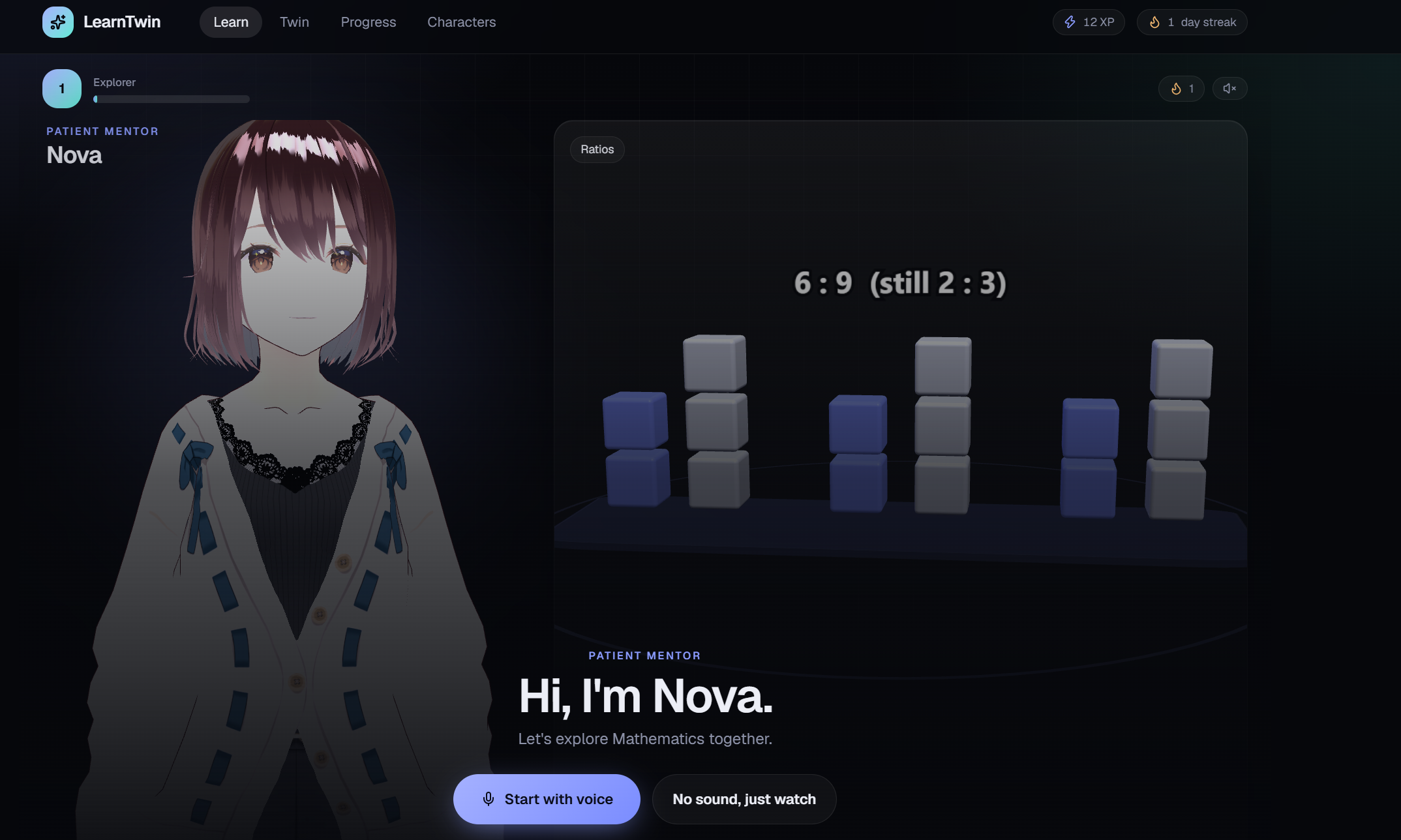
- 3D AI Mentors — Interactive characters teach different subjects.
- Voice Interaction — Students can speak with their mentor and receive spoken responses.
- Visual Learning — Concepts are explained through interactive 3D scenes.
- Gamification — XP, levels, streaks, and progress tracking make learning more engaging.
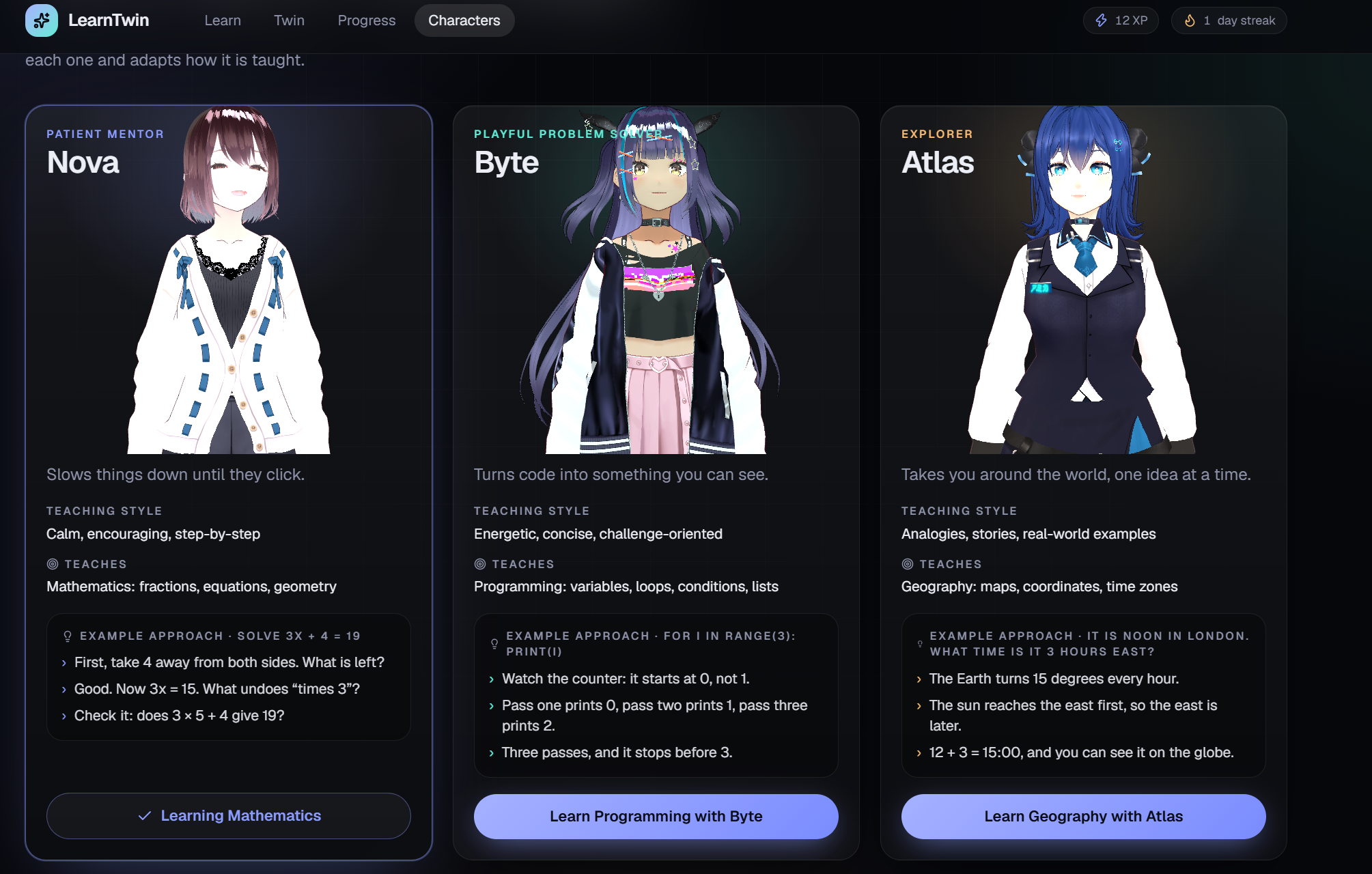
Currently, students can learn from three mentors:
- Nova — Mathematics
- Byte — Programming
- Atlas — Geography
How It Works
Learn → Practice → Analyze → Adapt → Improve
A student first learns a concept through an interactive lesson. They then answer a question.
If they make a mistake, the system analyzes the response to identify the possible misconception. The mentor then explains the concept differently and the Learning Twin updates the student's knowledge profile.
For example, if a student repeatedly treats programming indexes as starting from 1 instead of 0, LearnTwin can identify this pattern and provide a targeted explanation.
AI Integration
AI is a core part of LearnTwin, not just a development tool.
We use the Groq API for:
- Analyzing student responses
- Identifying possible misconceptions
- Generating personalized feedback
- Speech-to-text
- Voice-based interaction
The AI does not independently decide whether an answer is correct. A trusted answer-checking system validates responses, while AI focuses on understanding mistakes and generating personalized teaching.
Technology
- Next.js, React, TypeScript — Web application
- Three.js + Three-VRM — 3D mentors and interactive lessons
- Groq API — AI and voice features
- Firebase — Authentication and student progress
- Tailwind CSS + Framer Motion — UI and animations
- React Flow + Recharts — Learning map and progress visualization
- Zod — AI output validation
Impact
LearnTwin focuses on a simple idea:
A wrong answer is not just a mistake. It is information about how someone learns.
By identifying why a student is struggling and adapting the teaching approach, LearnTwin aims to make digital learning more personal, interactive, and accessible.
Current Prototype
The prototype currently includes:
- 15 learning skills
- 3 subjects
- Interactive 3D lessons
- AI-powered feedback
- Voice input and output
- Talking 3D mentors
- Adaptive learning
- XP, levels, streaks, and progress tracking
- Guest and authenticated user modes
Future Plans
- Expand to more subjects and lessons
- Teacher and parent dashboards
- More languages
- Improved accessibility
- More advanced learning analytics
- Testing with real students and educators
SDG 4 — Quality Education
LearnTwin aligns with SDG 4: Quality Education by supporting personalized and inclusive learning.
Instead of giving every student the same lesson, the goal is to provide explanations and learning experiences that adapt to individual needs.
LearnTwin is currently a prototype and has not yet been evaluated through formal studies with real learners.
Built With
- 3js
- react
- tailwind

Log in or sign up for Devpost to join the conversation.