-
-
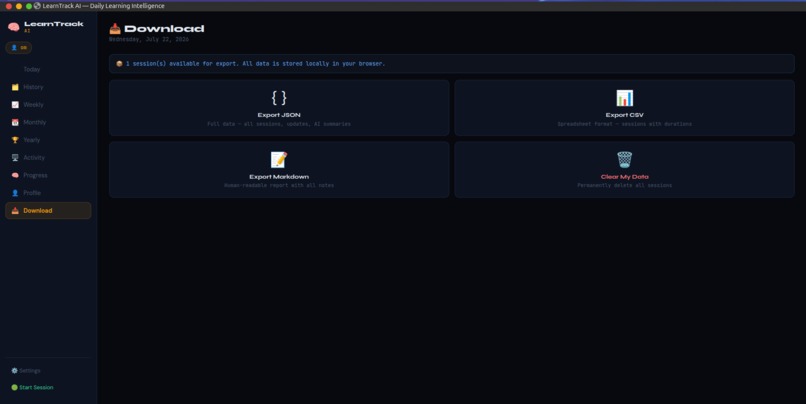
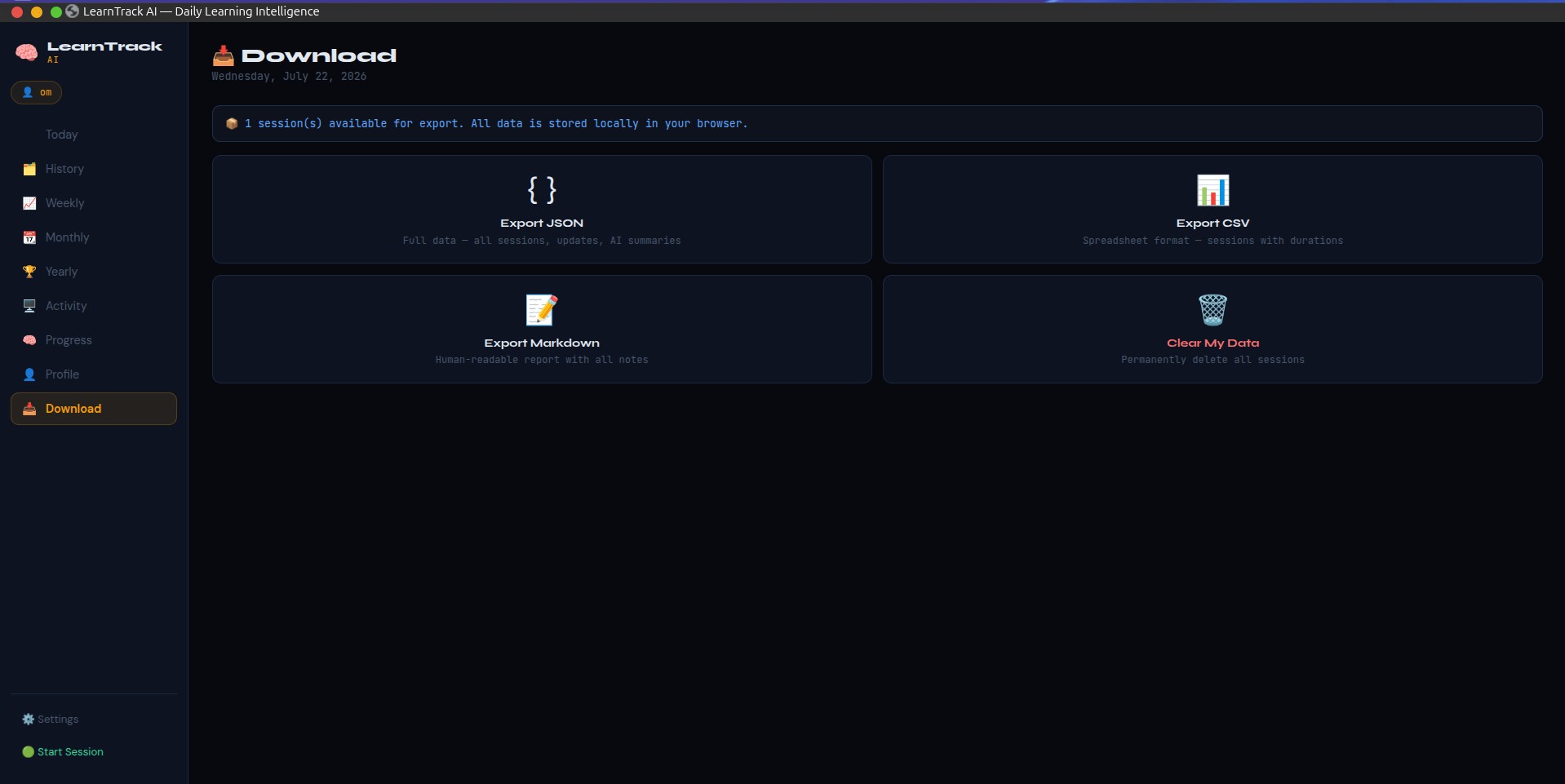
Downloads Page
-
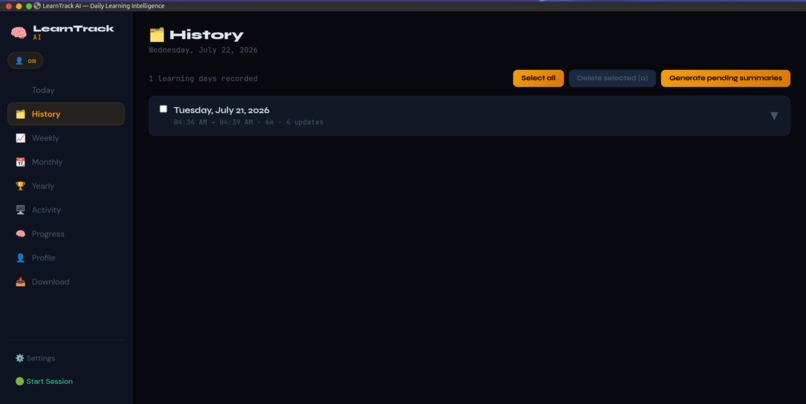
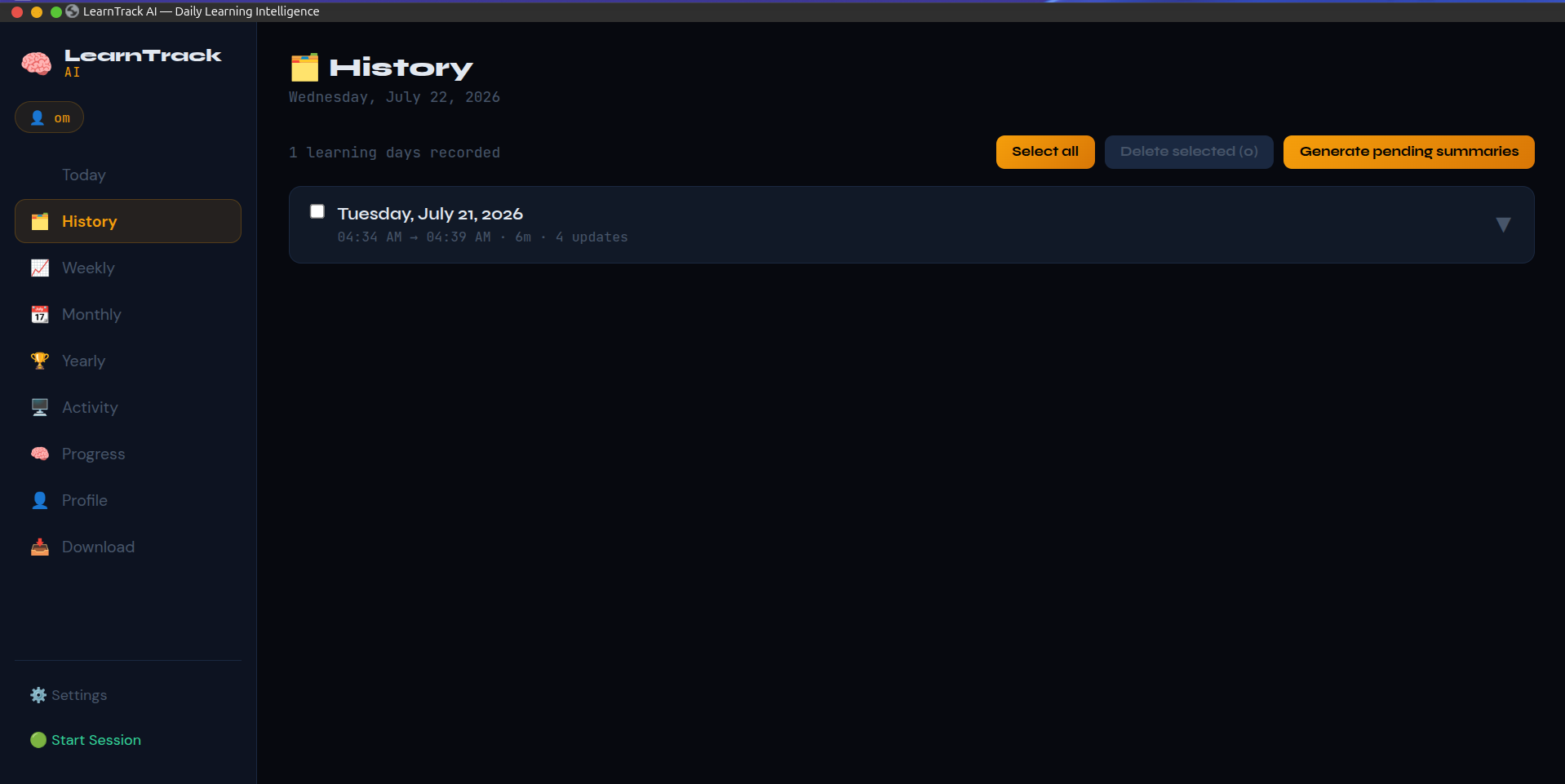
History Page
-
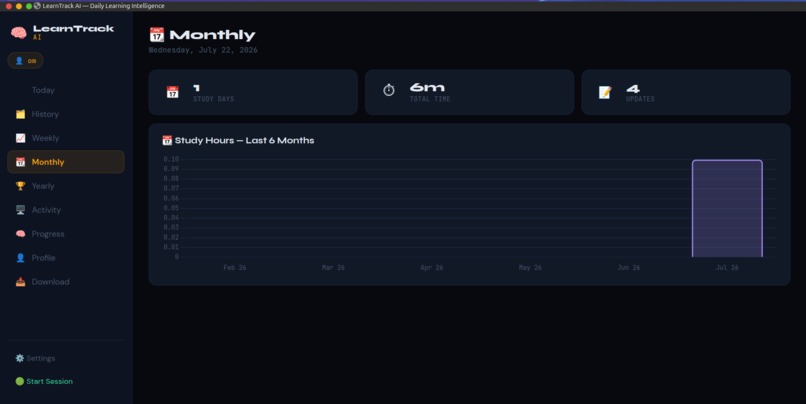
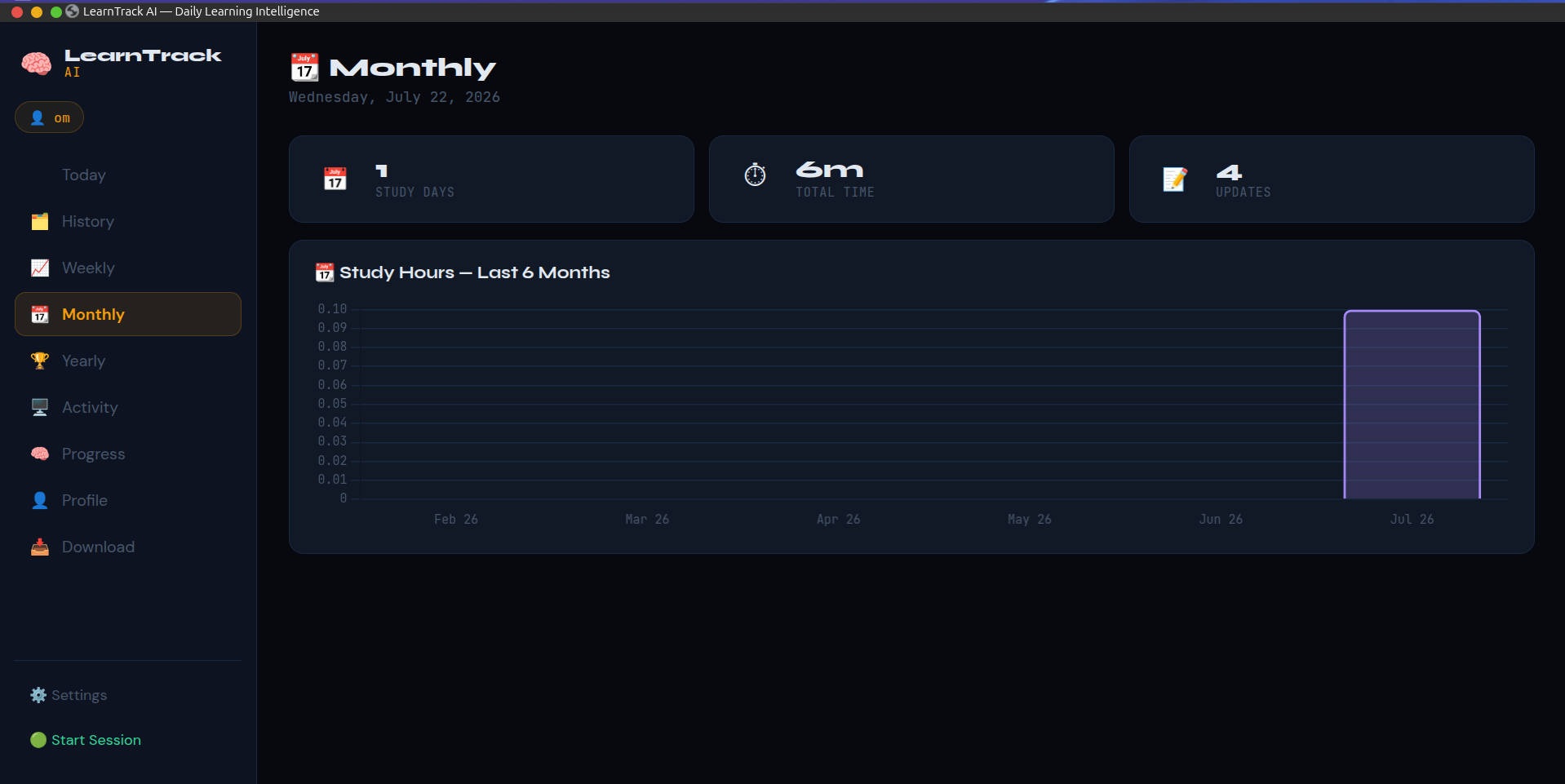
Monthly Page
-
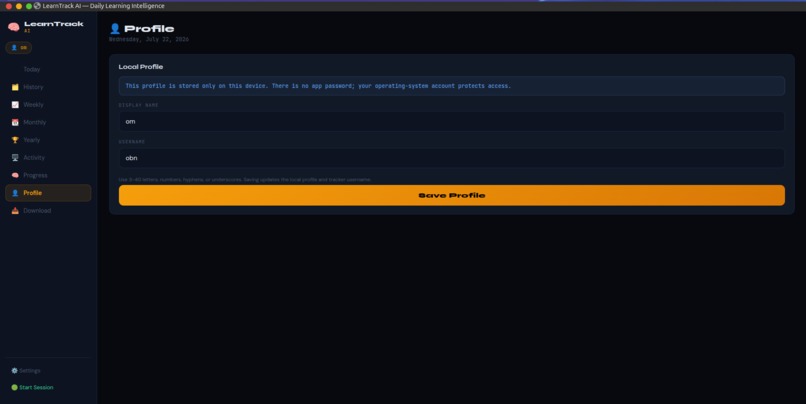
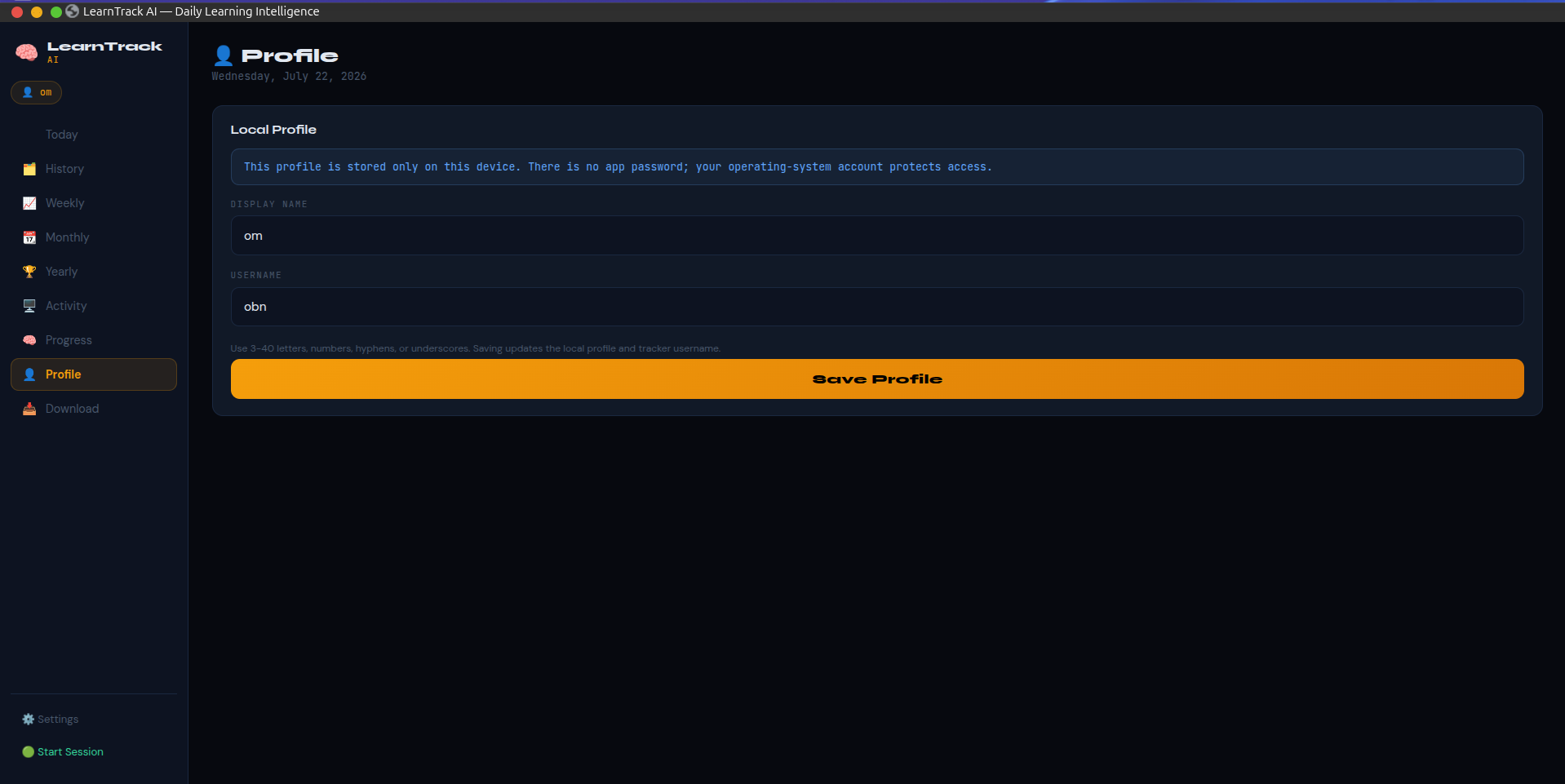
Profile Page
-
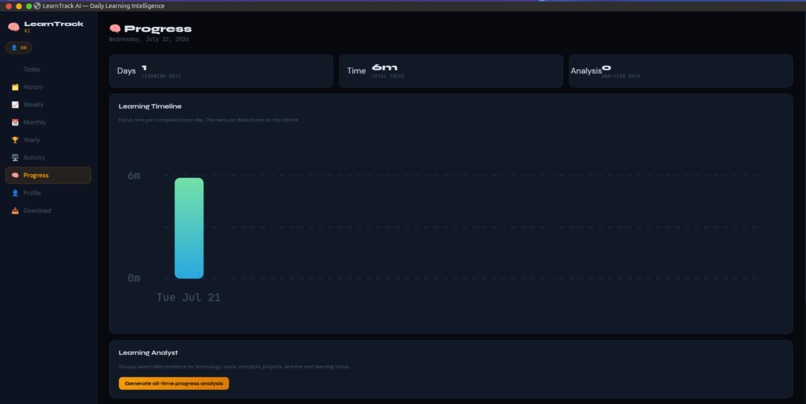
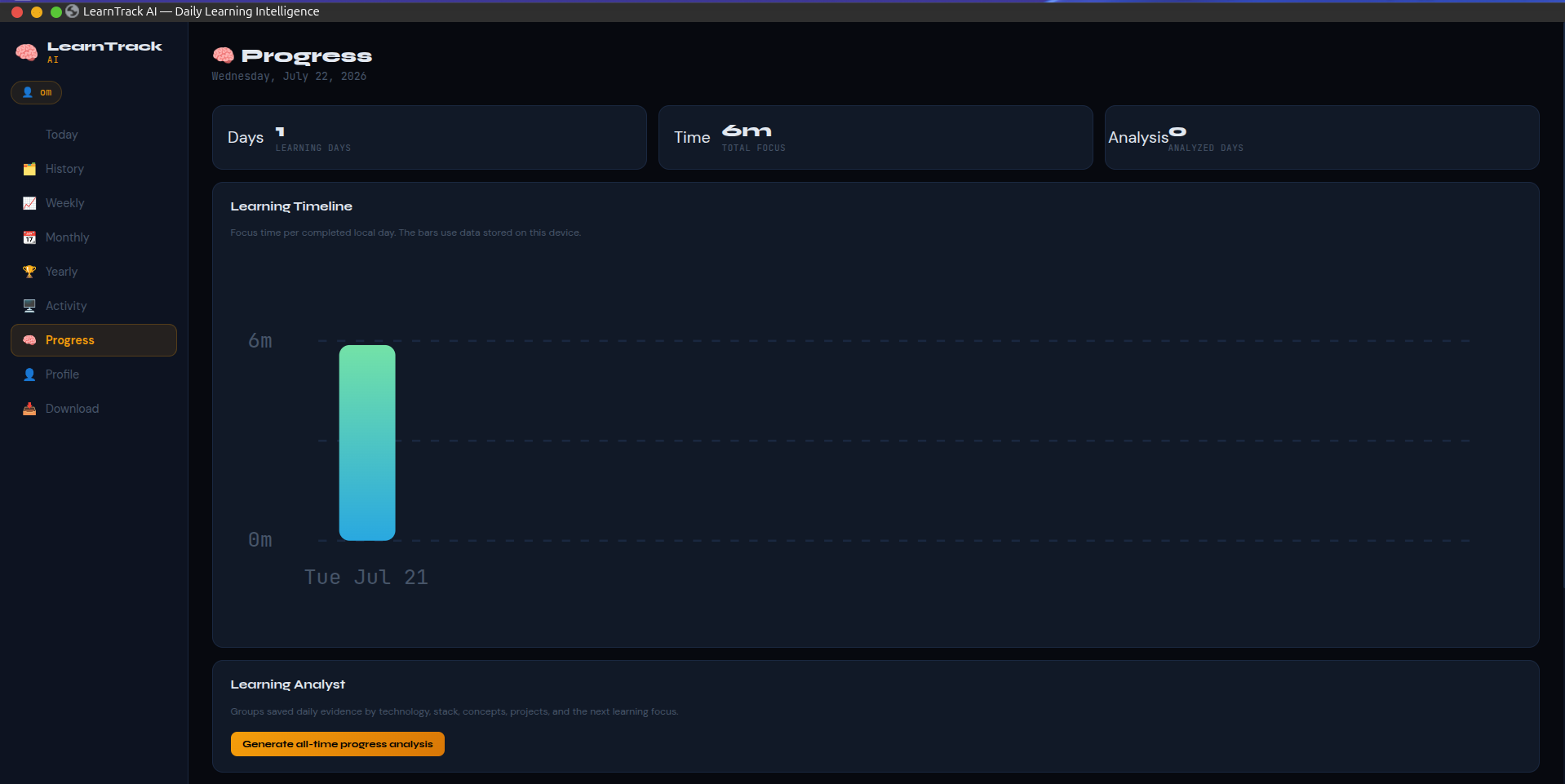
Progress Page
-
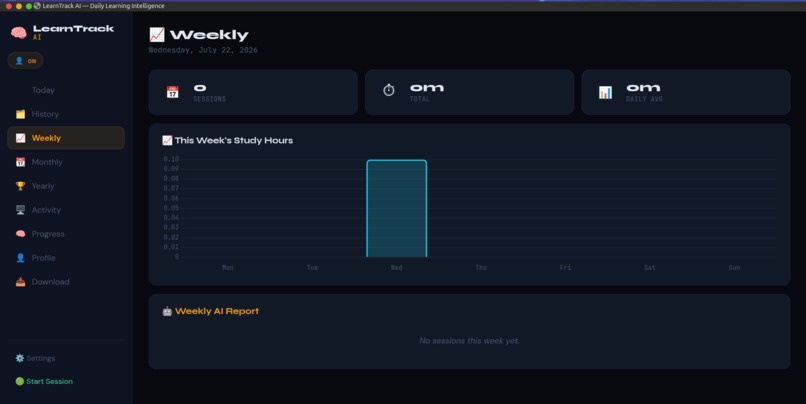
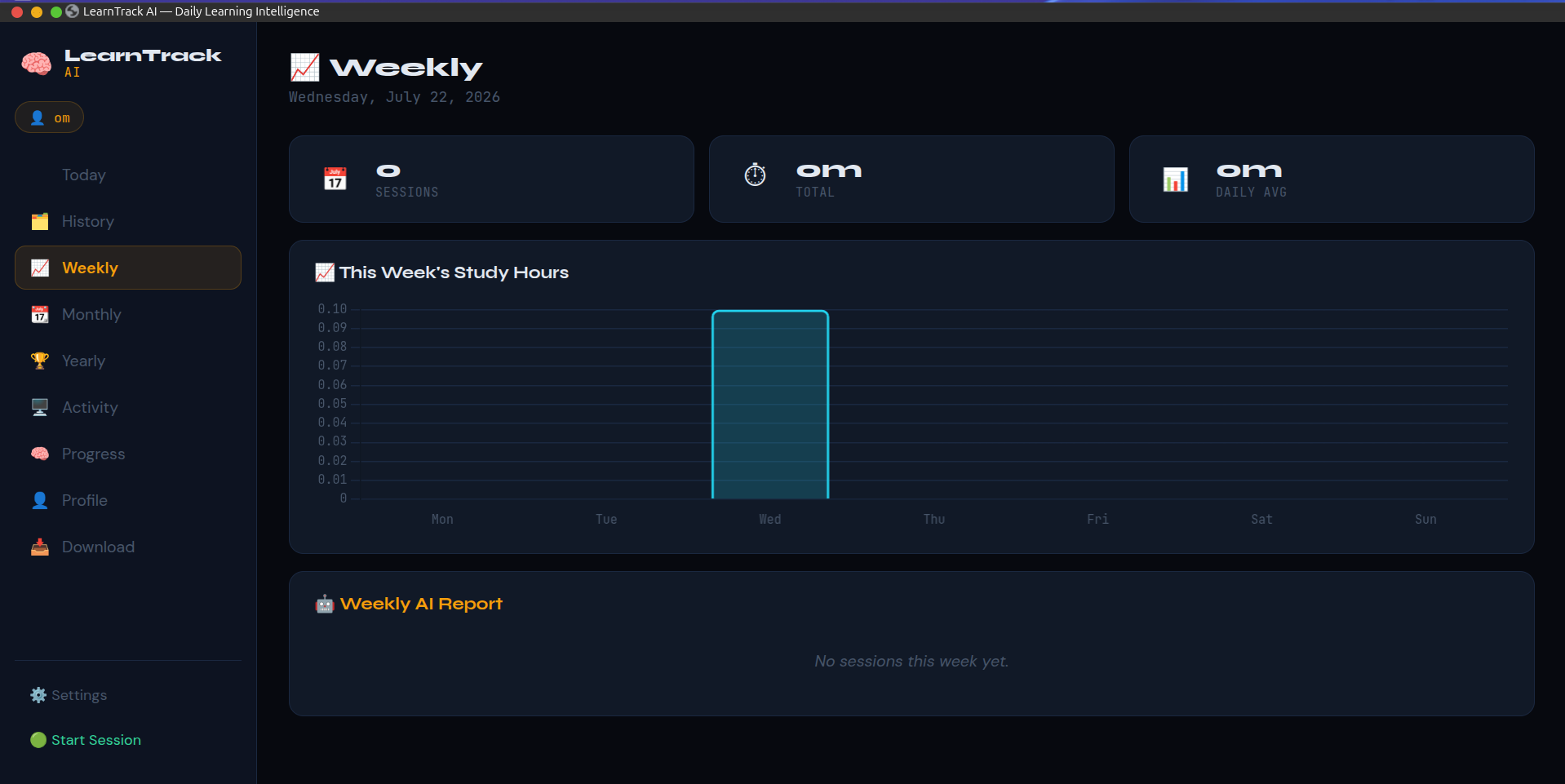
Weekly Page
-
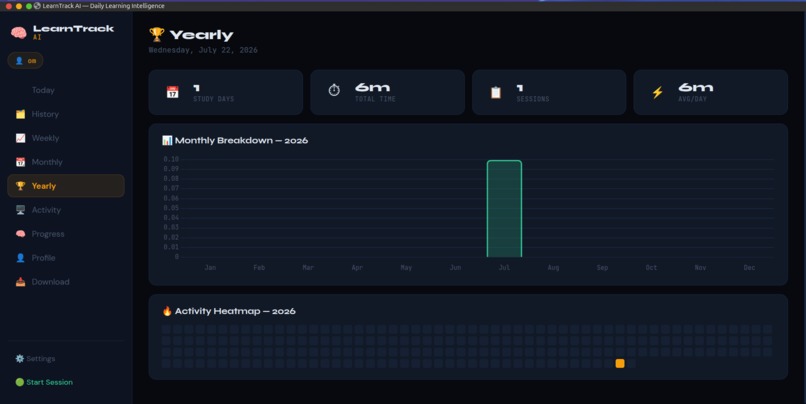
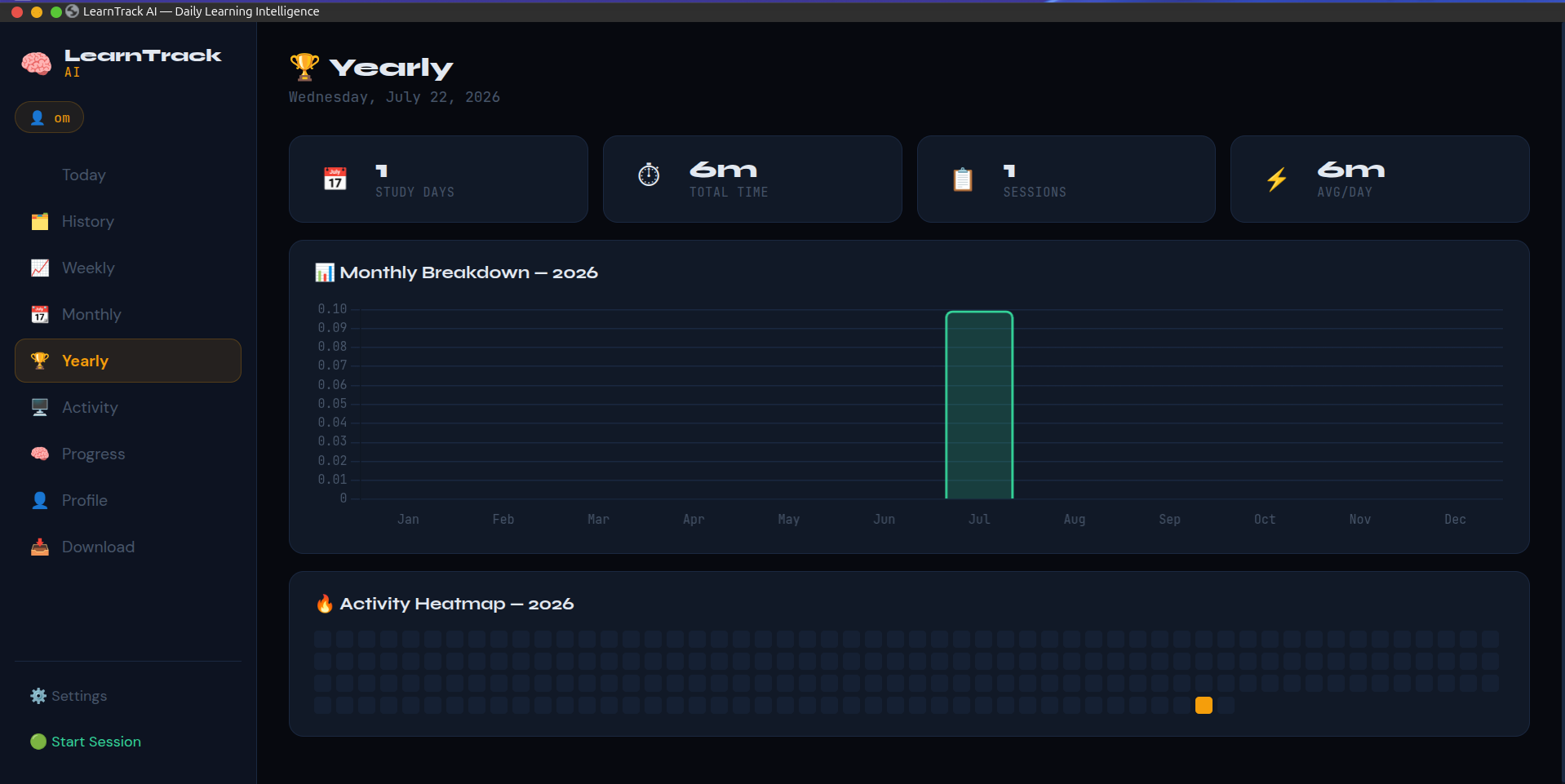
Yearly Page
-
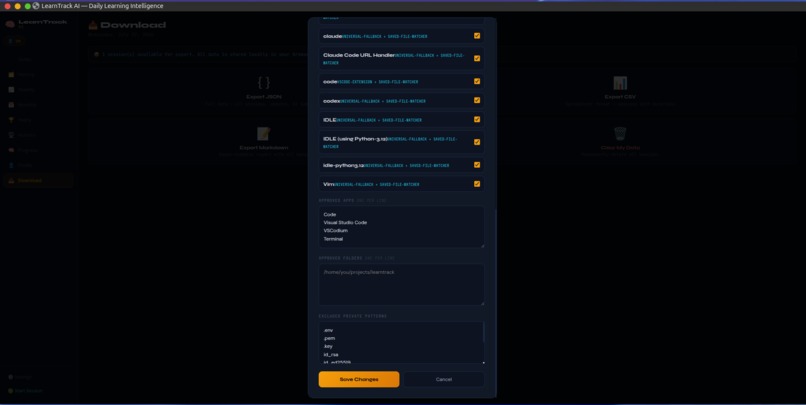
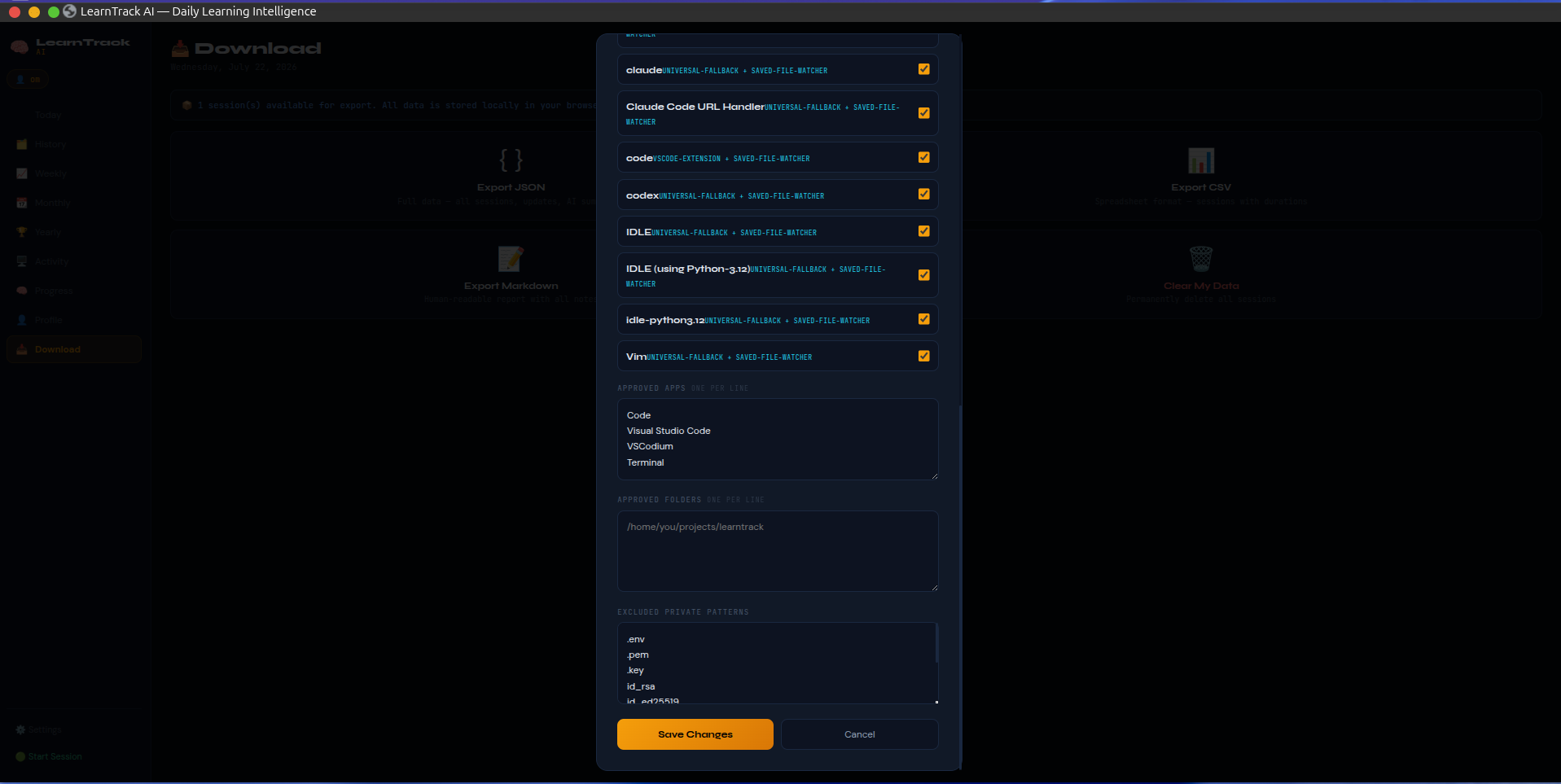
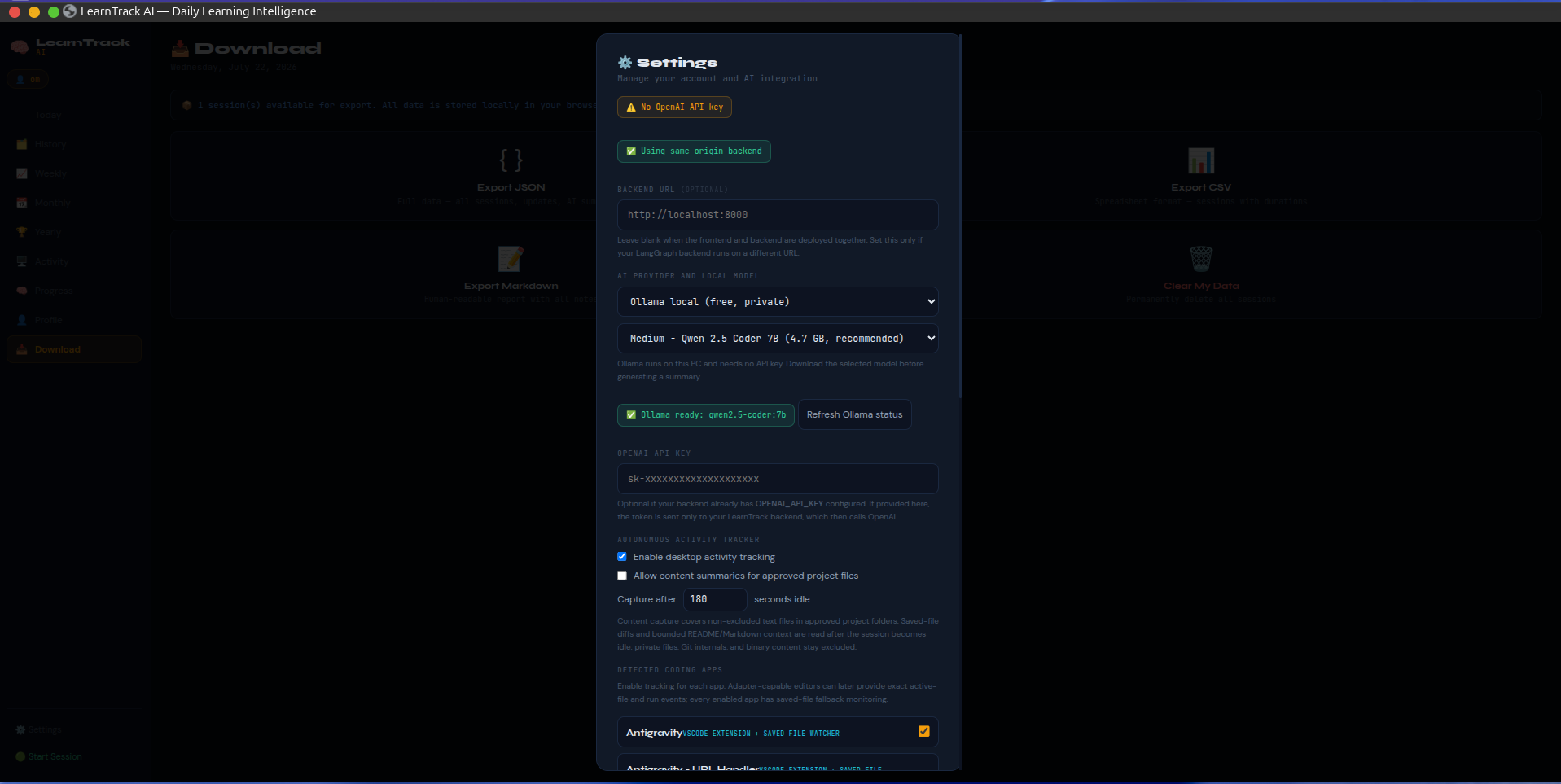
Settings Page
-
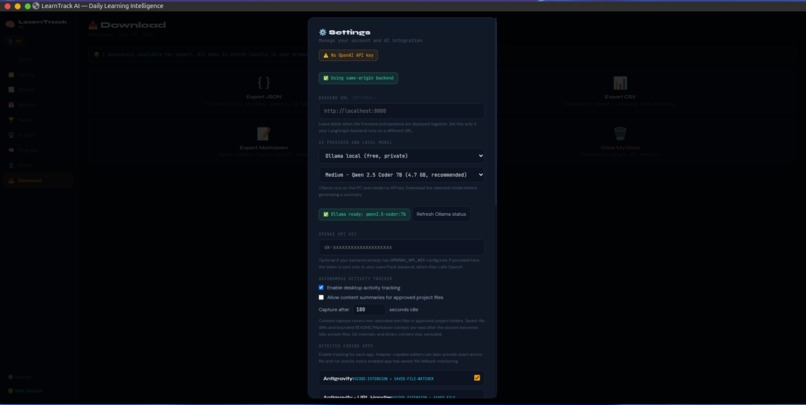
Settings PAGE
-
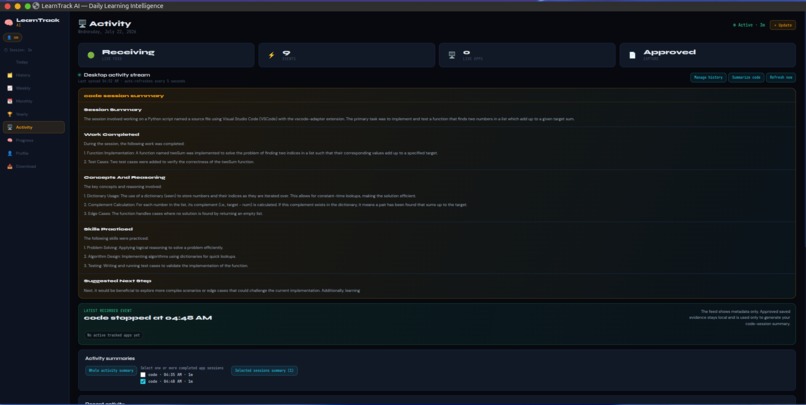
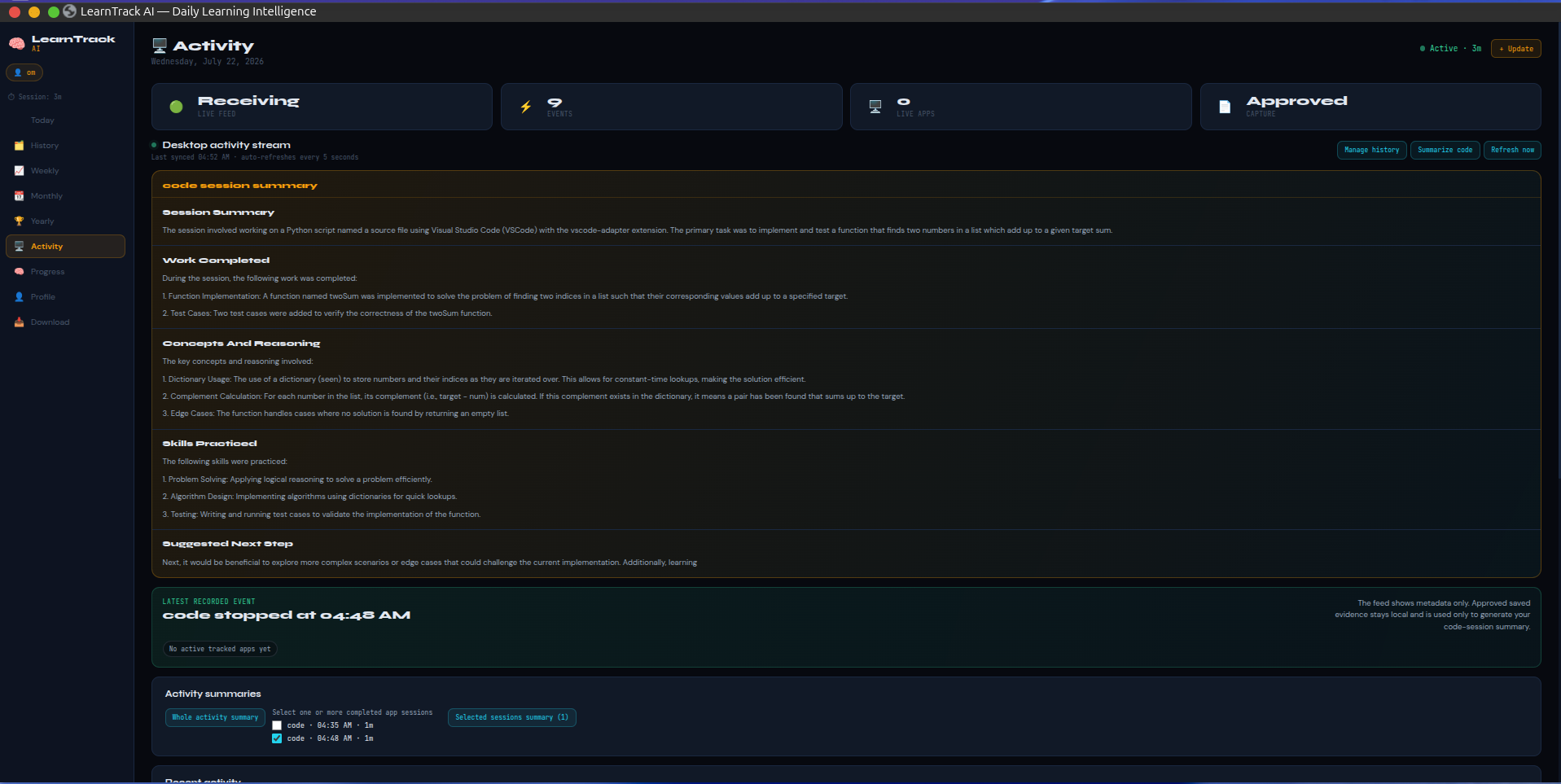
Activity Page
Inspiration
Developers often learn by building, debugging, reading documentation, and experimenting across many projects. However, keeping track of that progress manually is time-consuming and frustrating. It is easy to forget what was changed, practiced, or understood during a day.
What it does
LearnTrack AI is a local-first desktop learning companion that helps developers analyze their learning and maintain clear learning records automatically. Instead of manually updating progress notes or analyzing daily work, LearnTrack AI tracks approved coding applications and project folders with user permission. It detects saved-file changes, groups work into sessions, and generates summaries of concepts, technologies, and progress.
It provides:
- Automated app activity and coding-session tracking
- Saved-file diff capture for approved folders
- Daily and historical learning records and summaries
- Technology and stack-based progress analytics
- Local AI summaries through Ollama, with optional cloud AI support
- Local user profiles and local SQLite storage
How we built it
We built LearnTrack AI with a FastAPI backend, a local SQLite database, and a lightweight HTML, CSS, and JavaScript dashboard. A Python desktop tracker monitors approved applications and saved project files on Linux.
The tracker uses a hybrid approach:
- IDE adapters provide richer metadata where available.
- A universal fallback detects coding processes and approved saved-file changes.
- README and Markdown project context can be included so the AI understands the project before summarizing work.
Ollama is used as the default local LLM provider, keeping code evidence and learning data on the user’s device. MCP support enables compatible coding tools to share approved activity metadata.
Challenges we ran into
The most difficult part was making activity tracking useful without becoming invasive. We needed to avoid keystroke logging, unsaved editor buffers, screenshots, passwords, and secret files while still producing useful summaries.
Other challenges included:
- Different IDEs expose different levels of integration.
- Some tools launch through generic processes such as Python.
- Linux desktop environments can limit active-window detection.
- Saved-file changes may arrive after an app session ends.
- Local LLM setup must work on machines with different hardware capabilities.
Accomplishments that we're proud of
- A privacy-first design where tracking is opt-in and local by default.
- A hybrid IDE and universal file-watcher architecture.
- Automatic local profile synchronization and first-run setup behavior.
- Session summaries that use saved diffs and project documentation rather than raw continuous code capture.
- A dashboard that turns activity into progress analytics instead of a simple event log.
- A distributable installer that sets up the local runtime and dependencies.
What we learned
We learned that good developer analytics is not just collecting events. It requires converting raw signals into useful context while respecting user control and privacy.
We also learned how to combine:
- Local desktop process monitoring
- File-system event interpretation
- LLM summarization
- MCP-based integrations
- Local-first application architecture
- Consent and data-minimization design
What's next for LearnTrack AI
- Expand IDE adapters for more editors and notebook environments.
- Improve session detection for project runs, debugging, and test execution.
- Add richer technology graphs and skill progression insights.
- Support macOS and Windows trackers.
- Improve local model onboarding based on device performance.
- Add optional browser-based learning integrations in a future consent-based phase.


Log in or sign up for Devpost to join the conversation.