-
-
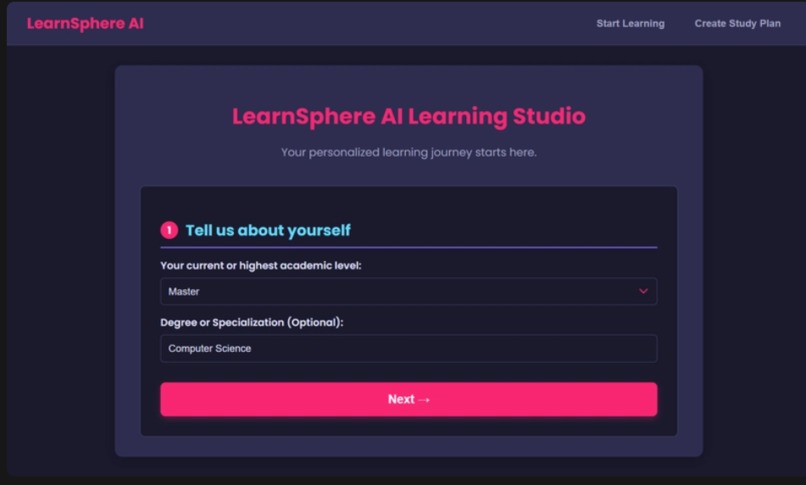
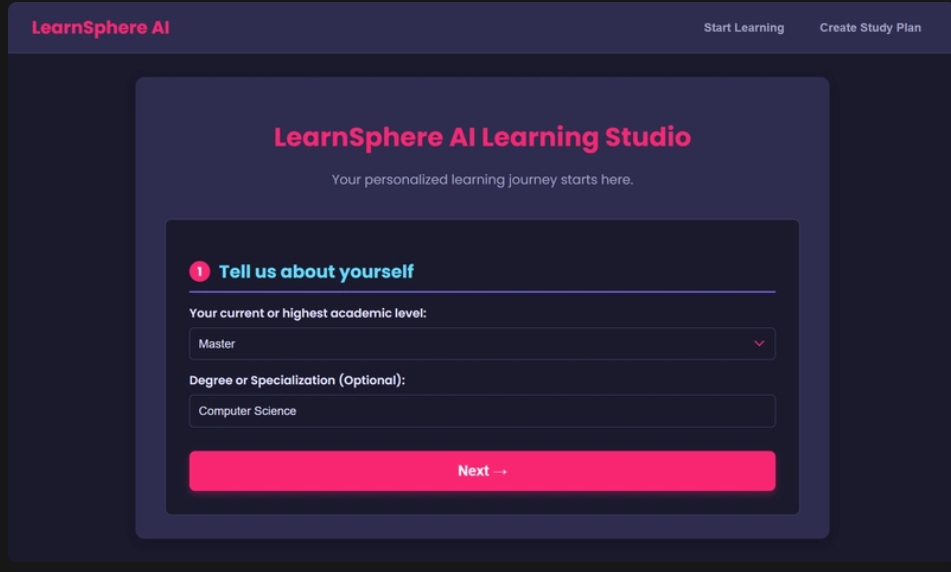
learning studio- user customization
-
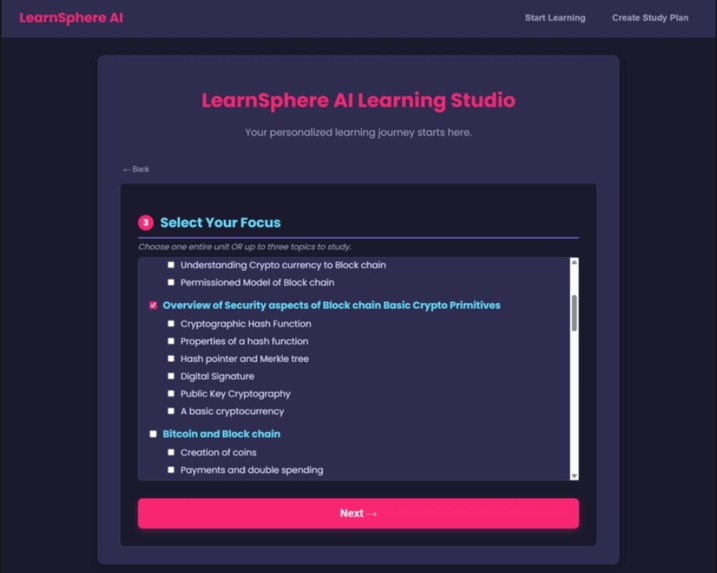
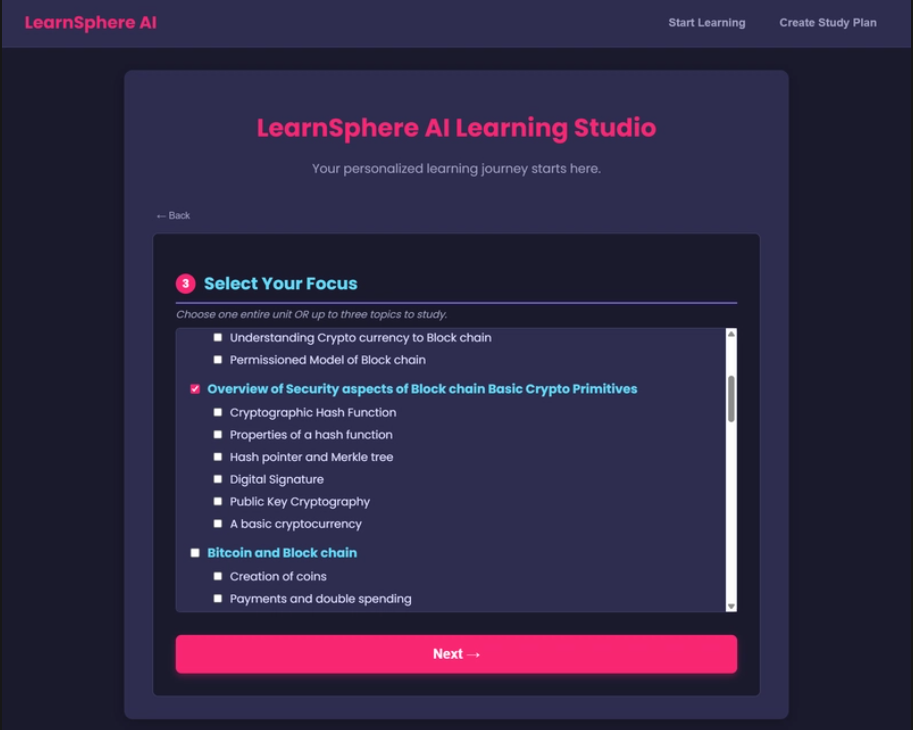
learning studio- chosing topics/unit from the syllabus
-
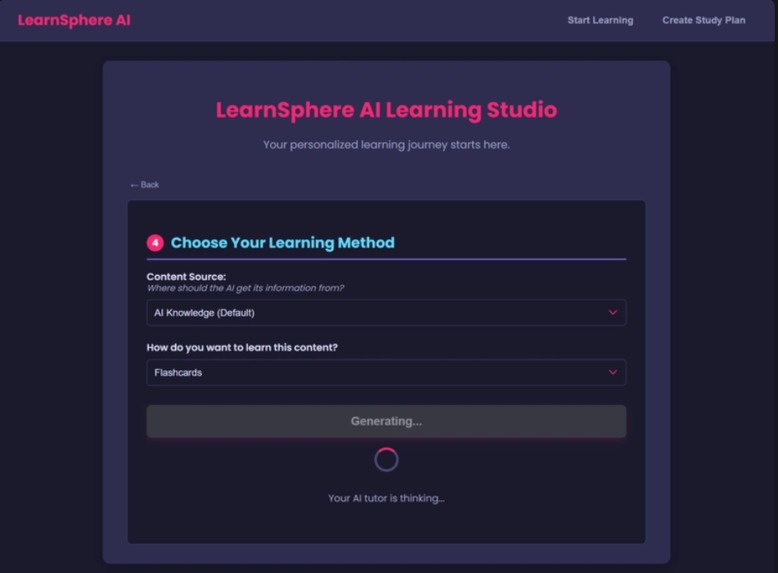
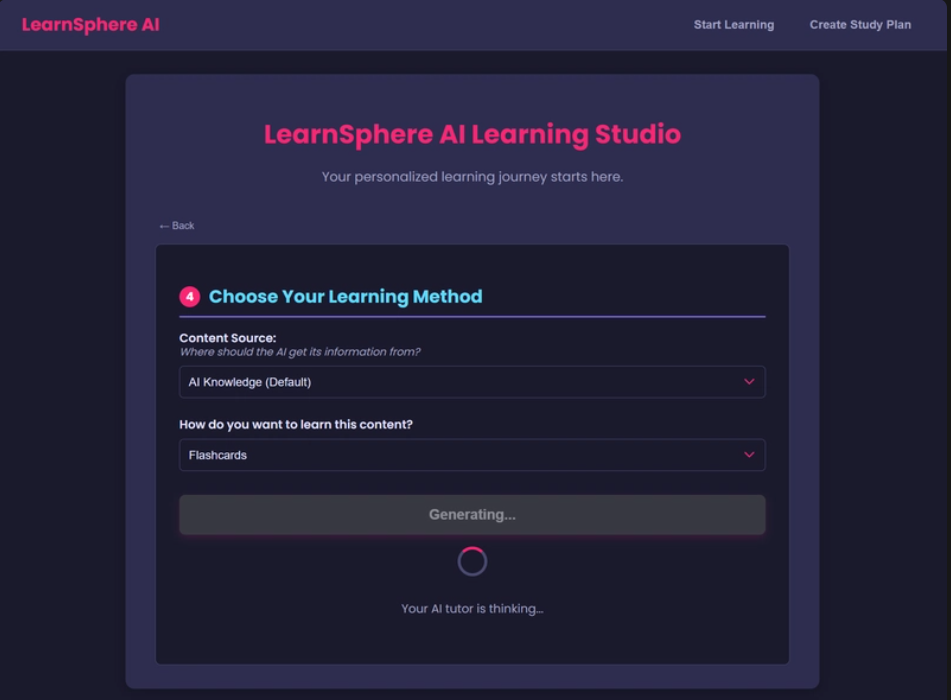
learning studio- chosing user learning resource material
-
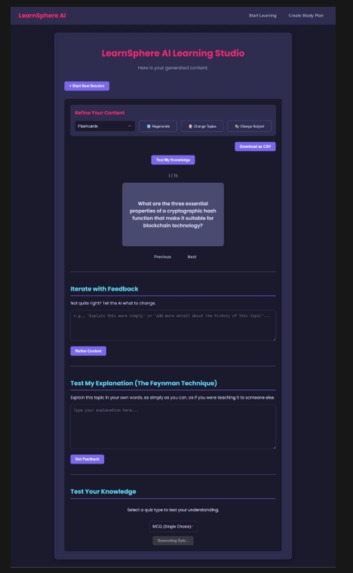
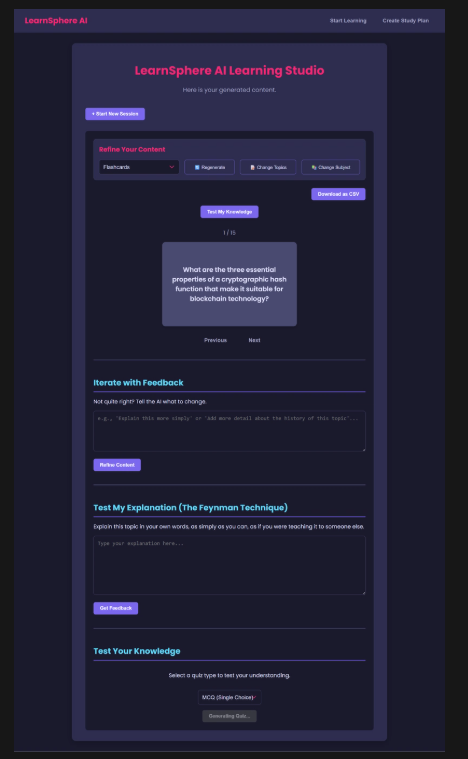
learning studio- flashcards
-
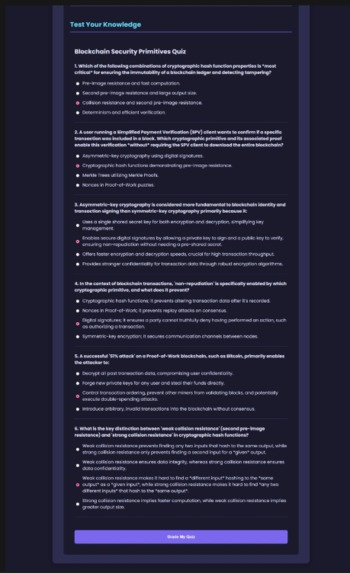
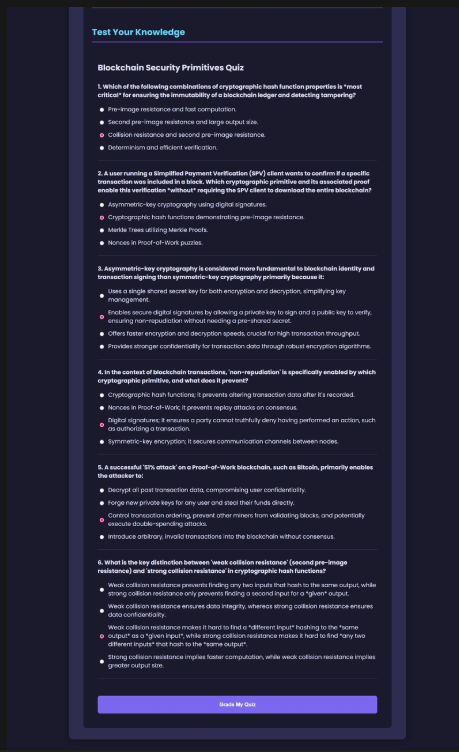
learning studio- quiz
-
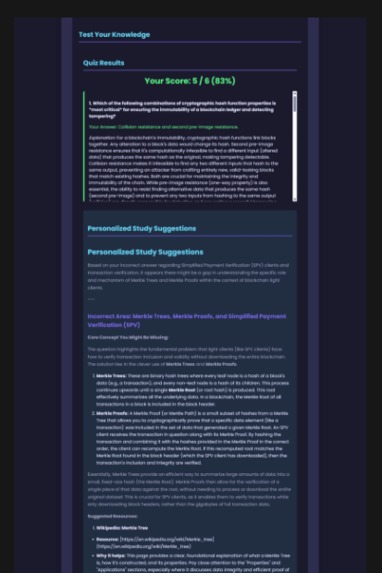
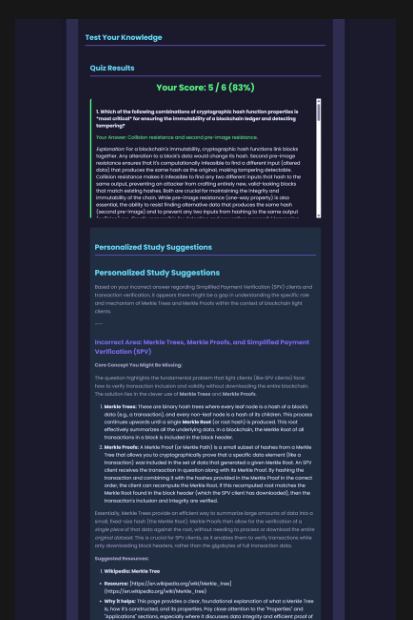
learning studio- quiz feedback + assessment & analysis
-
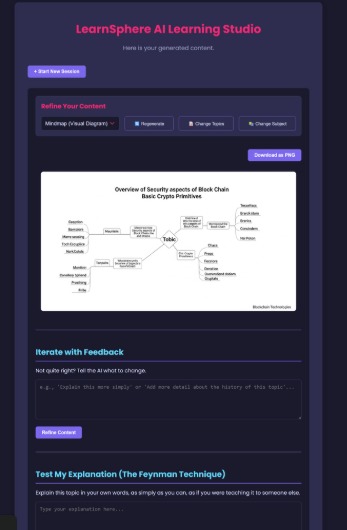
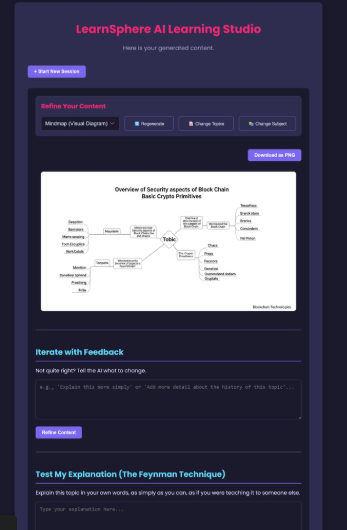
learning studio- mindmaps
-
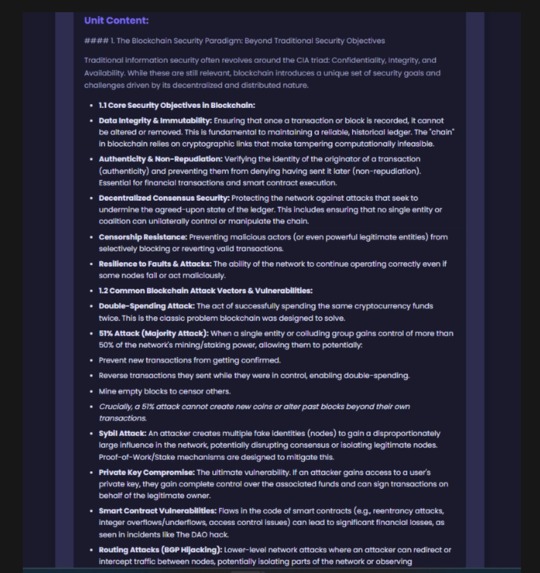
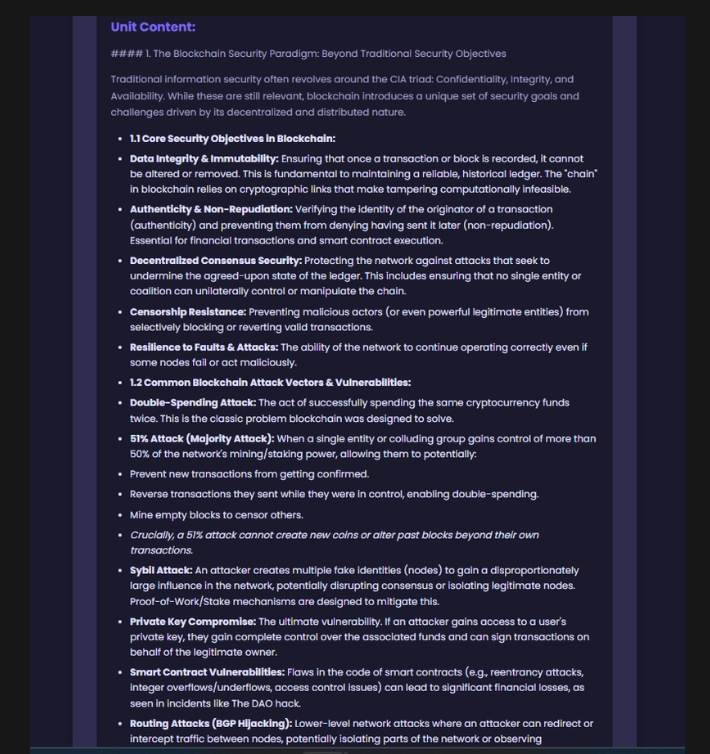
learning studio- in depth explanation
-
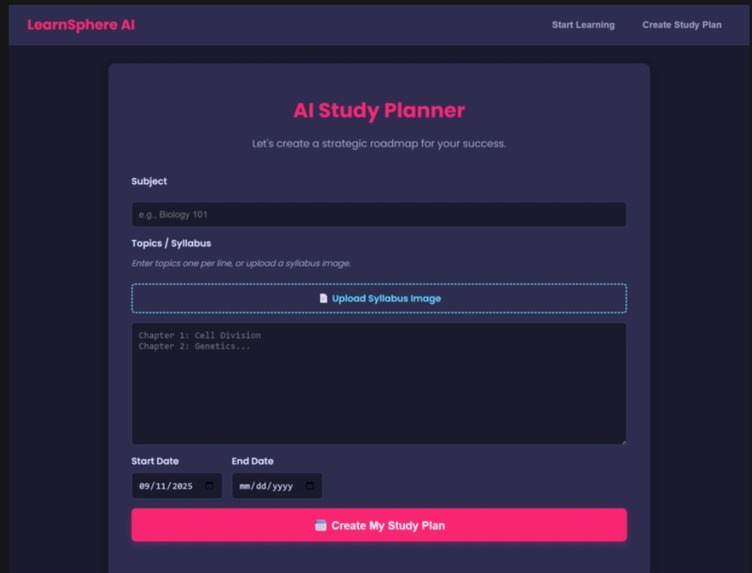
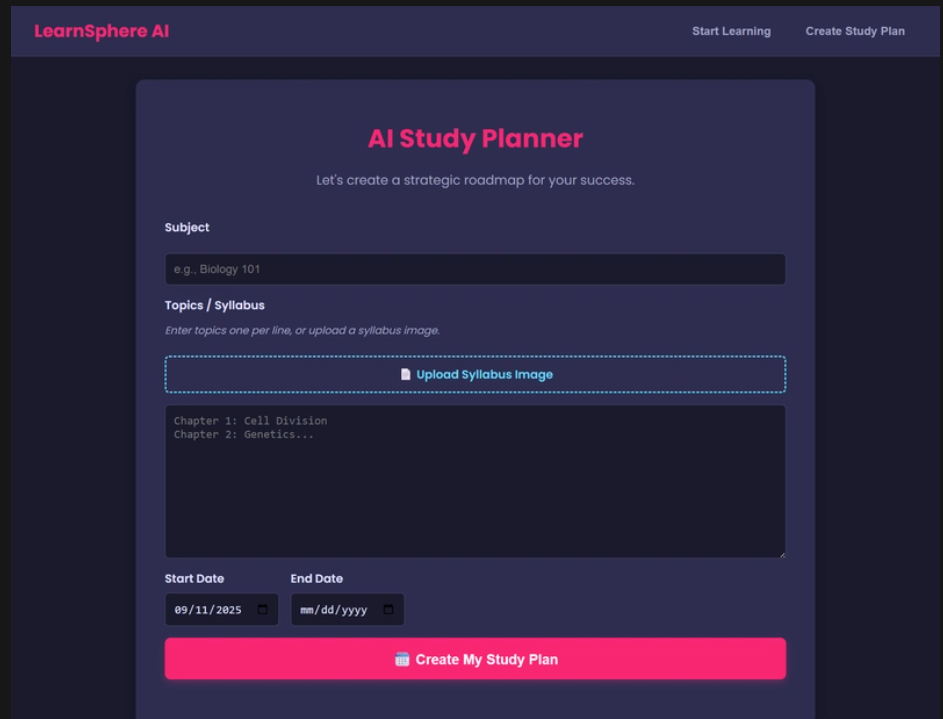
AI study planner
-
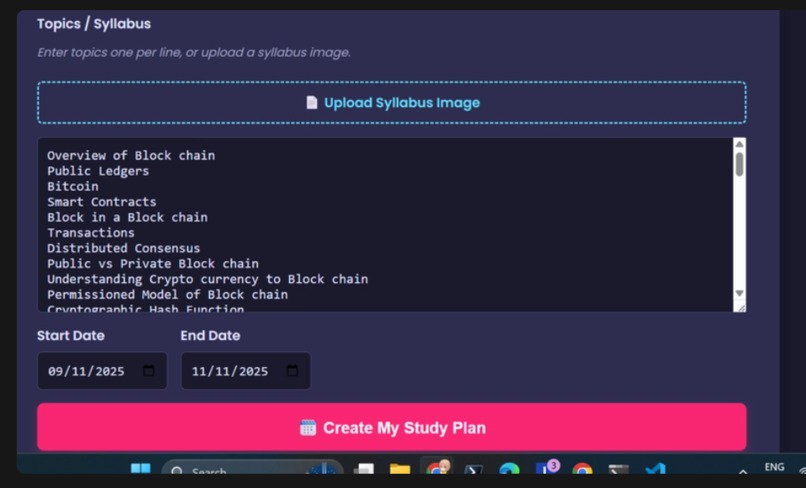
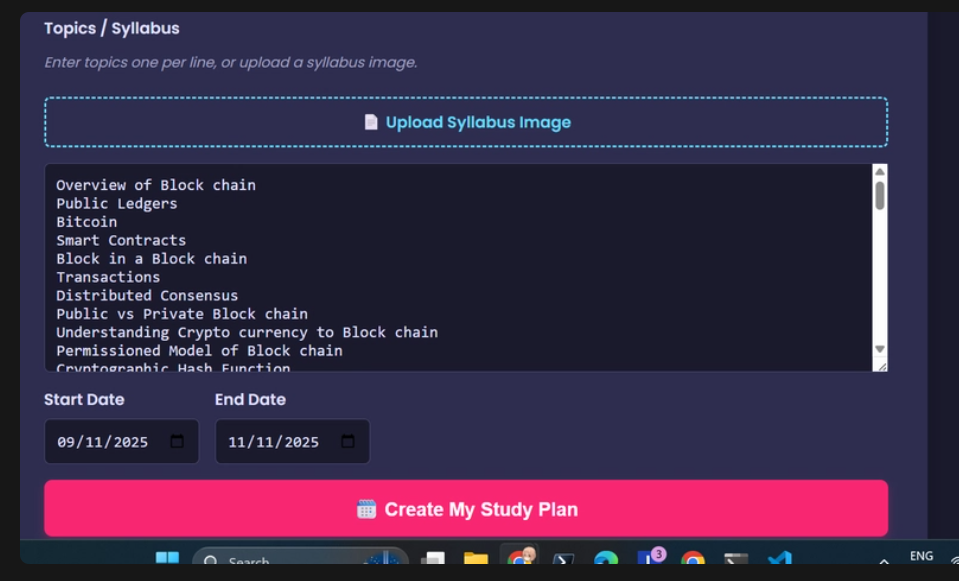
AI study planner- uploaded syllabus img
-
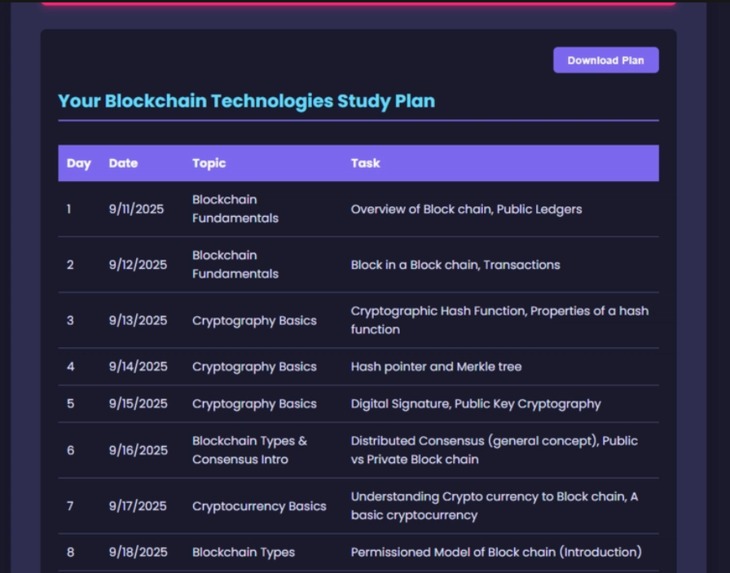
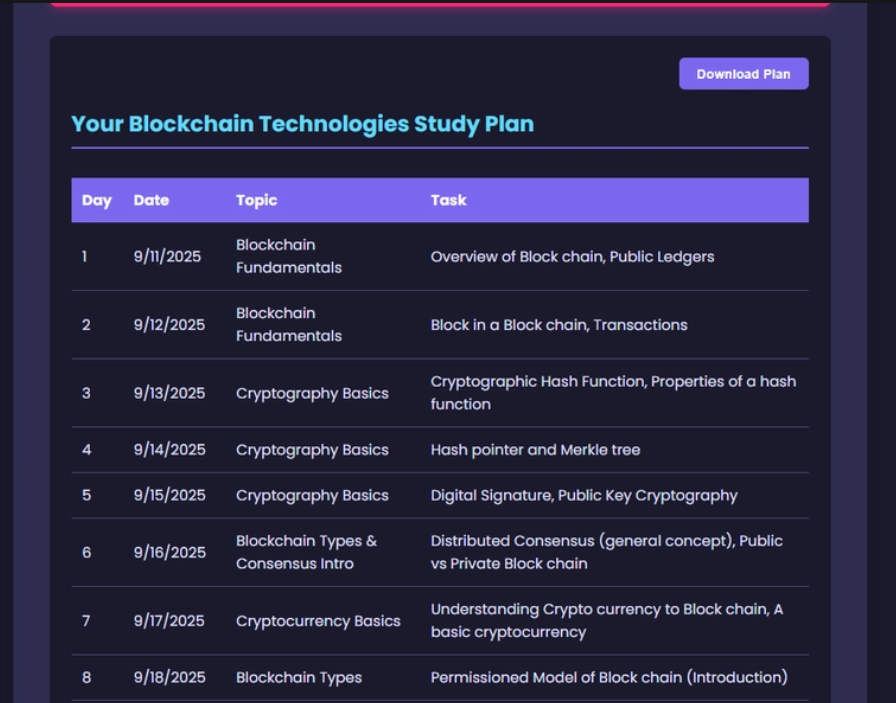
AI study planner- created the plan
-
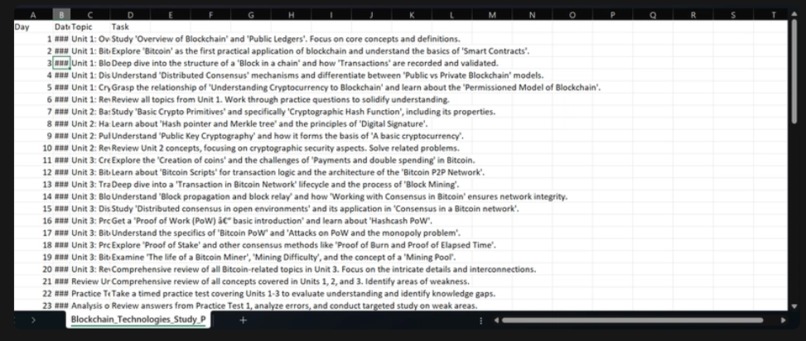
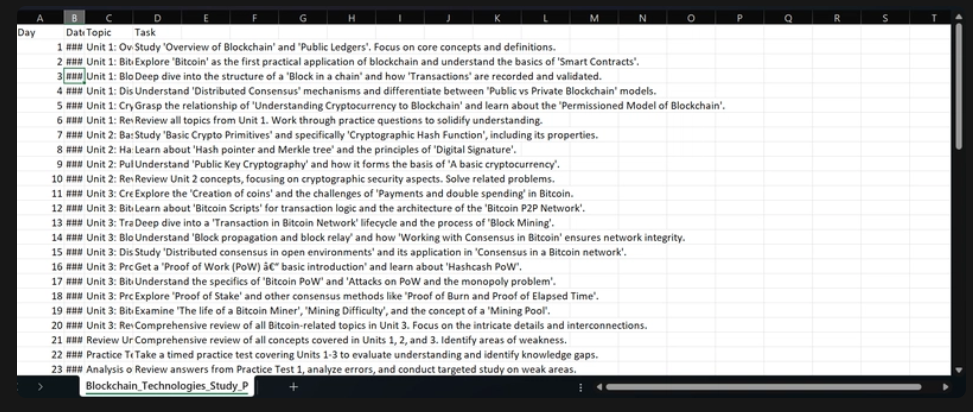
AI study planner- downloaded it, in excel sheet
Inspiration
As an MTech student with zero academic support from my college and limited time to go through multiple textbooks, I constantly find myself turning to AI for exam preparation. But here's the frustrating part - every time I switched tabs or started a new session, I'd lose the context and have to re-explain everything. I was spending too much time setting up my learning environment, and I had to, if I wanted valuable content.
That's when I felt the need of my own AI that remembers my learning journey. Not just another chatbot, but a persistent learning companion that understands my academic level, tracks my progress, and adapts to how I learn best. And I am a developer, so I built a project to help me out, which led to LearnSphere AI - the tool I deeply needed.
What it does
LearnSphere AI is a comprehensive learning platform that transforms any subject into personalized educational experiences:
🎯 Smart Learning Flow:
Profile-based content generation (academic level + specialization)
Syllabus extraction from images using AI vision
Topic-wise content generation with multiple formats
📚 Multiple Learning Modes:
Overview & In-depth Explanations - Get the big picture or dive deep.
Interactive Flashcards - Spaced repetition for better retention.
Smart Quizzes - MCQ (single/multiple) and subjective questions with SWOT analysis.
Feynman Technique - Teach-back method with AI feedback.
Study Planner - Realistic schedules based on available time & syllabus.
Mindmap - To help get an overview of all related topics/concepts of a unit/topic.
🔄 Continuous Learning:
Content refinement based on user feedback.
Personalized study suggestions from quiz performance.
PDF export for offline studying.
How I built it
Frontend: React with TS for type safety and better development experience.
Backend: Express.js with production-grade security (Helmet, CORS, compression).
AI Integration: I used Google Gemini 2.5 Flash for content generation and vision capabilities.
Deployment: I deployed this project by Google Cloud Run with Docker containerization.
Some technical decisions:-
Secure API Architecture: Moved from client-side to server-side AI calls to protect API keys.
Structured AI Responses: Used JSON schemas for consistent, parseable outputs.
File Processing:Base64 encoding for PDF/image uploads with proper MIME type handling.
Production Ready: Health checks, graceful shutdowns, and environment-based configurations.
Challenges I ran into
- Flashcard Generation & Spaced Repetition
I initially struggled with creating meaningful flashcards that weren't just Q&A pairs. Solved by implementing structured prompts that generate concept-based cards with proper difficulty progression.
- Timed Learning in Flashcards
Building an effective system for repeating flashcards, based on whether user learnt it or not. Flashcards repeat, and keep repeating after the stack of flashcards, until the user marks it as Learnt.
- Quiz Intelligence
Creating quizzes that actually test understanding (not just memory) was challenging. Implemented SWOT analysis to provide actionable feedback on learning gaps.
- Cloud Run Deployment
Securing API keys in production while maintaining functionality across different environments. Solved with environment variables and proper Docker configuration. Also, creating a DockerFile that worked correctly for the deployment took me many unsuccessful deployments to figure out correctly.
- Context Persistence
The biggest challenge - maintaining learning context across sessions; building a flow-based system that remembers user preferences, academic level, and current topics.
Accomplishments that I'm proud of
Solved My Own Problem: Built exactly what I needed, no more context switching or re-explaining my requirements. I'm pretty excited to use it for this semester.
Created a step-by-step learning flow that feels natural, not overwhelming, and that user can refine any content, multiple times, until it fits their needs.
Production Security: Implemented proper API key management and security headers for real-world deployment.
Comprehensive Learning: Integrated multiple learning methodologies (visual, auditory, and more...) in a single platform.
Performance: Optimized for quick content generation while maintaining quality.
What I learned
- The Real Cost of Context Switching:
Building LearnSphere taught me that the biggest barrier to learning isn't complexity, but friction. Every time I had to re-explain my academic level or re-upload my syllabus to a new AI session, I lost momentum. This project showed me how small UX decisions can make or break a learning experience.
- AI Isn't Magic, It's Communication:
I spent countless hours learning that AI prompt engineering is really about being a better communicator. The difference between getting generic content and truly personalized learning materials came down to how precisely I could describe what a student needs. It's not about the technology; it's about understanding our learning patterns.
- Security Becomes Personal When It's Your Project:
Moving API keys from frontend to backend wasn't just a technical decision, it was the realization that I was building something real that other students would use. Suddenly, security wasn't just best practices from tutorials; it was about protecting my users' trust.
- The Loneliness of Self-Directed Learning:
The most unexpected insight? Realizing how isolated self-directed learning can feel. Every feature I built - from progress tracking to the Feynman technique feedback - was really about creating the academic support system I haven't had this time.
What's next for LearnSphere AI
Collaborative Learning: Share study materials and quiz results with classmates/others.
Progress Analytics: Visual dashboards showing learning patterns and improvement areas.
Mobile App: Native mobile experience for on-the-go learning.
Multi-modal Learning: Voice interactions and video content generation, for even better content creation & for better retention & understanding.
Adaptive Algorithms: ML-powered difficulty adjustment based on learner's performance.
💡 My Vision for LearnSphere:
Transforming LearnSphere from a personal learning tool into a comprehensive educational ecosystem that adapts to every student's unique learning journey, because education should work for the student, not the other way around.
Built With
- css3
- docker
- express.js
- google-cloud-run
- google-gemini-ai
- html2canvas
- html5
- javascript
- jspdf
- node.js
- react
- typescript


Log in or sign up for Devpost to join the conversation.