-
-
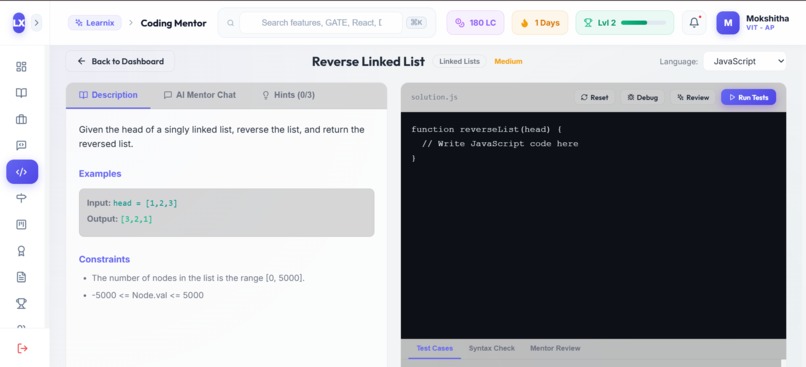
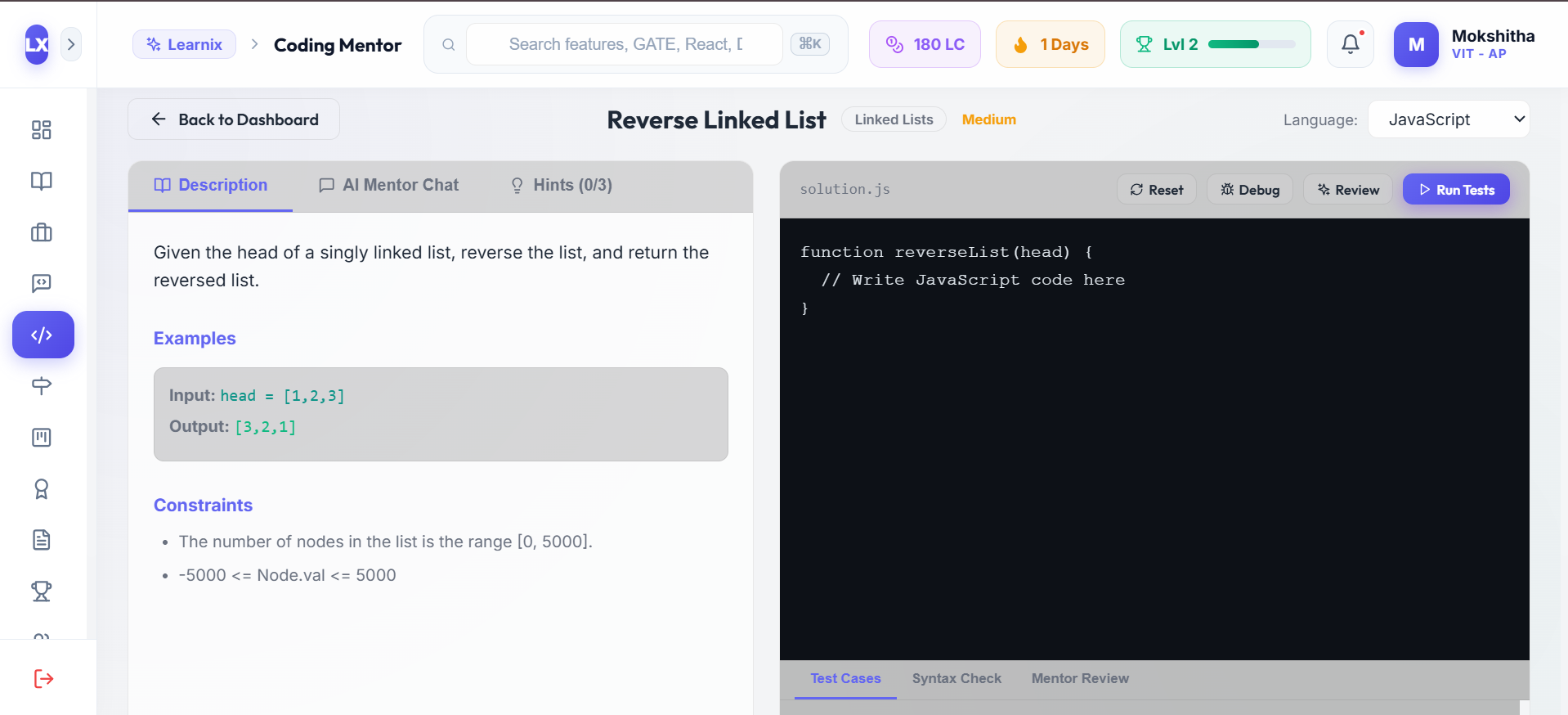
Coding Mentor
-
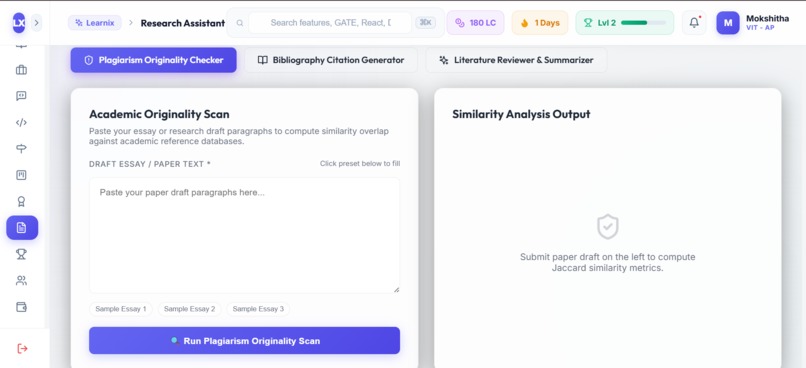
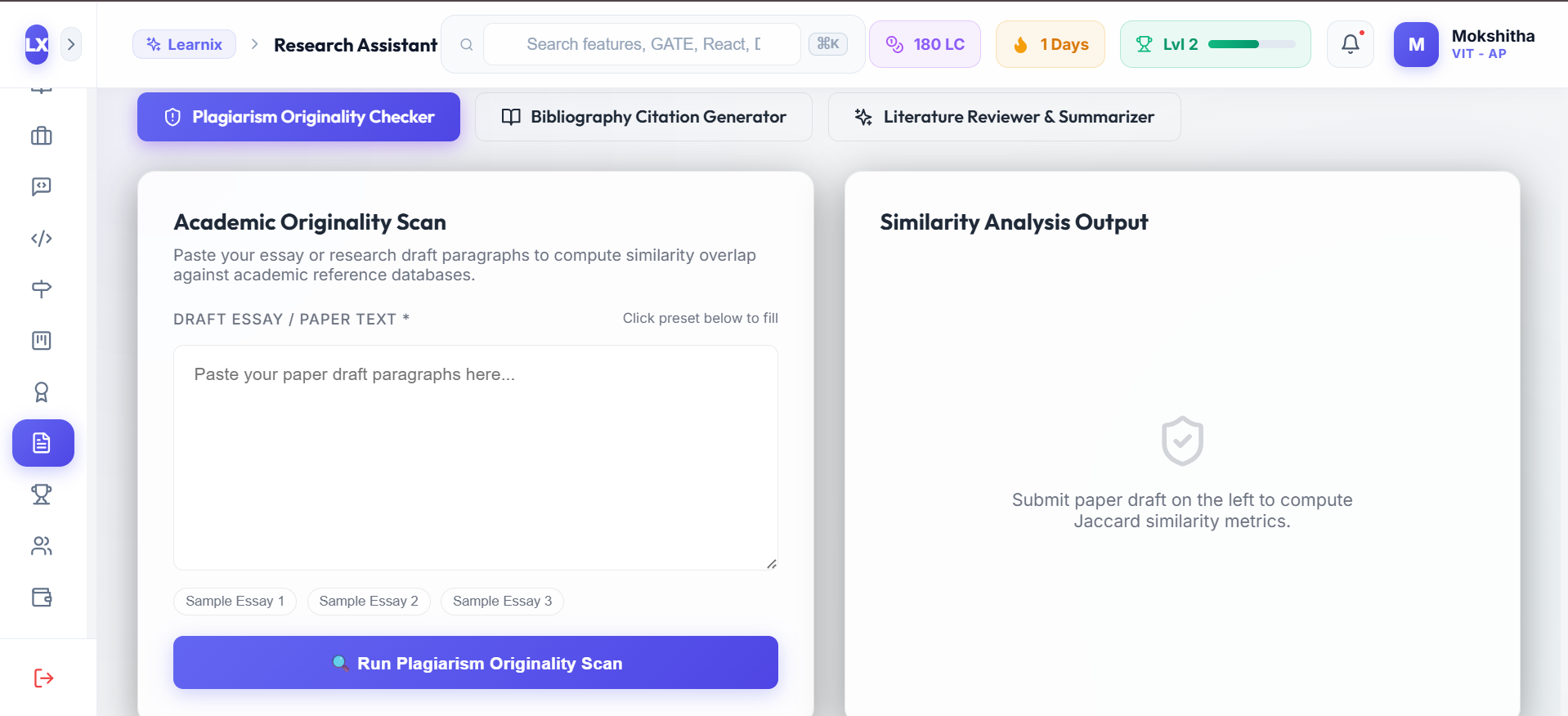
Research Assistant
-
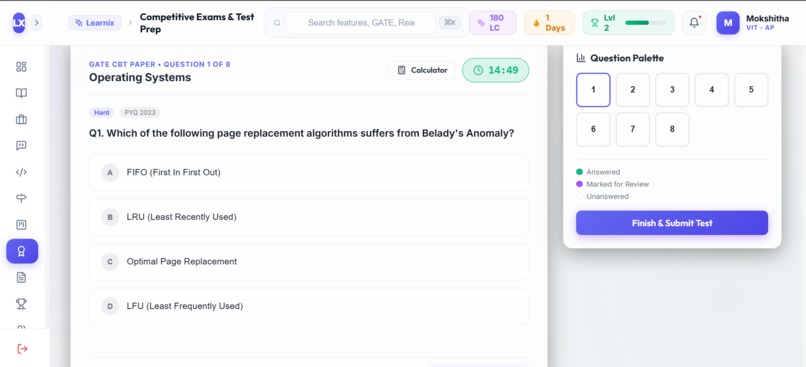
Competitive Exam Prep
-
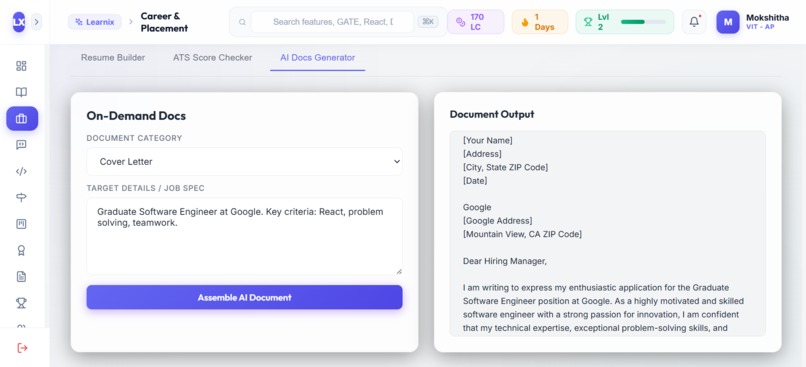
Career & Placement
-
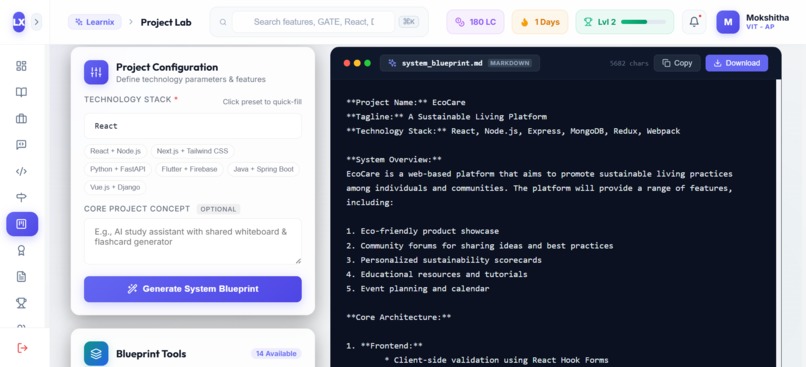
Project Lab
-
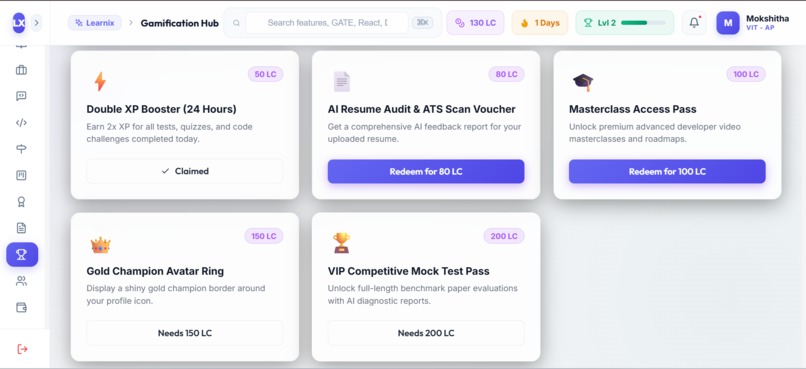
Gamification Hub
-
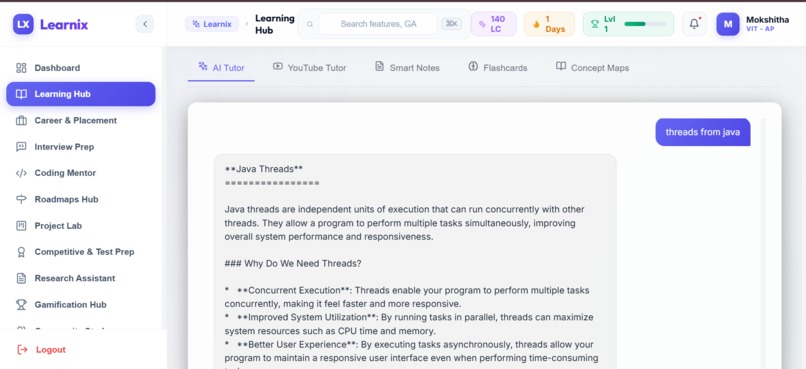
Learning Hub
-
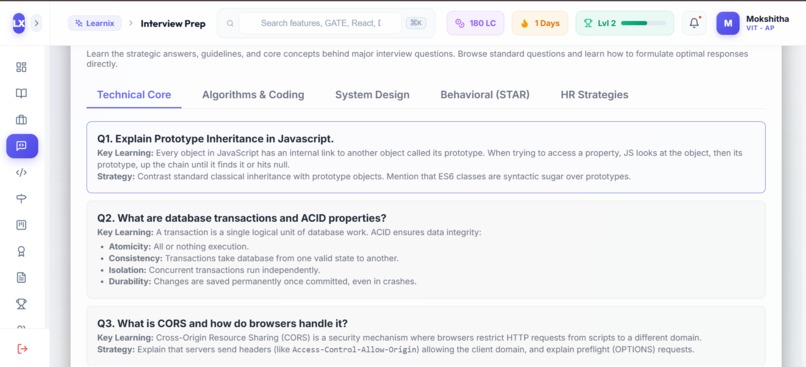
Interview Prep
-
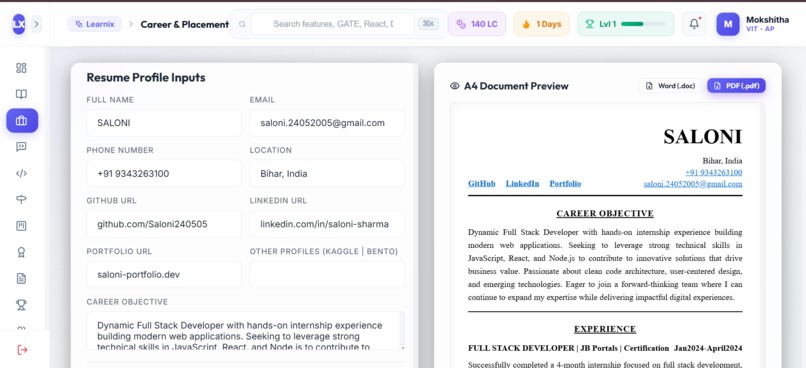
Resume Builder
-
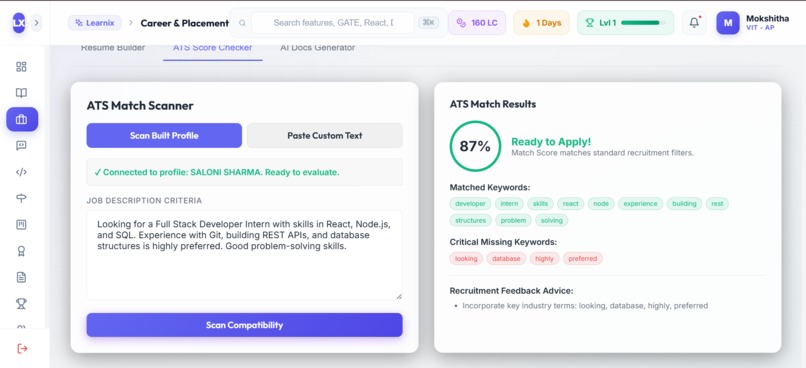
ATS Scanner
-
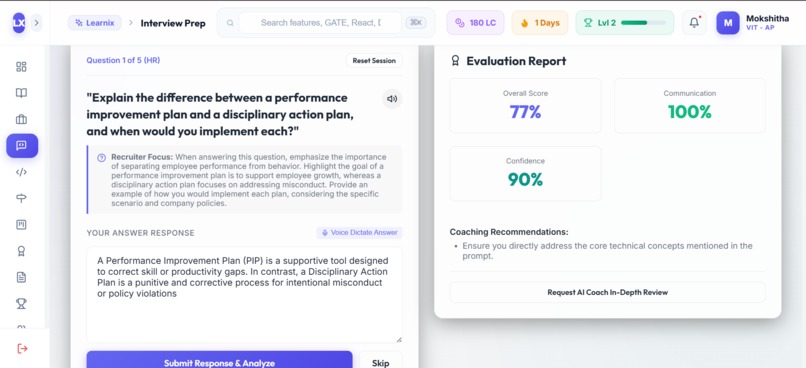
Mock Interview
-
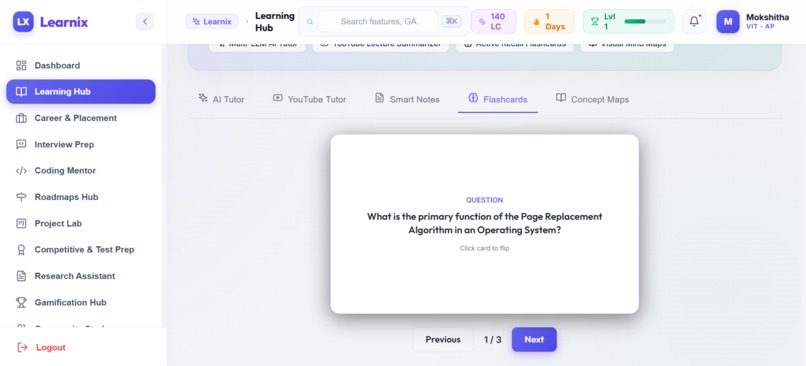
Flash Cards
-
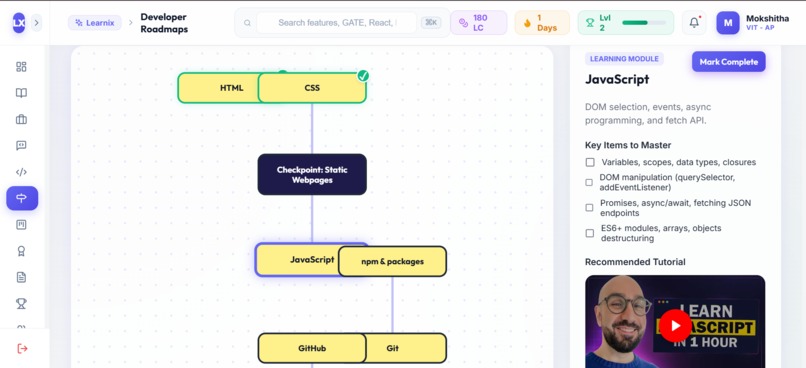
Roadmap
-
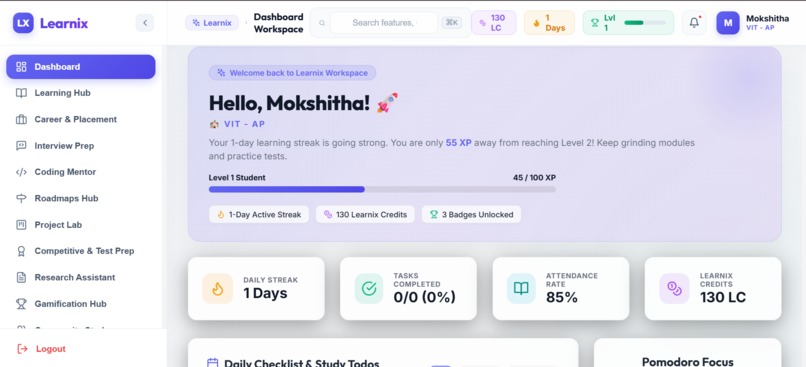
Dashboard
Inspiration
As computer science students preparing for exams, placements, and coding interviews, we were constantly switching between 5+ separate tools: LeetCode for DSA practice, ChatGPT for conceptual doubts, Notion for notes, ATS tools for resume checking, and Excel or Splitwise for managing stipends.
This constant context switching was frustrating and scattered our progress across different sites. We wanted to build a single workspace designed specifically for computer science students—one place where you can practice coding, prepare for interviews, take structured notes, and track your academic progress without juggling multiple tabs.
That’s why we built Learnix.
What it does
Learnix brings 12 essential student tools together into a unified web workspace:
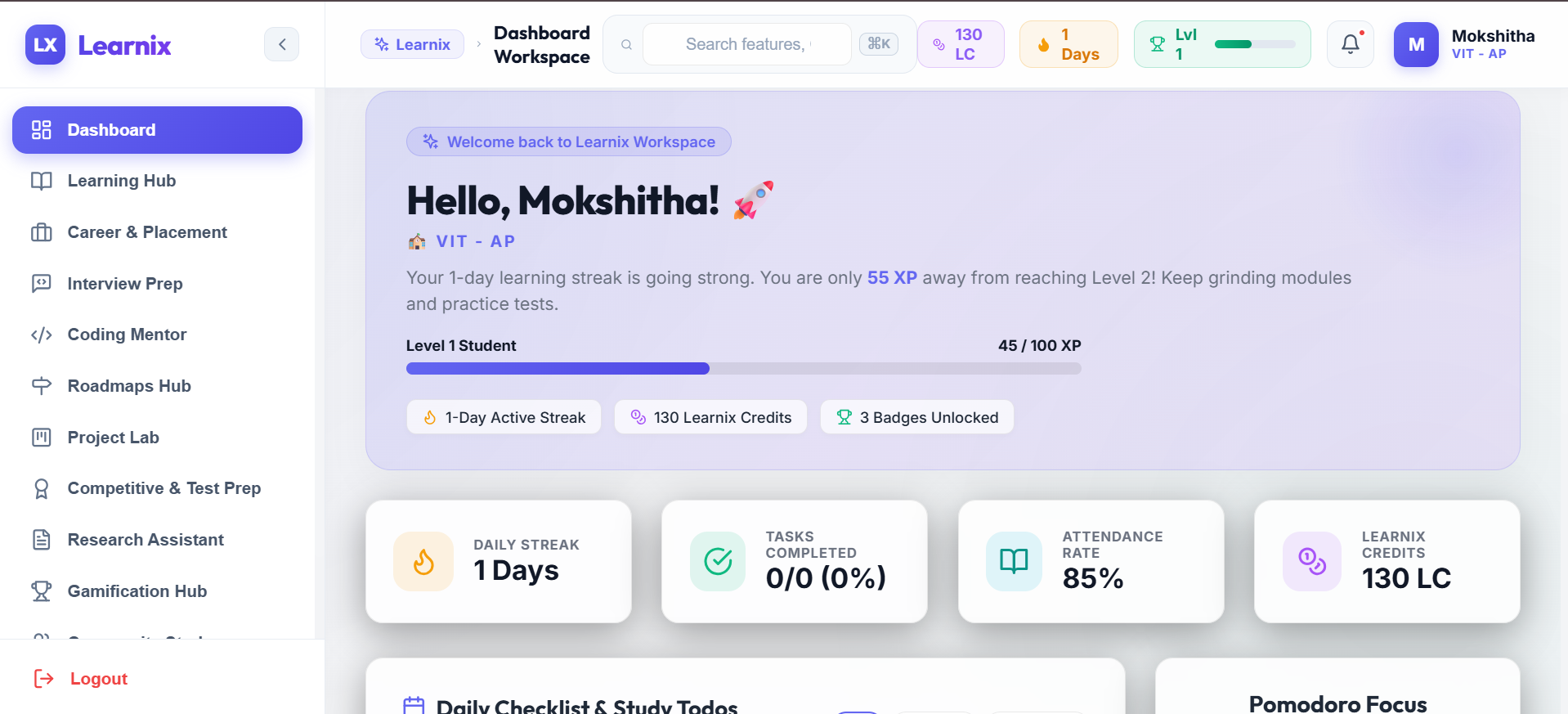
- Dashboard & Attendance: Tracks daily study checklists, Pomodoro sessions, subject-wise attendance (with alerts for <75%), and user XP/streaks.
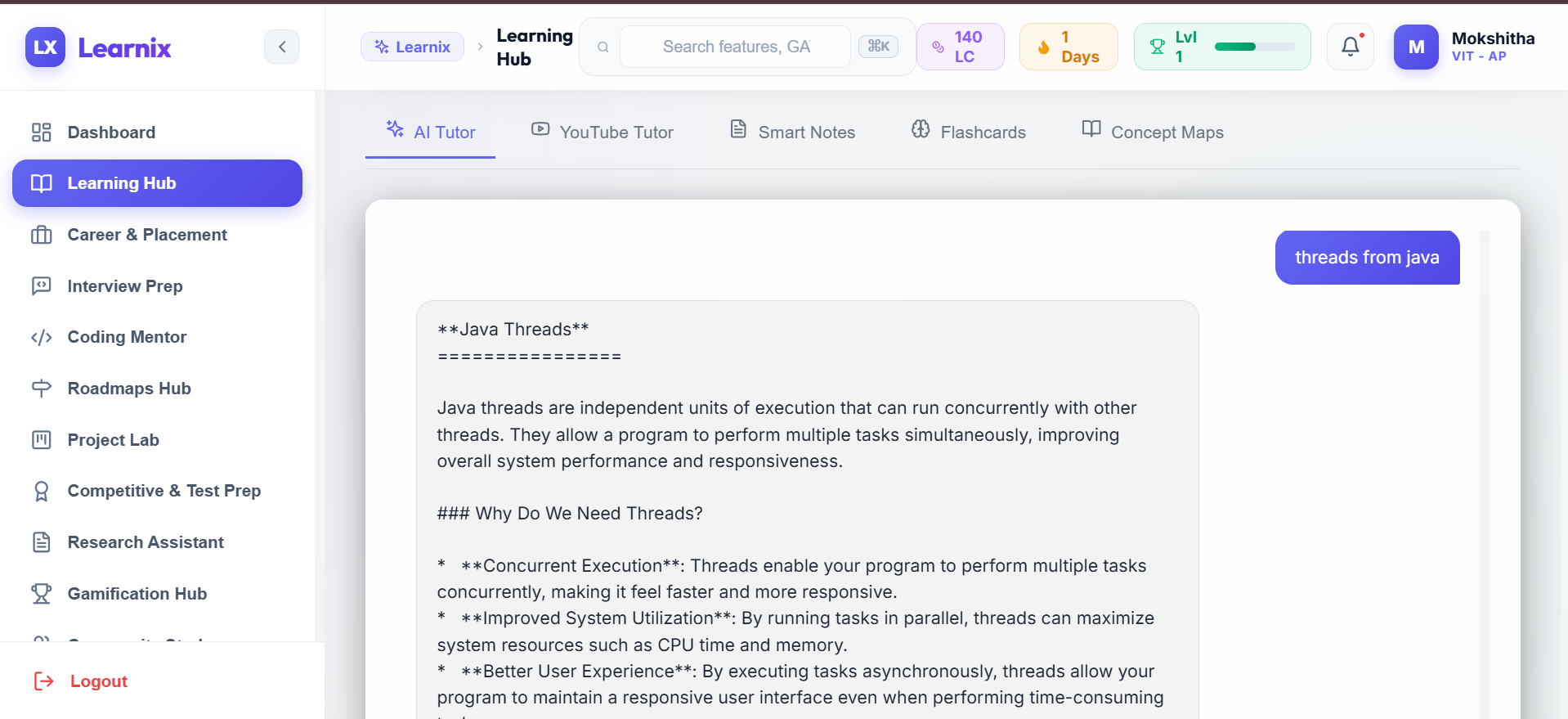
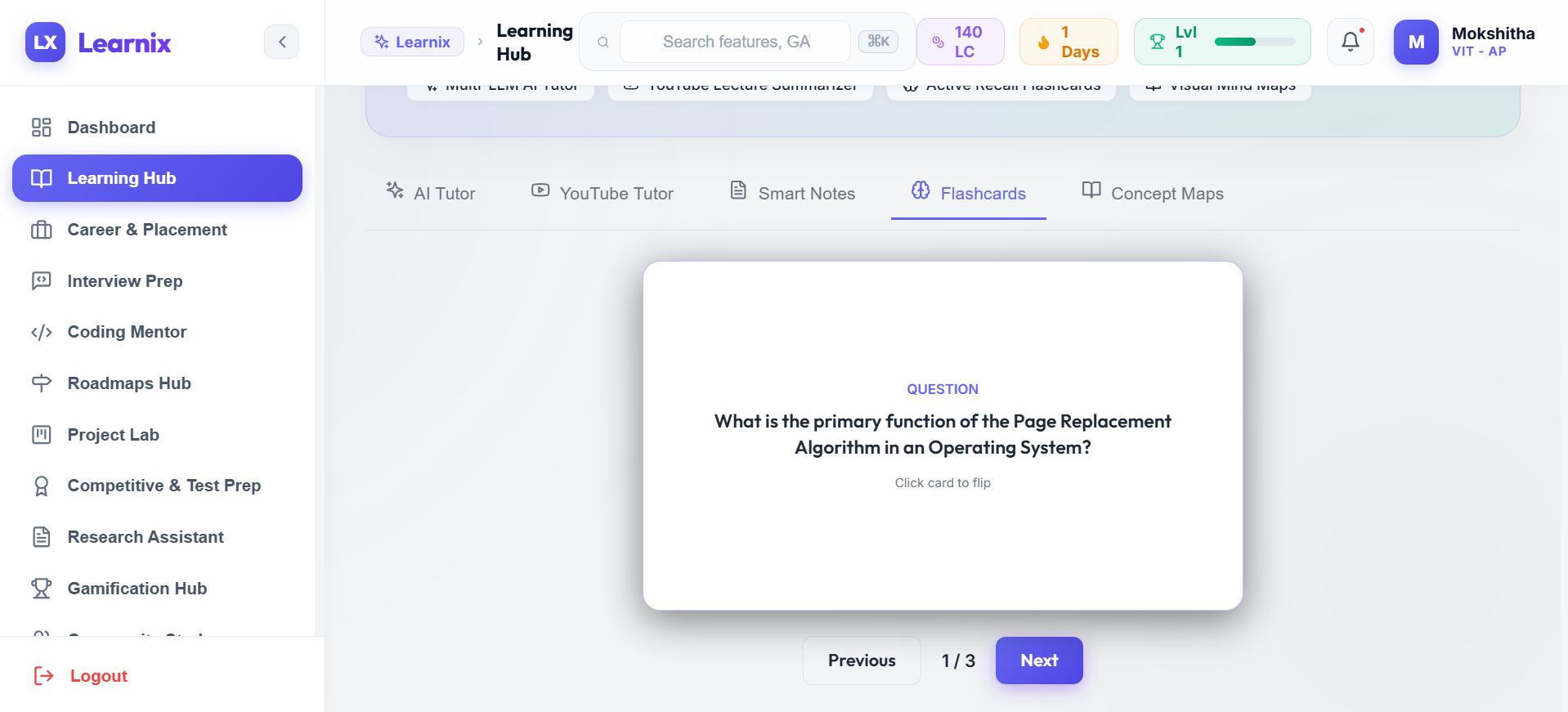
- Learning Hub & Active Recall: Offers an AI tutor for conceptual questions, a YouTube lecture transcript summarizer, 3D flip flashcards, and HTML5 mind map visualizations.
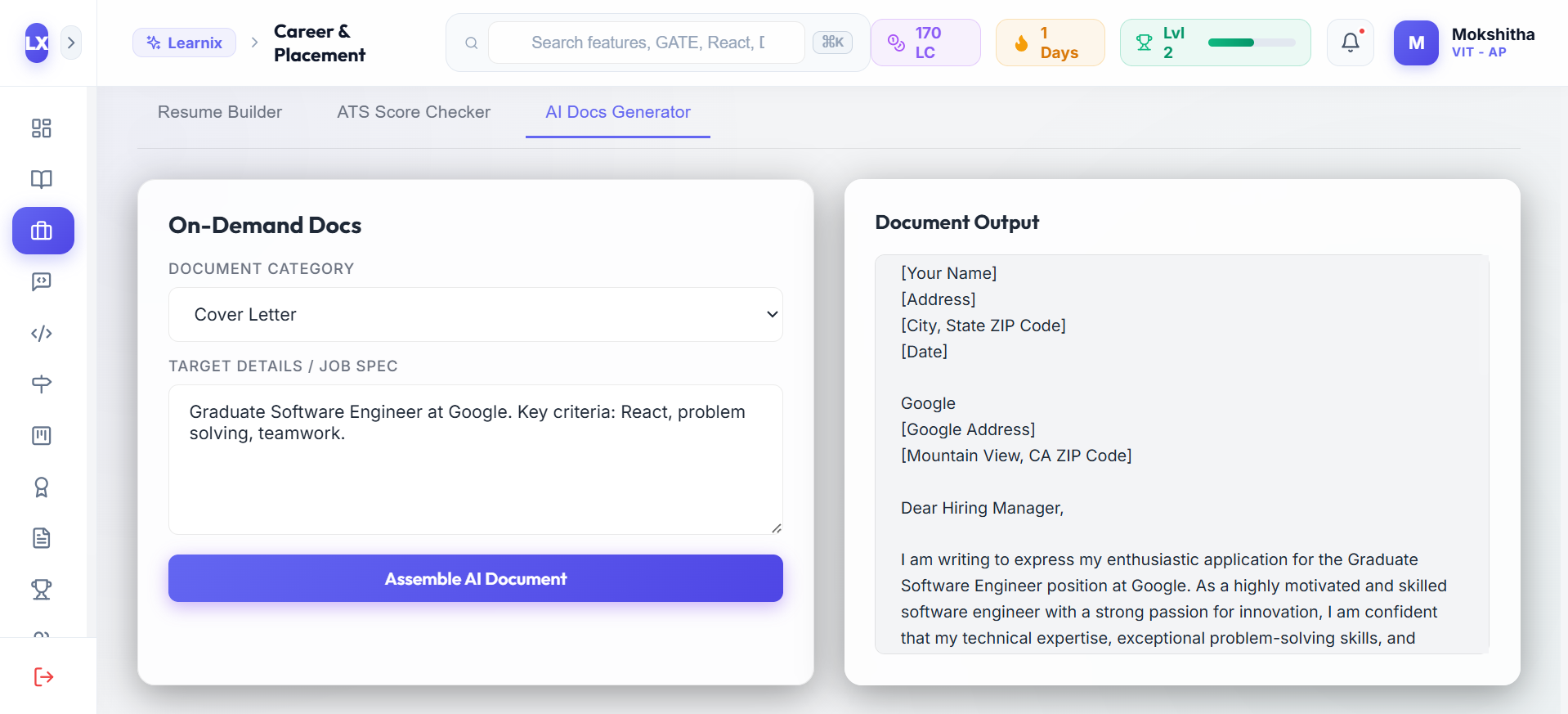
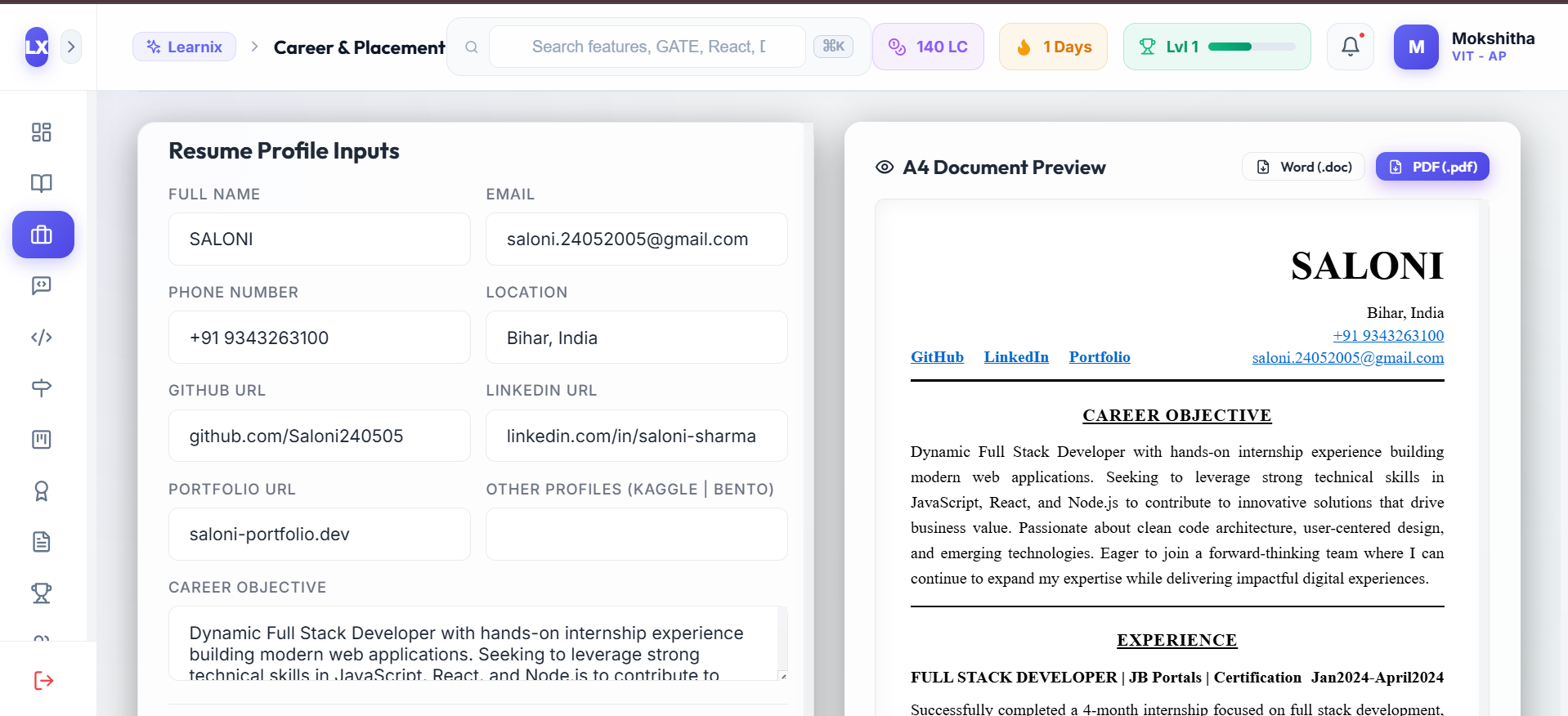
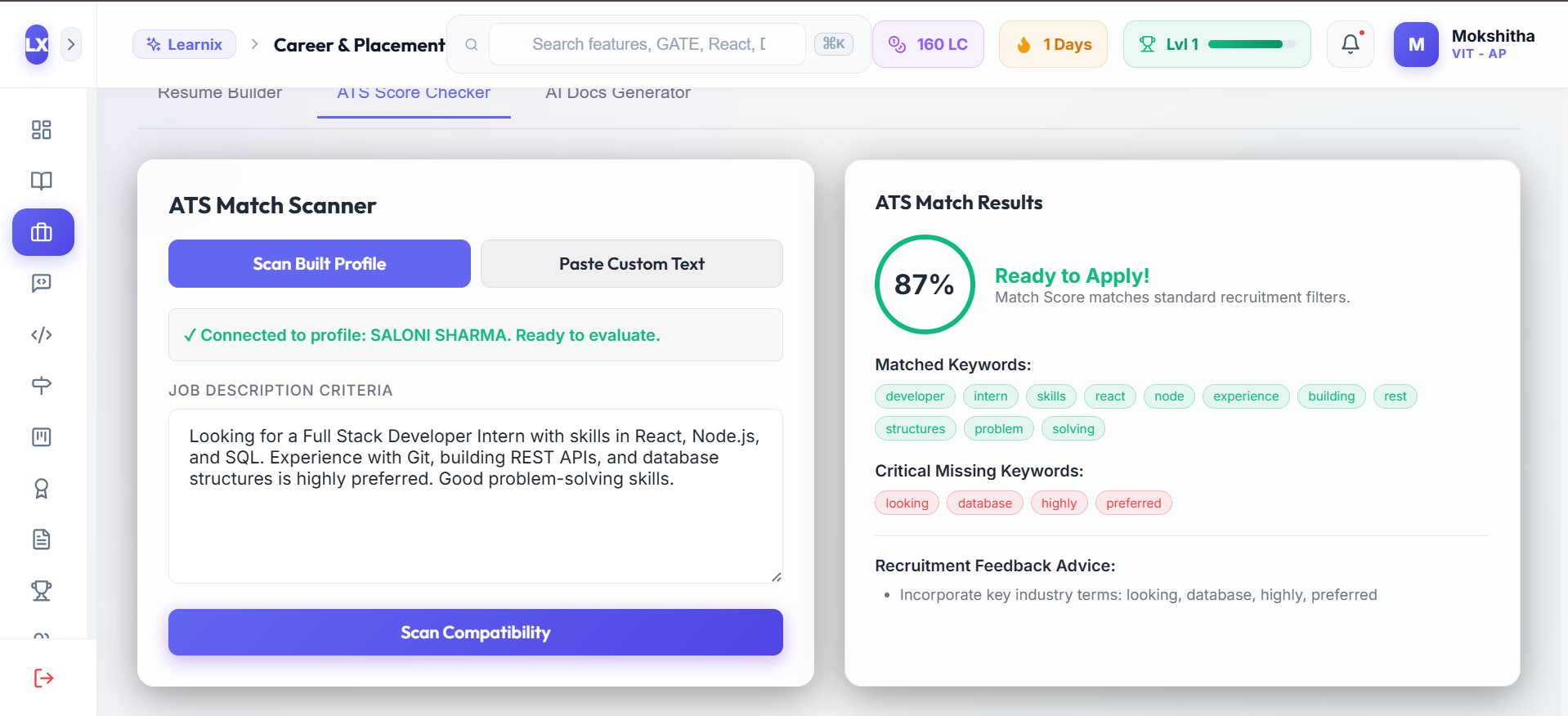
- Career & Placement Hub: A structured resume builder that exports clean PDFs, paired with an ATS diagnostic tool that checks resumes against job descriptions for keyword matching.
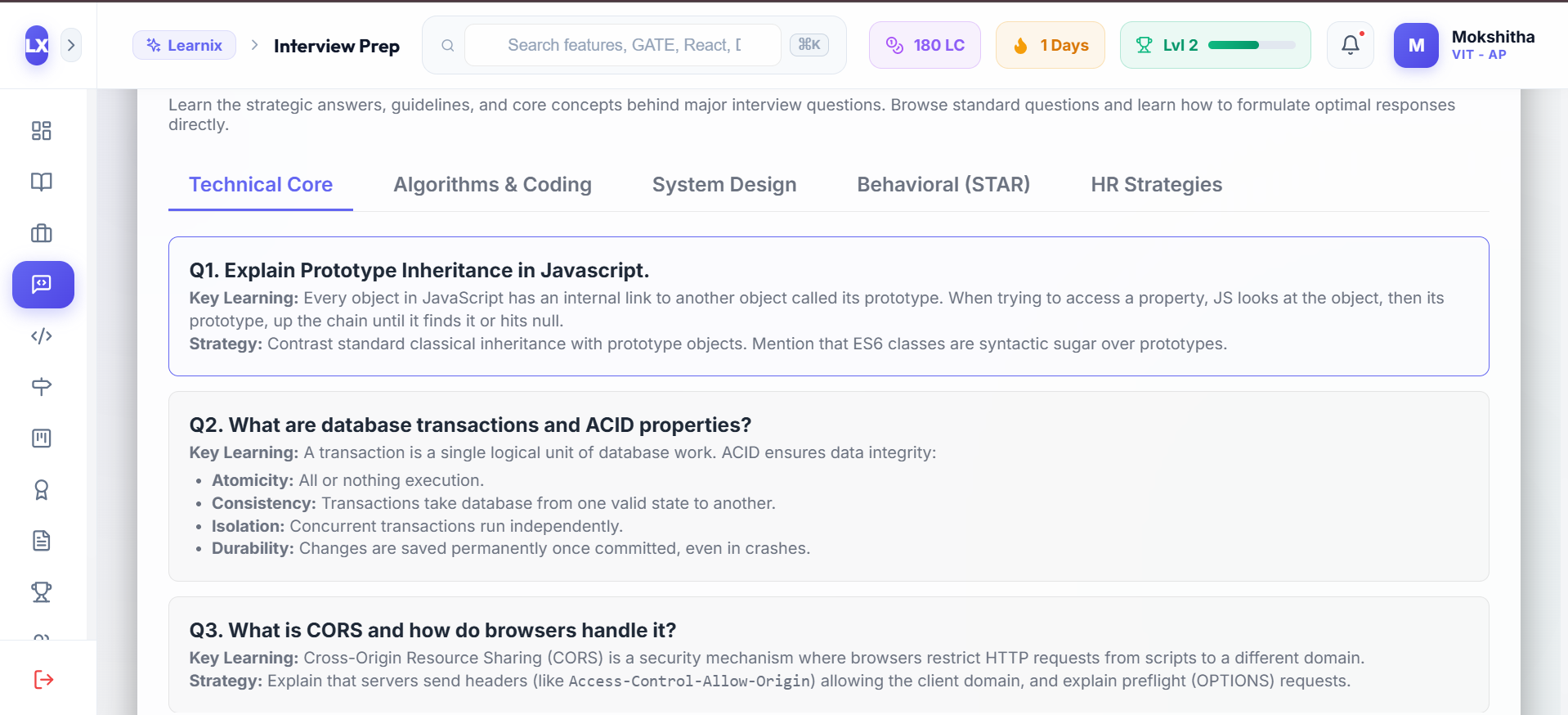
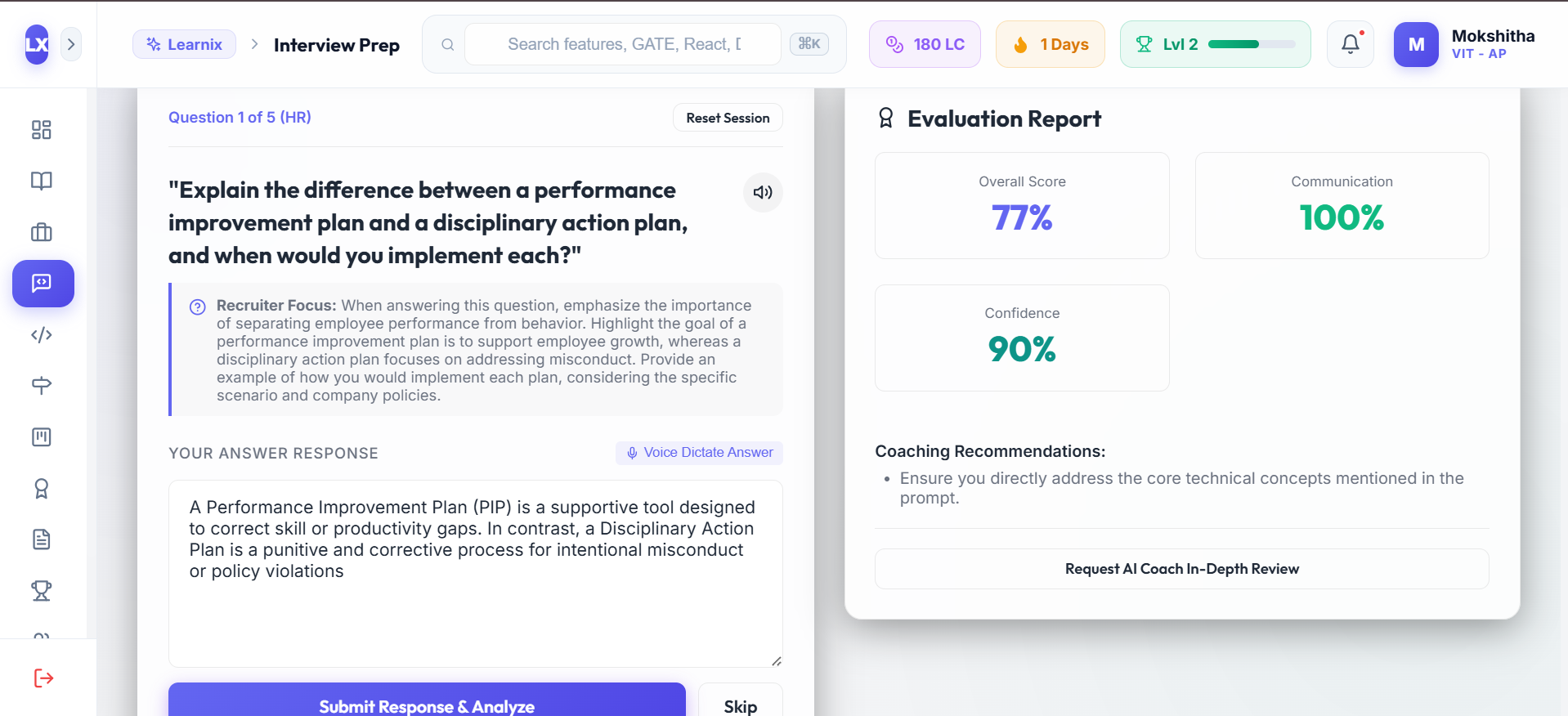
- Mock Interview Prep: Practice technical, HR, and behavioral interview questions with voice input (Web Speech API), camera preview, and automated scoring feedback.
- Coding Mentor & DSA Playground: A categorized DSA problem set with an in-browser code editor (JS, Python, C++, Java), Big-O time/space complexity analysis, and progressive hints.
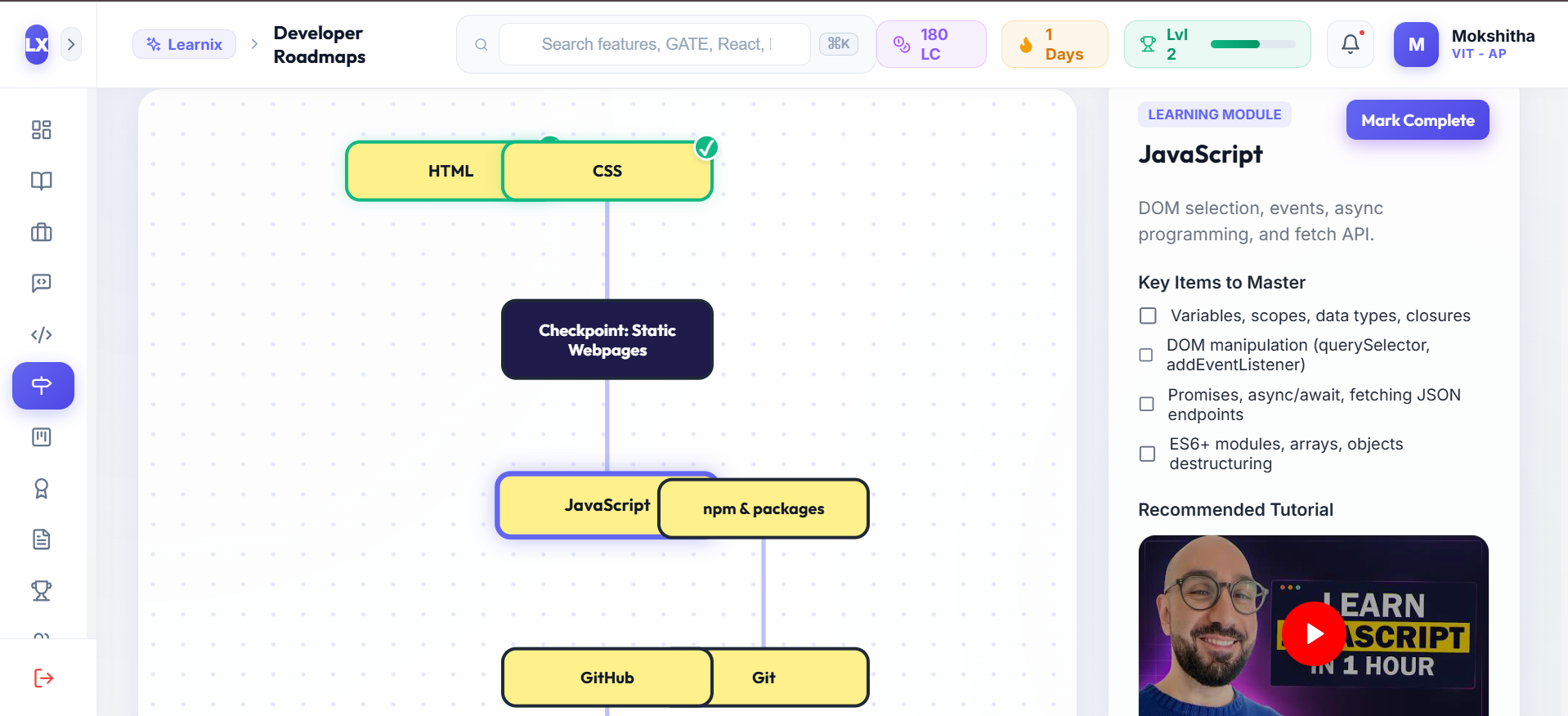
- Developer Roadmaps: Pre-built and custom AI-generated career pathways rendered on an interactive SVG node canvas with saved progress.
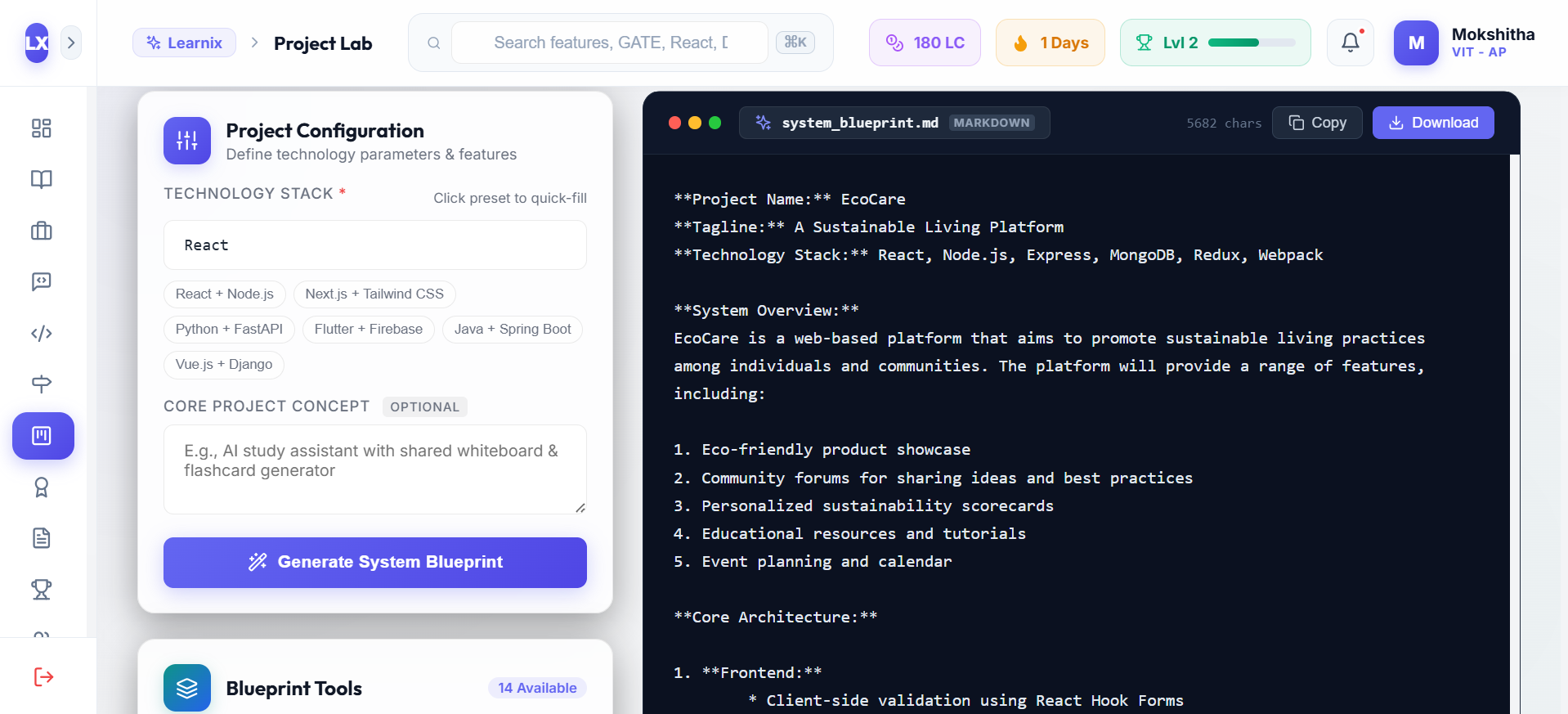
- Project Lab: Generates full-stack project ideas along with suggested database schemas, API endpoint structures, and implementation steps.
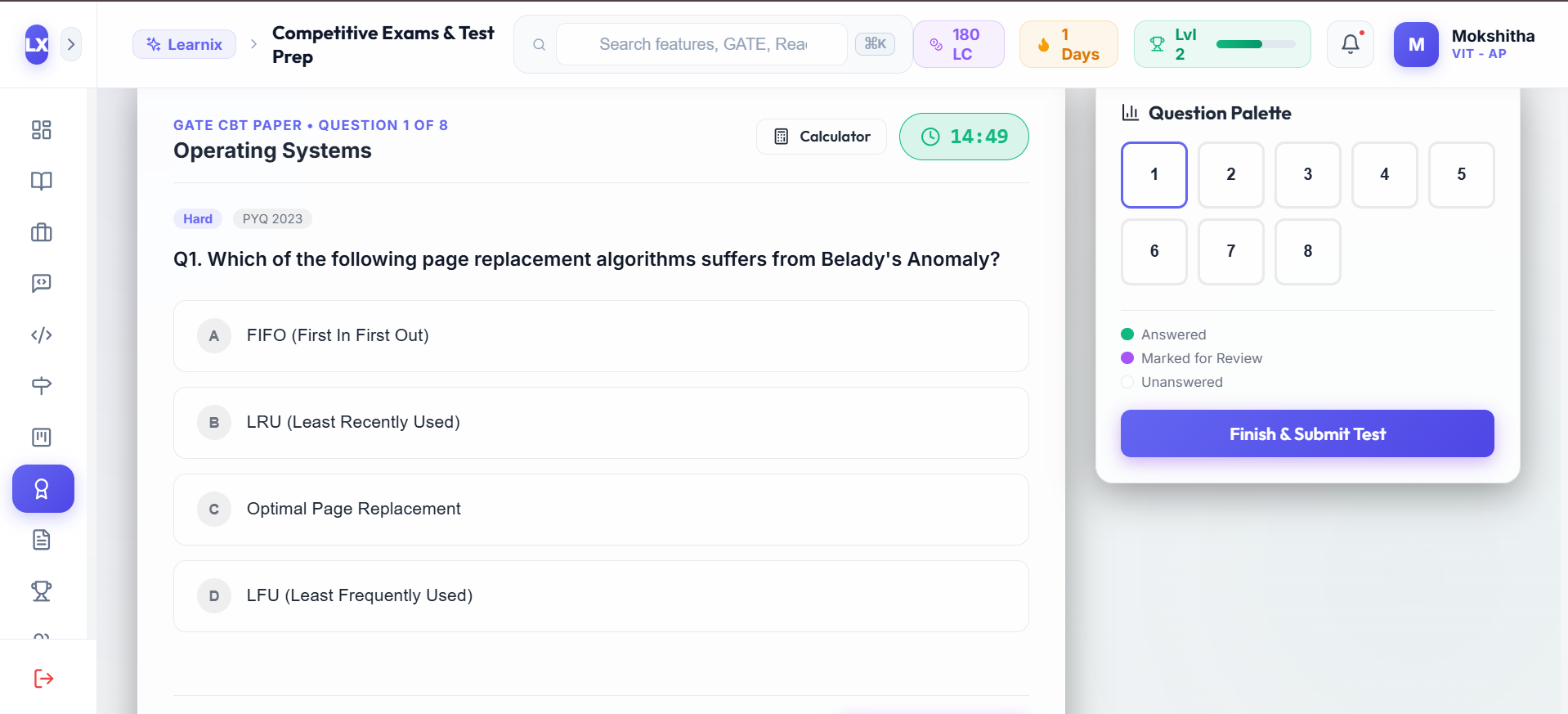
- Competitive & Test Prep: Timed quizzes, flashcard drills, and score history tracking.
- Research Assistant: Summarizes academic papers, extracts key takeaways, and formats BibTeX citations.
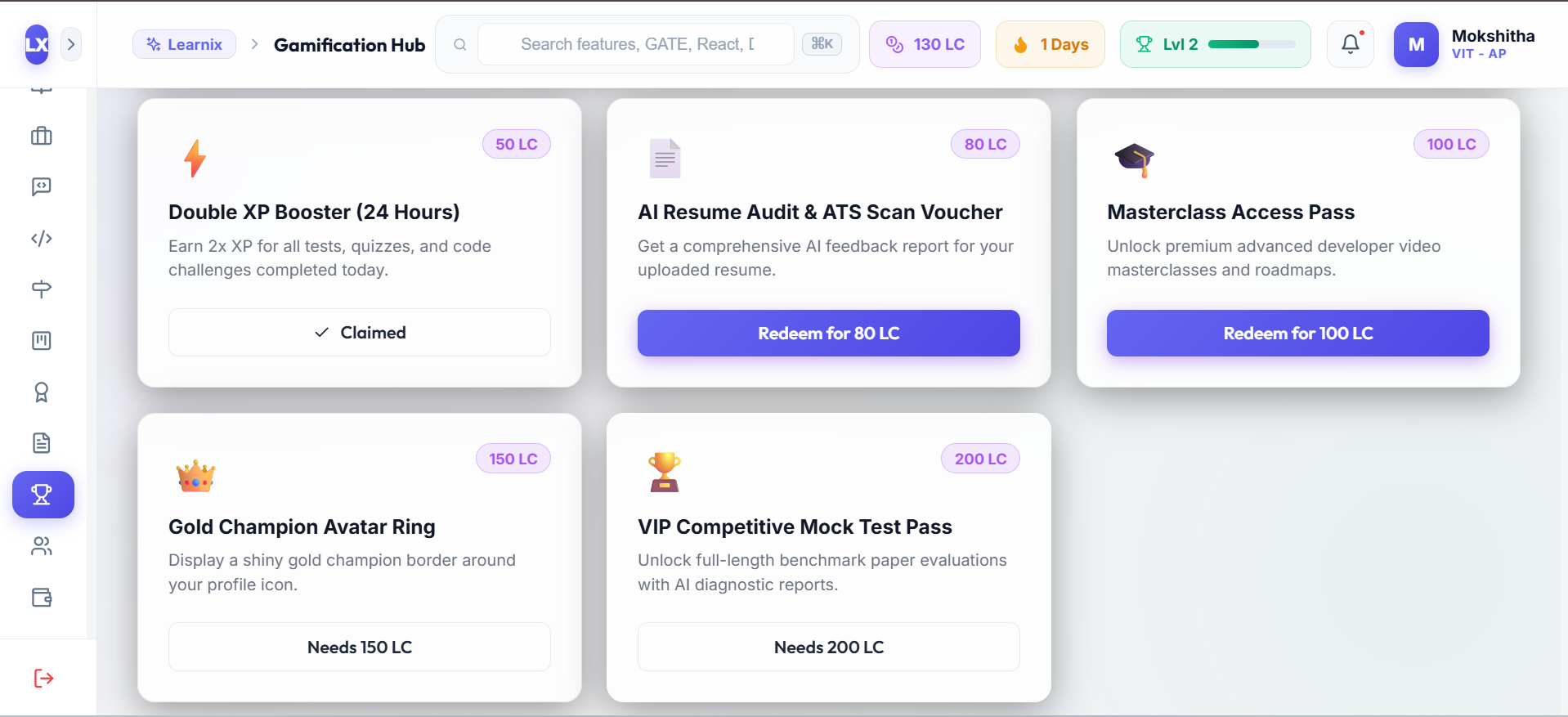
- Gamification & Rewards: Earn XP, unlock achievement badges, and track study milestones across all 12 modules.
- Community Study Rooms: Group chat rooms for students to collaborate during study sessions.
- Financial Hub: Simple expense and stipend budget tracker with spending breakdowns.
How we built it
Learnix is built on a modular full-stack architecture:
- Frontend: Built with React 18 and Vite. Styling uses custom CSS variables and utility classes without external heavy UI libraries to keep the bundle size small (<150KB). It uses HTML5 Canvas for dynamic mind maps, SVGs for path rendering in roadmaps, and the native browser Web Speech API for voice interviews.
- Backend API: Built with Node.js and Express.js. Organized into modular REST controllers handling authentication, MongoDB CRUD operations, and third-party AI requests.
- Database: MongoDB Cloud with Mongoose ODM to store user profiles, solved DSA problems, custom roadmap progress, notes, and chat messages. Includes a client-side JSON fallback mode so offline edits are preserved.
- AI Infrastructure: Selected models specifically based on task-level latency vs. reasoning requirements:
- OpenAI GPT-4o: Handles deep reasoning tasks, such as analyzing resume text against job descriptions and evaluating mock interview answers.
- Groq (Llama 3.3 70B): Used for real-time coding assistance and hint generation where low latency (<500ms) is essential for a good user experience.
- Google Gemini Flash: Used for fast summarization of YouTube video transcripts and research papers.
Challenges we faced
- Model Selection & Failover: Combining multiple AI APIs required handling varying rate limits and latency profiles. We implemented timeout logic and graceful fallback handlers in Express so that if an LLM API fails or times out, the client receives a structured fallback without breaking the UI.
- Cross-Module State Synchronization: Keeping student progress (XP, streaks, badges, solved challenges) updated across 12 distinct components without slowing down page loads required indexed MongoDB schemas and optimistic state updates on the client.
- SVG Node Rendering: Drawing dynamic connecting paths for custom roadmap trees across different screen dimensions required calculating node coordinates and distances programmatically: ( d = \sqrt{(x_2 - x_1)^2 + (y_2 - y_1)^2} )
Accomplishments that we're proud of
- Successfully built and connected 12 functional modules into a single, cohesive web application.
- Achieved fast sub-second AI responses for code debugging by integrating Groq's high-throughput Llama 3.3 inference engine.
- Created a clean, responsive dark-mode interface using pure CSS and native web APIs without relying on heavy UI frameworks.
What we learned
- How to choose different LLM providers based on latency vs. reasoning trade-offs.
- Best practices for structuring modular Express controllers for multi-API backend gateways.
- Working with the native browser Web Speech API for speech-to-text recording.
What's next for Learnix
- WebSocket Integration: Upgrading community study rooms to support real-time collaborative code editing.
- Mobile Companion: Building a lightweight React Native mobile app for quick flashcard review on the go.
- Calendar & Task Sync: Adding Google Calendar export for study tasks and assignment deadlines.
Built With
- api
- canvas
- css3
- express.js
- google-gemini
- groq-llama3
- html5
- javascript
- mongodb
- mongoose
- node.js
- openai-gpt4o
- react
- rest-api
- vite
- web-speech-api

Log in or sign up for Devpost to join the conversation.