-
-
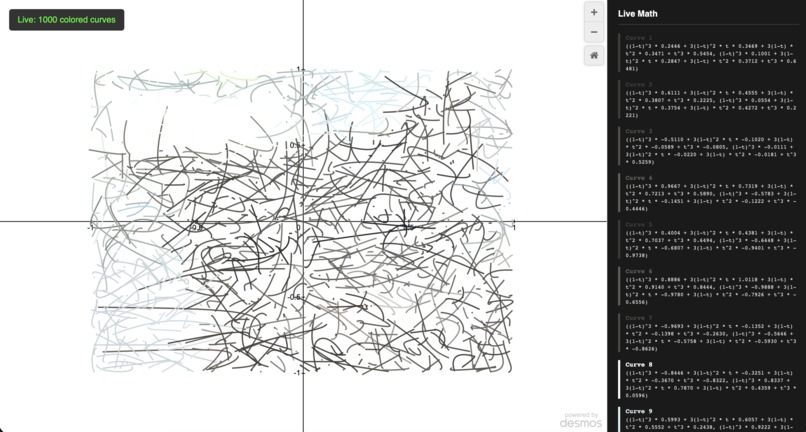
ML draws cat
-
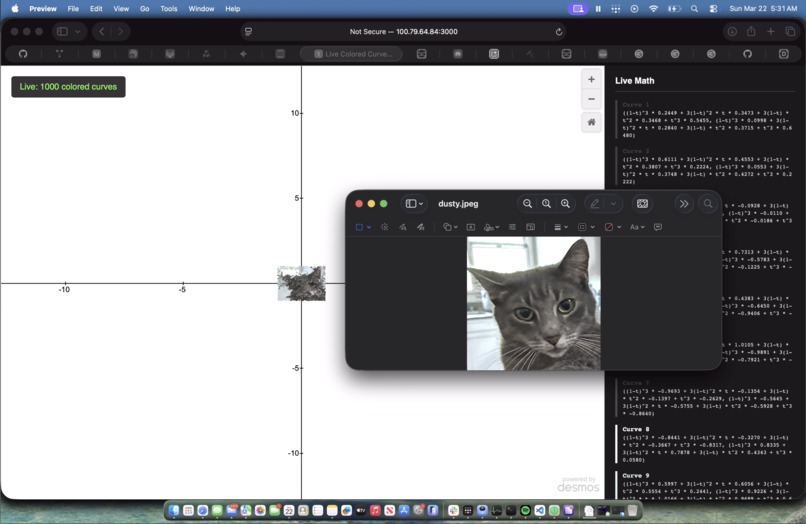
ML draws cat
-
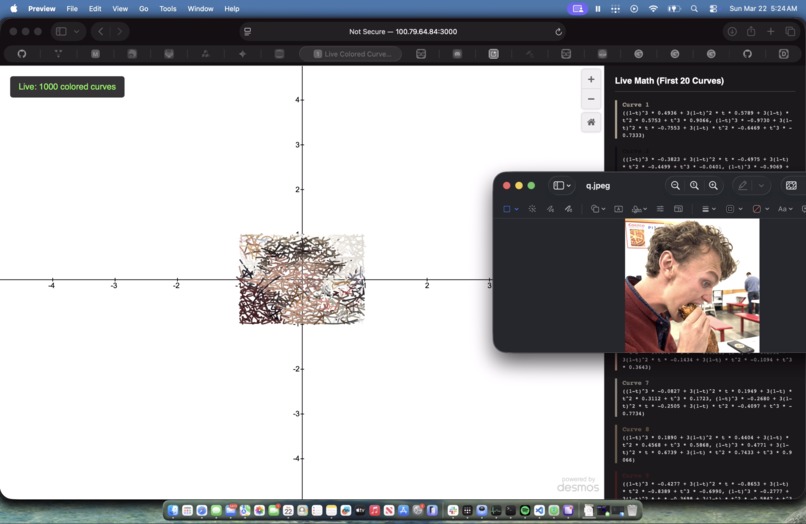
Man eating Costco chicken bake
-
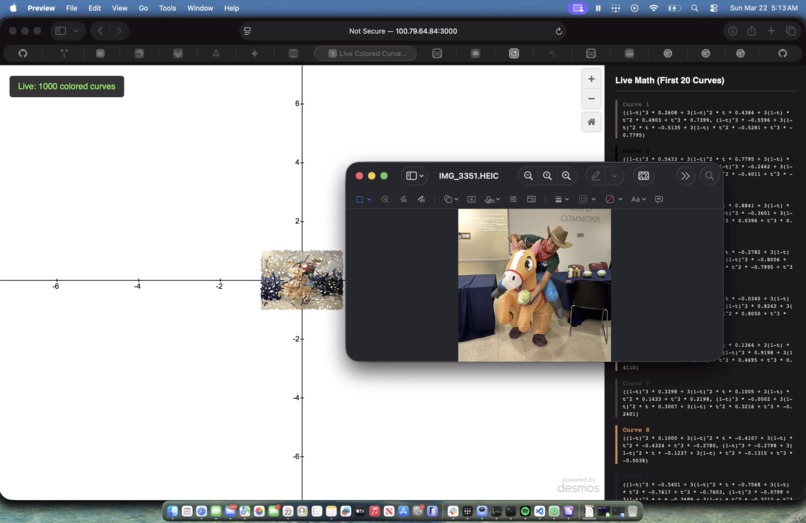
???
-
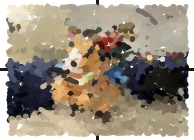
^
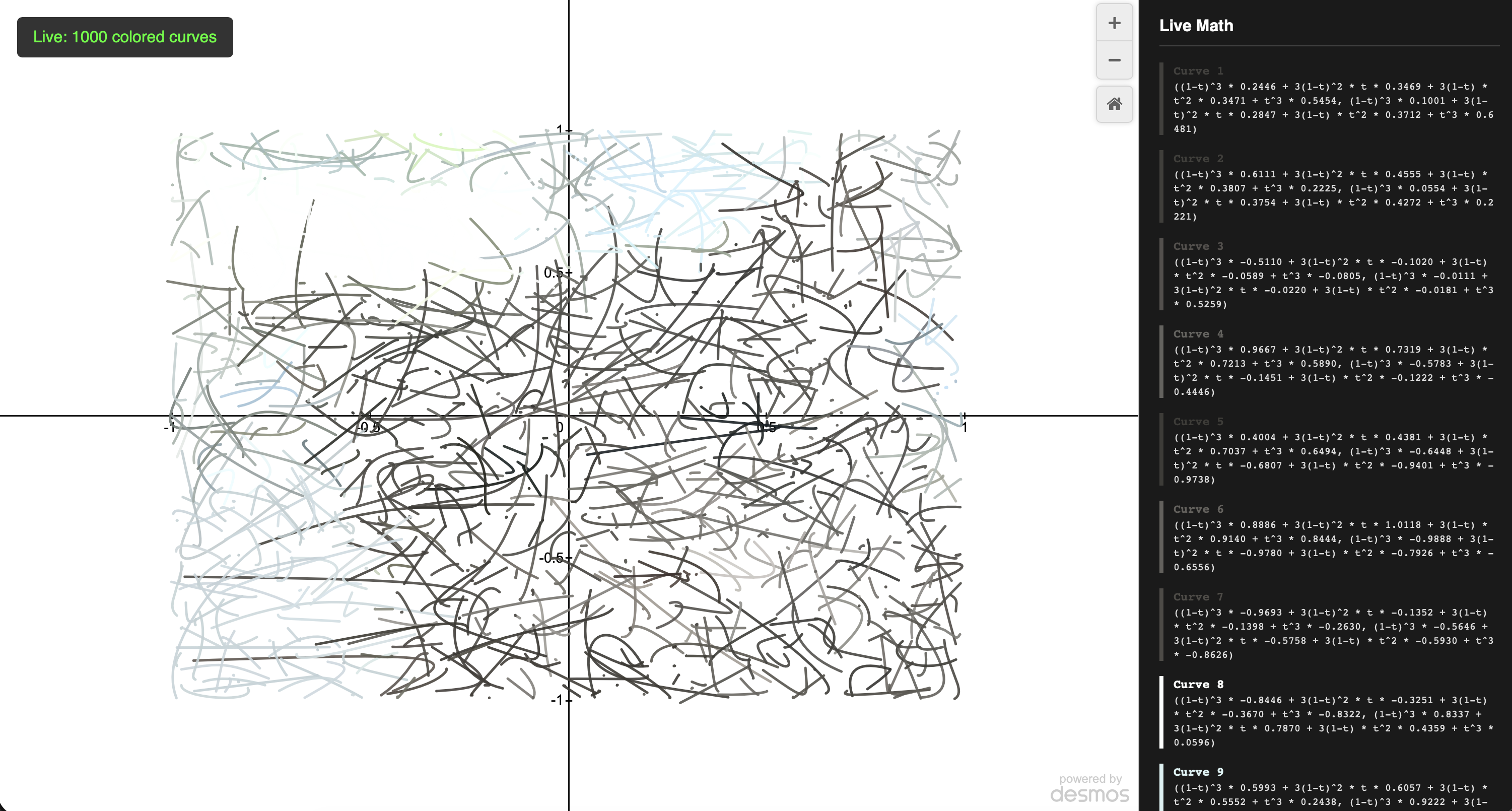
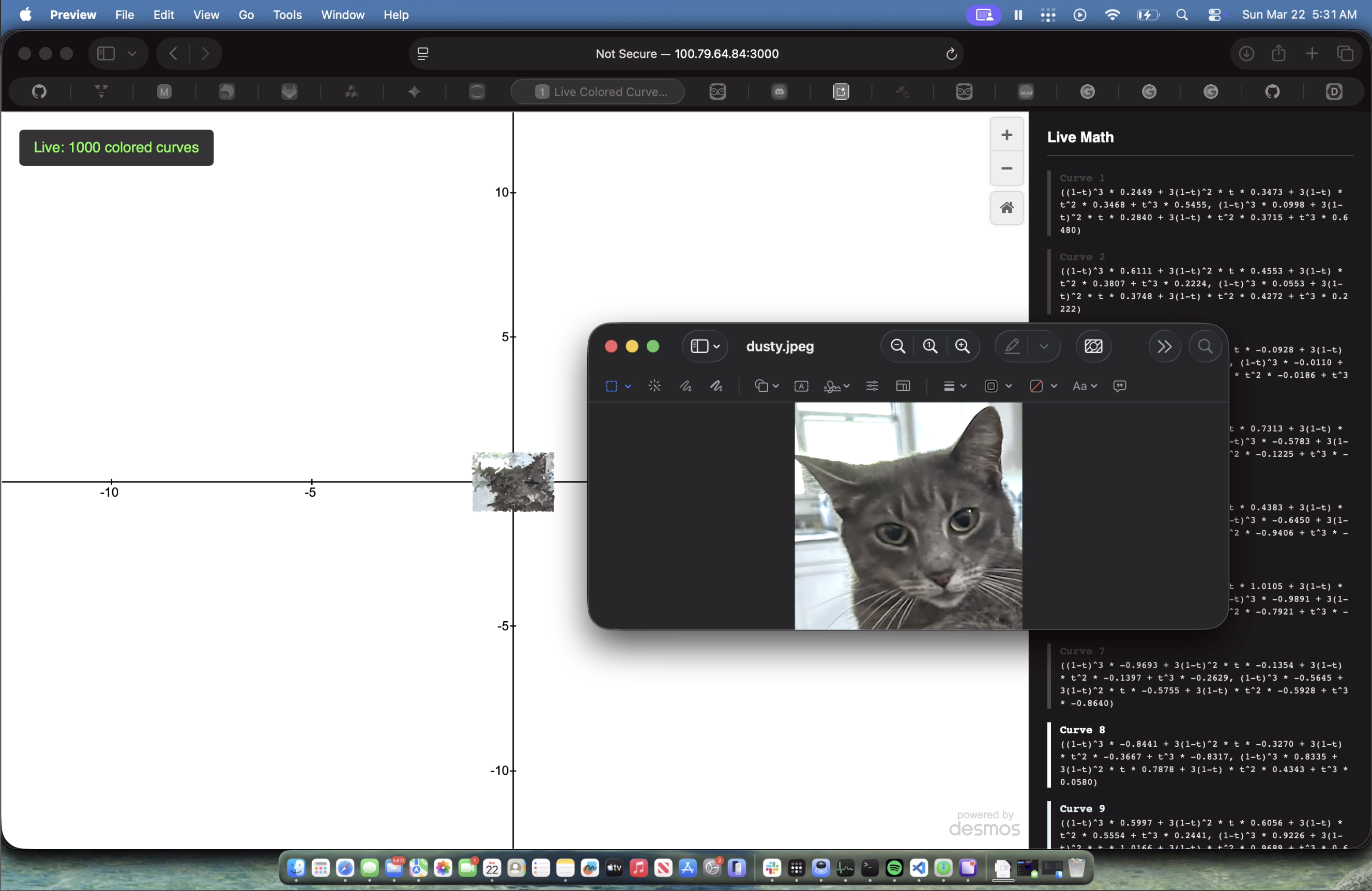
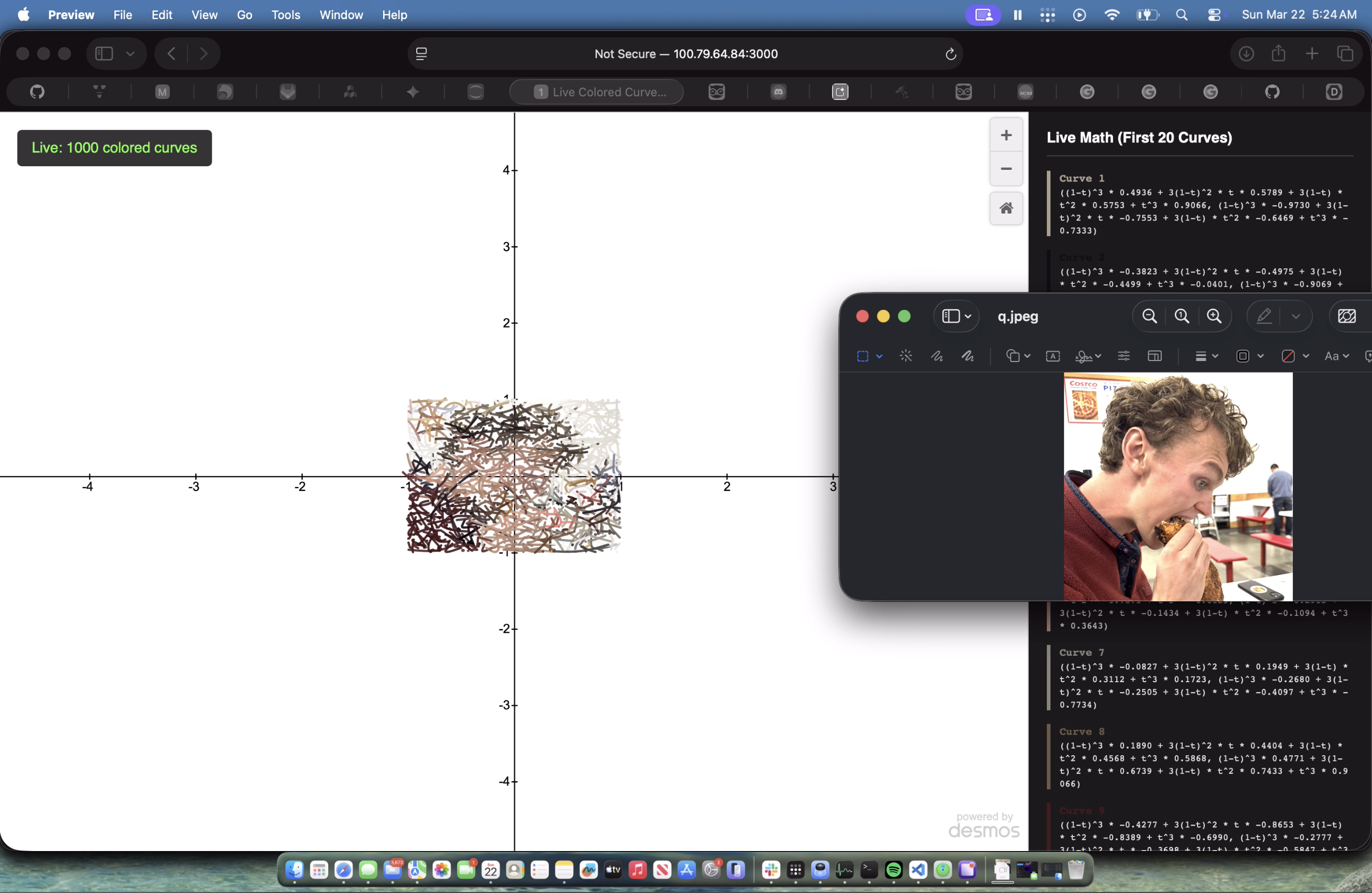
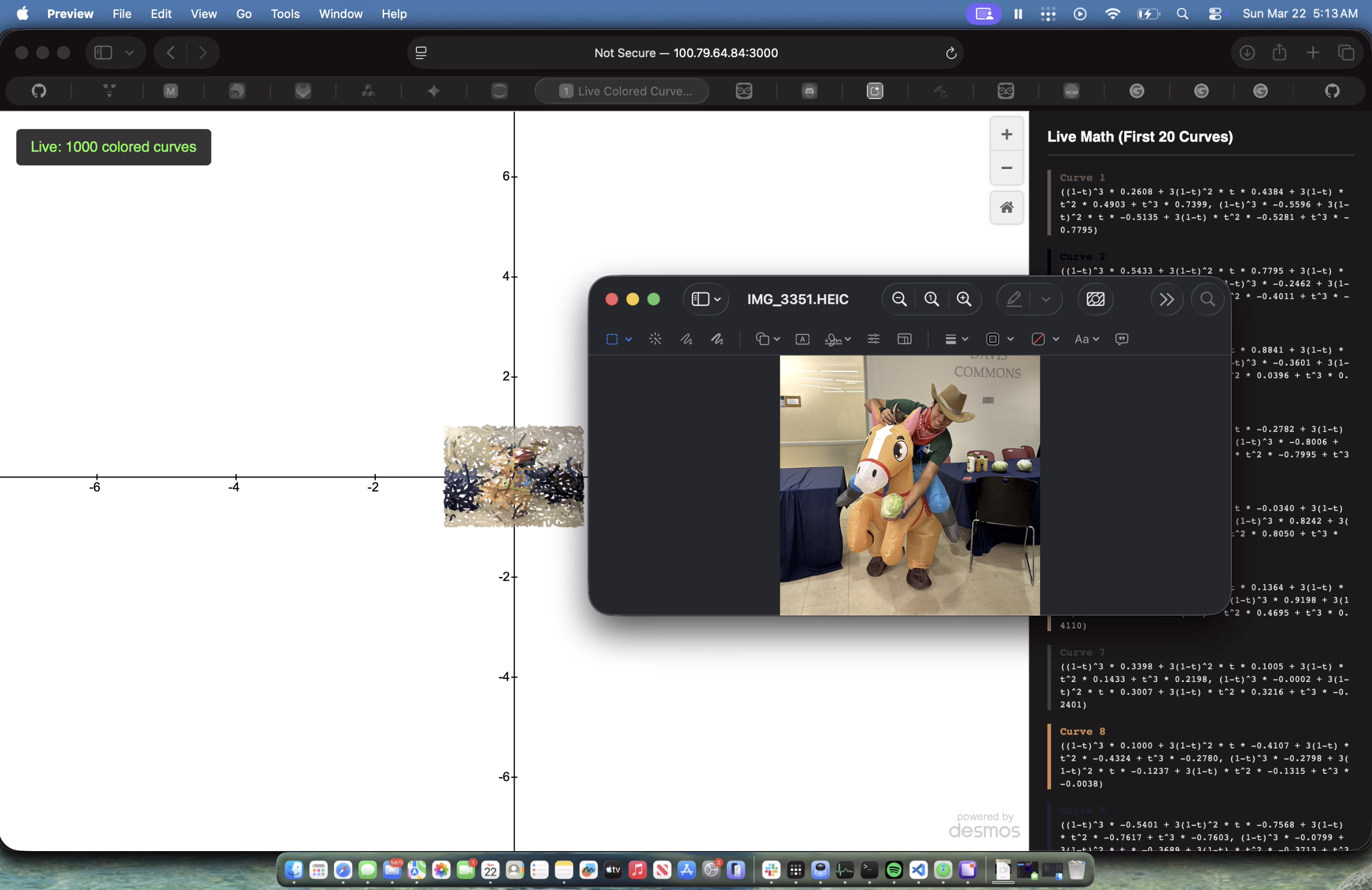
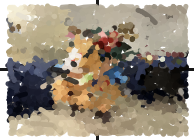
If nobody taught you how to draw, how would you do it? You wouldn't randomly guess like this ML, but you might throw down a few rough curves and adjust them until they fit the subject. In Learn2Draw, we simulated human trial-and-error in drawing. We built an engine that learns to draw the way we do: one calculated stroke at a time.
Note: this project was built (and ran) on a personal CUDA server. To try it yourself, connect to CS portal resources or use Google Colab (slow).
Inspiration
Wanted to explore ML, mathematics, and digital art. Traditional AI models output grids of colored pixels. We asked: Can we teach a neural network to draw like a human, and represent that drawing entirely through algebraic equations?
What it does
Learn2Draw is an ML-powered math rendering engine. You feed it any image, and instead of pixels, it generates a massive system of parametric Bezier equations (thousands of equations!) that visually recreate the image. Each Bezier curve is of the form \(B(t)=(1-t)^3P_0+3(1-t)^2tP_1+3(1-t)t^2P_2+t^3P_3\) with the parameters \(P_0,...,P_3\)are learned by the ML to get as close to the original picture as possible.
It features a live, split-screen web dashboard powered by the Desmos API. As the CUDA-enabled PyTorch backend optimizes the curves in real-time, it streams the evolving formulas to the browser. Users can watch the ML incrementally "paint" the canvas stroke-by-stroke, while a live HUD displays the exact parametric math and hex color codes being invented on the fly.
How we built it
- The Optimization Engine: Built the machine learning pipeline using PyTorch. The model creates a set of random Bezier control points and uses the Adam optimizer to shift them around.
- The Math: Custom Chamfer Distance loss function measures the distance between the generated curves and the target point-cloud of the original image, forcing the math to snap to the image's structure.
- The Bridge: Bypassed heavy web frameworks and wrote a lightweight, multithreaded Python http.server that runs in the background. It dumps the current state of the math to a JSON endpoint.
- The Frontend: Embedded the official Desmos Graphing Calculator API into a clean HTML/JS interface. It polls the server every second, parses the math and color hex codes, and manipulates the Desmos DOM to warp the curves in real-time without refreshing the page.
Challenges we ran into
- The "Spiderweb" Exploit: Initially, the ML figured out a mathematical "cheat code." To minimize the loss function, it would stretch a single curve across the entire canvas to cover multiple ink spots, resulting in a chaotic, tangled mess. We solved this by implementing an L2 Regularization penalty (penalize longer strokes) on the physical distance between control points, forcing the AI to use short, distinct brush strokes.
- API Flickering: Sending 500+ massive equations to the Desmos API every second initially caused the canvas to stutter and reset the viewport. We had to rewrite our JavaScript polling logic to map specific curve IDs and update the math in-place rather than wiping the canvas clean each frame.
- GPU Memory Bottlenecks: Calculating the distance from every point on 500 curves to every pixel on a high-res image instantly crashed our GPU memory. We implemented a dynamic subsampling technique to keep the point clouds manageable while maintaining high fidelity.
Also, before arriving at the batched Bezier architecture, we experimented with several other machine learning paradigms that ultimately failed for fascinating reasons. We initially built a Compositional Pattern-Producing Network (CPPN) to predict pixel values across a continuous coordinate space, but extracting the final formula yielded a massive, 12,000-weight matrix equation that instantly crashed the Desmos API. We then pivoted to Symbolic Regression (using PySR) to genetically evolve an algebraic equation. However, the algorithm found a mathematical "cheat code": instead of learning the image's structural boundaries, it abused high-frequency sine waves to create chaotic scribbles that technically minimized the mean squared error but looked like a tangled web. We even explored Fourier transforms to decompose the image into rotating circles, but it forced a single, unbroken loop rather than the organic, stroke-by-stroke aesthetic we wanted to achieve. These failures ultimately pushed us away from pure pixel prediction and unconstrained algebra, leading us to strictly constrain the neural network within geometric Bezier parameters.
Accomplishments that we're proud of
The custom loss function. Getting the Chamfer Distance to perfectly balance with the path-length penalty. Also proud of the architecture: bridging a heavy PyTorch training loop with a sleek visualizer in a single, self-contained script is highly efficient.
What we learned
We gained a deep understanding of differentiable geometry and how to map continuous parametric functions into a deep learning environment. We learned the hard way that AI is incredibly lazy and will exploit any loophole in an objective function if you don't constrain it properly! We also learned how to manipulate third-party APIs (Desmos) to act as a real-time rendering engine.
What's next for Learn2Draw
We could build an SVG exporter so the generated equations can be saved and dropped directly into software like Adobe Illustrator. We also plan to package the entire environment into a Google Colab notebook so anyone can generate mathematical art using cloud GPUs without needing to configure a local Python environment. Finally, we want to experiment with evolutionary algorithms (like PySR) to see if we can generate even weirder, non-Bezier mathematical art!

Log in or sign up for Devpost to join the conversation.