-
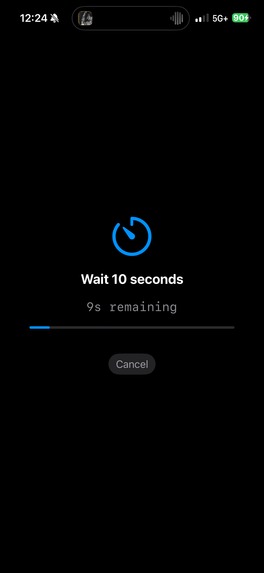
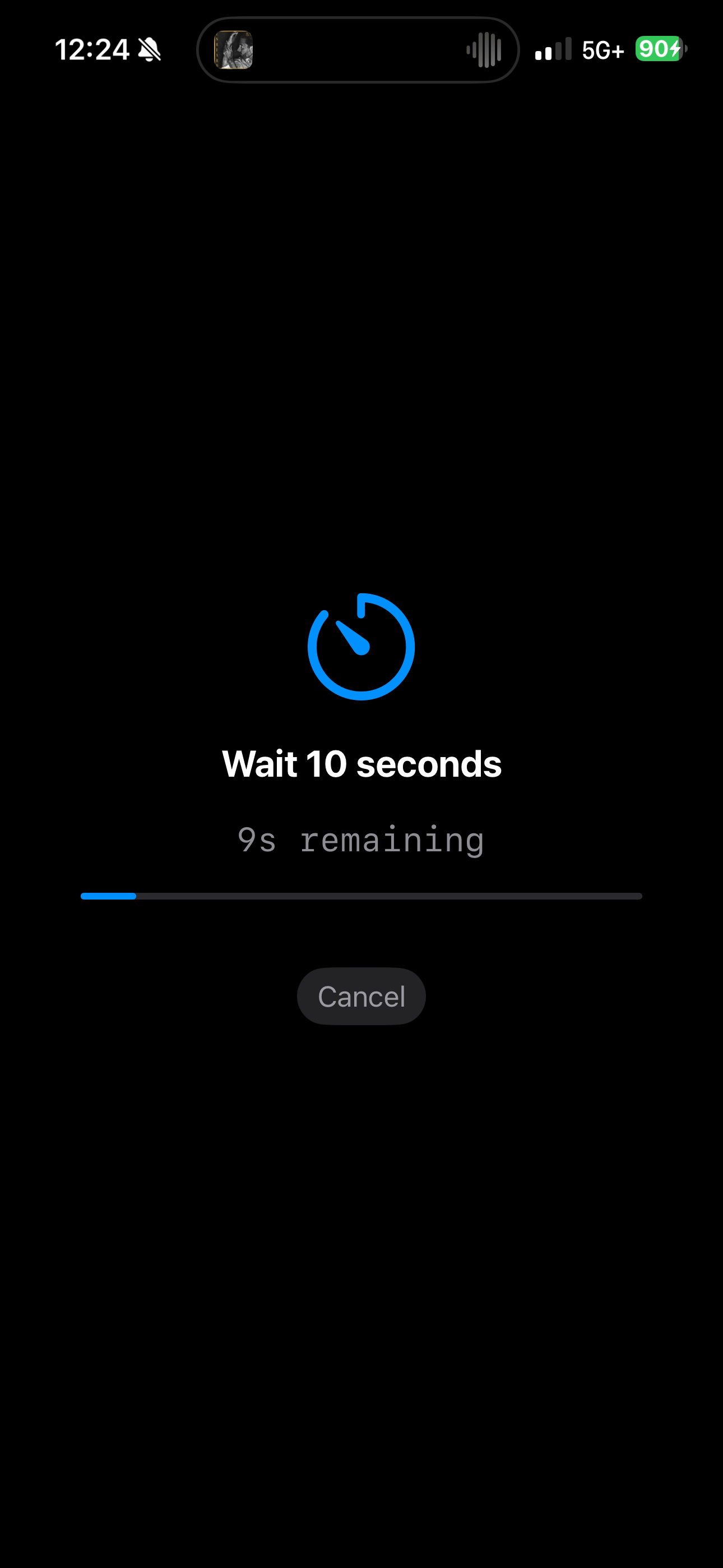
Moderate Friction Activity
-
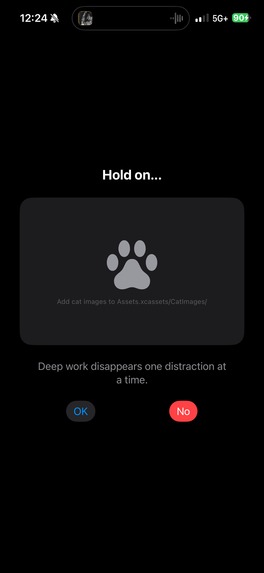
Minimal Friction Activity
-
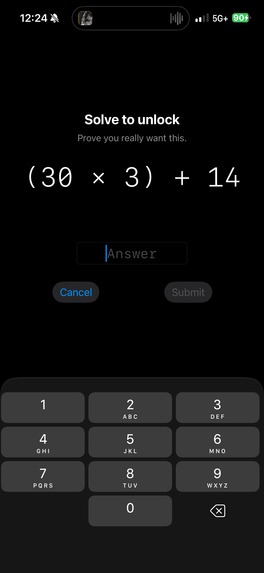
Extreme Friction Activity
-
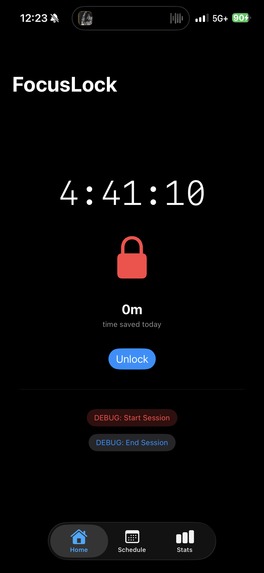
Active Focus Session
-
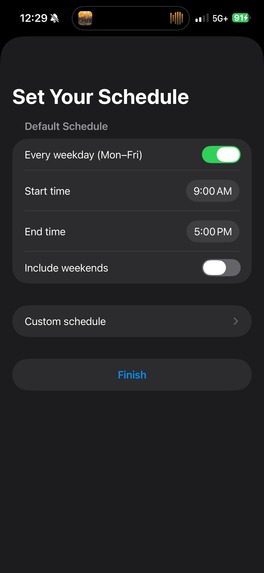
Default focus schedule
-
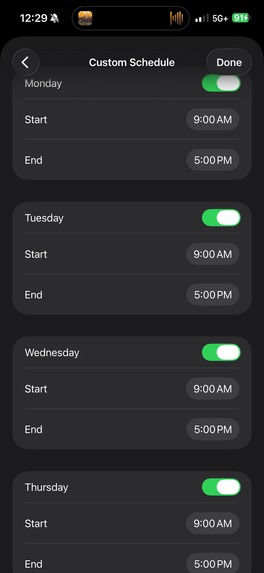
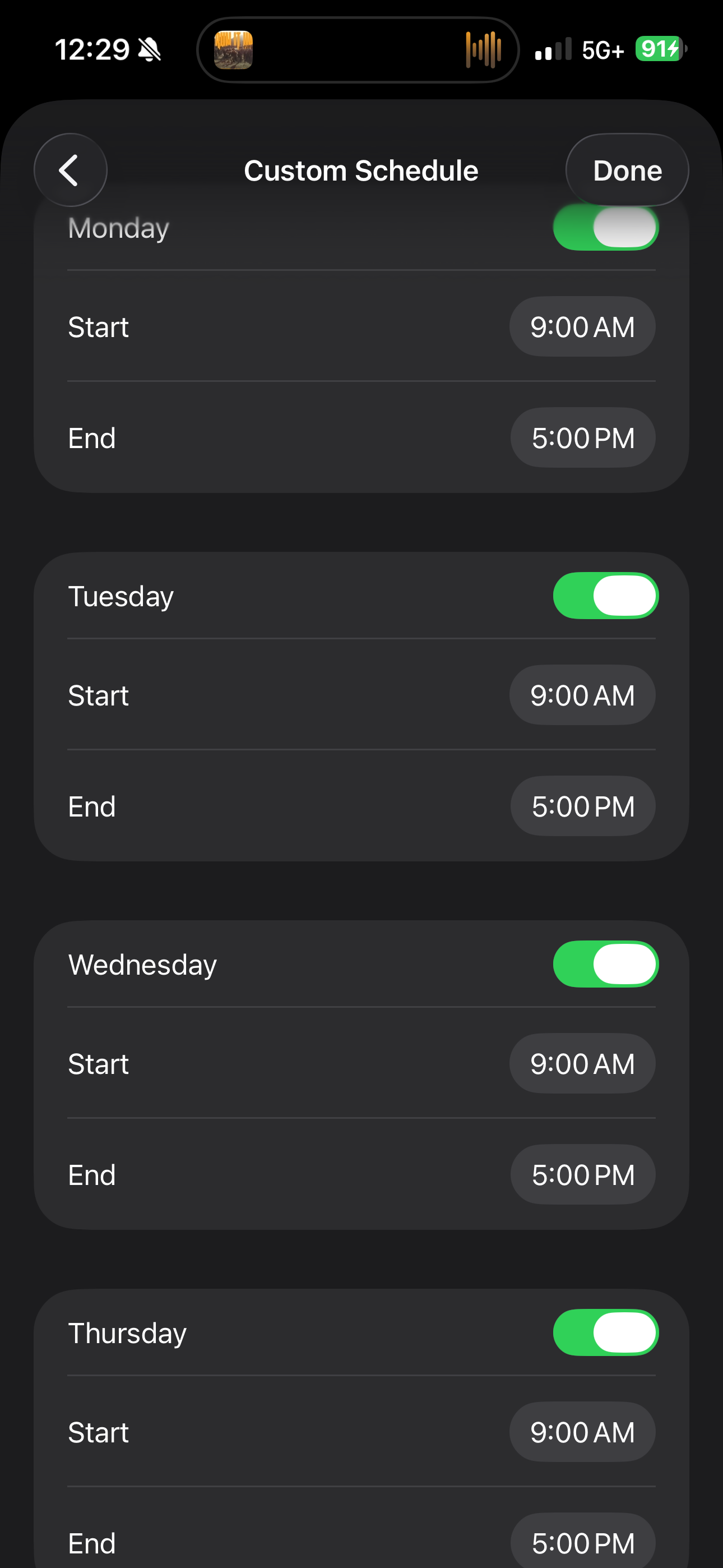
Set up a custom focus schedule
-
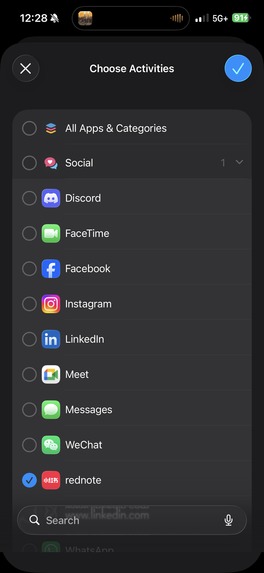
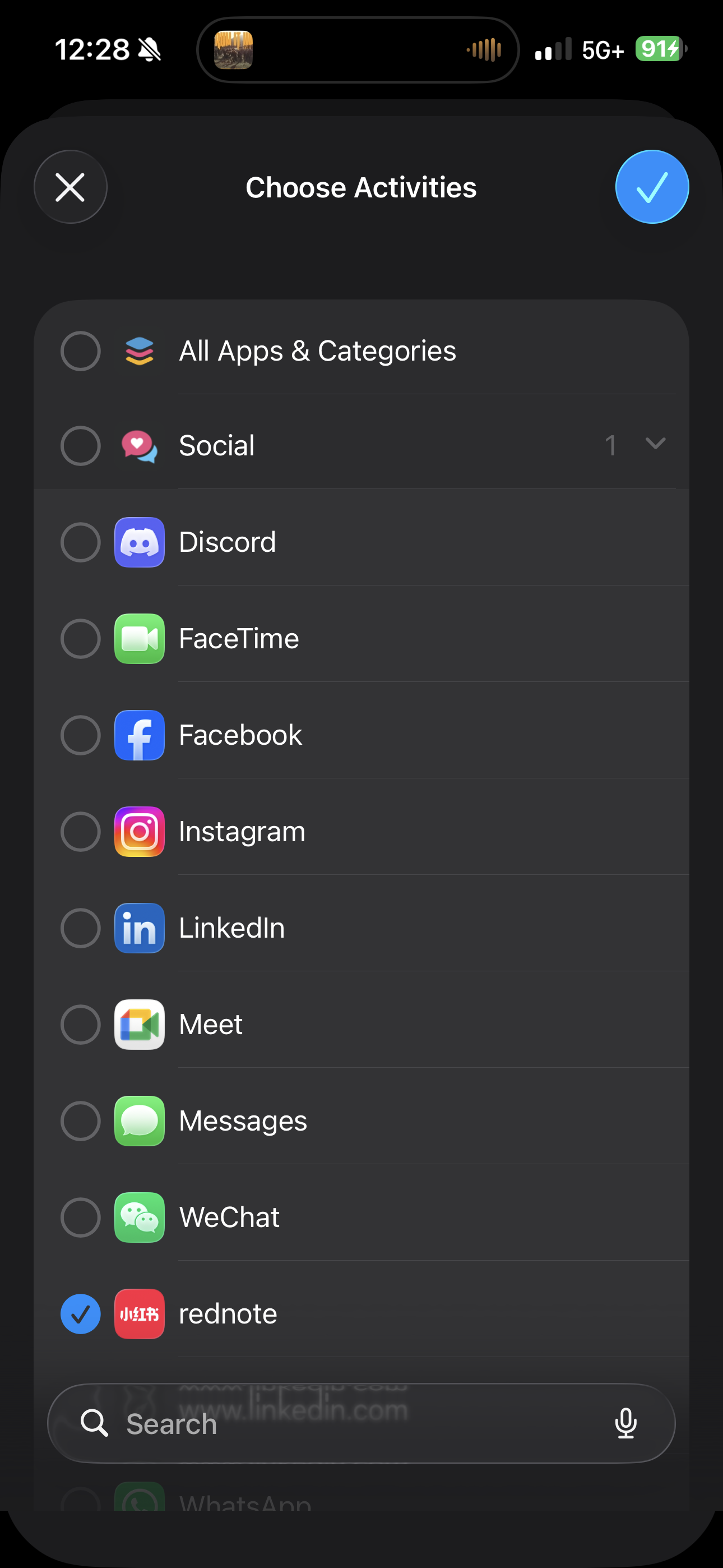
Select which apps to block
What it does
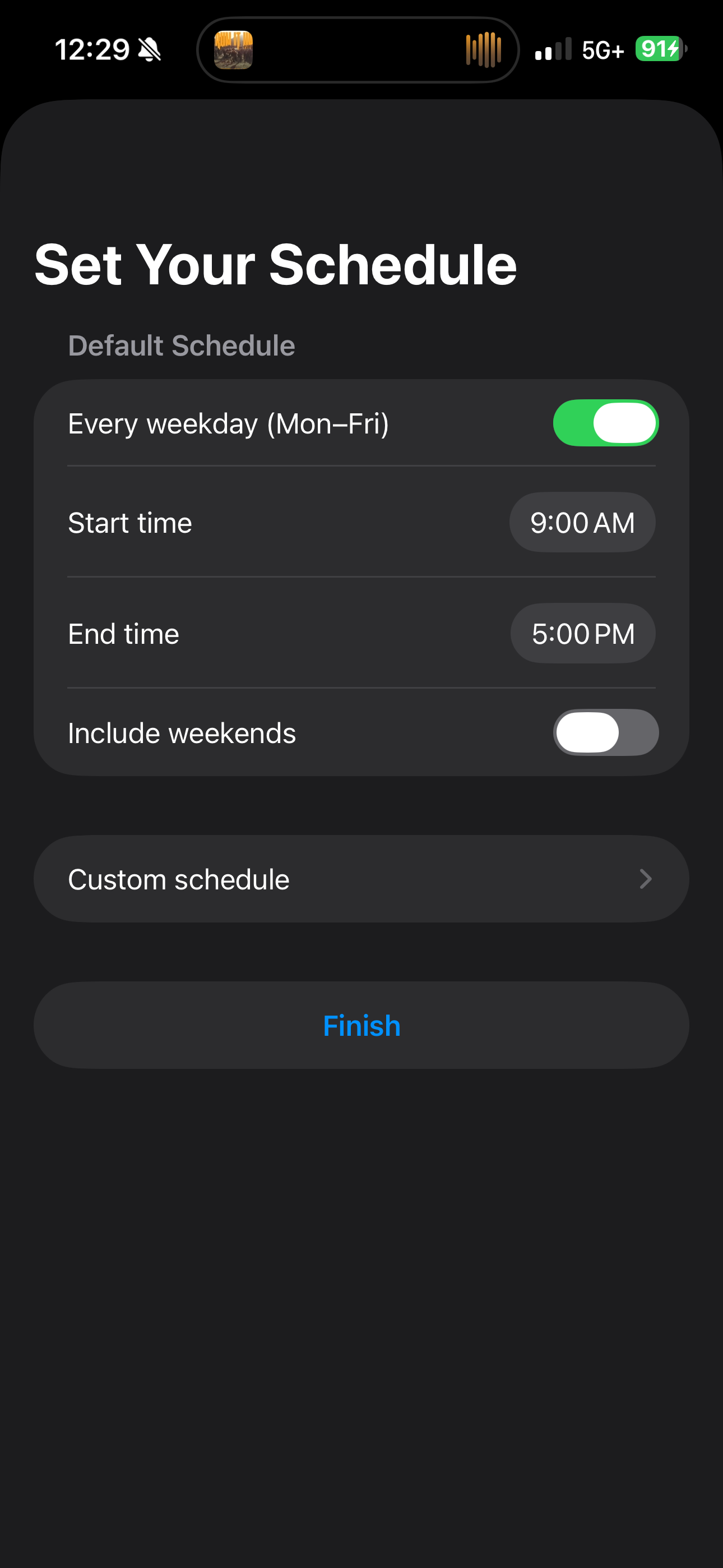
FocusLock is an iOS app that blocks distracting apps on a schedule and makes unlocking them deliberately tedious — framing the experience as reclaiming time that distraction is stealing from you. You select which apps to block, set a recurring schedule (weekday default or custom per-day), and choose a friction tier: Minimal, Moderate, or Extreme.
During an active session, your selected apps are blocked at the OS level using Apple's Family Controls API. If you try to open a blocked app, you hit a block screen with an Unlock button. Tapping it triggers a randomly selected friction activity from your chosen tier:
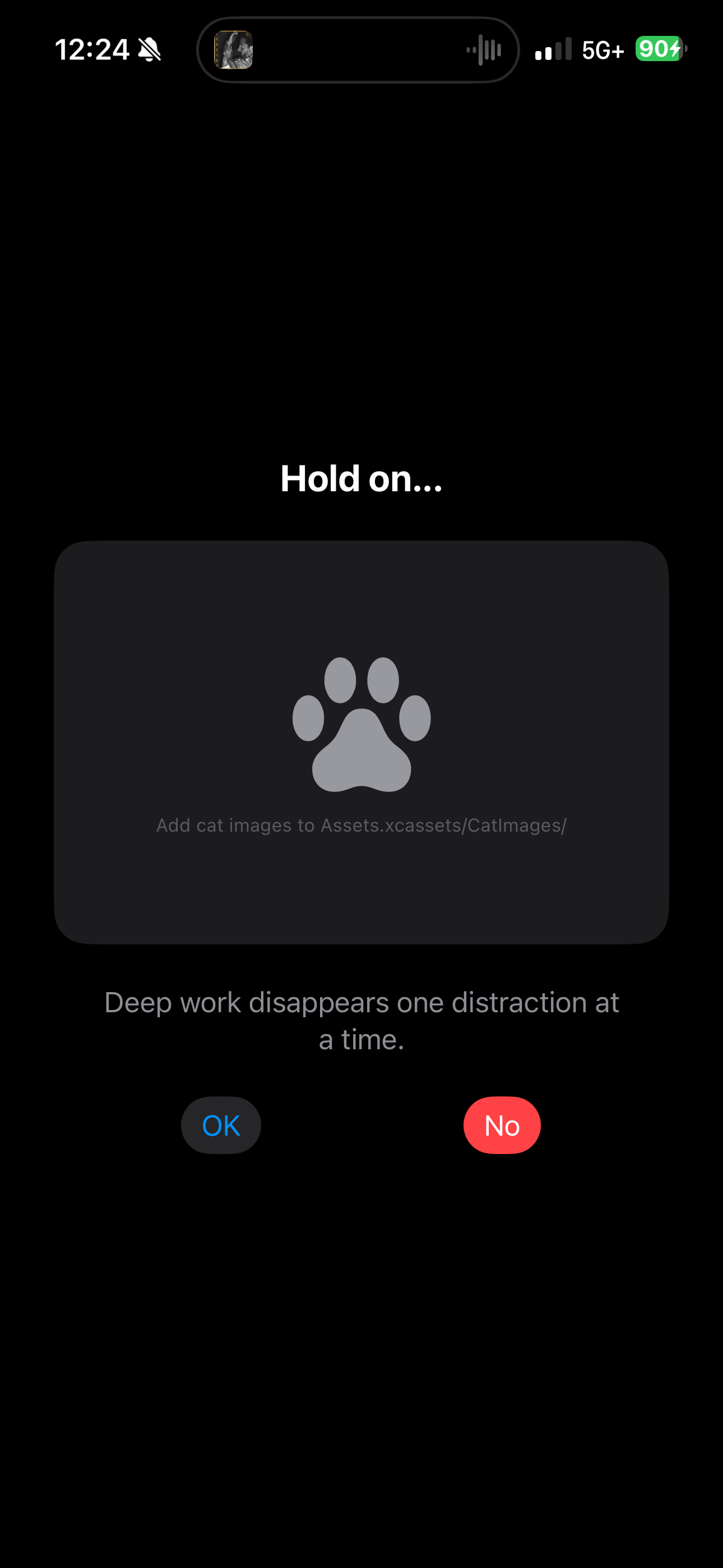
- Minimal: A cute cat picture appears with a guilt-trip message and an "Are you sure?" confirmation.
- Moderate: A physical action — wait 10 seconds, rotate your phone 3–5 times, or shake it 2–4 times.
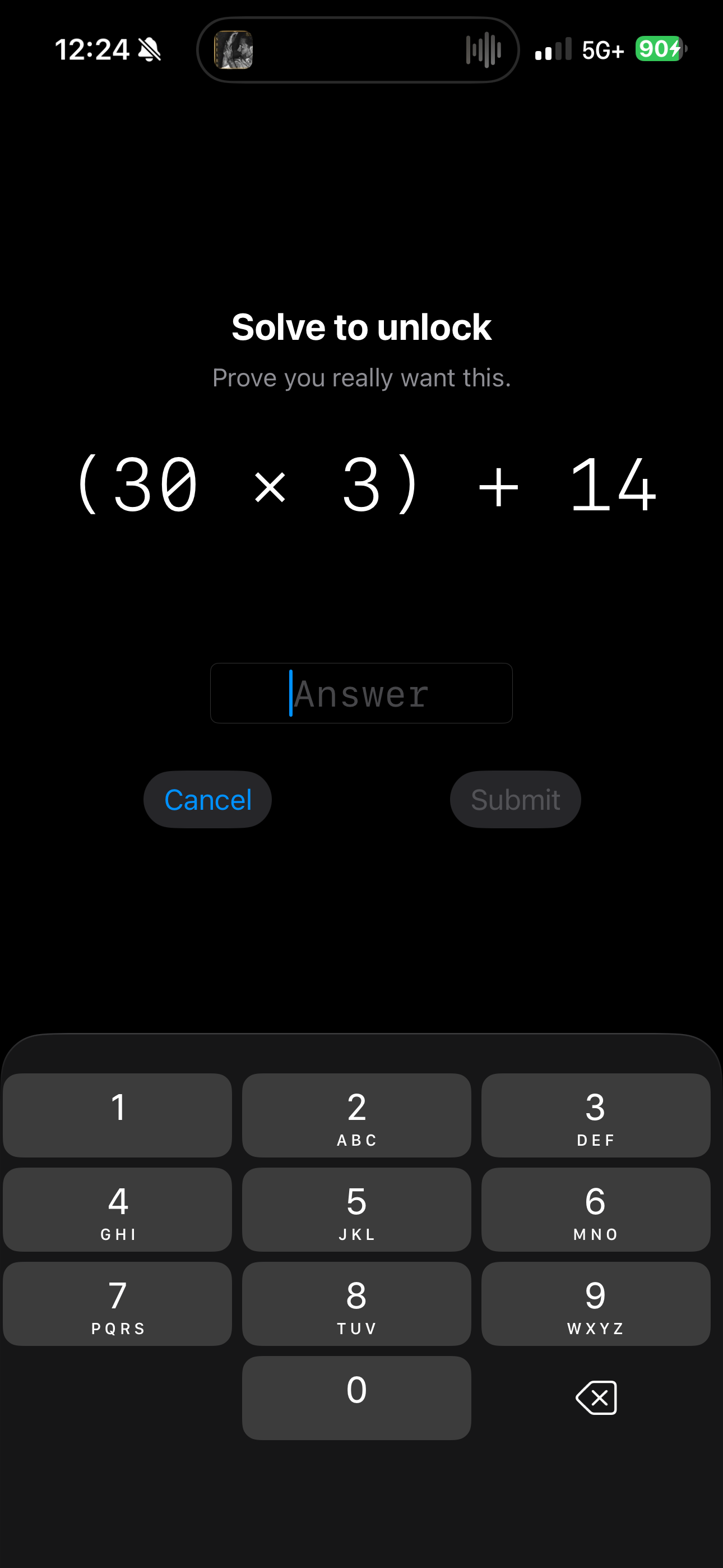
- Extreme: Solve a mental math problem (e.g., (7 × 8) + 14).
Completing the activity shows a final confirmation: "Are you sure you want to give your time away? There is only X minutes left until your focus session ends." Confirming unlocks the app for 15 minutes — then it re-locks automatically.
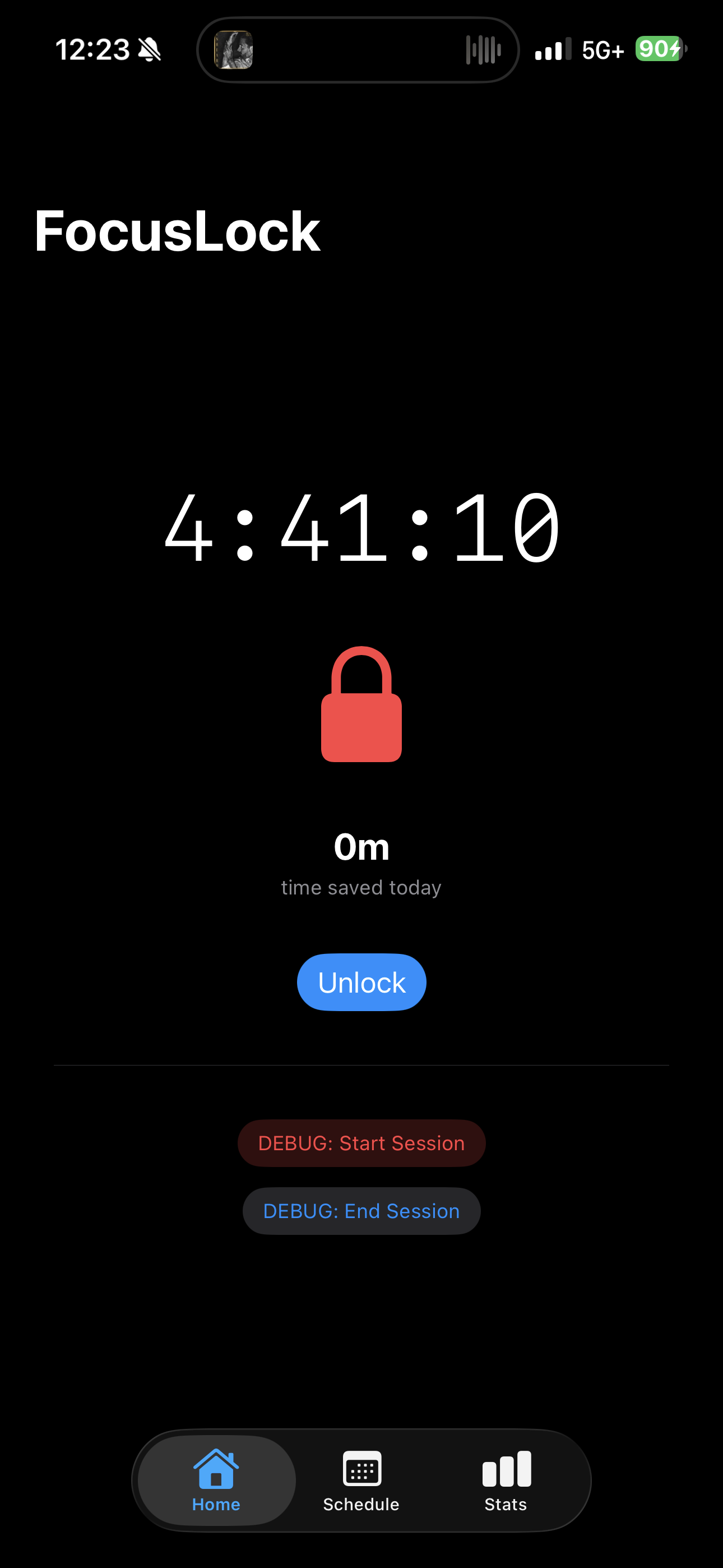
The home screen shows your current lock status, a countdown to session end, total time saved today, and a secondary countdown when an unlock window is active.
Why friction-based blocking matters
Gentle nudges don't work for people who already know they're distracted. What works is creating real resistance — making the act of unlocking cost something, even if only 30 seconds and a little self-awareness. This idea comes directly from Cal Newport's Deep Work: distraction isn't neutral, it steals time and attention that belongs to you. FocusLock makes that cost visible.
The "time regained" framing — not "time blocked" — is intentional. Every minute the app doesn't let you waste is a minute that belonged to you.
What I learned
This was my first project built spec-first. I wrote a scope doc, PRD, and full technical spec before writing a line of code. The spec predicted every major architecture decision: the three-target Xcode structure (main app + DeviceActivityMonitor + ShieldConfiguration extensions), the App Group shared state layer, the SwiftData models. Decisions made in planning meant no surprises during build.
The biggest technical challenge was the multi-process extension architecture — extensions run in separate sandboxes with no shared memory. SharedStore.swift is compiled into all three targets separately and shares runtime state via App Group UserDefaults. Getting that communication right was the core engineering problem.

Log in or sign up for Devpost to join the conversation.