-
-
Slide 4
-
slide 1
-
slide 2
-
slide 5
-
slide 3
Process Document:
Safety in the Digital Age: Learning Safe Online Habits through Games
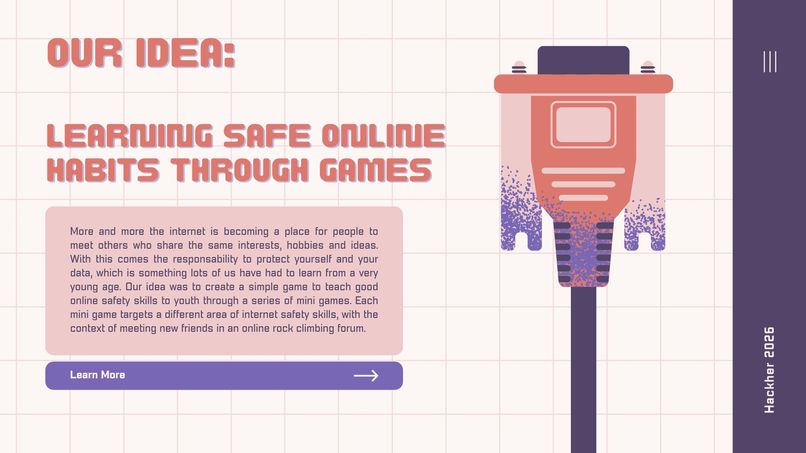
Pitch: In this digital age, an online presence is becoming increasingly common, but so do difficulties in keeping safe online. Our project teaches youth how to defend themselves, as they are particularly vulnerable to online threats, and how to make choices that will protect their safety, both online and offline. We do this through a series of 2 online games. Children like games, which will make them more engaged, and we selected situations that they are likely to encounter. These include creating a strong password (something that everyone must do many times in their lives) and teaching them how to react in an online chat with a stranger. They will gain the confidence to interact in online environments and the tools to prevent them from being taken advantage of by others.
Inspiration: Certain websites, such as Facebook marketplace and online chats embedded in games, are becoming more popular, but there are rising dangers and scams that are associated with these. We think it is important to educate others, particularly youth, and make them aware of the potential dangers of an online presence and how to stay safe. Aside from the functional purpose of our project, our main goal for this project was to have fun, try some new skills, and have a good learning experience!
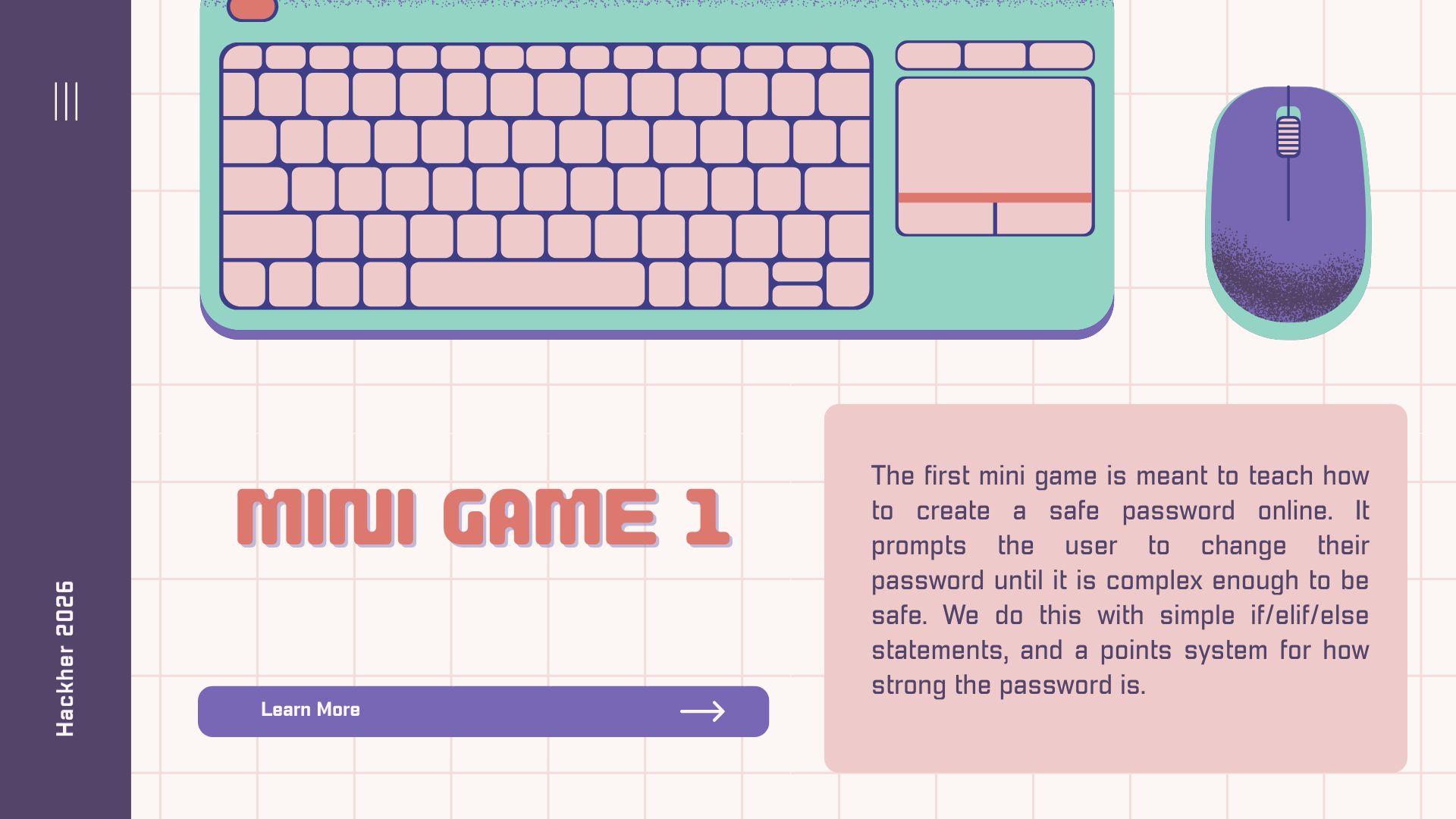
Our process: We started by creating the logic behind the 2 mini games. The first mini game, or the password, involves the user entering a password. The code then assigns points based on the length of the password, whether it contains an upper-case letter, whether it contains a number, and whether it contains a special character. If the password is too weak, the user is prompted to create a new one until they make a strong enough one. This is in the context of the user signing up for an online rock climbing forum.
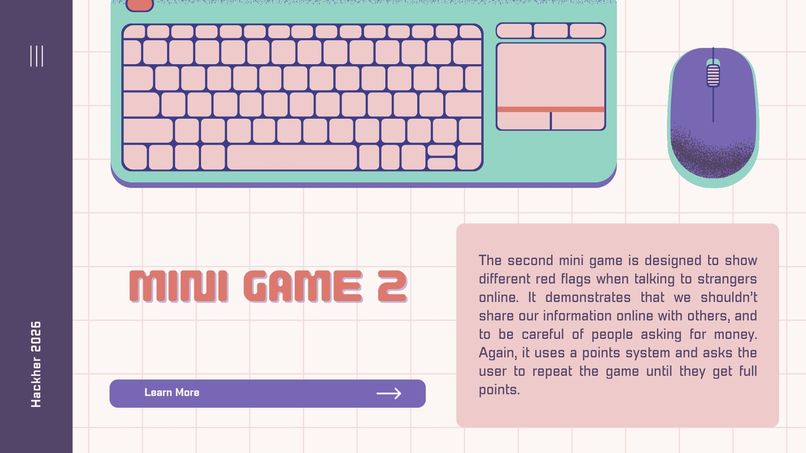
The second mini game is dialogue-based and teaches the user how to talk to a stranger in an online chat. The code awards points to the user based on how safe their responses to the stranger are, and an overview of the points at the end tells the user whether they have safe online practices or if they need to try again to improve. If they are deemed safe, then they are congratulated on improving and practicing their digital safety skills through our games!
Details on game functionality: Our project is coded in Python, built with VSCode and GitHub. Our program has a UI (user interface) designed using Python’s built-in GUI tkinter library. Within our code, we use buttons, labels, and an entry tool to provide an entry field to get user input. We also often use the .pack() and the .pack_forget() tools to hide our buttons and labels and to reset our interface for the next game. We chose to use a UI because children are drawn to visuals, and we figure that this will keep their attention and encourage them to play our games and learn. If we were to keep this project text-based, like just having input and output in a terminal, this could easily get boring or confusing for younger people. Having never really worked with coding a UI before, using Python’s built-in GUI tkinter library is the best option for us, as it is simpler and easier for us to pick up. Two of the members are beginners to coding, and so, by keeping our game logic on the simpler side, this allowed us to learn and try out different skills, such as working with a UI, other than just learning code functionality.

Log in or sign up for Devpost to join the conversation.