-
-
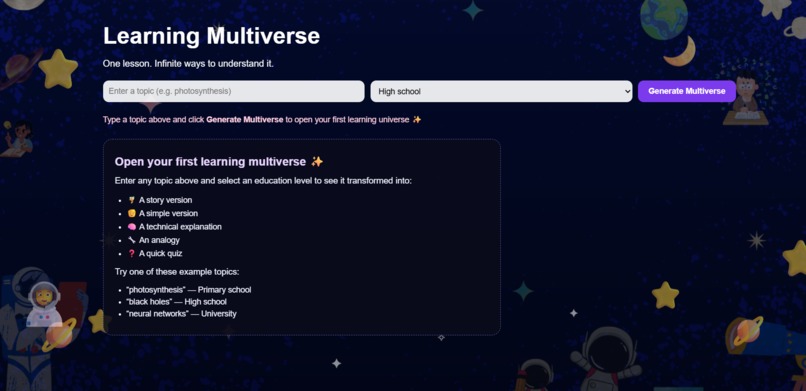
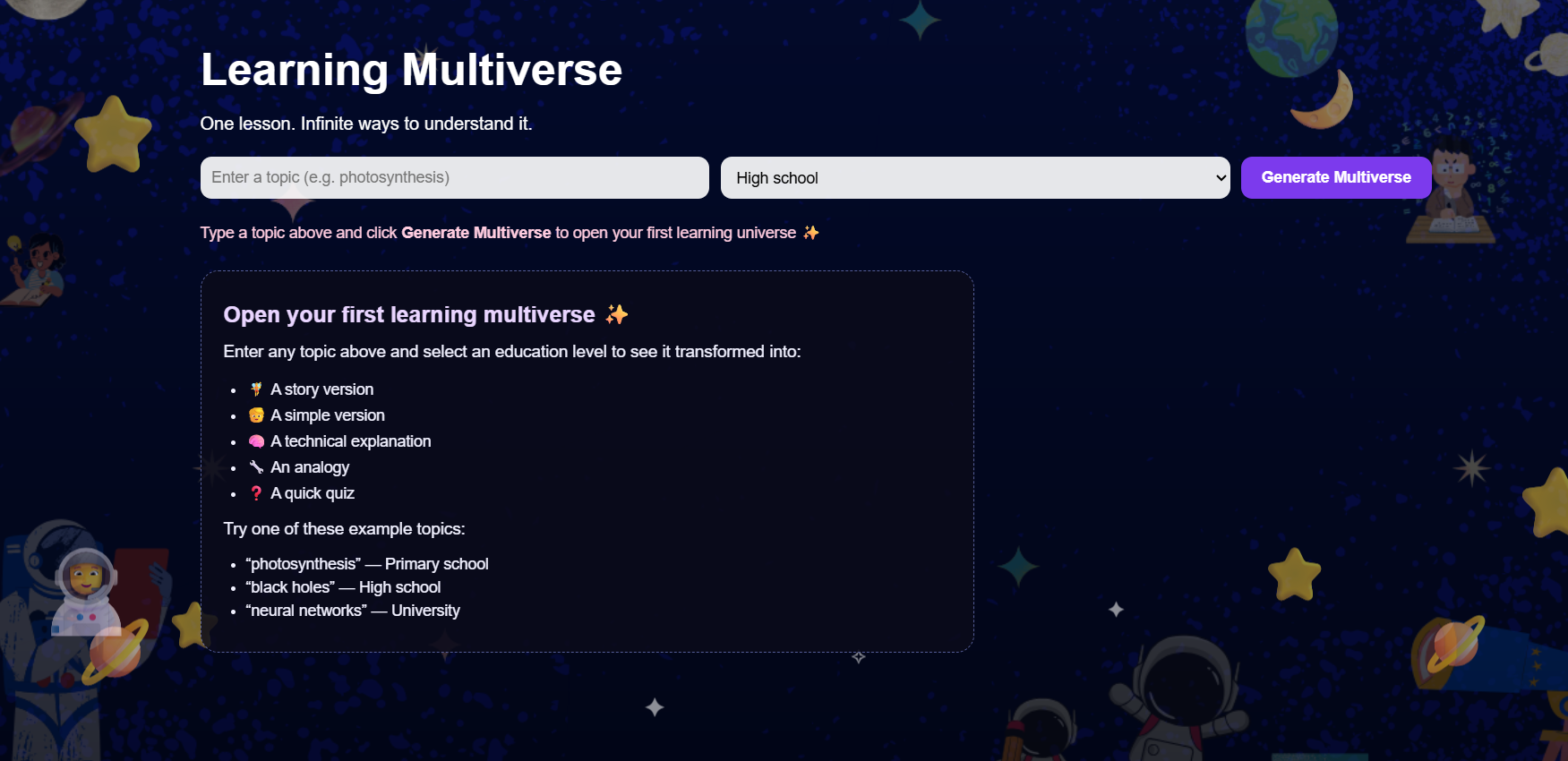
Homepage displaying input fields and learning level selecto
-
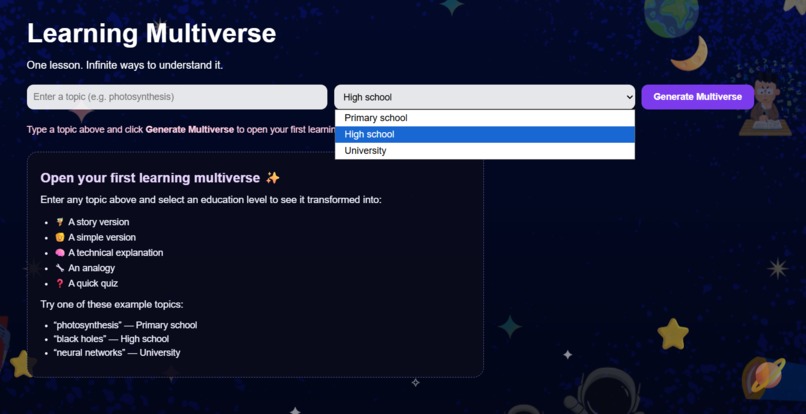
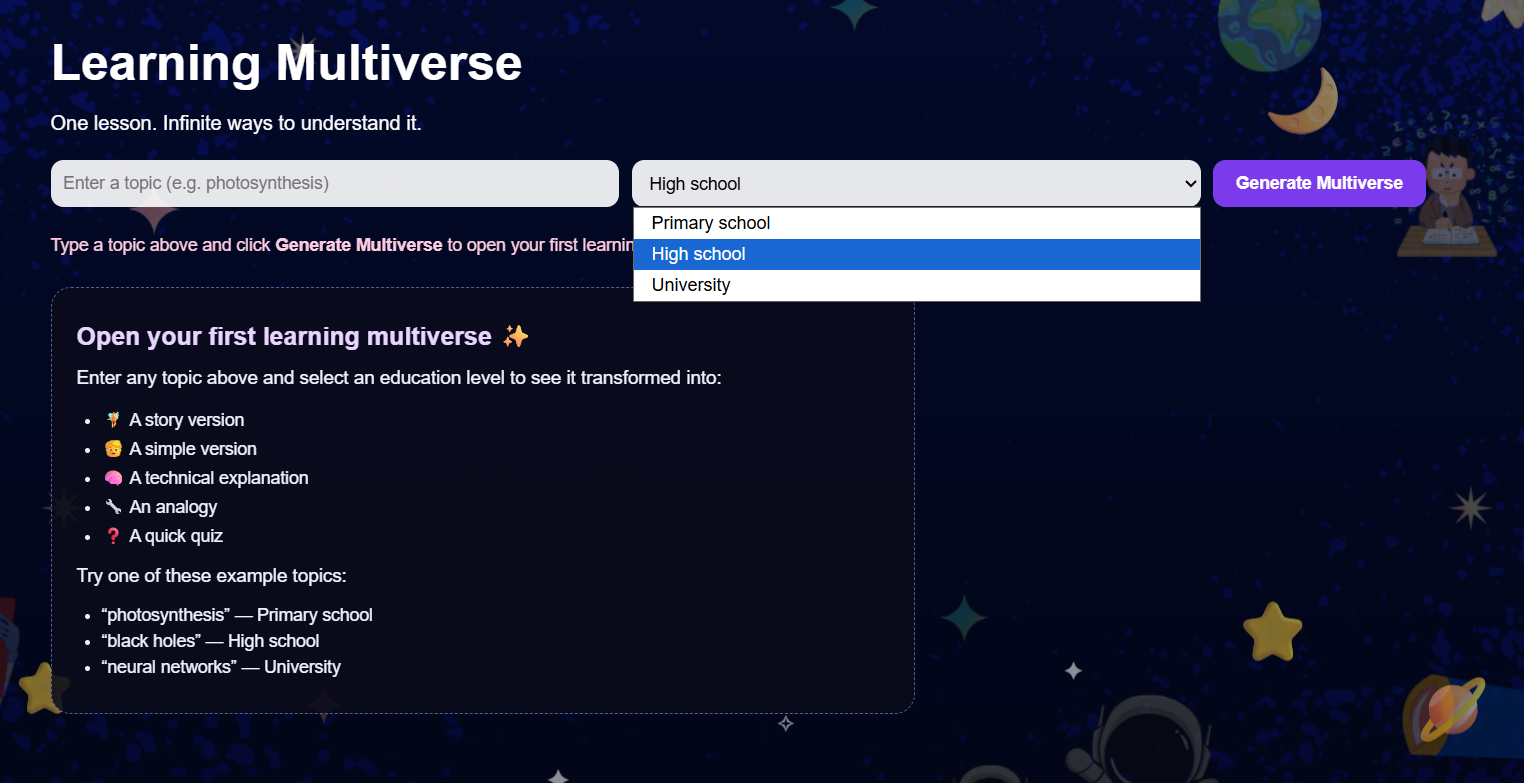
Dropdown menu allowing users to choose an education level (Primary, High School, University)
-
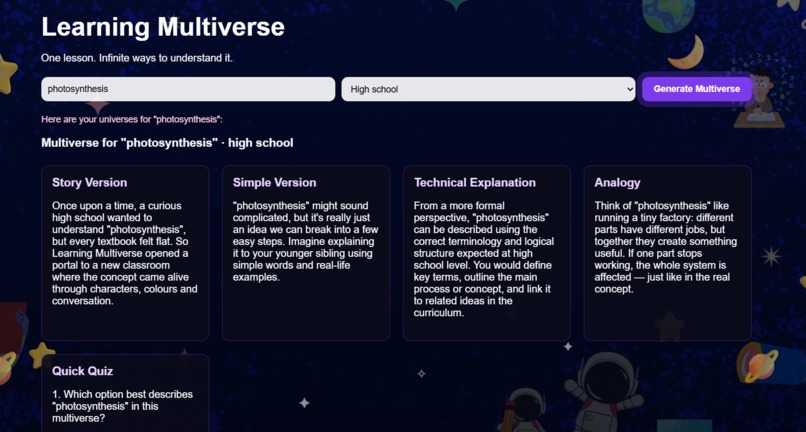
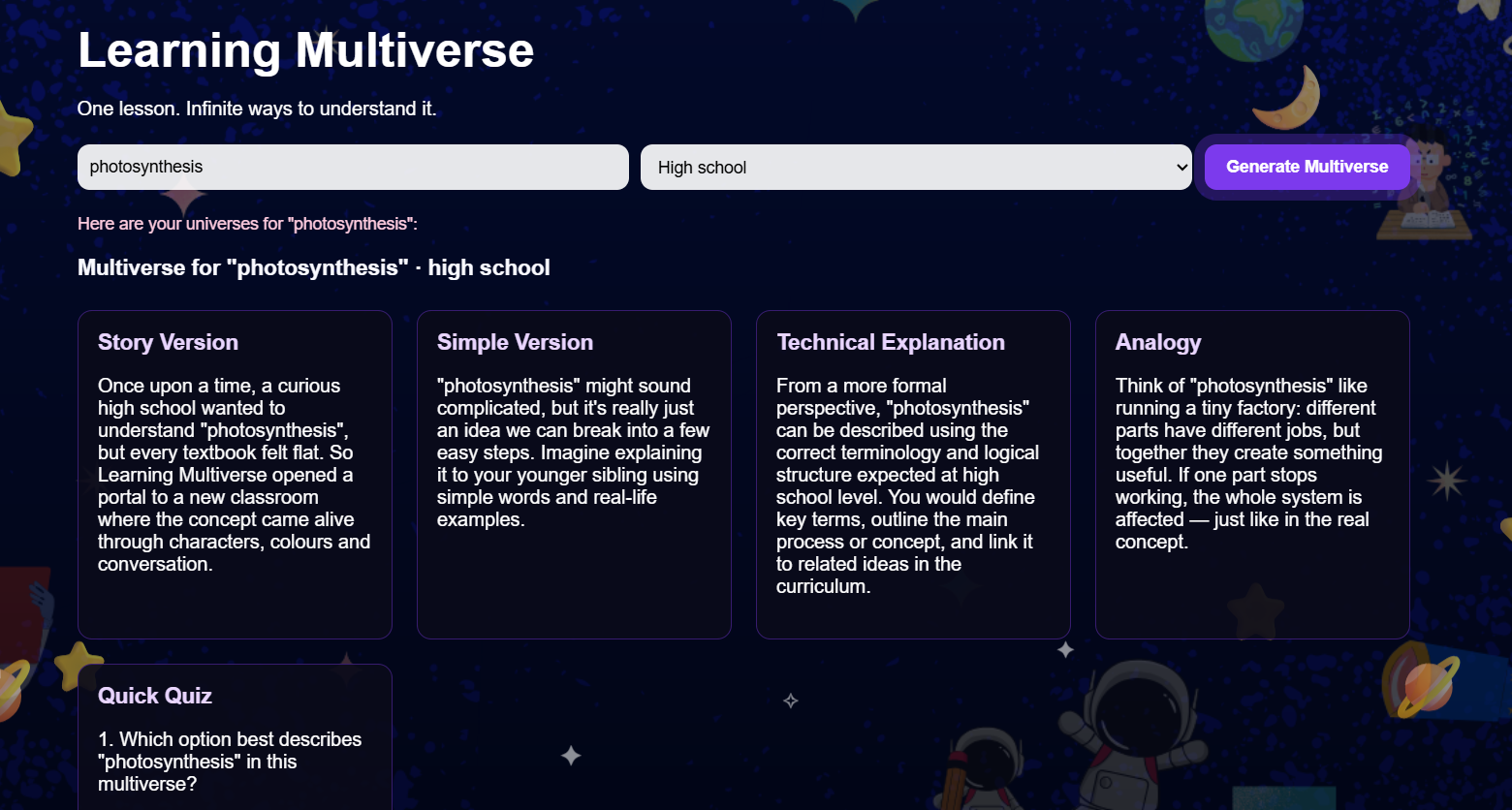
Generated multiverse outputs: Story, Simple, Technical, and Analogy explanations
-
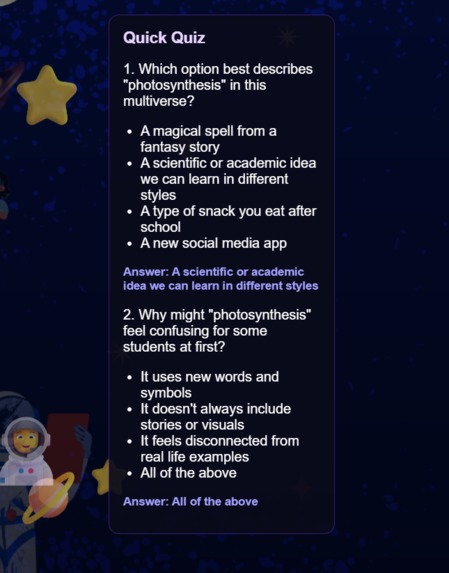
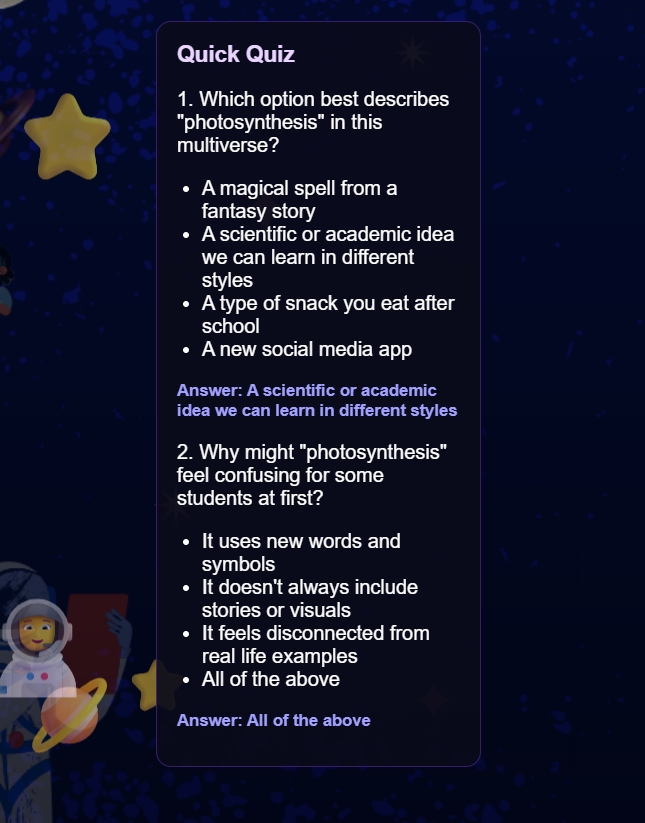
Auto-generated quiz questions reinforcing understanding of the topic
Inspiration
Traditional learning often assumes every student understands the same explanation. But real learners are diverse — some need stories, some need visuals, some need simple explanations, and others thrive with technical detail. I wanted to create a tool that adapts to the learner, not the other way around. During the hackathon, I felt inspired to merge education + AI + accessibility to make learning more inclusive and enjoyable for everyone.
What it does
Learning Multiverse takes any topic — from “gravity” to “neural networks” to “jacket” — and instantly generates:
- Story Version
- Simple Version
- Technical Explanation
- Analogy Explanation
- Quick Quiz
It works across Primary, High School, and University levels. The goal is to help every learner find their best doorway to understanding.
How I built it
Frontend built with HTML, CSS, and JavaScript Custom cosmic UI theme designed in Canva Backend built with Node.js + Express AI content powered by OpenAI GPT-4o / GPT-4o-mini Agile workflow using GitHub Issues and Project Board (Kanban) Added accessibility features (ARIA live regions, high-contrast design) Used animations and visual polish to create a more engaging experience
Challenges I ran into
Ensuring the UI remained readable over a detailed space-themed background Keeping the interface responsive across mobile, tablet, and desktop Time limitation — balancing design, functionality, and polish in one weekend
Accomplishments that I'm proud of
Added UDL-inspired multi-style explanations Achieved a beautiful, animated space UI that feels fun and educational Made the interface accessible, responsive, and keyboard-friendly Created clear Agile documentation: issues, user stories, labels, milestones Produced a tool that teachers, students, and even adult learners can use instantly
What I learned
How to integrate OpenAI models into a custom educational tool How important UI/UX decisions are in learning tools The value of working iteratively using Agile (Kanban, user stories, acceptance criteria) How small features like animations, UX polish, and accessibility improvements dramatically improve engagement
What's next for Learning Multiverse
Learning Multiverse has strong potential to grow beyond the hackathon. Future upgrades include:
- Text-to-speech mode so learners can listen to explanations
- PDF export to create printable study sheets
- Progress tracking based on quiz performance
- Adaptive learning style detection using AI to identify what format works best for each student
- More learning styles (visual diagrams, examples, gamified flashcards)
- Teacher dashboard to help educators generate differentiated content faster
- Mobile app version for accessible learning on the go
These improvements will make the platform more powerful, more inclusive, and more practical for classrooms, homeschooling, and lifelong learning.
Built With
- api
- canva
- css3
- express.js
- git
- github
- gpt-4o
- gpt-4o-mini)
- html5
- javascript
- markdown
- node.js
- openai


Log in or sign up for Devpost to join the conversation.