-
-
Branding and logo
-
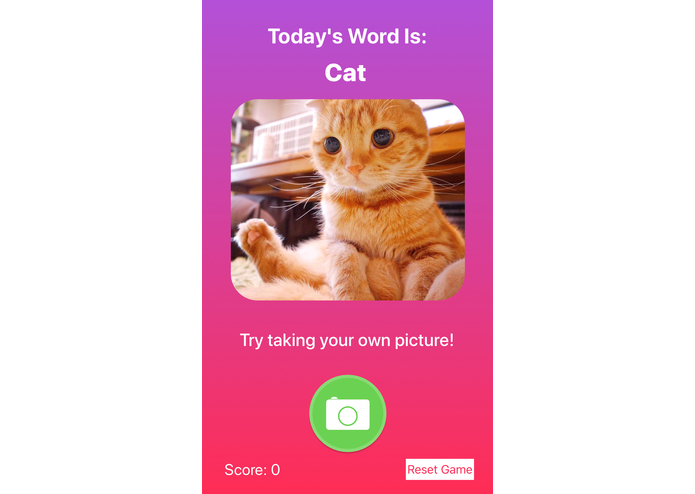
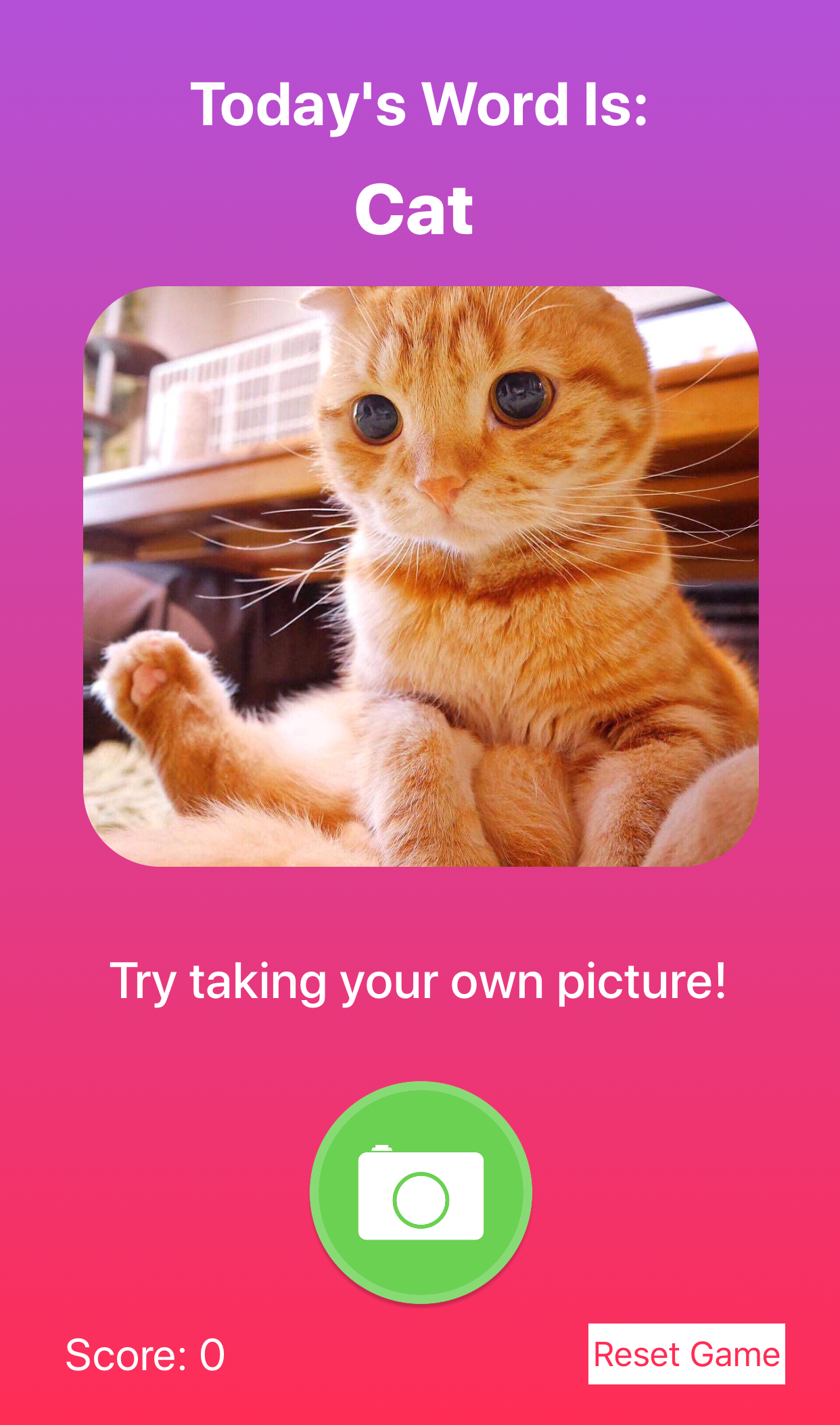
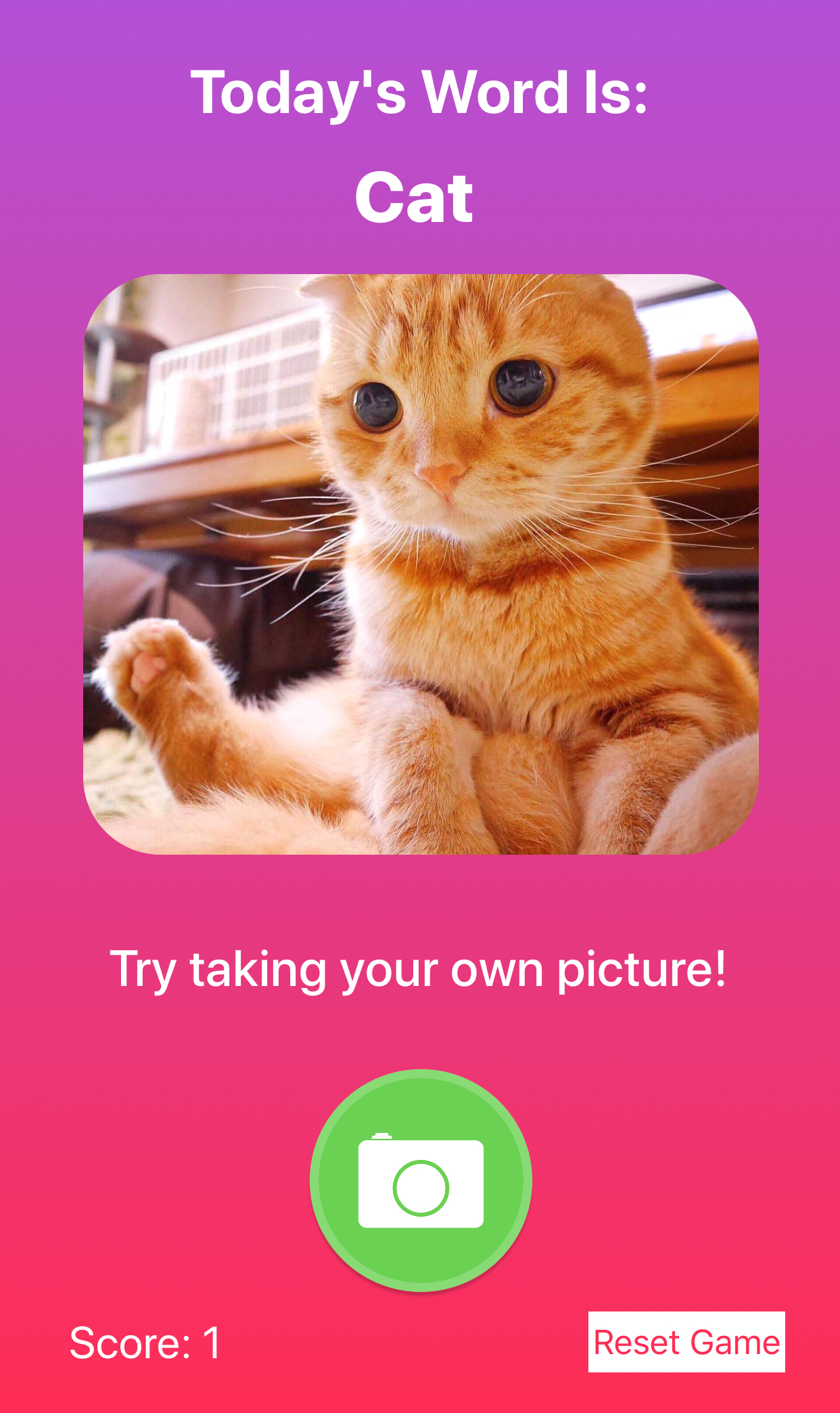
Take a picture of cat to earn points!
-
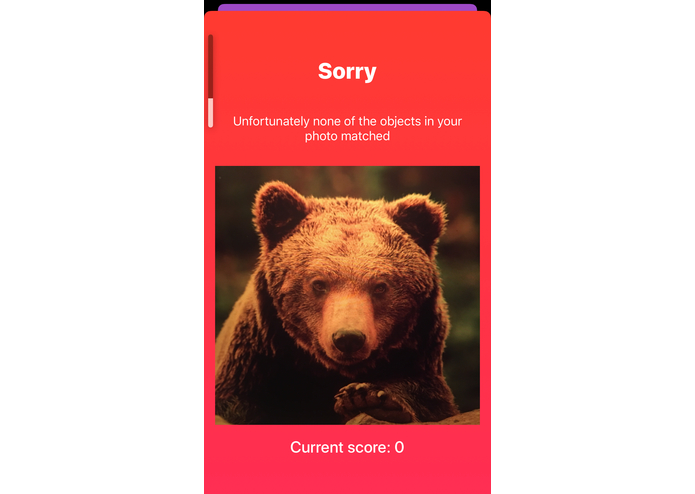
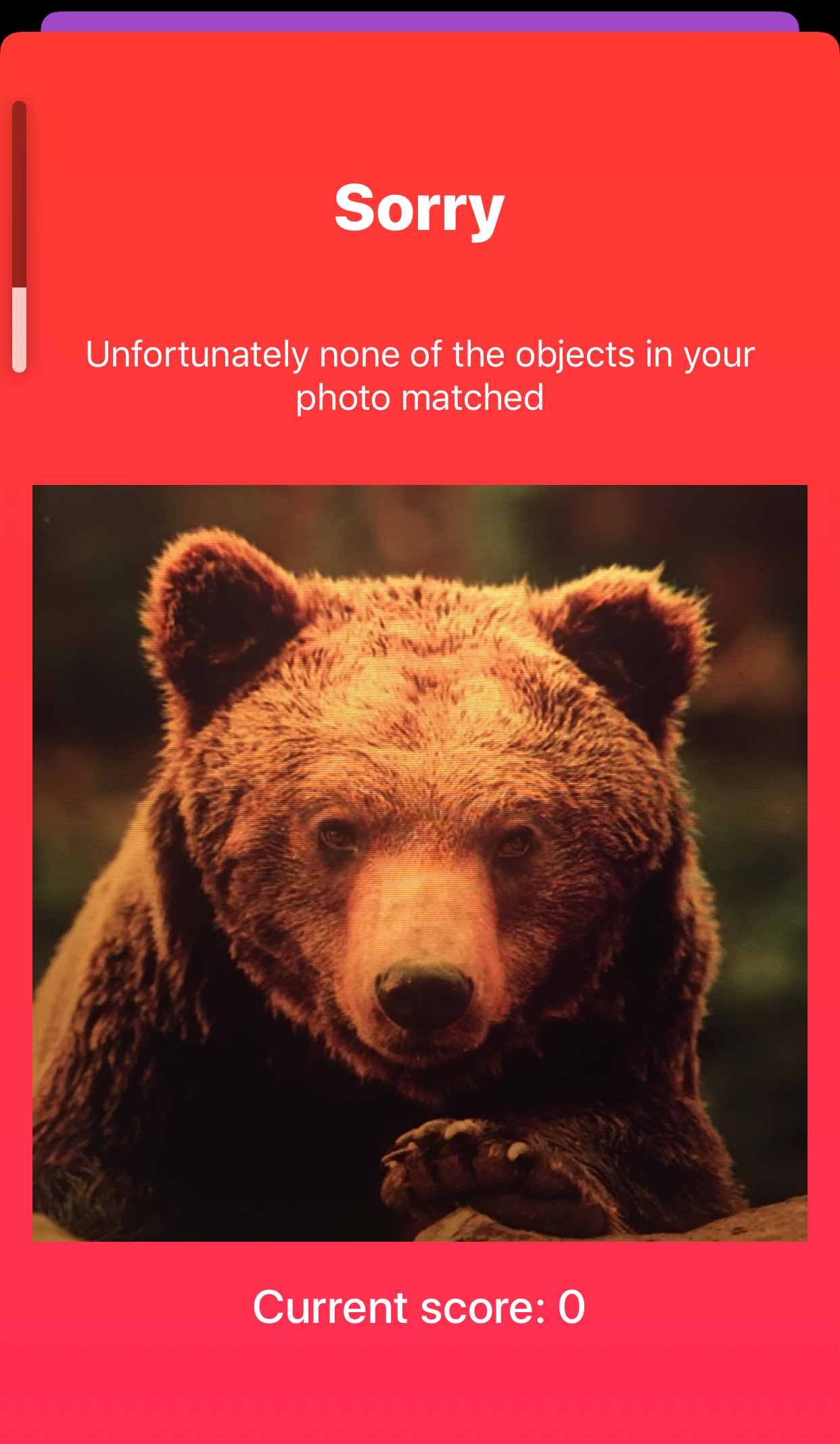
Oh no! You took a picture of a bear
-
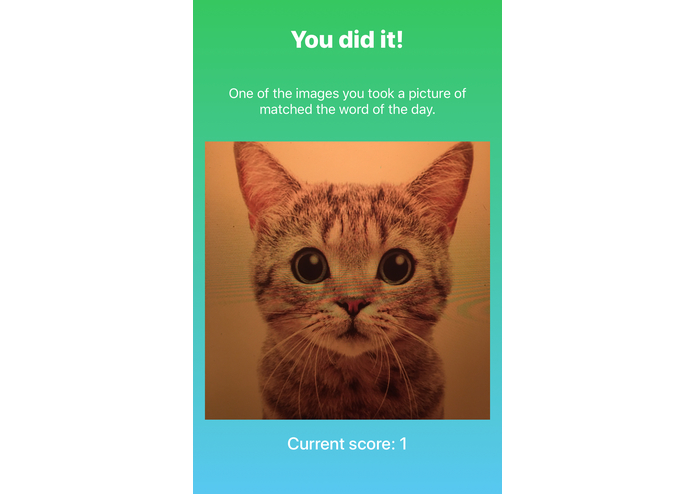
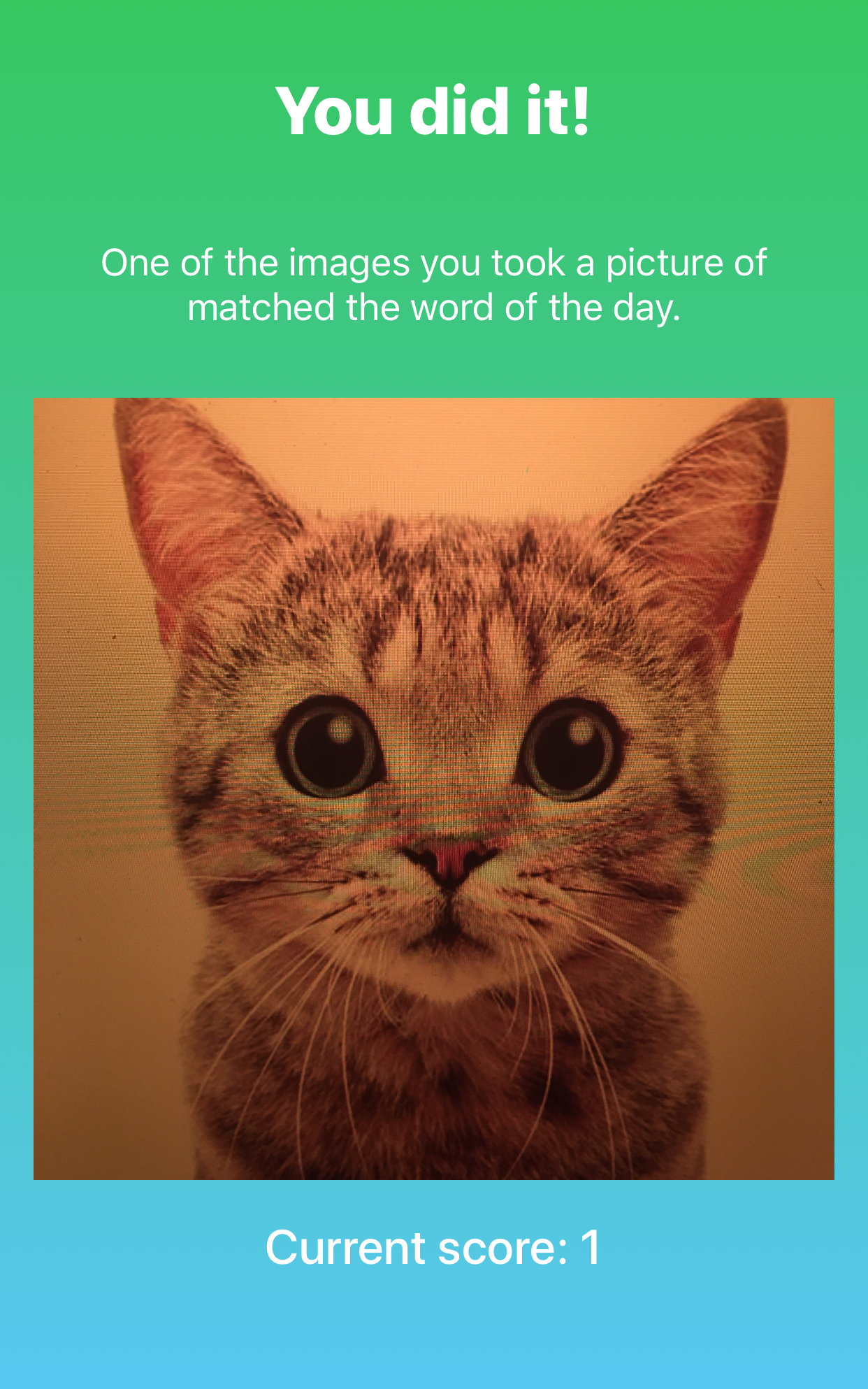
Purrfect! You took a picture of a cat and earned 1 point!
-
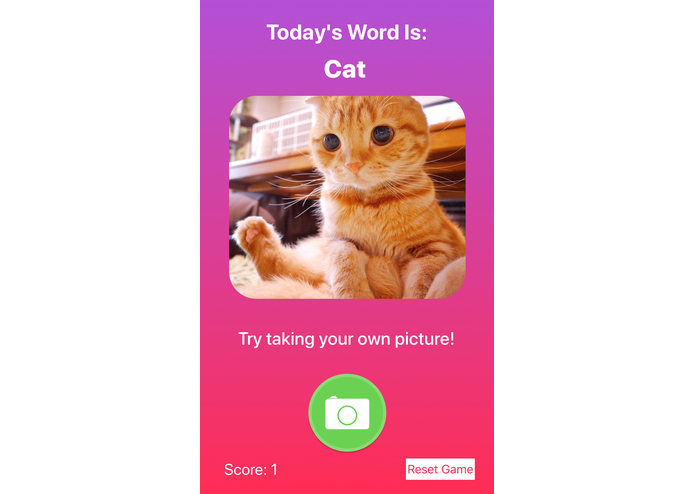
Back to the start, meow you have 1 point!
Inspiration
Our team recently started an iOS bootcamp and we were inspired to make a beginner app with some of the basics we've learned as well as interact with new technologies and APIs that we would learn at the hackathon. We wanted to work on a simple, fun educational app, and wanted to bring in Google Cloud's Vision API as well as the iPhone's built-in camera capabilities. The end result is a culmination of these various inspirations.
What it does
Our app is an interactive game for young learners to come across new English words and photograph those items throughout their days. Players can track their scores throughout the day and confirm that the image matches the vocabulary word with fun audio prompts. The word and score can be reset so players can find new inspiration for their next photo journey.
How we built it
We worked primarily with Swift on XCode, using git for our version control. We used Google Cloud's ML Kit for Firebase, a mobile SDK that allowed us to accurately label images that the player took over a certain confidence score with Google Cloud Vision. To import this library and Alamofire we used Cocoapods.
Challenges we ran into
Because we are all beginners with mobile development, we ran into many challenges related to the intricacies of iOS development. We learned that it is difficult to collaborate on the same storyboards, which made version control and collaboration more challenging than usual. We also had trouble setting up the same environments, versions of XCode and Swift, and Apple developer teams.
After connecting to the Google Cloud Vision API, we began testing our app. To our befuddlement, the Google Cloud Vision API labeled an image of a bagel as a musical instrument and a member of our team as a vehicle. Upon closer inspection, we realized we were using the on-device API instead of the Cloud API. Switching to the Cloud API, greatly increased the accuracy of the labels.
Accomplishments that we're proud of
Overall, we're very proud that we were able to put together this product within a day! We were able to complete our goal of connecting to the Google Cloud Vision API and using its machine learning models to analyze the objects within our images. Our game works exactly as envisioned and we're proud of our child-friendly, intuitive user design.
What we learned
We learned an incredible amount over such a short period of time, including:
- Swift intricacies (especially optionals)
- XCode and general iOS development gotchas
- Autolayout and general design in iOS
- Connecting to an iPhone camera
- Firebase and Google Cloud setup
- importing audio files to our app
- local data persistence for our game
- the joy of pair programming with friends
- Segue modal navigation
- Loading spinners while waiting for API response.
What's next for Learning Lens
We can envision many ways that Learning Lens can expand its offerings to more young learners, their parents, and even educators. These include:
- Accessing a more complex dictionary that can be adjusted by age or learning level as appropriate
- Parents' input to the specific word of the day or a word bank for their children
- Integrating natural language processing and/or adaptive learning techniques to provide sets of suggestions that are tailored to a learner's interests
- Integrating with school or study systems to assist educators in their existing curriculum
- Text-to-speech capability so that very young learners who have not yet learned to read will be able to play as well (and older learners can improve upon their pronunciation)
- Database integration so that learners can see previous words they've learned, as well as pictures they've taken; and parents can view their children's finds and life through their children's eyes
- A countdown timer or built-in reset feature for the app to come up with a new word at a certain time every day
- Social networking so that learners can connect with approved peers and view leaderboards for the same word as well as share images with one another
Credits
A special thanks to Alex Takahashi (Facebook Sponsor) for providing mentorship and answering our questions.
Also thanks to Google for providing $100 credit to explore the Google Cloud API offerings.
Our logo sans text was sourced from pngtree.com.

Log in or sign up for Devpost to join the conversation.