-
-
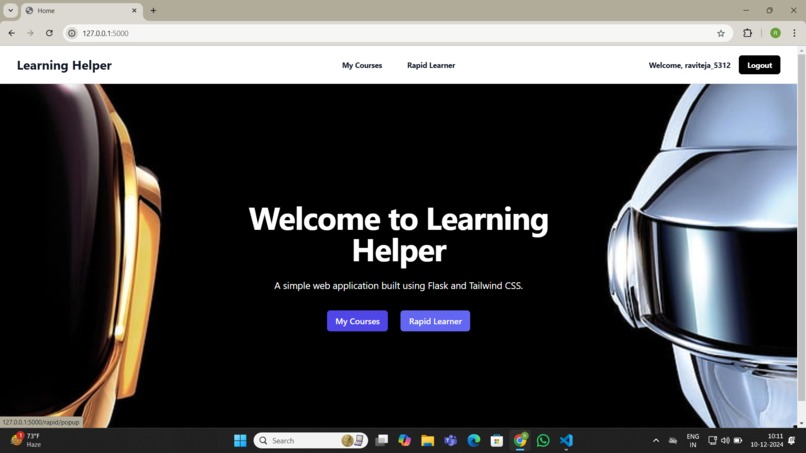
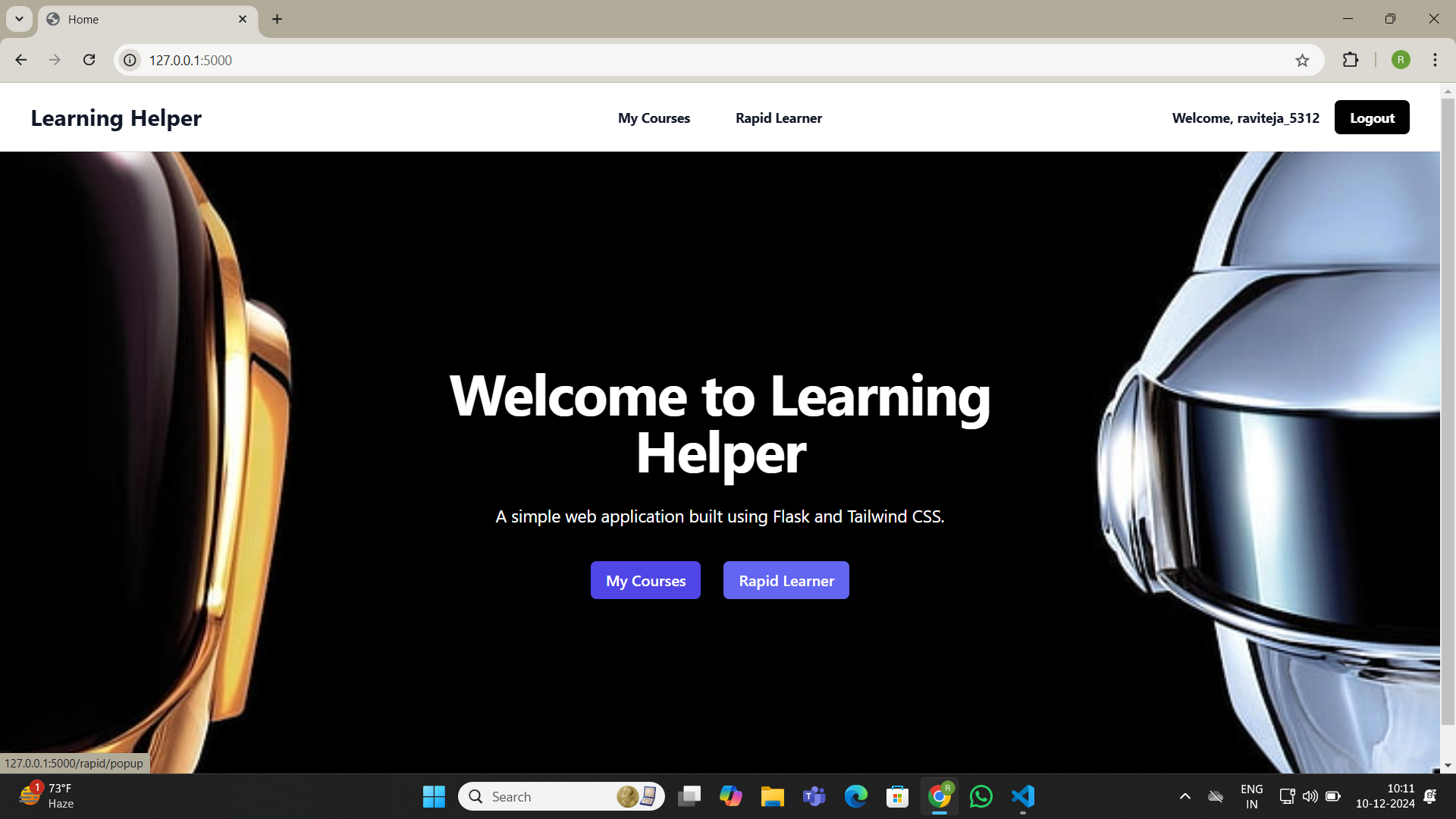
Home page
-
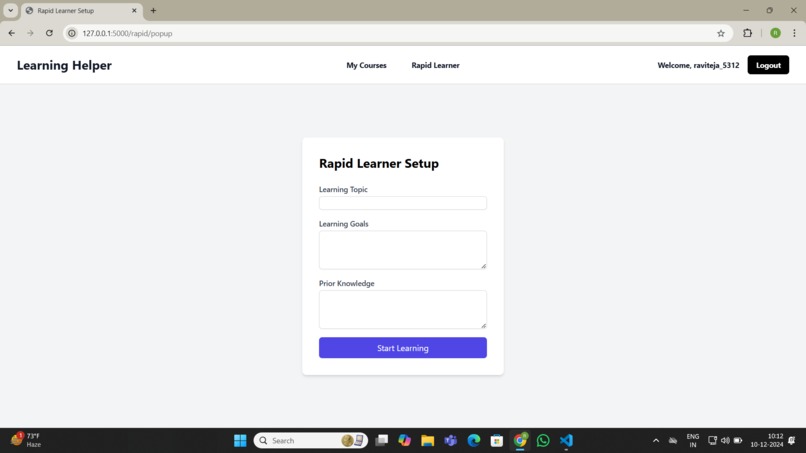
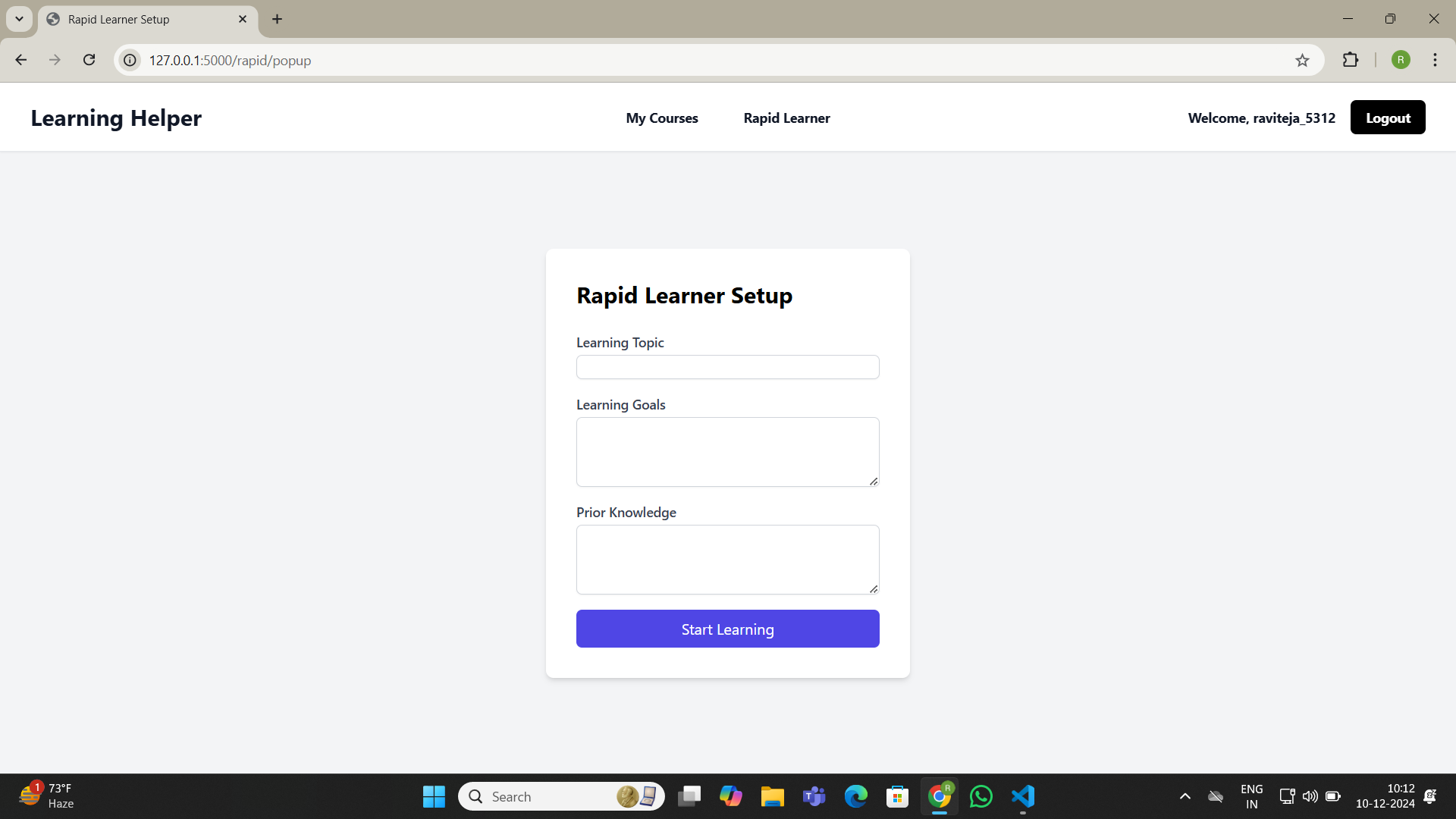
Rapid Learner Page
-
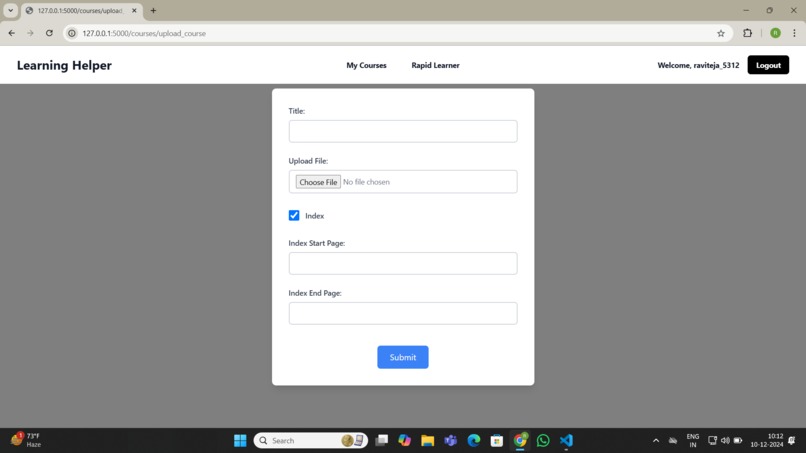
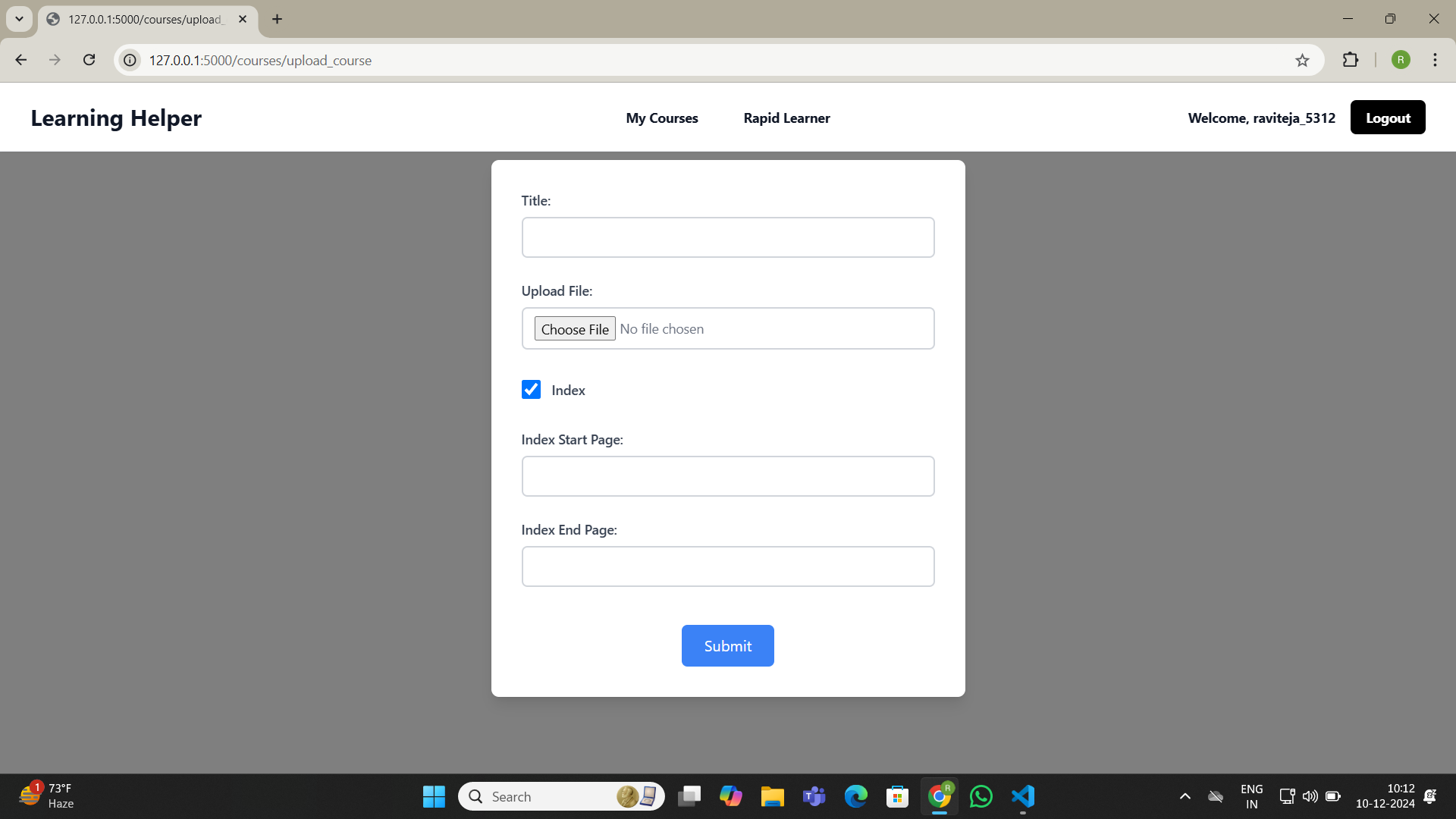
Upload PDF to generate Course
-
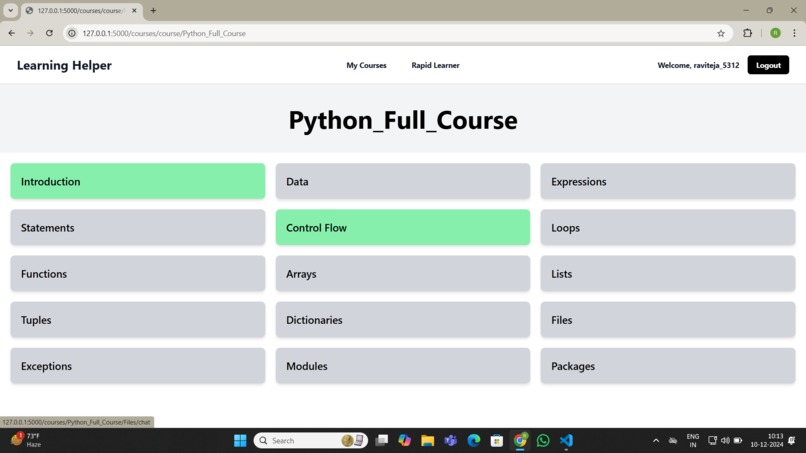
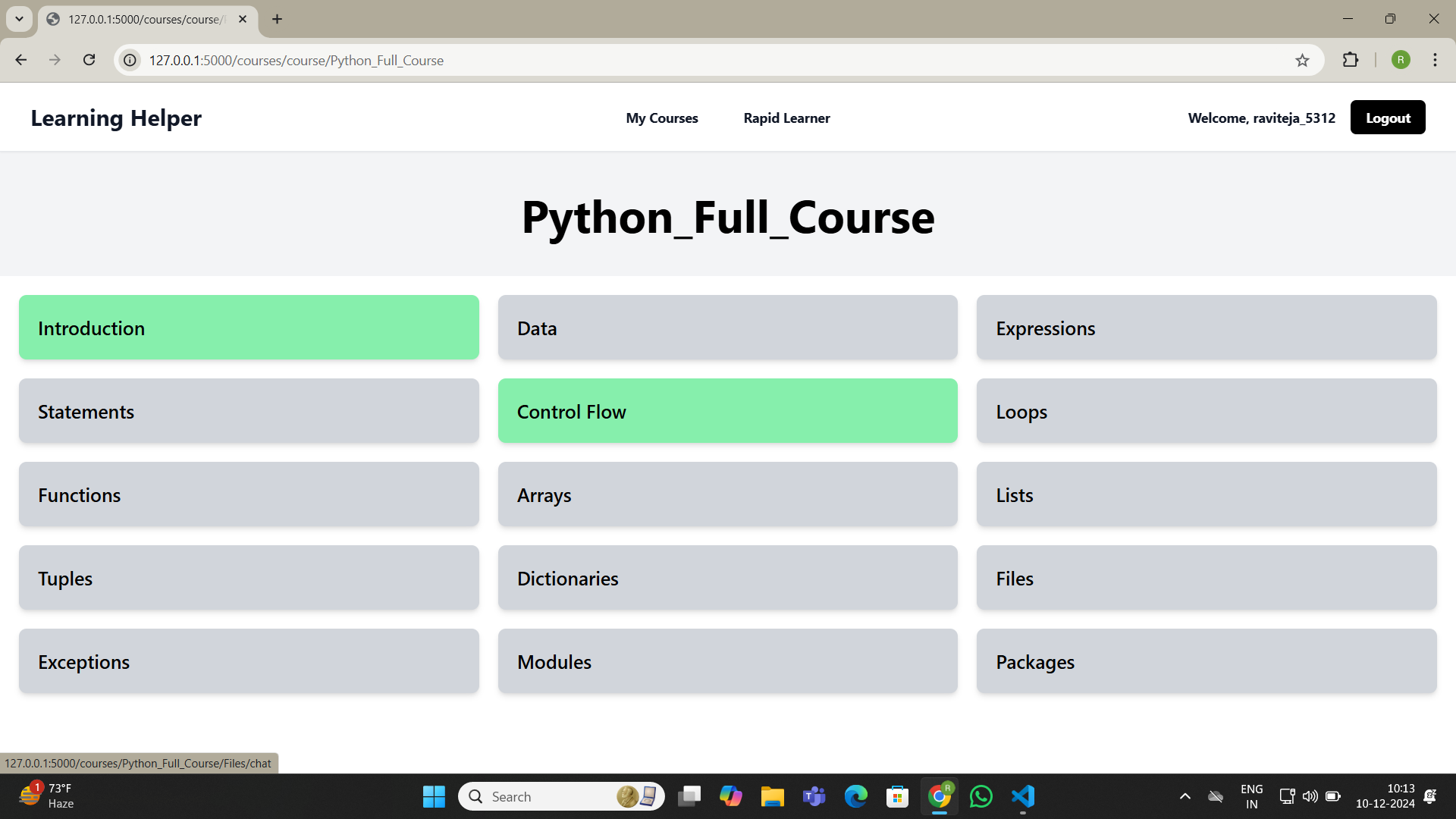
Generated course structure
-
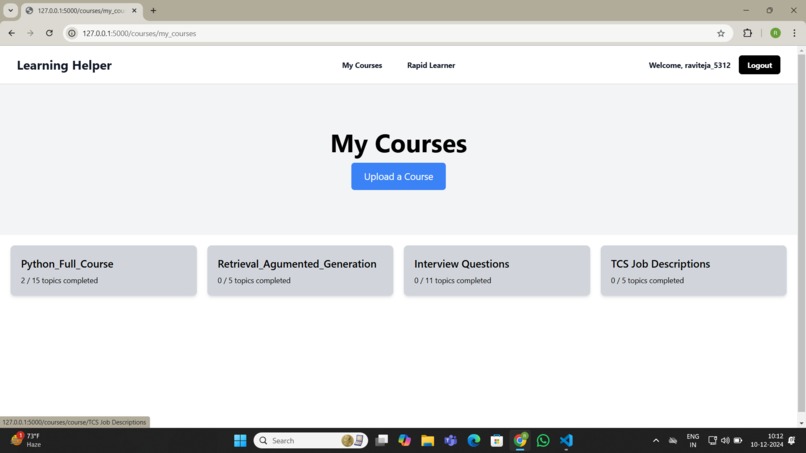
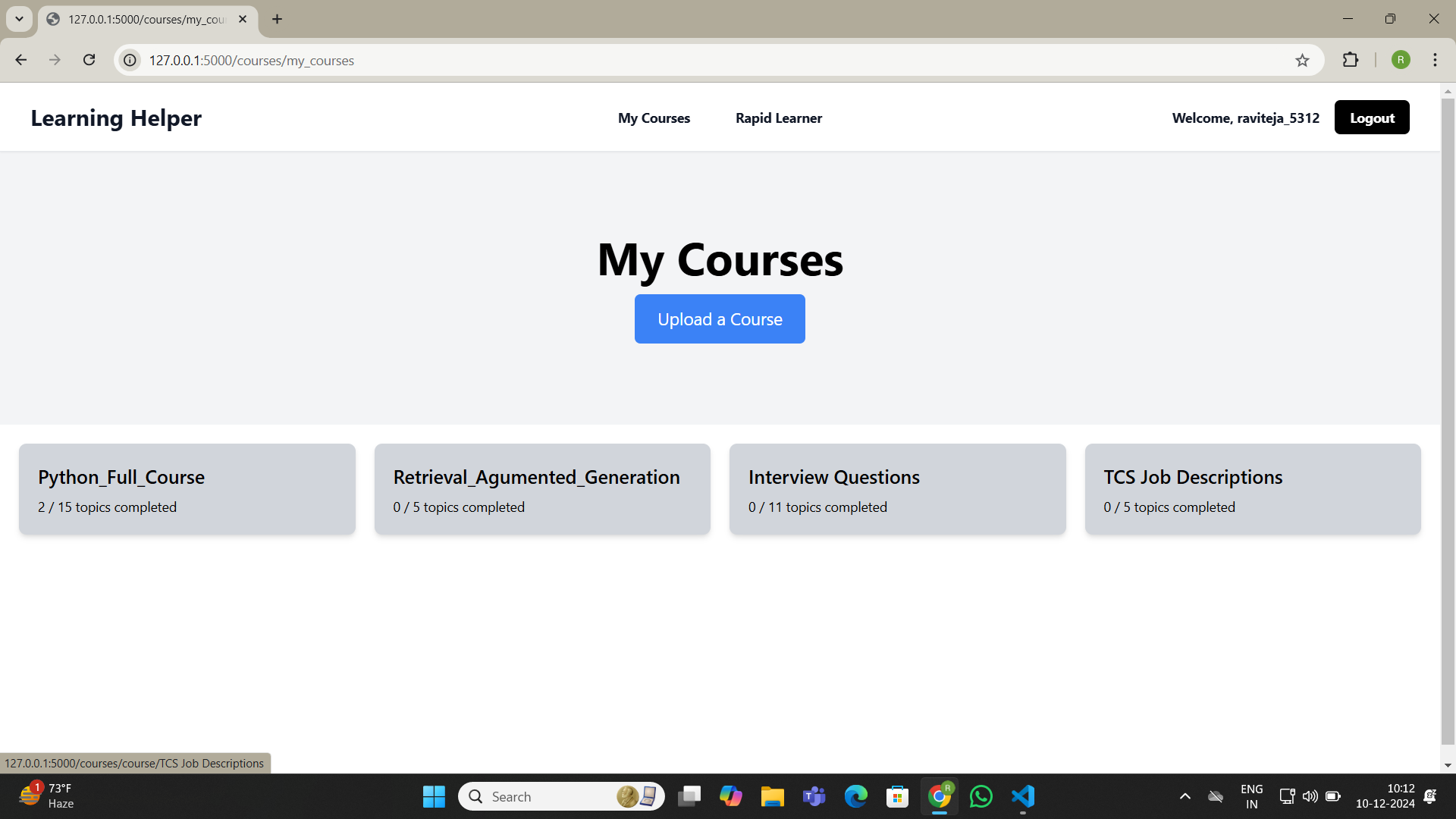
Uploaded Course List
-
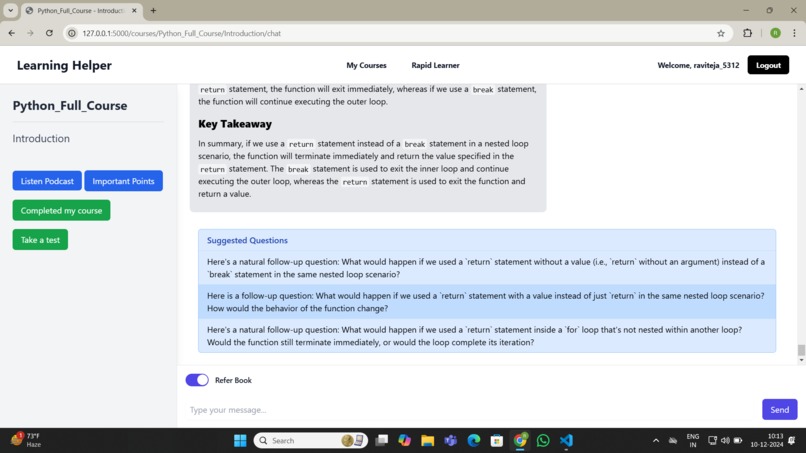
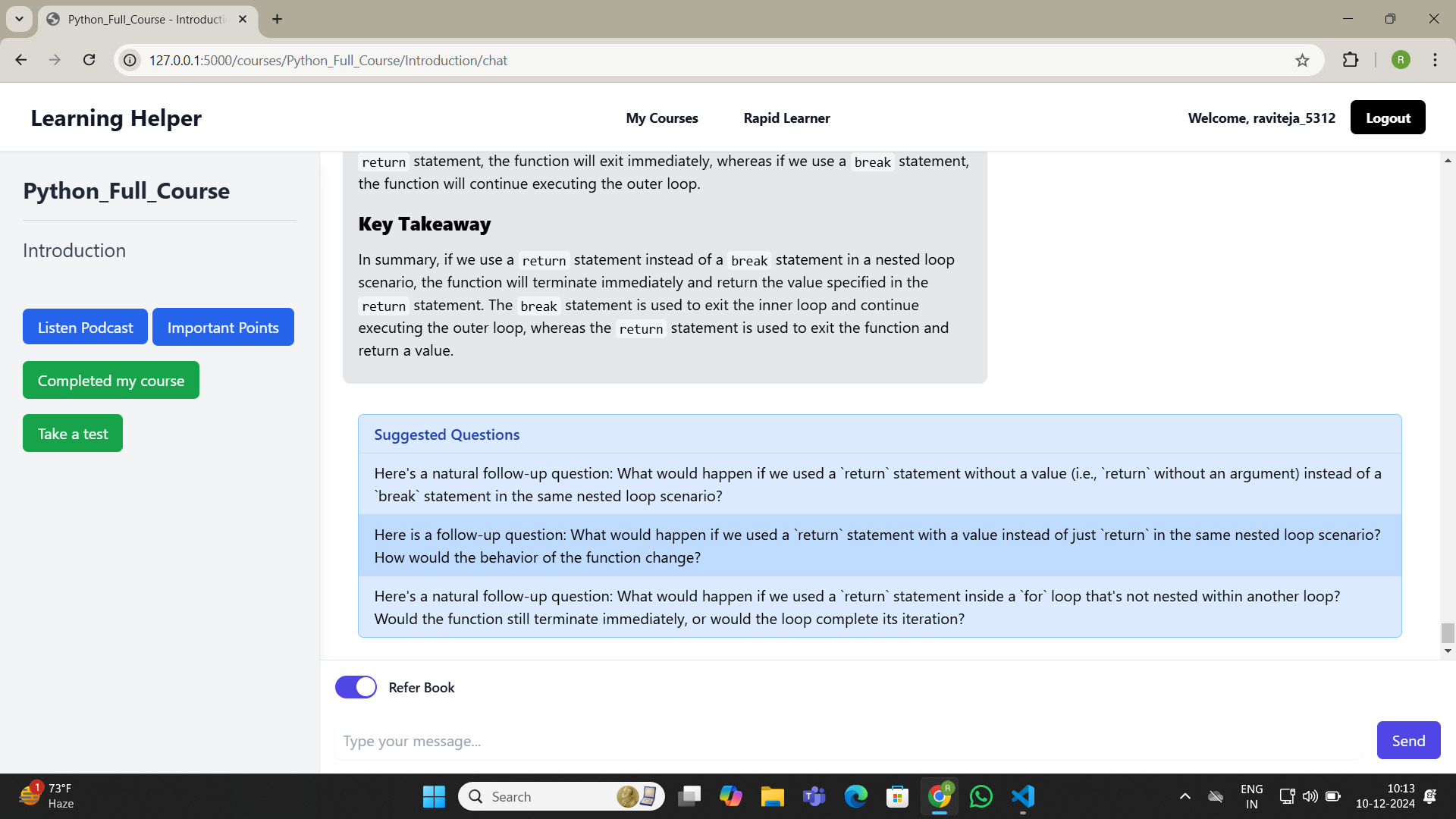
Chat Interface
Hackathon Project Submission: Learning Helper Assistant
Inspiration
The journey to creating the Learning Helper Assistant was sparked by my personal experience as an avid learner. I often found myself exploring various PDF books and research papers but lacked a structured way to absorb and retain the knowledge they offered. This challenge led me to a realization: many children lack access to schools, and adults often do not have the time or financial resources to enroll in traditional courses. However, there is a vast repository of learning material in the form of PDFs readily available online. With the power of AI and Large Language Models (LLMs), I saw an opportunity to bridge this gap by transforming any PDF book into a structured, personalized learning experience.
What it does
The Learning Helper Assistant allows users to upload any PDF book and transforms it into a structured learning experience. By leveraging RAG (Retrieval-Augmented Generation) and LLMs, it delivers context-aware educational content. Key features include:
- Chatbot Assistance: Provides human-like interactions for better understanding.
- Custom Test Generation: Creates tailored quizzes based on book content.
- Podcast Creation: Converts book concepts into audio format for convenient learning.
- User-Specific Learning Paths: Personalizes the learning journey based on user input and progress.
How we built it
- Backend: Developed using Python's Flask framework to ensure a lightweight and efficient backend.
- AI Integration: Used Ollama and Groq API for advanced natural language processing and human-like chatbot interactions.
- Data Management: Implemented SQLite for secure user data storage and ChromaDB for vector-based information retrieval from the uploaded books.
- Learning Personalization: The RAG model combined retrieval-based and generative approaches to deliver accurate, context-aware educational content.
- Feature Set: The platform supports features such as chatbot assistance, custom test generation, podcast creation, and user-specific learning paths.
Challenges we ran into
- Efficient Data Retrieval: Designing an architecture that allows fast and accurate retrieval of information from large PDF files was a major challenge. ChromaDB's vector-based storage proved invaluable in overcoming this.
- AI Model Tuning: Fine-tuning the RAG model to provide meaningful and context-relevant responses required extensive experimentation.
- UI/UX Design: Crafting a user-friendly interface that adapts to individual learning needs demanded iterative design and testing.
- Resource Limitations: Managing system resources while handling large data files and AI processing was another technical hurdle.
- Security Concerns: Implementing robust authentication mechanisms and ensuring secure data storage with SQLite presented challenges that we successfully addressed.
Accomplishments that we're proud of
- AI-Powered Learning: Successfully integrated RAG and LLMs to provide personalized learning experiences.
- Enhanced User Experience: Developed a user-centric platform with adaptive learning paths.
- Data Efficiency: Implemented ChromaDB for fast and accurate data retrieval.
- Secure System: Ensured secure data storage and user authentication.
What we learned
Building this project was an enriching experience that provided numerous learning opportunities. Some key takeaways include:
- Effective Integration of AI Tools: We gained hands-on experience with Retrieval-Augmented Generation (RAG) and Large Language Models (LLMs) for delivering context-aware educational content.
- Data Management Best Practices: Leveraging ChromaDB, a vector database, helped us efficiently retrieve relevant information, enhancing the learning experience.
- User-Centric Design: We learned to develop user-specific UI elements that personalize the learning journey.
- Optimized Natural Language Processing: Implementing Ollama and Groq API provided human-like interactions, making the learning assistant more intuitive.
- Security Practices: We implemented secure authentication and SQLite to ensure safe user data storage.
What's next for Learning Helper Assistant
- Real-Time Progress Tracking: Introduce features to monitor and display user progress dynamically.
- Expanded Content Formats: Support additional file types such as Word documents and e-books.
- Advanced Analytics: Provide insights into learning patterns for better user engagement.
- Mobile Application: Develop a mobile version for on-the-go learning.
- Community Features: Enable user collaboration and knowledge sharing.


Log in or sign up for Devpost to join the conversation.