Inspiration
Online classes still leave students lost. Lectures move fast, explanations aren’t personalized, and students often don’t have the visual tools to truly understand what’s being taught. We wanted to build an AI that doesn’t just transcribe or summarize — but actually learns with you, teaches with you, and visualizes concepts in real time.
⸻
What it does
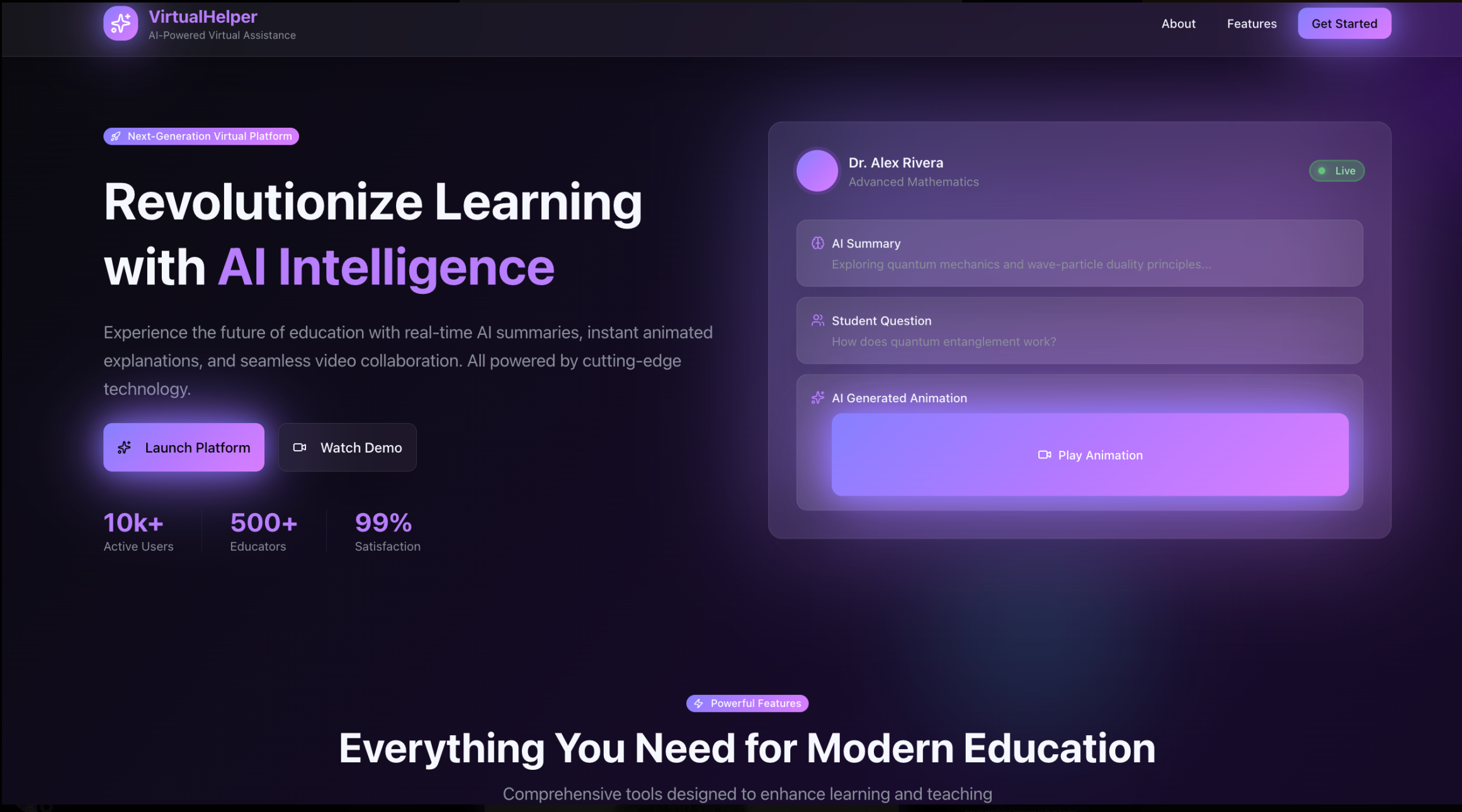
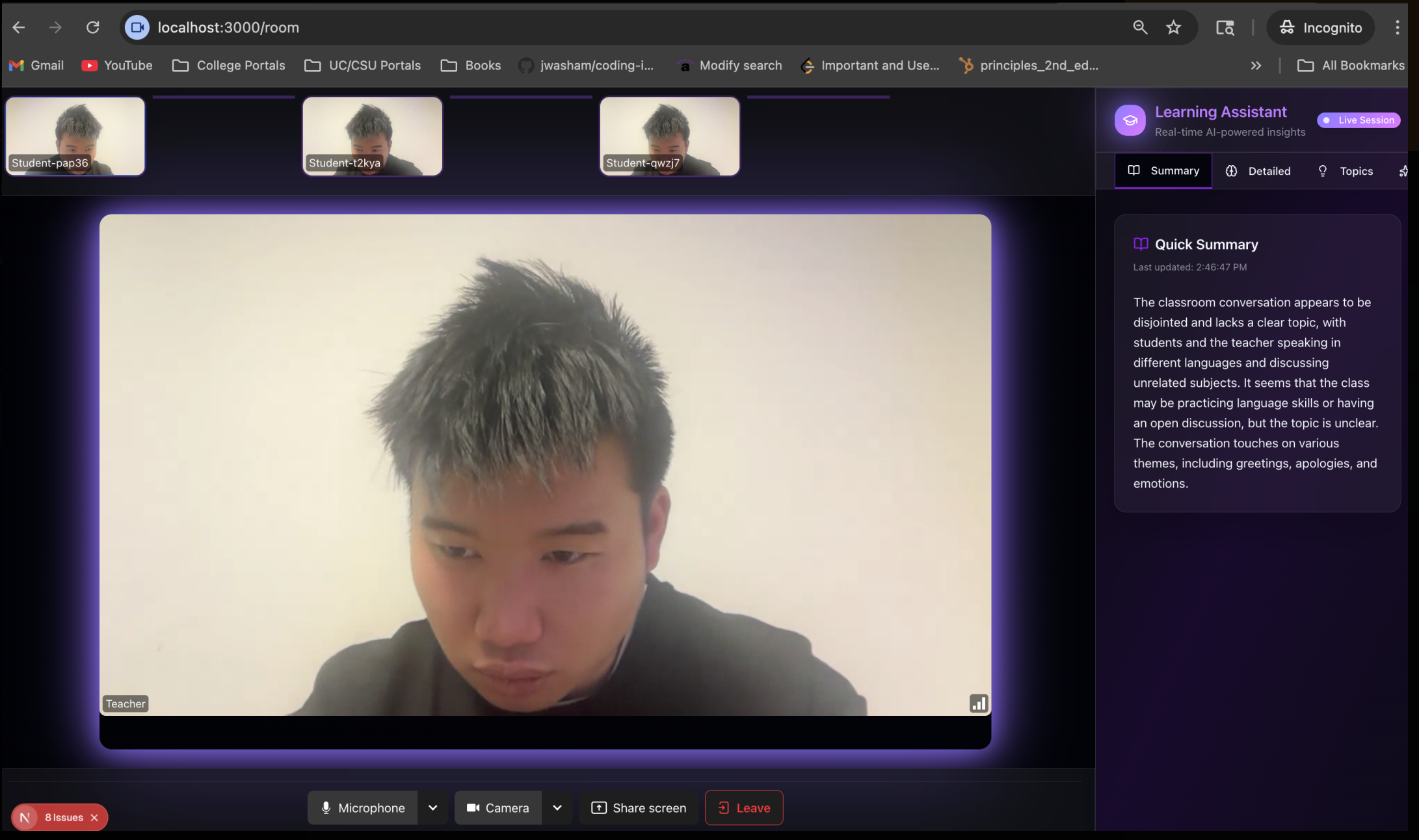
Learning Assistant is an AI-powered co-teacher for live classes. It listens to lectures on Zoom or Google Meet, understands what the instructor is explaining, and lets students ask questions instantly. It also generates AI-animated explainer videos based on the exact topic being covered, and includes a smart AI whiteboard that can solve problems, show steps, autocomplete equations, and create visual explanations on demand.
⸻
How we built it
We combined real-time audio transcription, screen understanding, and topic extraction with a custom backend that feeds this context into multimodal AI models for answering questions. For the animated videos, we generate dynamic storyboards and scene descriptions, then render them into short visual explainers. The whiteboard uses handwriting recognition, symbolic reasoning, and generative models to solve or illustrate problems live.
⸻
Challenges we ran into
Capturing clean, real-time context from live lectures was harder than expected. Synchronizing audio, visuals, and model responses required careful optimization. Building smooth, fast AI video generation also pushed our pipeline limits. And getting the whiteboard to understand messy handwriting and provide accurate visual steps took several iterations.
⸻
Accomplishments that we’re proud of
We built a system that actually works end-to-end: live lecture understanding, instant Q&A, automated animations, and an intelligent whiteboard. What started as an idea became a full learning ecosystem in just a short hackathon window — and seeing the AI generate a full explainer video from a professor’s topic was a breakthrough moment.
⸻
What we learned
We learned how challenging real-time AI pipelines are, and how important it is to design for low latency and clean context flow. We also discovered how powerful multimodal models can be when paired with the right UX — turning passive lectures into interactive, personalized learning.
⸻
What’s next for Learning Assistant
We plan to expand into full classroom integration: automatic note summaries, assignment help tied directly to lecture content, collaboration tools for teachers, and exporting AI-generated study guides. We also want to support more advanced visualization styles, multilingual learning, and campus-wide deployments for universities.
Built With
- digitalocean
- fastapi
- gemini
- livekit
- next.js
- react


Log in or sign up for Devpost to join the conversation.