-
-
-
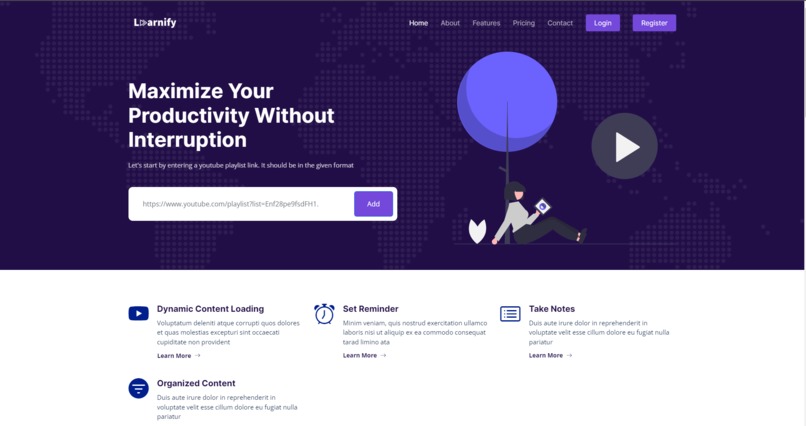
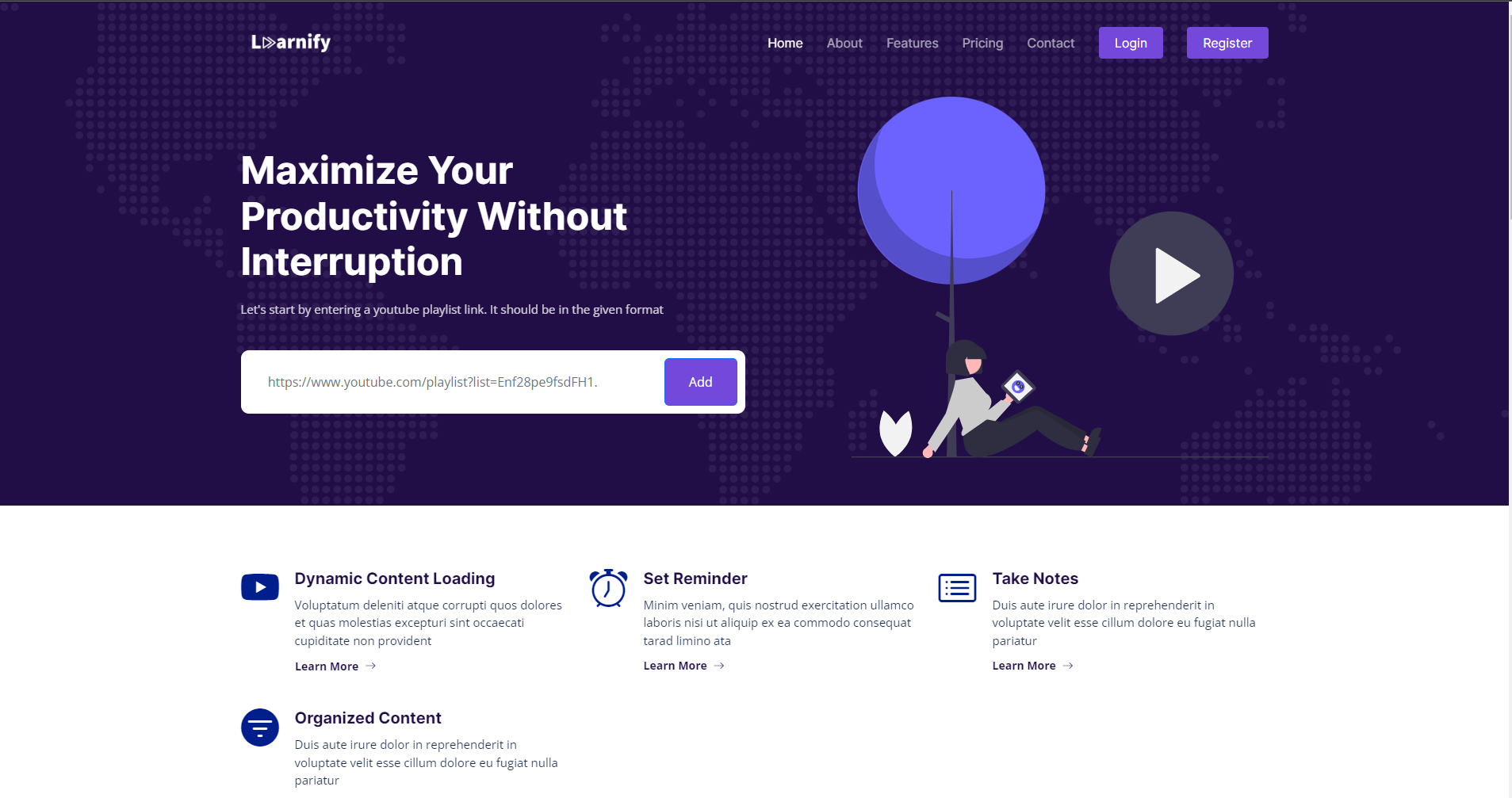
Landing Page
-
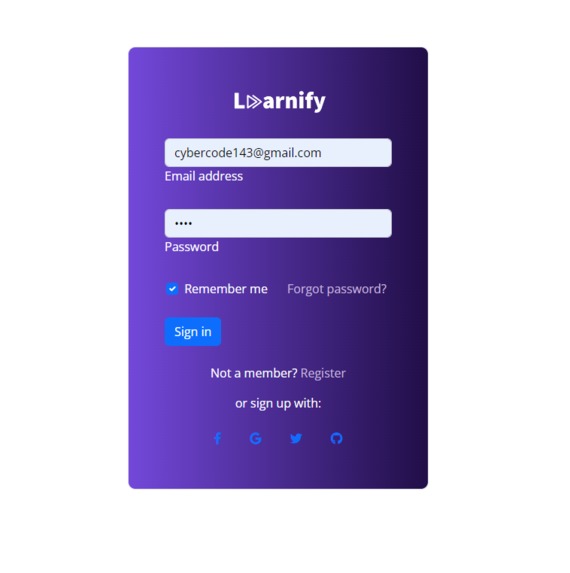
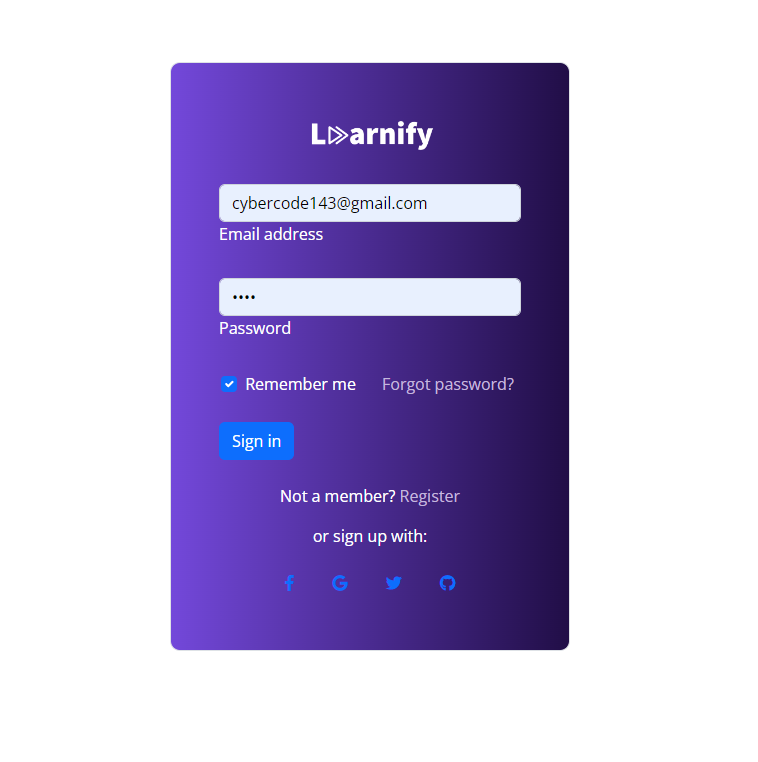
Login
-
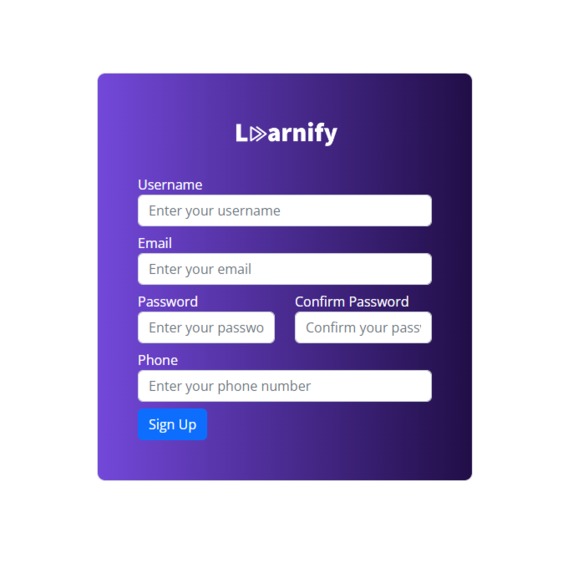
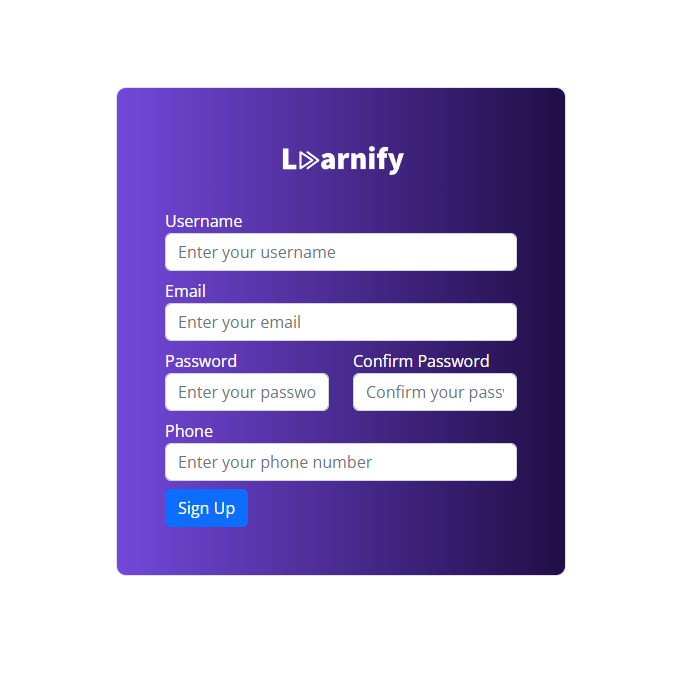
Register
-
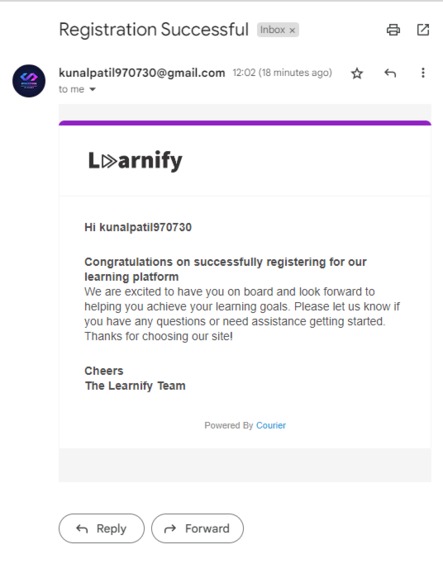
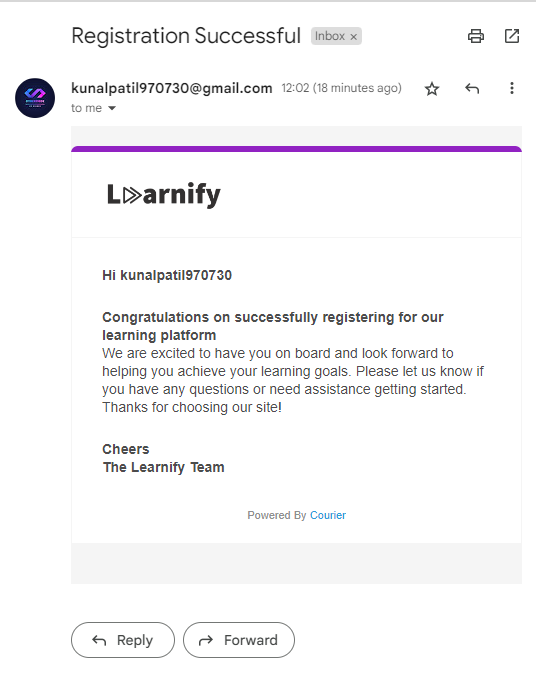
Courier Send API Integration
-
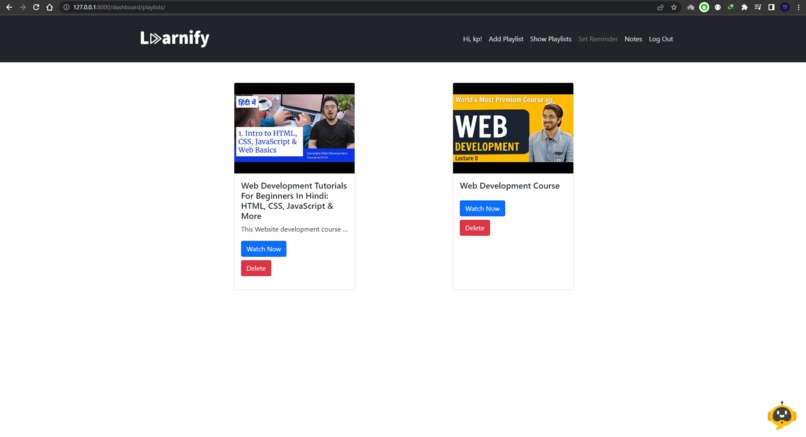
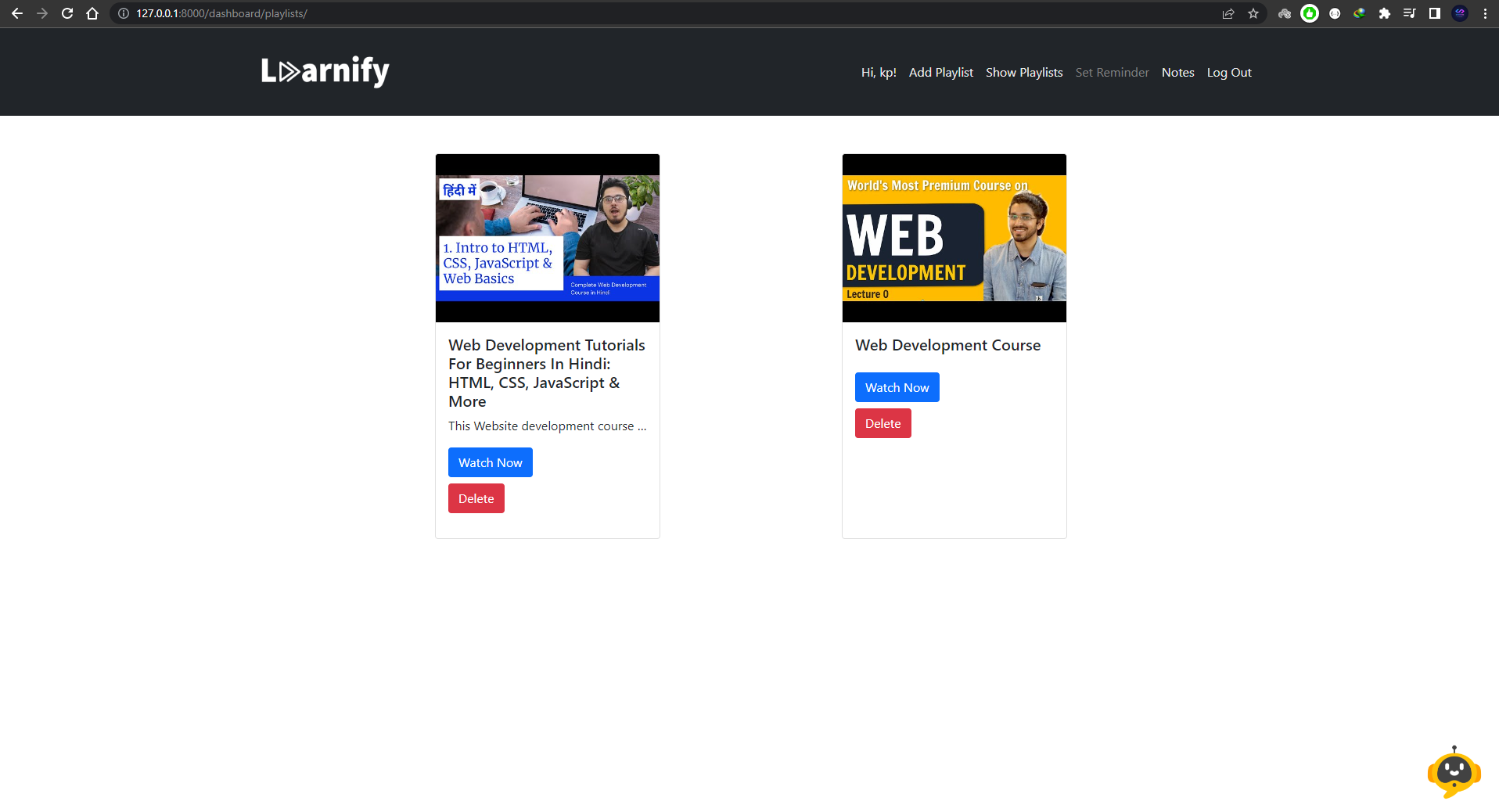
All Playlist
-
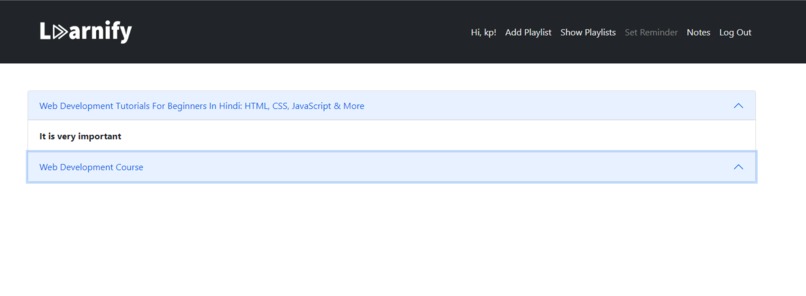
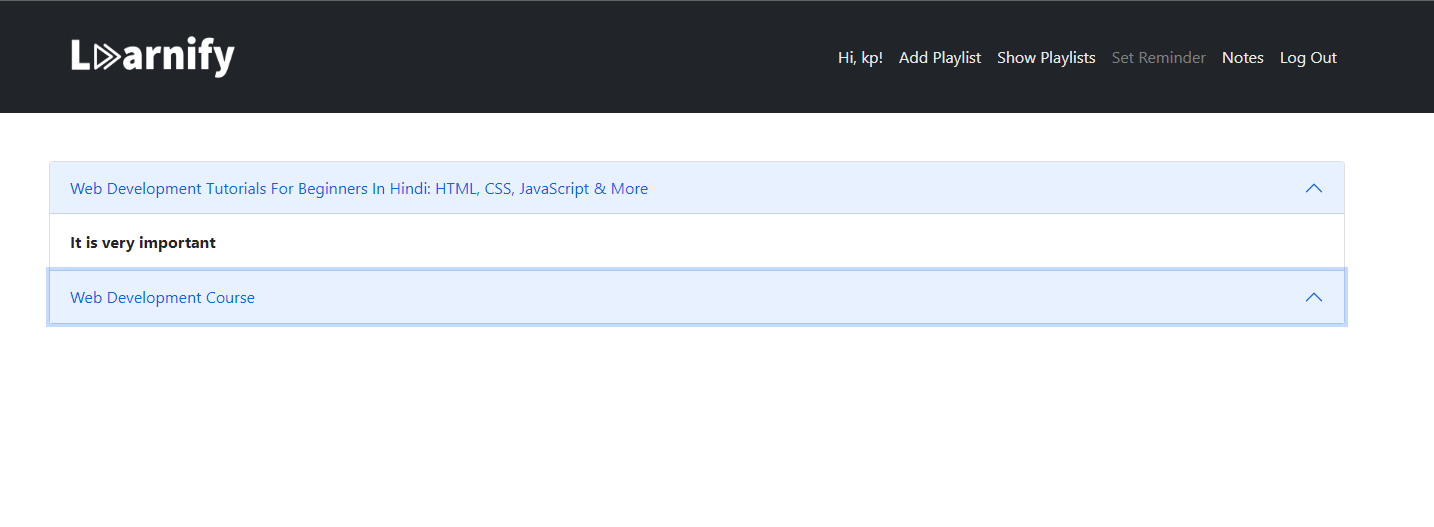
Notes
-
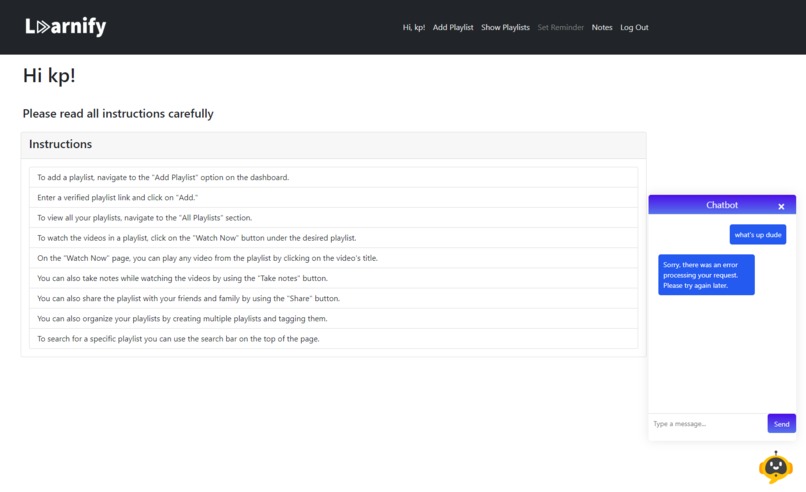
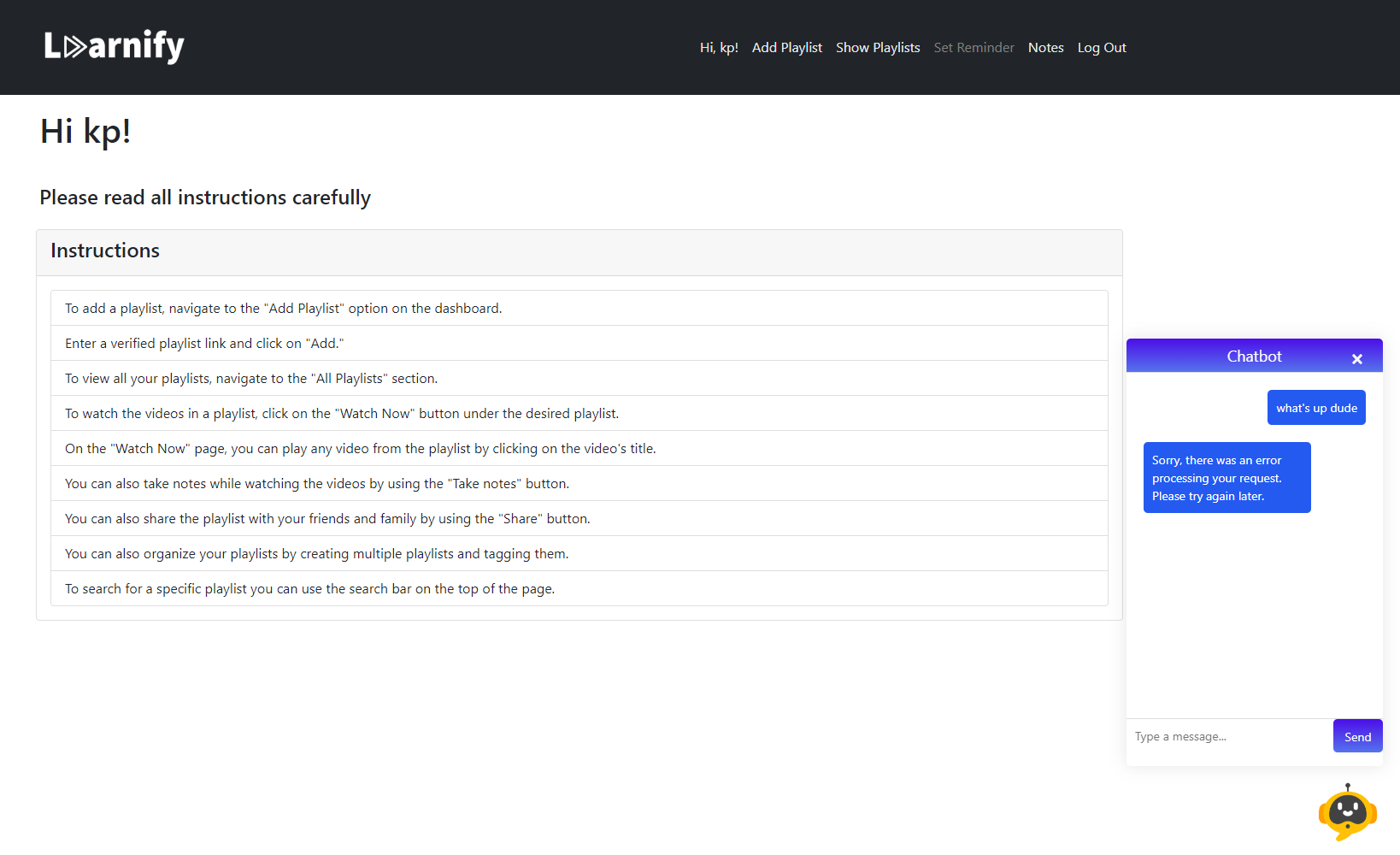
Open Ai Chatbot
-
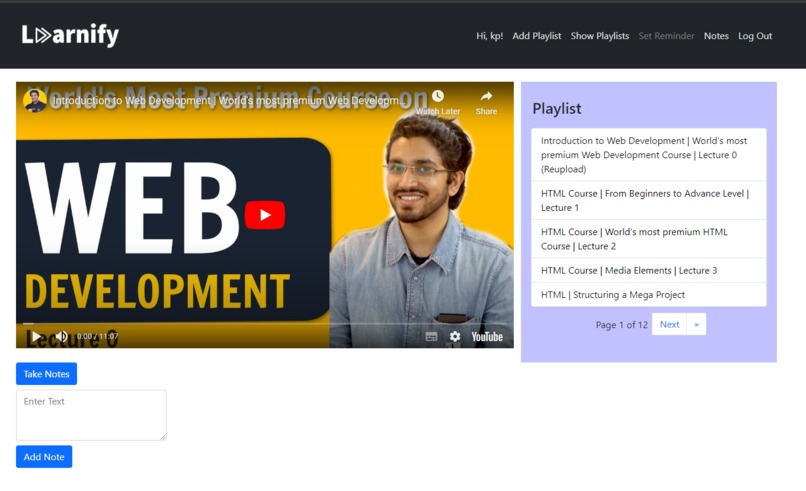
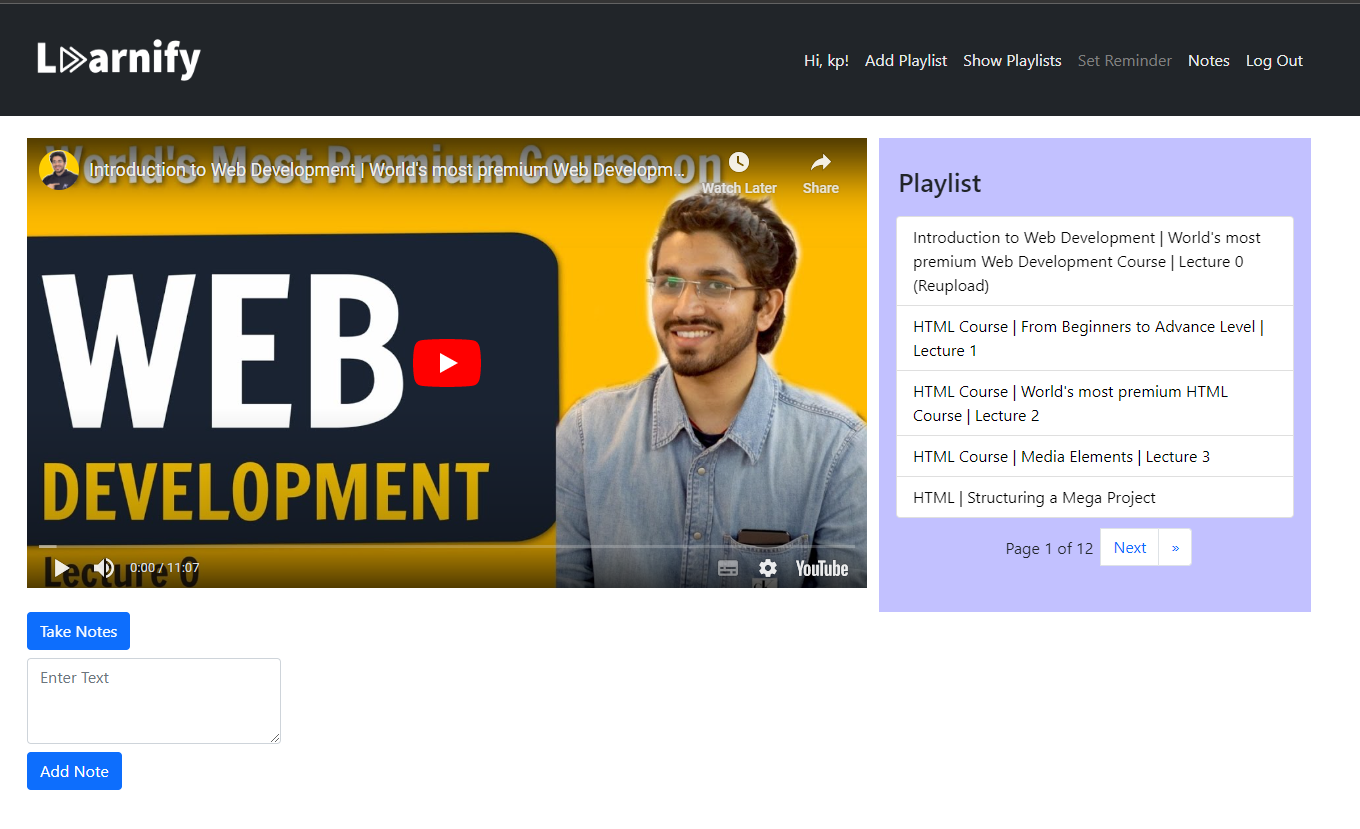
Watch Now

Inspiration
- The idea for Learnify came from the frustration of being interrupted by ads while learning on YouTube. The goal is to create a distraction-free learning environment that also includes useful features such as note-taking and reminders.
- The integration of a chatbot aims to provide users with quick and easy answers to their questions, further increasing productivity and the overall learning experience.
- The personalized playlist and progress charts provide users with a way to track their learning progress and make adjustments to their study habits for better results.
- Overall, Learnify is inspired by the desire to make learning more efficient and enjoyable for users.
What it does
- Learnify is an open-source project that aims to provide a distraction-free learning environment for users by removing ads from YouTube videos.
- It also includes features such as note-taking, reminders, and a chatbot to answer users' questions.
- Users can create personalized playlists and track their learning progress with progress charts.
- It also includes study analytics and a study screen limit reminder to help users manage their time effectively.
How we built it
- The backend was built using Python-Django and the front-end was built using HTML, CSS, JavaScript, and Bootstrap.
- The database used is SQLite3.
- The project is also mobile-compatible, with an APK file available for download for Android users.
- Courier API for managing all email-sending
Challenges we ran into
- One of the challenges was integrating the chatbot into the project.
- Another challenge was implementing the note-taking feature in a way that was intuitive and easy for users to use.
- Making the project mobile compatible was also a challenge.
Accomplishments that we're proud of
- Courier API Integration
- ChatGPT Integration
- Learning platform that boosts user's productivity
What we learned
- We learned the importance of user experience and the challenges of creating a distraction-free learning environment.
- We learned how to integrate a chatbot into a project and the benefits it can bring.
- We learned how to create an intuitive and user-friendly note-taking feature.
- We also learned how to make the project mobile-compatible.
What's next for Learnify
- We plan to continue to improve the user experience and add more features such as flashcards and quizzes.
- We also plan to make the project available for iOS users.
- Asynchronous messaging
- We also plan to add the feature of statistics and analytics in detail.
Check out the Links: Learnify Demo Youtube Link - Click Here\ Learnify Website\ Learnify Android APK\ GitHub


Log in or sign up for Devpost to join the conversation.