-
-
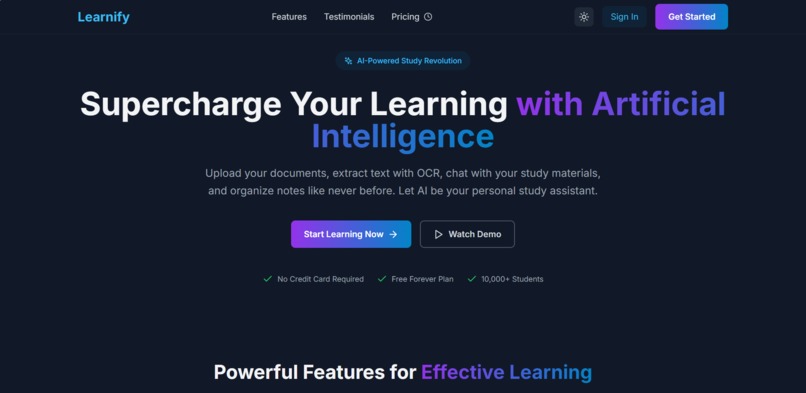
Learnify -- Home Pages
-
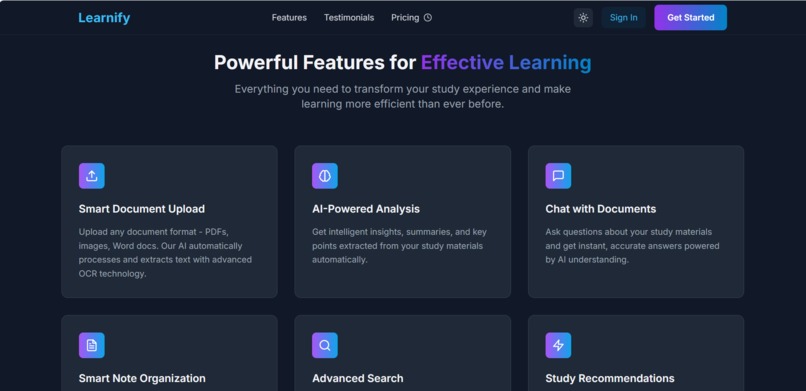
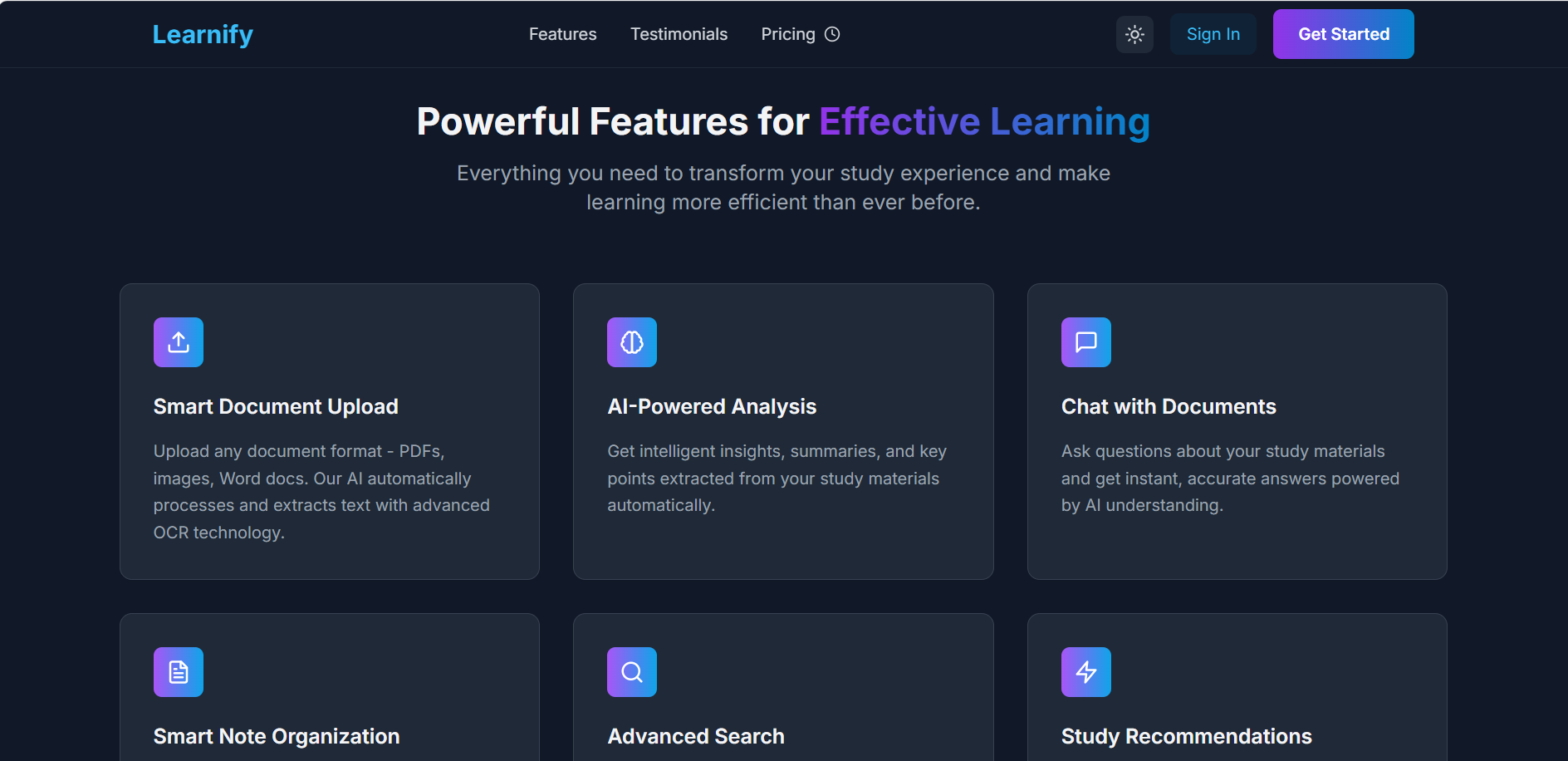
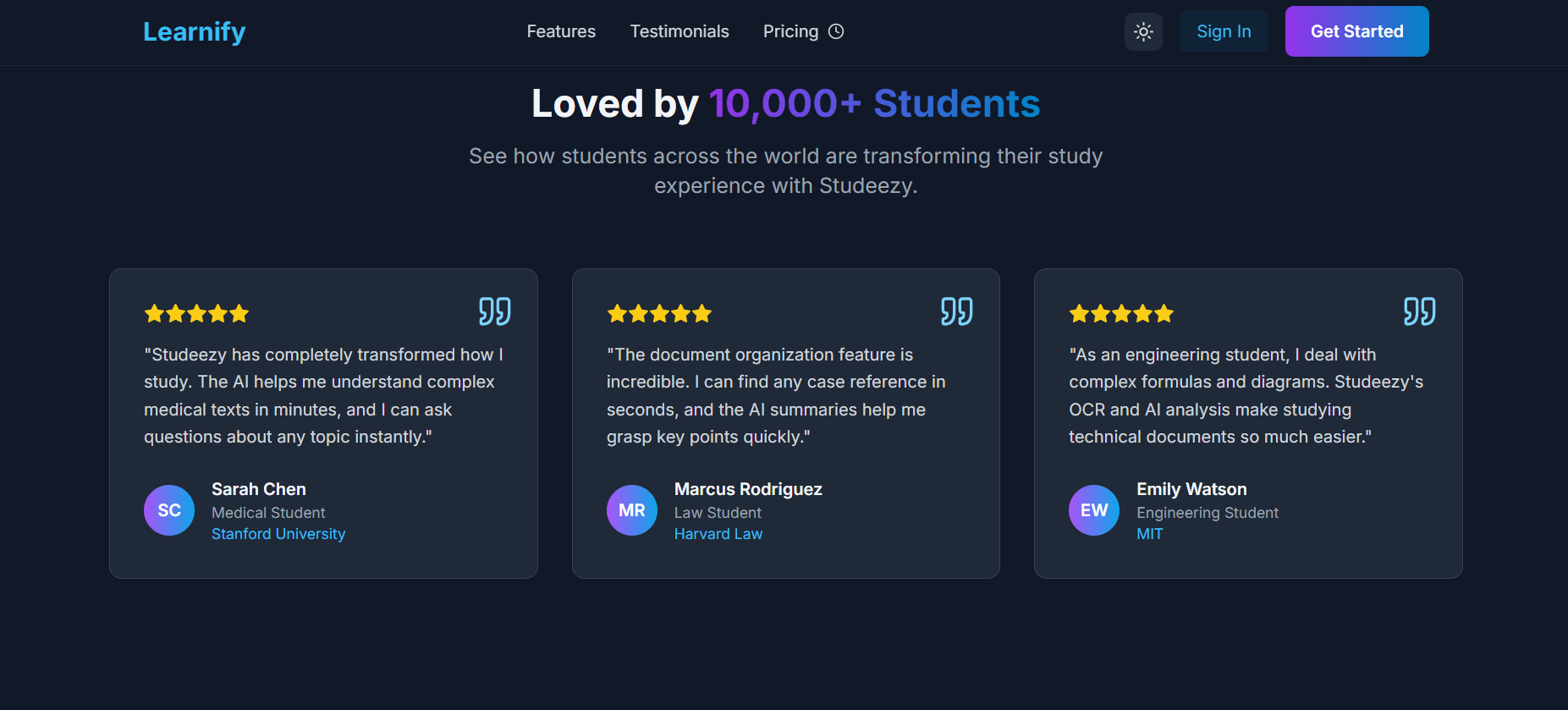
Features
-
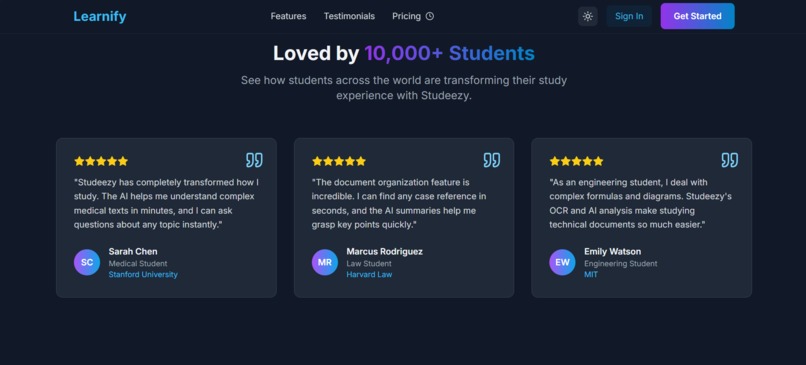
Testimonials
-
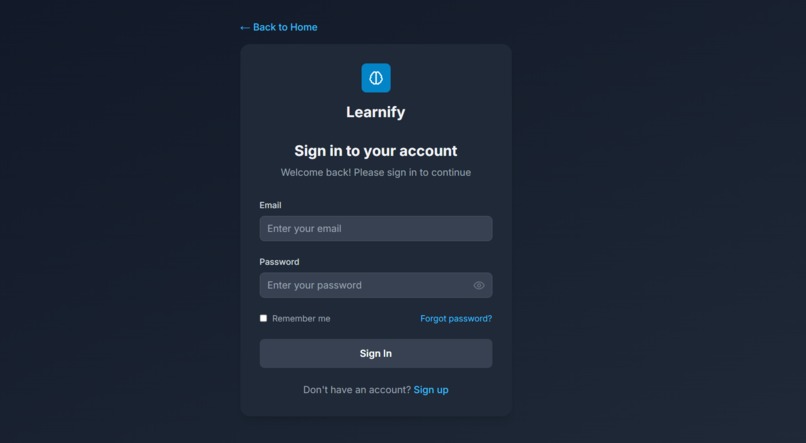
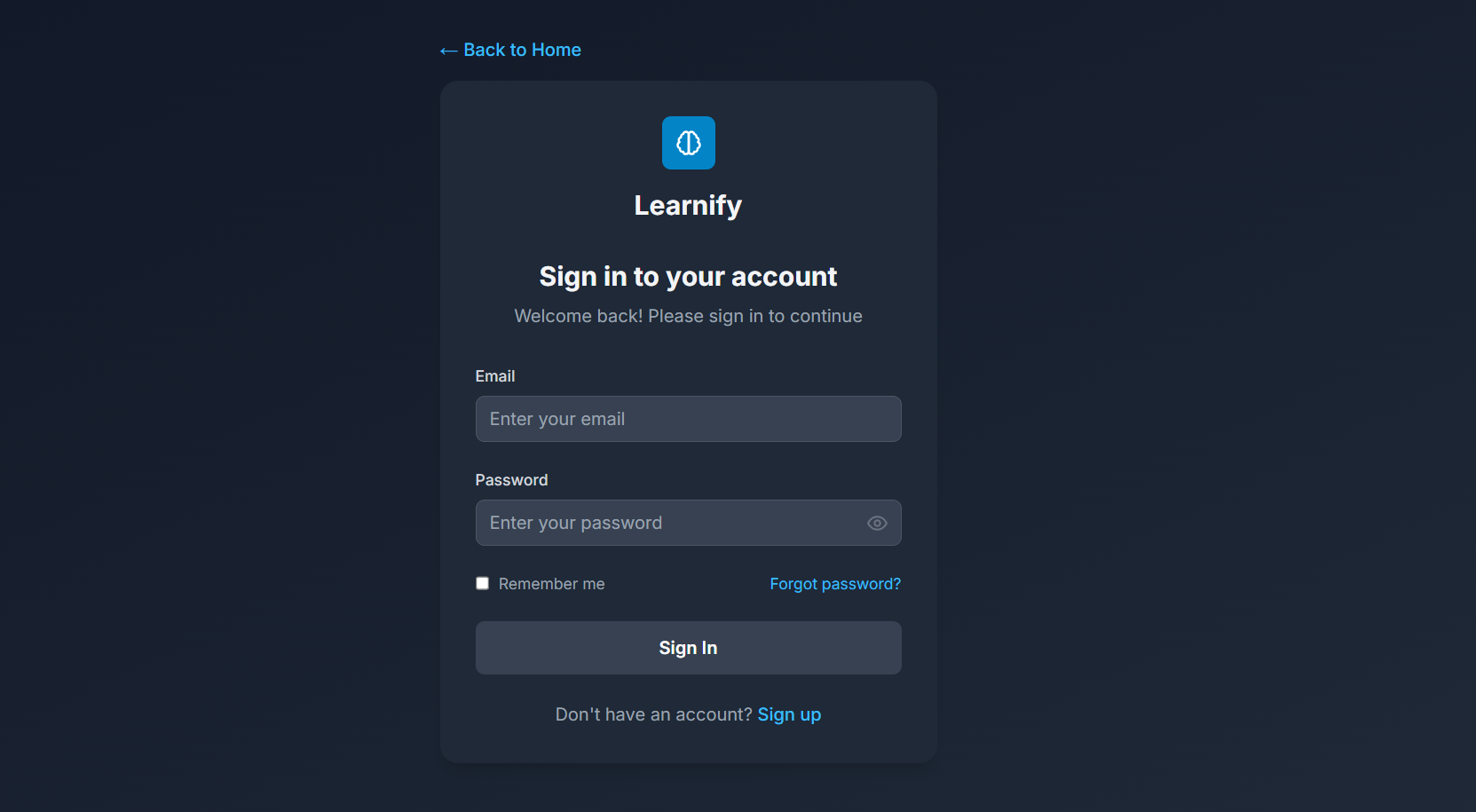
Signin Form
-
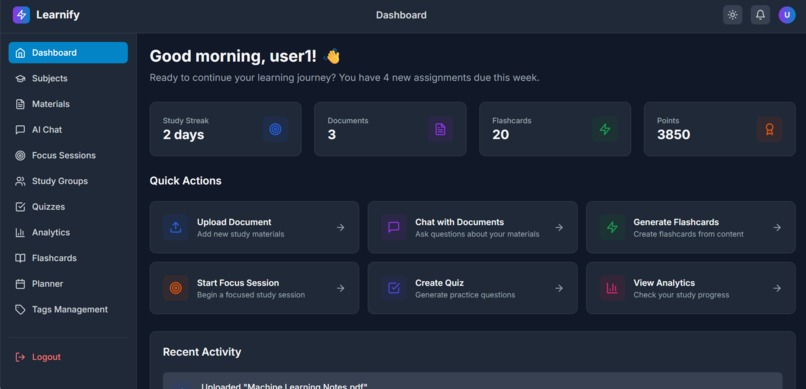
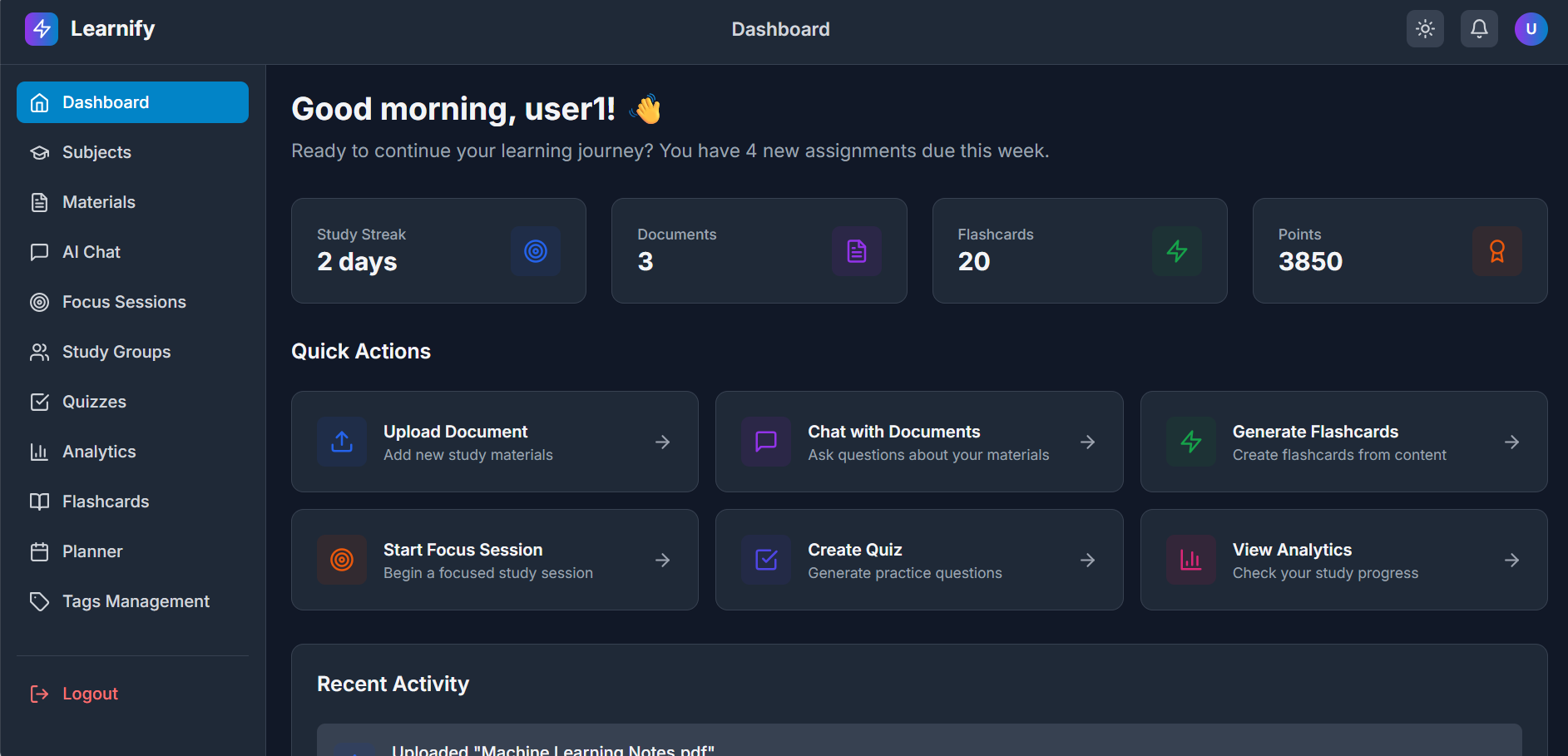
DashBoard
-
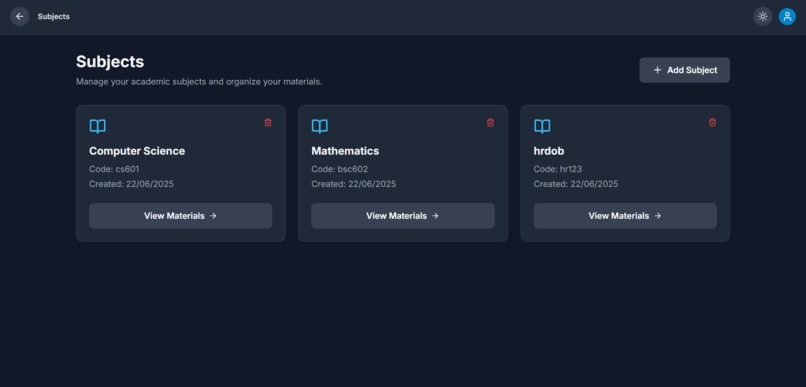
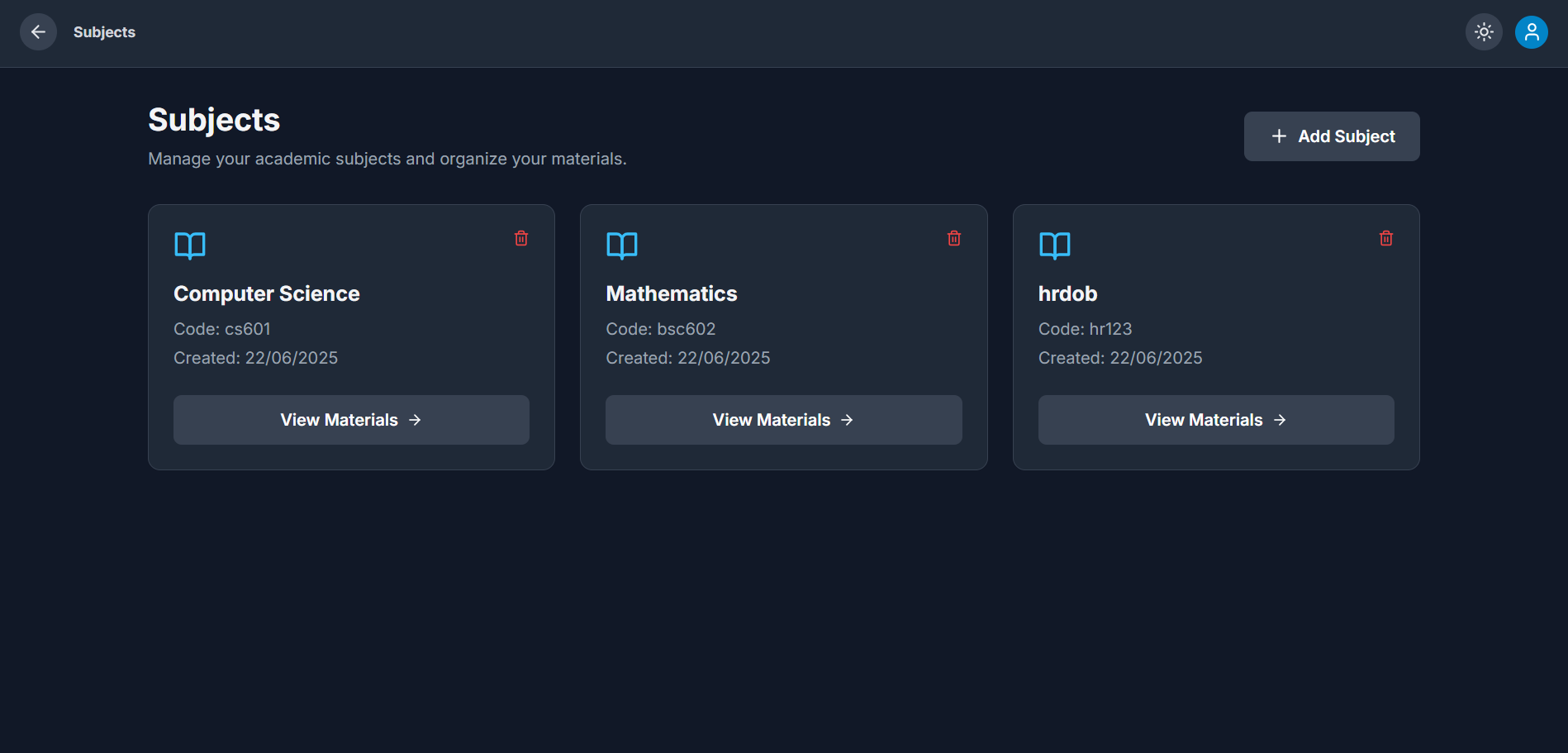
Subjects
-
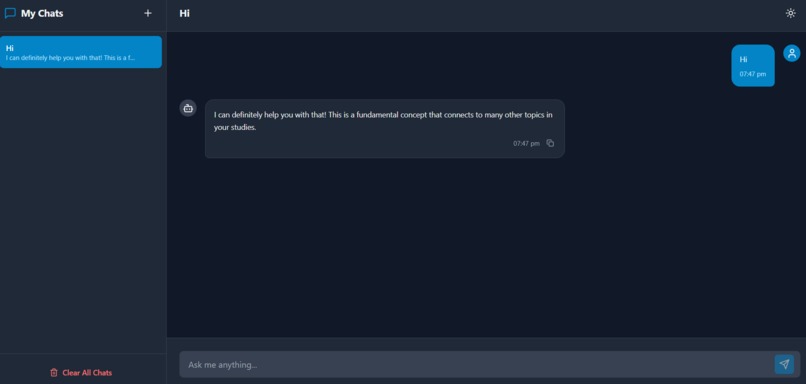
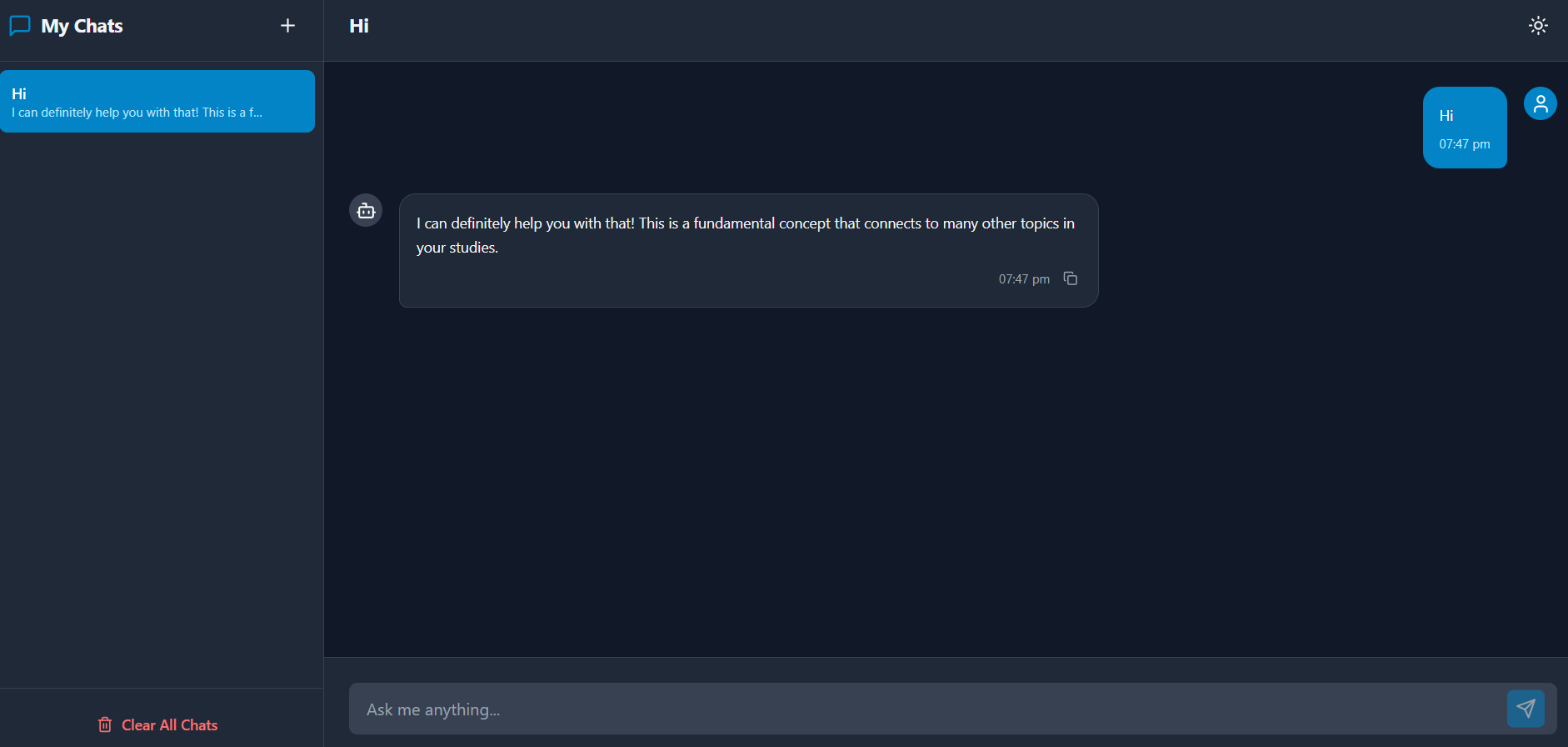
AI Chat
-
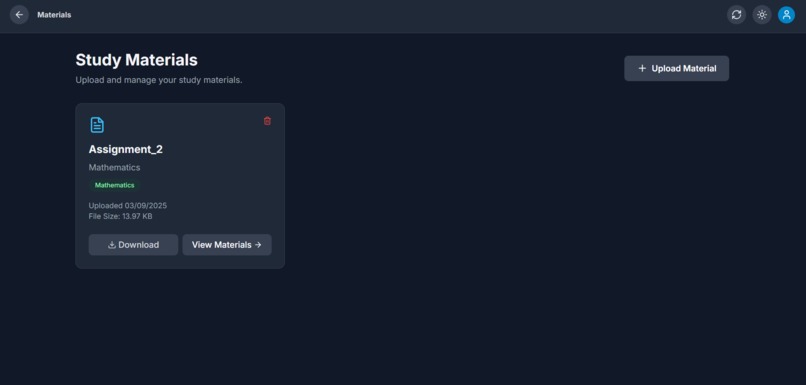
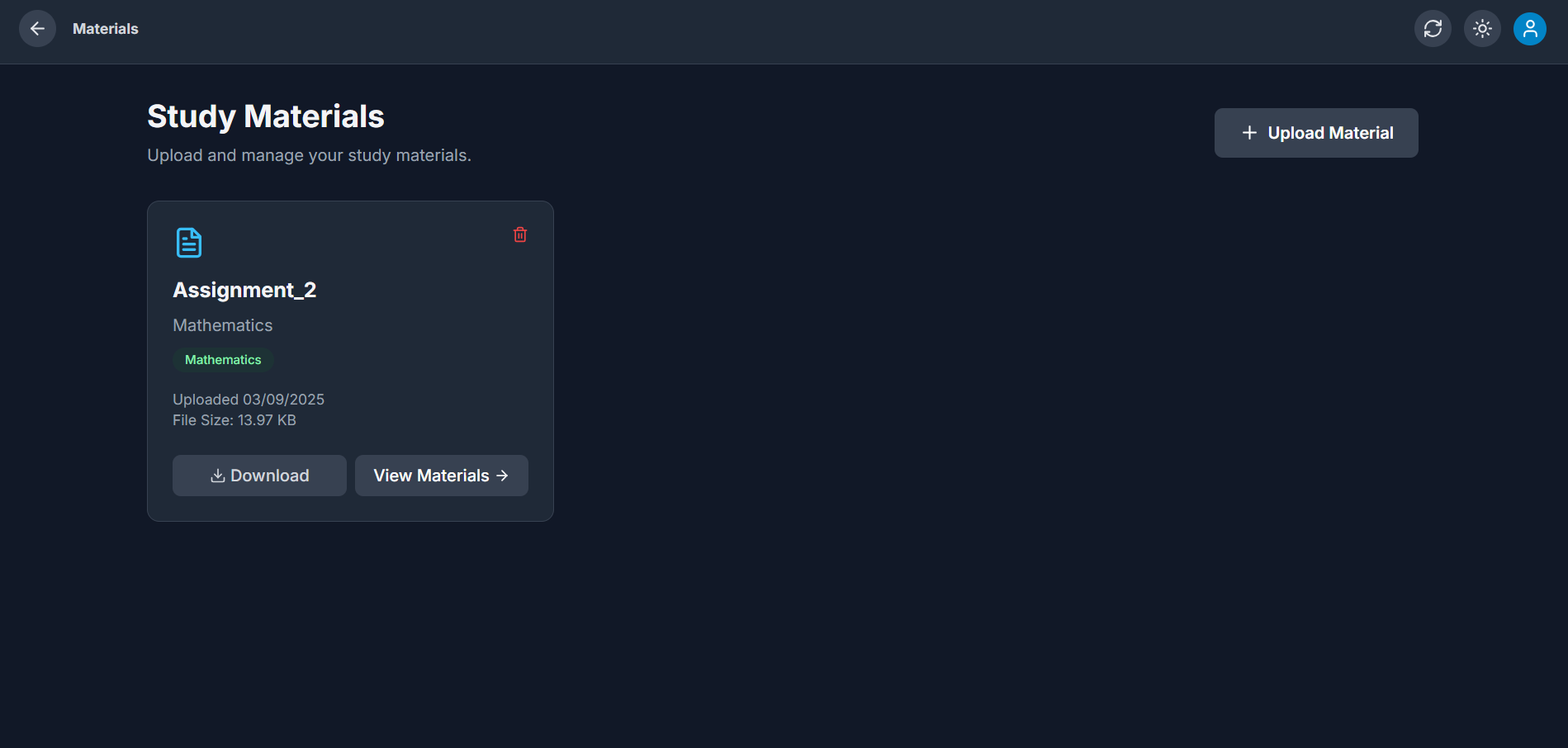
Study Material
-
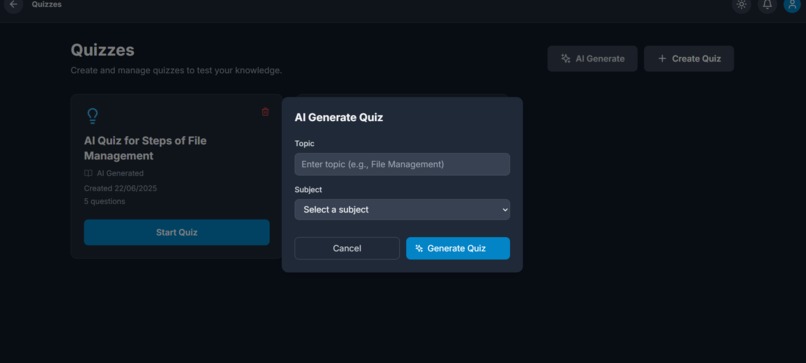
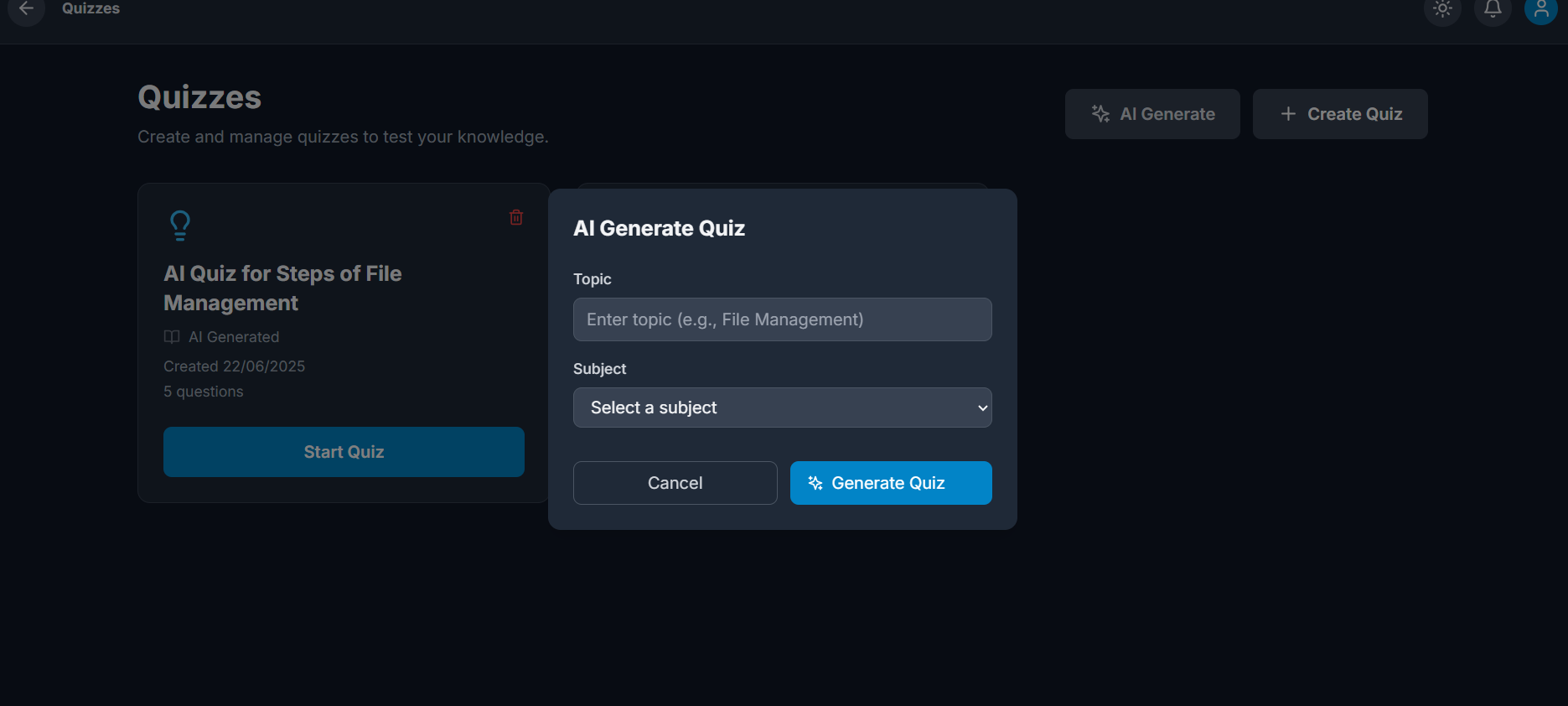
Ai Generate Quiz
-
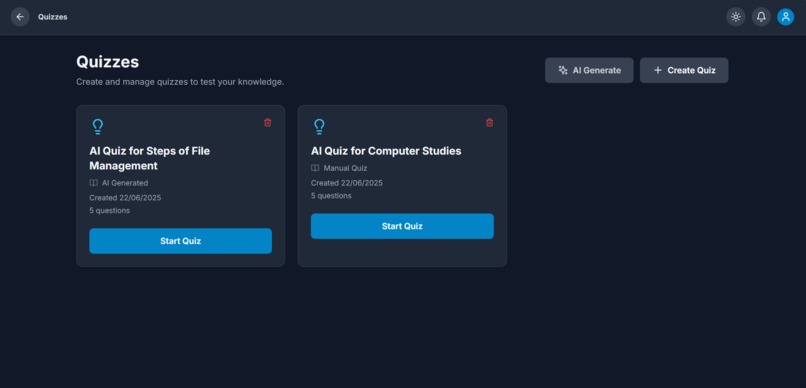
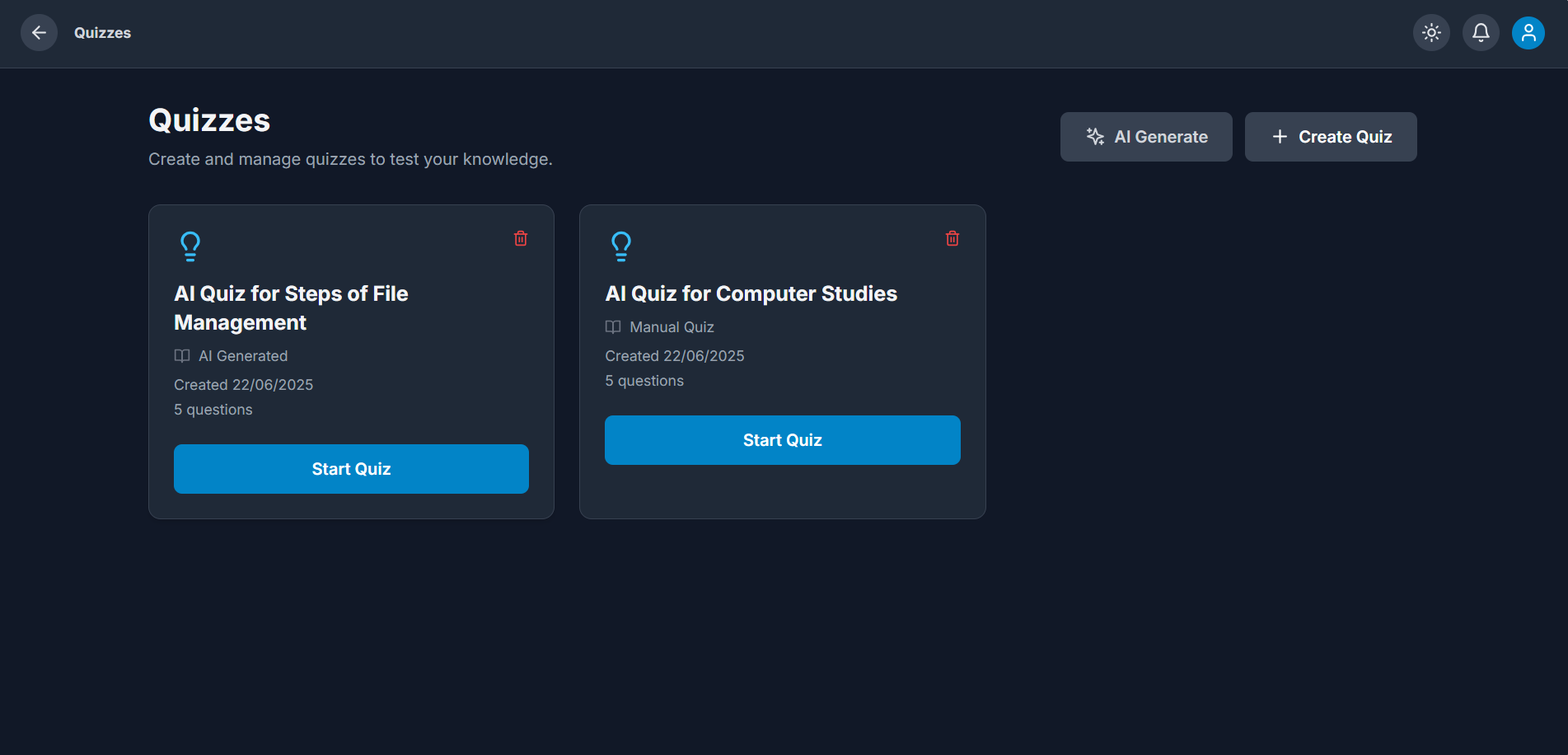
Quizzes
-
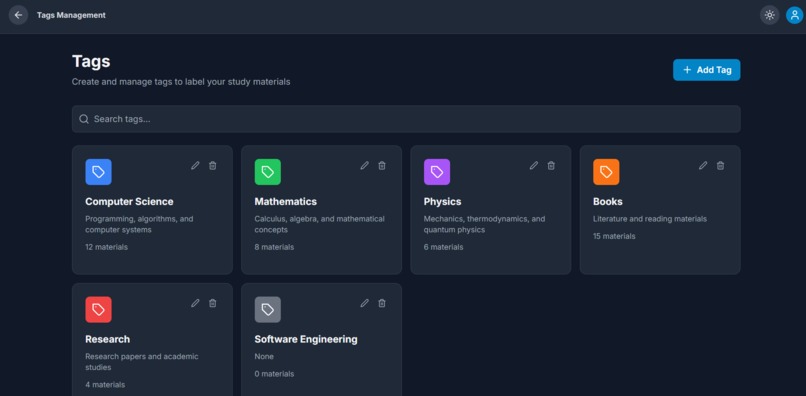
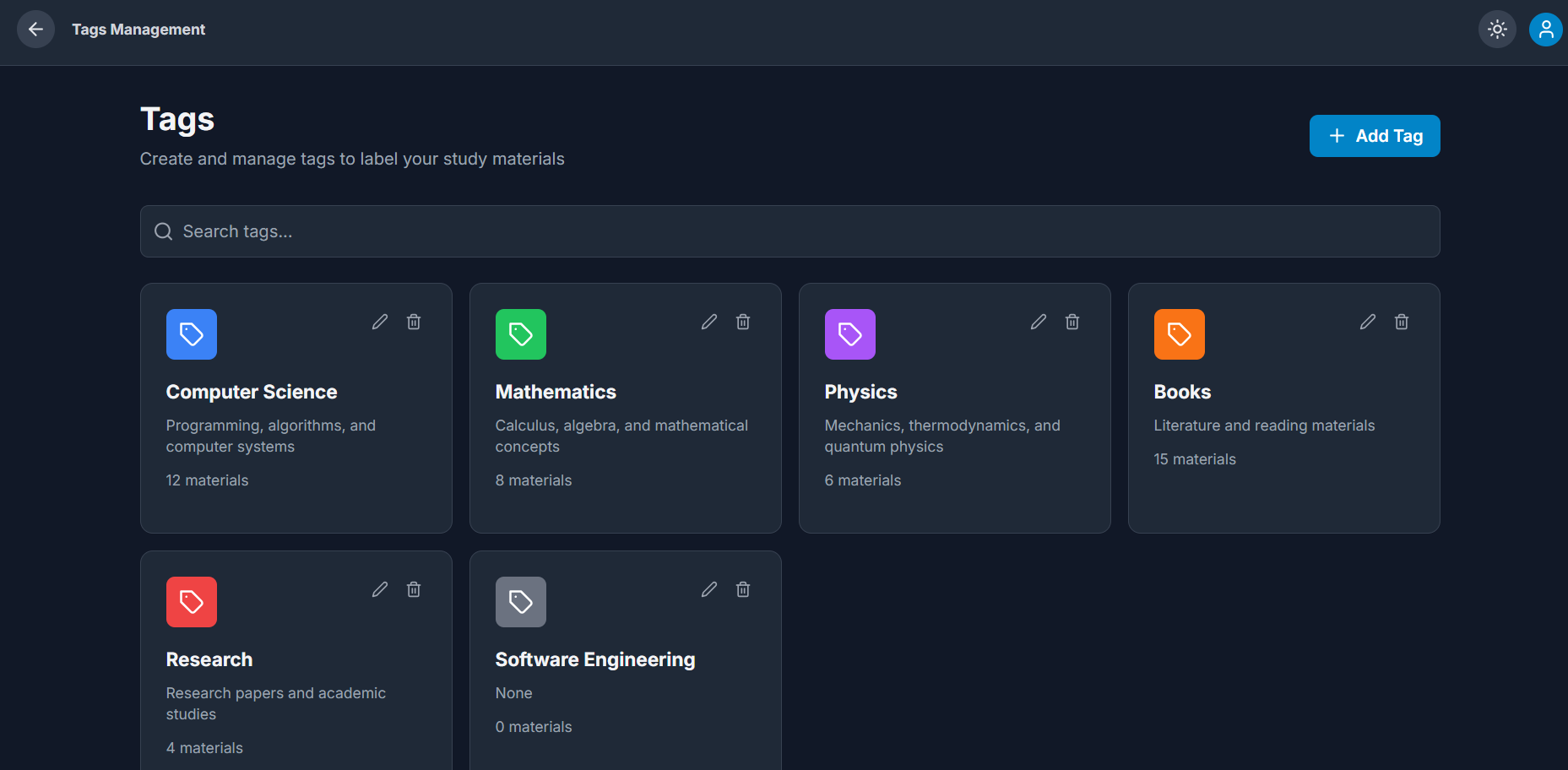
Tags Managment
-
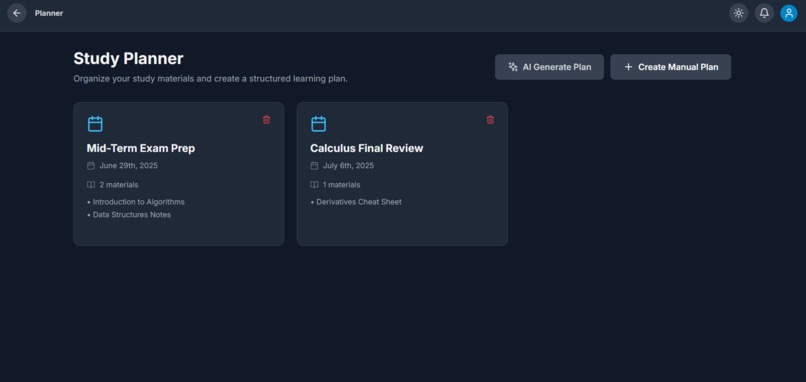
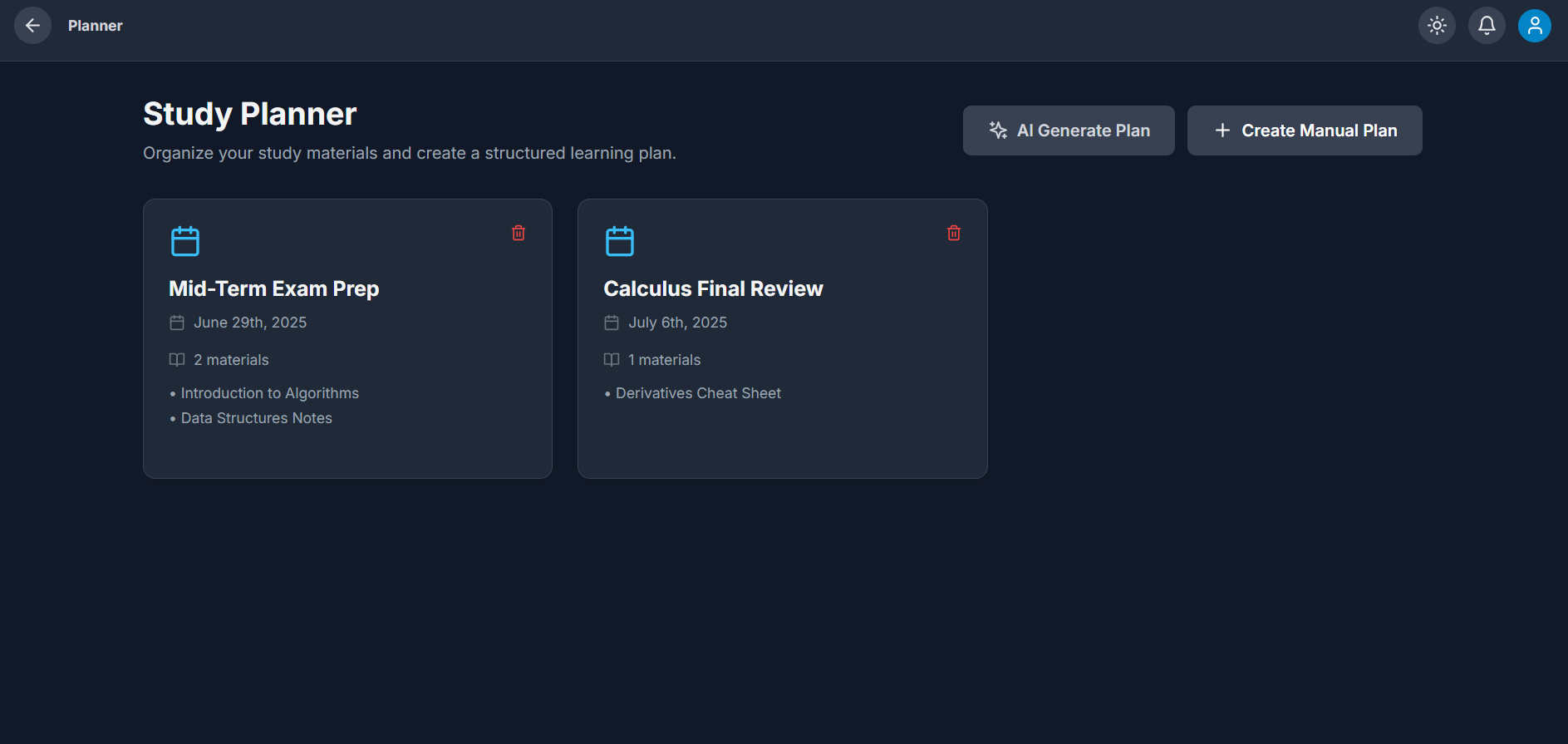
Planner
-
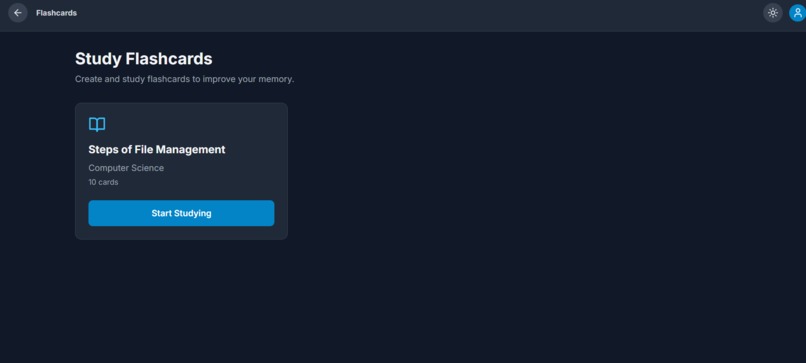
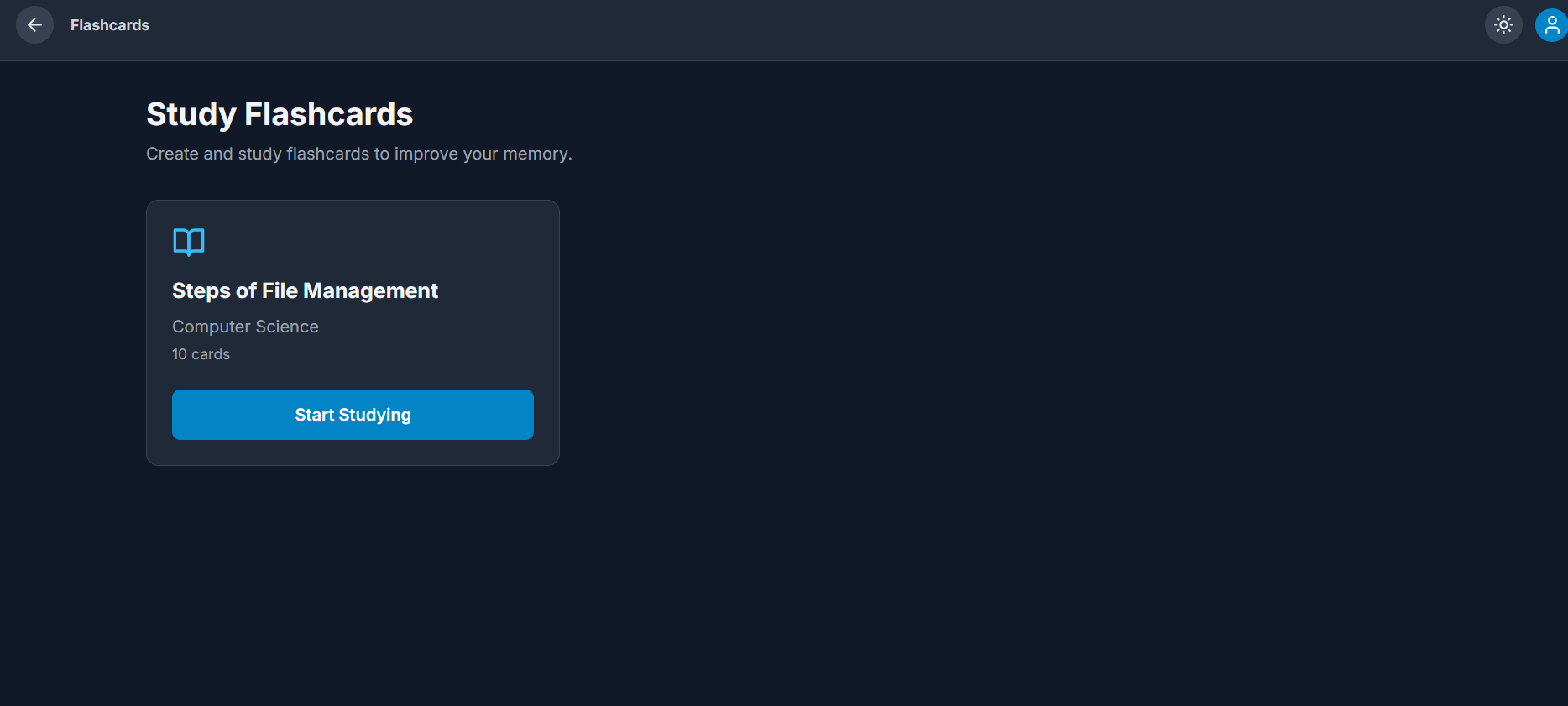
FlashCards
-
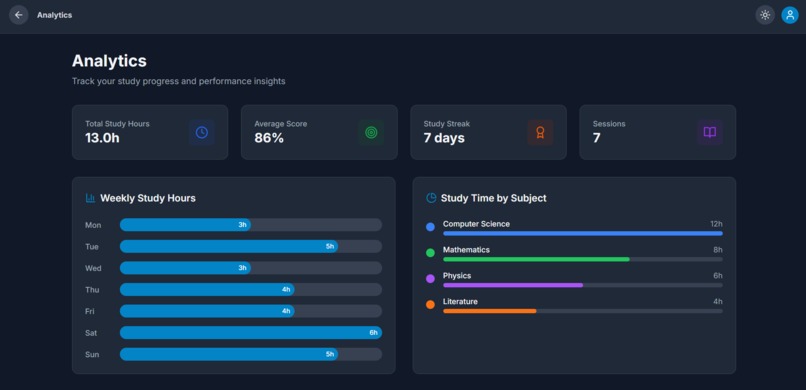
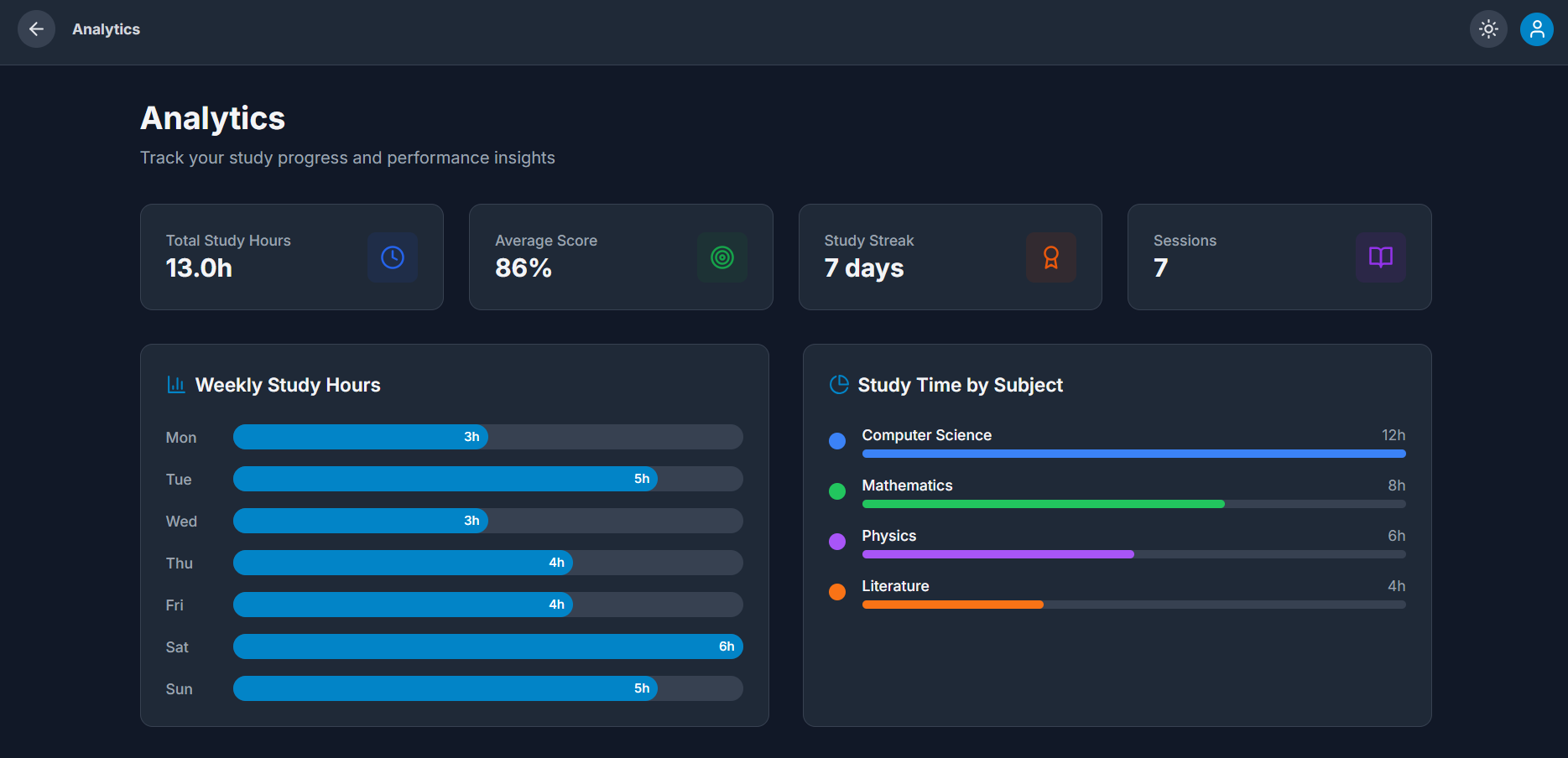
Analytics
✨ Inspiration
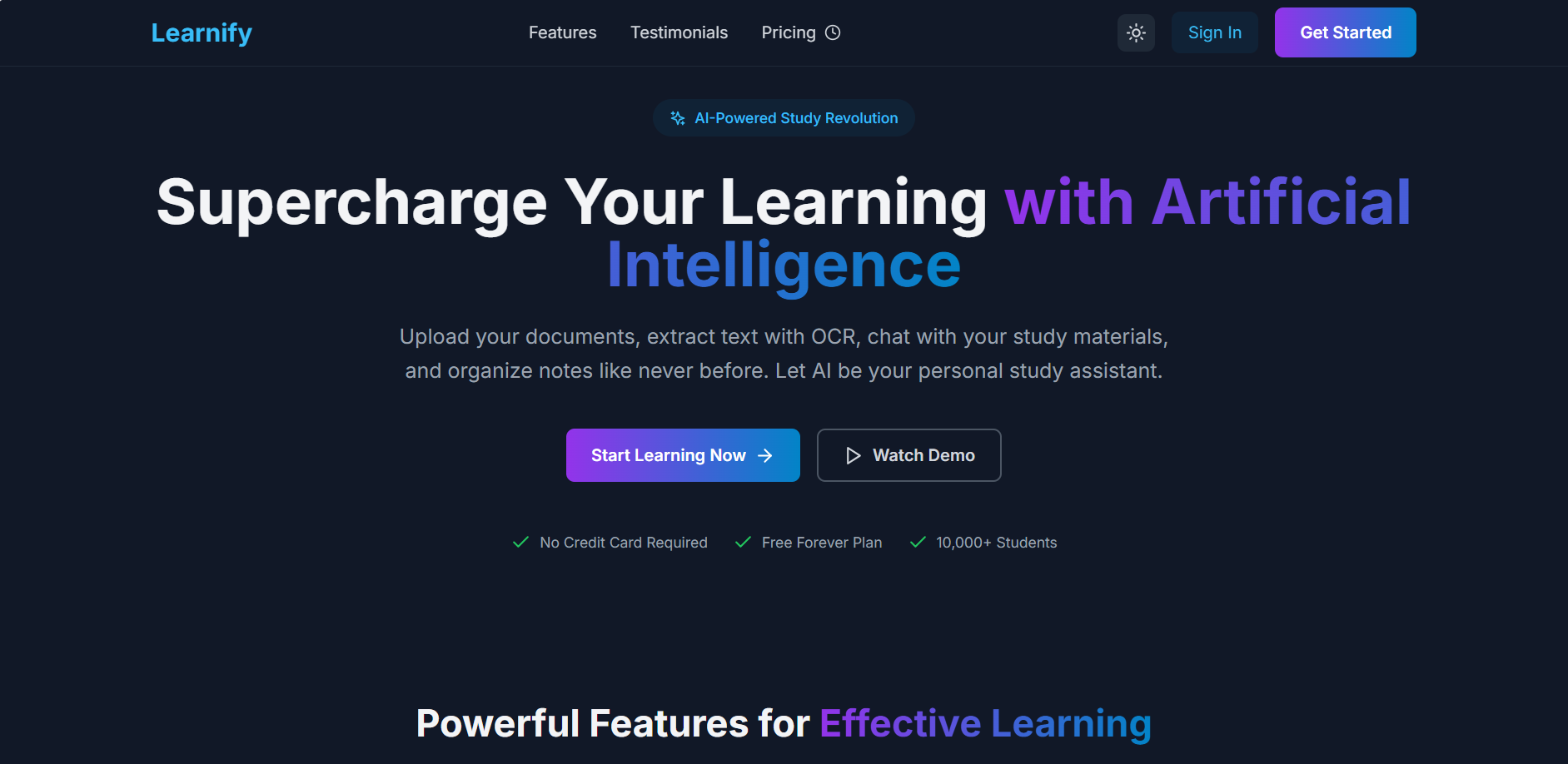
The idea for Learnify came from the challenges students face while managing study materials, especially in the digital age. With so much content spread across PDFs, notes, and online resources, it can be overwhelming to organize and extract useful insights. Inspired by the rise of AI-powered tools, we wanted to create a platform that transforms how students interact with their learning materials, making studying smarter and more efficient.
🚀 What it does
Learnify is an AI-powered study platform that allows students to:
📂 Upload documents (PDFs, notes, etc.)
🤖 Get AI-driven analysis and summaries
💬 Chat with their study materials for quick answers
🗂 Organize notes intelligently
🔍 Perform advanced searches across documents
🎯 Receive personalized study recommendations
🛠 How we built it
We built Learnify using a modern web tech stack:
Frontend: Next.js 14 with React 18 and TypeScript for scalability and type safety
Styling: Tailwind CSS for rapid UI development
Icons & Fonts: Lucide React icons and Google Fonts (Inter)
Design System: Gradient-based primary colors, clean typography, and responsive components
We followed a component-driven architecture, organizing sections such as Header, Hero, Features, Testimonials, Pricing, and Footer into reusable React components.
⚡ Challenges we ran into
Ensuring responsive design across devices and screen sizes
Managing state and interactivity while keeping the UI smooth
Optimizing build performance with Next.js 14
Choosing the right design system to balance simplicity and aesthetics
Crafting the AI interaction flow (chat with documents) in a way that feels natural and useful
🏆 Accomplishments that we're proud of
Creating a modern and professional UI with smooth animations
Building a responsive layout that adapts seamlessly to all screen sizes
Successfully integrating AI-powered document interaction features
Designing a scalable architecture for future expansion
📚 What we learned
How to leverage Next.js 14 App Router for optimized routing and layouts
The power of Tailwind CSS in speeding up development
Best practices in UI/UX design for educational platforms
The importance of balancing aesthetic design with functional clarity
🔮 What's next for Learnify
🤝 Integrating real-time collaboration tools for group studies
📝 Adding AI-driven quizzes based on uploaded materials
📑 Expanding support for more document formats
📶 Introducing offline-first features for accessibility
🎮 Exploring gamification to keep students motivated
Built With
- build
- built-in
- css
- fonts
- fonts:
- frontend:-next.js-14
- icons:
- inter)
- lucide
- next.js
- react
- react-18
- styling:
- tailwind
- tool:
- typescript


Log in or sign up for Devpost to join the conversation.