-
-
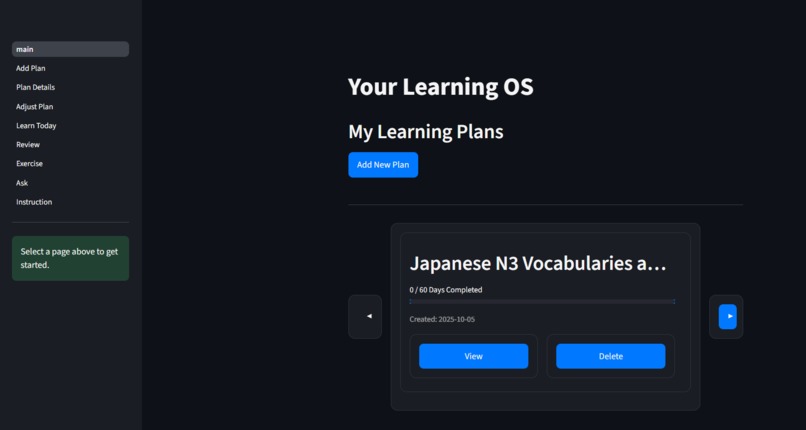
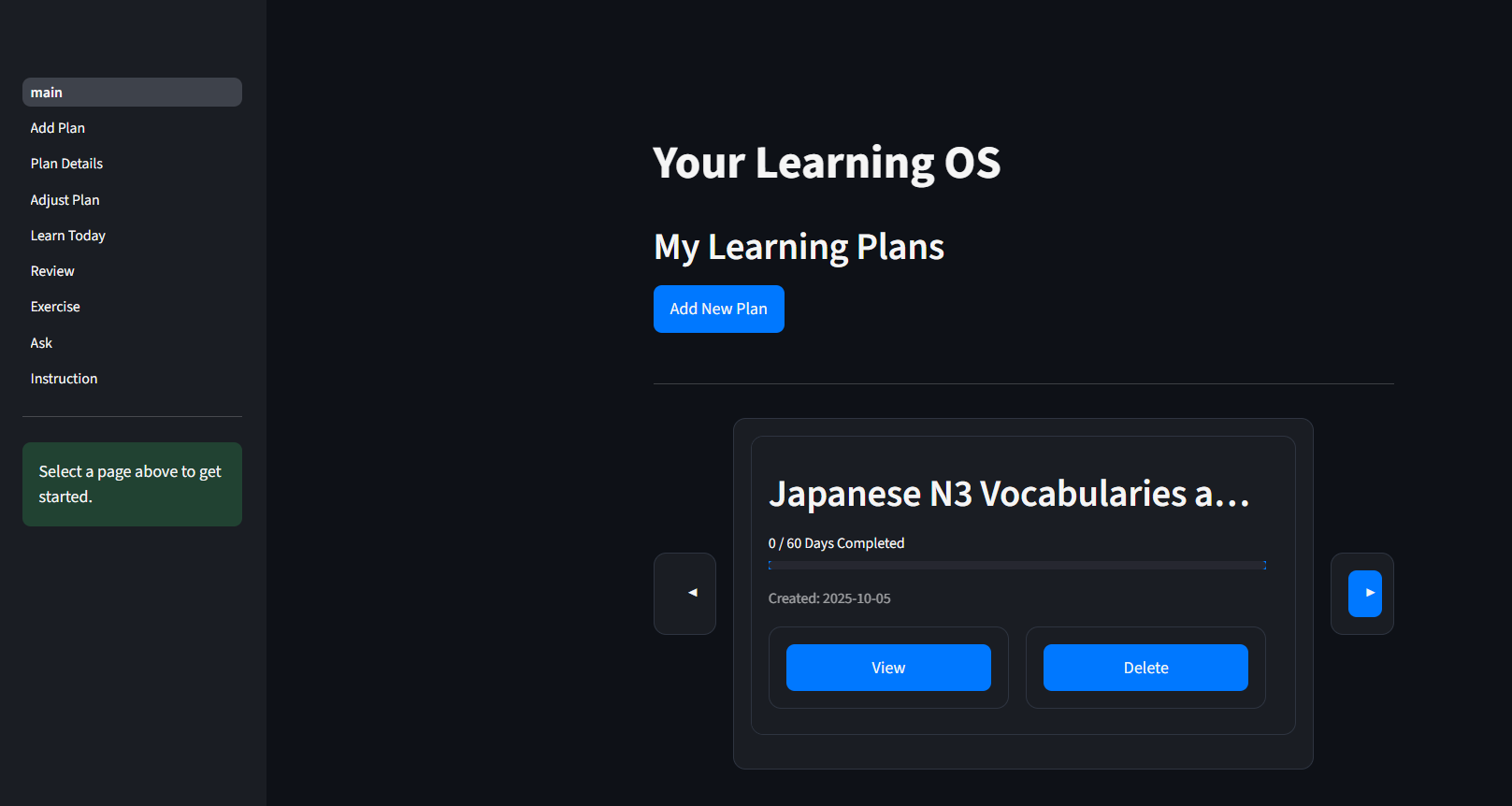
One of our learning plan that is generated by the gemini
-
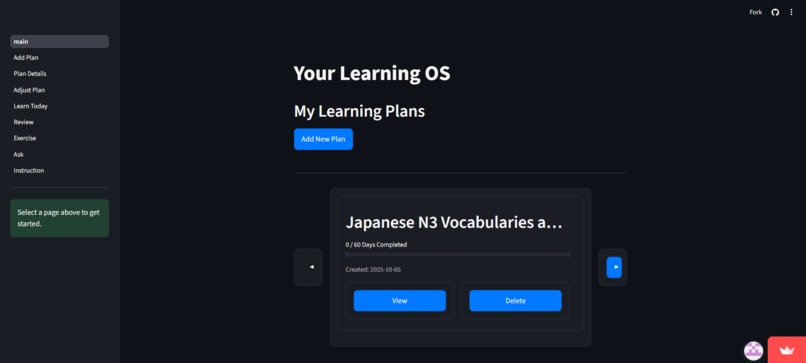
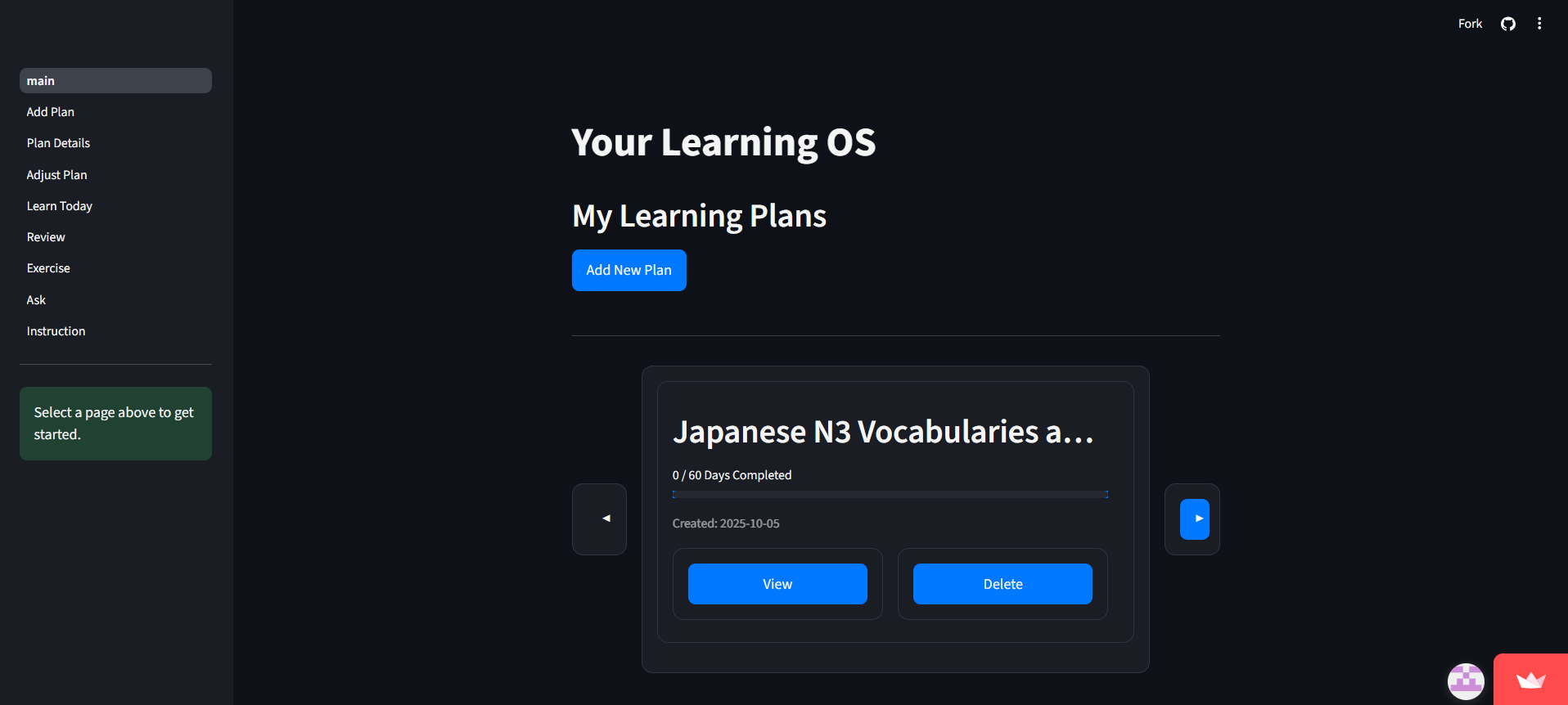
This is oOur another learnng plan, which we can switch bbetween plans
-
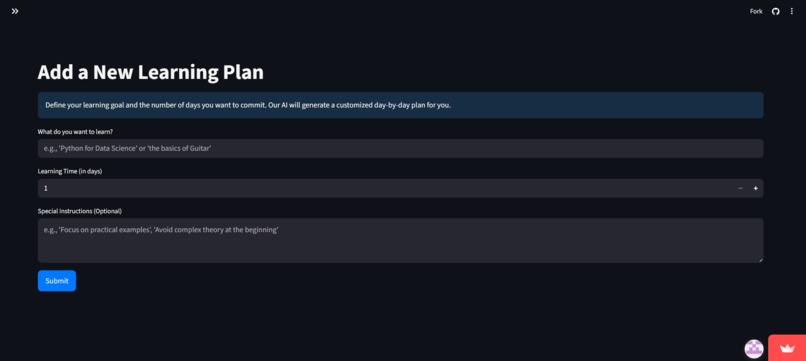
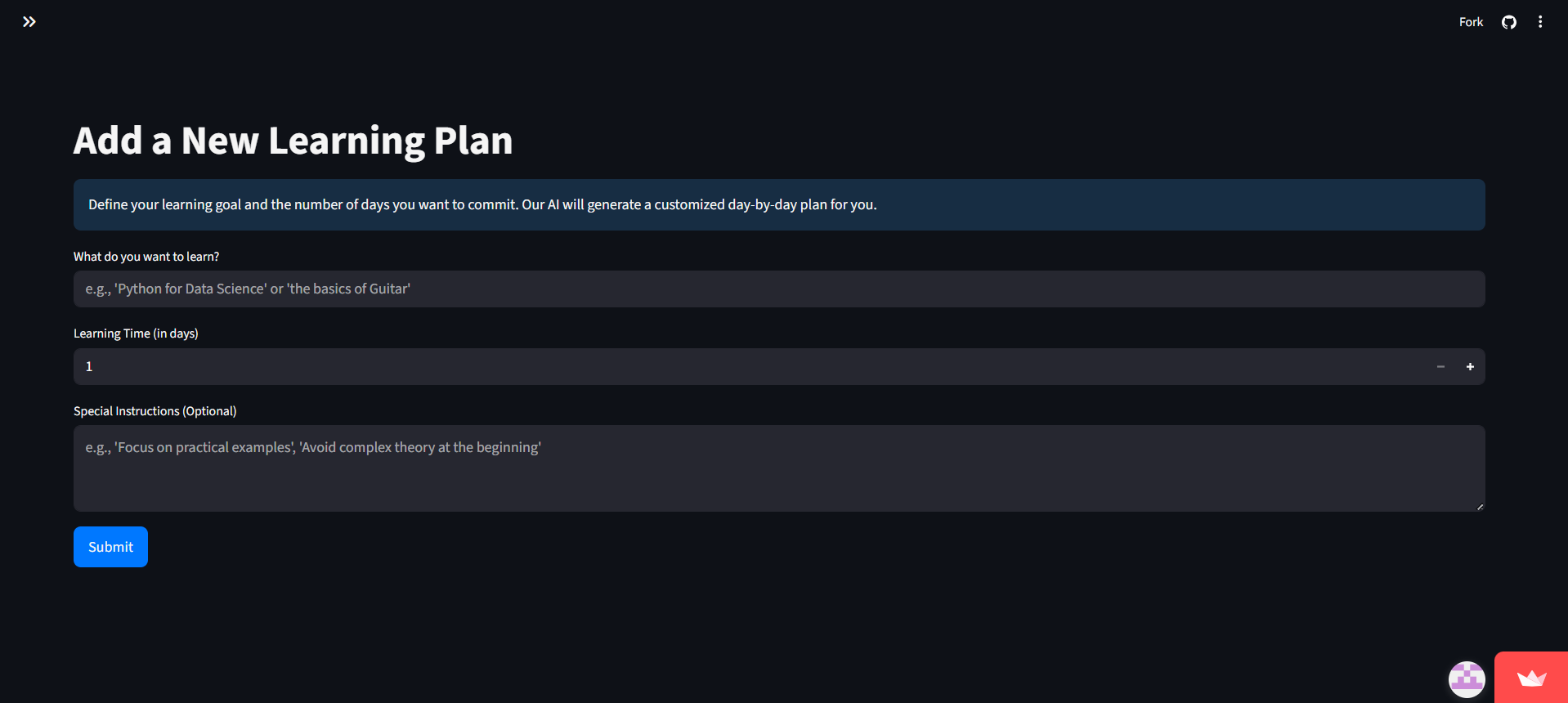
We can type the criteria to customise our learning plan
-
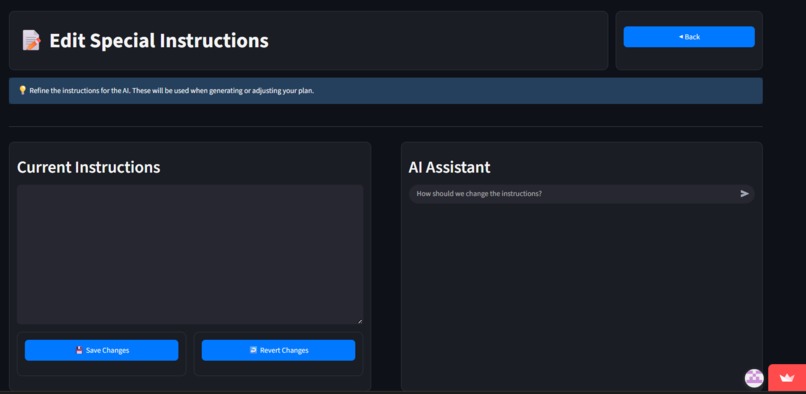
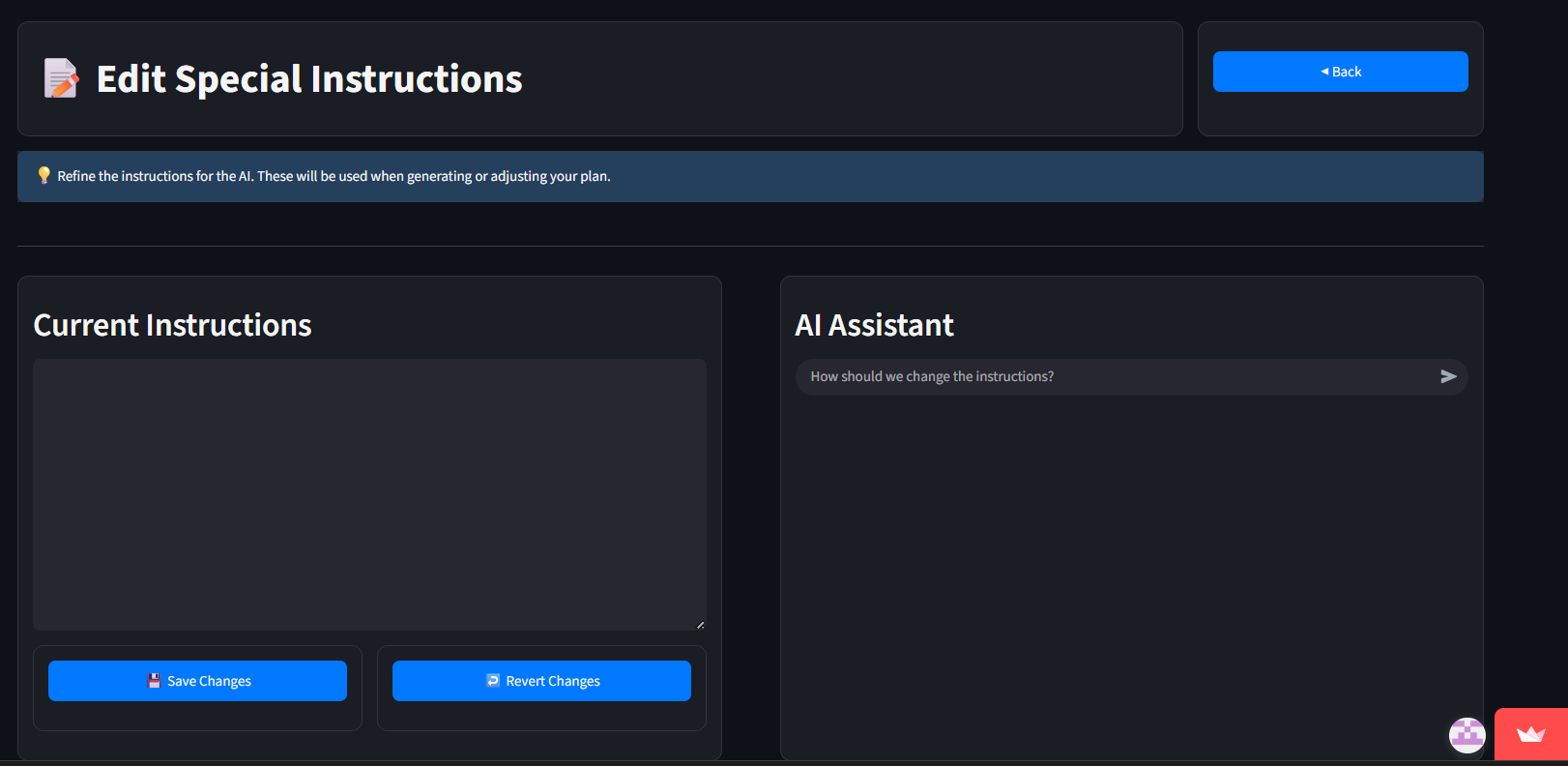
we can type and edit our special learning needs in our project
-
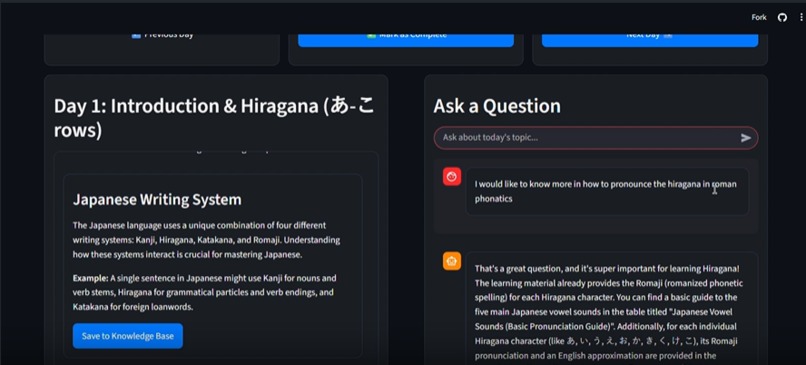
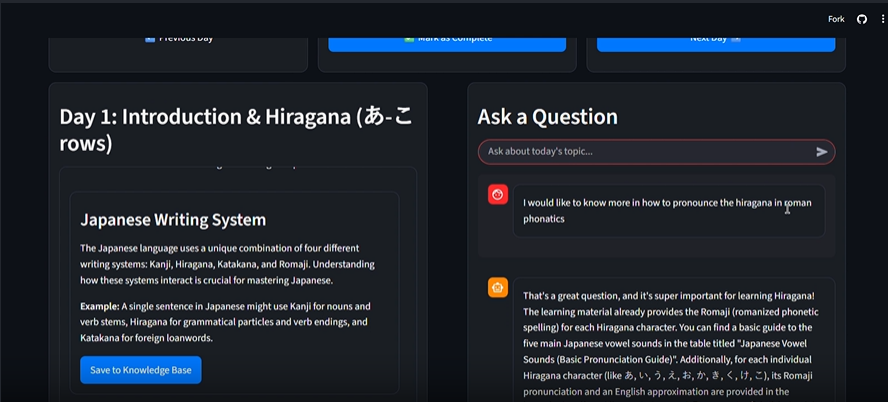
we can request to generate a more specific explanation about the topic, then it will autometically change in the teaching content
-
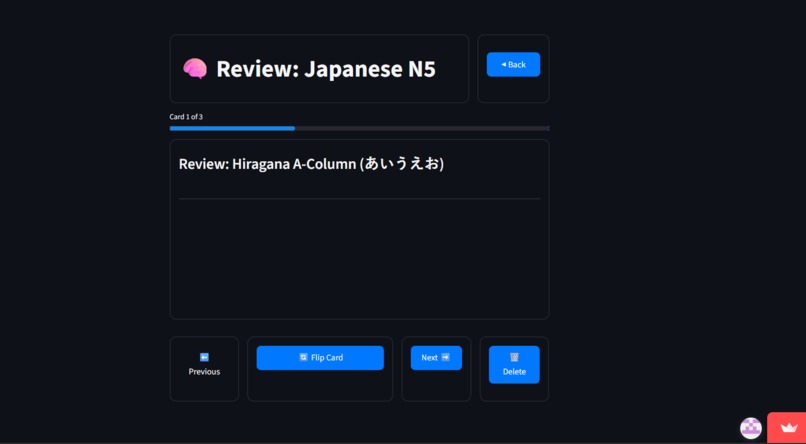
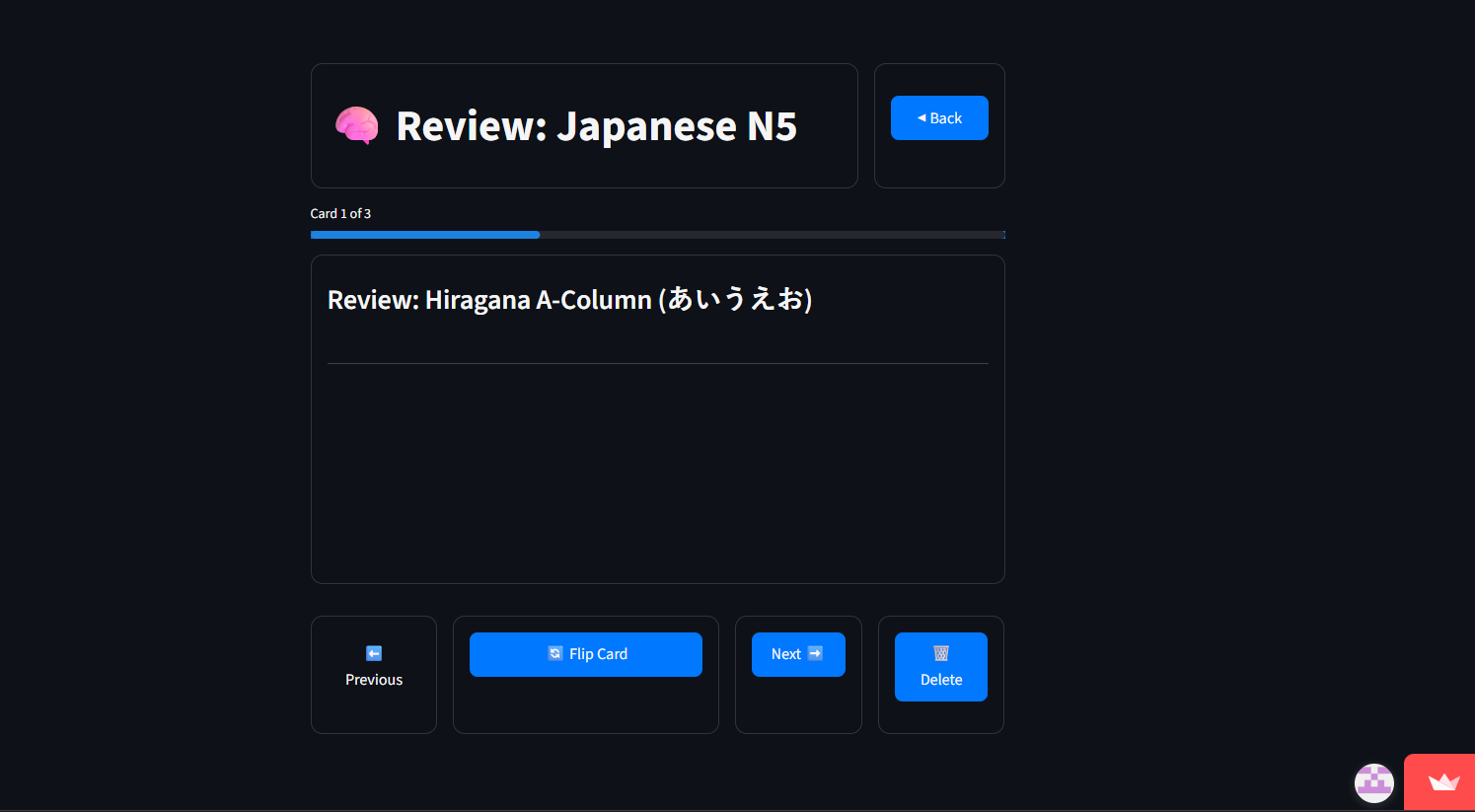
it shows the flash card progress
-
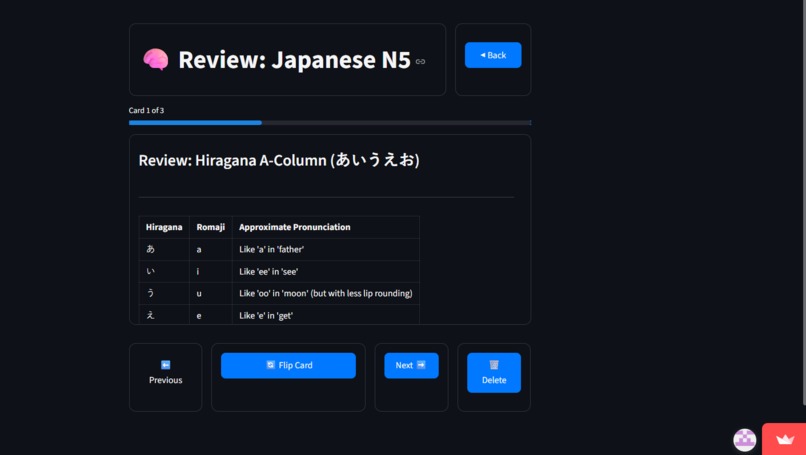
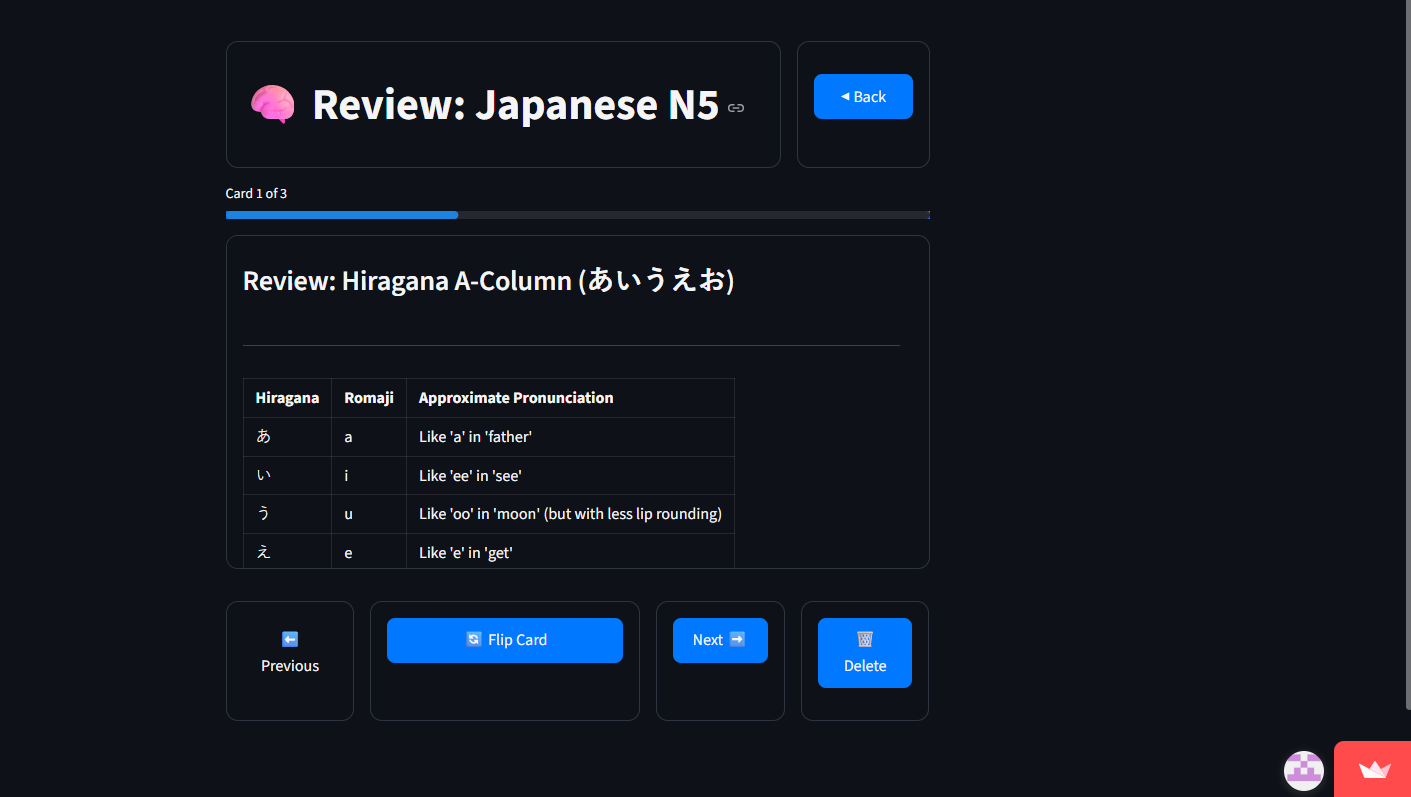
it shows the answer of the flash card
-
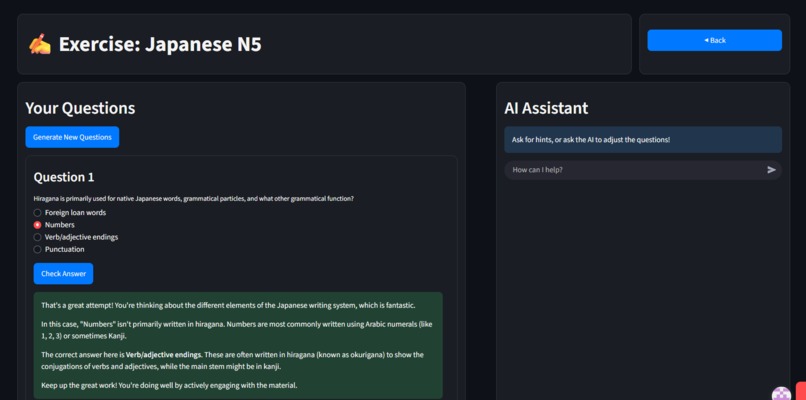
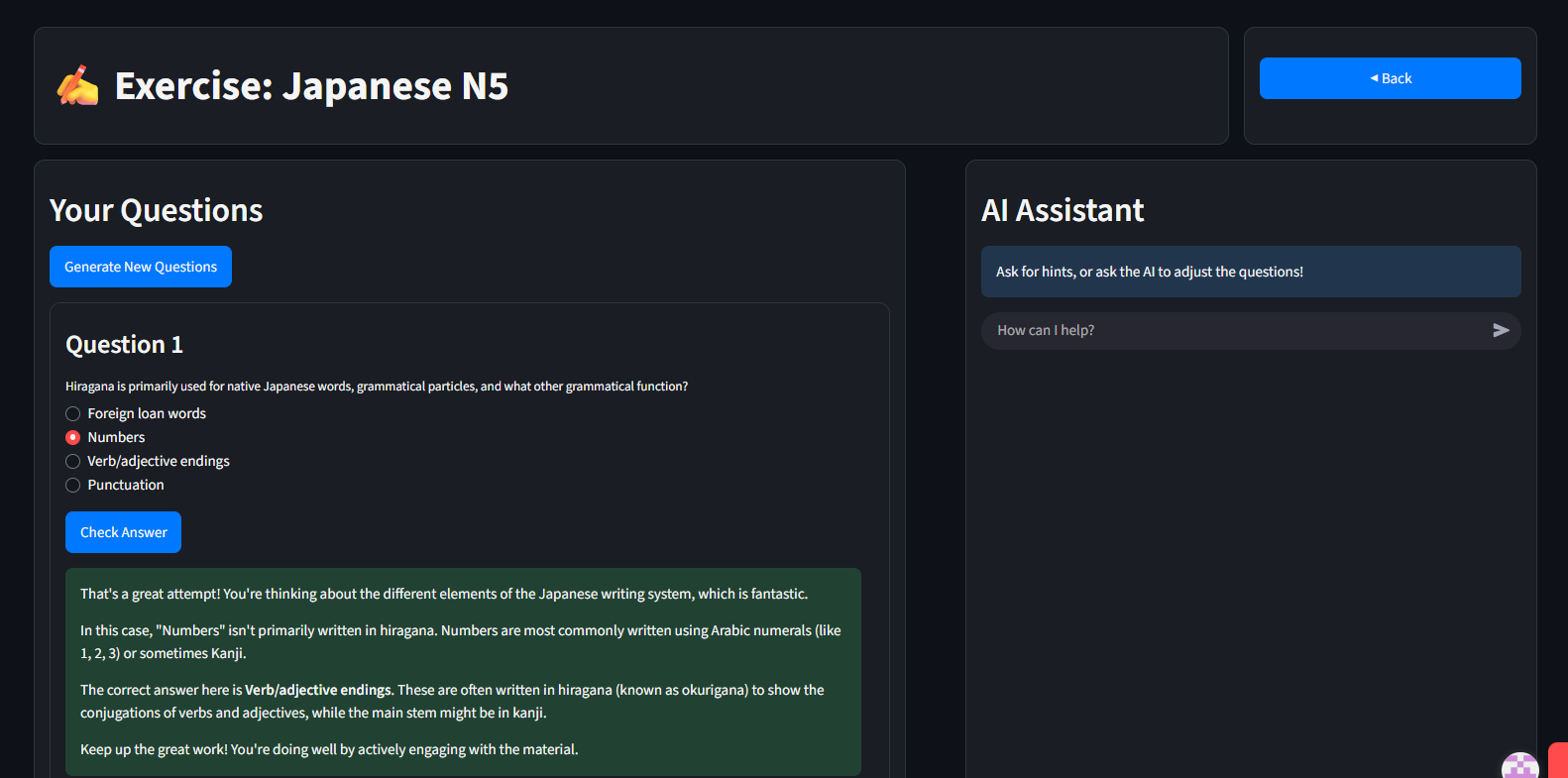
it shows the correct answer and explanation by chat gpt
LearnFlow: An AI-Powered Study Companion
LearnFlow is an AI-powered study companion that automates personalised learning plans and interactive tutoring. Inspired by the need for accessible, customised education, it uses Google’s Gemini API to generate daily lessons, practice exercises, and context-aware Q&A within a clean Streamlit interface.
The Inspiration
The idea for LearnFlow sparked when my friend wanted to learn Japanese as well as different programming languages. Mainly though, most resources lacked structure and personal feedback. This sparked the idea of an AI tutor that adapts to each learner’s:
- Goals
- Pace
- Favorite formats (whether concise explanations, worked examples, or short quizzes).
By combining generative AI with an intuitive web app, we could democratize high-quality tutoring for students everywhere.
What We Learned
We gained valuable experience across several technical domains:
- Generative AI Workflows: How to integrate the Gemini API for content creation, from prompt design to handling rate limits.
- Streamlit Development: Rapid prototyping of UI components (forms, charts, layout) and customizing styling via CSS.
- State Management: Storing user sessions, API keys, and user progress in Streamlit’s session state and SQLite.
- Database Design: Structuring a lightweight SQLite schema for plans, lessons, and knowledge items, and handling concurrent updates.
- Asynchronous Patterns: Queueing Gemini requests to avoid hitting rate limits while maintaining a responsive UX.
How We Built It
Architecture & Setup
- Initialized a Python project with
setup.pyandrequirements.txt. - Created a SQLite database (
learningos.db) with tables for users, plans, and knowledge items.
Authentication & API Integration
- Built an in-app login page to capture and validate the Gemini API key using
api_log.py. - Configured
genai.configure_api_key(...)and tested sample prompts to ensure valid credentials.
Core Modules
The application is structured into several Streamlit pages for a complete learning workflow:
| Module | Purpose |
|---|---|
1_Add_Plan.py |
UI to define a subject, timeline, and preferences. |
2_Plan_Details.py |
Displays generated daily tasks and allows users to save memorable concepts to their learning vault. |
3_Adjust_Plan.py |
Enables on-the-fly plan modifications when timelines or goals change. |
4_Learn_Today.py |
Renders AI-generated lesson content and embeds interactive examples. |
5_Review.py, 6_Exercise.py |
Generates quizzes and auto-grades answers. |
7_Ask.py |
A chat interface that answers questions about the current plan context. |
Frontend & Styling
- Leveraged Streamlit’s layout primitives and custom CSS themes for a dark, developer-friendly UI.
- Implemented real-time progress bars and summary widgets to encourage daily engagement.
Testing & Deployment
- Deployed via Streamlit Cloud with secure secrets management for API keys.
Challenges Faced
- API Rate Limits: Gemini’s generous throughput still required batching prompts and implementing a local queue to prevent timeouts.
- Google Oath: Google log in is one of our difficult function, although it's nearly finished, but we got stuck with the login & database connection. We find plenty of problems to fix it, but end up it does not work. We think that using google authentication will be better for log in, but it's a good try. We will try to attempt it in future!


Log in or sign up for Devpost to join the conversation.