-
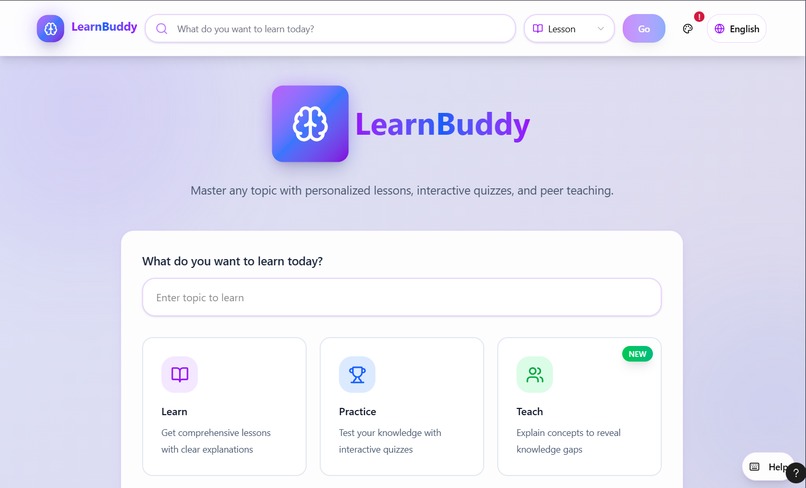
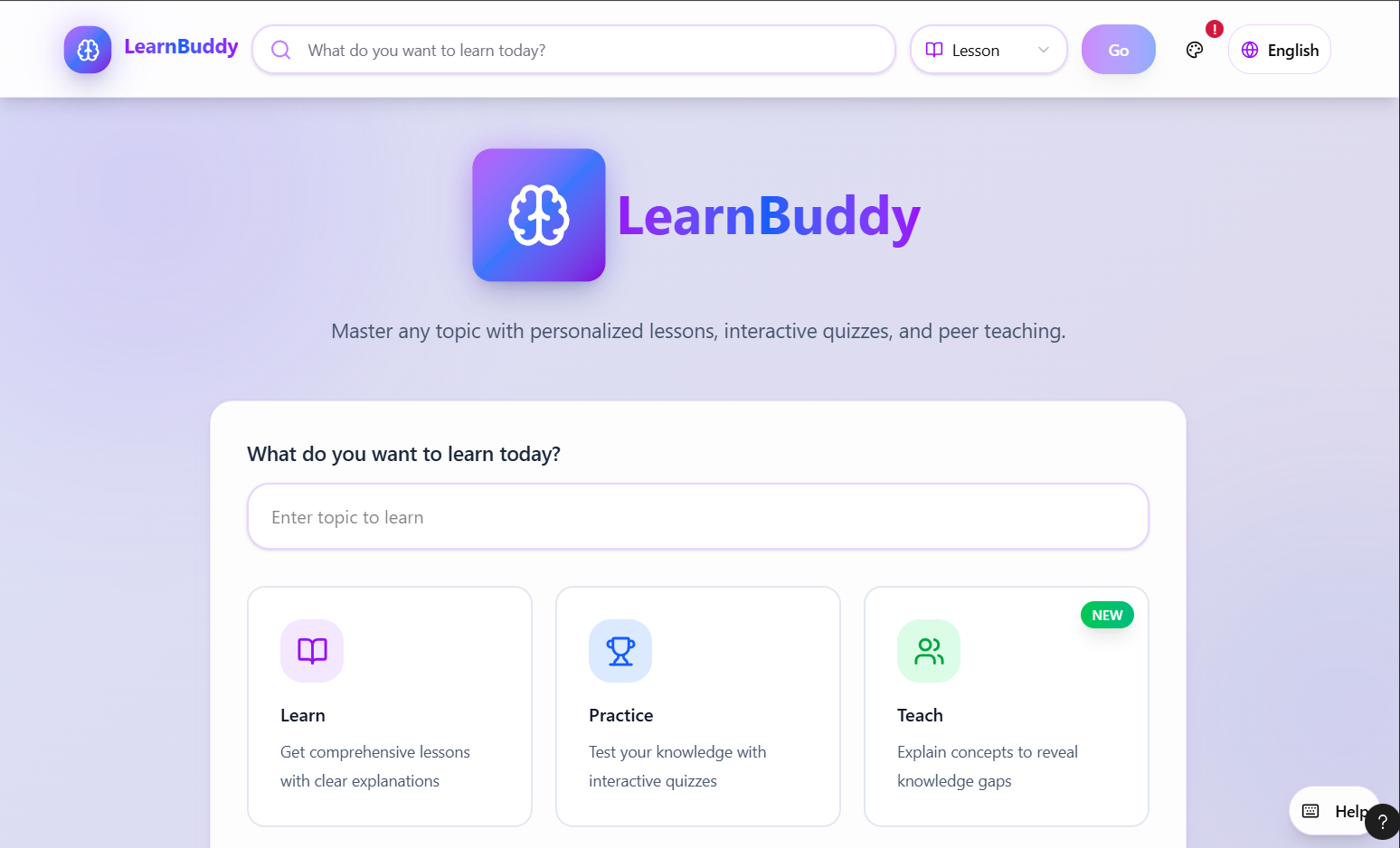
Main Menu
-
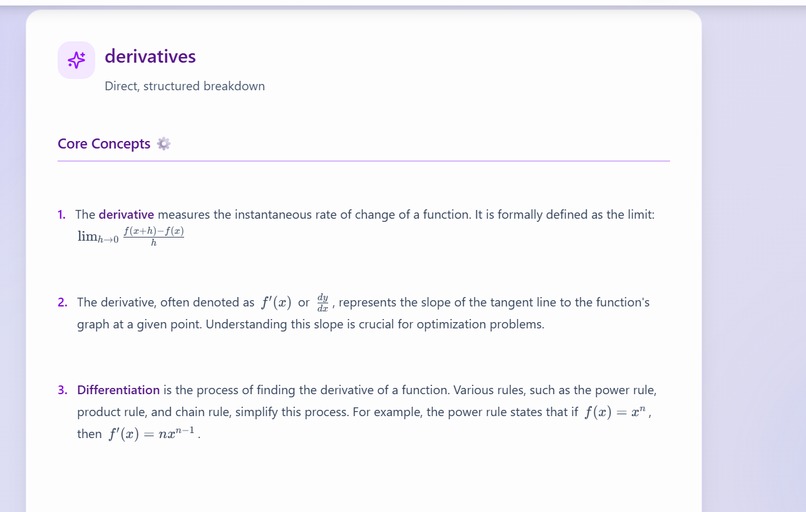
Lesson
-
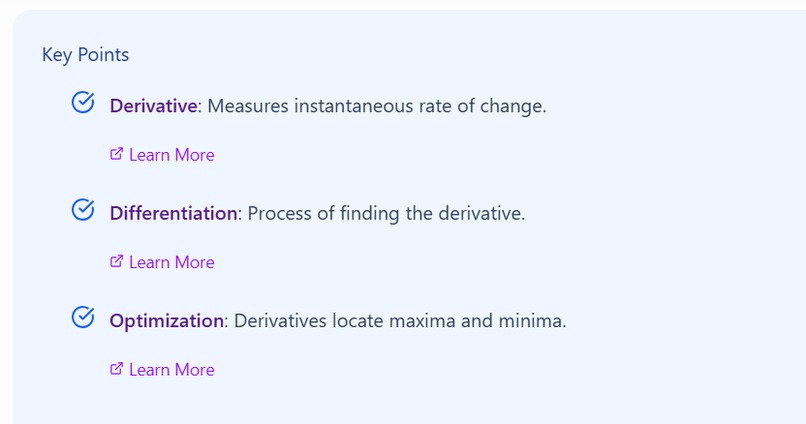
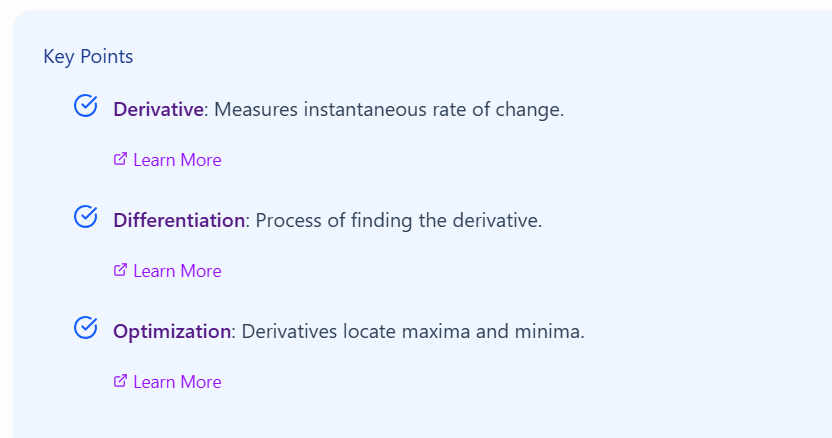
lesson -> related topics
-
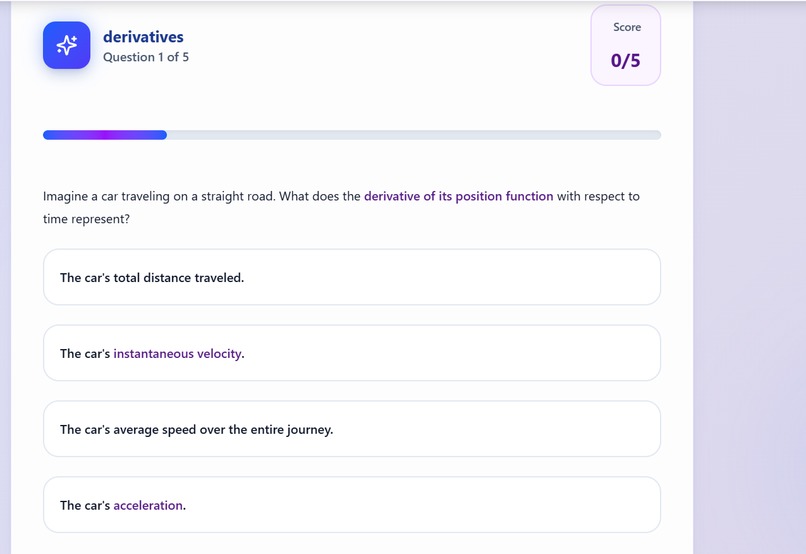
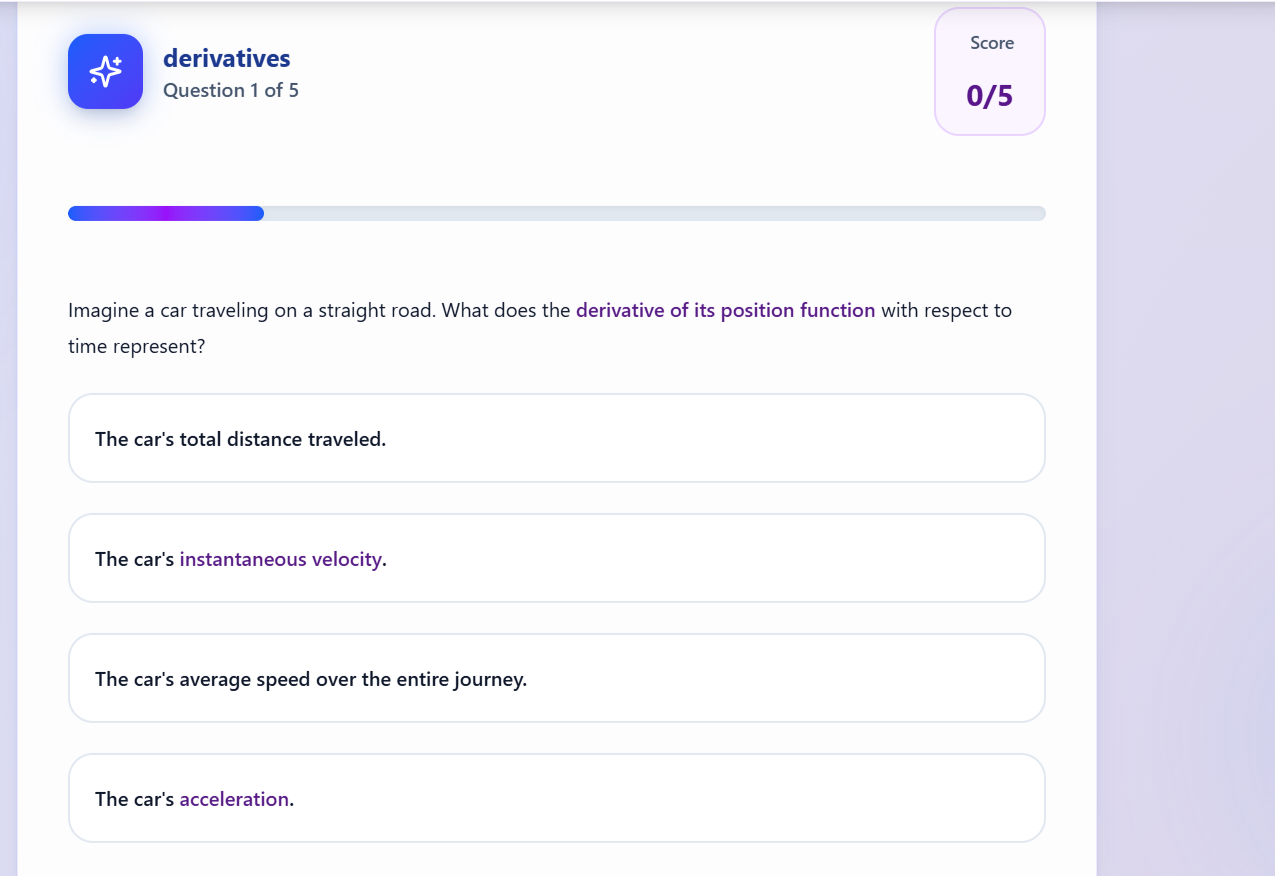
quiz preview (can add more questions)
-
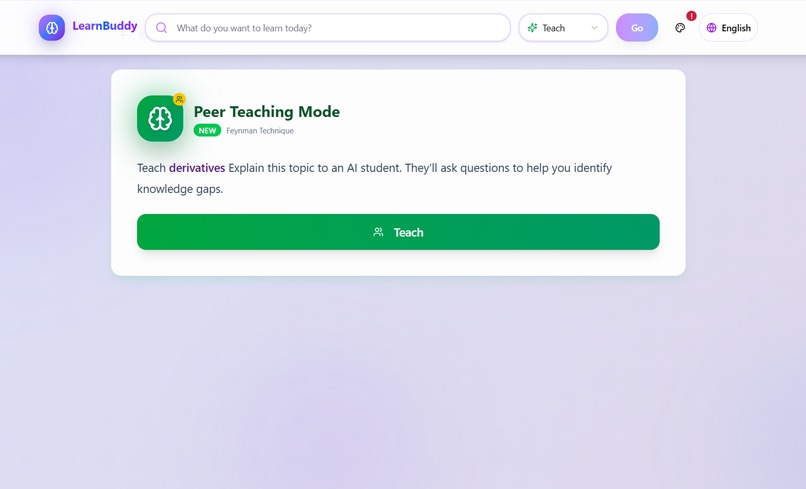
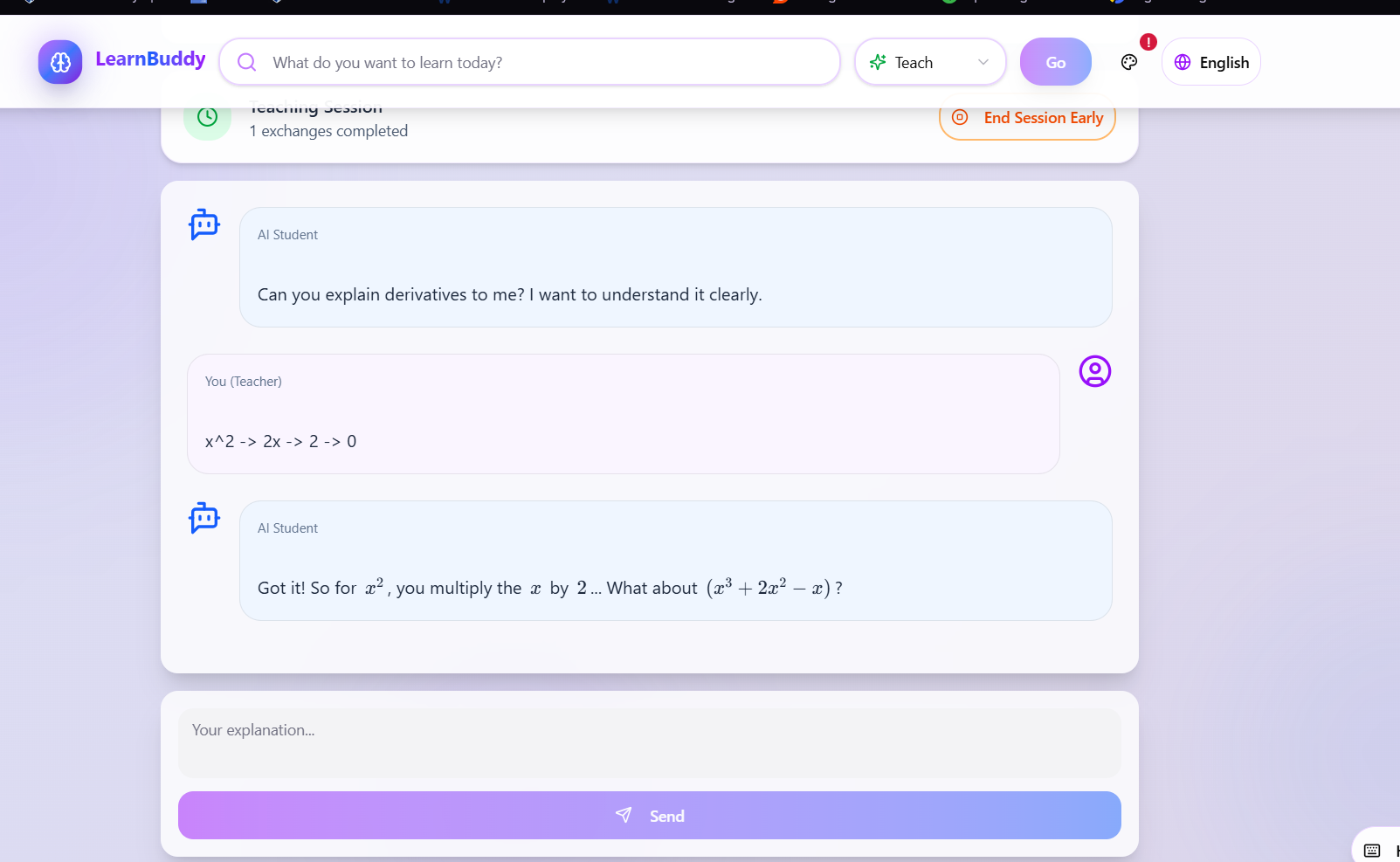
teach mode
-
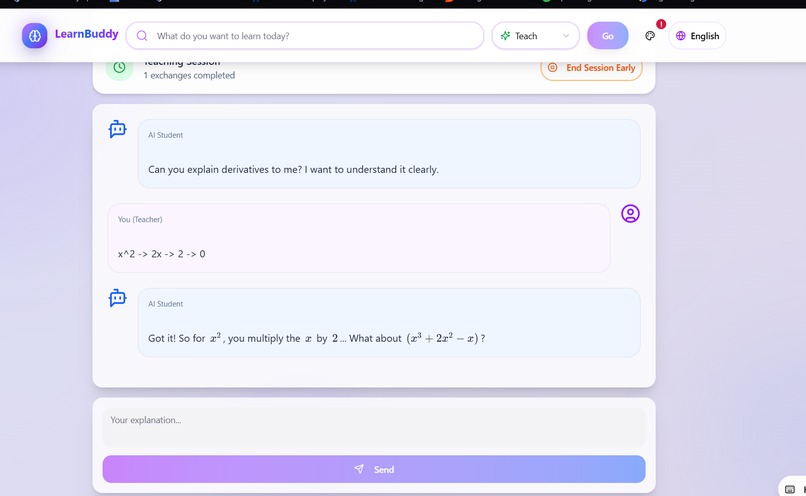
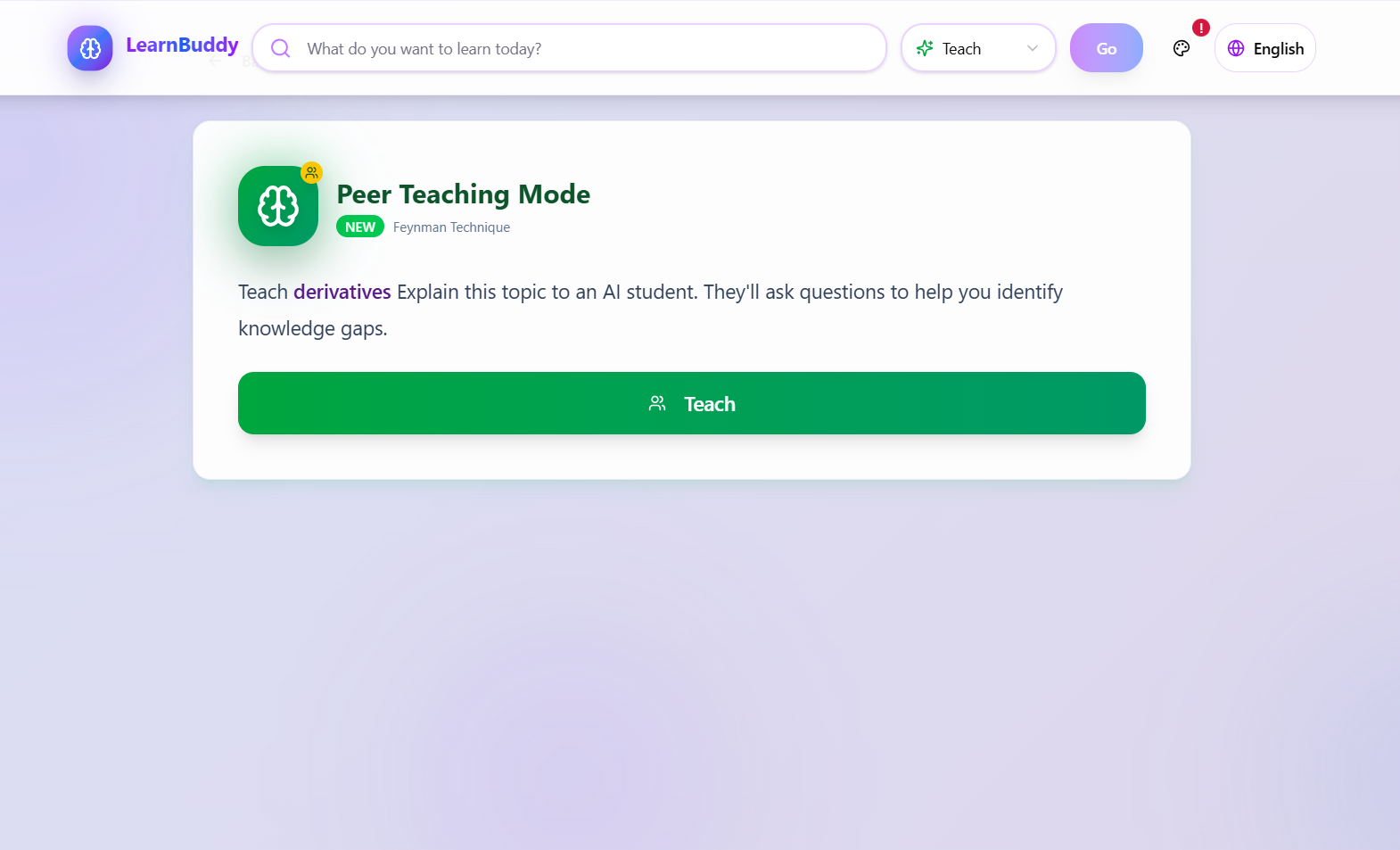
teach mode preview
Inspiration
We've all been there: it's 2 AM, you're cramming for a calculus exam, juggling between YouTube videos, ChatGPT, and Wikipedia trying to understand derivatives. ChatGPT gives you walls of text filled with "Great question!" and motivational fluff. Khan Academy has great content, but you can't ask it to explain derivatives in the context of your specific physics problem.
The problem? Generic AI chatbots aren't built for learning—they're built for conversation. Students need structure, not chat threads. They need to actively engage with material, not passively consume it.
That's why I built LearnBuddy: an AI study coach that combines the flexibility of AI with proven educational techniques like the Feynman Technique, because the best way to learn something is to teach it.
What it does
LearnBuddy offers three distinct learning modes designed for how students actually study:
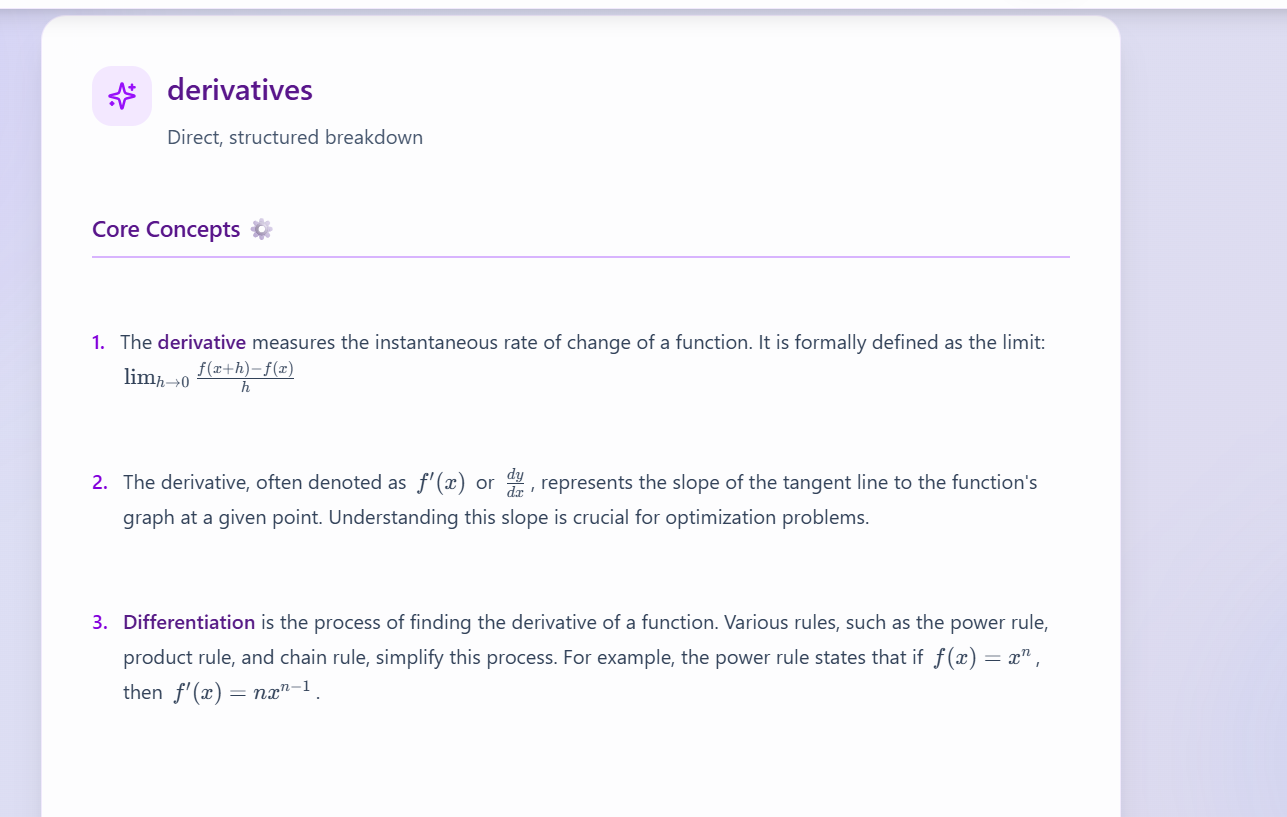
Lesson Mode - Structured Knowledge Generate comprehensive lessons on any topic with: Clear key points and hierarchical structure Full LaTeX math rendering Practical notes connecting theory to real-world applications Contextual sub-lessons—dive deeper into any subtopic while maintaining parent context
Quiz Mode - Active Recall Instant multiple-choice quizzes on any topic Detailed explanations for every answer (right or wrong) Score tracking to monitor progress Learn from mistakes with AI-generated reasoning
Teach Mode - The Feynman Technique Research shows learning by teaching is the most effective study method.
In Teach Mode: You explain a topic to an AI "student" The AI asks probing questions that reveal knowledge gaps If you can't explain it simply, you don't truly understand it Builds deep, intuitive understanding vs. surface-level memorization
How we built it
I developed LearnBuddy using Figma Make as my development environment, which provided an excellent rapid prototyping workflow for building the frontend and integrating with backend services.
Frontend: React + TypeScript + Tailwind CSS v4 UI Components: shadcn/ui for accessible, beautiful design Backend: Supabase Edge Functions running Deno with Hono framework AI: Google Gemini API with custom "Clarity Mode" prompts Math Rendering: KaTeX for production-grade LaTeX Icons: Lucide React
Key Technical Innovations
- Clarity Mode Prompt Engineering I designed custom system prompts that eliminate AI verbosity:
- Zero motivational fluff ("Great question! Let's dive in!")
- Dense, information-rich content
- Structured JSON output (key points, content, practical notes)
- Direct, actionable explanations
- LaTeX Auto-Fixing Pipeline Gemini sometimes returns malformed math.
I built server-side algorithms to: Detect missing backslashes in LaTeX commands Fix nested fraction syntax Handle JSON escape sequences properly Validate math expressions before rendering
- Context-Aware Sub-Lessons
When you click a subtopic, I maintain the parent context:
javascript// Example: Learning "Gradient Descent" from "Machine Learning"
const subLessonTopic =
${subtopic} (in the context of ${parentTopic}); This ensures deep-dives stay relevant and connected to your learning path. - Persistent Header Navigation Students can search for new topics from anywhere—no need to return to the dashboard. The header stays accessible throughout your learning session.
Challenges we ran into
Challenge 1: Problem: Gemini would return LaTeX with single backslashes, but JSON requires double escaping. Rendered output was broken.
Solution: Prompt engineering with quadruple backslashes in examples Server-side regex auto-fix for common patterns Comprehensive test cases for nested fractions and complex equations
Challenge 2: Context Loss in Sub-Lessons Problem: When diving deep into subtopics, the AI would forget the original context. "Backpropagation" explained in isolation is different from "Backpropagation in Neural Networks."
Solution: Built a lesson history stack (breadcrumb navigation) Inject parent context into sub-lesson prompts Smart similarity detection to avoid redundant explanations
Challenge 3: Math Rendering Performance Problem: Large lessons with 50+ equations caused render lag and scroll jank.
Solution: Separate inline from display math processing Lazy rendering for off-screen content CSS optimizations
Challenge 4: Balancing AI Creativity vs. Structure Problem: Gemini is great at creative responses but we needed consistent JSON structure for parsing.
Solution: Explicit JSON schema in prompts with examples Validation layer that rejects malformed responses Fallback formatting for edge cases
Accomplishments that we're proud of
Built a complete learning platform in one hackathon: Three distinct modes (Lesson, Quiz, Teach) with full functionality, not just prototypes
Solved the LaTeX rendering problem: Created an auto-fixing pipeline that handles malformed math expressions from AI, making equations render beautifully every time
Implemented the Feynman Technique with AI: To my knowledge, LearnBuddy is the first platform to use AI for learning-by-teaching at scale
Added language selector for accessibility: Recognizing that learning shouldn't be limited by language barriers, I built in multi-language support to make LearnBuddy accessible to students worldwide
Context-aware navigation: Built a lesson history stack that maintains parent-child topic relationships, making deep learning paths coherent and connected
Zero-fluff AI responses: Through careful prompt engineering, achieved information density that generic chatbots can't match
What we learned
Prompt engineering is an art: Getting AI to produce consistently formatted, dense content without fluff required dozens of iterations. LaTeX + AI = Complexity: We gained deep appreciation for escaping, regex patterns, and the subtleties of mathematical notation. Context is king: Maintaining topic relationships makes AI-generated lessons 10x more useful than isolated explanations. UX matters in edtech: Students don't want to navigate complex menus—they want to search, learn, and move on. Persistent headers and breadcrumbs make a huge difference. Teaching is learning: Implementing Teach Mode reinforced how powerful the Feynman Technique is. Explaining concepts reveals gaps you didn't know existed.
What's next for LearnBuddy
User Authentication: Save lesson history, track progress over time Spaced Repetition: Schedule quiz reviews using proven memory algorithms Collaborative Study: Multi-user rooms where students learn together Export Features: Download lessons as PDF or Markdown for offline study Voice Teaching Mode: Speak your explanations instead of typing Multi-Language Support: Learning shouldn't be limited by language Source Citations: Link to academic papers and verified resources Custom Difficulty: Adjust lesson complexity from high school to PhD level
Built With
- api
- css
- deno
- edge
- functions
- gemini
- hono
- katex
- lucide
- react
- shadcn/ui
- supabase
- tailwind
- typescript

Log in or sign up for Devpost to join the conversation.