-
-
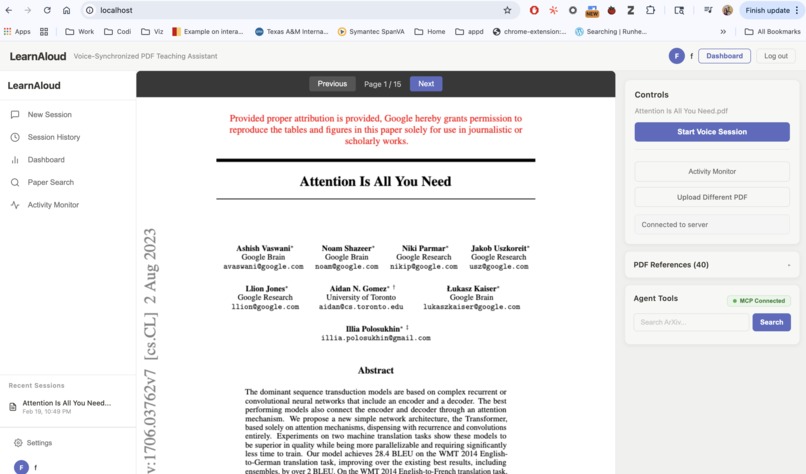
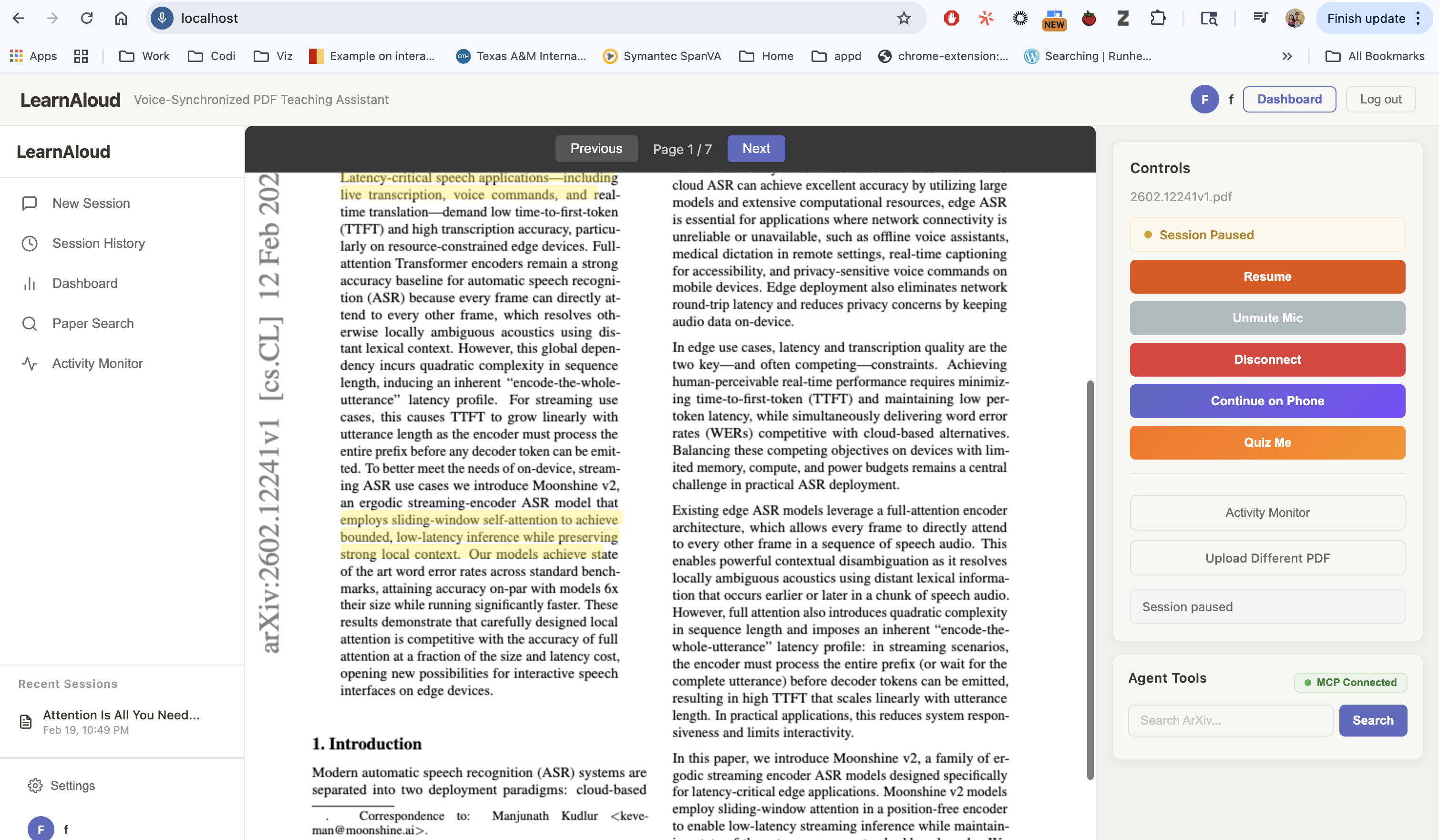
The Interface
-
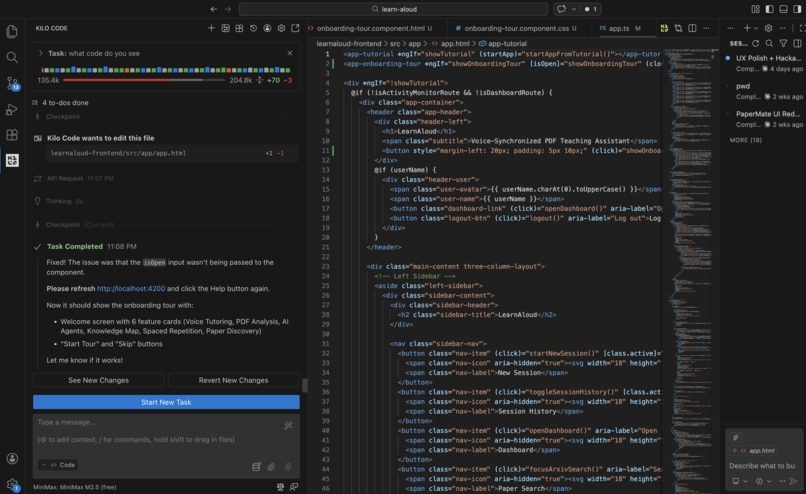
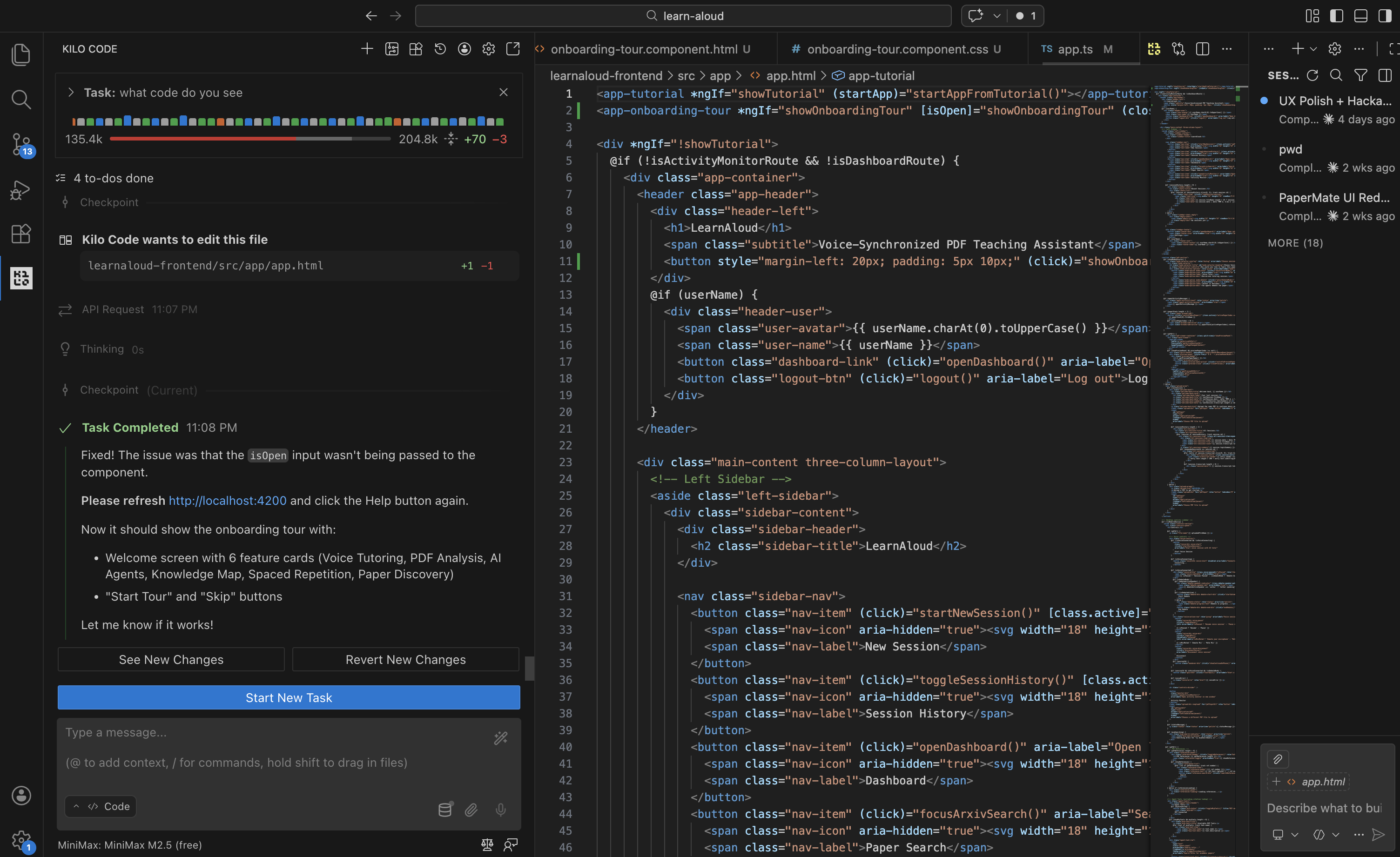
Using Kilo to build and ship the feature
-
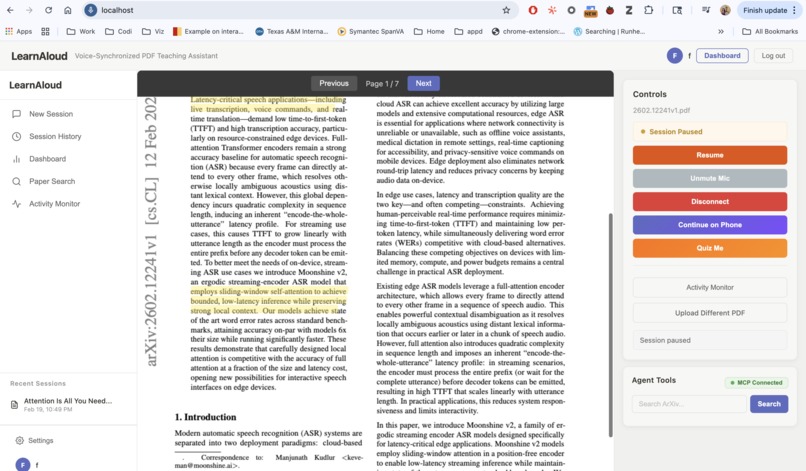
The Voice Controls
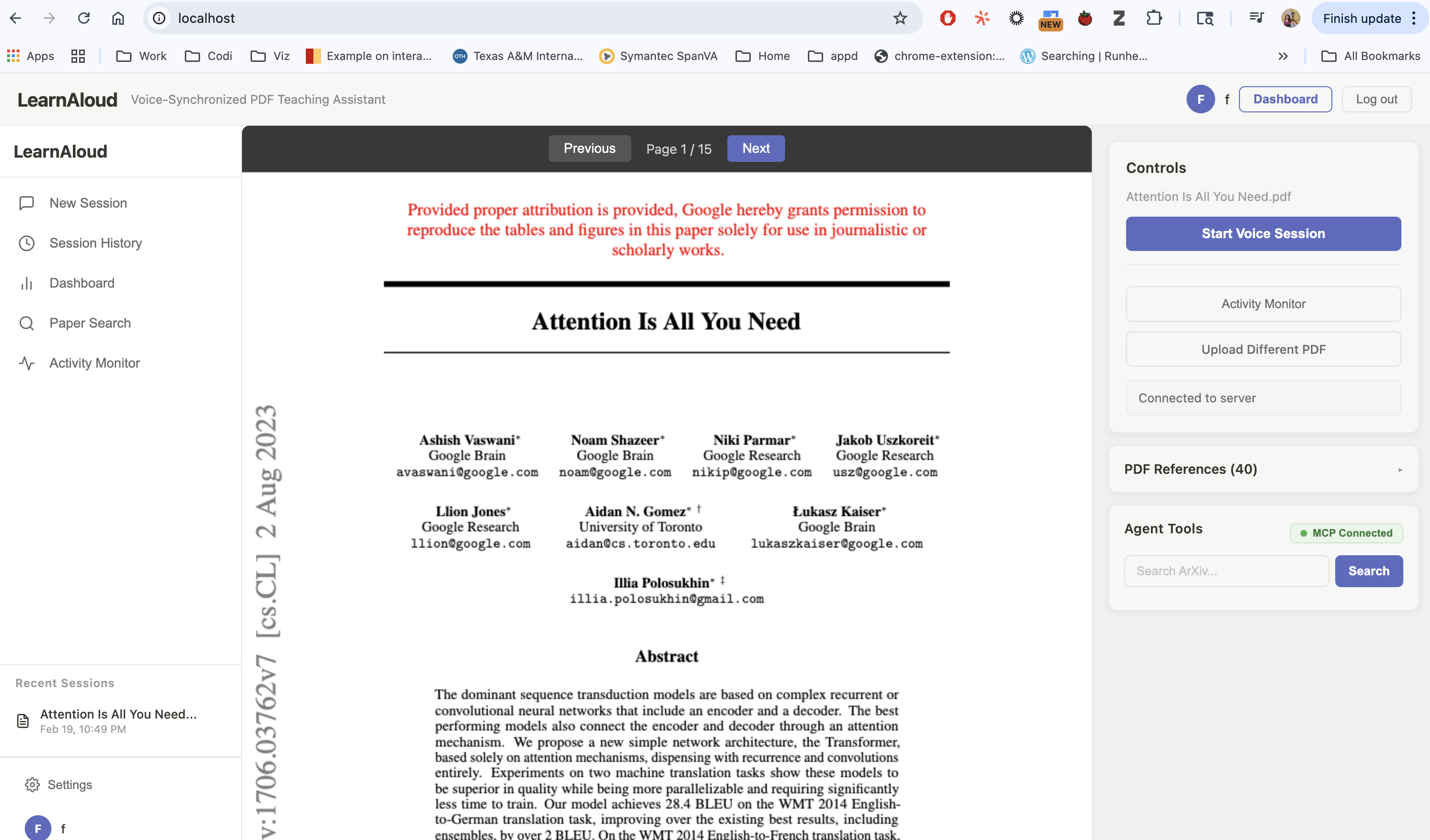
Inspiration
Every developer has a graveyard of half-built side projects — great ideas that died somewhere between "this would be cool" and "okay this is getting complicated." LearnAloud started the same way: a frustrating afternoon fighting with a dense ML research paper, copying chunks into ChatGPT, losing my place, losing my train of thought, losing the will to continue.
I kept thinking: what if the explanation could just live inside the document itself? What if a tutor could literally point at what it's teaching you?
That question was too interesting to leave unbuilt. Kilo Code gave me the push to finally ship it.
What it does
LearnAloud is a voice AI tutor that teaches you from any document while visually annotating exactly what it's explaining — in real time.
Upload a PDF, say "teach me this," and as the tutor speaks, it:
- Highlights the sentence it's currently explaining
- Drops margin notes with key definitions
- Draws arrows between related concepts
- Auto-scrolls to keep you in sync
It's like having a private tutor sitting next to you, pointing at the page and saying "right here — this is the part that matters."
How I built it (with Kilo Code)
Kilo Code was central to how fast this came together. I used it to scaffold the React annotation layer, debug the PDF coordinate extraction logic, and iterate quickly on the synchronization architecture — things that would have eaten days of solo grinding.
The stack:
- Voice Interface: Vocal Bridge (WebRTC/LiveKit) for low-latency STT/TTS
- Document Processing: PyMuPDF for PDF parsing with bounding box metadata
- RAG Pipeline: Text chunking with coordinates → OpenAI embeddings → vector search
- Synchronized Annotations: Client Actions embedded in LLM responses fire highlights at precise speech timestamps
- Frontend: React with real-time annotation rendering
The hardest problem was synchronization — the visual highlight needs to appear at the exact moment the tutor's voice mentions that concept, not 300ms later. The solution was pre-computing annotation triggers inside the LLM response and firing them off a buffered speech timeline.
Challenges
PDF coordinate hell — Extracting exact bounding boxes for arbitrary text spans means parsing PDF internals. Text extraction tools give you words; I needed pixel positions. PyMuPDF's span-level metadata was the unlock.
Sub-200ms voice-visual sync — Any perceptible lag between speech and highlight breaks the illusion completely. I had to buffer audio, pre-compute annotation timestamps, and fire Client Actions slightly ahead of the corresponding syllable.
Graceful interruption — When a user asks a follow-up mid-explanation, the annotation state needs to pause cleanly and resume from the right position. Getting this stateful coordination right took several iterations.
Why I'll actually keep using this
I built this because I needed it. It's already changed how I read papers. That "I wish I'd thought of that" feeling? I had it about my own project — which probably means it's worth shipping.
What's next
- Chrome extension to bring it to any web article
- Mobile app with camera scan for physical textbooks
- Multi-agent architecture: a Pedagogue agent that teaches and a Librarian agent that pulls in supporting context on demand

Log in or sign up for Devpost to join the conversation.