-
-
cover
-
cover2
-
screens
Inspiration
As a student, I often found myself stuck while doing homework or reviewing lecture notes. Sometimes the answers were not in textbooks, and waiting for a teacher or a classmate to respond could take hours. I wanted a way to make studying smarter and faster, without the friction of typing questions into a search engine or waiting for help.
The idea was simple but powerful: a personal AI study companion that could instantly understand the material I was looking at and provide guidance tailored to my needs. I imagined a tool that would not just give answers but would help students learn, think critically, and build confidence, making study sessions productive and engaging.
What it does
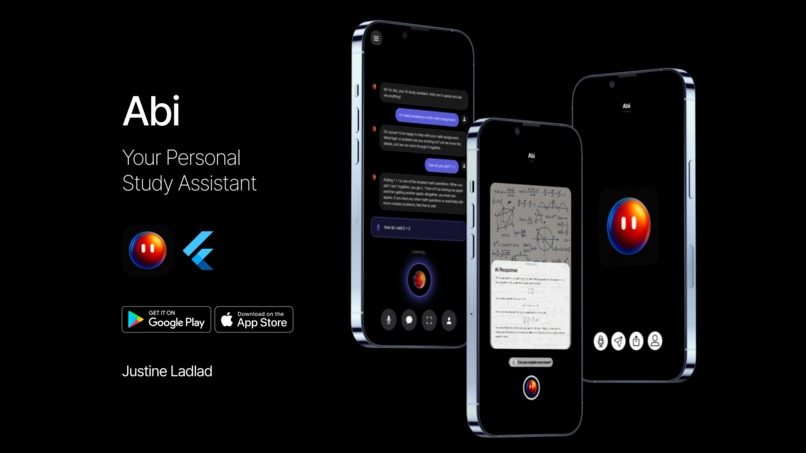
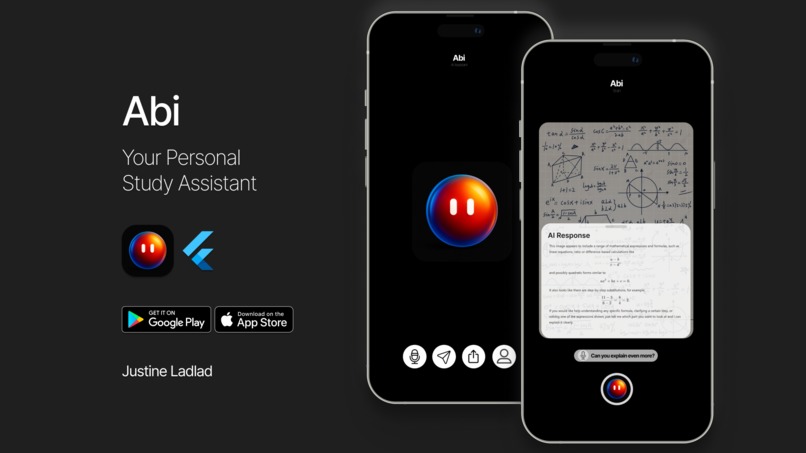
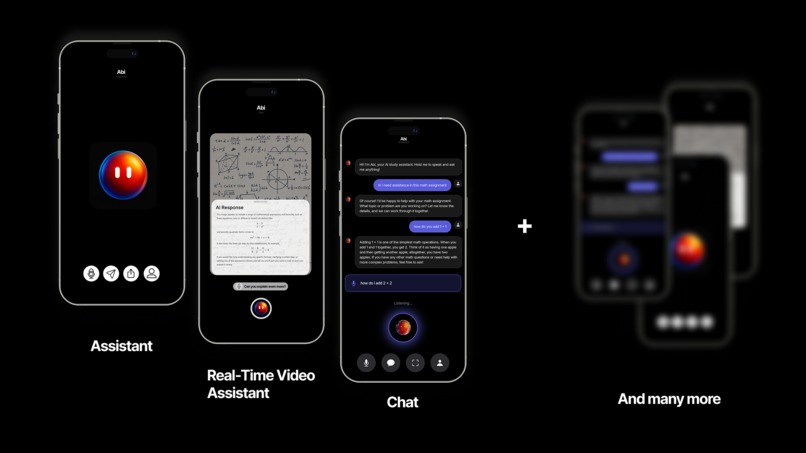
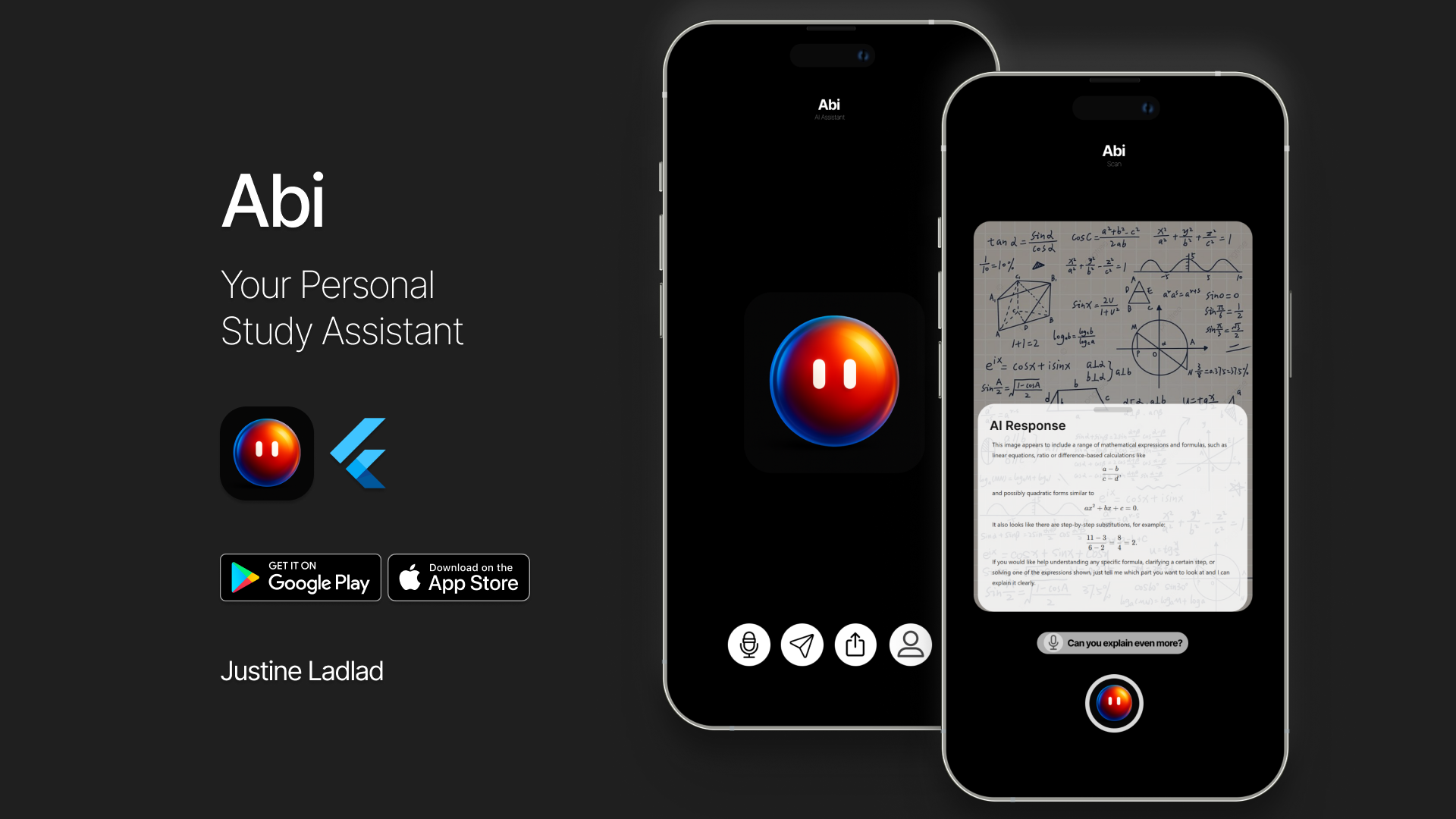
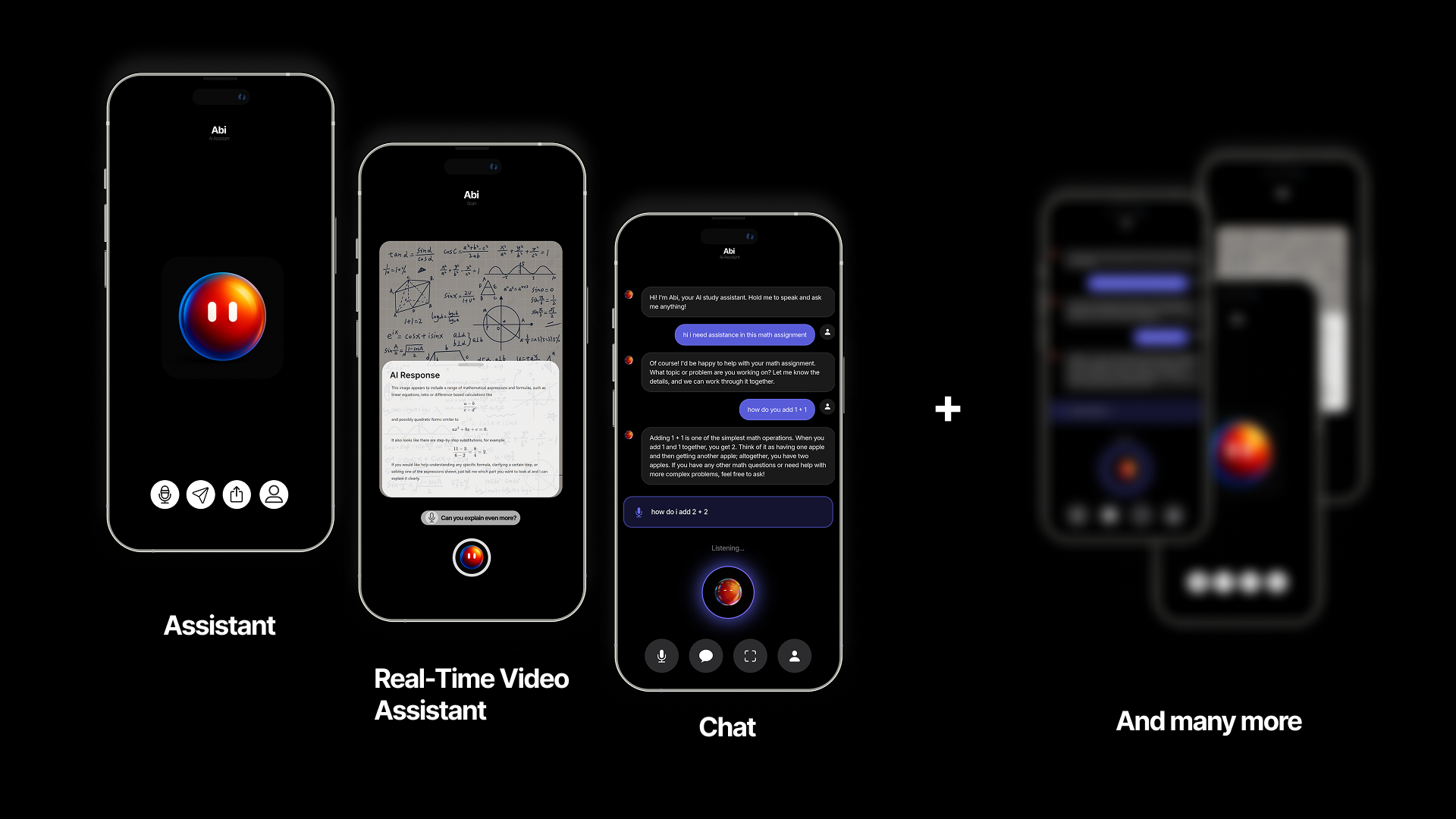
Abi transforms the way students interact with study material. With Abi, students can point their phone at homework, textbooks, lecture notes, or code, and receive:
- Real-time hints and explanations tailored to the content.
- Summaries that break down complex concepts into digestible pieces.
- Context-aware assistance that adapts to the subject and type of material.
Unlike traditional search engines or static study guides, Abi responds dynamically to what the student is focusing on. It is like having a personal tutor available 24/7, ready to clarify doubts, provide step-by-step guidance, and help students stay on track.
How I built it
Building Abi required combining cross-platform app development, AI-powered image analysis, and real-time user interaction. Here is how I approached it:
- I chose Flutter for its flexibility and ability to deliver a consistent experience across iOS and Android.
- Abi uses OpenAI GPT Vision for analyzing images of text, equations, and code. The AI interprets the material and generates explanations in real time.
- For high-end code tasks, I leveraged Claude Code to assist in generating complex code efficiently, while using Windsurf IDE to handle low-end code. After that, I finalized and refined the project by writing and debugging code manually to ensure accuracy and reliability.
- The camera captures the study material, sends it securely to the AI, and then displays structured, interactive guidance in a clean, intuitive interface.
- I designed the UI to minimize friction so students can get insights without navigating menus or typing complex queries, keeping their workflow smooth and immersive.
Challenges I ran into
Time was the most pressing constraint. Delivering a fully functional product on schedule required careful planning and focus. Some of the technical challenges included:
- Optimizing for speed. Real-time image analysis can be computationally intensive, so I had to find ways to make responses feel instantaneous.
- Maintaining context. Students often ask follow-up questions. Ensuring the AI understood the ongoing conversation and could provide meaningful responses required careful state management.
- UI and UX consistency. Displaying explanations clearly while keeping the interface uncluttered and engaging was a constant design challenge.
Despite these challenges, I prioritized the features with the highest impact on the student experience, which allowed me to create a polished MVP on time.
Accomplishments I am proud of
- Delivered a fully functional AI study companion that works across multiple study modes, from textbooks to code.
- Developed a context-aware, adaptive system that responds meaningfully to student input.
- Created a polished, student-friendly interface that feels intuitive, engaging, and professional.
- Proved that a small, focused MVP can solve a real-world problem without unnecessary complexity.
What I learned
This project reinforced several key lessons:
- Prioritize high-impact features. Focusing on core functionality allowed me to deliver a complete and usable product rather than getting lost in nice-to-have features.
- Balance AI capability with usability. Advanced AI is only useful if students can interact with it easily. The interface needs to complement the technology.
- Iterative design matters. Testing, feedback, and small adjustments made the product feel seamless and intuitive.
What is next for Abi
I plan to enhance Abi in several ways to make it even more useful:
- Speech-to-text assistance for hands-free interaction and improved accessibility.
- Chat logs and history to track previous questions and responses for review.
- Progress tracking to help students monitor their learning habits and stay motivated.
- Interactive notifications to proactively remind students about unfinished tasks or suggest study tips based on their activity.
- Multi-subject support and deeper context-awareness to make Abi smarter and more versatile across various fields of study.
Why it matters
Abi is more than just an app. It is a new approach to learning. Many students struggle with information overload, inefficient study methods, or lack of immediate help. Abi addresses these challenges by:
- Making learning faster. Students get instant explanations without wasting time searching for answers.
- Making learning smarter. Context-aware guidance helps students truly understand material, not just memorize it.
- Making learning accessible. Anyone with a smartphone can get help, leveling the playing field for students everywhere.
- Encouraging active learning and curiosity. By providing interactive feedback, Abi helps students think critically and explore concepts more deeply.
Ultimately, Abi transforms study time into a more productive, efficient, and engaging experience, empowering students to learn with confidence and independence. It demonstrates how AI can enhance human learning rather than replace it, creating a tool that genuinely supports growth and understanding.
Built With
- c++
- cmake
- dart
- figma
- flutter
- openai
- other
- plpgsql
- supabase
- swift
- typescript


Log in or sign up for Devpost to join the conversation.