Inspiration
Children already spend their evenings in front of the TV. Learn & Play makes that time count: a learning game made for the couch, where every screen works with the Fire TV remote alone (D-pad, OK, Back), with large 10-foot type, title-safe margins and one consistent focus treatment, so a six-year-old can navigate without help.
What it does
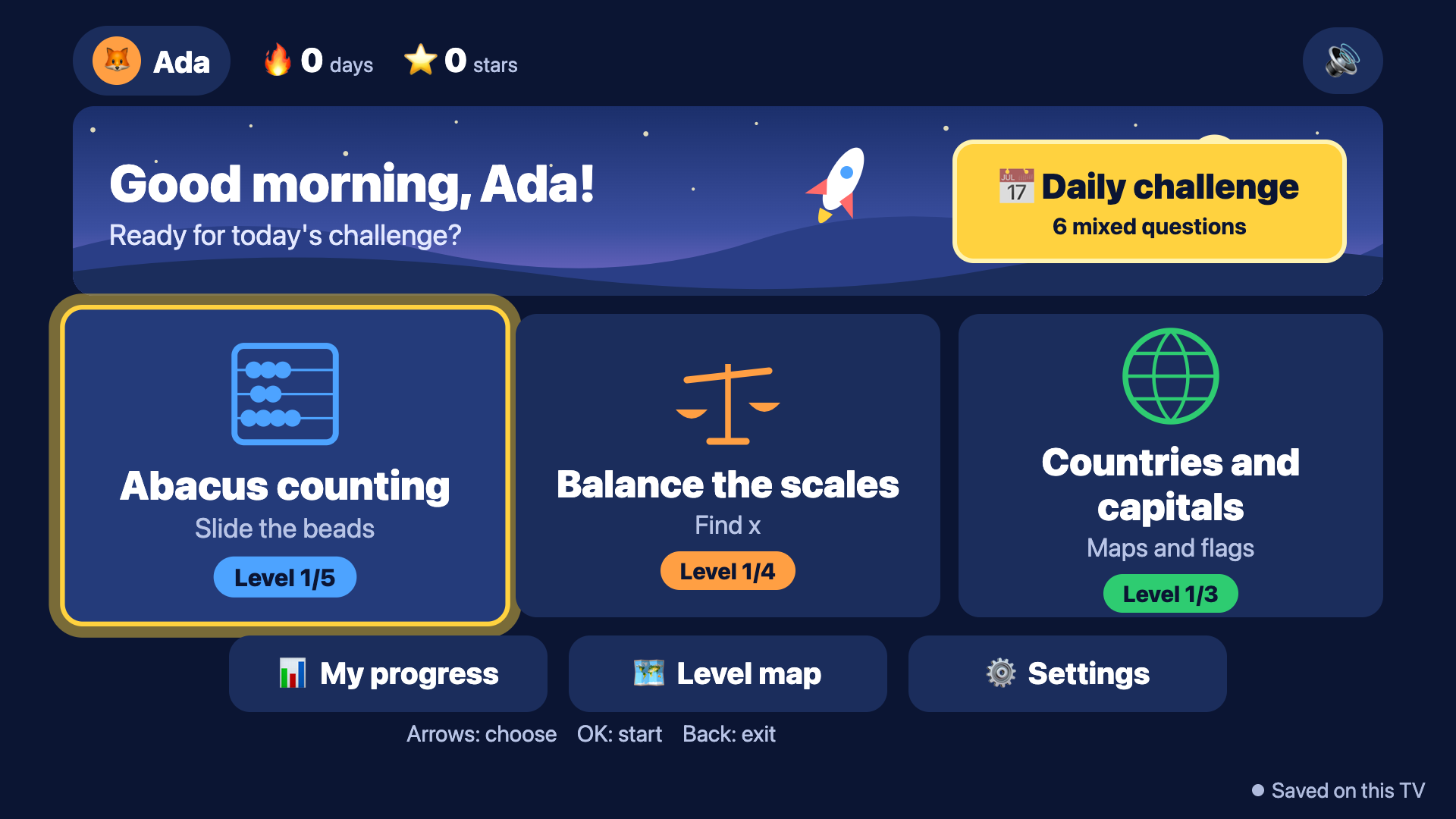
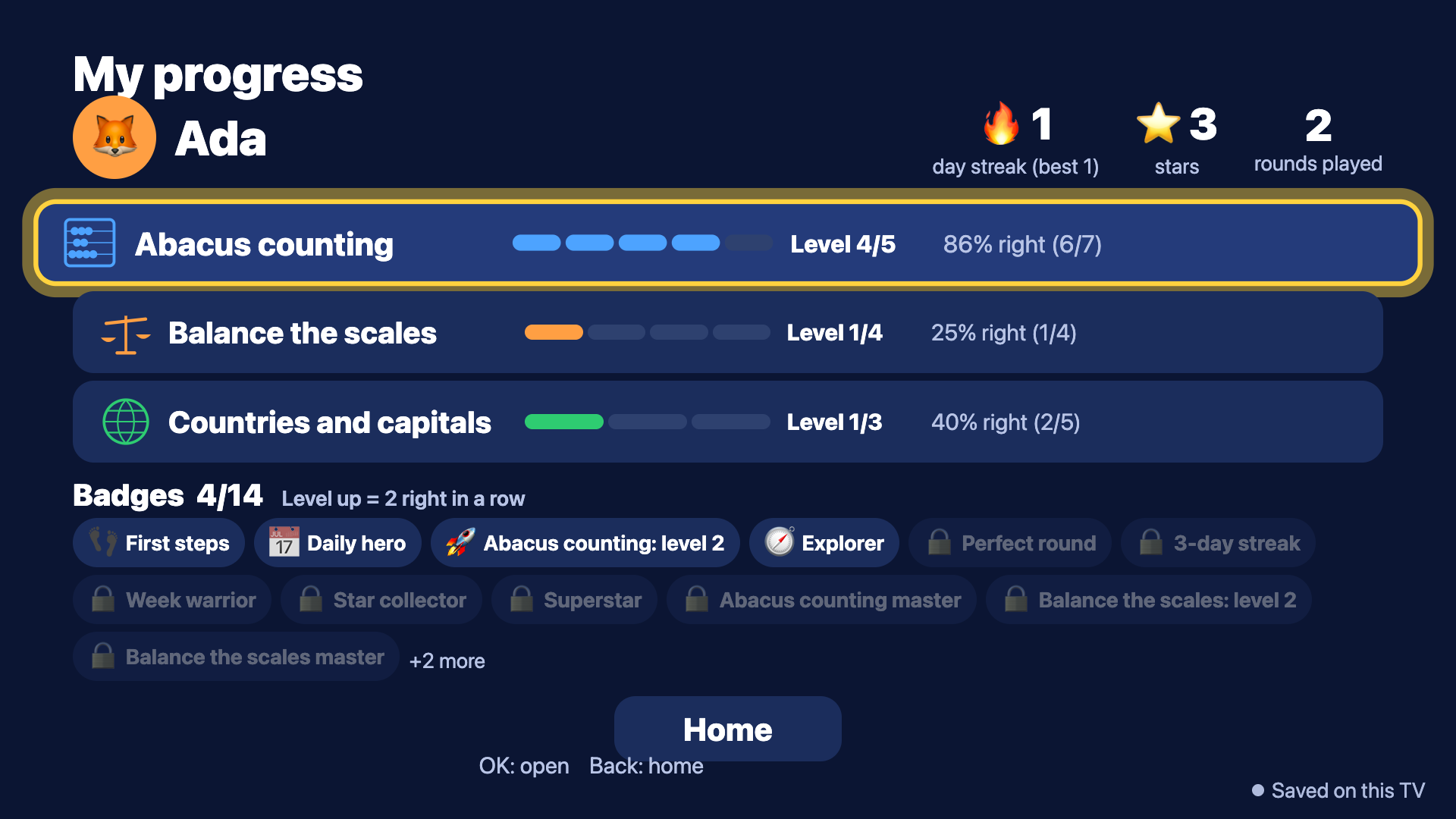
Kids pick a player (up to six per TV, each with an avatar, streak, stars and badges) and play five-question rounds that end in stars, a score, confetti and, sometimes, a level-up. The games turn abstract school topics into things you can move:
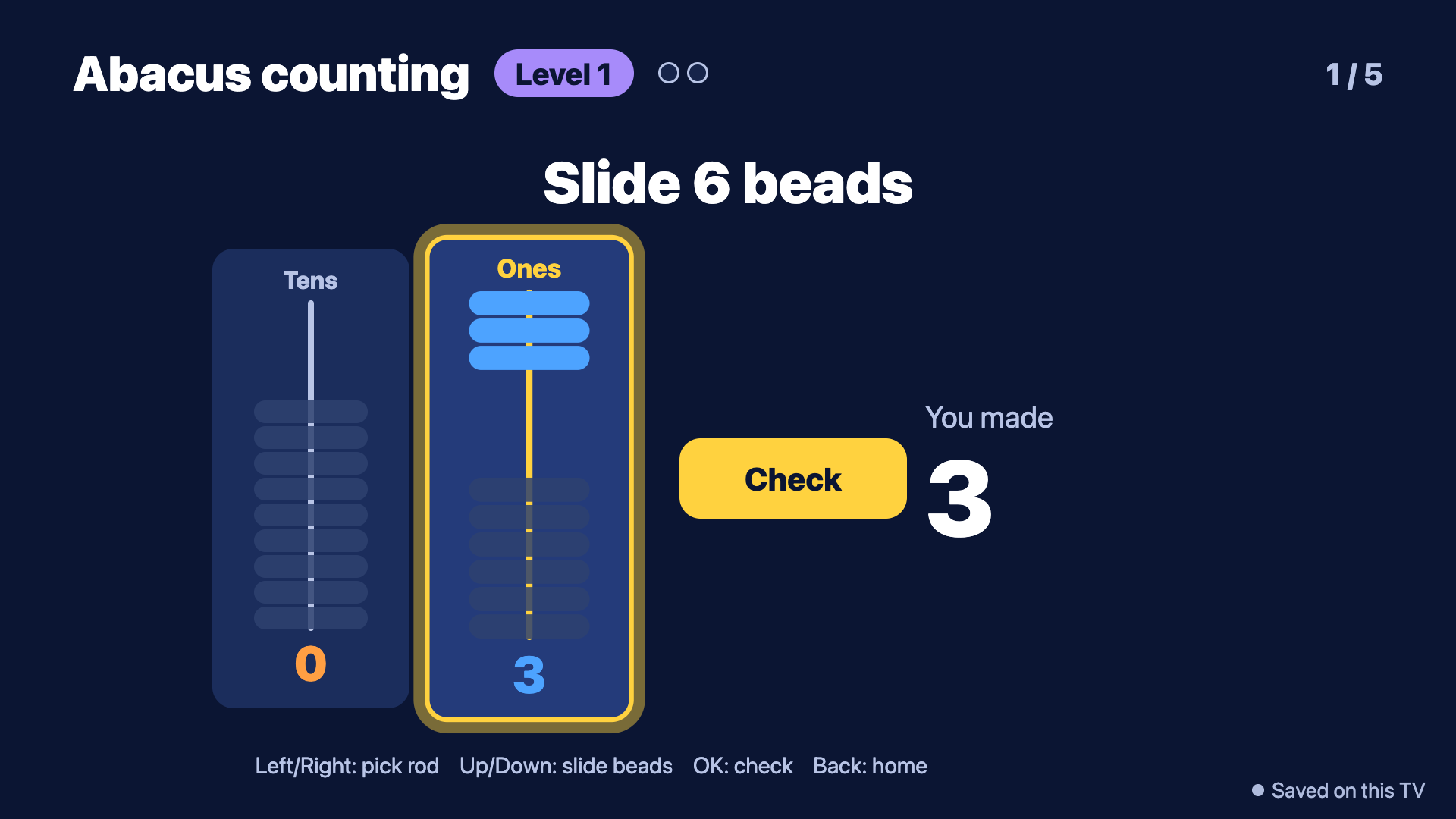
- Abacus: push on-screen beads to make sums, with a "Make 47" target mode that teaches place value.
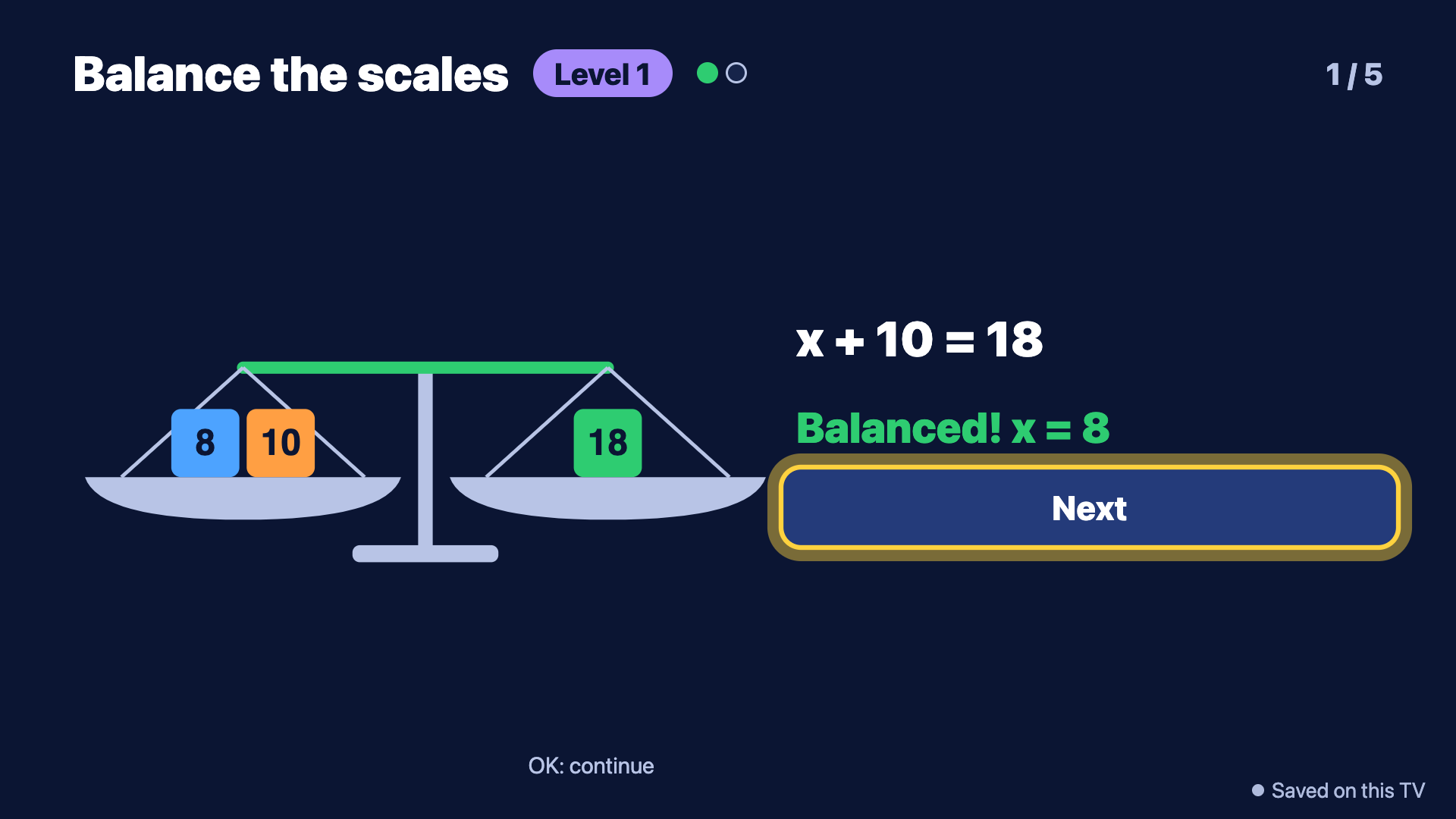
- Balance scales: solve for x. The beam eases to its new tilt and a puzzle only counts when you press OK to Check a balanced scale, so guessing does not pay. Harder levels put x on both sides.
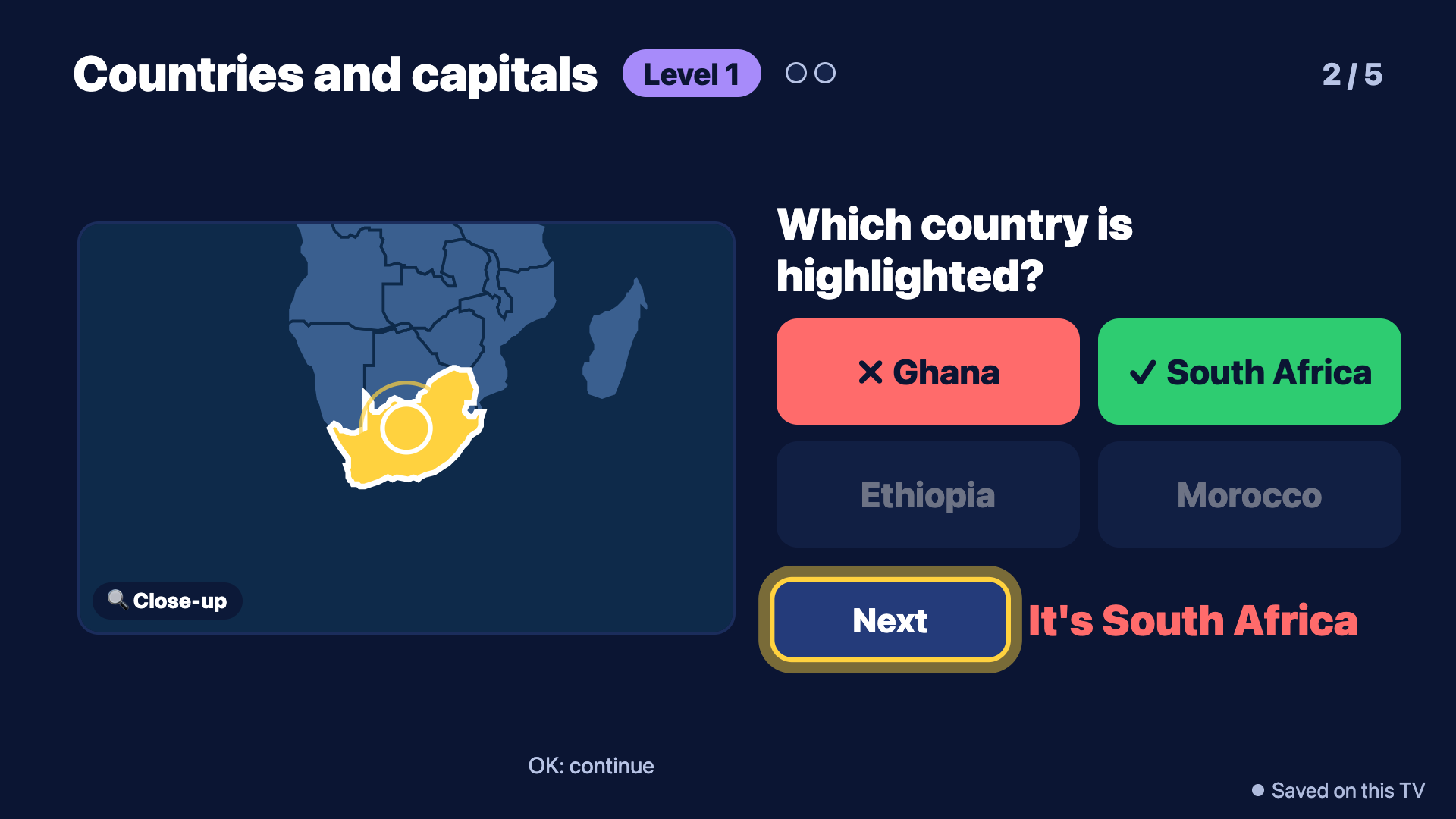
- Countries and capitals: an illustrated map with region focus and zoom, plus capital, continent, "which country is highlighted" and flag questions. A wrong answer zooms to the right place.
- Daily Challenge: six mixed questions, seeded by date and child, earns a "Daily hero" badge.
Progress is motivating and parent-friendly: a progress dashboard, level map, 14+ badges (more are generated per topic), streaks, and a settings area behind a multiplication parent gate. Sound effects and music are synthesised, there is a reduced-motion option, and the app has no microphone permission.
It connects to the companion Alexa+ Learning Coach. Progress syncs through a small REST API, answers carry ids so retries are never double counted, and the app works offline first and syncs when it can. Practice by voice shows up on the TV, and TV answers show up on the parent dashboard.
How we built it
Expo and React Native for TV (react-native-tvos 0.81), started from Amazon's react-native-multi-tv-app-sample (MIT-0, credited in NOTICE) and extended with react-tv-space-navigation focus handling. Game logic is pure TypeScript with no React, covered by 40 automated tests. The UI is generated from a shared curriculum file, so adding a topic or level needs no UI change, and a topic using a question kind this build cannot generate is hidden instead of crashing. We built the Android app with Gradle and drove it with remote key presses on an Android TV emulator (Android 13), which found and fixed a real bug: BACK reached the app twice and exited it from inside a game.
Challenges
The BACK key arrives through two paths on Android TV, a key event and BackHandler, about a second apart on a busy JavaScript thread. The fix is to listen to BackHandler only on native. The first native build was also heavy (about 4 GB of downloads). Details are in docs/FRICTION_LOG.md.
What's next
Tune and measure on a Fire TV Stick, add TalkBack and VoiceView checks, and more topics and levels through the curriculum file.
Built With
- android-tv
- expo.io
- fire-tv
- gradle
- node.js
- react-native
- react-native-tvos
- typescript

Log in or sign up for Devpost to join the conversation.