-
-
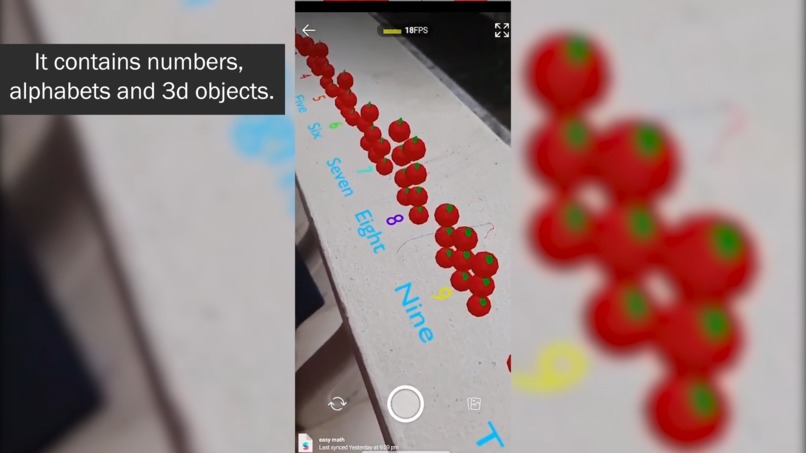
screenshot
Inspiration
Fun with learning is the best way to learn and create things
What it does
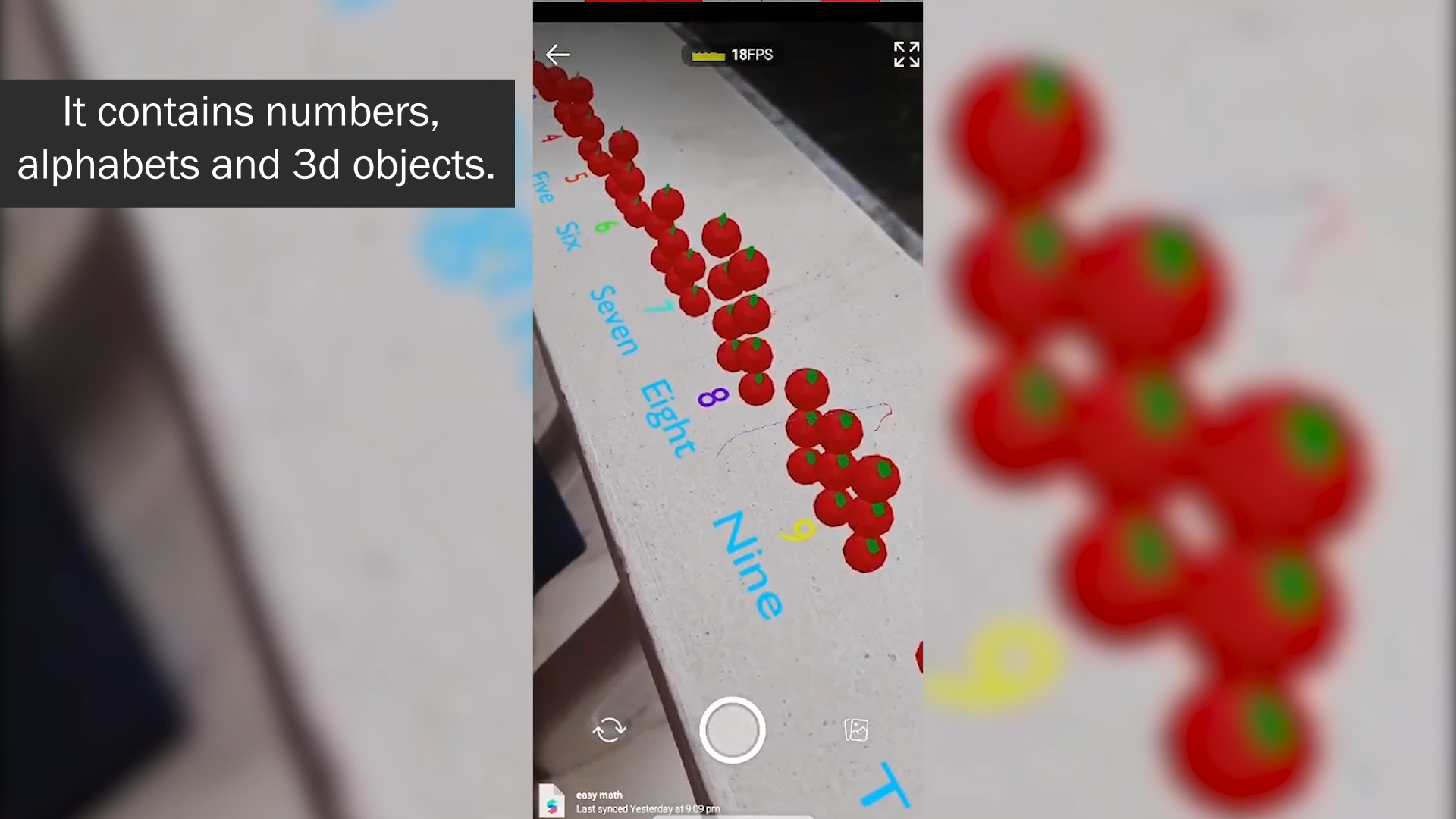
It help kids to learn alphabets and counting numbers in a interesting way .
How I built it
Used spark ar ,blender ,illustrator  to create project   i just shorted how i did as steps bellow

1.used ar world template edited it
2.added 3d objects  and textures  {sketch fab , blender , illustrator for images }
3.proper arrangements of objects  , this was a great  mess need to arrange lots of 3d elements and planes
4.clean up  { naming lots of materials , hierarchy , patches ..etc }
5.Testing  { fixed few issues }
6. export  {To hub }
Challenges I ran into
 My failures :- want to create calculator filter
 This was my plan :-  detect numbers by target tracking at the same time appear 3d objects to the
 equal amount of numbers and tap to appear calculation by taking multiple target   value to add patch print result,
 but that didn't worked out .Multiple tracking is not possible and there is no patch available to transfer multiple data /
 Multiple-possibilities    so i stuck at there .

My new  idea born :-  Erased old calculator filter and bloomed new counting filter .Instead of fixed target tracking , i
can use plane tracker to appear 3d objects . instead of turning pages in book, swiping and pinching to control 3d
object in smart device . Then i placed 3d objects for counting and alphabet reading (A for apple ) for Kindergarten
kids or Non literate people
recovery from my failures take a week to solve after that in 1-2 hours finished my project but stuck with my Demo video "Motion graphics and stuff" after 14-20 hours i finished it That's it.
Accomplishments that I'm proud of
My "learn" filter :- education in a different way . Fun with education is the best way to learn and create things
What I learned
 learned how to use spark ar
 spark have  countless possibilities its all up to the creator
What's next for Learn
 Java script with Spark AR and
  more complicated project
Built With
- spark-ar
Log in or sign up for Devpost to join the conversation.