Inspiration
I was inspired to create Learn Lens Mini because studying can be time-consuming and confusing. I wanted to use AI to help students understand concepts faster, save time, and prepare for exams smarter.
What it does
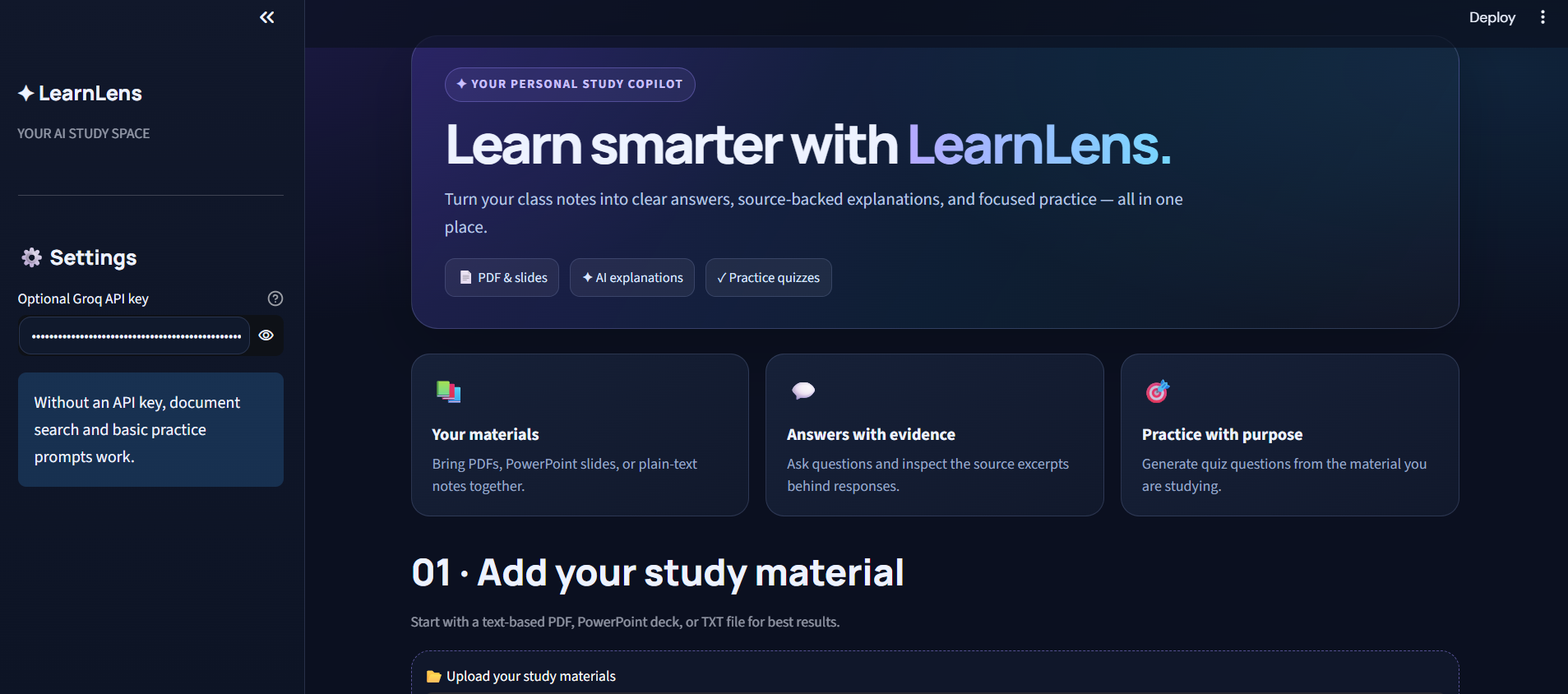
LearnLens Mini lets students upload notes, ask questions, get AI-generated answers, and create quizzes from their study materials. It makes learning faster, easier, and more effective.
How we built it
We built LearnLens Mini using Python and Streamlit for the interface, PDF and PowerPoint libraries to extract notes, and the Groq AI API to generate answers and quizzes. It combines document processing and AI to create a smarter learning experience.
Challenges we ran into
We faced challenges integrating the Groq AI API, fixing model compatibility errors, extracting content from different file formats, and generating accurate answers from notes. We overcame these challenges through debugging, testing, and improving the application.
Accomplishments that we're proud of
We’re proud of building LearnLens Mini, an AI-powered study assistant that turns notes into answers and quizzes. We combined Python, Streamlit, and Groq AI to create a tool that helps students learn faster, save time, and study smarter.
What we learned
We learned how to build AI-powered applications using Python and Streamlit, integrate APIs, extract information from documents, debug errors, and turn an idea into a working tool that helps students learn smarter.
What's next for LEARN LENS
Next, we plan to enhance LearnLens with a modern interface, personalized study plans, AI-generated flashcards, multilingual support, progress tracking, and smarter quizzes to help students learn faster and prepare confidently for exams.

Log in or sign up for Devpost to join the conversation.