-
-
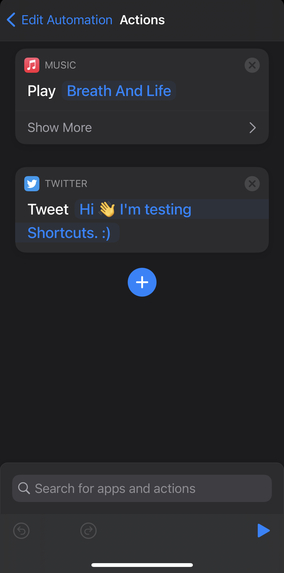
Actions
-
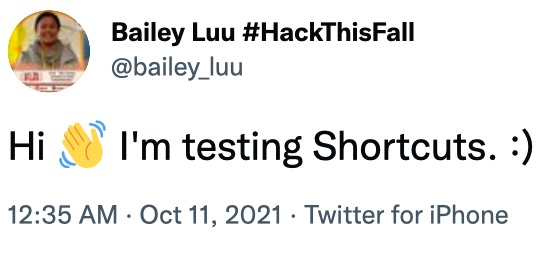
My Tweet
What it does
Reminder me to make a tweet
How we built it
I use Shortcut app to
- Go to Shortcuts
- Click at the bottom middle tab 'Automation'. If you haven't created any Automation, select 'Create Personal Automation'.
- Select 'Time of Day'
- Choose any time period you want the task to begin perform, then click Next
- An action—the building block of a shortcut—is a single step in a task. Select "Add Action"
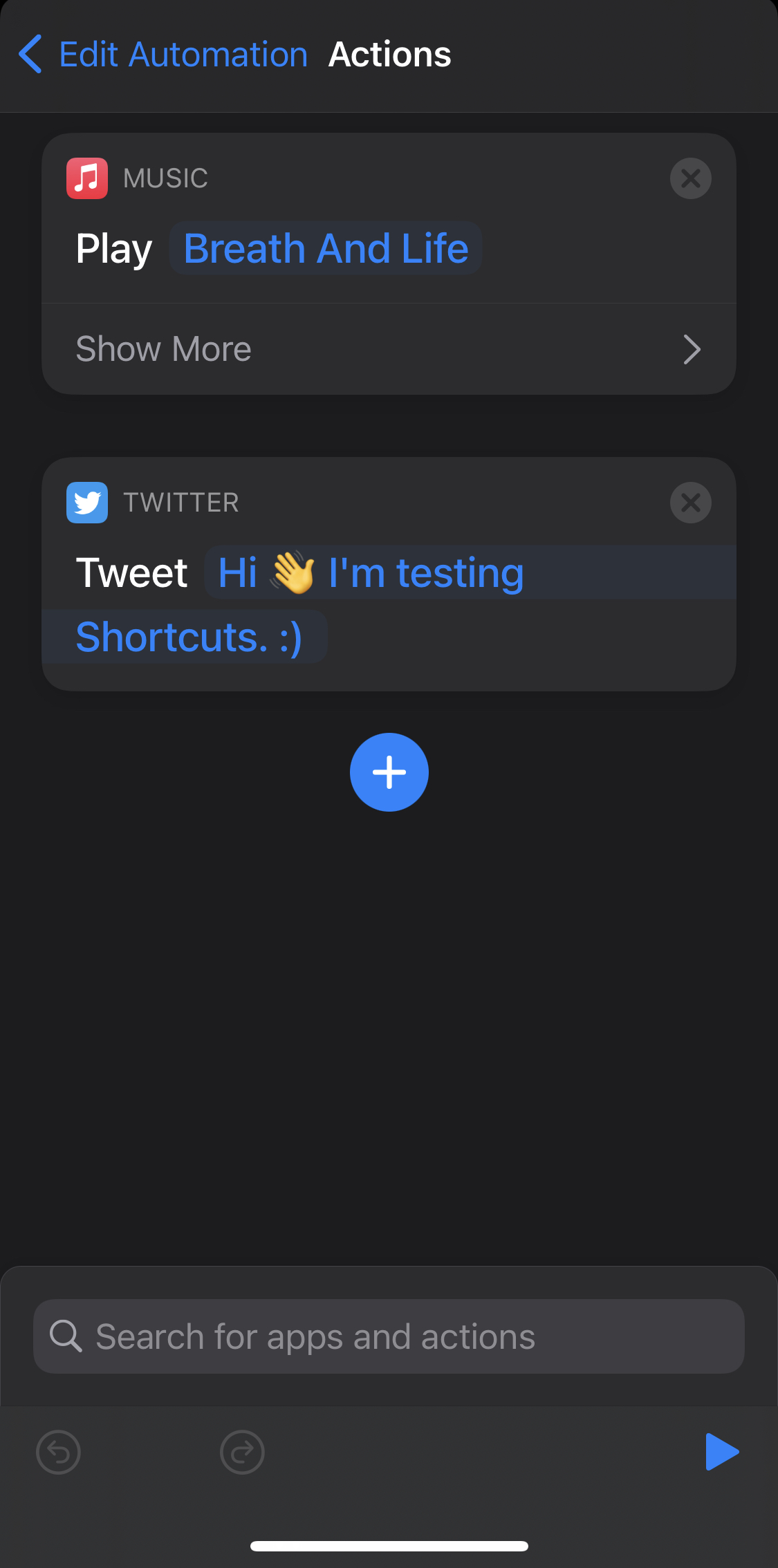
- Select Media ==> scroll down to "Play Music". Click on blue word 'Music' to select the song. Then click 'Next'
- Add one more action which is "Tweet", type the message you want to tweet
At a specific time, the task will remind me by playing music and ask me to tweet the message
Challenges we ran into
It's my first time using Shortcuts and it took time to learn about terminologies "Actions", "Shortcuts"
Accomplishments that we're proud of
The app does remind me to make a tweet! Challenge Accomplished!
What we learned
Learnt how to use Shortcuts to make automate tasks. Will be using it to remind me to tweet future tweets
References
Built With
- shortcuts


Log in or sign up for Devpost to join the conversation.