-
-
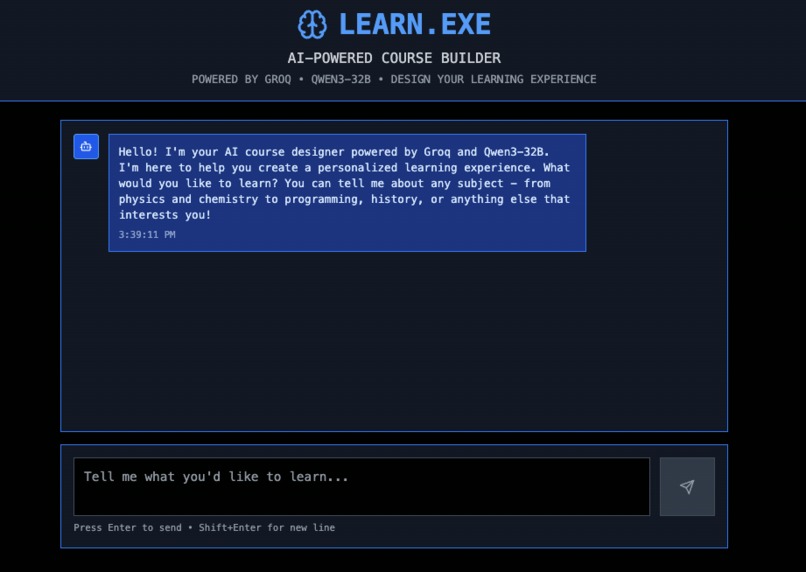
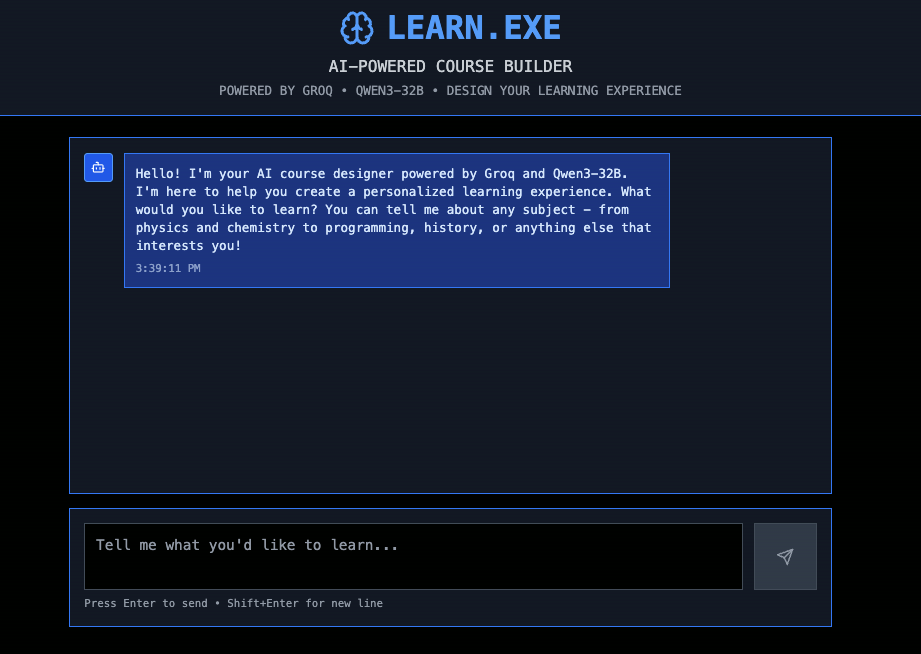
no landing page, just a chat bot
-
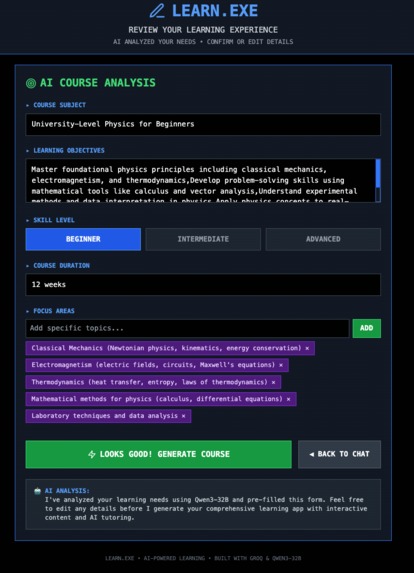
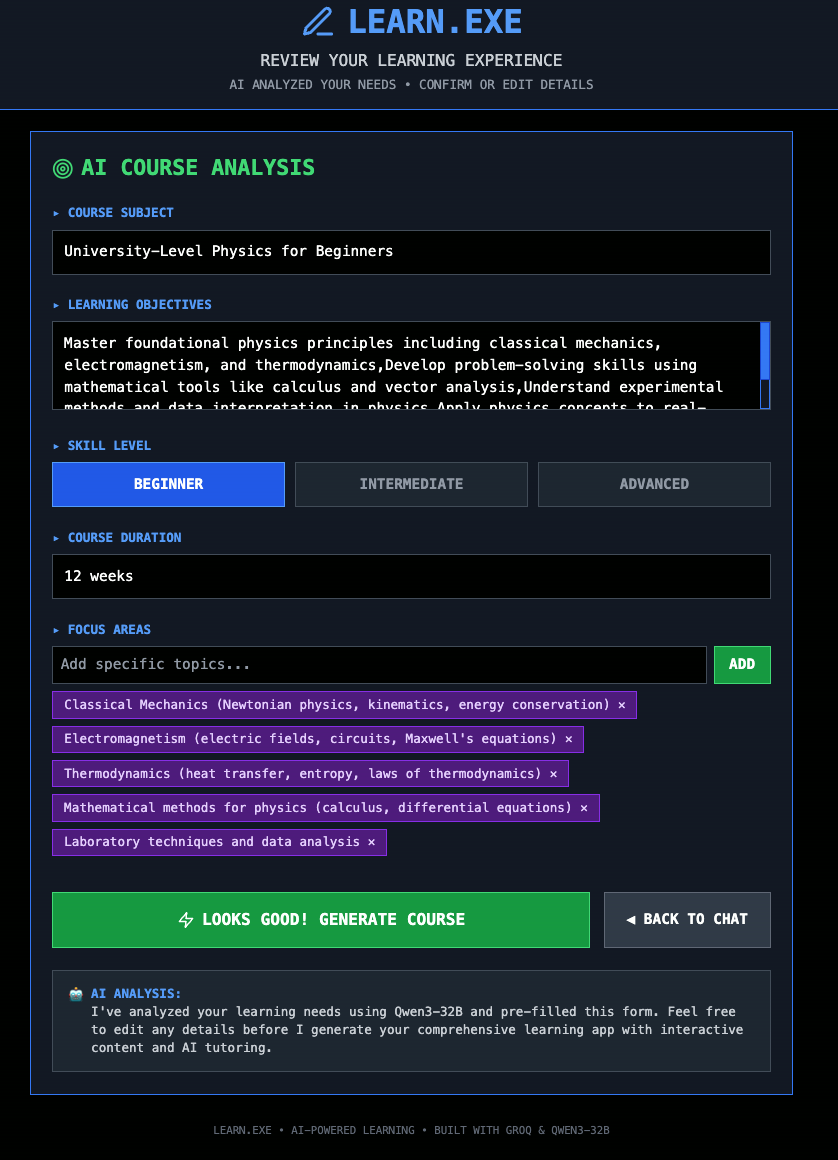
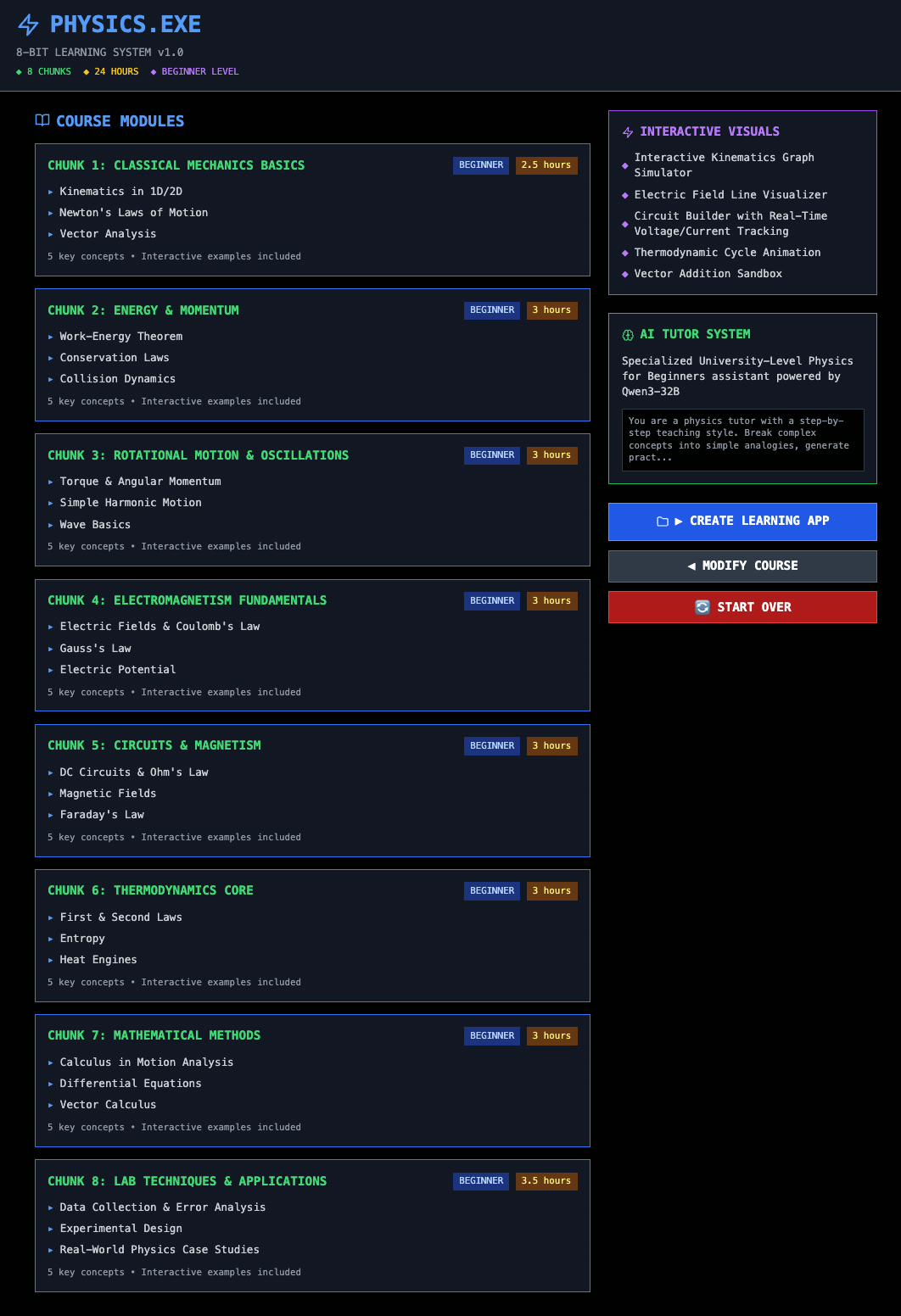
course generator
-
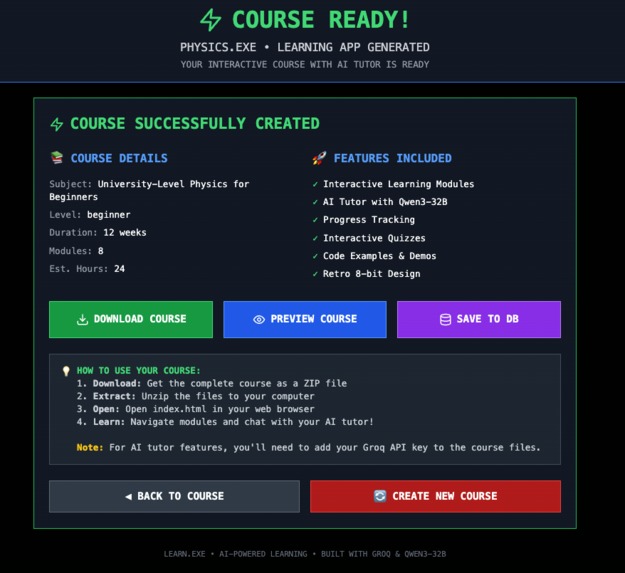
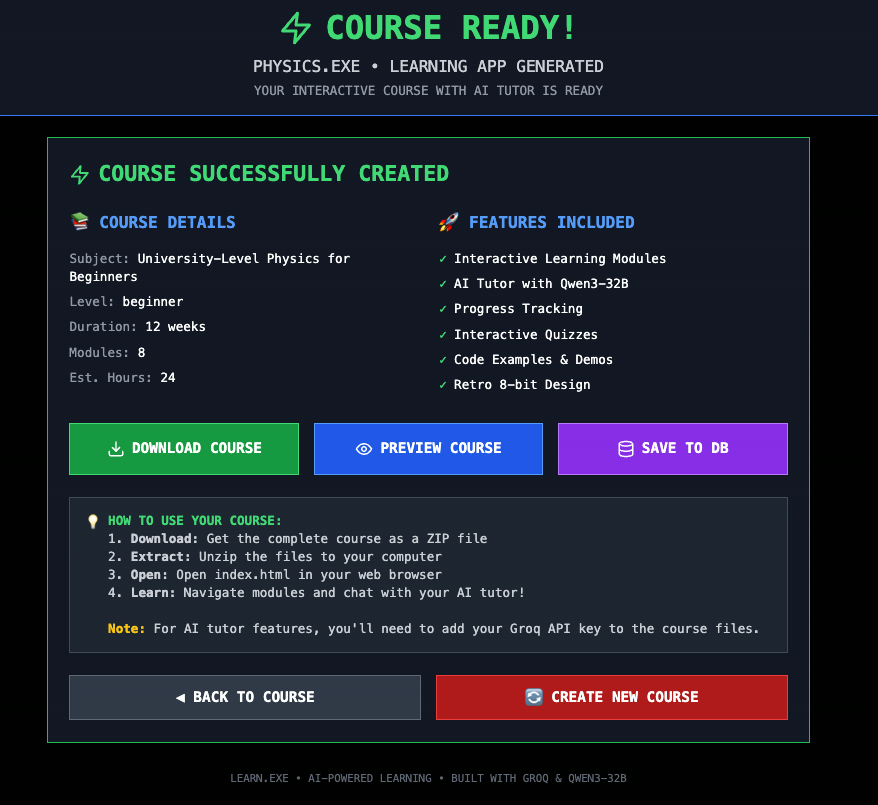
course download
-
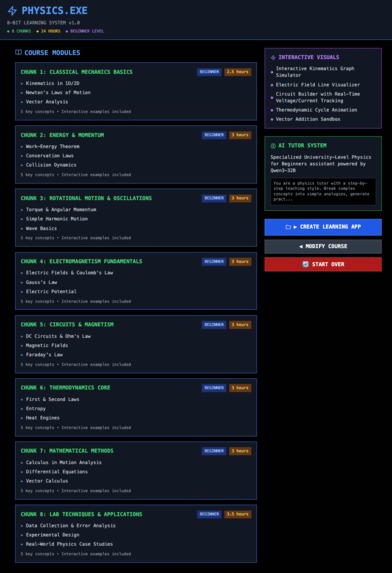
course approval
-
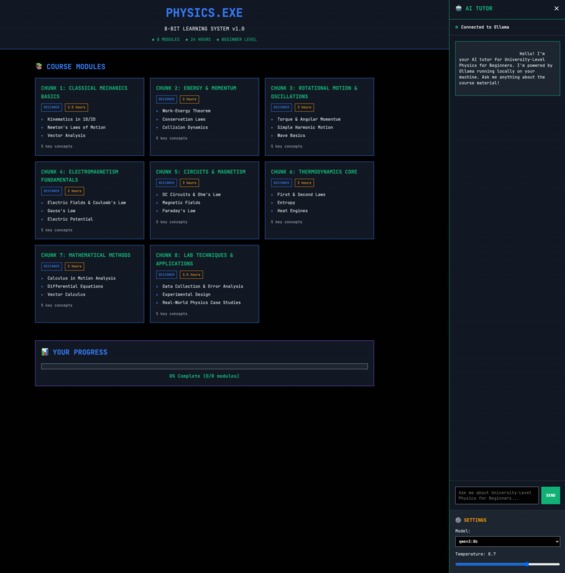
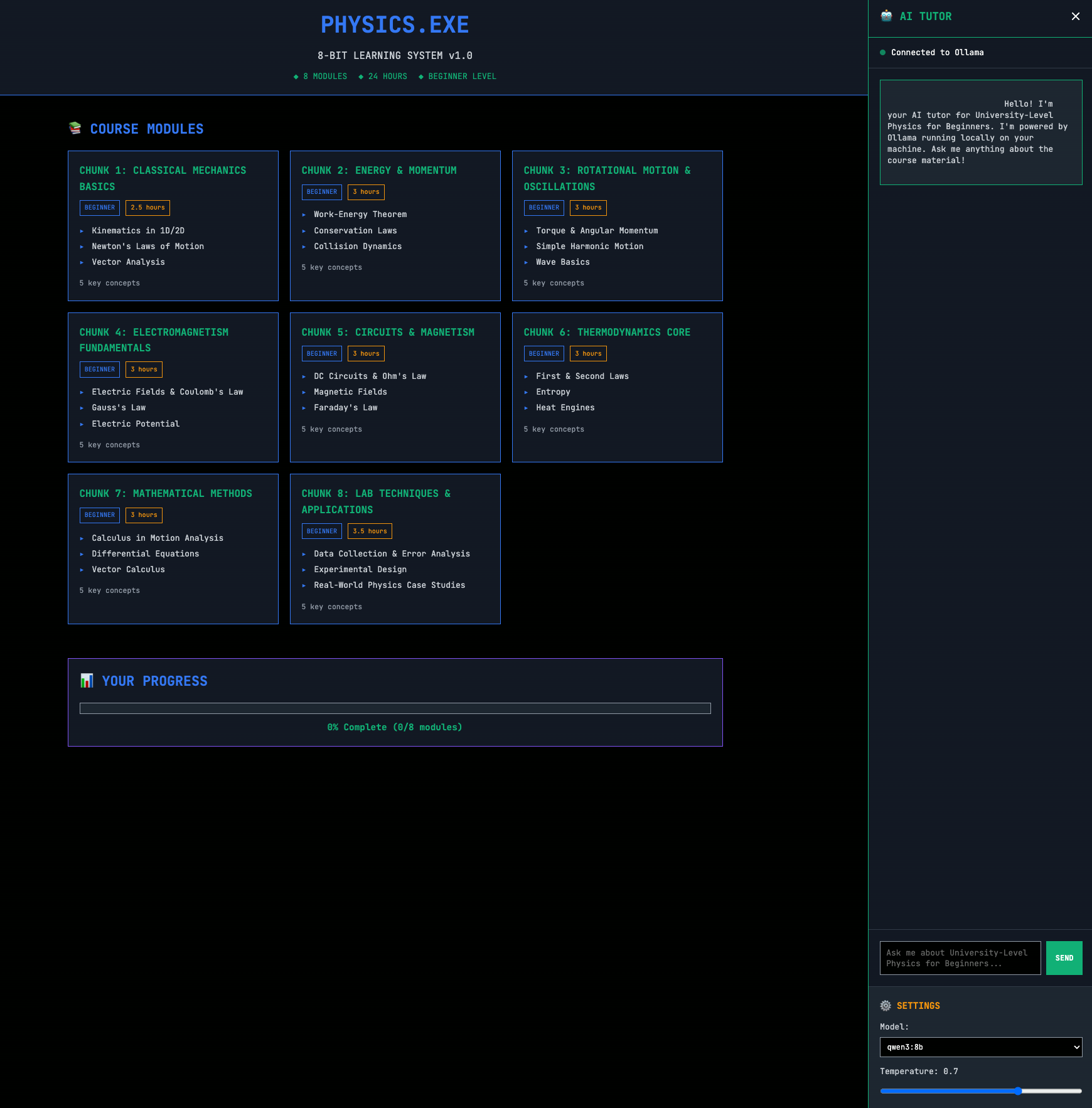
downloaded course w ollama
Project Story: LEARN.EXE
Inspiration
Man, being a CS student at ASU, a full-time dev, and a dad is no joke. The context-switching between doing calculus homework and building software is a real grind. I wanted something that would let me create a focused, private learning space for any topic on the fly.
I've always been a fan of that old-school DOS and terminal vibe, where stuff felt powerful but simple. So I figured, why not mash that retro aesthetic with today's insane AI tech? I didn't want to just make another learning app, I wanted to build an app that builds learning apps.
What it does
LEARN.EXE is basically an AI that generates entire learning apps from scratch. You just talk to it like you're chatting with a person. The AI, running on Groq's crazy fast LPU, figures out what you want to learn and spits out a full blueprint for a course.
You get to check out the plan and tweak it if you want. Once you're good with it, you hit one button and it packages up a whole standalone web app in a zip file. The best part is the generated app runs 100% locally and has an AI tutor that hooks right into your own Ollama instance, keeping everything private.
How we built it
The main app is a modern stack with React, Vite, and TypeScript, which keeps things fast and clean. The real magic is in the CourseGenerator class, which uses JSZip to build a whole file structure with vanilla HTML, CSS, and JS right in your browser.
I used a hybrid AI strategy to make it all work. I hit the Groq API for the heavy-lifting of designing the course, since it's a complex one-time task. Then, for the AI tutor inside the generated app, it all runs on the user's local Ollama install to keep it private and free.
Challenges we ran into
Building an app that builds other apps gets pretty meta and introduces some weird problems. I had this classic bug where my README.md template string kept breaking the build because it had markdown code fences inside of it. Escaping a few backticks fixed hours of headache.
The biggest challenge was deciding on the AI architecture. Using a cloud API for the tutor would get expensive and feels sketchy with privacy. But using a local model to generate the initial course might not be powerful enough. The hybrid approach was the perfect solution.
Accomplishments that we're proud of
Honestly, the whole "App-Ception" thing is what I'm most stoked about. Having an AI that builds a custom app for you in seconds feels like a legit superpower. I'm also really proud that the final output is just plain HTML, CSS, and JS. No npm install, no build steps, just open index.html and go.
And of course, the UI. Getting that retro terminal look and feel right was key. It makes the whole experience focused and just plain cool to use.
What we learned
This project really showed me that the browser is a beast. With libraries like JSZip, you can turn it into a full-on application factory without needing a heavy backend.
I also learned that using the right AI for the right job is everything. Blending a powerful cloud model for the hard stuff with a private, local model for user interaction is a pattern I'm definitely going to use again. It's all about being pragmatic with the tech.
What's next for Learn.exe
This is just the beginning, for real. The whole "app factory" concept can go way further. I want to have the AI generate actual interactive JavaScript components like physics simulations or data visualizations, not just text and quizzes.
It would be sick to build a community hub where people can share the learning apps they make. I also want to give the local Ollama tutor tools so it can do things like search the web or run calculations. And of course, a theme engine, so you can generate apps that look different, beyond the retro vibe.
Built With
- bolt
- groq
- ollama
- qwen32b
- react
- tailwind
- typescript
- vite

Log in or sign up for Devpost to join the conversation.