-
-
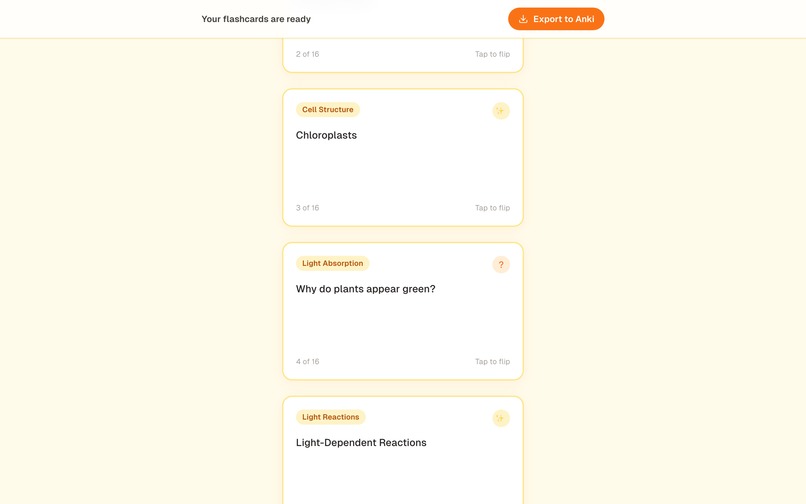
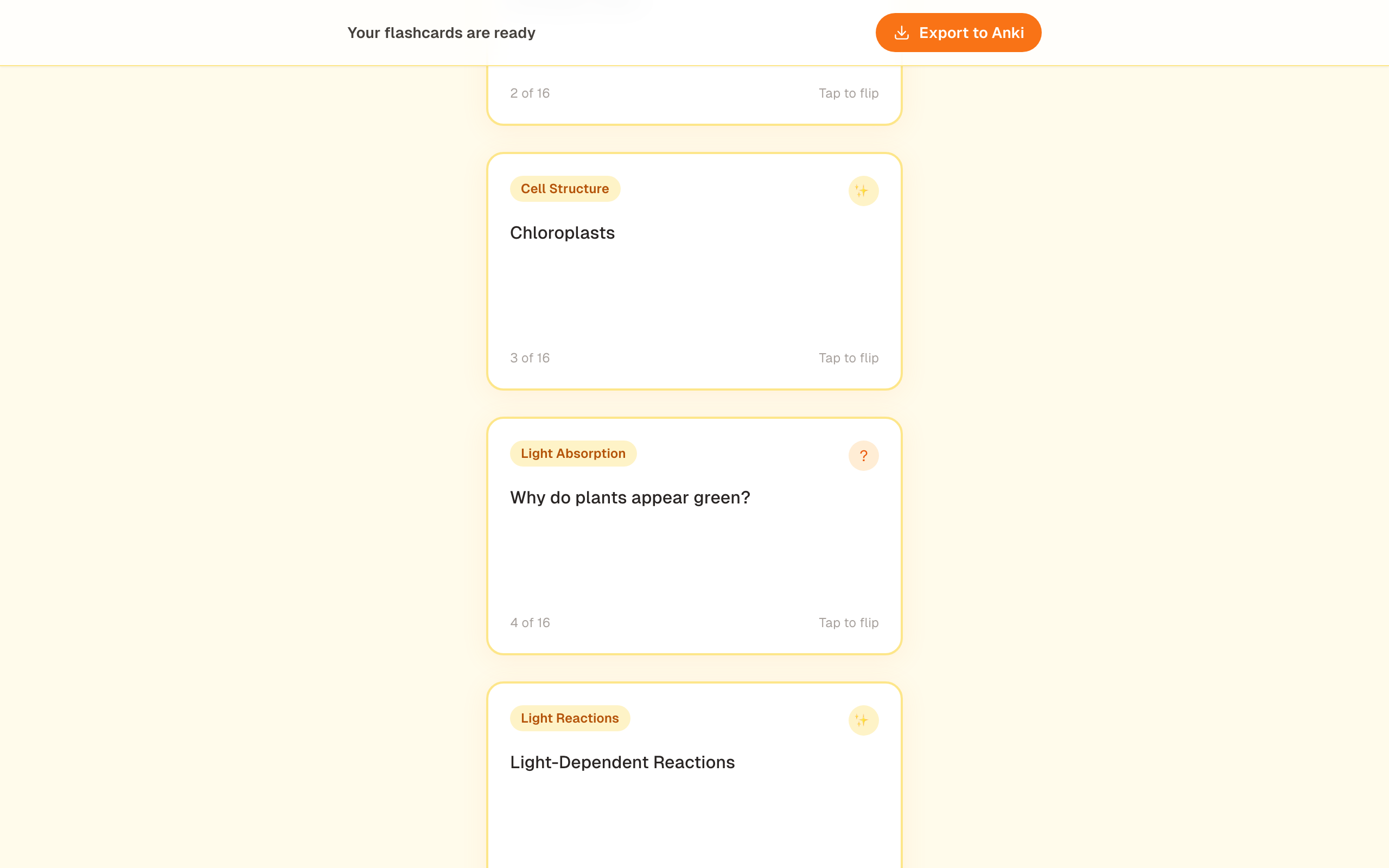
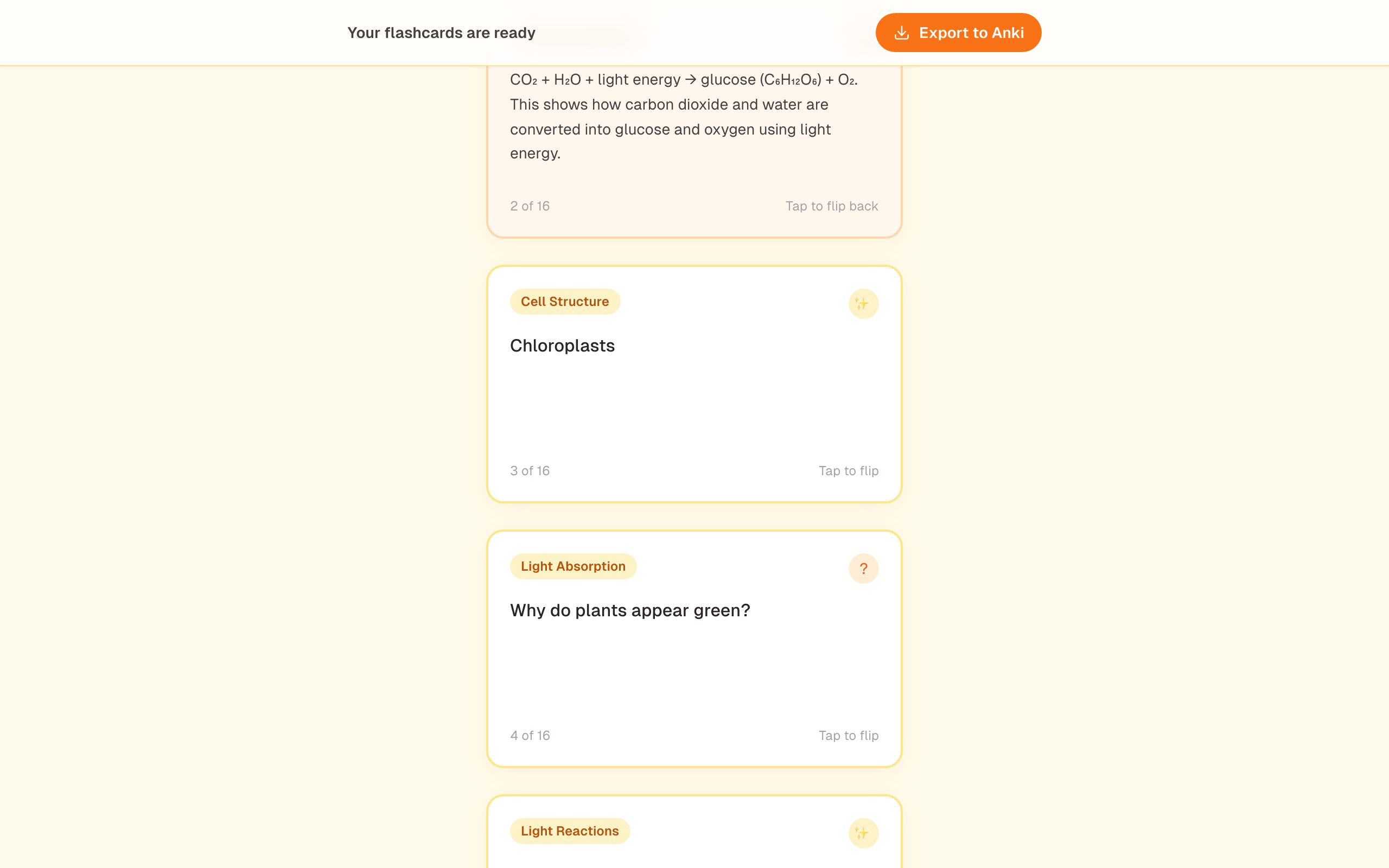
More cards further down
-
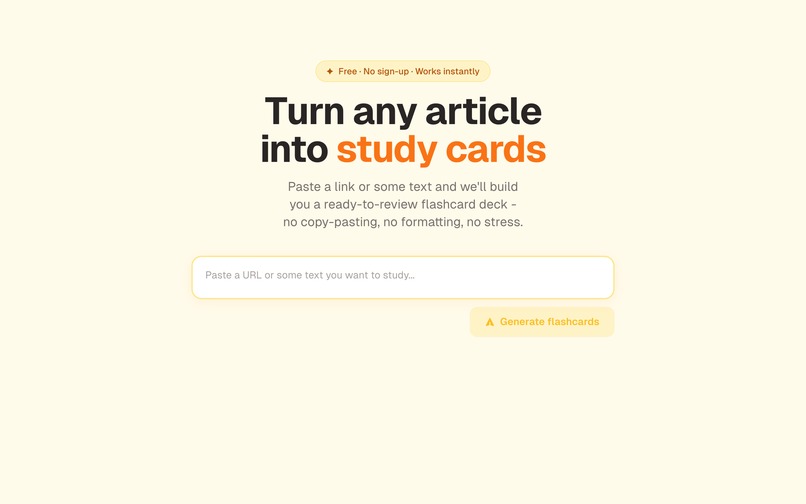
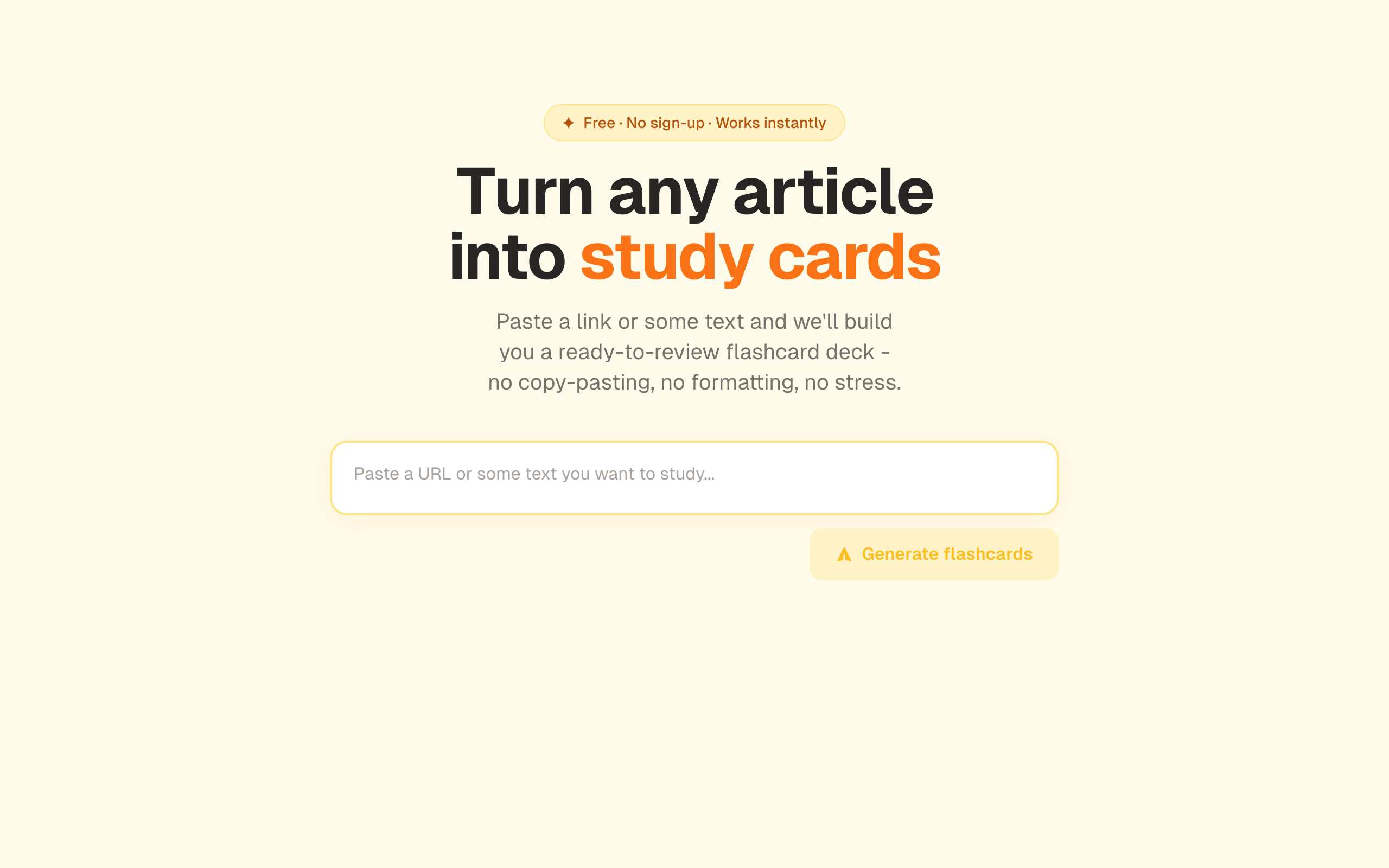
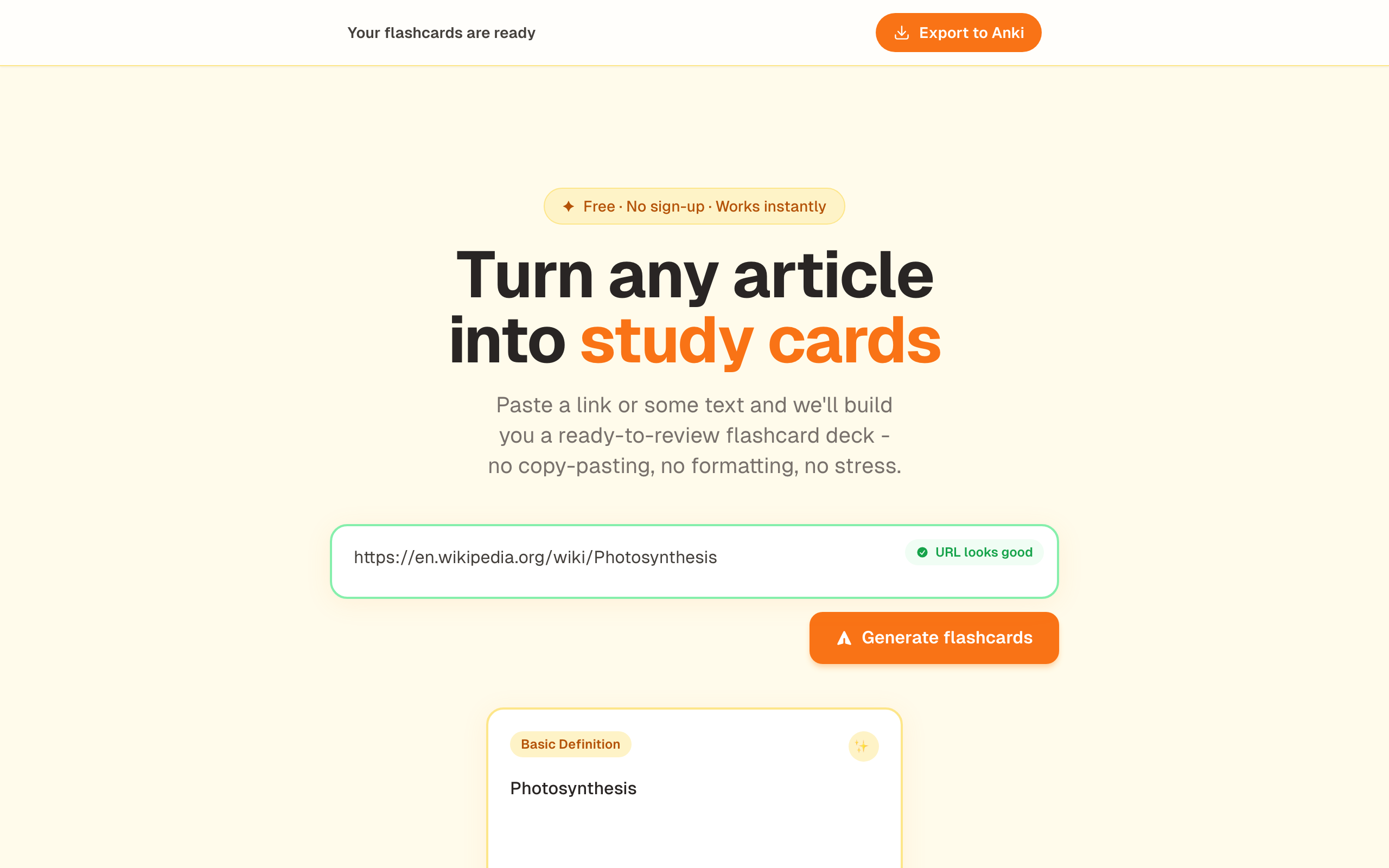
Landing page with hero + input
-
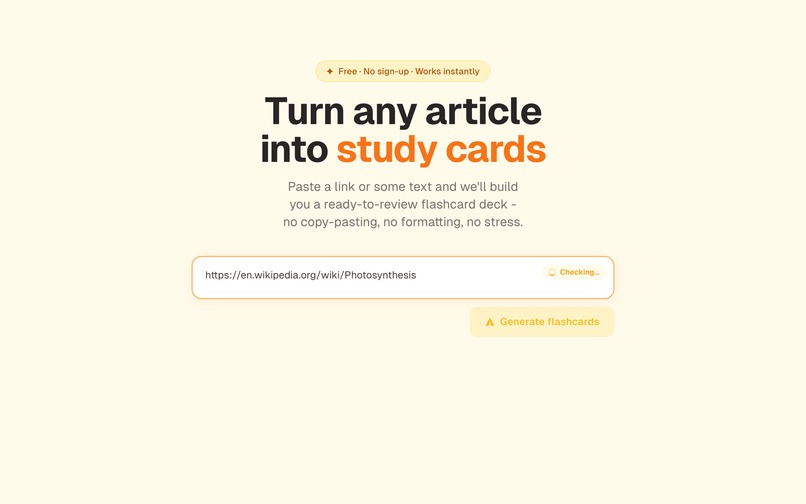
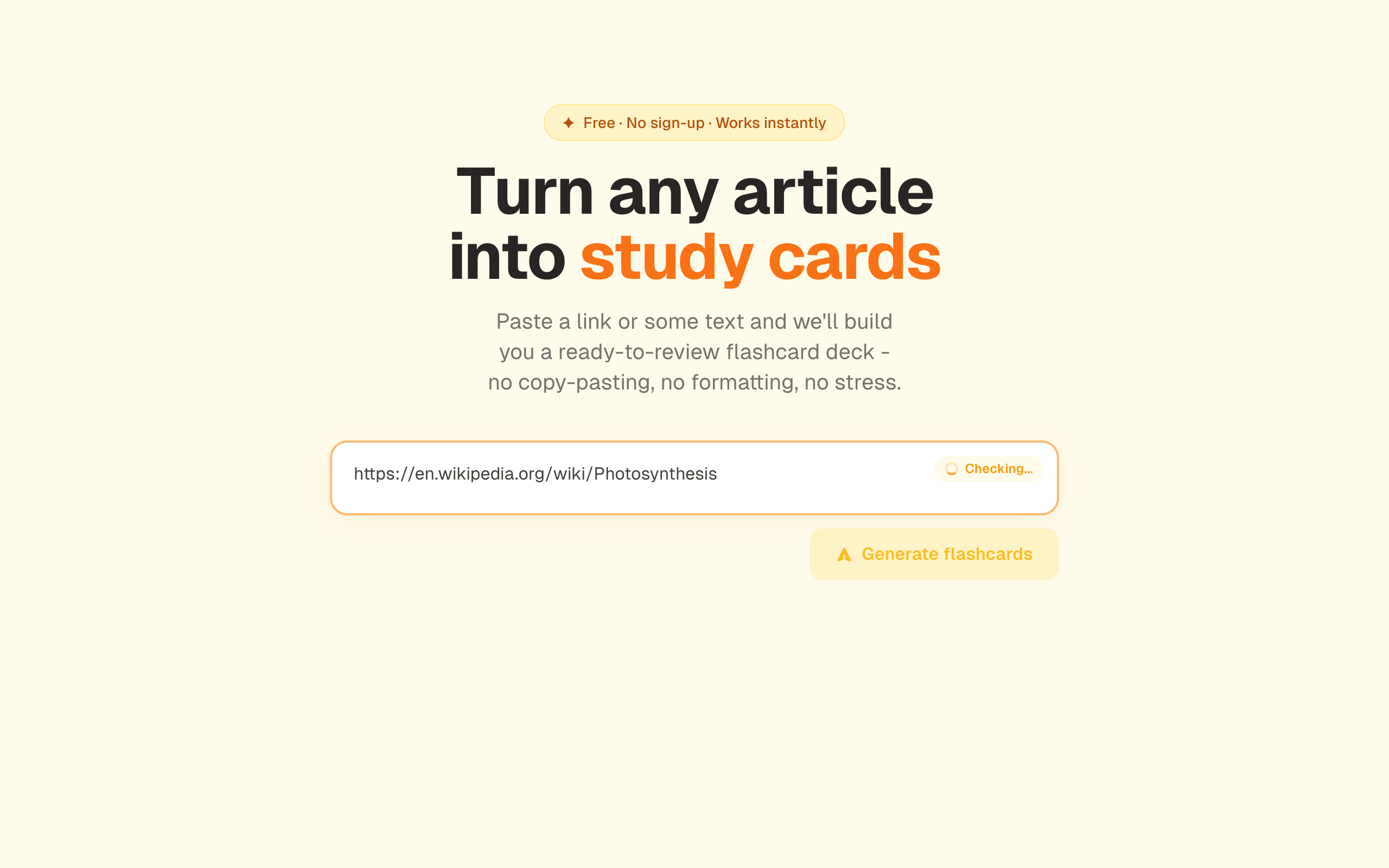
URL pasted with "Checking..." badge
-
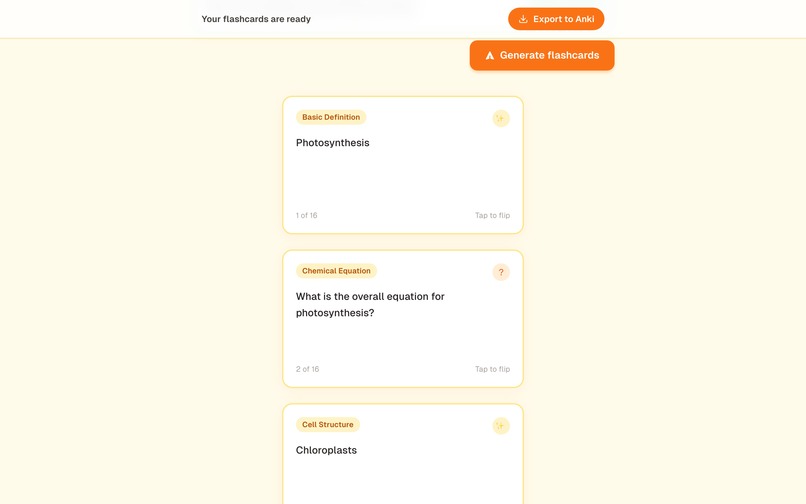
Cards scrolled - fact + question types visible
-
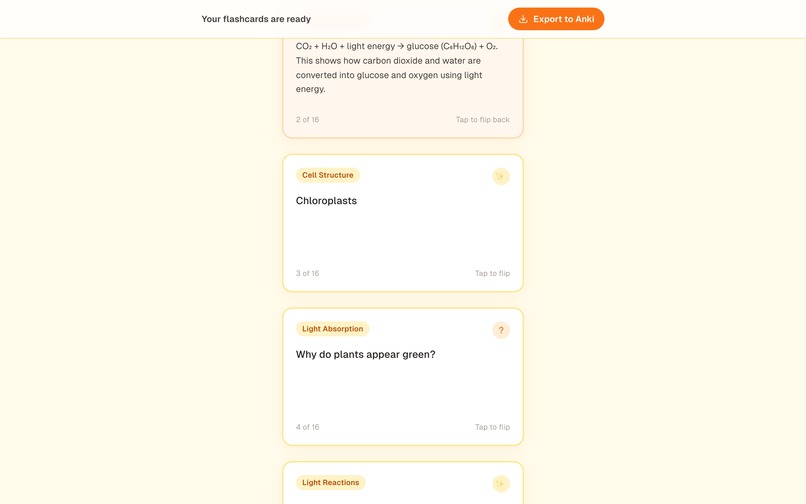
Flipped card showing the orange answer side
-
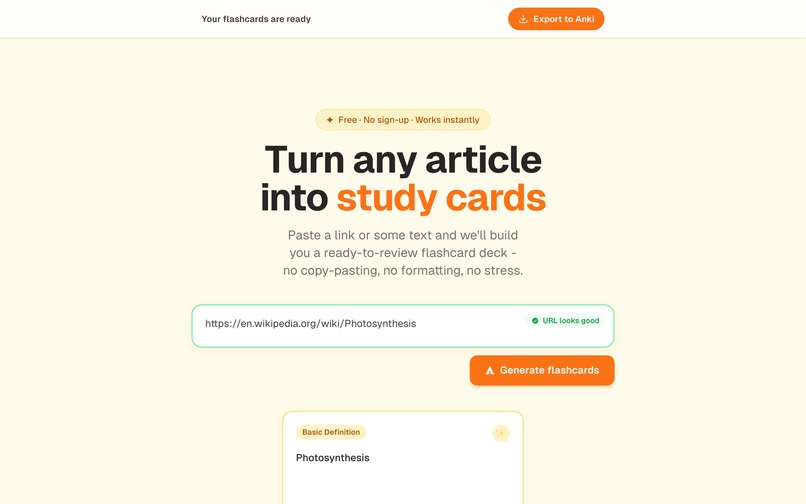
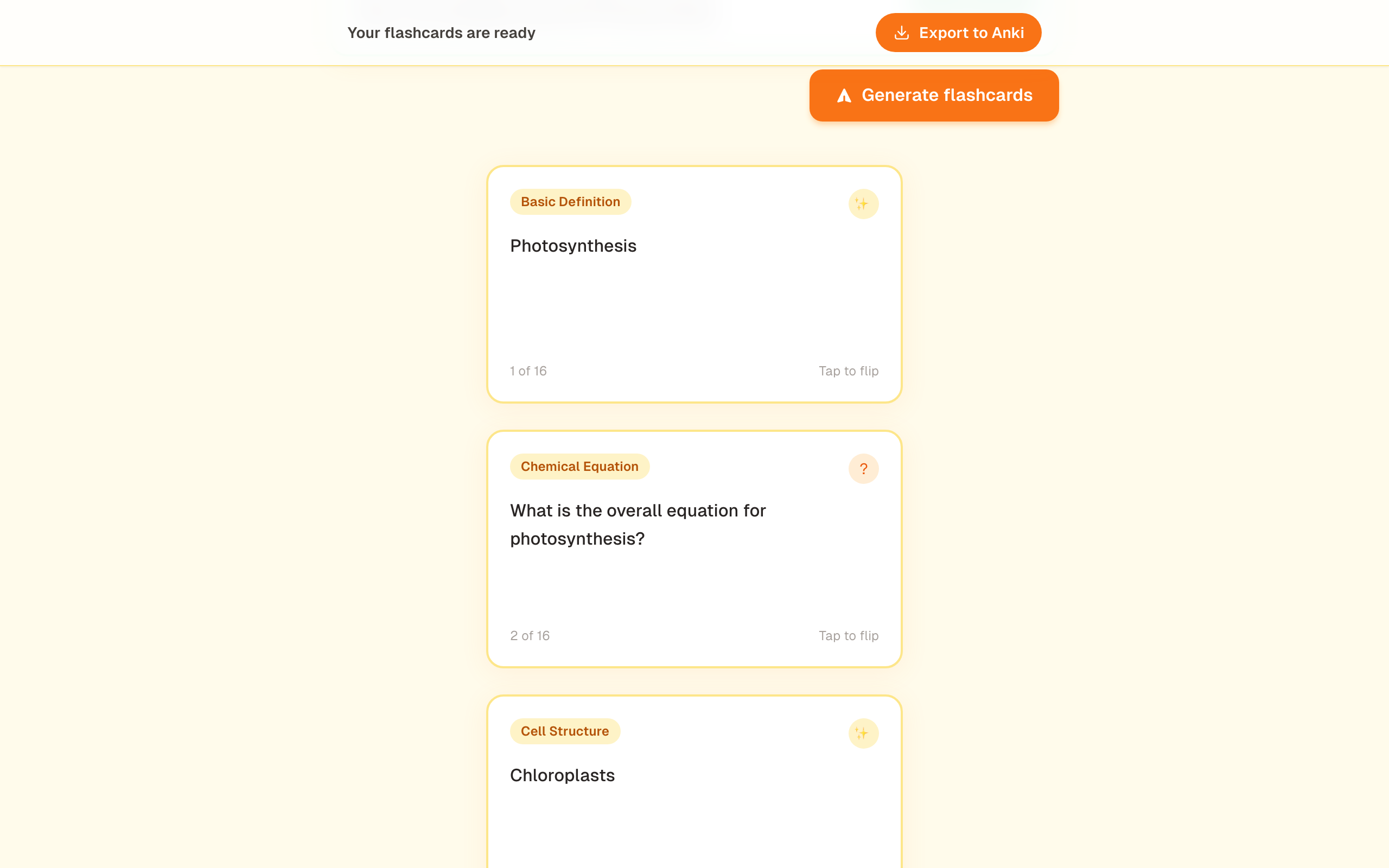
Sticky header with "Export to Anki" + first card
-
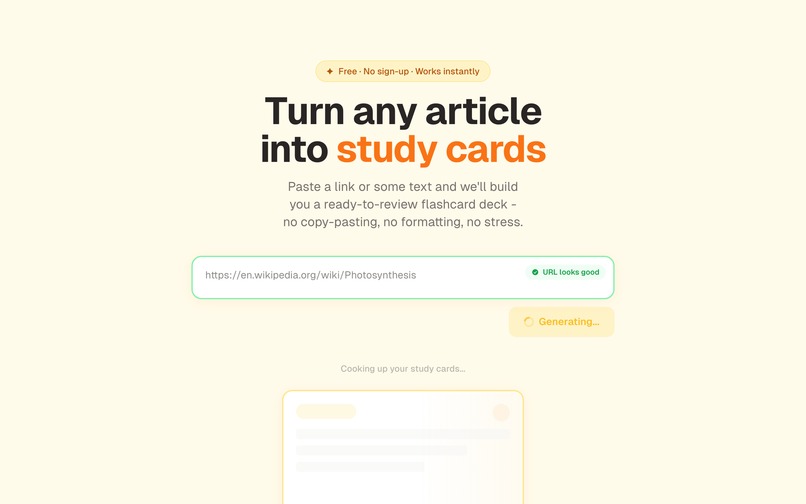
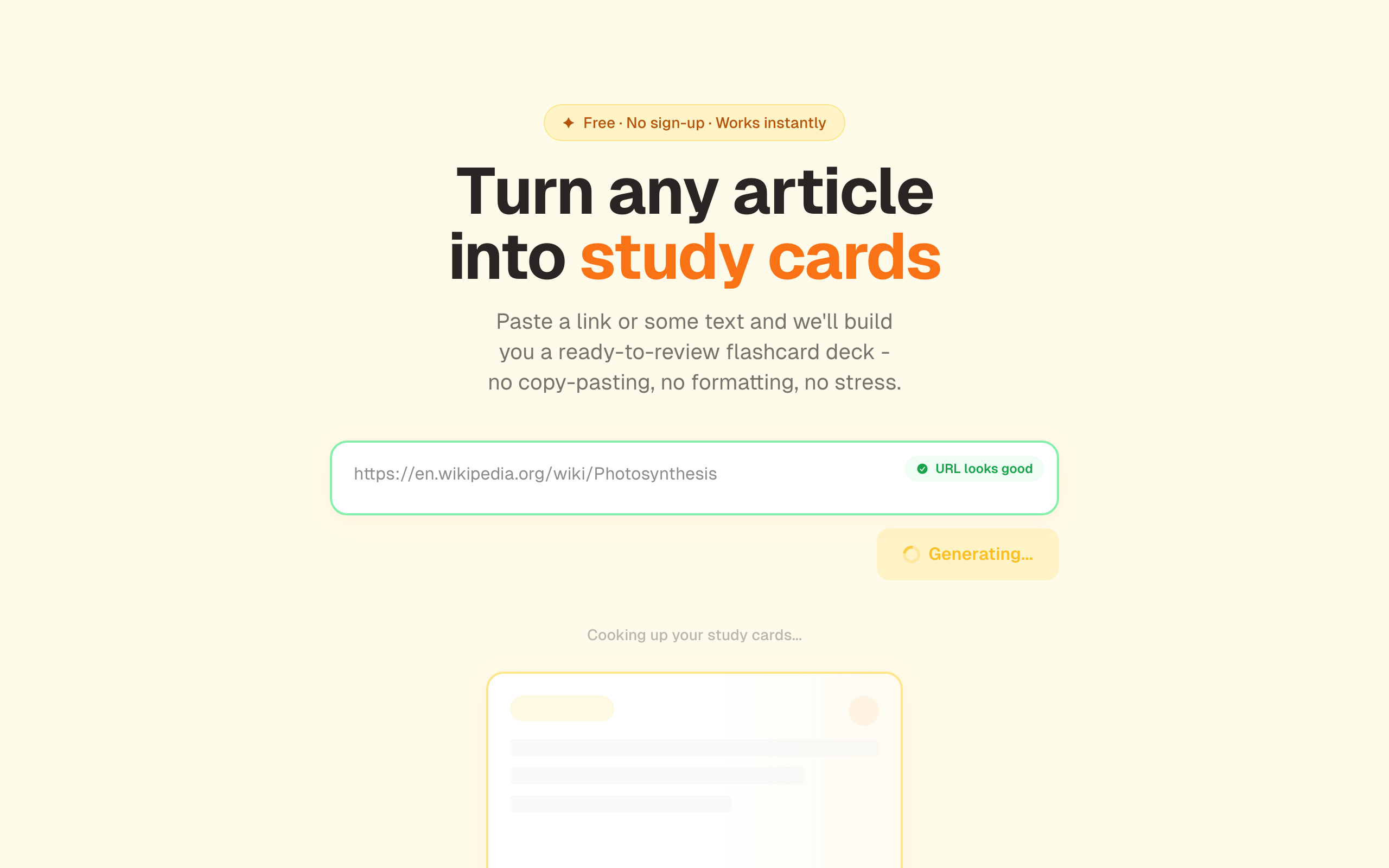
Loading state with shimmer cards + "URL looks good"
-
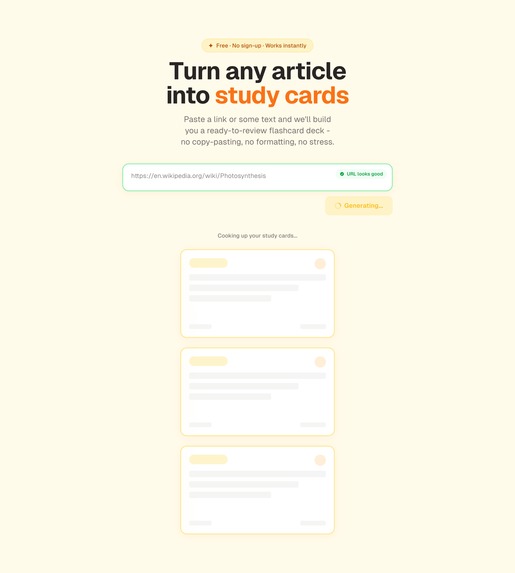
Full-page shot of the entire app
-

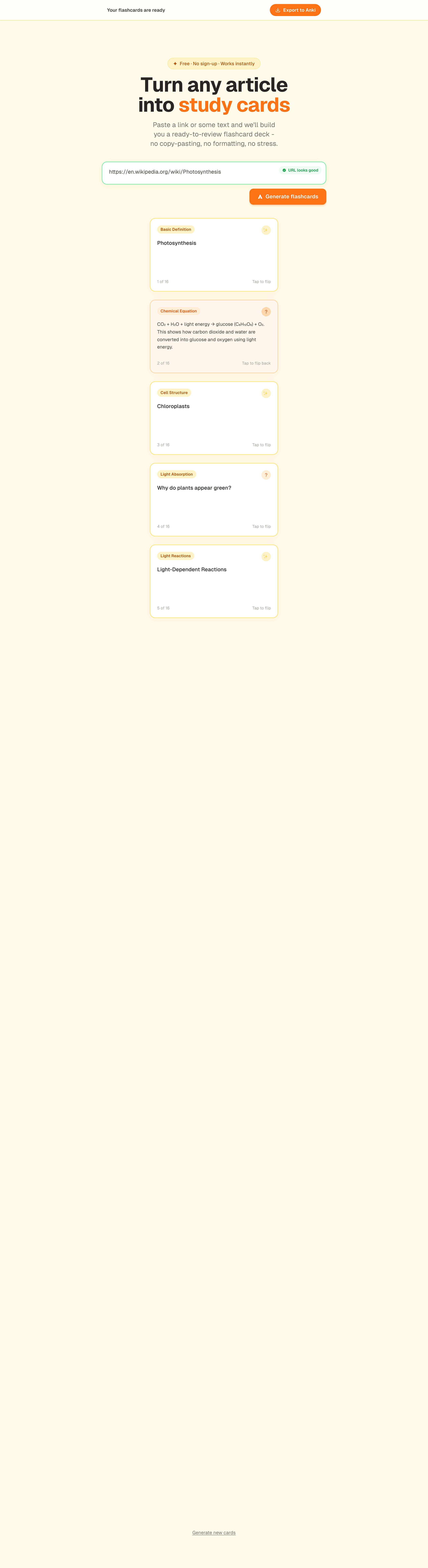
Full-page shot of the entire app (mobile)

Inspiration
High school students (15-17) struggle to break down dense study material into what they actually need to know. They stare at an article or textbook passage and freeze - not because they can't learn, but because they lack a structured process for decomposing content into digestible pieces.
Existing tools like Scholarly, Jungle, and Anki-Decks solve this but wrap it in heavy platforms with accounts, progress tracking, and study modes. Students need a zero-friction path: paste material, get cards, export to Anki.
We wanted to build a "study recipe generator" - give it raw ingredients (a URL or text), get back a structured recipe for learning.
## What it does
Learn AI Flashcards takes a URL or pasted text and generates 10-20 focused flashcards using Claude. The app auto-detects whether you pasted a URL or text - no mode toggle needed.
Cards come in two types:
- Question cards - test understanding (front: question, back: answer)
- Fact cards - key concepts with deeper explanations (front: concept, back: context)
The core design principle is distillation over duplication. If the app generates 50 surface-level cards, it's failed. Fewer, deeper cards that actually help you study.
Students see their cards appear with a scroll-reveal animation, flip each card to check the answer, and export the entire deck to Anki with one button - no format choices, no jargon.
## How we built it
### Spec-Driven Development
The entire project followed a spec-driven workflow with AI as the collaborator:
- Scope - defined the target user, what's in/out, and the "study recipe" metaphor
- PRD - detailed user stories, acceptance criteria, and UX decisions
- Technical Spec - architecture, data models, API contracts, and dependency choices
- Build Checklist - 13 sequenced items, each with spec references and verification steps
Each artifact informed the next. The build followed the checklist step by step, with verification and comprehension checks after every item.
### Architecture
Hexagonal architecture (ports and adapters). The domain defines interfaces; infrastructure provides implementations.
Frontend (Components -> Hooks -> API Client) | API Layer (Route Handlers) | Domain Layer (Models + Ports) | Infrastructure (Anthropic Adapter, Readability Adapter, Anki Export Adapter)
- Domain:
Card,CardType,Deckmodels.CardGenerator,ContentExtractor,DeckExporterport interfaces. - Infrastructure: Anthropic adapter (Claude with tool use + Zod schemas), Readability adapter (@mozilla/readability + jsdom), Anki CSV exporter (tab-separated text).
- Frontend: Hooks as ports (
useCardGeneration,useInputDetection,useDeckExport) keep UI components pure.
### Stack
- Next.js 14 (App Router) + TypeScript
- Anthropic SDK with structured output via tool use - Zod schemas enforce the flashcard structure at generation time
- @mozilla/readability + jsdom for URL content extraction
- Tailwind CSS for the warm, student-friendly design
- Vercel for deployment
### Key Technical Decisions
Tool use over prompt-and-parse: Claude's tool use with a Zod schema guarantees valid structured output. No regex parsing, no retry loops, no malformed output handling.
Tab-separated CSV over JSON for Anki: Anki's built-in importer handles tab-separated text natively. JSON import requires third-party plugins. For a 16-year-old who's never imported anything into Anki, the zero-plugin path wins.
Client-side export: The deck is already in React state. CSV generation is trivial string concatenation. No reason to round-trip to the server.
## Challenges we faced
jsdom ESM/CJS compatibility on Vercel: jsdom v29 depends on html-encoding-sniffer v6, which pulls in the ESM-only @exodus/bytes package. This broke Vercel's serverless environment. The
serverComponentsExternalPackages config didn't resolve it. Fix: downgrade jsdom to v24, which uses CJS-compatible dependencies.
Designing for teenagers, not developers: Every UX decision had to pass the "would a 16-year-old understand this?" filter. This pushed us toward a single auto-detecting input (no URL/text toggle), inline validation with friendly messages instead of error codes, a single "Export to Anki" button (no format jargon), and warm visual design inspired by Jungle's approachable energy.
Hexagonal architecture in a hackathon: Ports and adapters add indirection. In a time-constrained build, the temptation is to skip it. But the clean boundaries paid off immediately - swapping mock data for real adapters was just plugging implementations into existing interfaces. The architecture review (R1-R7) caught violations early: a direct import bypassing a port, missing input validation, SSRF exposure in URL endpoints.
## What we learned
- Spec-driven development with AI changes the workflow fundamentally. The planning artifacts become shared context that keeps the AI aligned across sessions. Without them, each session starts from scratch. With them, the AI picks up exactly where you left off.
- Structured output via tool use eliminates an entire class of bugs. Zod schema + Claude tool use means the flashcard structure is guaranteed at generation time, not validated after the fact.
- The checklist is a living document. We added an architecture review section (R1-R7) mid-build when code review surfaced issues the original plan didn't anticipate. Plans meet reality and adapt - that's the point.
## What's next
- Shareable deck URLs - generate a link from any deck so students can share study sets with classmates
- YouTube URL support - extract transcripts from video content for students who learn by watching
- Quiz mode - answer questions and get scored, turning the flashcard deck into an interactive study session
Built With
- anthropic-sdk
- claude-api
- next.js
- readability
- tailwind-css
- typescript
- vercel
- zod

Log in or sign up for Devpost to join the conversation.