-
-
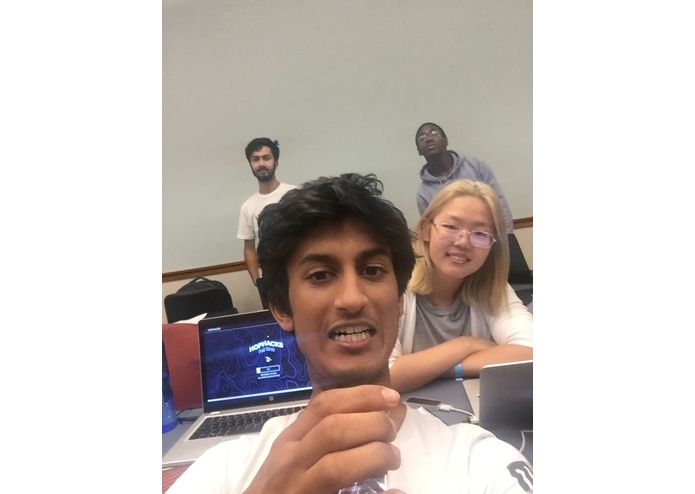
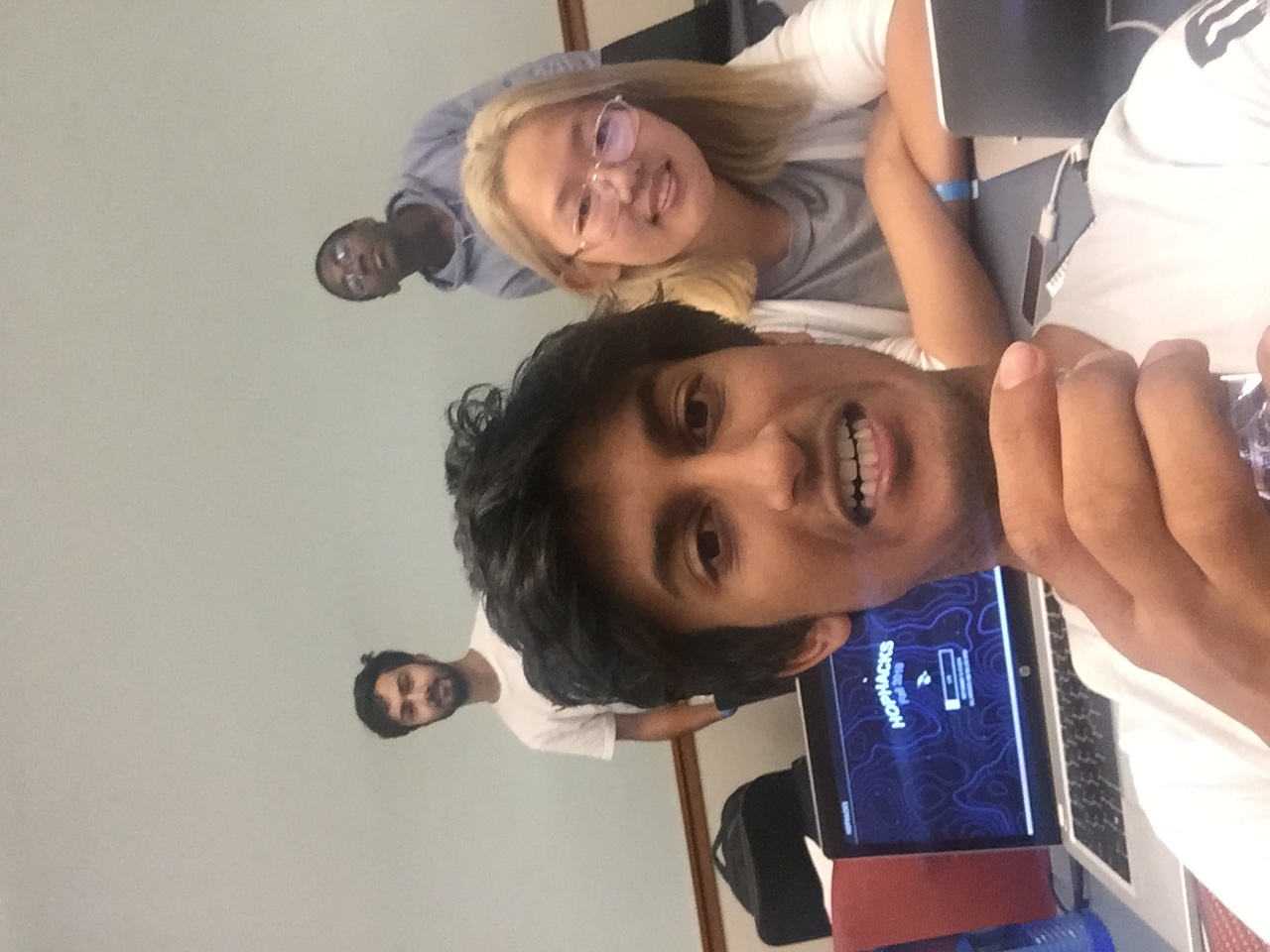
Team
-
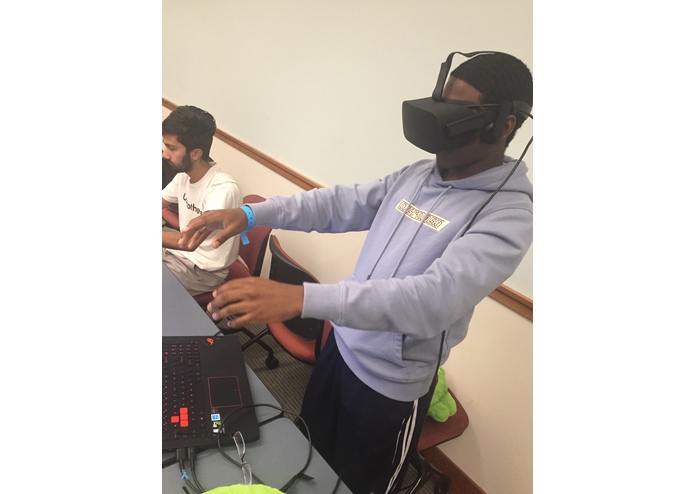
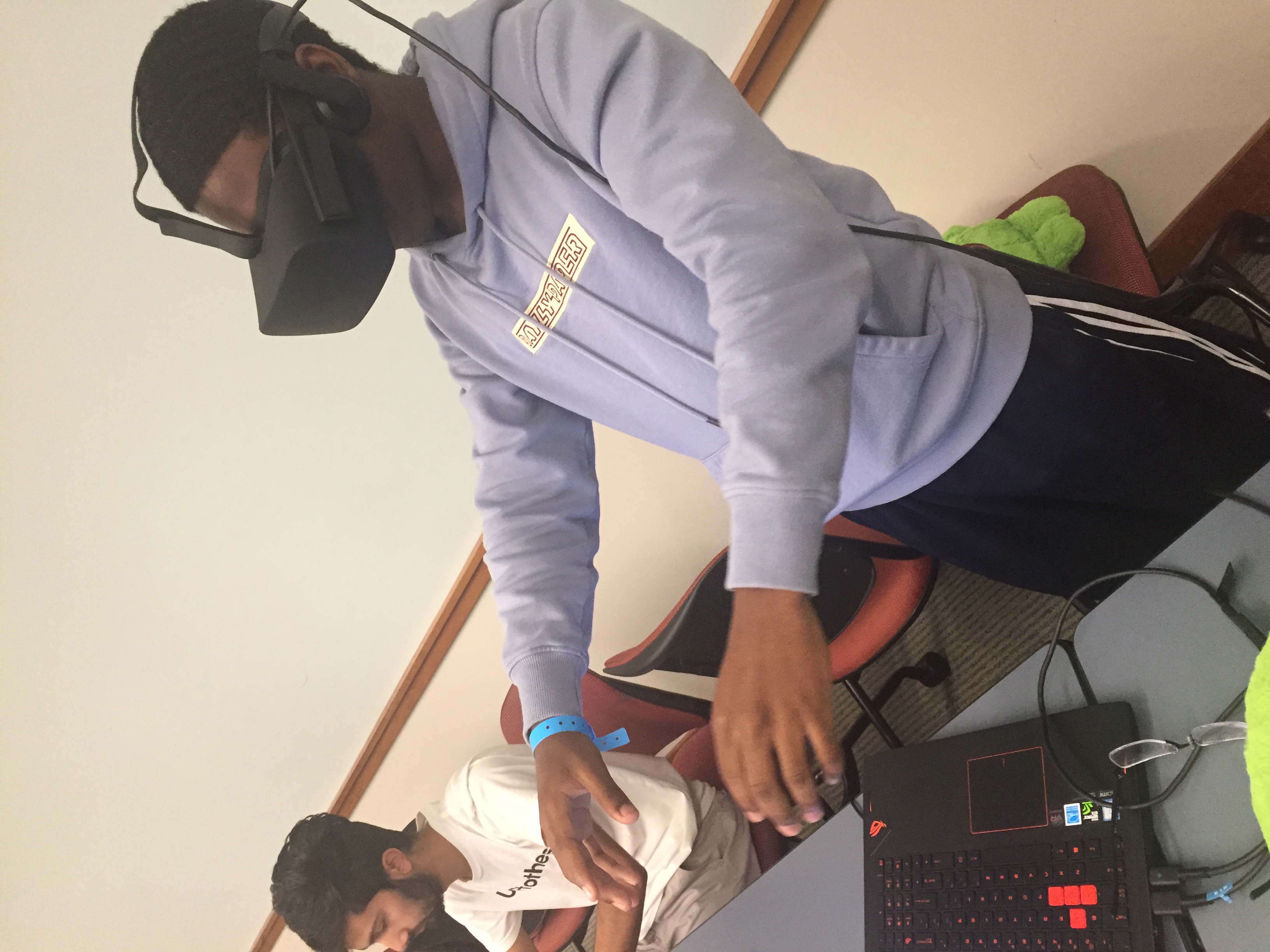
try out VR using Leap Motion
-
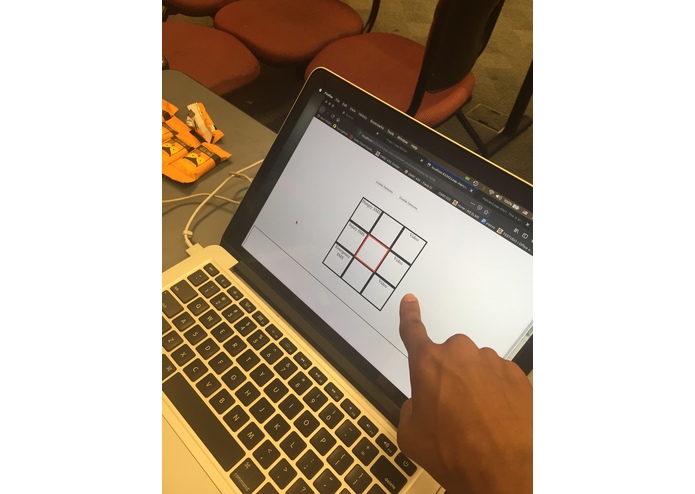
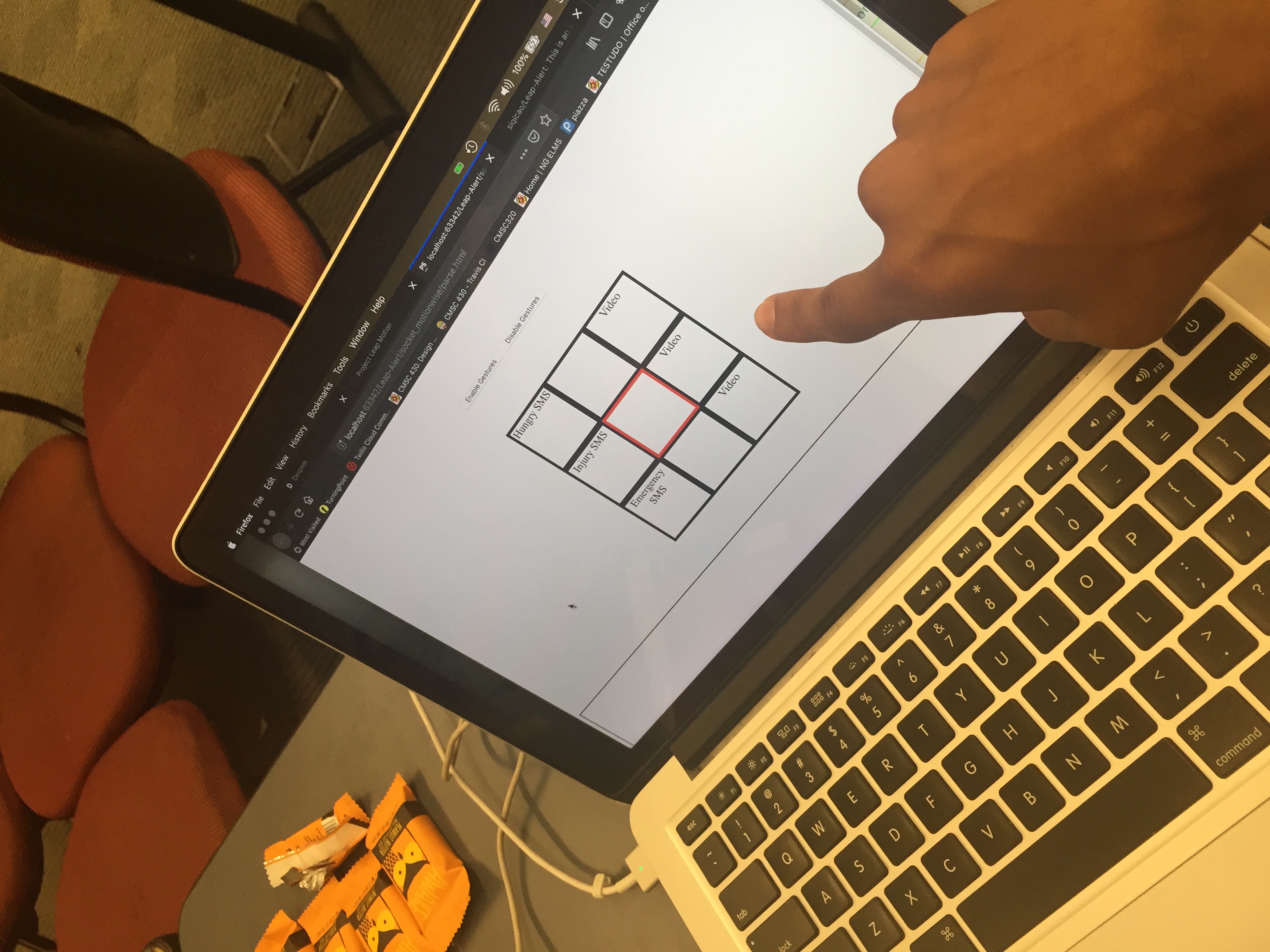
main interface
-
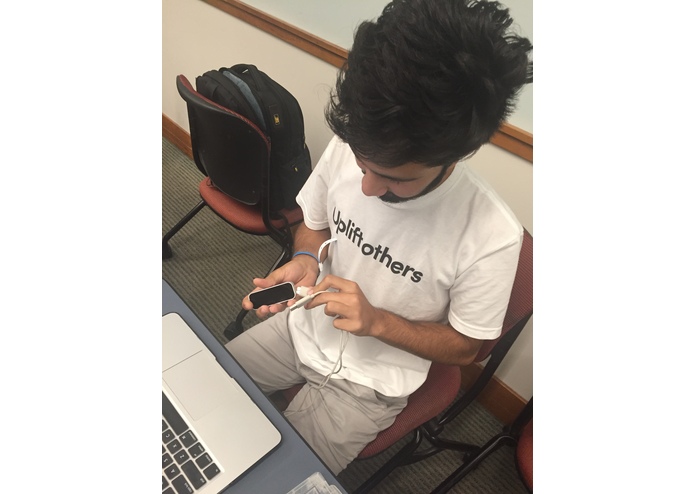
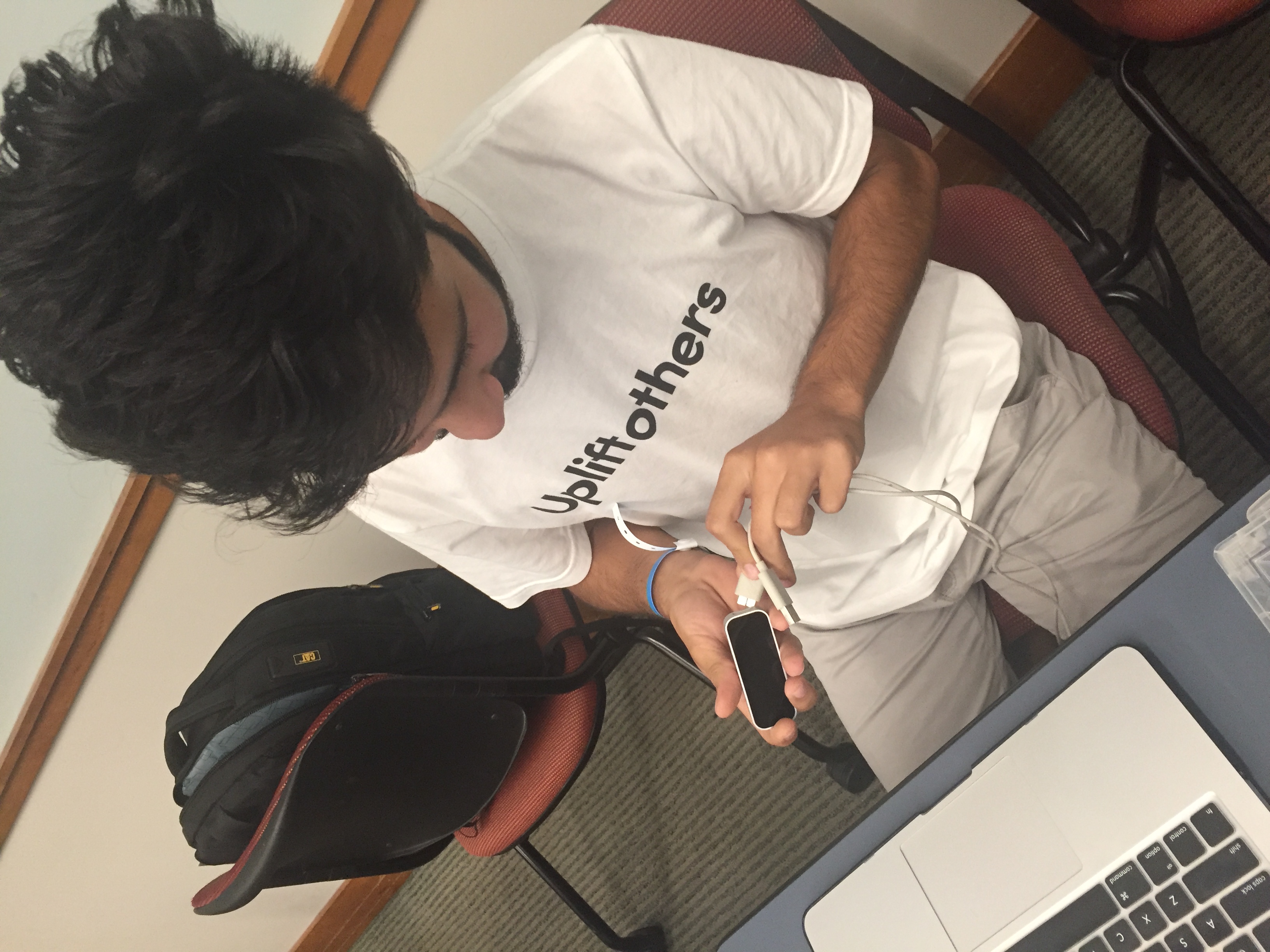
Testing Leap Motion
Inspiration
Our team identified a specific problem in a large portion of the community - the lack of resources of available for allowing children with autism (or other similar communication/social impairments) to communicate safely and comfortably. One of our team members has a sibling with autism and can vouch for the difficulties those with autism face in communicating their needs effectively as well as the difficulties faced by the parents of those with autistic children. Busy parents fear leaving their child alone even for short periods of time.
What it does
Our software is a web application which connects to an external motion detection software (Leap Motion) in order to recognize simple hand swipe gestures to select certain commands. These commands serve to either communicate emergency concerns to the user's parents or to calm a user down if they are distressed. Those who will be using this software's gesture detection software will be those with autism. The inability for those with autism to communicate effectively prevents them from being able to efficiently alerting their parents of concerns through text or phone call. However, Leap Alert allows those with autism to form a basic connection between a hand gesture and a concern they may be able to communicate. Beyond this, the users with autism can also select from a list of videos which can calm them down. Those with autism often have certain, specific interests which can calm them if they are stressed and Leap Alert allows these users to access videos, audio clips, or images which might aid in this. The final product is a grid of options that the user can choose from. Rather than having to read text messages or call, the user can look at images and select images associated with concerns using hand gestures.
How we built it
Leap Alert is built on several API's and programming languages - namely, JavaScript, HTML, PHP, LeapJS, and Python. The application's software design is built around the Leap Motion software and sensor. The Leap Motion's motion detection software provided us the idea to recognize gestures to alert parents, so we needed to figure out how to receive and recognize gestures, and how to send out a message alerting parents. The former task involves understanding and implementing Leap Motion software and making use of LeapJS libraries. The latter task involved knowledge of how to send emails using PHP. This evolved into sending SMS with PHP with the aid of the Twilio public library. In order to have our application be able to be used directly with the motion detector in front of a computer where the user can see the results of their gestures in real time, JavaScript was needed. A combination of JavaScript and HTML was used to create a visual aid which depicts what options the user has to choose from. The JavaScript code had to work seamlessly with the data streaming from the motion detection software. Finally, to be able to send out an SMS with PHP code with JavaScript code, we required the use of the Python Flask library. This allowed us to create a server which runs Python using JavaScript. The Python code then runs a PHP file and sends out an SMS text alert.
Challenges we ran into
The process of creating a final product to demo was a difficult and tiring one. It required 6 laptops, all three Leap Motion sensors, and an Oculus Rift headset. In the beginning, we established that we would like the application we create to utilize the Leap Motion hardware and assist those with communication disabilities. However, it was quite difficult narrowing down the many ideas we had for how we could go about this. One idea we had was to use the Oculus Rift to train those with Autism how to utilize certain gestures to achieve certain results. Another idea we had was to make use of an Android phone application that those on the spectrum could use. Aside from the process of idea creation, we ran into hardware problems as well. The Leap Motion software did not work very well on everyone's laptops. Issues with one laptop were solved by another, but it generated new issues. We checked out an AlienWare laptop to help process visual data better. Ultimately we narrowed down what we needed out of the hardware and chose which laptops would be most compatible for these needs. The challenges do not end there either! We were all new to PHP and getting an email and SMS to send was difficult. Then, getting JavaScript to run PHP code was also difficult! The internet claimed it was not easily possible to run PHP with JavaScript, but we used the Flask software to work around the incompatibility. There were also countless issues with debugging and making user interface smoother and finding the necessary software to download to our computers. However, we successfully made a demo to show what our application intends to do for those with autism.
Accomplishments that we're proud of
The biggest accomplishment was most likely getting a working, clean demo with a team made mostly of first time hackers! We were also unfamiliar with PHP and Leap Motion technology, but we got accustomed to it just in time for creating our application.
What we learned
We learned how to effectively make use of a diverse array of API's, how to use PHP, and how to conjure solutions to facilitating user experience. One of the most useful things we learned is how to use Python in a webpage (which conveniently allowed us to run PHP code with JavaScript!).
What's next for Leap Alert
Leap Alert was intended for children with autism. However, this technology can be extended to more than just those on the spectrum. Children with speaking disabilities, young children unable to speak, and even the elderly who have a hard time raising their voice can make use of an application such as Leap Alert to send out distress signals if they cannot easily speak up. As for the front end and back end aspects of our software, we would like to see Leap Alert be customizable for users (controlling how many grid squares the user has access to, what the external media is, etc). Furthermore, we would like to finish the design of the web application so that relevant images are actually displayed on the grid square (this is so that the users are not required to read what is written on the squares).


Log in or sign up for Devpost to join the conversation.