🌿 LeafLytic – Leaf Disease Detection System
💡 Inspiration
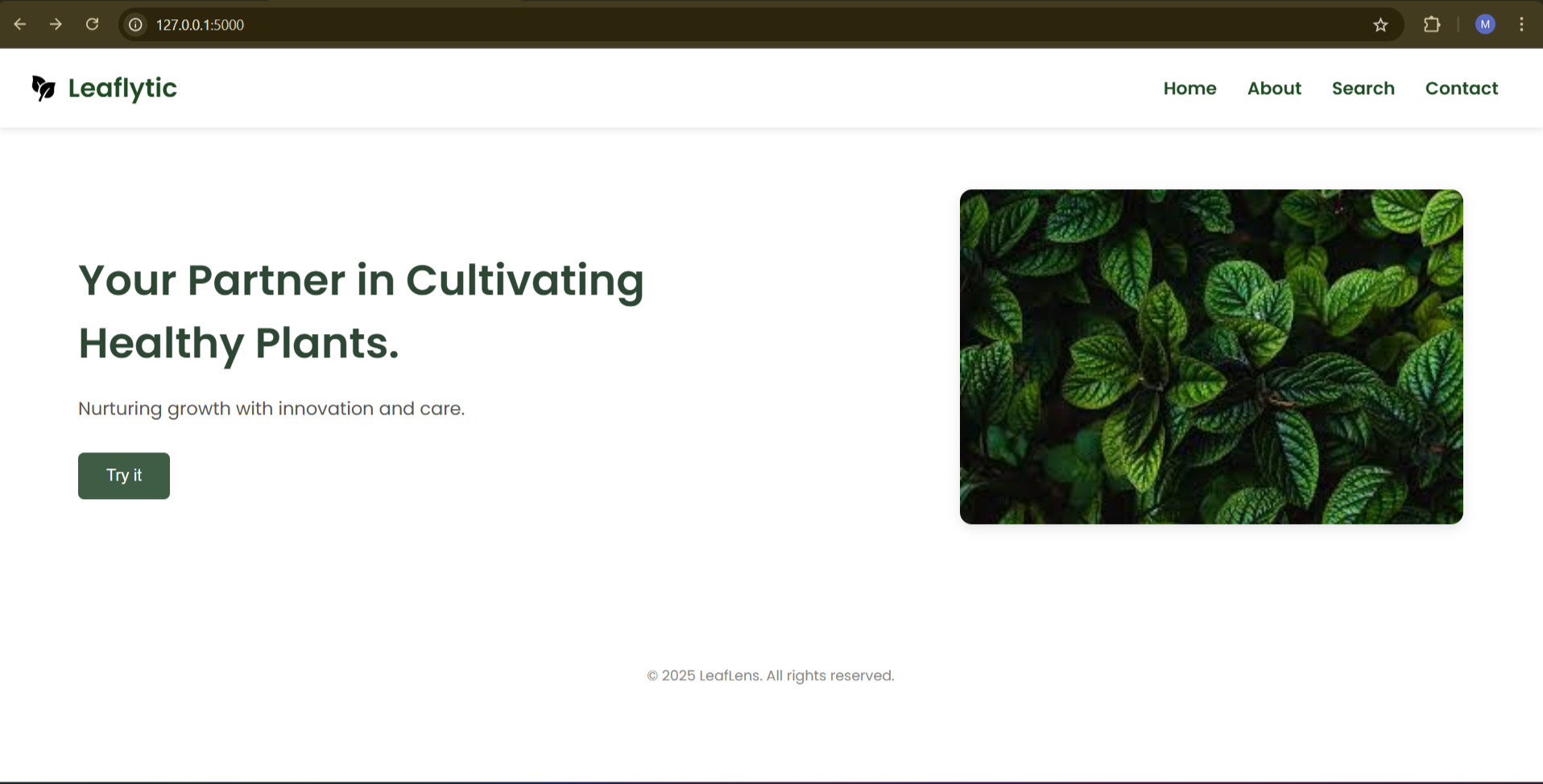
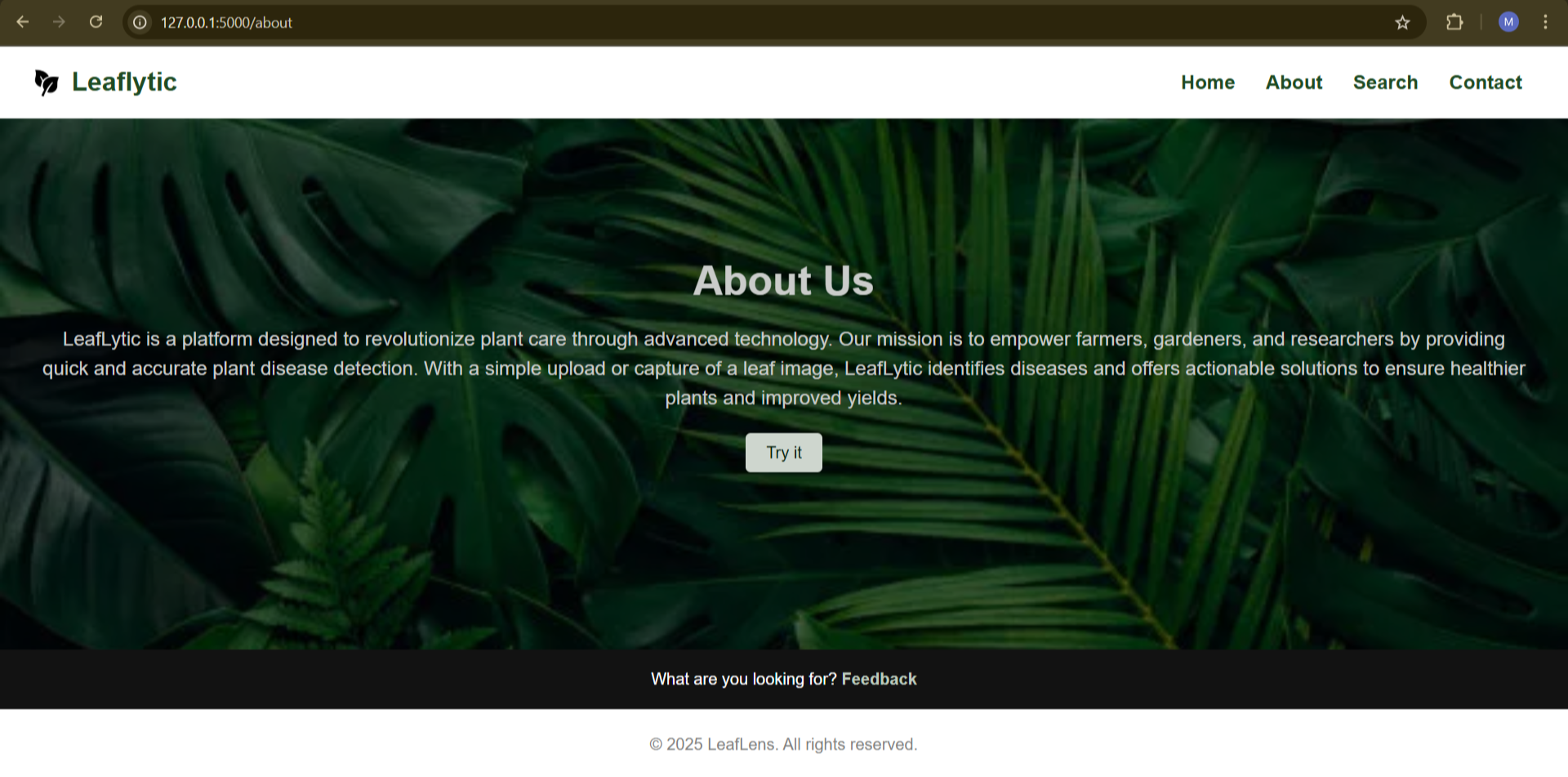
We’ve seen how tough it can be for farmers to detect plant diseases early. In many rural areas, expert help isn’t always available, and issues often go unnoticed until it’s too late. That got us thinking — what if we could make something simple, like a tool that helps identify diseases just by taking a photo of a leaf? That’s how LeafLytic was born.
🛠️ What it does
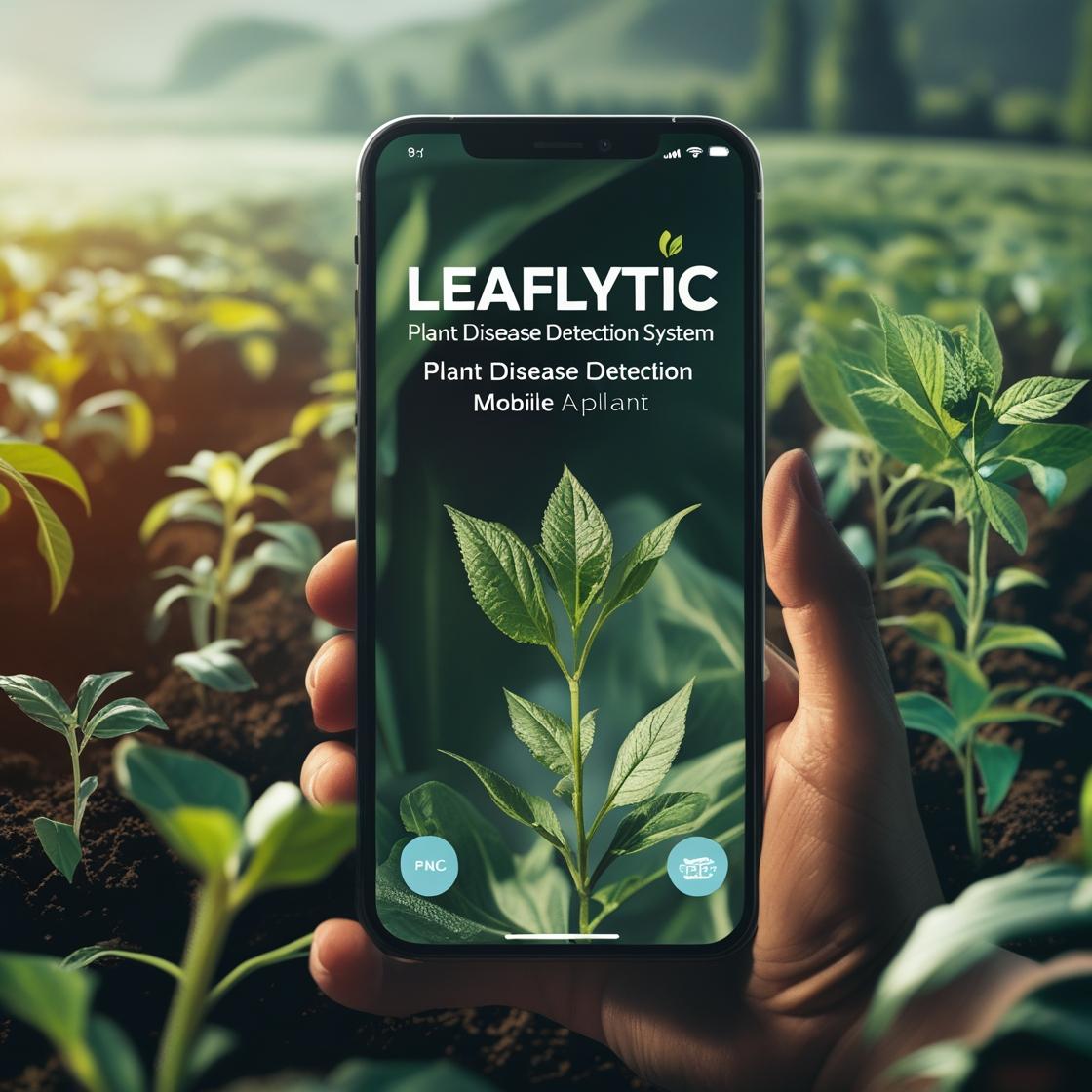
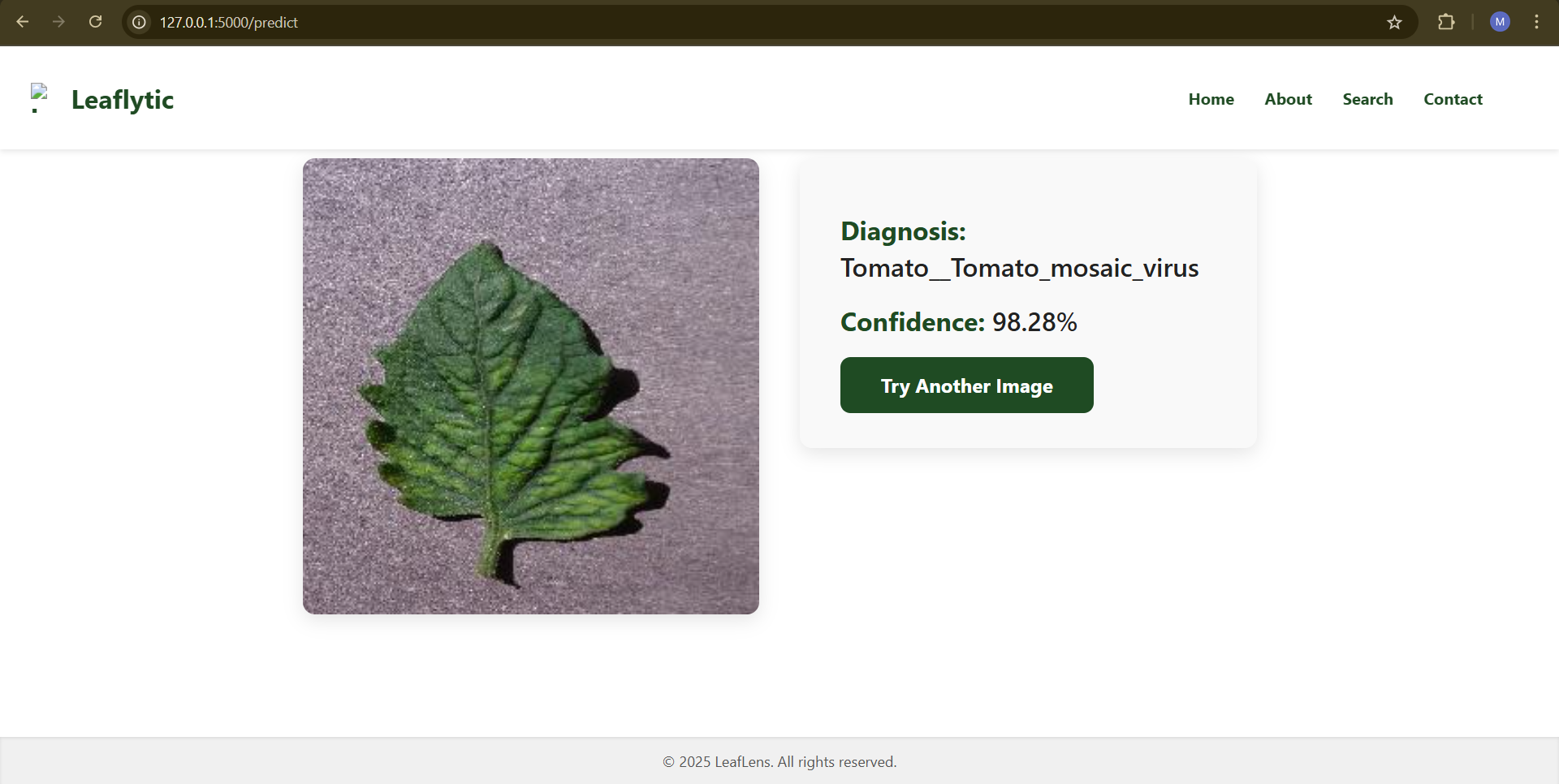
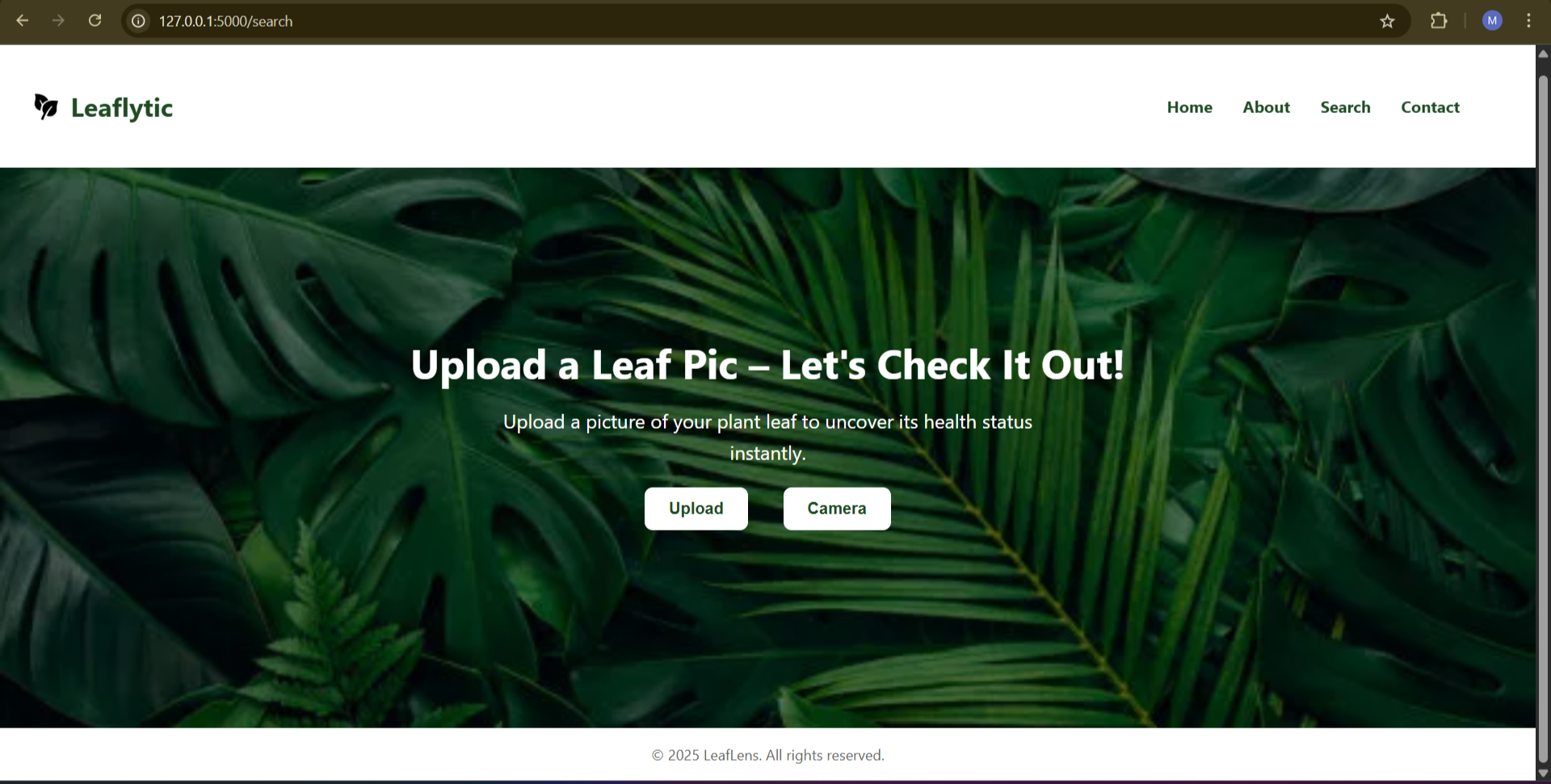
LeafLytic allows users to upload or click a photo of a plant leaf. It checks the image and tells whether the leaf is healthy or has a disease. If it finds something, it also shares what the disease might be and how it can be treated. It's quick, easy to use, and works right from a browser.
🧰 How we built it
We began by collecting a dataset of plant leaf images. Then, we trained a machine learning model to recognize patterns and detect common diseases. We used HTML, CSS, and JavaScript for the frontend, and connected it with a Python Flask backend where the ML model runs. We hosted the project online to make it accessible.
Challenges we ran into
Since we are beginners in this field and joined the hackathon late , we faced several challenges. Handling the dataset was tough because it needed to be clean, balanced, and diverse enough for good training. We also spent a lot of time tuning the model to improve its accuracy. Integrating the model smoothly into the frontend was tricky too, especially managing file uploads and loading times. We relied on resources like AI tools to help us build this project and to understand complex parts and overcome obstacles, which was a big support in our learning journey.
🏆 Accomplishments that we're proud of
We’re proud that we managed to go from idea to a working solution that actually gives useful predictions. Seeing the first accurate output was a huge moment for us. We also kept the design simple so anyone — even someone with little tech experience — can use it.
📚 What we learned
We learned a lot about machine learning, image classification, and how to connect it all to a web interface. More than that, we learned how to break a big problem into smaller parts and keep moving forward, even when things didn’t work on the first try.
🔮 What’s Next for LeafLytic
- Expand Disease Coverage: Add support for more types of plant diseases and different crops.
- Improve Accuracy: Collect more diverse images to train the model better and handle real-world conditions like different lighting and backgrounds.
- Mobile App: Develop a mobile app version for easier access directly from smartphones in the field.
- Multilingual Support: Add multiple languages to help farmers from different regions use the app comfortably.
- Real-Time Suggestions: Include tips on prevention, organic treatments, and nearby experts for further help.
- Community Features: Create a forum or chat for users to share their experiences and solutions.
🖼️ System Architecture Diagram – LeafLytic
                        +---------------------+
                        |     User Device     |
                        | (Browser/Mobile)    |
                        +----------+----------+
                                   |
                                   v
                      [1] Upload Leaf Image via UI
                                   |
                        +----------v----------+
                        |  Frontend (HTML/CSS |
                        |     /JavaScript)    |
                        +----------+----------+
                                   |
                      [2] Send Image to Backend via API
                                   |
                        +----------v----------+
                        |   Backend Server     |
                        |   (Flask/FastAPI)    |
                        +----------+----------+
                                   |
             +---------------------+----------------------+
             |                                            |
     [3] Preprocess Image                       [4] Send Image to
     (Resizing, Normalization)                  Trained ML Model
             |                                            |
             +---------------------+----------------------+
                                   |
                        +----------v----------+
                        |   ML/DL Model        |
                        |  (e.g., MobileNetV2 for      |
                        |   Leaf Classification)|
                        +----------+----------+
                                   |
                     [5] Prediction Result ( Disease Name)
                                   |
                        +----------v----------+
                        |  Backend Server     |
                        +----------+----------+
                                   |
                    [6] Send Response to Frontend
                                   |
                        +----------v----------+
                        | Display Result to   |
                        | User       |
                        +---------------------+


---

### 🔁 **Flow Summary**

1. **User uploads** a leaf image from a web interface.
2. The **frontend sends the image** to the backend via a REST API.
3. Backend **preprocesses** the image.
4. The image is passed to a **machine learning model** (possibly CNN).
5. **Model predicts** the disease.
6. Result is **returned and displayed** on the frontend with any additional info (e.g., symptoms, cure).
Built With
- bootstrap
- css
- flask
- html
- javascript
- mobilenetv2
- tensorflow


Log in or sign up for Devpost to join the conversation.