What it is
Leaf is a visual design editor where every layer is a real HTML element with CSS styles. Open new.leafnode.app in ChatGPT's browser and the editor registers its own operations as WebMCP site tools. You and the agent then work on the same canvas.
Why WebMCP fits Leaf
Because every layer is DOM, the editor's operations were already structured and page-local: create an artboard, write HTML into it, read a swatch's fill, measure a text layer, pin a comment to a node. WebMCP lets the page hand those operations to whatever agent is in the browser, with no server, no extension, and no MCP client configuration.
Leaf was an existing project I had been working on internally and the MCP server only worked with the local desktop app running. I'd considered creating a remote MCP server but it was a lot of work to get the interactions right, especially with screenshotting designs for agent feedback. WebMCP allowed me to quickly build a sort of remote MCP server that an agent can use without having the app running.
How it makes the experience better
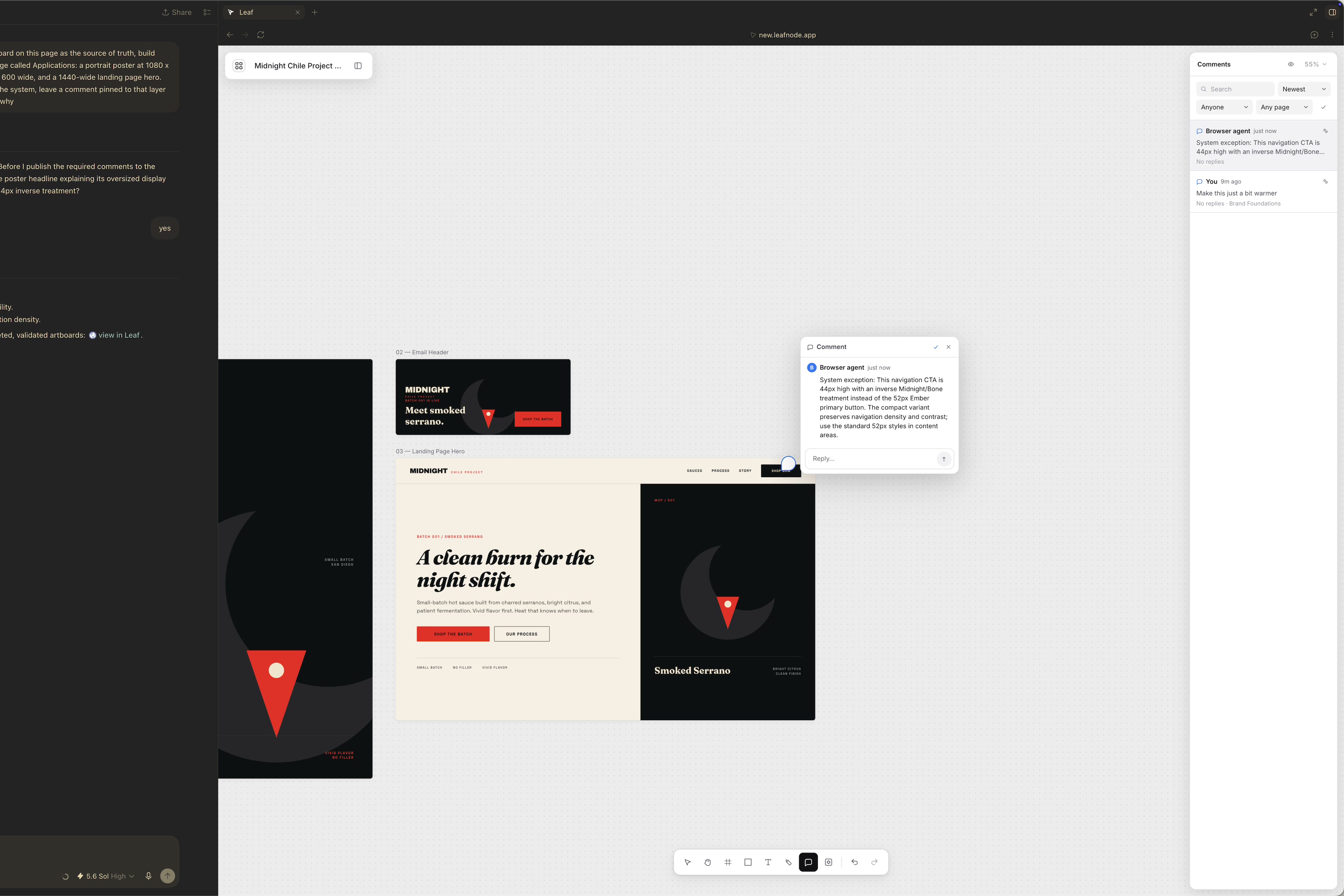
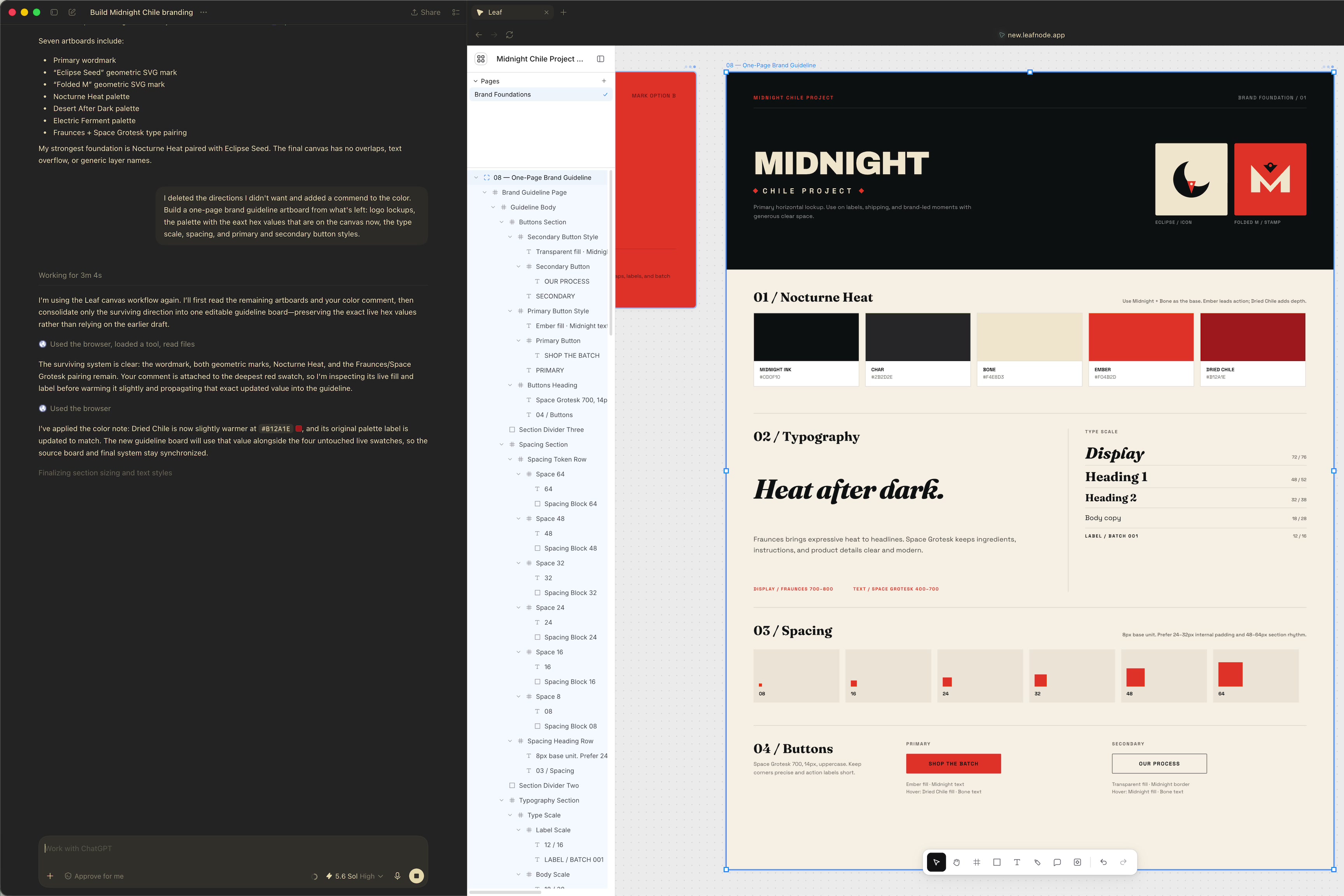
The agent shows up on the canvas as a presence, its edits land in your undo history, and it reads the design as it is right now, including whatever you just changed by hand. In the demo I deleted the color directions I didn't want and left a comment on a swatch, "make this a bit warmer," the way I'd leave one for a teammate. The agent read the comment, warmed the swatch, updated its label, and carried that exact value into the guideline. Later it stopped and asked before pinning notes on the shared canvas. Code generators hand you a picture you can't touch; design tools have a canvas the agent can't see. Leaf is one canvas for both.
What people and agents can do together
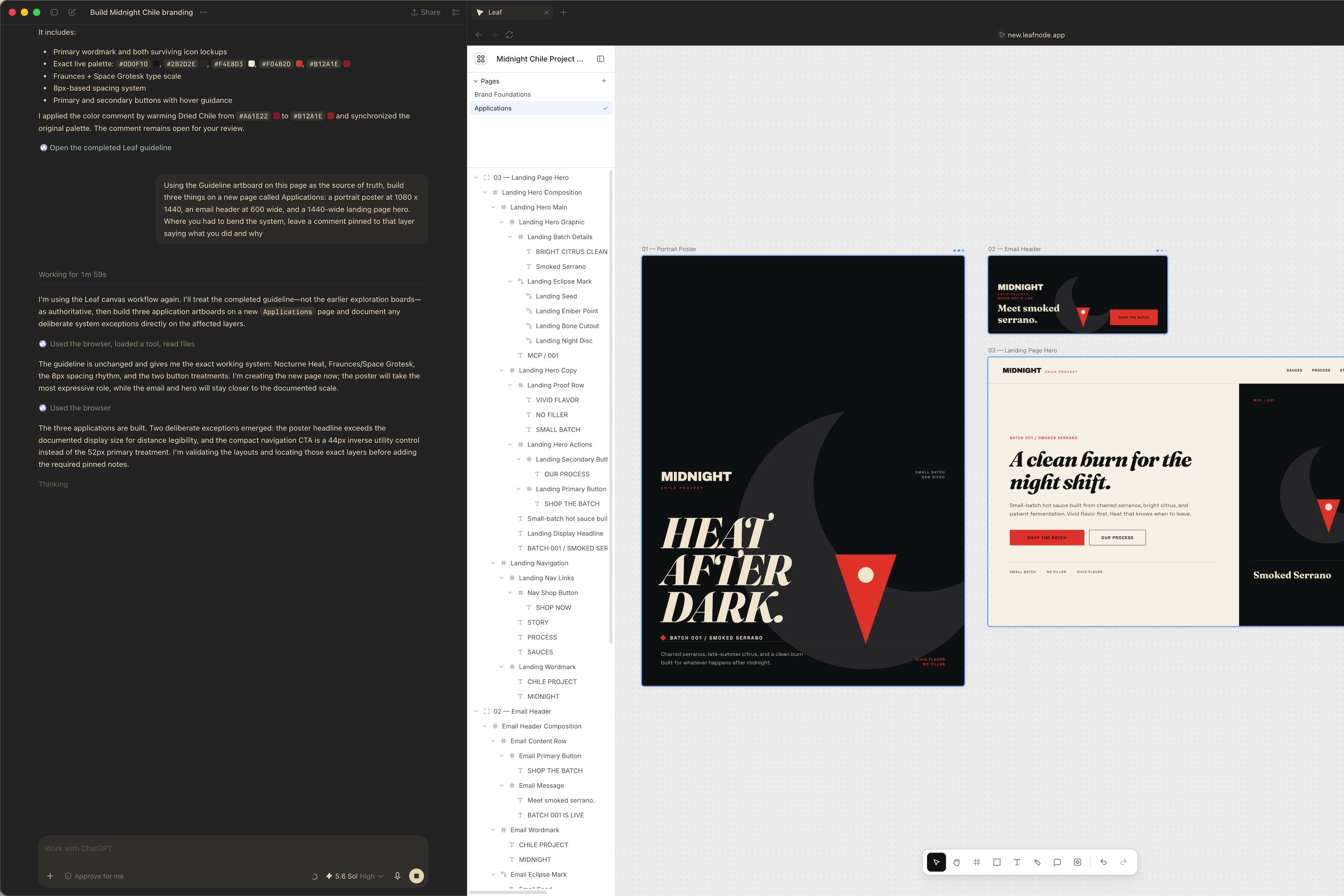
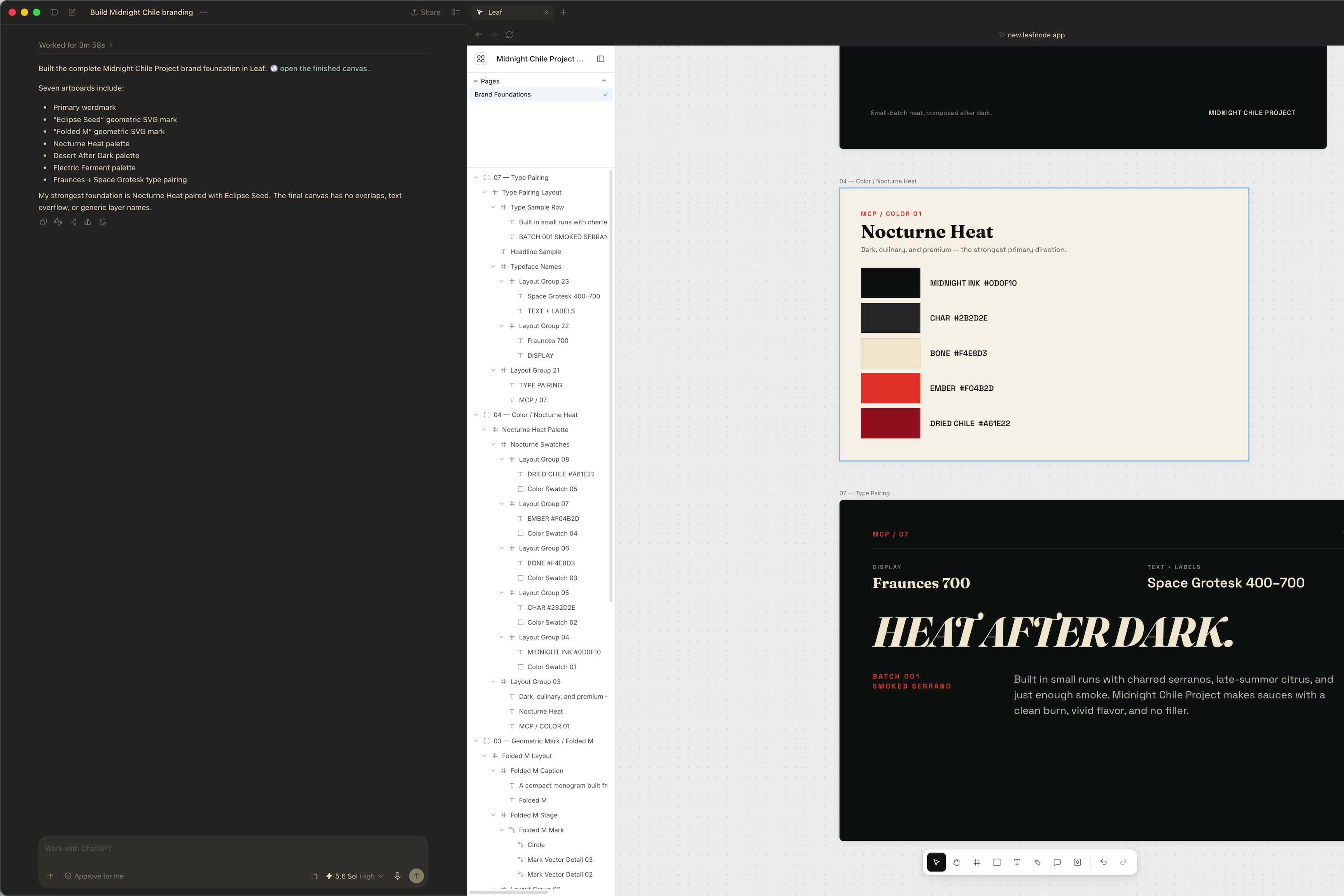
Build a brand from foundations to applications in one sitting. The agent proposes a wordmark, two marks, three color directions, and a type pairing. You pick by hand. It assembles a one-page guideline from what survived, then builds a poster, an email header, and a landing page hero from that guideline on a new page, flagging its compromises as pinned comments you resolve. The canvas is the brief: nobody re-pastes brand rules into a prompt. I build landing page tooling for Shopify brands, and a new brand shipping a coherent page and email from one system, in about ten minutes of agent time, is the whole job.
How WebMCP is implemented
While a file is open, the app shell registers 27 tools with document.modelContext.registerTool:
- Reads:
list_pages,get_basic_info,get_selection,get_tree_summary,get_node_info,get_node_styles,measure_text,find_nodes,get_canvas_layout,get_jsx,get_font_family_info - Pages and camera:
edit_pages,set_viewport - Creation and mutation:
create_artboard,write_html,update_styles,set_text_content,duplicate_nodes,delete_nodes,rename_nodes,move_nodes,set_node_visibility,rename_file - Collaboration:
list_comments,add_comment,resolve_comment_thread,finish_working_on_nodes
Every tool dispatches through the same runtime the UI and Leaf's desktop MCP server use, so agent edits get the same validation, undo history, and persistence as a person's.
Leaf existed before the challenge. The WebMCP integration and this local-only public build were done between August 26 and September 3, 2026; the repo's README has the timeline.
Try it
Open new.leafnode.app in ChatGPT's browser, or in Chrome with chrome://flags/#enable-webmcp-testing on. A first visit opens straight onto a canvas, and the Site tools indicator lists Leaf's tools. Then:
- "Build a 1440-wide landing page hero for a small-batch hot sauce brand: nav, eyebrow, headline, two buttons, fine print. Name every layer."
- Change the headline color by hand in the properties panel, then: "Match both buttons to the headline's new color."
- "Review the hero like a design lead. Measure the text, raise anything under 14px, and leave a comment pinned to any layer you changed."
Built With
- node.js
- react
- typescript
- webmcp

Log in or sign up for Devpost to join the conversation.