-
-
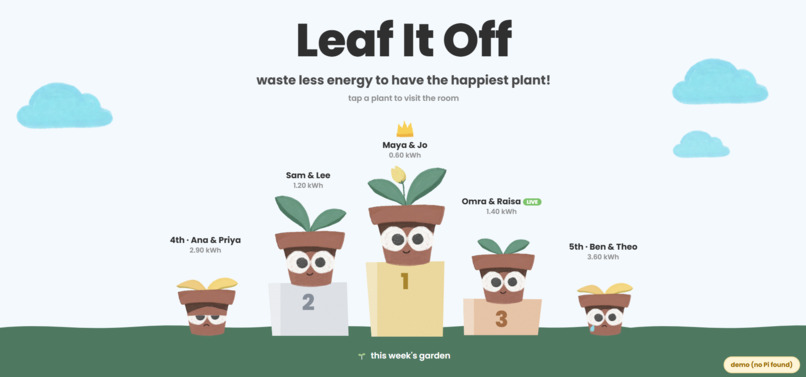
Leaderboard
-
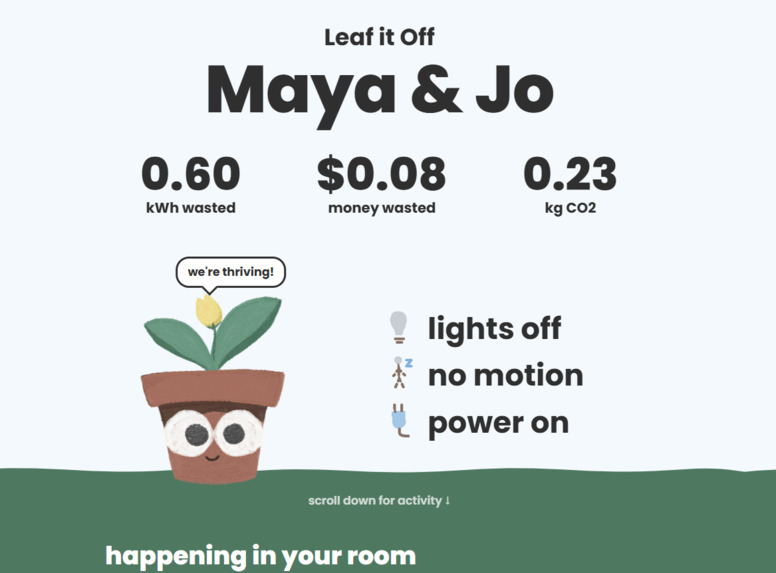
Room Page
Inspiration
Living in dorms, we would notice how much energy we create as students by leaving lights on empty rooms when we are in a hurry heading to class, or even leave for the weekend which creates a substantial amount of waste that adds up and goes unnoticed. We wanted to make that waste visible and build it as a community activity as hallways can participate it as a whole, making it more rewarding than a chore.
We hope this can help students and residence halls save energy while also giving the students a fun opportunity to engage with each other for a better cause.
What it does
Leaf It Off catches energy waste in empty rooms and spaces and sends feedback to a live room web server for students to check. A light sensor checks if the lights are on and a motion sensor checks if anyone is there, so it can send a signal when no one is in the room for a while (for the demo we set the threshold to 10 seconds which we plan to make longer for ideal settings), the buzzer warns first and the system turns the light off automatically. With more budget for parts we plan to add more sensors to catch other kinds of wastes (described in the last section).
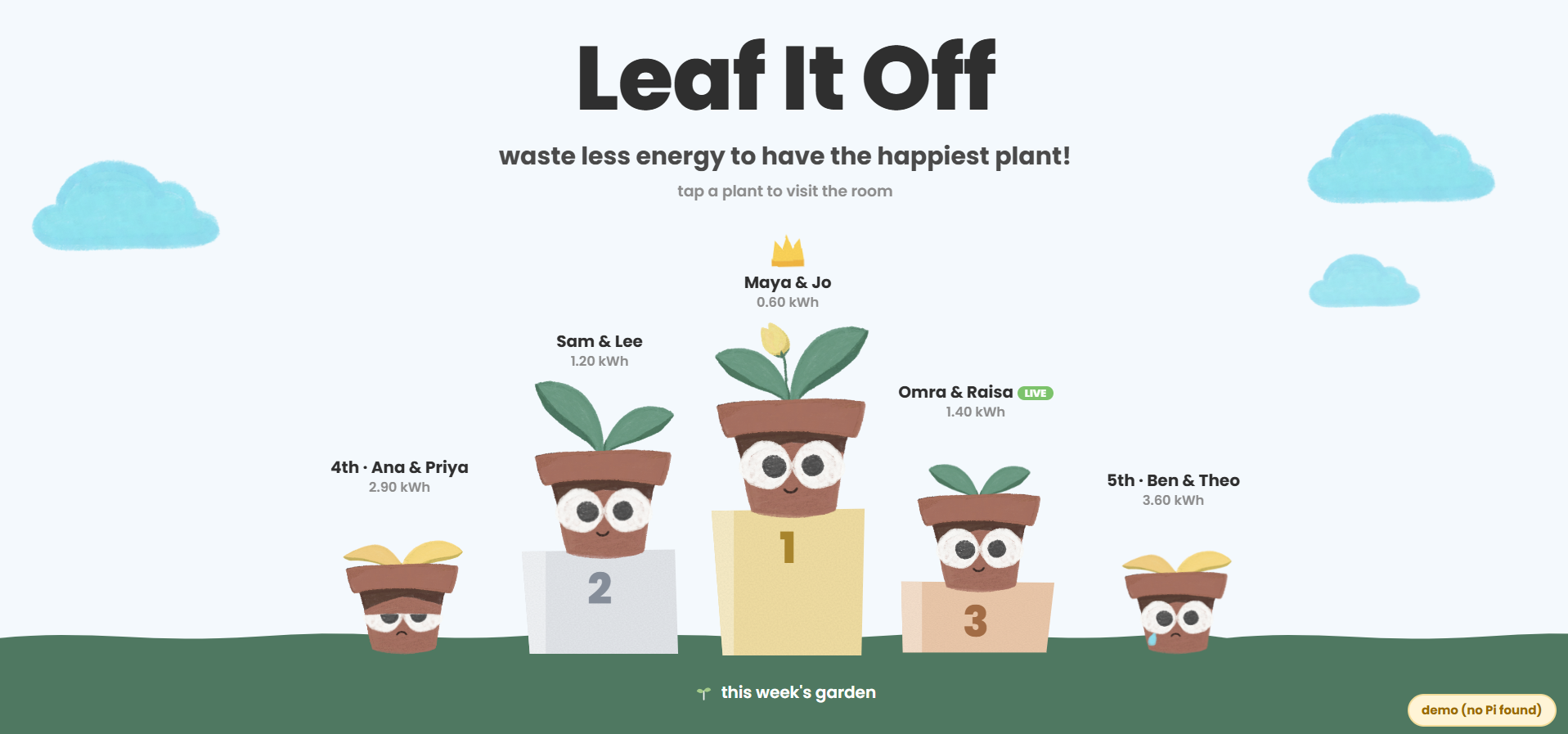
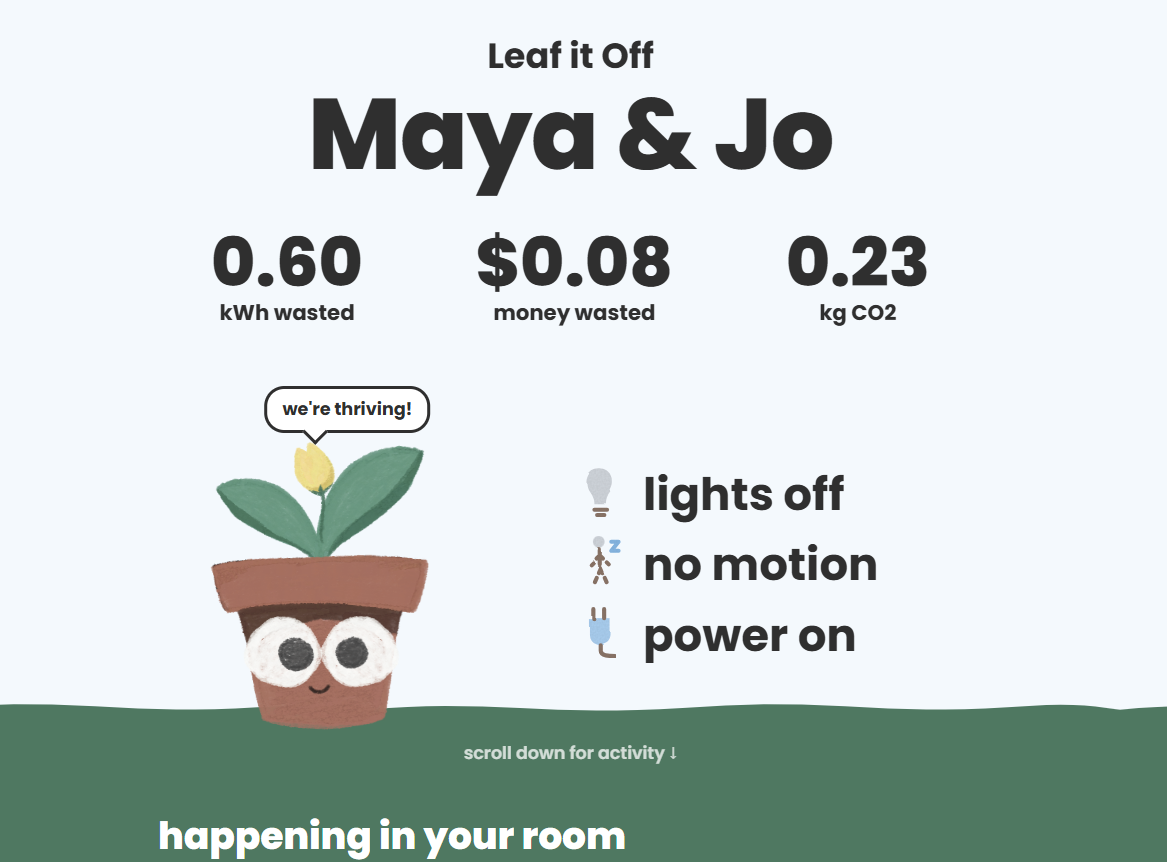
A live webpage shows each room's wasted energy, cost and CO2. Every room is given a hand-drawn cute plant that they need to take care of, it thrives when you save energy and wilts when you waste it, and rooms compete on a leaderboard for the greenest room of the week.
How we built it
For the hardware, we used an Elegoo Uno R3 (an Arduino-compatible board) on a breadboard with two sensors. We used a photoresistor wired into a voltage divider with a 10kΩ resistor, that told us if the lights are on, and an HC-SR501 PIR motion sensor that collected the data to see if anyone’s in the room. The Uno checks both every half second. If the lights stay on with nobody moving for ten seconds (we chose a smaller time to show in the demo) it sets off an active buzzer and switches off an LED that stands in for the room lights. We wrote the logic in C++ in the Arduino IDE. To get the data off the board, the Uno sends each reading over USB serial as a simple comma-separated line.
We wrote a Python server using pyserial that reads those lines, calculates wasted energy in kWh, dollars and CO₂, and serves it to the website as live JSON every second.
Challenges we ran into
The photoresistor kept reading the max value (1023) no matter the lighting. It turned out one wire was a single breadboard row off. The HC-SR501 motion sensor also had wiring issues, with one power wire in a dead row and the ground wire in the wrong spot.
The biggest challenge was the relay. Our kit only had a bare 5V relay, so we built a driver circuit with a PN2222 transistor and a flyback diode, but we couldn’t get it to switch. We swapped in an LED instead, which kept the demo safe.
We were also running into challenges with the live data reading into the python server and relaying it to the user interface to show the data in our leaderboard and stats. We figured out we hadn't been connecting it to the right server and had other servers running in the background that interfered with our data, and fixed that by restarting all of the servers and deleting our old files.
Accomplishments that we're proud of
We built a full working system from a starter kit. Using only the parts we had from the starter kit we got from Girls Hoo Hack, we made something that actually notices wasted energy and acts on it by itself. The data is live, end to end. Sensor readings travel from the Arduino, through our Python server, to the dashboard in about a second, so you can watch the room react as it happens.
Every plant part is hand-drawn to let us animate and make the interaction more engaging for users. We drew each part separately (the pot, leaves, eyes, pupils and mouths) and then layered them in code so the plants can blink, look around, sway and wilt depending on how much energy a room wastes. The podium, the plants’ faces, the sound effects and the winner reveal with a drumroll and confetti make saving energy feel like a game instead of a chore.
We adapted when things weren't working as we thought they would, which is daunting in a shorter time frame such as a hackathon. When the relay wouldn’t cooperate, we switched to using an LED as the room’s light so the demo still showed the system cutting power on its own.
What we learned
We learned how programs in our everyday life talk to each other through their hardware and software parts. How an Arduino sends data over USB, how Python reads it with a serial connection and how a web server sends the data to a web page for the end user to see and interact with. We also learnt how sensors don’t behave like they do in tutorials. We had to test light readings in our actual room, pick a threshold that worked, and deal with the motion sensor picking up people walking by.
We also had to adjust to planning around what we had at the moment in terms of hardware parts. Building with the parts we already had taught us to scope the idea to fit our time and budget, and to save the bigger ideas and more sensors for later.
What's next for Leaf It On
With more budget for the hardware, we’d make each room’s unit a lot smarter by adding other sensors:
SCT-013 current sensor: It clips around a power cord and measures real electricity use, so we’d track actual kWh instead of estimating.
DHT22 temperature sensor and a window reed switch: Together they’d catch heat or AC running with the window open, a huge waste in dorms.
mmWave presence sensor (like the LD2410): It can detect someone sitting still or sleeping, which a regular motion sensor misses, so we’d stop flagging rooms where people are just studying quietly.
Smart plugs: They’d catch chargers, mini fridges and other devices left on when nobody’s home. A real relay module: It would safely switch actual room lights instead of our demo LED.


Log in or sign up for Devpost to join the conversation.