-
-
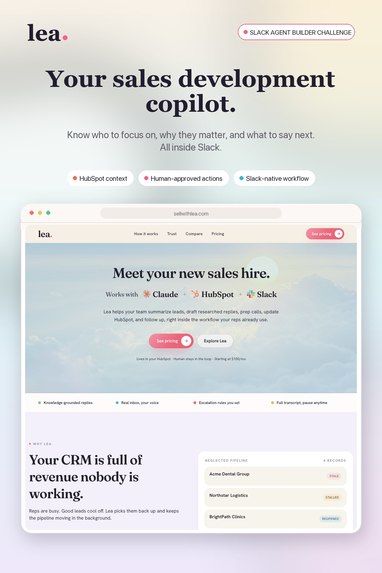
Lea: AI Sales Copilot
Inspiration
Lea began as a simple internal tool Nicolas built for the sales team at his company. It joined sales meetings, summarized each conversation, drafted a follow-up email, and reduced the work reps had to do after a call.
As the team used it, the idea grew. Meeting notes were useful, but they addressed only one part of the problem. Reps were still spending time searching for context, deciding which opportunities needed attention, writing follow-ups, and keeping the CRM current.
The cost of that problem became clear when a salesperson left Nicolas's company without handing over the history of roughly 100 to 200 active leads. Nicolas had to search through email and CRM records to understand where each conversation stood and determine what should happen next. The information existed, but it was scattered across systems and difficult for another person to use.
That experience shaped Lea into what it is today: a sales development copilot that connects Hubspot, Slack, and e-mail. Lea gives reps the context and next steps they need without asking them to spend the day digging through customer files.
What it does
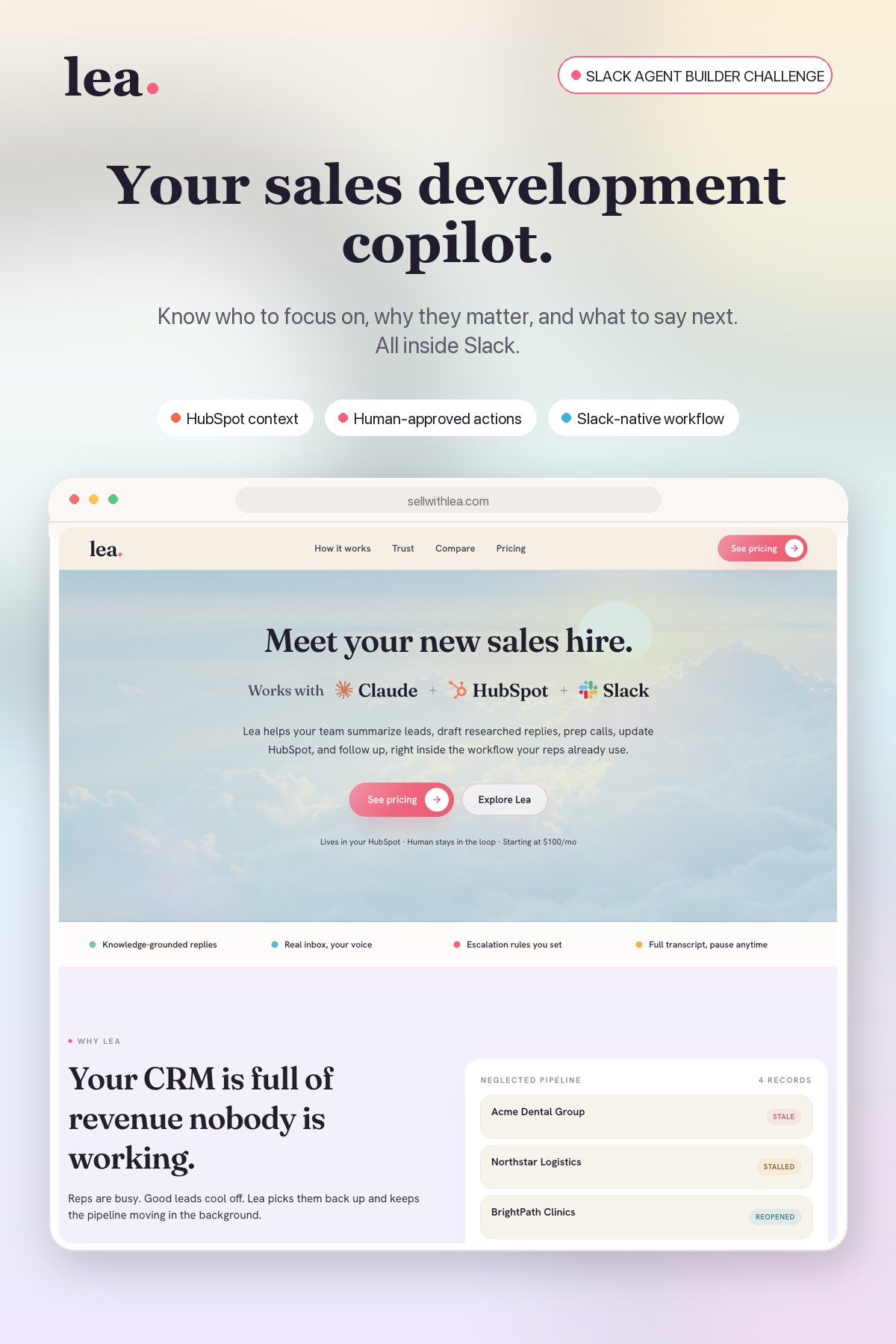
Lea helps sales reps answer three questions:
- Who should I focus on?
- Why does this opportunity matter?
- What should I say next?
A rep can ask Lea whether there are any new opportunities worth attention. Lea checks HubSpot, e-mail, reviews the available account and activity context, and surfaces the opportunities that appear most important. It explains why each one deserves attention instead of returning a list of CRM records.
Lea can also find deals that are going stale. It looks for opportunities that previously showed interest but have not had recent activity. The rep can see what happened, how long the deal has been quiet, and what a reasonable next step might be.
When the rep wants to follow up, Lea drafts a message using the actual history of the opportunity. It can reference the buyer's earlier questions, stated priorities, timing, and previous interactions instead of generating a generic check-in email.
Nothing is sent without the rep reviewing it first. Lea presents the proposed message in Slack for approval. After the rep approves the action, Lea completes it and records the activity in HubSpot.
How we built it
We built Lea as a Slack app using TypeScript and Node.js. The Composio SDK gives the agent controlled access to the tools it needs to work with HubSpot and the surrounding sales workflow. Additional context can be fed to Lea regarding the company, proposal guidelines, etc.
Architecture
- Slack is the interface where reps ask Lea questions, review recommendations, and approve, revise, or refuse proposed actions.
- The Lea app, built with TypeScript, Node.js, and Slack Bolt, manages each request, preserves the rep's instructions and conversation context, and runs the agent workflow.
- The Claude Agent SDK reasons across the available sales context, decides which tools to use, identifies priority or stale opportunities, and prepares the recommended next action.
- Composio MCP provides secure, per-rep access to HubSpot and Gmail. HubSpot supplies contact, company, deal, and activity data, while Gmail carries out approved email actions.
- The approval layer blocks customer-facing actions during the initial agent run. Lea can research and draft on its own, but it can send an email only after the rep approves it in Slack.
- After approval, Lea completes the action, records the activity in HubSpot, and posts a confirmation in the original Slack thread.
Prioritization workflow
When a rep asks what to focus on, Lea first uses structured tools to retrieve the relevant opportunities and activity history from HubSpot. It then evaluates those records, selects the strongest candidates, and explains its reasoning in Slack.
Follow-up and approval workflow
Lea retrieves the history of the selected opportunity, creates a draft from that context, and presents it for review. The approval step separates analysis from execution. Only after approval does Lea take the action and update HubSpot.
For the demo, we created realistic synthetic HubSpot records that let us test new opportunities, buyer activity, stale deals, follow-up generation, approval, and CRM logging as one connected workflow.
Challenges we ran into
Finding the right context
CRM records can contain contact data, deal stages, notes, emails, activity history, and old tasks. Simply giving all of that information to the agent produced noisy results. We had to retrieve the right records, organize the context, and help Lea distinguish a meaningful buying signal from ordinary CRM activity.
Writing relevant follow-ups
Our early attempts could identify a stale opportunity but sometimes produced generic messages because they did not make enough use of the earlier conversation. We improved the workflow so Lea gathers the opportunity history before drafting and connects the proposed message to something the buyer actually discussed.
Keeping the rep in control
A sales rep may want help researching an account or writing an email, many customer-facing flows require human judgment. Building approval into Slack allowed Lea to do most of the work while keeping the rep responsible for the final message.
Choosing the right scope
Sales development includes prospecting, qualification, follow-up, pipeline management, reporting, and CRM administration. We focused the hackathon build on two workflows that sales teams encounter every day: finding the best current opportunities and recovering deals that are beginning to go cold. We're working on the rest now!
Accomplishments that we're proud of
We built a working Slack experience that turns HubSpot data into an actual sales action. Lea can inspect CRM context, identify an opportunity worth attention, explain why it matters, draft a relevant follow-up, request approval, and record the completed activity. The rep can move through that entire workflow from Slack.
We are especially proud that Lea explains its recommendations. A rep does not simply receive a lead score or an unexplained alert. Lea shows the activity and history behind the recommendation, which lets the rep make a quick, informed decision.
We also kept HubSpot as the source of truth. Lea makes the information easier to use without creating a second sales database that the team has to maintain.
Most importantly, the product came from a problem we had already experienced inside Nicolas's company. The hackathon gave us the opportunity to turn that internal work into a product other HubSpot sales teams could use.
What we learned
Context determines quality
Writing an email is easy. Knowing whether an email should be sent, what it should reference, and which opportunity deserves attention first is much harder. The quality of a sales agent depends heavily on how it gathers and uses context.
Adoption depends on where the work happens
The original internal tool required salespeople to remember to activate it. Lea works through Slack because that is already where many sales teams communicate and make day-to-day decisions.
CRM data needs to lead to a decision
Reps rarely need another page of account information. They need to know what changed, why it matters, and what they should do about it.
Human approval makes the workflow more useful
Lea can handle the time-consuming work of finding context and preparing the action while leaving the relationship decision with the salesperson.
What's next for Lea
Autonomous mode
The current Slack copilot is the first mode of Lea. We are also building an autonomous mode that can monitor the sales pipeline continuously instead of waiting for a rep to ask a question.
In autonomous mode, Lea will identify new inbound opportunities, notice when a deal needs follow-up, create tasks, prepare outreach, and keep CRM records current. Teams will be able to decide which actions Lea can complete on its own and which ones still require approval.
More integrations
We are expanding beyond the current HubSpot connection. Planned integrations include more email providers, calendars, additional CRMs, and other tools that hold useful buyer or account context. Bringing those sources together will help Lea understand the full history of an opportunity rather than relying on a single system.
A workflow that adapts to each team
Different teams prioritize different signals, use different qualification rules, and have different standards for follow-up. As we begin working with more sales teams, we will improve how Lea learns those rules and applies them consistently across the pipeline.
The goal is for teams to choose how they use Lea. A rep can work with it as a copilot in Slack, a manager can use it to monitor pipeline health, or the company can let its autonomous mode handle defined parts of the sales development process.
Built With
- composio
- node.js
- slackbot
- typescript

Log in or sign up for Devpost to join the conversation.