-
-
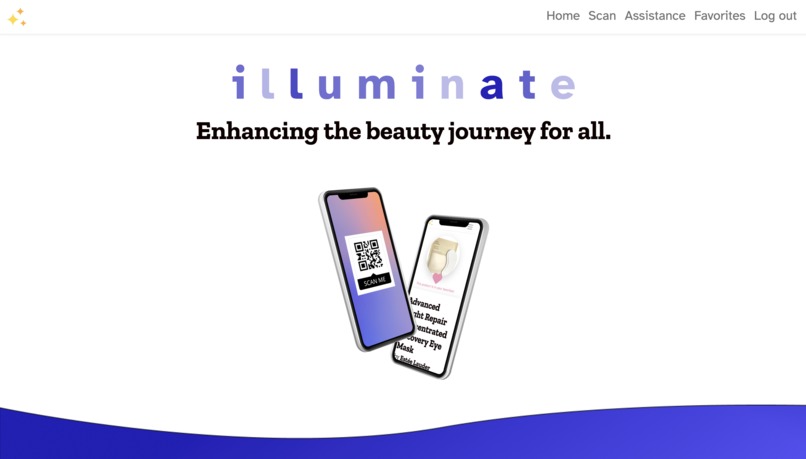
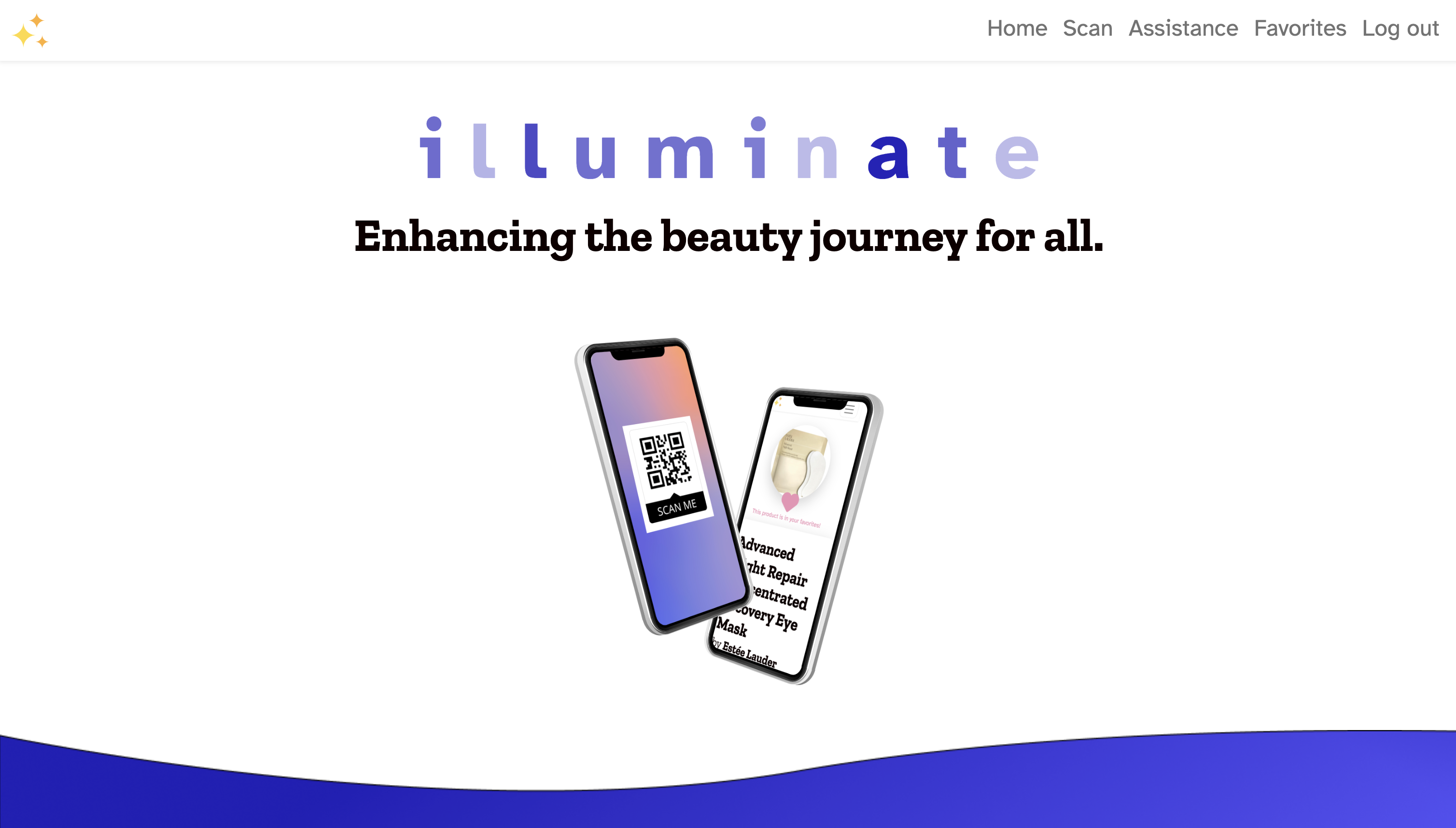
Illuminate homepage on desktop
-
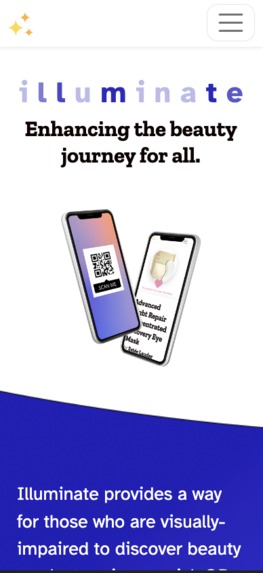
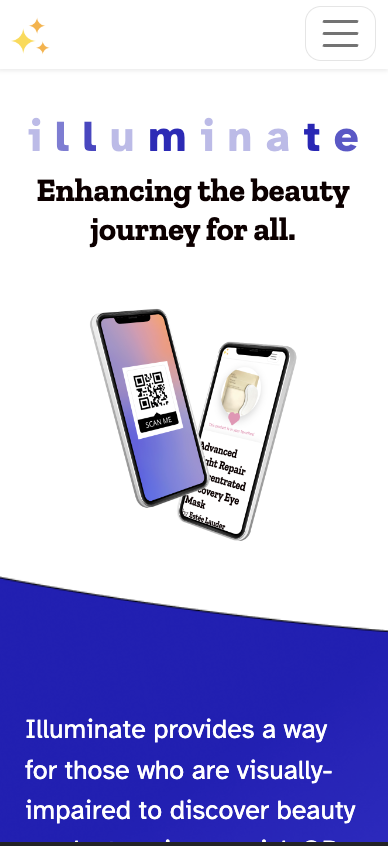
Illuminate homepage on mobile
-
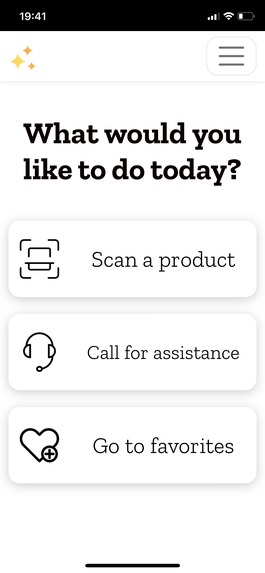
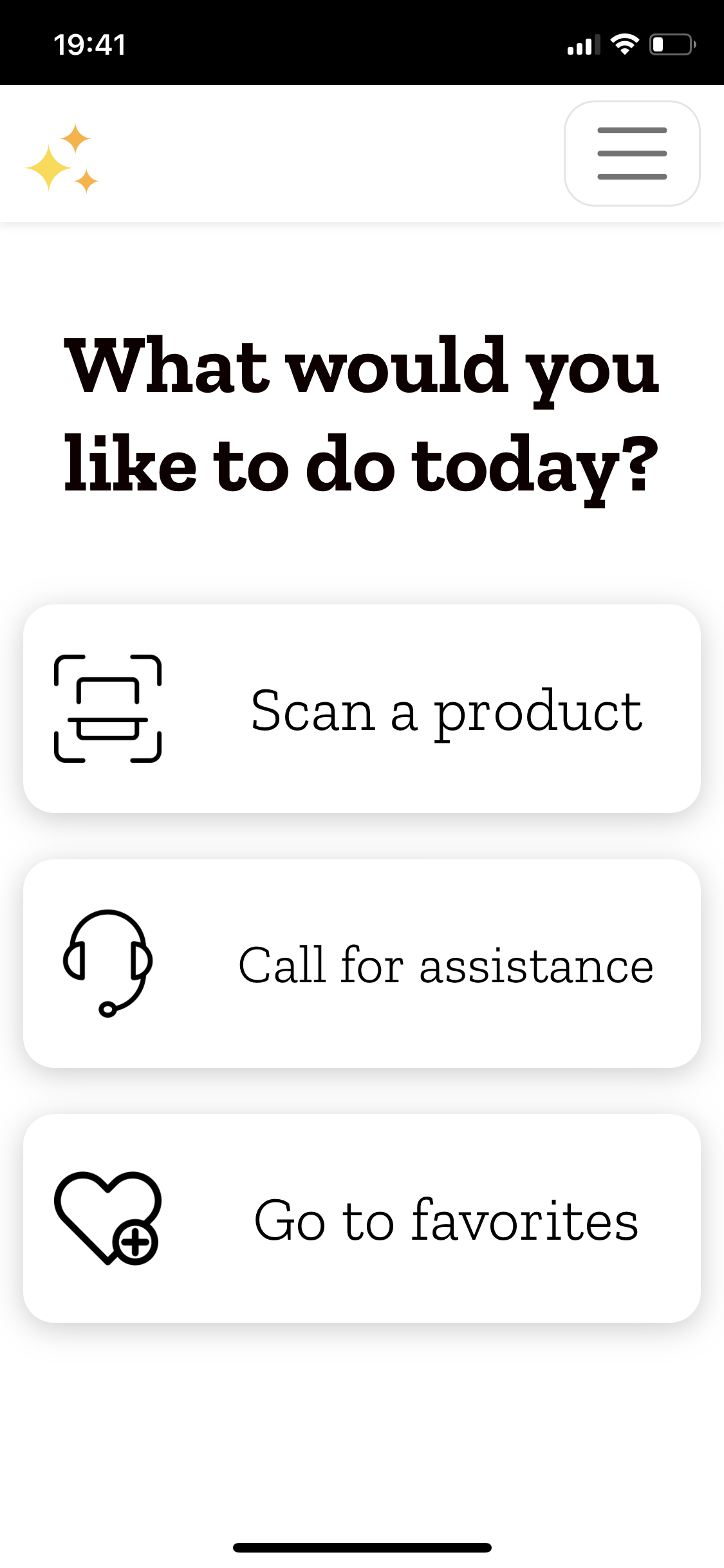
User dashboard
-
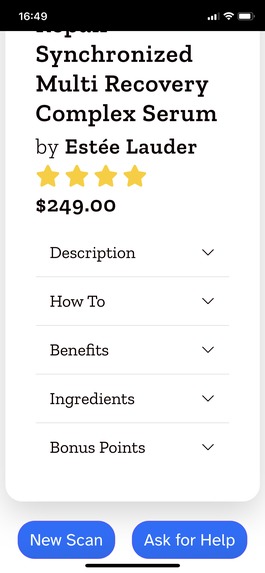
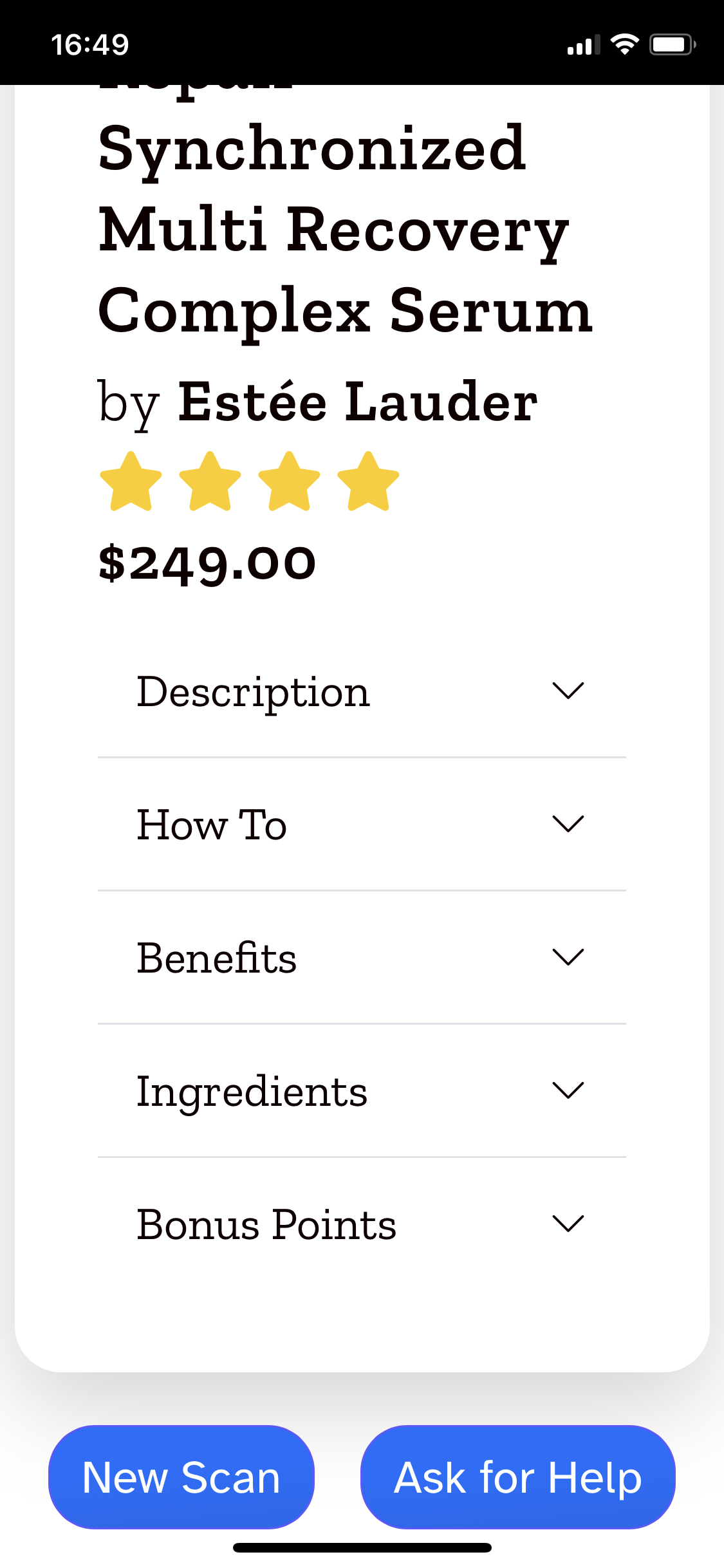
Product page part 2
-
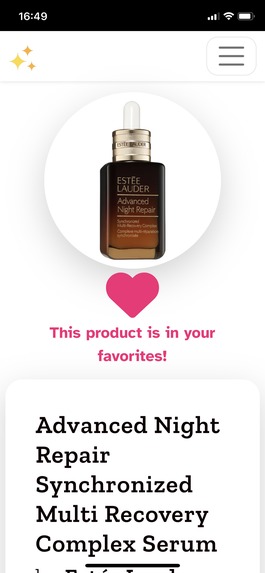
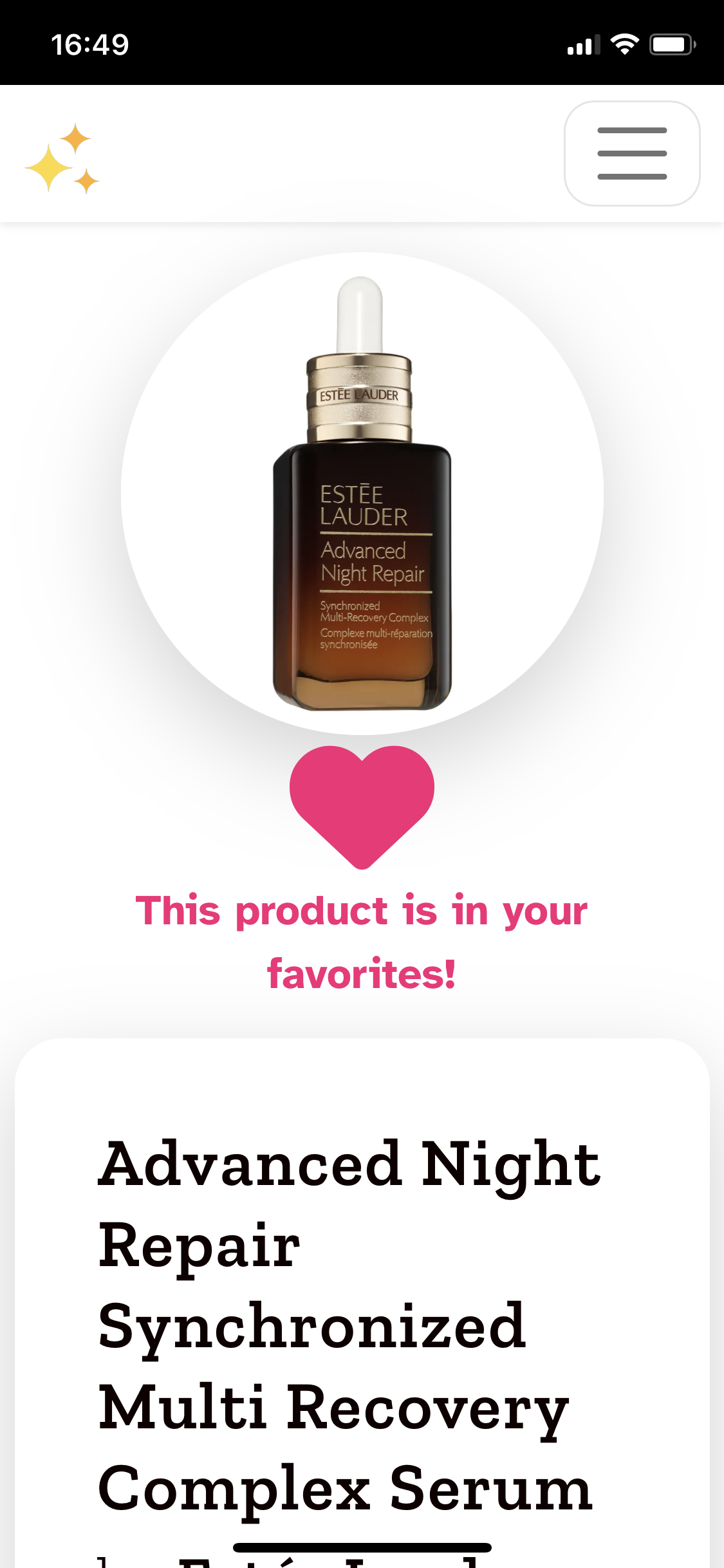
Product page Part 1
Inspiration
After viewing this year's challenge, our team wondered how we could contribute to the great beauty accessibility apps that we have already seen. And to be honest, it was quite difficult narrowing down our ideas. From the articles and reports that we read like the ELC Inclusive Tech Report billions of people live with a disability, so we wanted to use our web development skills to create an application that could help this demographic.
After careful thought and research, we decided to focus on the shopping experience for those with low or no vision. This is a group that can still have access to and uses computers and mobile devices, but businesses do not consider how they can bridge the gap between the digital and the physical to create a seamless experience for these users.
In light of this, our team decided to create a beauty hub where users can scan a product with their mobile device and learn more about it during and after their shopping experience.
What it does
Our app has two main features.
First, the user can access our app from their phone's browser to then scan the QR code of a product. Once the product is identified, the app displays the product's details to the user like its description, user rating, benefits, ingredients, and more. If the user has an account, they can save the product to their favorites where they can review it when they wish.
Second, if the user needs additional in-store assistance, we located the nearest beauty store and its phone number that the user can then use to make a phone call.
How we built it
Our tech stack includes Ruby on Rails, PostgreSQL, Bootstrap, ZXing JS Library, Google Maps API and the Sephora API. Lastly, we have created the QR Codes using Bitly's generator and deployed our app on Render.
On the front end, we took special care to choose fonts that were made with accessibility in mind. The Zilla Slab font used for headers is a similar Google Font version to the oft-praised Rockwell font. For the body text, we used Atkinson Hyperlegible was developed "specifically to increase legibility for readers with low vision, and to improve comprehension." (Google Fonts)
A really big thanks to the API Dojo for creating and updating the Sephora API after I asked some questions about their API calls. We took a particular interest in this API because it's made for Sephora which is an international beauty store known for selling a large selection of beauty, skincare, hair care and perfume brands. Essentially, we wouldn't have been able to find a better foundation to work with. This gives users a home where they can find a better shopping experience until all beauty brands adhere to a universal database/standard.
We used the ZXing JS Library for our QR Code scanner as it is one of the most reliable open-source in-browser 1D/2D scanners that work across browsers and devices.
Finally, the Google Maps API allowed us to easily locate the user and place them next to their nearest Sephora where they will be able to call if in-person assistance is needed.
Challenges we ran into
The first challenge we encountered was with the Sephora API. I noticed that I wasn't able to find all the products that I had recently purchased for testing purposes and wondered if there was a problem on my end or with the API. Unfortunately, the creators confirmed that not all products on the website or in stores would be available on the API.
One solution would be to scrape the entire Sephora website for each product's id and details, but this has its own limitations. First, when we tried this option, we were booted off the Sephora website. Second, if the scrape succeeded, we would still be limited to Sephora's available products and this would only provide the information in English. For the current iteration of the app, that's okay, but if we want it to be multilingual, we would still need different product translations.
Another challenge was getting our scanner to work. We had originally hoped to use ZXing's barcode scanner as we felt this would lead to a solution that could immediately be implemented for users.
Unfortunately, in-browser barcode scanners are notoriously unreliable when scanning live video images. Empty scans and false positives (when a barcode is recognized but incorrectly read) caused frustration for everyone on the team, and we knew this would lead to a poor user experience.
So, we decided to slightly change our approach. Instead of barcodes, we would now scan QR codes that provided the UPC/EAN barcode number. This changed our success rate drastically, and we were able to identify correctly for nearly every scan.
Product packaging doesn't currently have this type of QR code system, but this would be a game changer for accessibility shopping. I cannot emphasize this enough which is why I would propose that companies adhere to an industry-wide API that can then be read by an app like Illuminate through a QR code placed on the bottom or top of a product's packaging.
Lastly, building for accessibility was difficult as none of us had learned how to do this in-depth. On top of learning how to code with accessibility in mind, we also needed to understand how accessibility tools on our devices worked. It was a steep learning curve! Tools like WAVE’s evaluation tool helped guide and inform some of our decisions.
Accomplishments that we're proud of
We were able to create an app built with accessibility in mind in two months which is amazing! Everyone on this team is brand-new to web development and it has really solidified our desire to continue building apps that provide a social good.
We're particularly proud of pivoting when we thought our main feature was failing toward a solution that can and should be used by brands worldwide.
What we learned
As new developers, we're learning more each time we code and use new gems, packages and tools. This is our first time incorporating the ZXing JS Library which is the foundation of our app and also the Google Maps API which provides some pretty powerful features with fairly little code.
But above all, we have learned and are continuing to learn how to build accessible apps. So much of what we learned during this hackathon is not traditionally taught in our courses, and it makes me realize that many sites likely aren't accessible to all users. We now have a completely new perspective on what it takes to build a website and will have this hackathon to thank for that.
What's next for Illuminate
This depends on Estée Lauder 😉 But seriously, we are already considering the steps necessary to create an API outside of the Sephora API that would provide the information necessary to bring more beauty products into the Illuminate app. For instance, while information may be pulled from Sephora's API, if a product available on Sephora is scanned elsewhere, Illuminate can still provide the product details.
Accessibility is the top priority, so having all possible products at a user's fingertips would be the end goal.
Built With
- bootstrap
- css3
- google-maps
- html5
- javascript
- postgresql
- ruby-on-rails
- scss
- sephora-api
- stimulus-js
- zxing-js


Log in or sign up for Devpost to join the conversation.