-
-
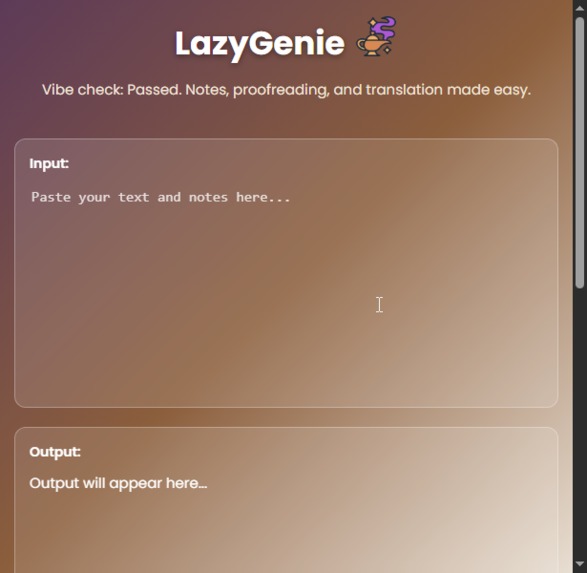
One-click access to summarize, proofread, translate, and generate flashcards.
-
Inspiration
As a student, I often had to write separate prompts for simple tasks like summarizing notes or proofreading small paragraphs. Using ChatGPT or Gemini for these tasks was time-consuming, as long prompts were required even for basic study tasks.
I wanted a faster, one-click solution to handle common study tasks efficiently.
What it does
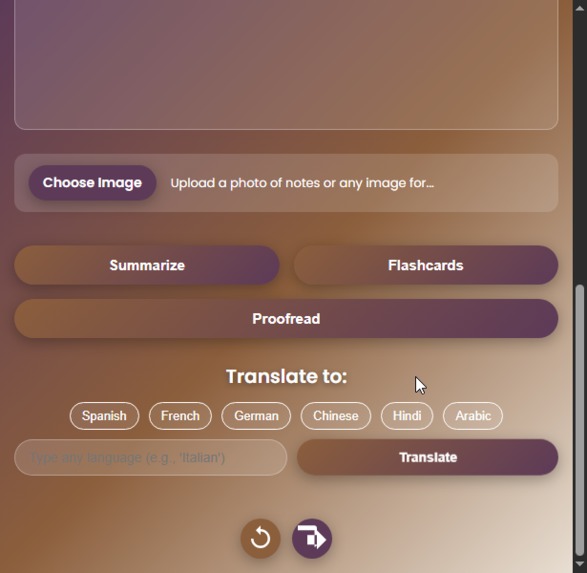
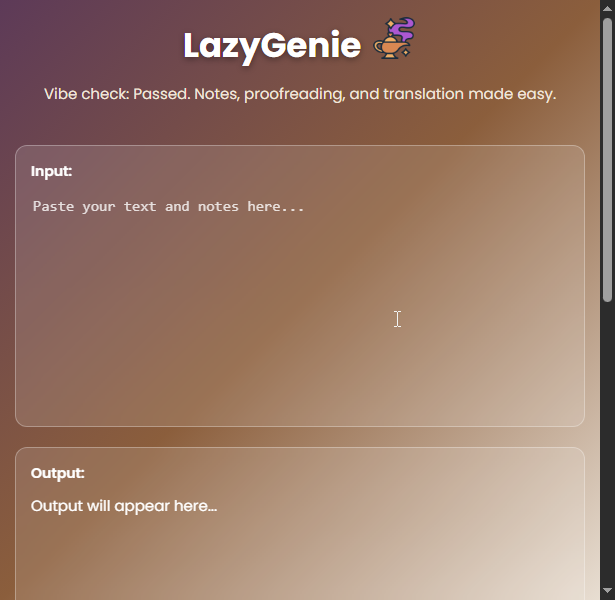
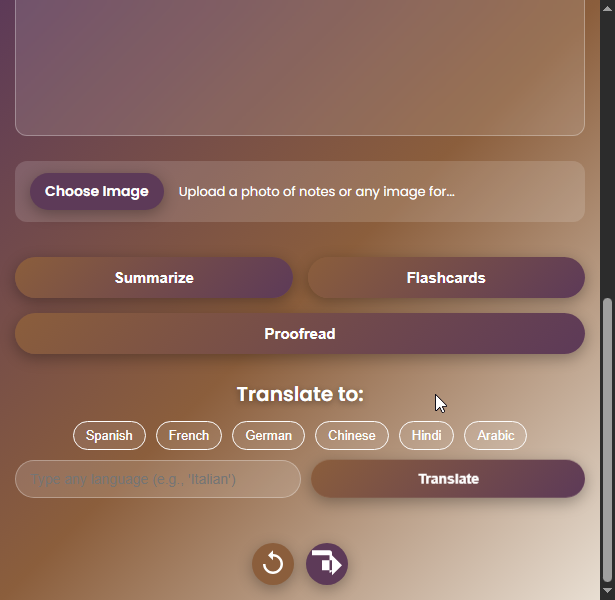
LazyGenie is an AI-powered Chrome Extension that lets students and professionals:
- Summarize notes instantly
- Proofread essays for grammar, spelling, and clarity
- Translate content into multiple languages
- Generate flashcards from any text
- Analyze diagrams or handwritten notes using AI
All tasks can be done with a single click, without writing separate prompts every time.
How we built it
- Leveraged Chrome’s built-in AI APIs (Prompt API) with Gemini API fallback for reliability
popup.jscaptures user input (text or images)background.jsroutes requests to the appropriate API asynchronously- Multimodal inputs (text + images) are handled seamlessly, allowing diagram and note analysis.
Challenges we ran into
- Ensuring seamless fallback from Prompt API to Gemini API
- Handling multimodal inputs efficiently
- Designing a simple, intuitive interface for multiple features
- Managing API keys securely while keeping the demo ready for hackathon judges
Accomplishments that we're proud of
- Built a fully functional, one-click AI study companion
- Integrated multiple AI APIs with fallback logic
- Developed multimodal analysis for images and handwritten notes
- Designed a clean, user-friendly UI
What we learned
- How to integrate and manage Chrome’s AI APIs effectively
- Best practices for async API handling and error management
- Importance of UI/UX for student-focused tools
- How to structure an extension for scalability and modularity
What's next for LazyGenie: Your AI Study Sidekick
- Implement secure API key management for production
- Add more AI-powered study tools, like personalized summaries and quizzes.
- Improve multimodal capabilities for larger documents and diagrams
- Explore real-time collaboration features for study groups

Log in or sign up for Devpost to join the conversation.