-
-
-
-
-
-
-
-
-
-
-

App icon, 1024x1024.
-
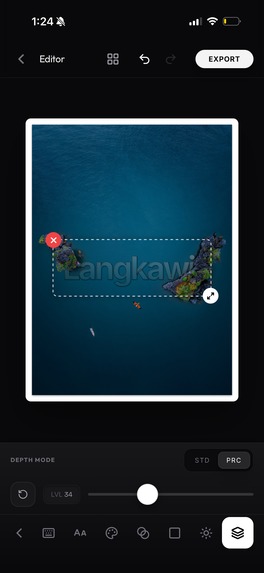
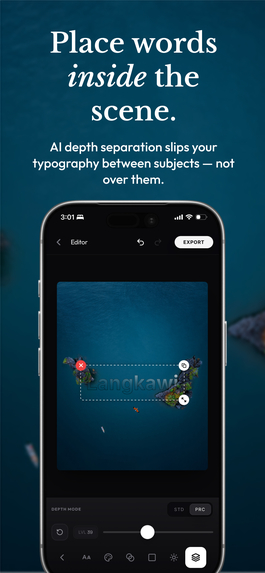
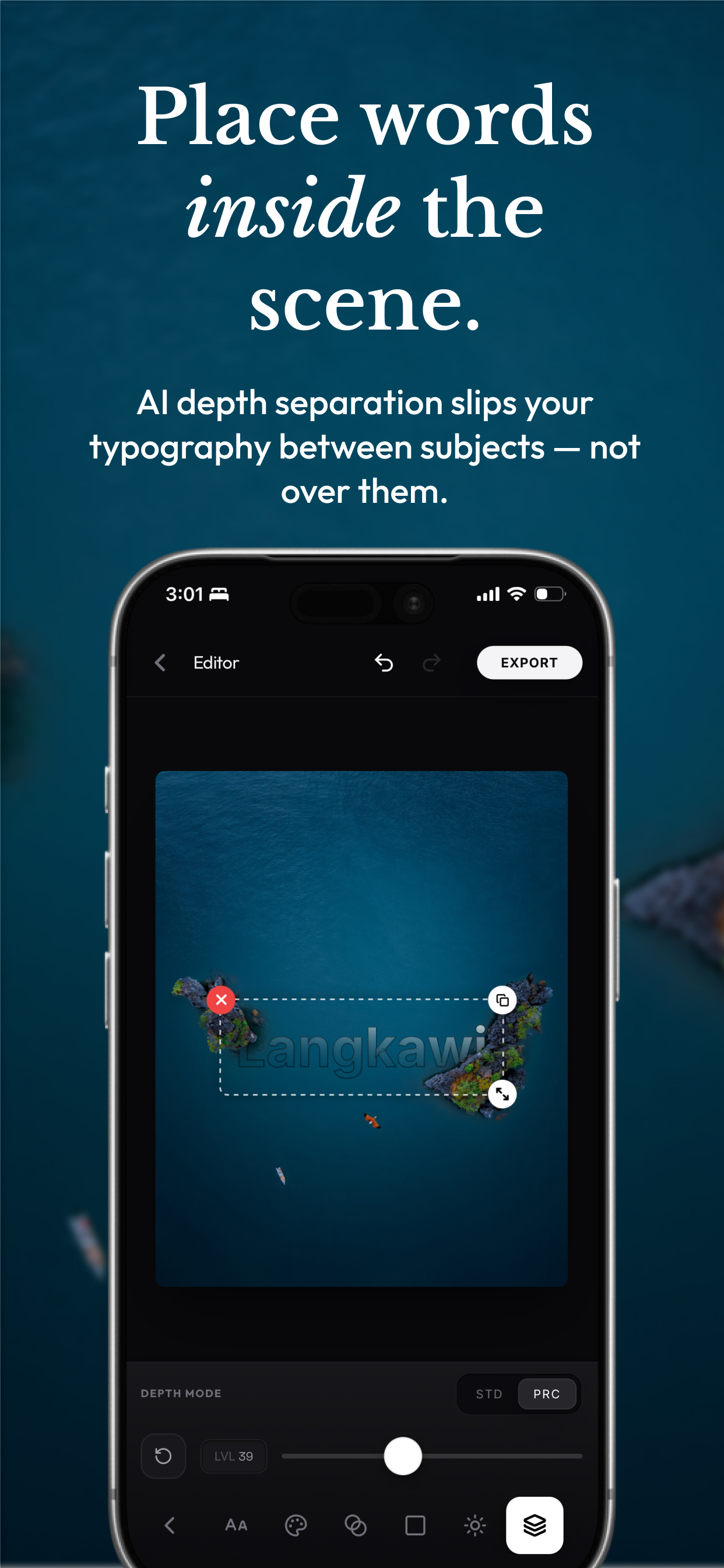
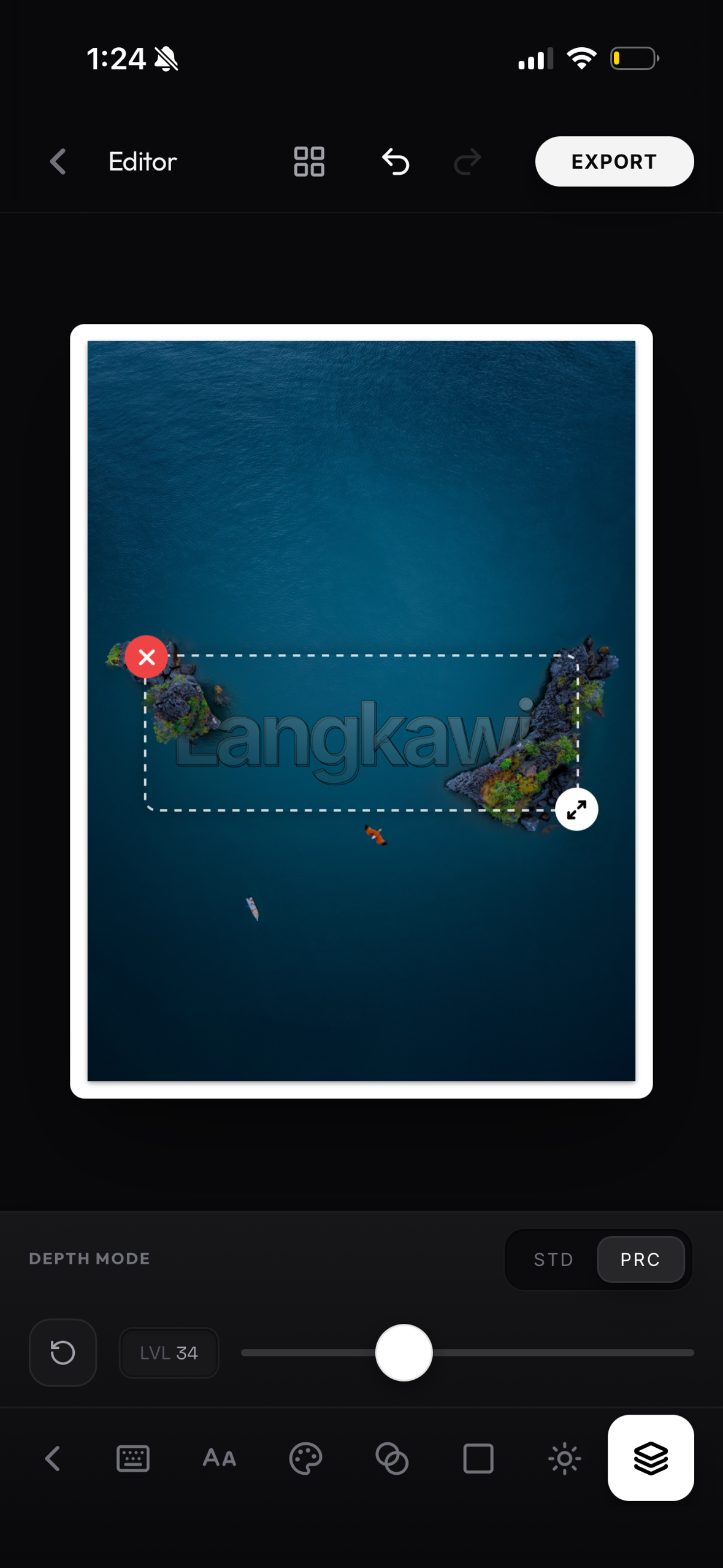
Frameless screenshot, 1179x2556, no device frame — depth tool in the editor (per submission requirements).
-
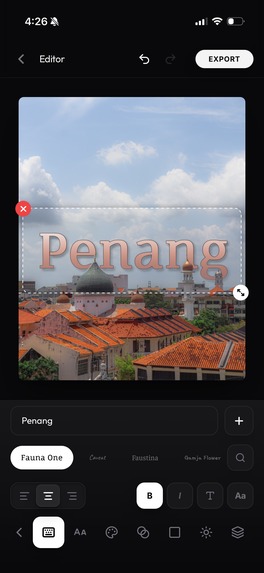
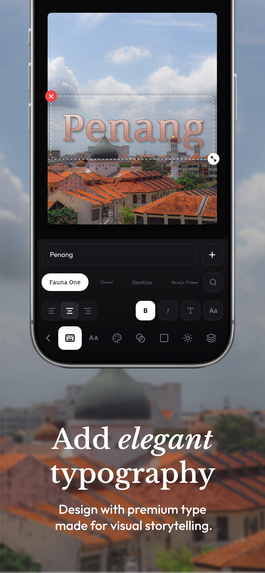
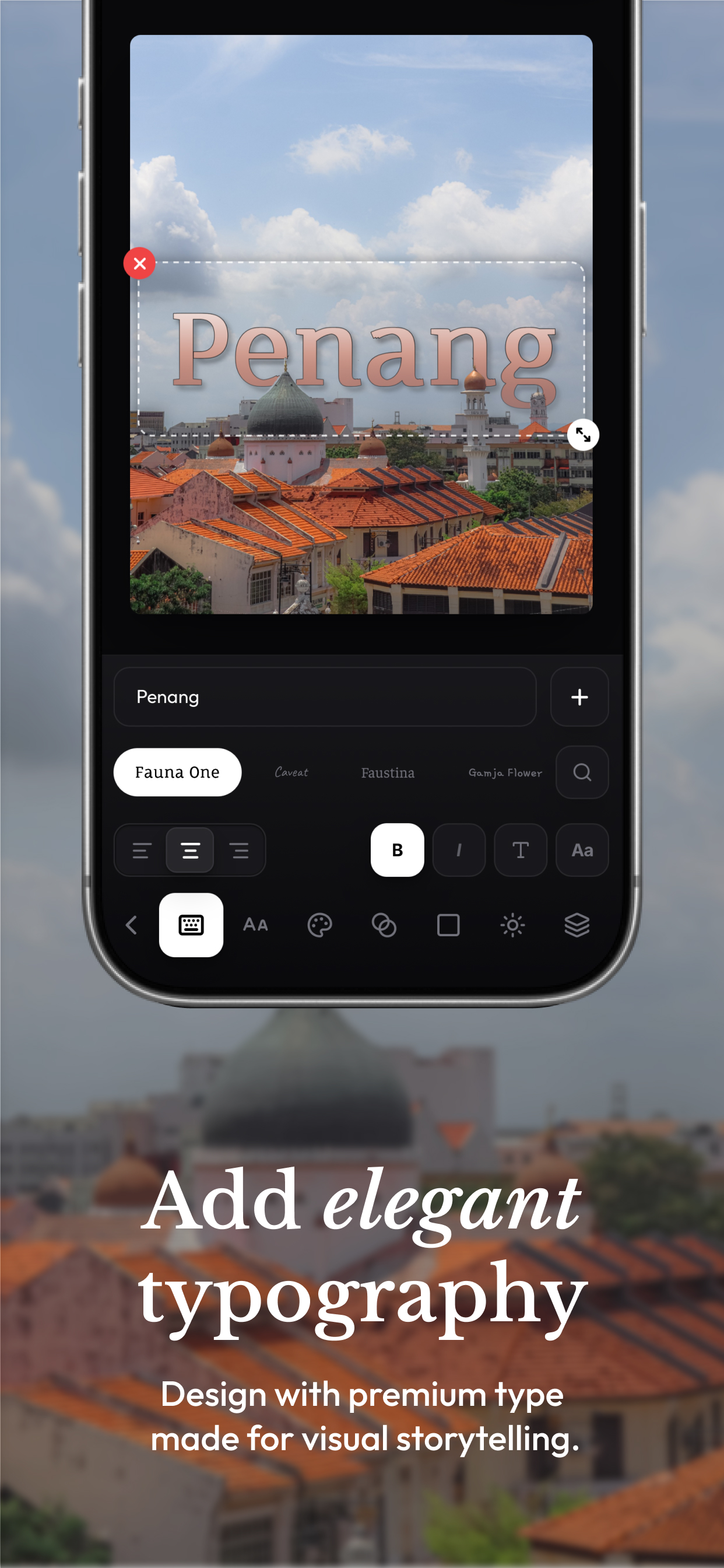
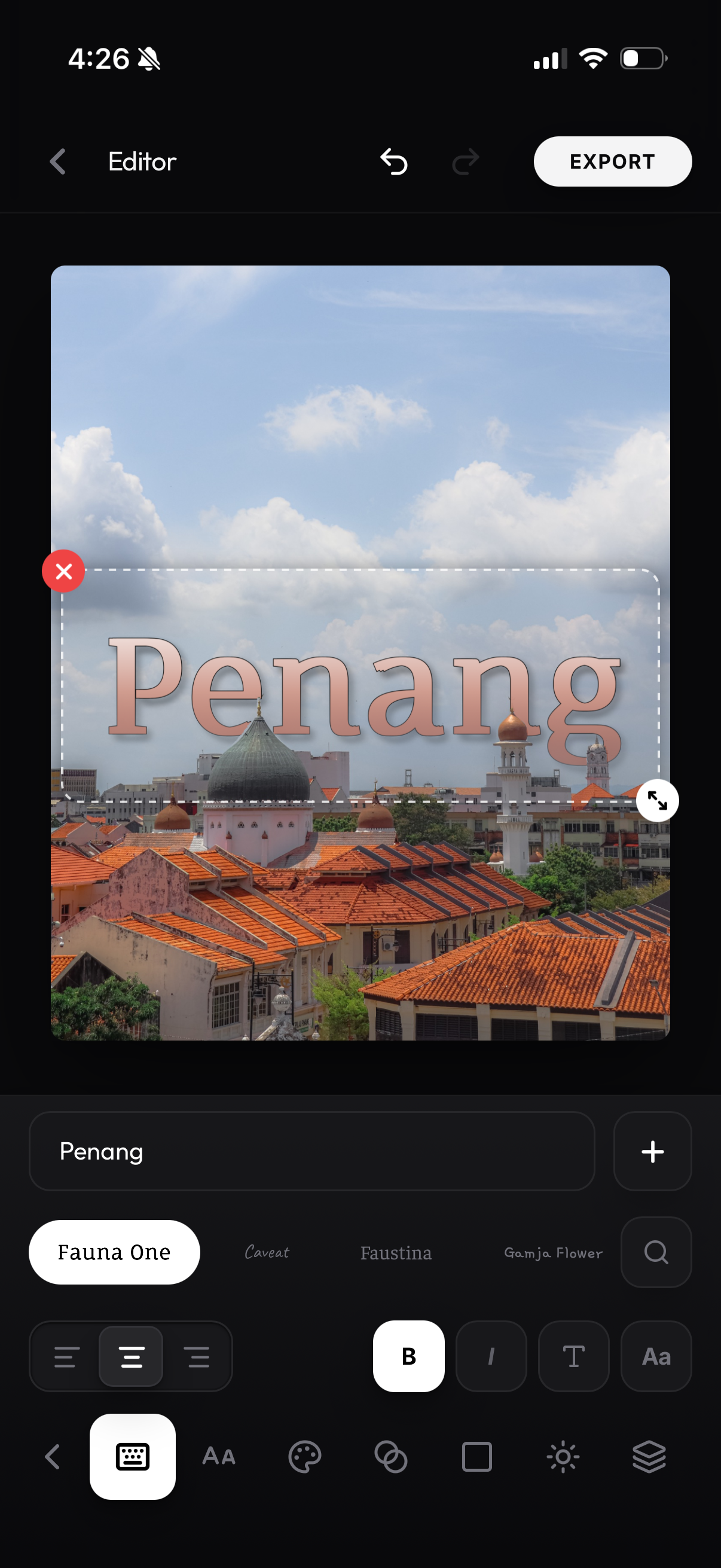
text tool
-
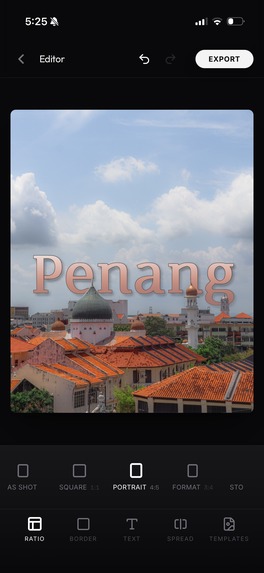
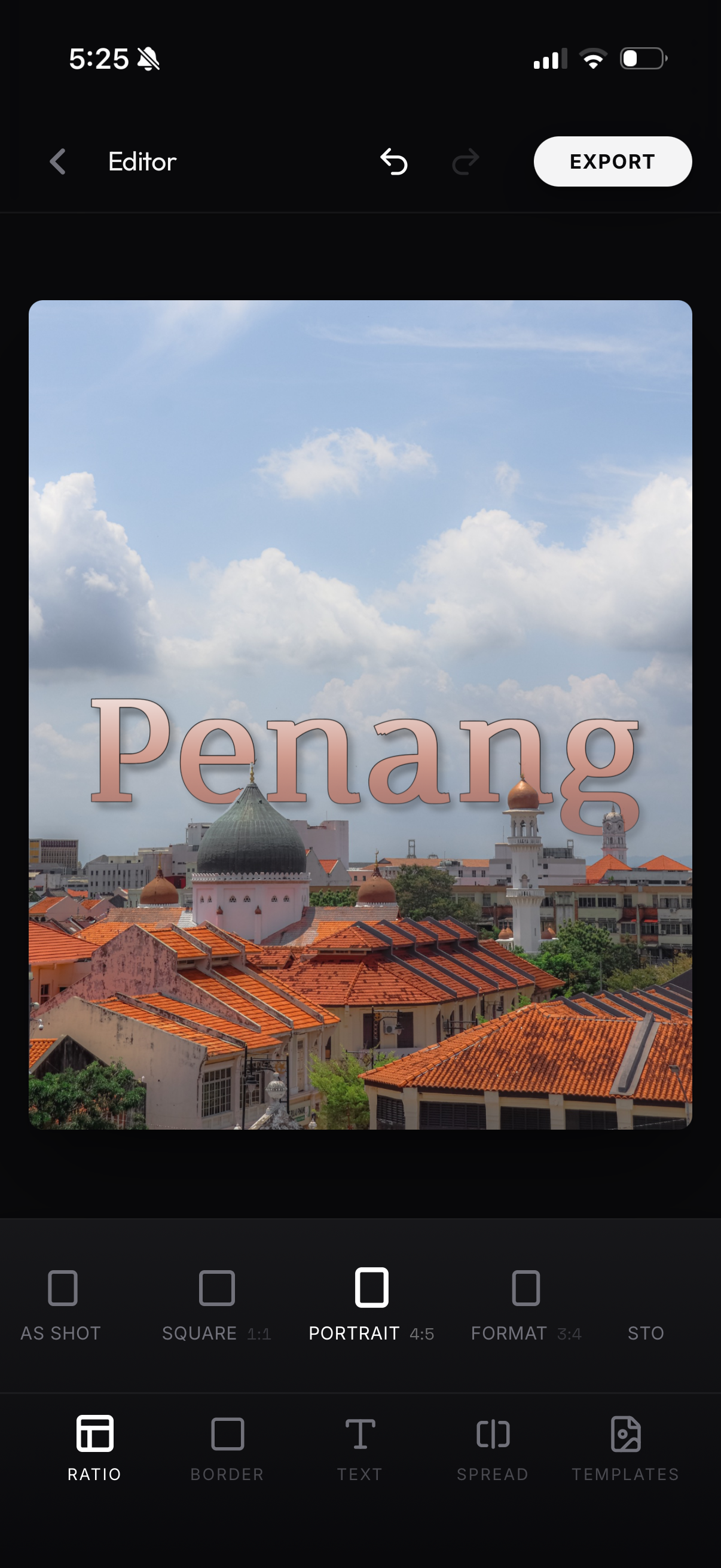
ratio tool

Inspiration
Every photographer has the same moment: you take a shot you're proud of, you open Instagram, and the post you make out of it is worse than the photo. The good layout tools live on a desktop. The mobile ones either flatten your work into a stock preset or ship your photo to someone else's server to do it.
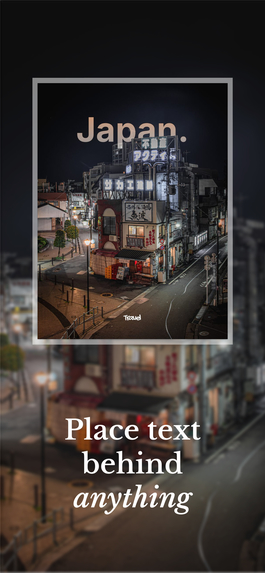
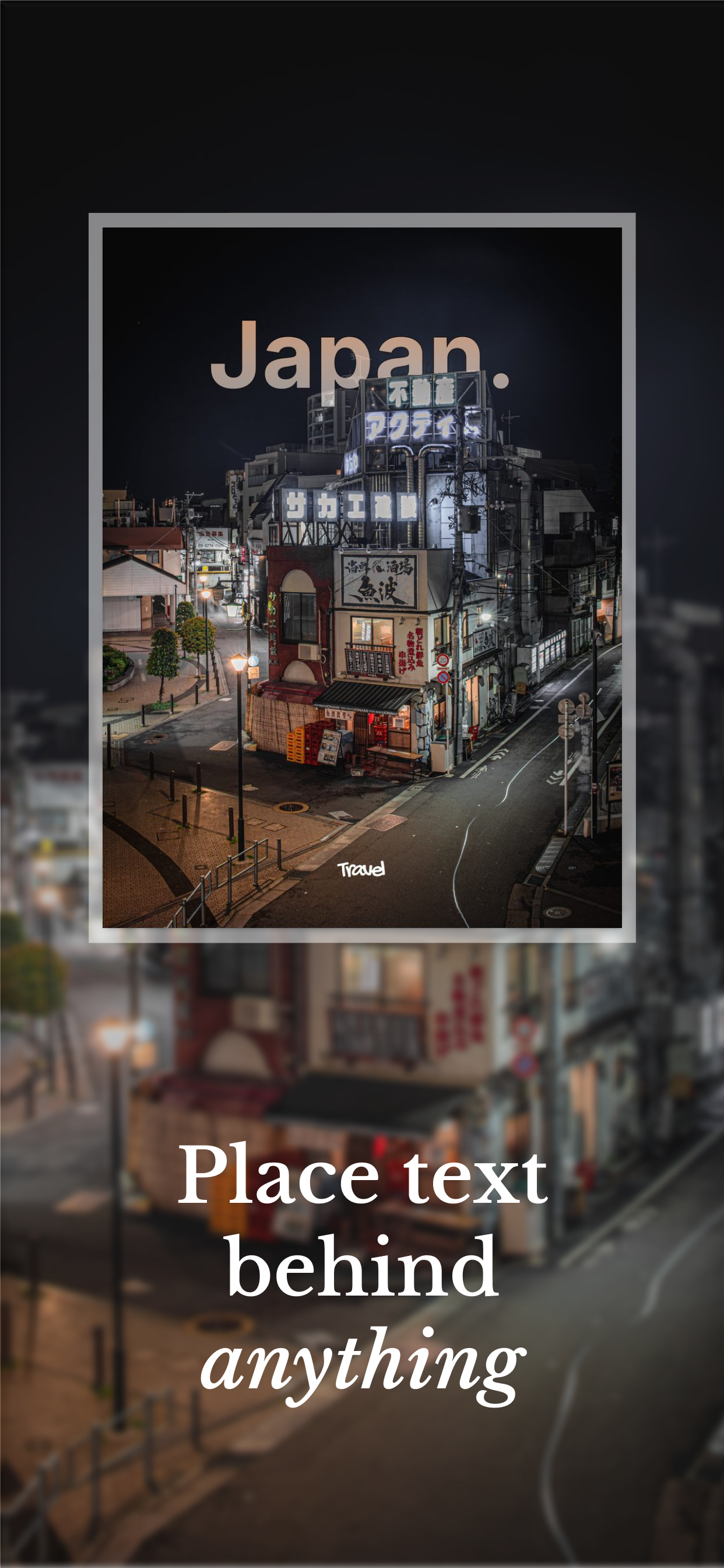
layrd started from one specific effect — text behind the subject. It's the look that makes a photo read as a magazine cover instead of a camera roll dump. Doing it properly needs real scene understanding, which is exactly why almost every app that offers it uploads your image to a cloud GPU.
We wanted to know whether the whole thing could run on the phone. No upload, no account, no queue. It can.
What it does
layrd turns a single photo into a finished, editorial-quality layout — entirely on-device.
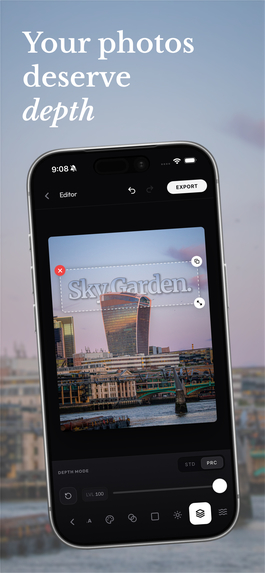
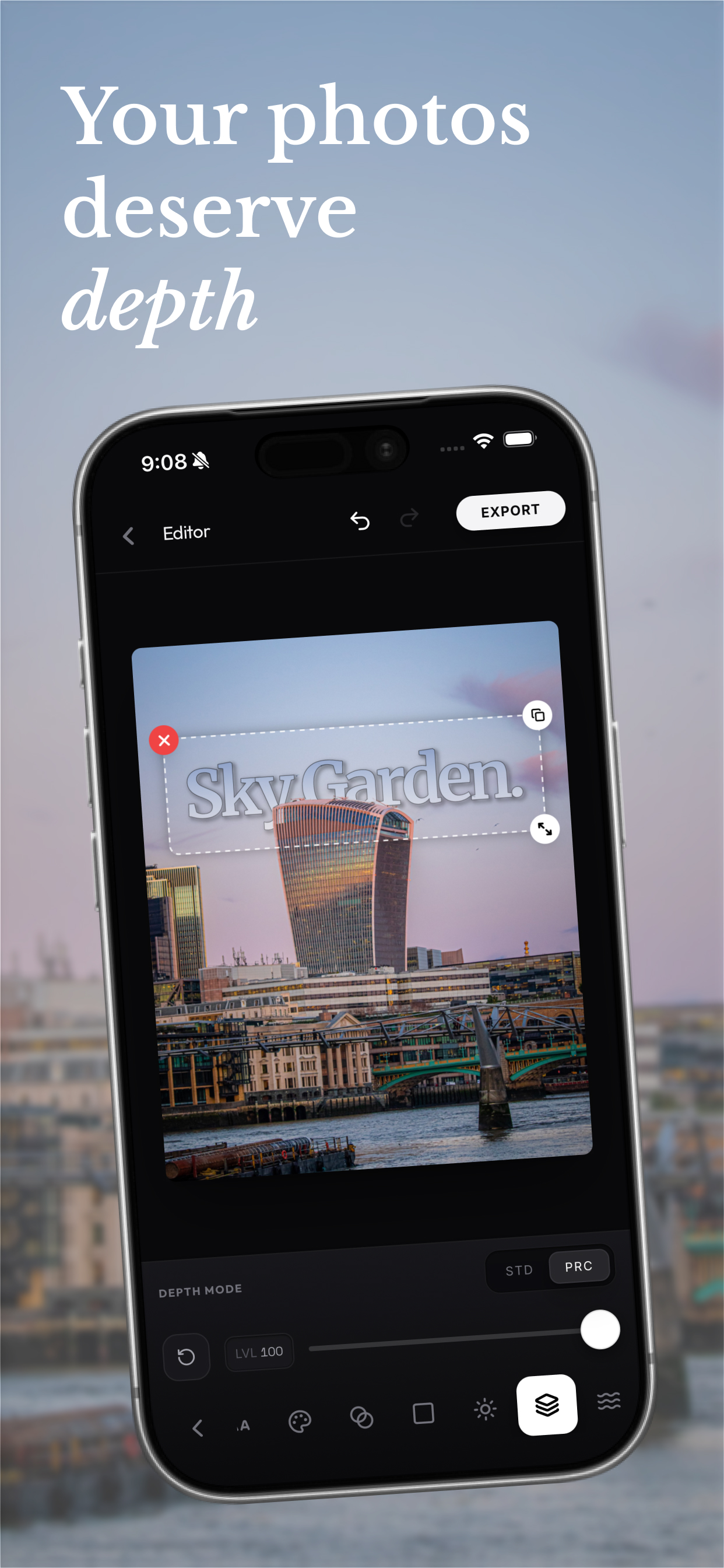
- Depth-aware typography. The app builds an understanding of the scene's depth and its subject locally, on the phone, so text can sit behind a person, a building, or a horizon with real occlusion — not a hand-traced eraser mask, and not a round trip to a server.
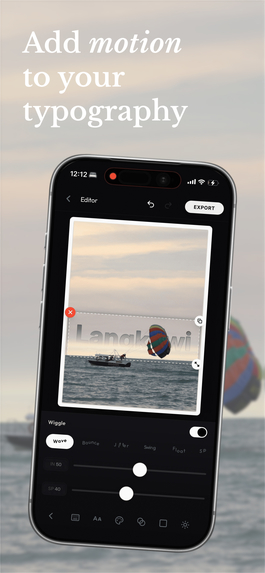
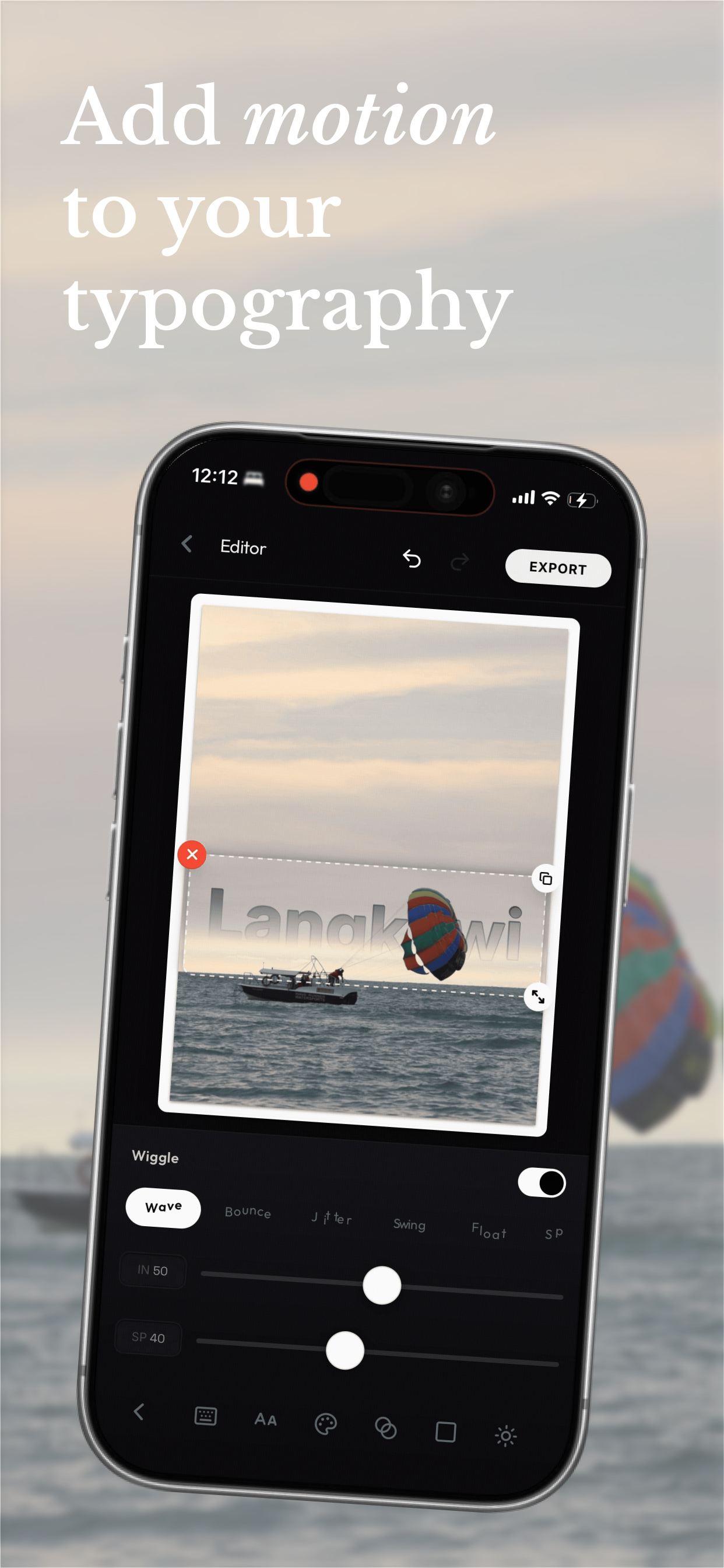
- Typography as a real tool. 500+ bundled fonts, independent multi-layer text, gradients, opacity fades, strokes, shadows, per-glyph letter-spacing, rotation, and a "wiggle" animation that renders per-glyph offsets frame by frame.
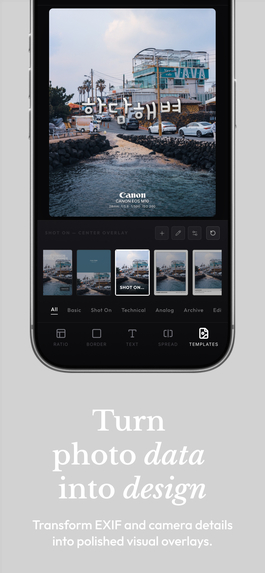
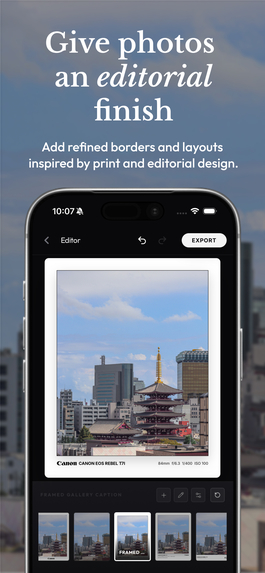
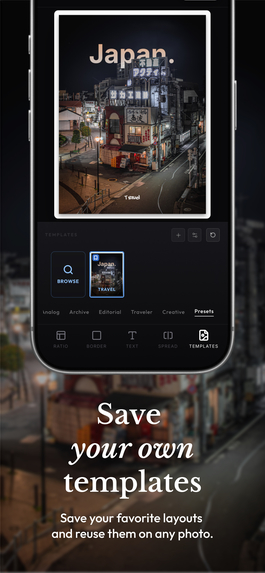
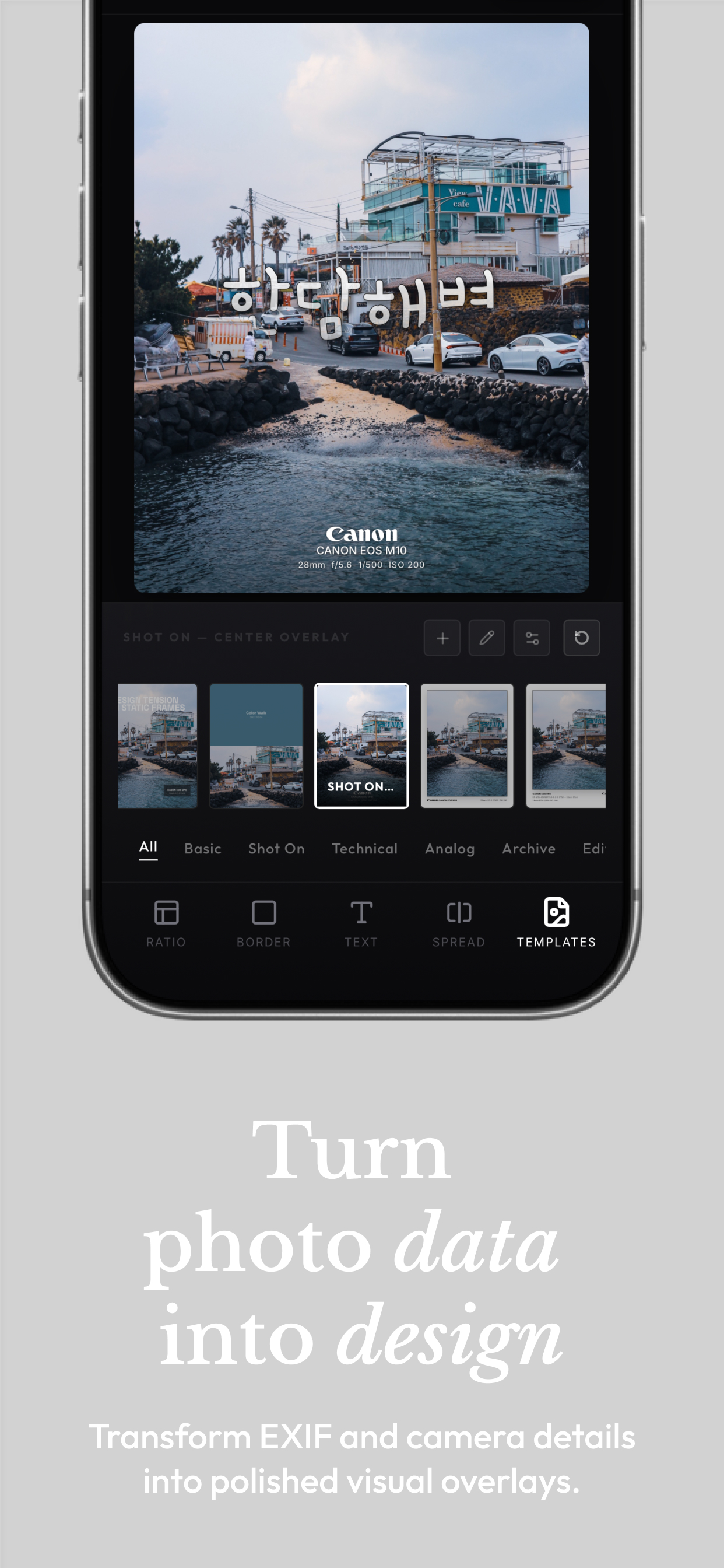
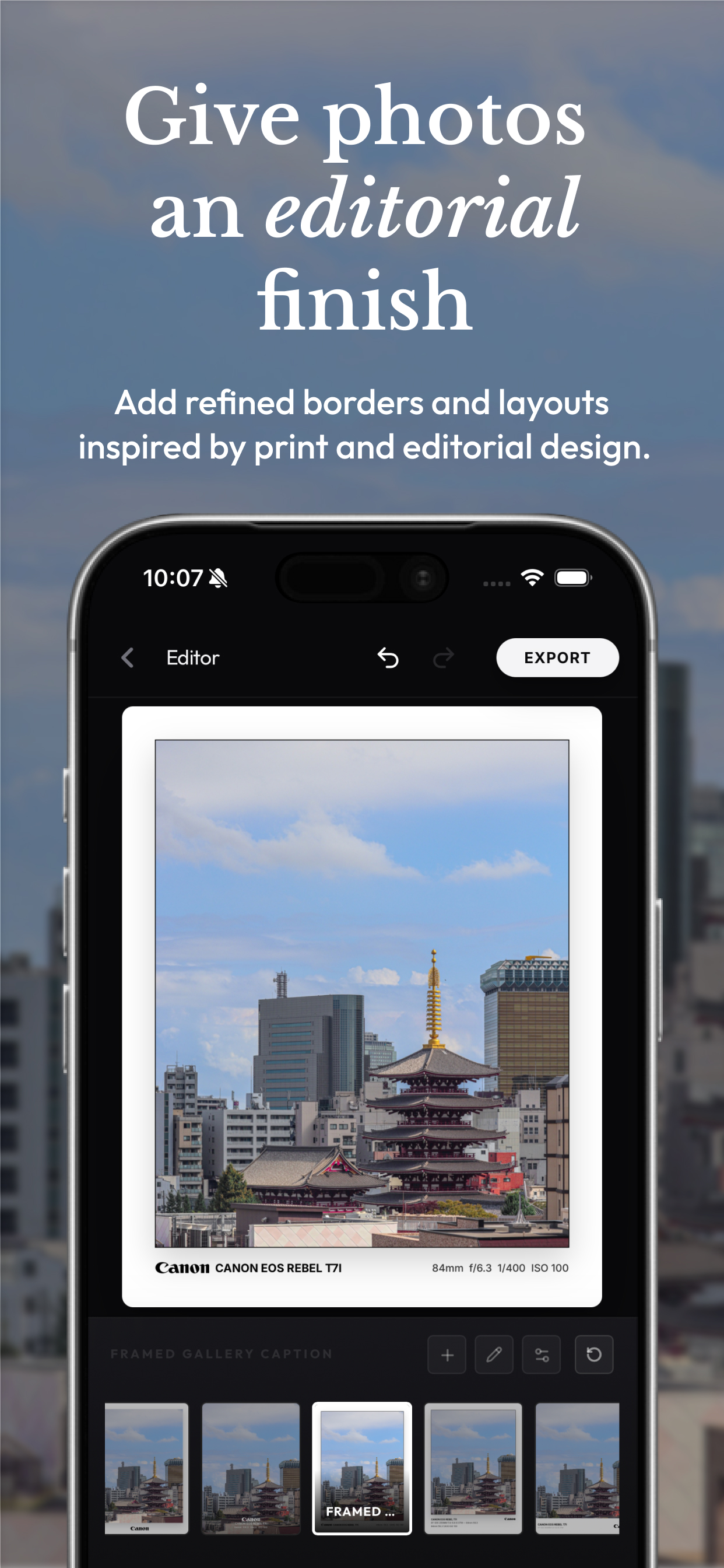
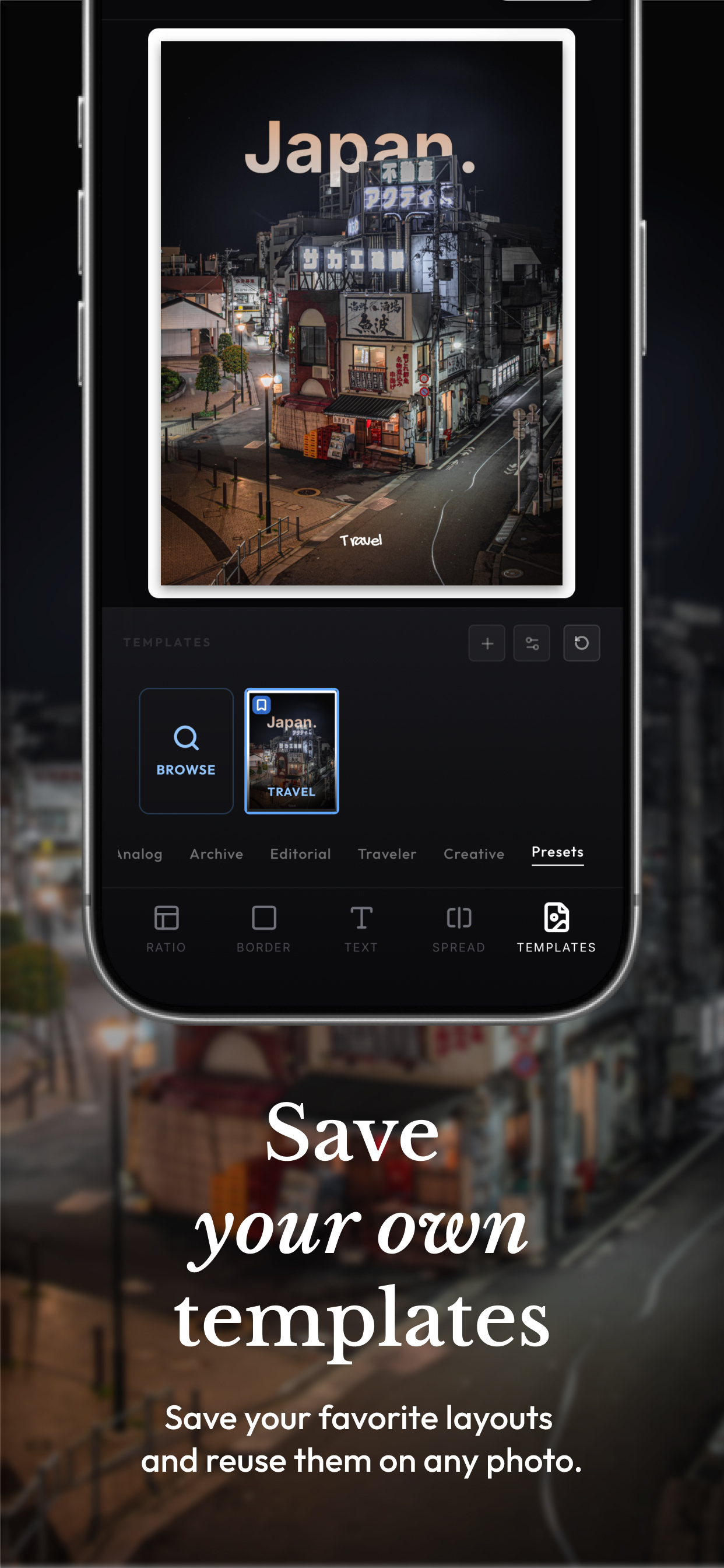
- 100+ editorial templates. Gallery mattes, Polaroid frames, film strips, magazine spreads, Leica-style borders, and camera/location metadata overlays that read like a real contact sheet.
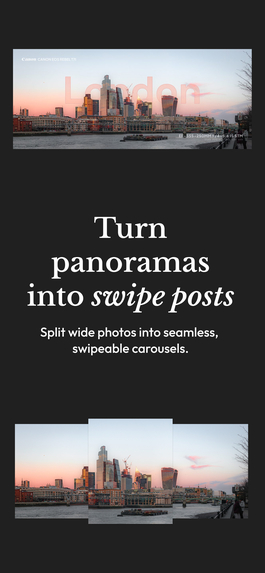
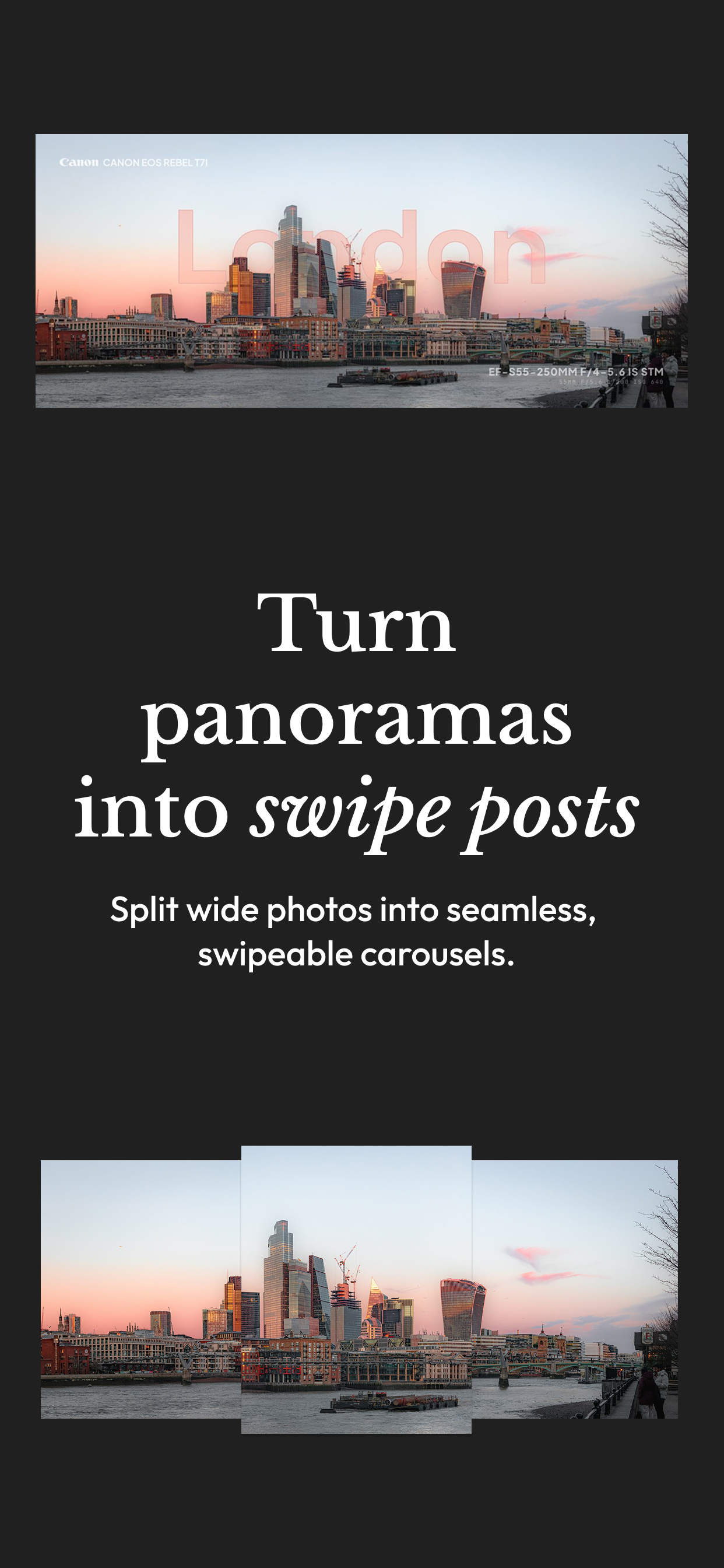
- Carousel splitting. Widen the canvas by N and export clean horizontal slices — one photo becomes a multi-panel Instagram carousel.
- Animated export. The same render engine drives GIF, APNG, and MP4/WebM encoders in web workers, so the wiggle animation exports as a real file.
- Total privacy. No photo, mask, depth map, or export ever leaves the device. There is no account. Usage analytics are opt-in and off by default; crash reporting is opt-out and disclosed.
How we built it
One React 19 + TypeScript codebase ships to iOS, Android, desktop (Electron), and the web. Capacitor 8 wraps the native layer; every plugin call goes through a single nativeUtils abstraction so no component talks to a plugin directly.
There is no Redux and no Zustand. State lives in purpose-built hooks (useCanvas, useMaskGeneration, useSubscription, useHistory, useFeatureAccess), and a single EditorState snapshot is the source of truth handed to every render call.
All rendering is hand-written Canvas 2D in utils/canvas/. One entry point, drawToCanvas(canvas, img, maskImg, depthMapImg, state, …, mode), renders at four resolutions — thumbnail | preview | canvas | export — from the identical state. That single-engine decision is what makes WYSIWYG export, template previews, animated frames, and the share video all provably consistent: they are the same function called with a different mode.
The scene-understanding pipeline runs entirely inside the app on the user's own device. Making that fast enough to feel interactive on a phone — and caching it so the cost is paid once rather than on every edit — was the hardest engineering problem in the project, and it is the reason the privacy claim is architectural rather than a promise in a settings screen.
RevenueCat
RevenueCat (@revenuecat/purchases-capacitor v13) powers everything monetized, through a single layrd Pro entitlement backed by three products: $4.99/month, $29.99/year, and a $79.99 lifetime unlock. Pro state is cached in local storage so the UI never flashes the wrong tier on cold boot, and RevenueCat overwrites that cache on init.
The part we're proudest of is the gate layer on top of RevenueCat. Every paid capability is declared once in a FEATURES map with an explicit gate type:
OPEN | METERED | SOFT_GATE | HARD_GATE | EXPORT_GATE
Gate type, free-use limit, storage key, and the in-context upgrade copy all live in that one config. Components call useFeatureAccess(feature, isPro) instead of checking isPro by hand, which meant we could change the entire monetization posture of the app with one build flag.
We used that to ship preview_export mode: free users can actually use the Pro creative tools — premium templates, gradients, advanced strokes, carousel spread — and only meet the paywall at export, where output is watermarked and capped at 1080px. The alternative (hard_gate) opens the paywall before the user ever sees what they'd be buying. Letting people build something they love first, and charging to set it free, is a much more honest trade.
Challenges we ran into
- Android 15 edge-to-edge keyboards. Capacitor's built-in
SystemBarsplugin pads the WebView's parent by the IME height, physically shrinking the view so the whole app slid up and our floating toolbar double-counted the offset. A plain-Chrome repro was actively misleading — standalone Chrome defaults to a different resize mode than the Capacitor WebView. We diagnosed it by remote-debugging the real WebView overadb forwardand shipped apatch-packagepatch toSystemBars.java. - Undo/redo memory. A typical JPEG data URL is 3–5 MB. Naively snapshotting
EditorStatefor history blew up memory instantly.useHistorytakes anomitKeysoption that excludes image, EXIF, mask, and depth-map fields and re-inflates them from live state on undo — a ~95% cut in snapshot size. - App Review, Guideline 5.1.2(i). Our first-run analytics consent sheet was pattern-matched to a tracking prompt and the build was rejected. We removed launch-time consent UI on iOS entirely and made Settings the sole opt-in surface — consent still precedes any collection, satisfying 5.1.1(ii), without the sheet that read as ATT.
- Animated export on a phone. Encoding hundreds of full-resolution frames will OOM a device. Every animated format ships with dimension caps and raw-frame memory guards, and encoding runs in dedicated workers.
Accomplishments we're proud of
- Depth-based text compositing that runs entirely on-device and is genuinely competitive with cloud implementations.
- A single render function that guarantees what you see is what you export, across four resolutions and four output formats.
- A monetization layer that is declarative and reversible rather than scattered
isProchecks — one flag flips the whole app between preview-first and hard-gated. - One codebase that genuinely ships to iOS, Android, desktop, and web, with a unit-test suite covering the geometry, gating, and migration layers that a rendering engine quietly depends on.
What we learned
Being strict about a single source of truth — one EditorState, one render entry point, one feature-gate map — paid for itself three separate times: when we added animated export, when we added the share video, and when we changed the entire paywall posture in one flag.
We also learned that shipping is the easy half. layrd went live on August 24, 2026. In its first 18 days it drew 327 App Store impressions → 44 product page views → 21 downloads. Roughly 48% of everyone who reaches the product page downloads it, which told us something specific and useful: the listing converts, the funnel above it is empty. That is a distribution problem, not a product problem, and it changed what we worked on next.
Since launch: v1.0 → v1.0.1 in three weeks
layrd shipped on August 24. The first thing real users taught us was that the app didn't explain itself: someone asked what "STD" and "PRC" meant in the depth tool — and they were right to ask. Version 1.0.1 (in review preparation now) is built almost entirely from feedback like that:
- A teaching layer. Every tool now explains itself the first time it's opened, with a plain-word legend for every abbreviation on screen, and a replayable walkthrough in Settings.
- Words, not codes. The depth modes are now Subject and Depth.
- A redesigned Settings screen, with Share and Rate built in.
- Onboarding you can swipe through, and a slower, actually-visible text-behind reveal — we measured the old animation and 75% of it happened in the first 160 ms, faster than anyone could watch.
- Fixes users found on their own hardware — like vertical text clipped at the canvas edge, reported in Korean by an Android tester.
- A localization foundation. Every user-facing string (554 keys) moved into catalogs, with a complete Korean translation awaiting native review. English ships today; the next language is a decision, not a project.
Discovery is the honest bottleneck — early impressions are in the hundreds, not thousands — which is exactly why the growth work exists: the post-export transformation reveal videos, the share loop, and the store listing localized into 38 languages. Monetization runs entirely on RevenueCat, so the numbers are verifiable at the source.
What's next for layrd
- Localization as the main growth lever. One English listing while available in 174 countries. Every added locale is a fresh 100-character keyword field and a localized subtitle indexed in that storefront.
- A sharper keyword set shipping with the next version, built around "text behind subject" — the signature feature that was, embarrassingly, missing from our own keywords.
- Android. The codebase already builds it; the waitlist is live at layrd.pro.
- layrd v2 — multi-image collage, multi-page projects, and text-on-path, already prototyped on a branch.
Built With
- capacitor
- electron
- html5
- ios
- on-device-ml
- posthog
- react
- revenuecat
- sentry
- tailwind
- typescript
- vite
- web-workers

Log in or sign up for Devpost to join the conversation.