-
-

The Ultimate AI Walkman
-
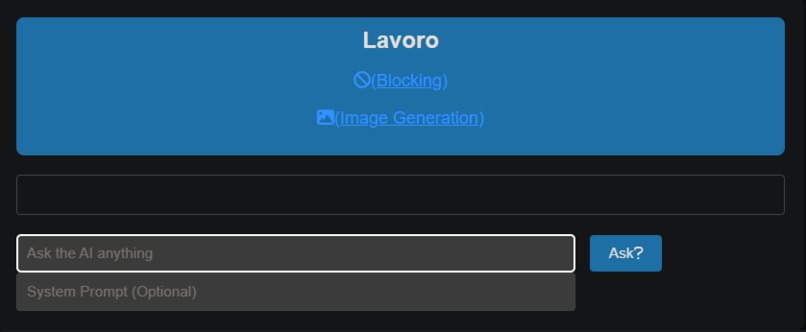
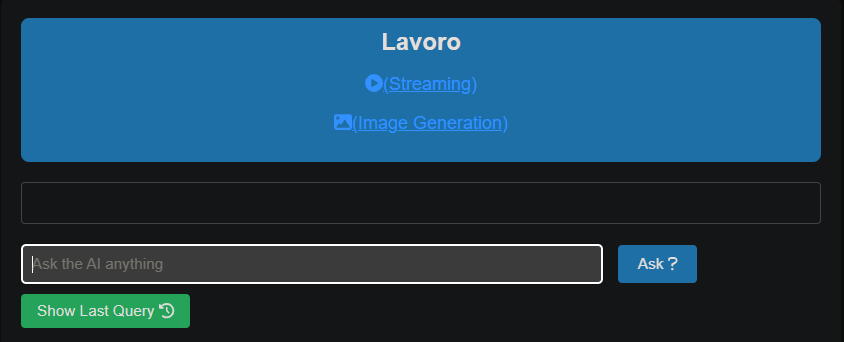
We can switch from persona to persona, while streaming.
-
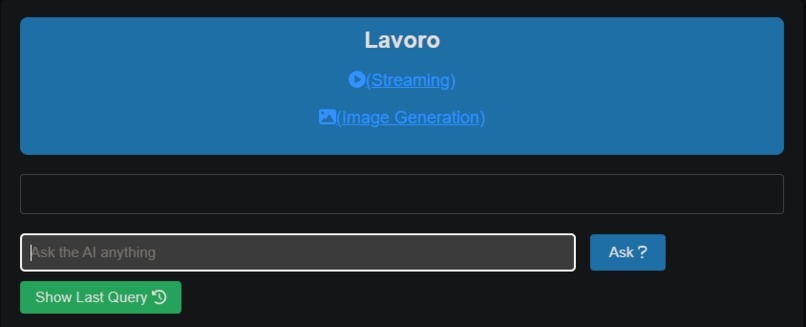
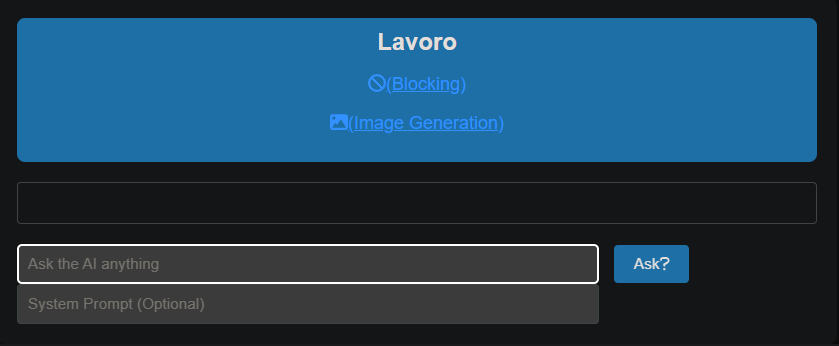
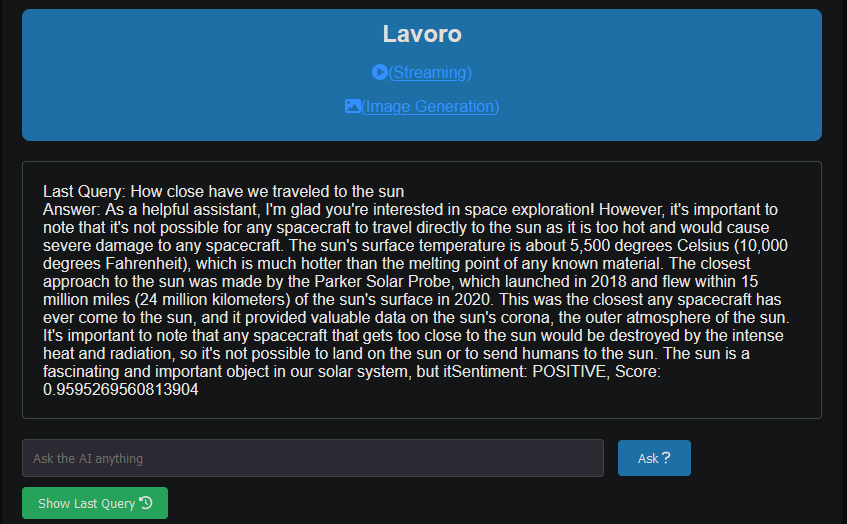
Using Cloudflare D1 database, we can check the last query we made while blocking
-
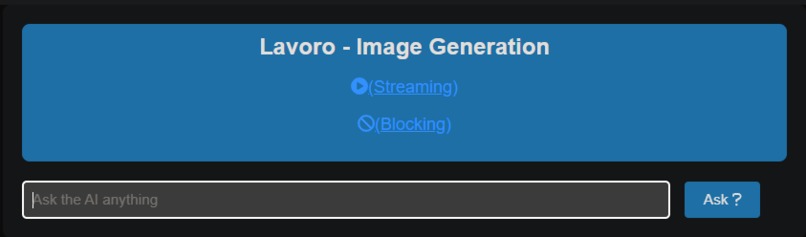
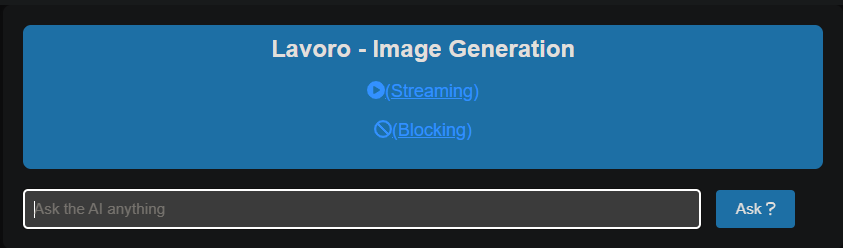
Every image we generate is automatically stored in Cloudflare R2 bucket
-
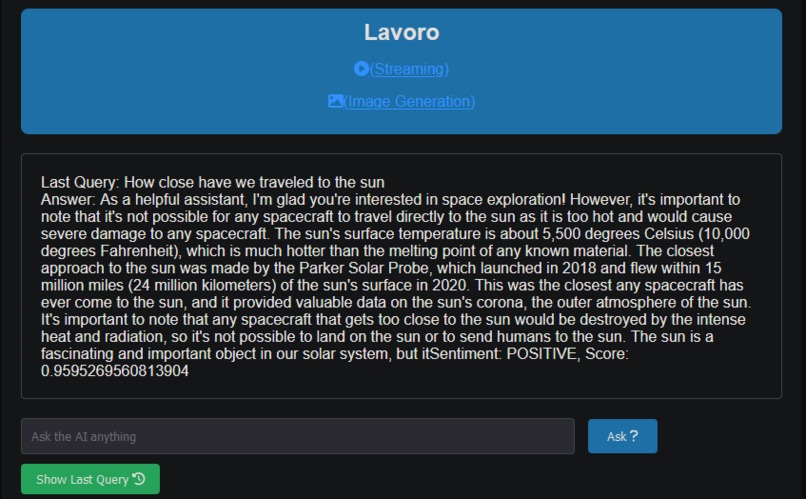
By including sentiment analysis results, we can analyze how the model interprets and responds to different types of queries.
-
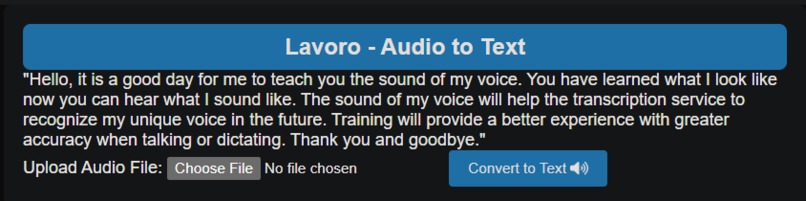
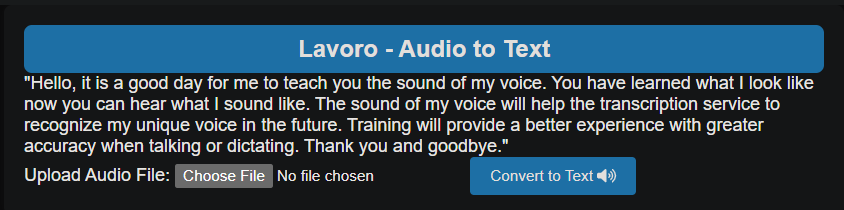
Convert your audio files in wav/mp3 to text.
-
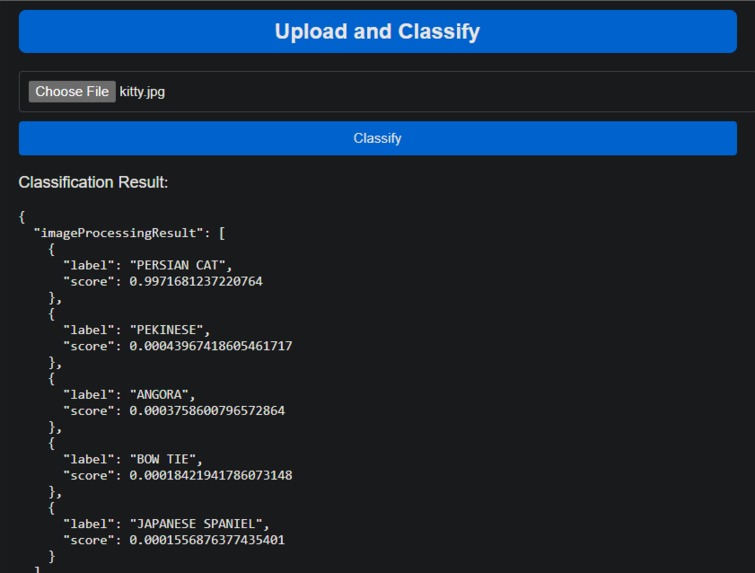
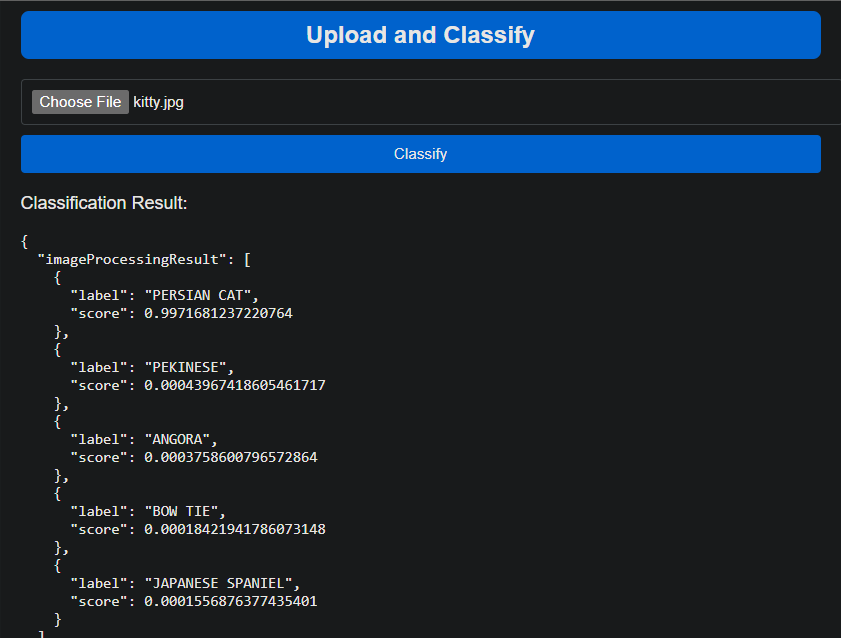
Classify images.

Inspiration
The inspiration behind Lavoro stems from the desire to create an interactive and versatile platform that leverages Cloudflare AI to provide users with real-time streaming responses, image generation, and query history retrieval.
What it does
Lavoro is a multi-functional application that integrates Cloudflare AI to accomplish various tasks:
Streaming Responses: Users can engage in real-time conversations with an AI model using the "/stream" route. The application utilizes the Cloudflare AI library to dynamically generate responses based on user queries and system prompts.
Blocking Responses: The "/b" route provides users with blocking responses, where the AI processes a query and returns a response without real-time interaction.
Image Generation: The "/generate-image" route allows users to generate images based on a provided prompt. The application employs Cloudflare AI to create visually appealing images in response to user input.
Query History: The "/last-query" route enables users to retrieve the last query and its corresponding AI-generated response from the database.
Upload Image: The "/upload-image" route enable users to store images to R2 bucket.
Sentiment Analysis: It provides insights into the topics users are interested in and the type of queries they pose to the AI.
Image Classification: The /upload-and-classify route enable users to classify image. It checks the object in an image and gives a list based on probability of what the object could be.
Speech to text: The /audio-to-text route enable users to convert audio files in mp3/wav format to text a text.
Learning Engineering: This application was built for children, individuals with sensing challenges and Adults.
How we built it
Lavoro is built using JavaScript and relies on the Hono library for handling HTTP requests and responses. Cloudflare AI is seamlessly integrated to power the conversational AI and image generation functionalities. The application utilizes Cloudflare D1 as its database for storing and retrieving query results. R2 bucket for storing images. It also handles converting audio files to text, image classification and sentiment analysis.
Front-end functionalities are implemented using HTML, CSS (Cloudflare font awesome icons), and JavaScript. The user interface includes features for submitting queries, displaying AI responses, streaming real-time conversations, and generating, saving and downloading AI-generated images.
Notable LLM's: Hugging face, Stability AI stable diffusion, Microsoft Resnet 50, Open Ai whisper, and Meta Ilama 2.
Challenges we ran into
Real-time Streaming Implementation: Implementing the real-time streaming functionality ("/stream") required careful consideration of event handling and message processing to ensure a seamless conversational experience.
Error Handling: Managing errors effectively, both on the server and client sides, posed challenges. Ensuring graceful handling of errors during AI model execution and database interactions was crucial.
Accomplishments that we're proud of
Versatile AI Integration: Successfully integrating Cloudflare AI for both conversational interactions and image generation showcases the versatility of the Lavoro platform.
User-friendly Interface: Designing an intuitive and user-friendly interface that allows users to interact effortlessly with the AI, submit queries, and retrieve query history.
What we learned
AI Integration Best Practices: The project provided valuable insights into best practices for integrating AI models into web applications, including managing asynchronous operations and handling streaming responses.
Database Interaction: Working with Cloudflare D1 database for storing and retrieving query results enhanced our understanding of database interactions in web applications.
What's next for Lavoro
Enhanced AI Models: Continuously improving and incorporating advanced AI models to enhance the quality and diversity of responses.
User Authentication: Implementing user authentication to provide personalized experiences and secure access to query history.
Scalability: Optimizing the application for scalability to handle a larger user base and increased AI model complexity.
UI/UX Refinement: Refining the user interface and experience based on user feedback for a more polished and enjoyable interaction.
Community Engagement: Encouraging community engagement to gather insights, feature requests, and feedback to shape the future development of Lavoro.

Log in or sign up for Devpost to join the conversation.