-
-
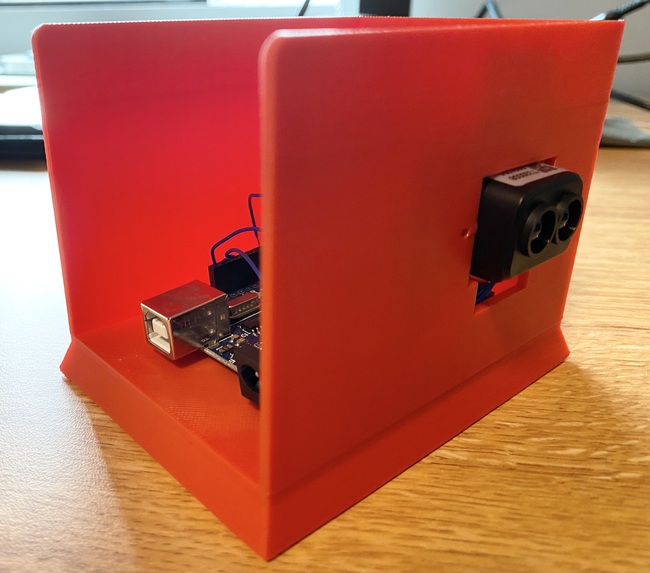
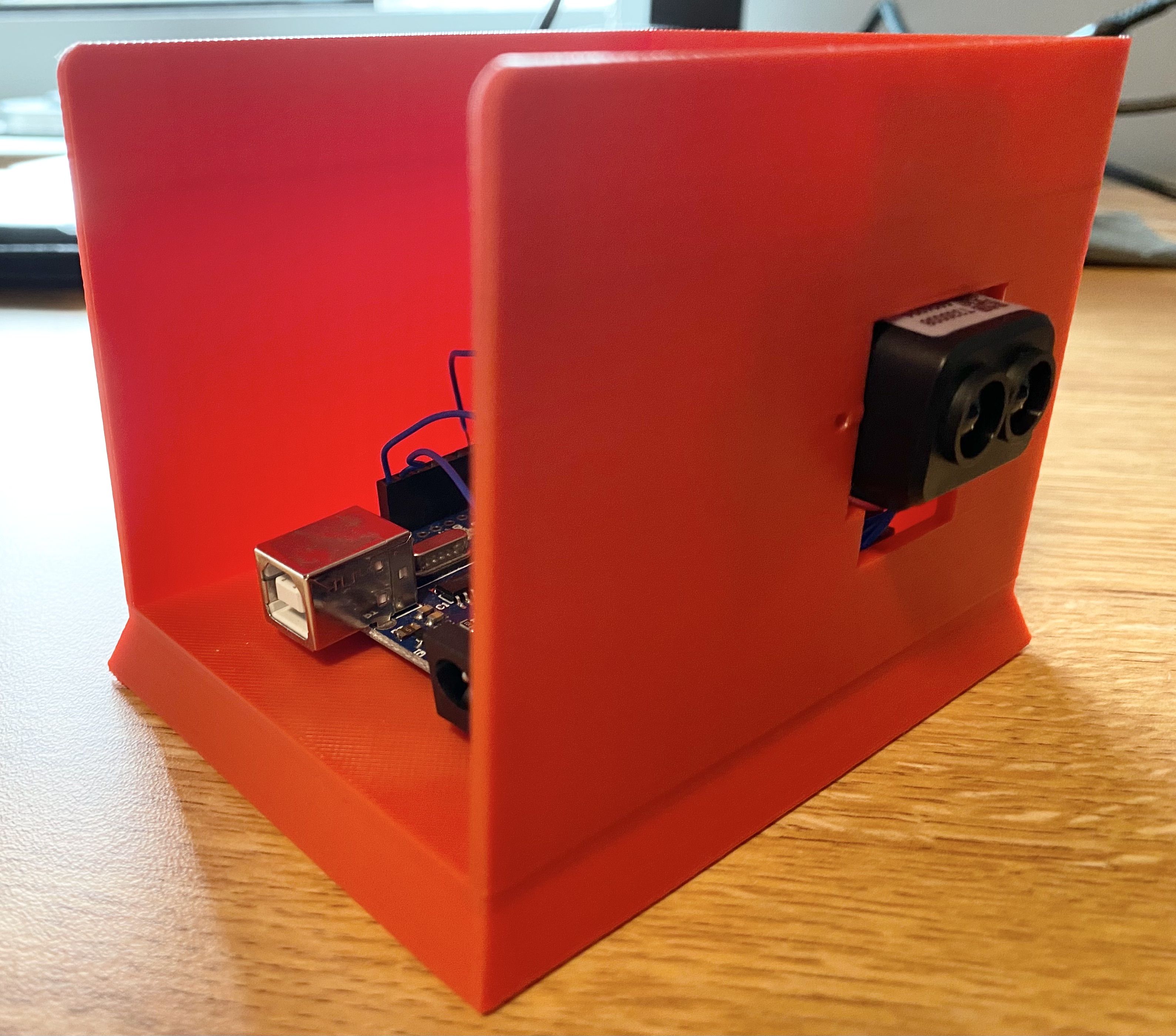
Side view of 3D printed housing
-
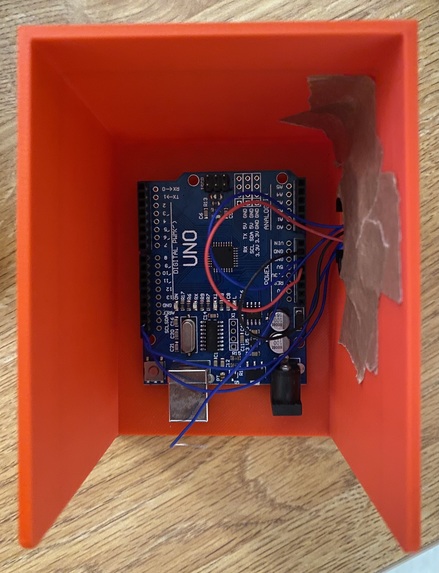
Top-down view of 3D printed housing
-
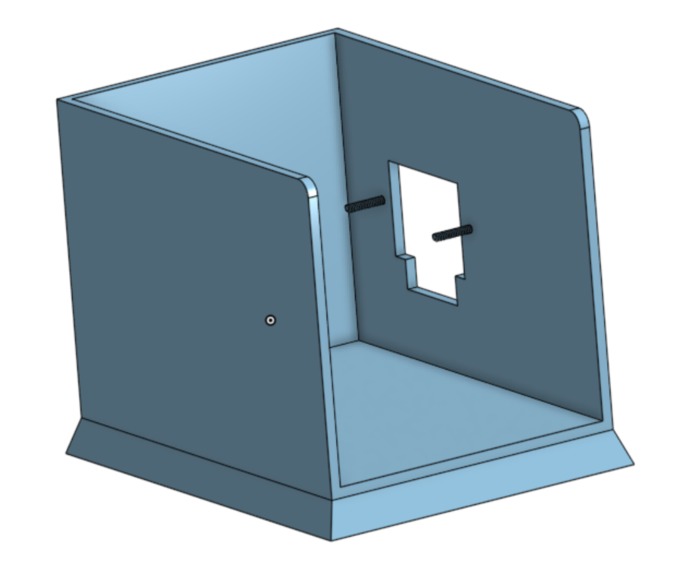
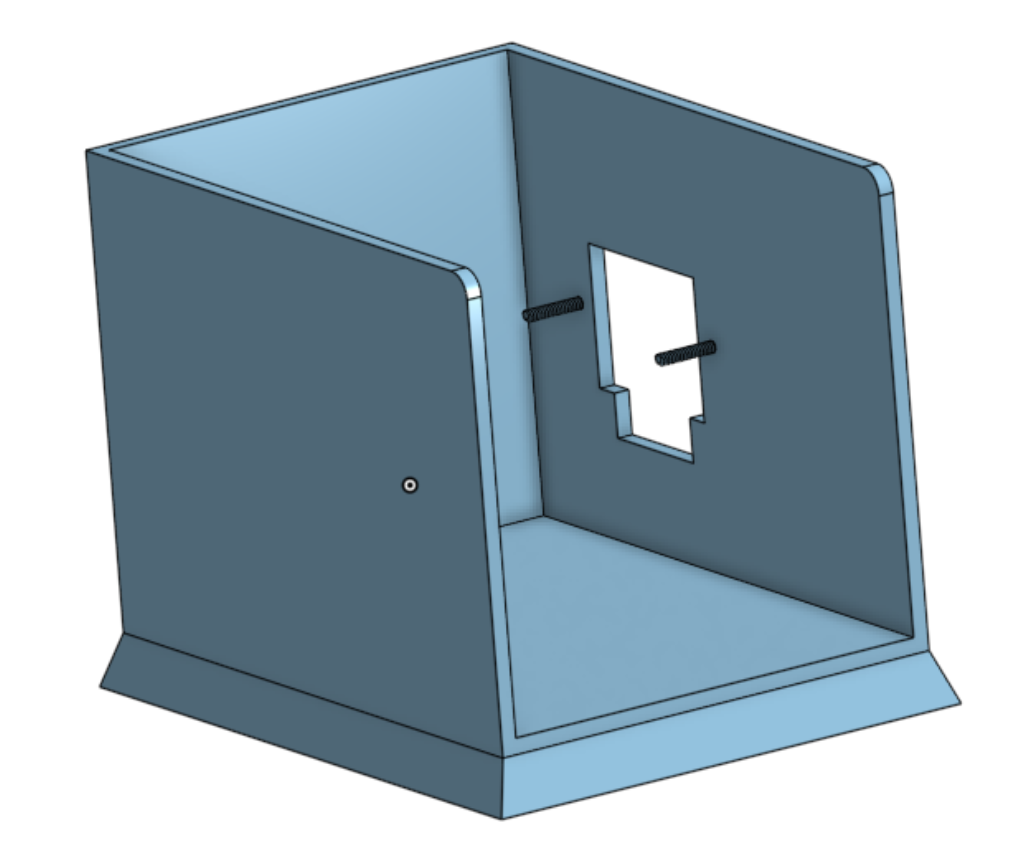
3D model of LIDAR housing
-
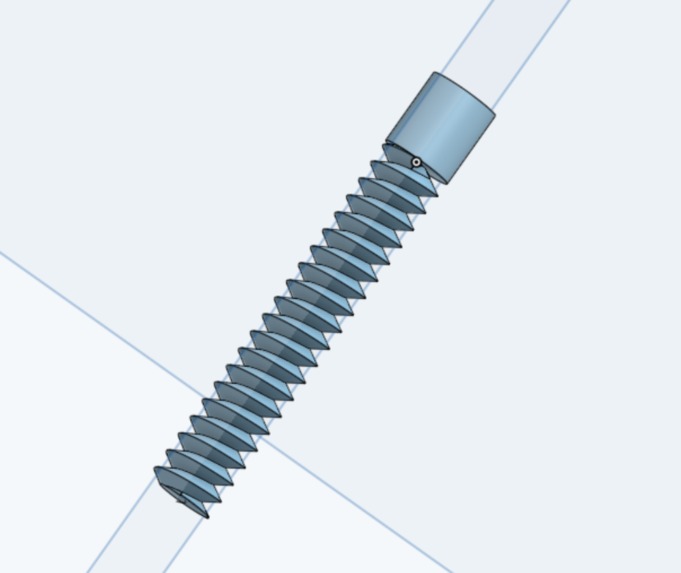
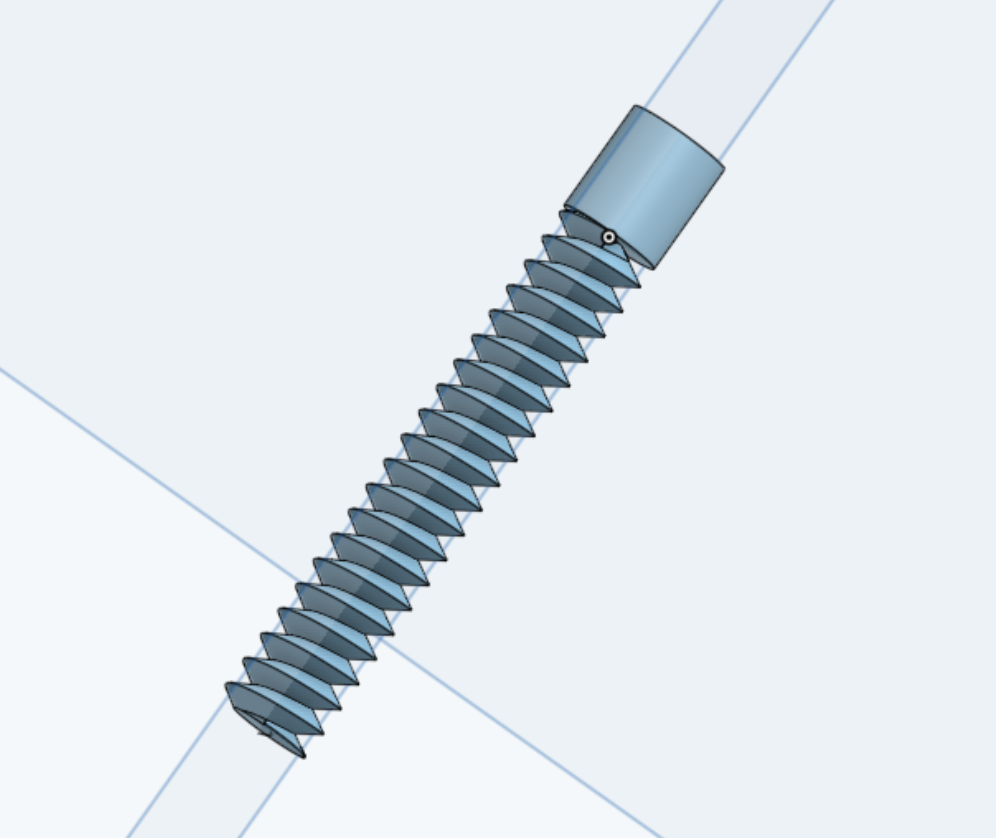
3D screws

Inspiration
Mainly, we were inspired by:
- "The floor is lava" games where you had to move quickly to evade obstacles and try to survive for as long as possible
- Super Hexagon and its method of generating "attack patterns"
- Elephant Rave (Flash game)
What it does
On startup, the game will turn on your webcam and ask you to calibrate the LIDAR sensor. This is necessary to ensure that the game can follow your movements accurately. After calibration, an arrow will point to where you are on screen and obstacles will start to spawn. If you get hit by an obstacle, you lose the game and it will prompt you to restart, or recalibrate if necessary. This game is meant to be an entertaining and novel way to get active and move around!
How we built it
Hardware:
- A Benewake TF-Luna LiDAR
- An Arduino Uno
The LIDAR sensor is connected to the Arduino, which reads the LIDAR's measurement data over I2C and writes it to a serial port. The LIDAR is positioned such that it can capture the lateral movement of the player.
Software:
- Python
- Pygame (a Python library for making video games)
- Onshape (CAD software)
Using the serial library, we can load the measurement data into Python. A thread runs alongside the game's main execution to allow real-time tracking of the player's position. The game is separated into multiple scenes for calibration, gameplay, and restarting. During gameplay, the program selects 1 of 9 different attacks at random to throw at the player. Every 10 seconds, we increase the speed of these attacks. We also used Onshape to model a 3D printed housing that holds the Arduino and mounts the LIDAR.
Challenges we ran into
- The screws we 3D printed were not functional, so we had to tape the LIDAR onto the housing
- Occasional frame rate drops
- LIDAR FOV is very small, player must ensure they are directly in the LIDAR's line of sight
Accomplishments that we're proud of
- The game's speed progression feels natural
- The attack patterns are fun to learn
- The game tracks the player's movement well
- The LIDAR housing holds the sensor and the Arduino very securely
- You can break a sweat quite easily while playing the game
What we learned
- How to use a LIDAR sensor
- How to send information from an Arduino to a computer by using a serial port
- How to organize a Pygame project
- How to use Onshape and a 3D printer
What's next for Lava LIDAR Game
- Use multiple LIDAR sensors to form a 2D grid
- Use a more performant game engine
- Make more attack patterns and different difficulty settings
- Add music and polish UI


Log in or sign up for Devpost to join the conversation.