-
-
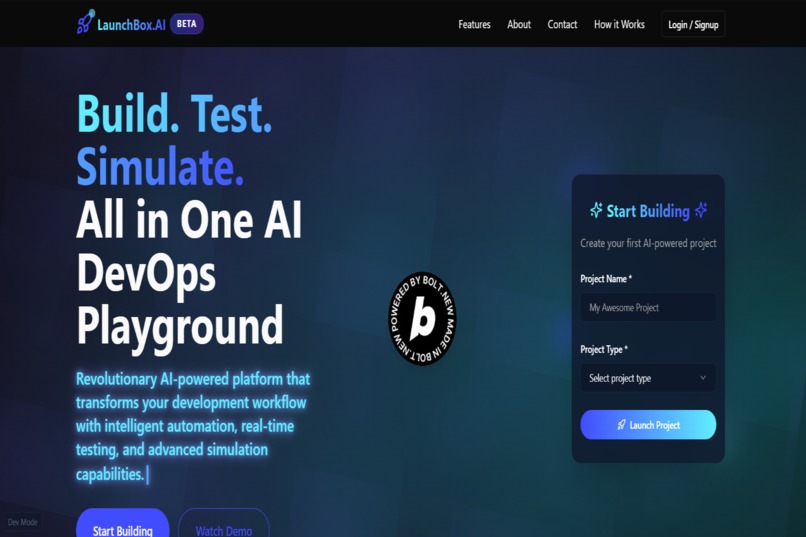
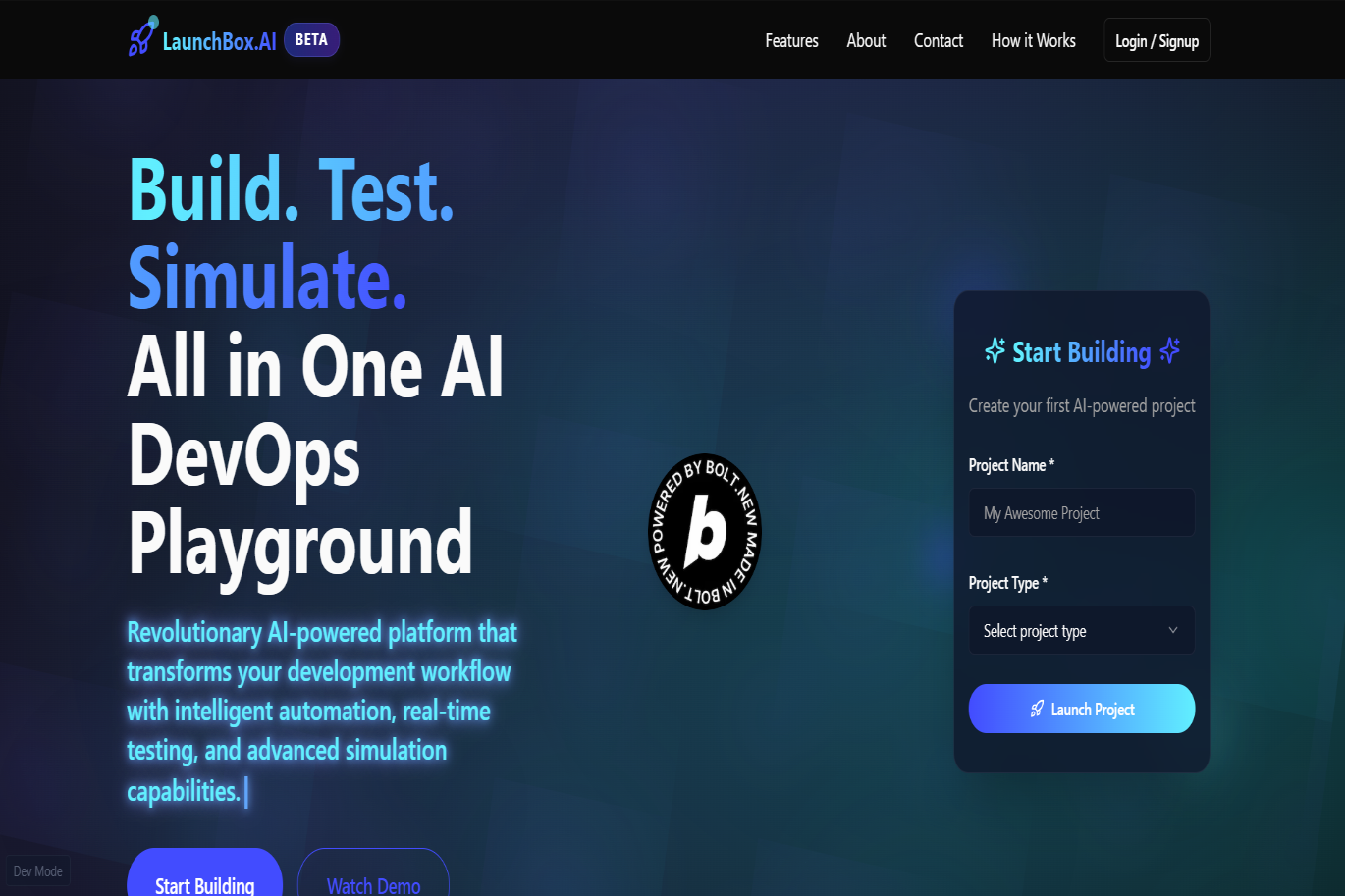
Build. Test. Simulate. LaunchBox.AI offers an all-in-one AI DevOps playground - powered by Bolt.New for next-gen automation.
-
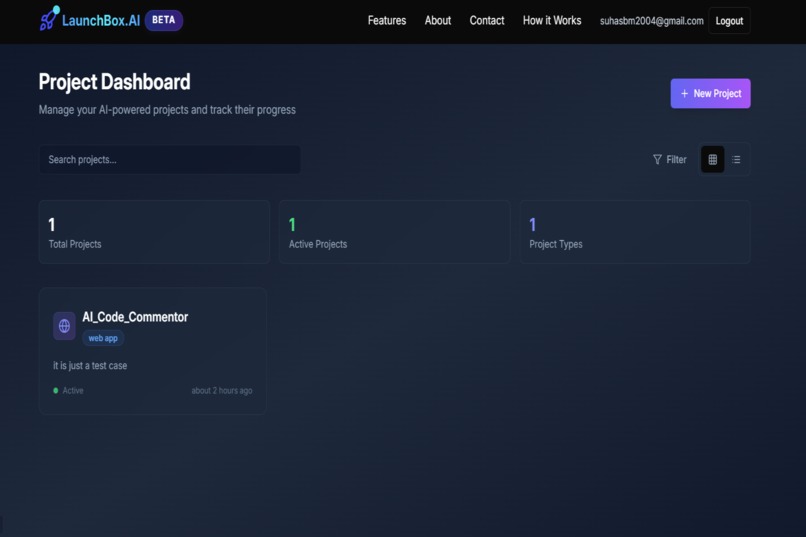
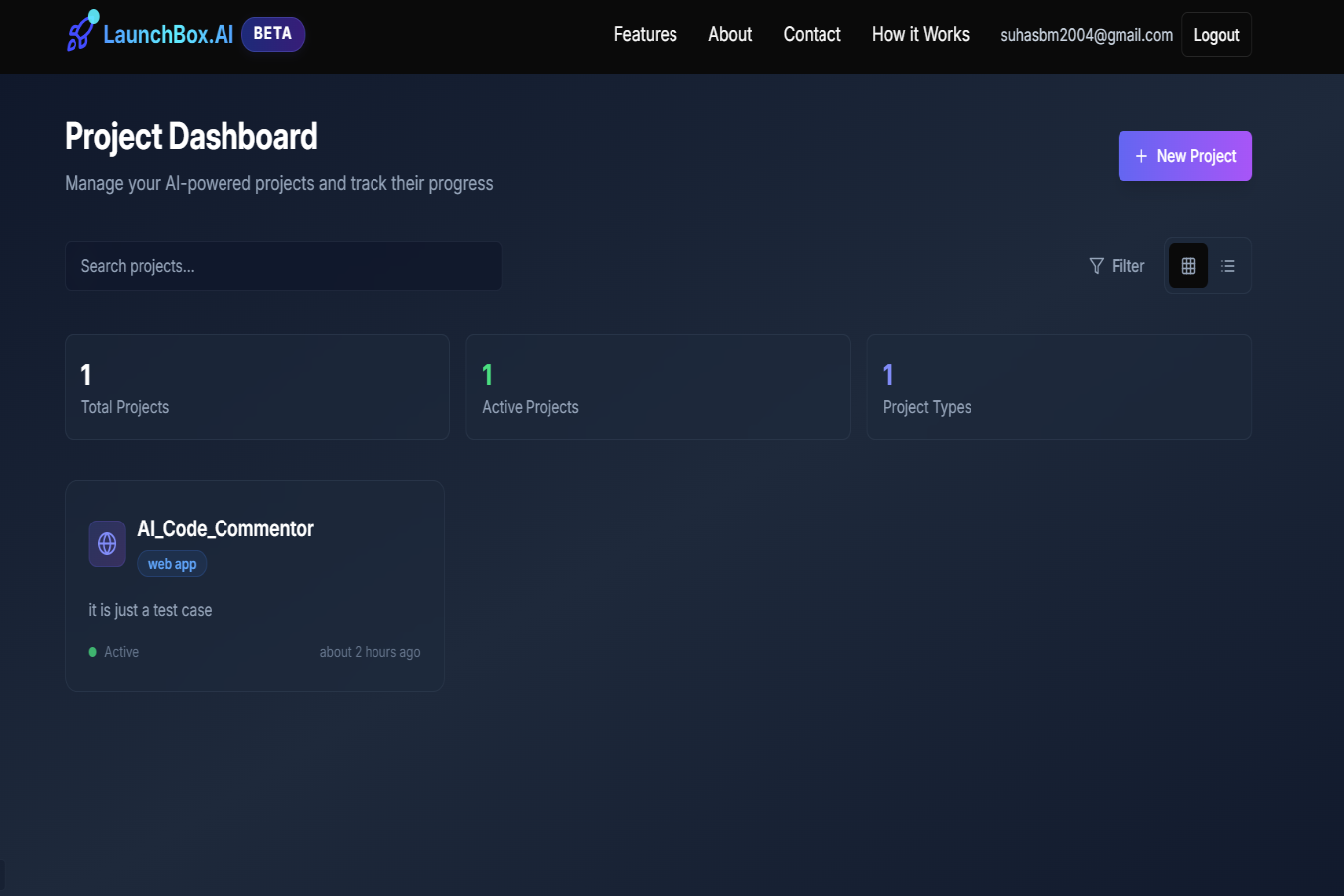
Intuitive DASHBOARD to manage and track AI-powered projects with real-time status and smart project categorization.
-
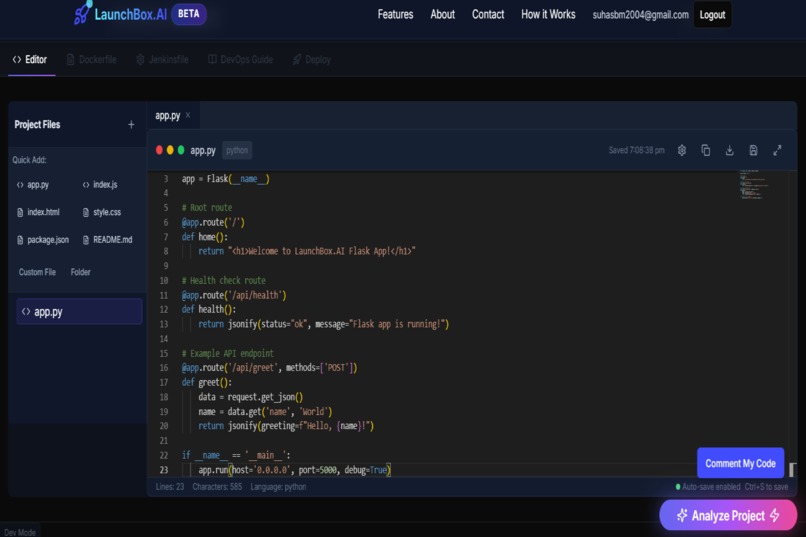
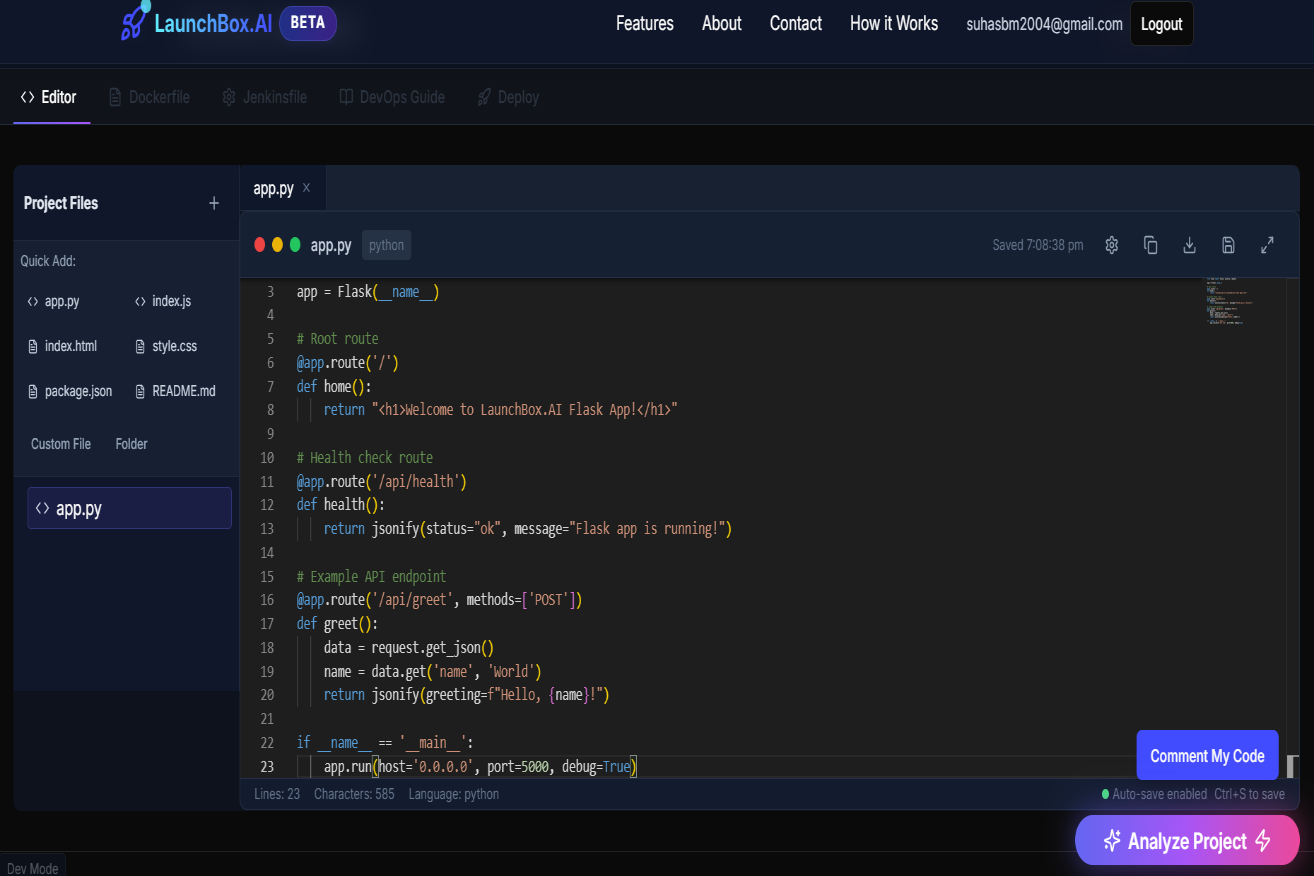
Integrated Monaco editor with AI-powered code commenting and analysis for seamless developer productivity.
-
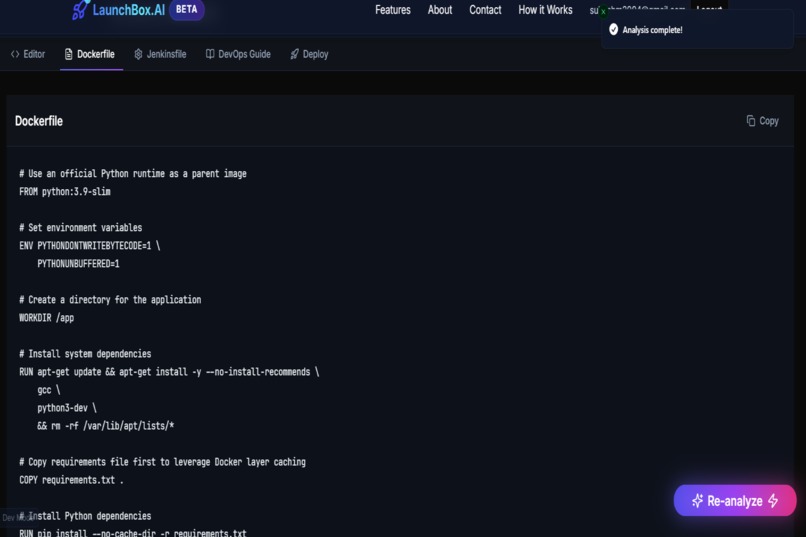
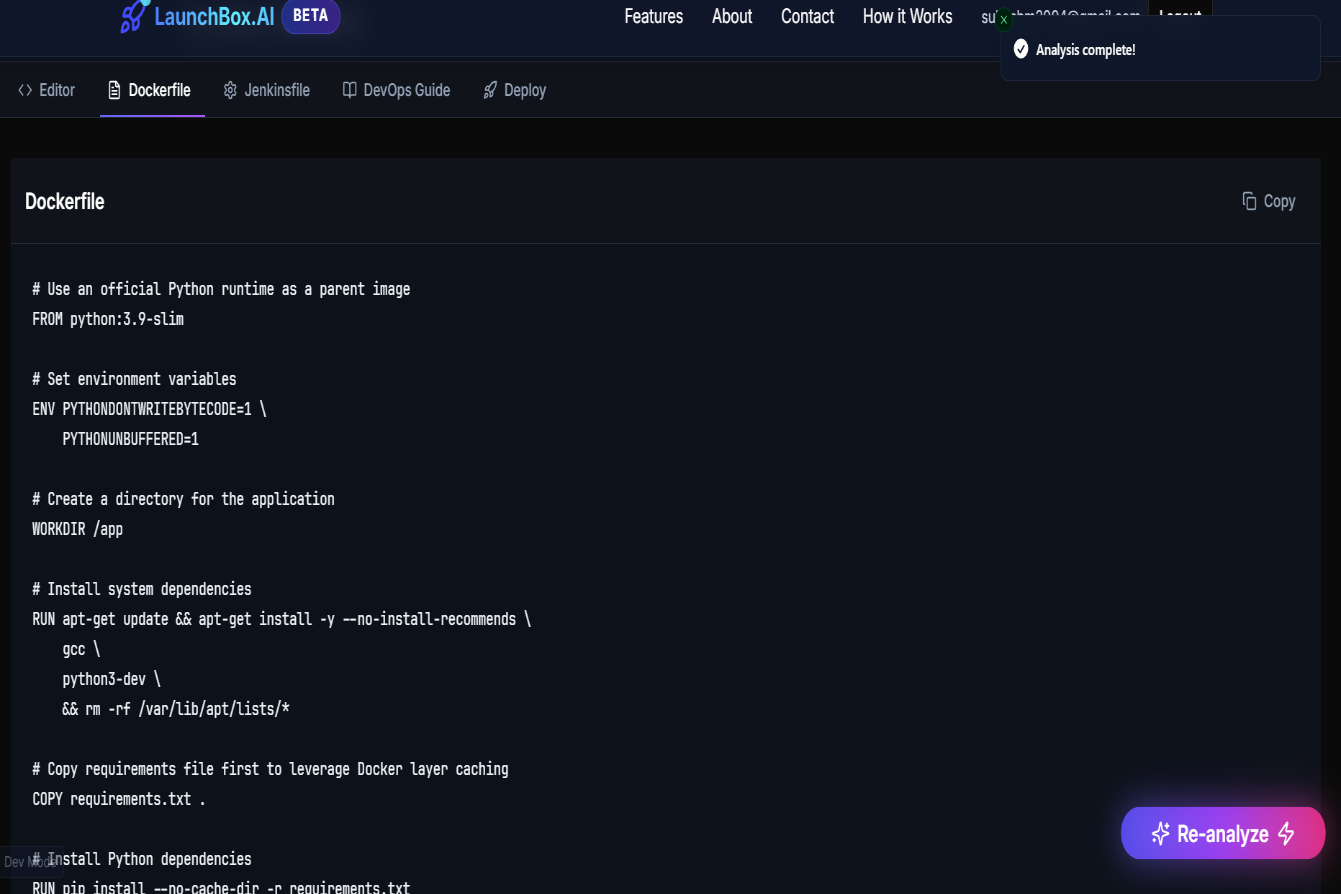
Auto-generated Dockerfile with optimized caching and environment setup—ready for containerization in one click.
-
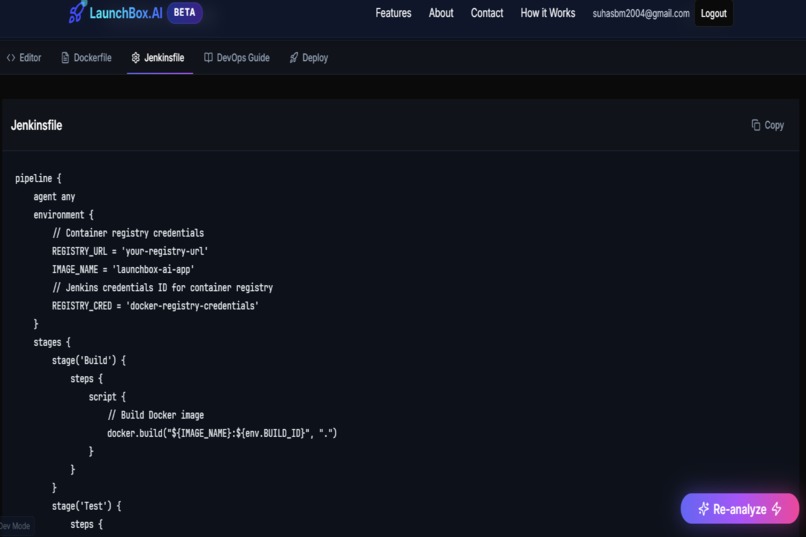
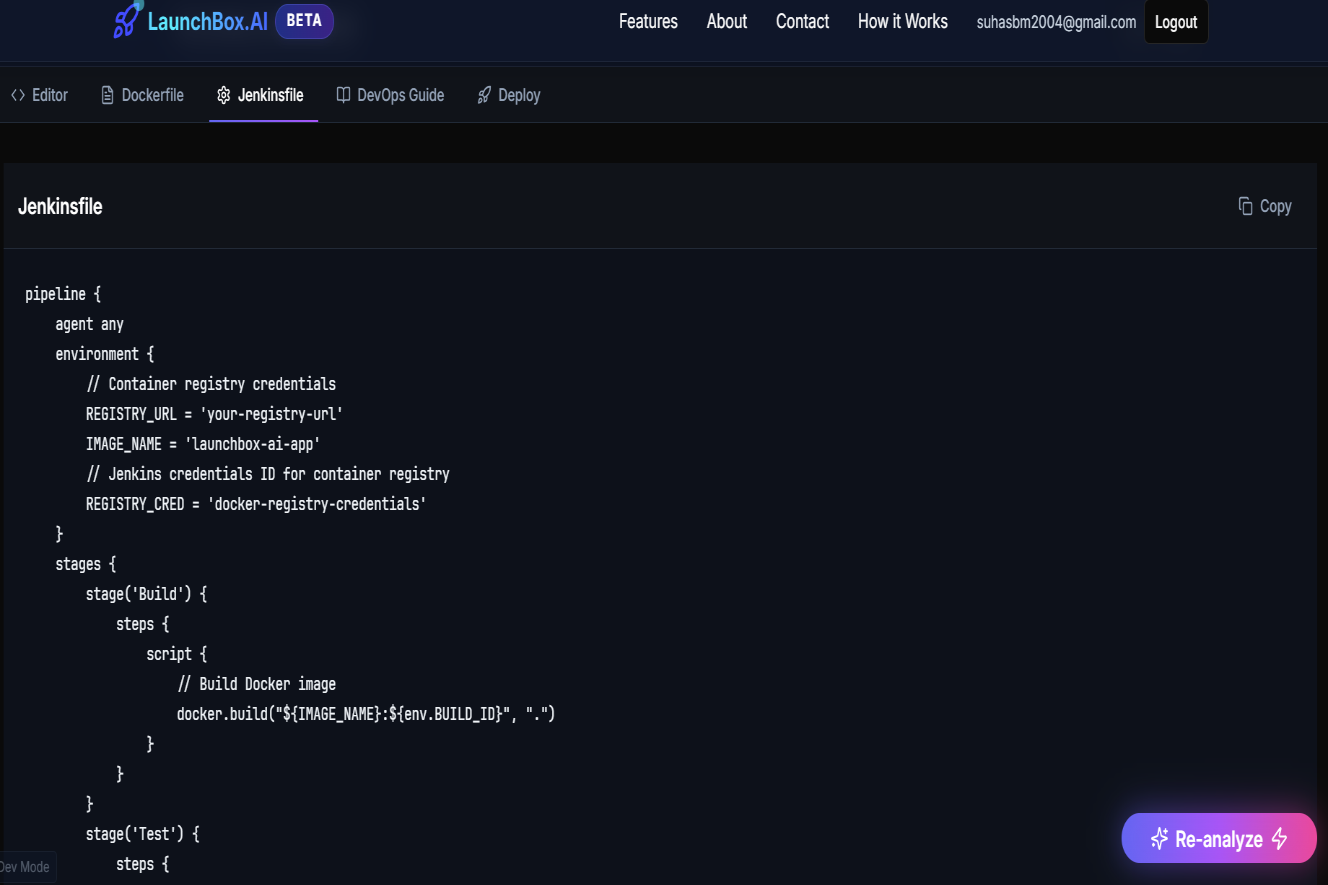
Production-ready Jenkinsfile tailored to your project with build, test, and deploy stages-generated using AI.
-
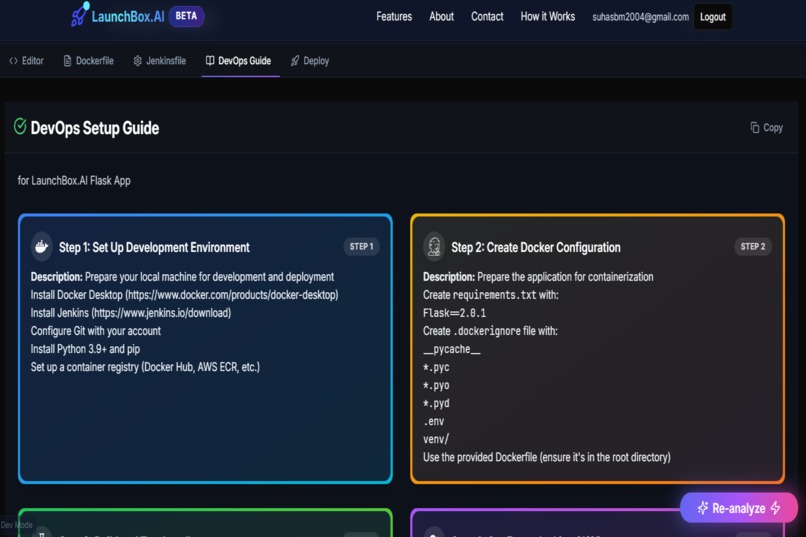
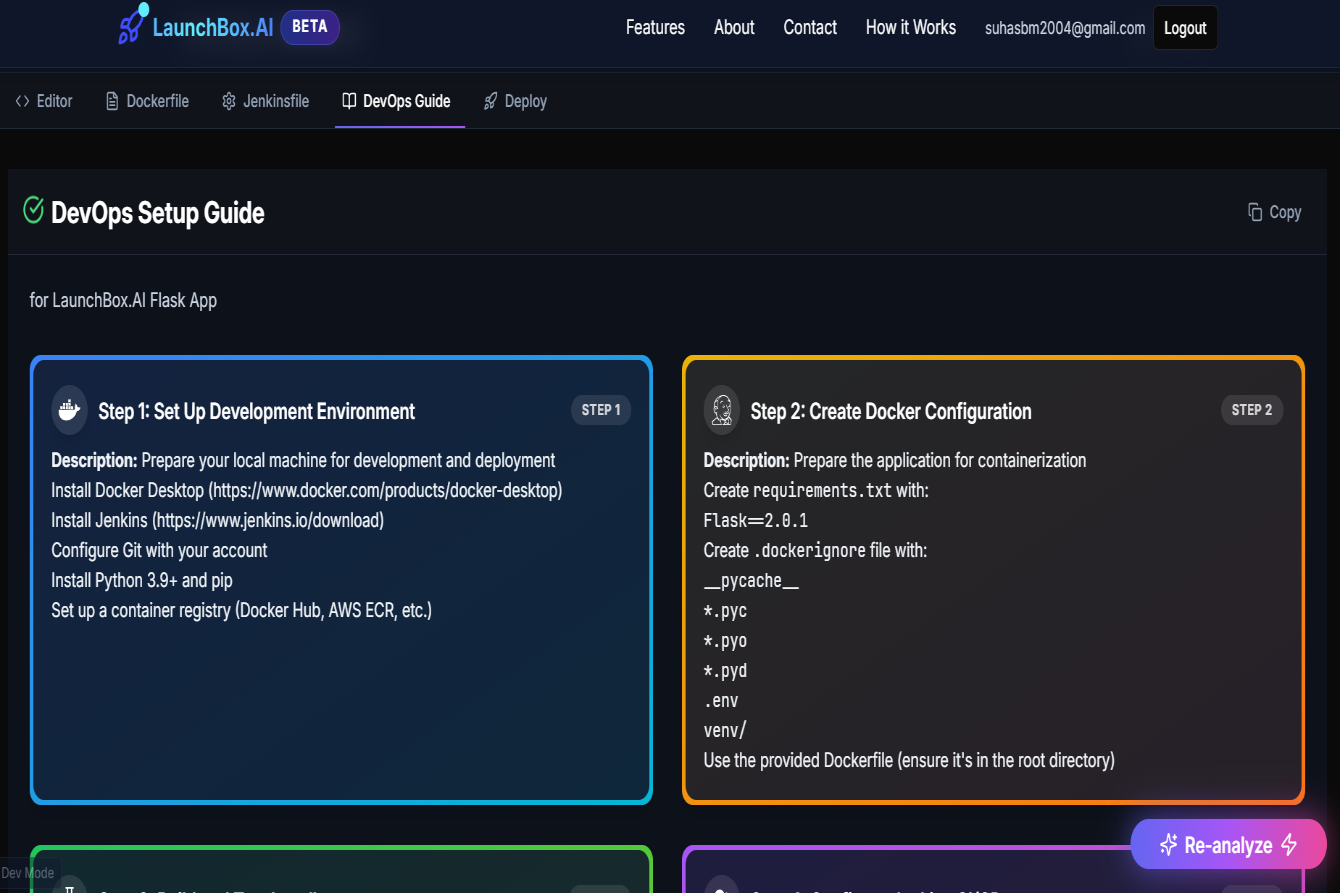
Visual DevOps setup guide to onboard developers effortlessly with Docker, Jenkins, and Git instructions.
Inspiration
The inspiration for LaunchBox.AI came from the growing complexity of DevOps workflows and the desire to make fullstack deployment accessible to every developer - regardless of their infrastructure experience. As a solo builder, I set out to create a platform where anyone can focus on building great software, while AI handles the heavy lifting of DevOps automation.
What it does
LaunchBox.AI is an all-in-one, AI-powered DevOps playground. It lets users:
- Write and manage code in a modern, multi-file editor
- Instantly generate Dockerfiles, Jenkinsfiles, and deployment guides tailored to their codebase
- Analyze and comment code with AI
- Organize projects in a beautiful dashboard
All AI features are powered by OpenRouter's latest models. The platform is built with Next.js, Supabase, and Monaco Editor for a seamless, secure, and scalable experience.
How we built it
- Frontend: Next.js 14, React 18, Tailwind CSS, Framer Motion
- Backend/API: Next.js API routes, Supabase (PostgreSQL, Auth, RLS)
- AI Integration: OpenRouter API using models like Qwen3 30B
- Editor: Monaco Editor for a powerful in-browser coding experience
- Security: CSP, HSTS, X-Frame-Options, input sanitization, and more
Challenges we ran into
- Consistent AI output: Ensuring reliable Dockerfiles, Jenkinsfiles, and guides required several prompt iterations and validations.
- Parsing + error handling: I built fallback logic and robust parsing to handle malformed AI responses gracefully.
- Time pressure: As a solo participant, balancing ambitious features with hackathon deadlines meant focusing on delivering core value and polish.
Accomplishments that we're proud of
- Built a fully functional AI-powered DevOps playground as a solo builder
- Achieved robust, structured AI output for real-world DevOps automation
- Delivered a modern, intuitive, and visually appealing user experience
- Implemented strong security and best practices throughout the stack
What we learned
- Prompt engineering is critical: Reliable, structured output from LLMs demanded careful prompt design and resilient response parsing.
- Security matters: Implementing security headers, input validation, and Supabase Row Level Security (RLS) is essential for user trust.
- User experience is everything: Iterating on UI/UX ensures the platform is intuitive, responsive, and visually appealing.
What's next for LaunchBox.AI
- Real-time collaboration and team features
- One-click cloud deployment
- Advanced analytics and CI/CD observability
- Deeper integrations with popular DevOps tools
LaunchBox.AI was proudly built for the Bolt.new Hackathon, leveraging Bolt.new's AI tools for development and documentation.
Thank you for reading! Feedback, questions, and suggestions are always welcome.
Built With
- csp
- hsts
- monaco-editor
- next.js
- openrouter-api
- radix-ui
- react
- shadcn/ui
- supabase
- tailwind-css
- typescript


Log in or sign up for Devpost to join the conversation.