Inspiration
We are all students. Sharing ChatGPT links can be difficult and annoying. Lack of context plays a big role in failures when doing assignments. We wanted to work with AI in a productive manner, right where our workflow happens: in groups.
What it does
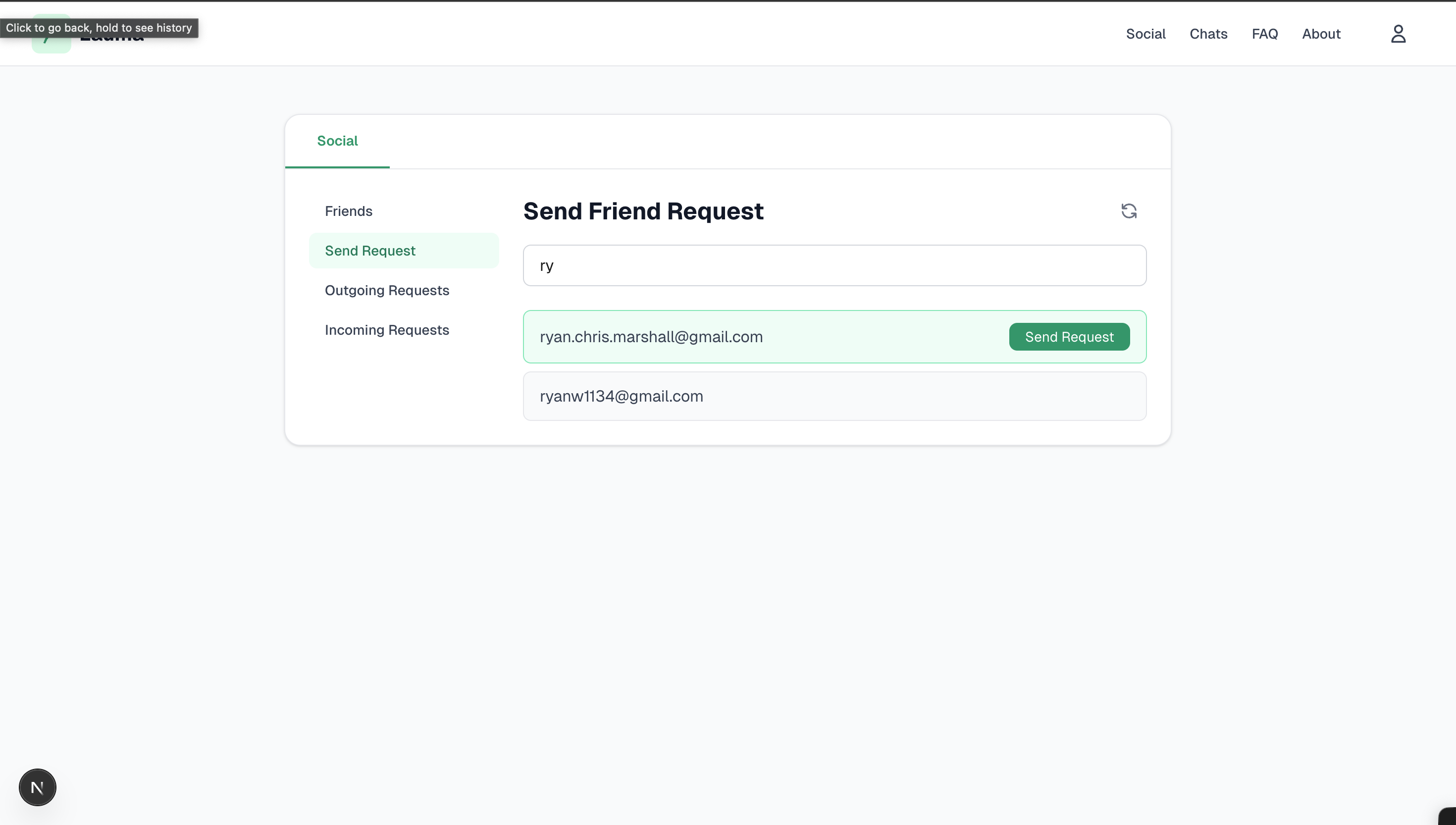
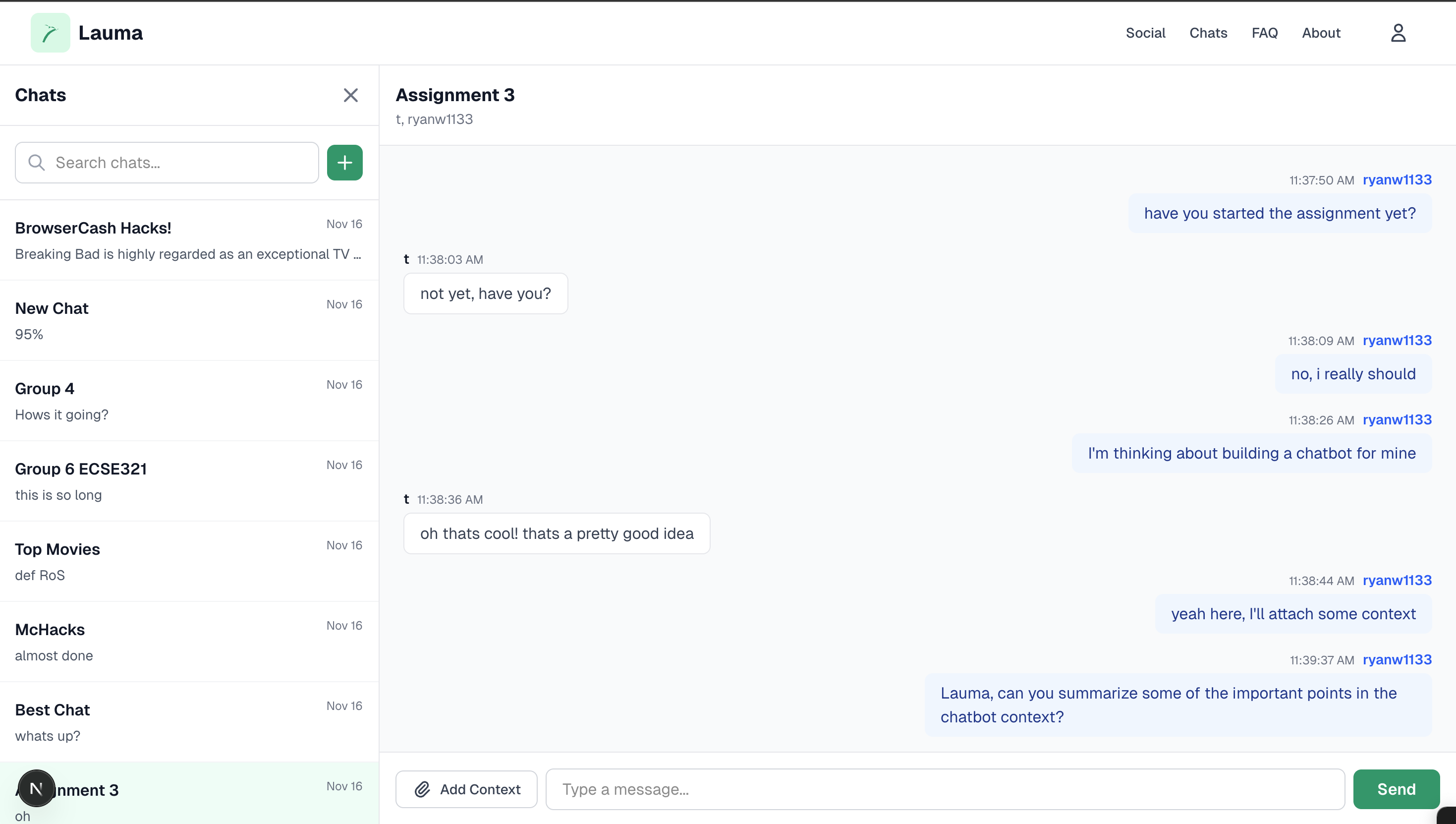
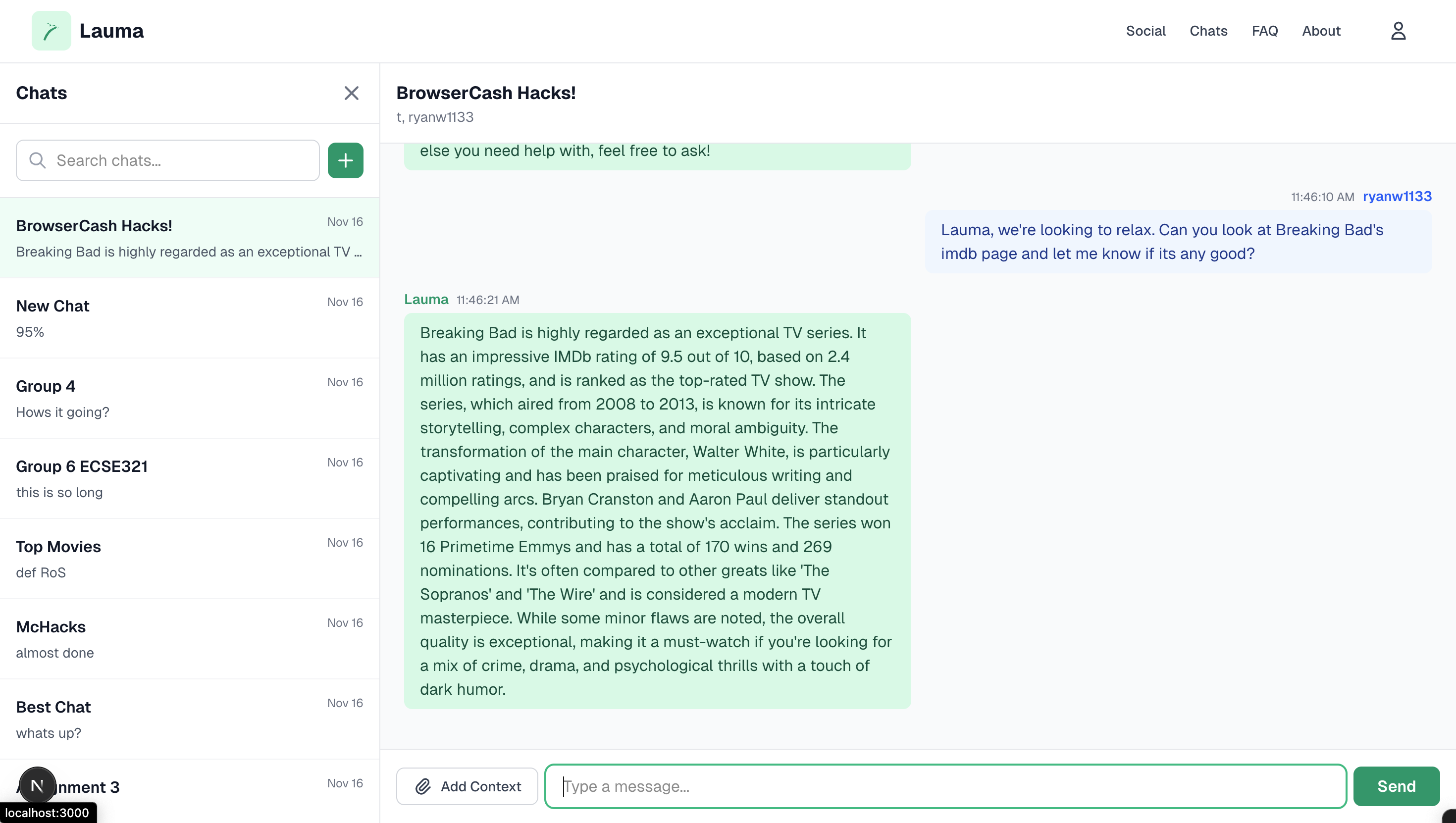
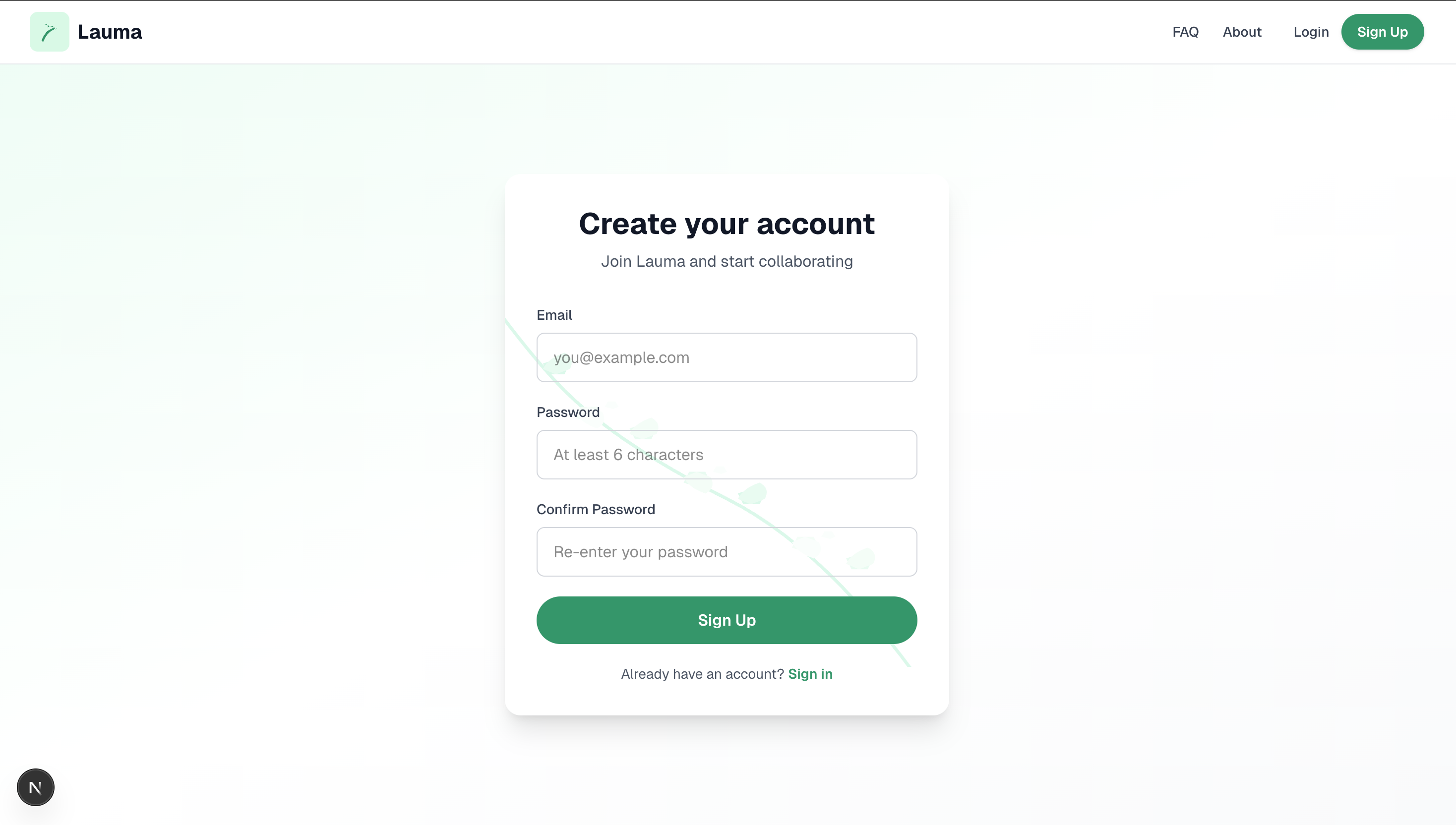
Lauma is a collaborative work platform designed to integrate a friendly AI assistant–Lauma–with your day-to-day group conversations. You can add your friends by their emails, create new group chats, and communicate seamlessly through our WebSocket server. In every group chat, Lauma acts as a normal group member, responding to messages when it sees fit based on the group chat context. For quick questions like "When is the assignment due?", Lauma will search the most recent and most relevant messages to provide a response, but will leave the casual conversations, like "How have you been?" to the group members. When prompted for additional information, Lauma also has the ability to browse the web to inform its responses, allowing users to continue their conversations while the "researching" is handled elsewhere.
How we built it
We used a Next.js front end integrated with a Node.js backend which handles our WebSocket server. This server allows users to send messages to their group, and see the conversation in real-time. We also integrated the BrowserCash Browser API to streamline the web searches done by our Lauma AI agent, which leverages OpenAI's API to determine whether a conversation should be responded to and to generate its responses. To achieve the ability for our Lauma AI agent to respond with sufficient context, we store messages for each group chat into a vector database, so that the Lauma AI agent can query the most relevant messages related to a user's incoming message. That way, when a user sends a message, Lauma AI agent has the ability to determine whether it should respond and what messages it should use. Further, if a user sends a URL or asks the Lauma agent to browse a site, the Lauma agent will find a relevant URL and return a message integrating the information it found on the page.
Challenges we ran into
- Time constraints - trying to create an elaborate project in such a short amount of time
- Integrating ChromaDB & BrowserCash API into a JavaScript project - both of these services are designed for TypeScript projects, which caused issues and forced us to use CommonJS as opposed to ES Modules (what TS projects tend to rely on)
- Row level security in Supabase leading to unexplainable errors and difficult constraints ## Accomplishments that we're proud of
- Real time, low-latency chat rooms with instant responses
- Natural AI integration that feels seamless and goes undetected when you need it to
- Vector database and efficient RAG pipeline for messages and uploaded documents, providing the Agent with relative context for answering queries
- Fleshed out social and friend system
- BrowserCash API integration ## What we learned
- JS sucks! Use TS instead
- How to create a websocket server
- Supabase and DBAS are nice, but designing your own backend and DB will avoid problems with things like row-level security
- You can build an MVP incredibly fast with enough focus
- AI is tough to deal with (non-determinism) ## What's next for Lauma
- More involved arbitration and Agent request handling
- More available tool integration
- Robust error handling and websocket load balancing
- Much more!
Built With
- browsercash
- chromadb
- next.js
- node.js
- playwright
- supabase
- tailwind
- websockets

Log in or sign up for Devpost to join the conversation.