-
-
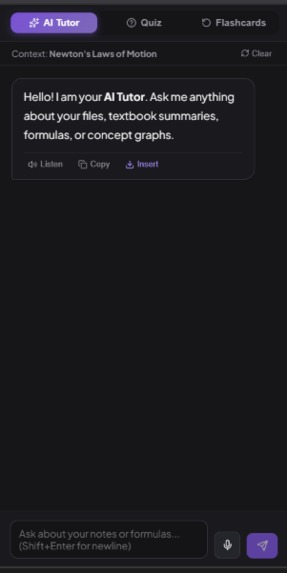
AI Tutor
-
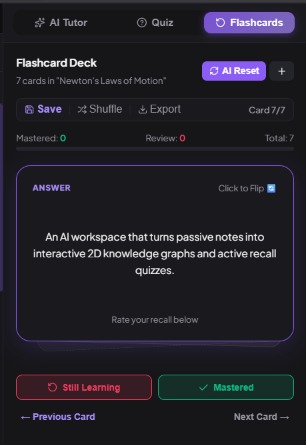
Flashcards
-
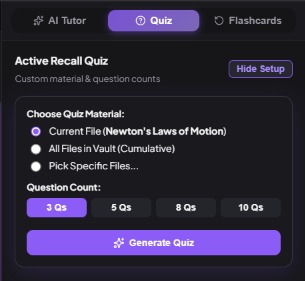
Quizzes
-
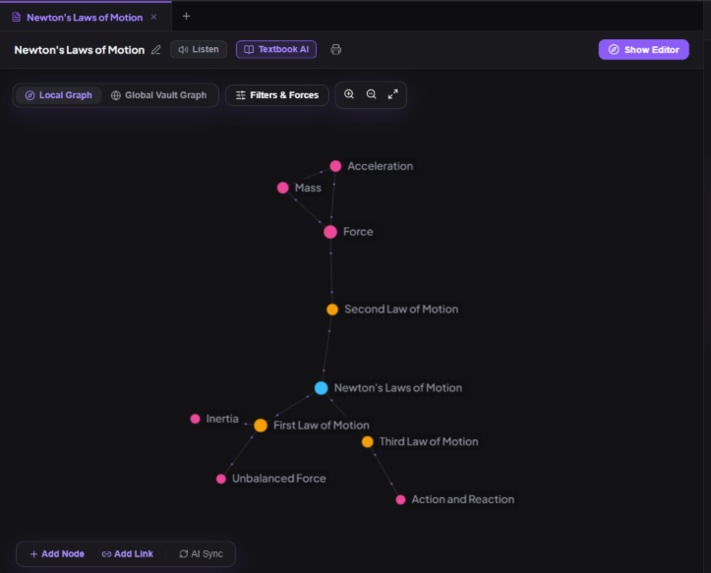
Knowledge Graph
-
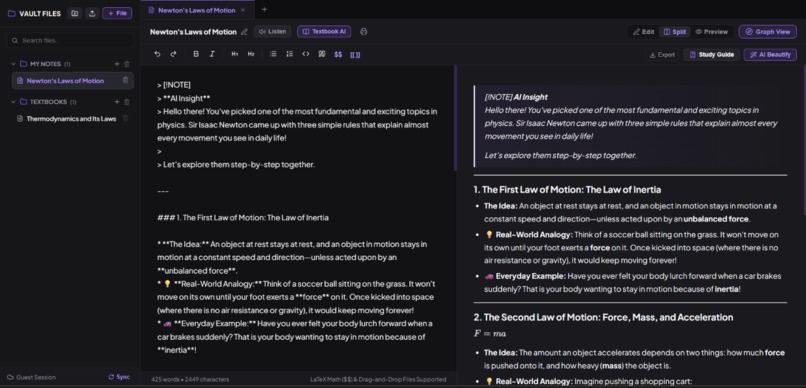
Split view
-
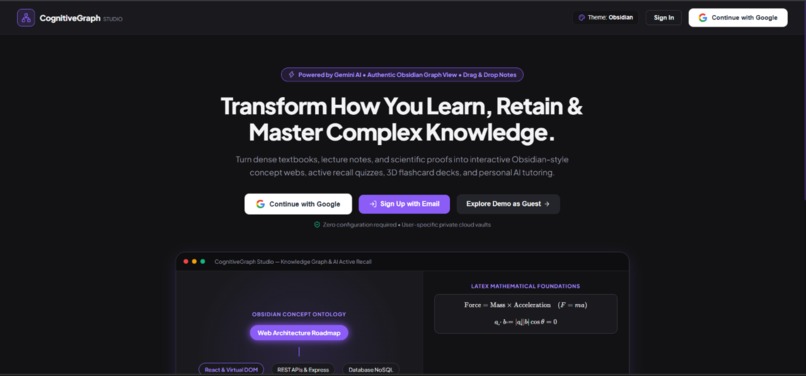
Home Page
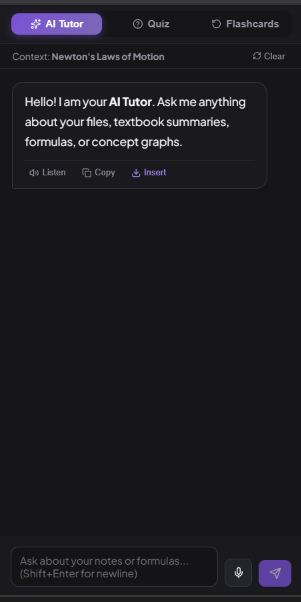
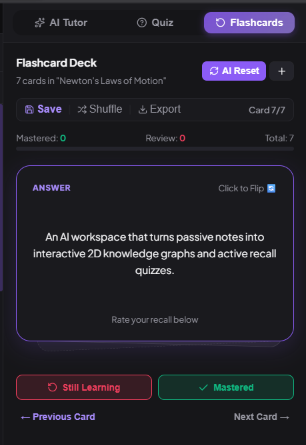
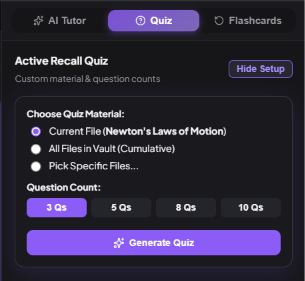
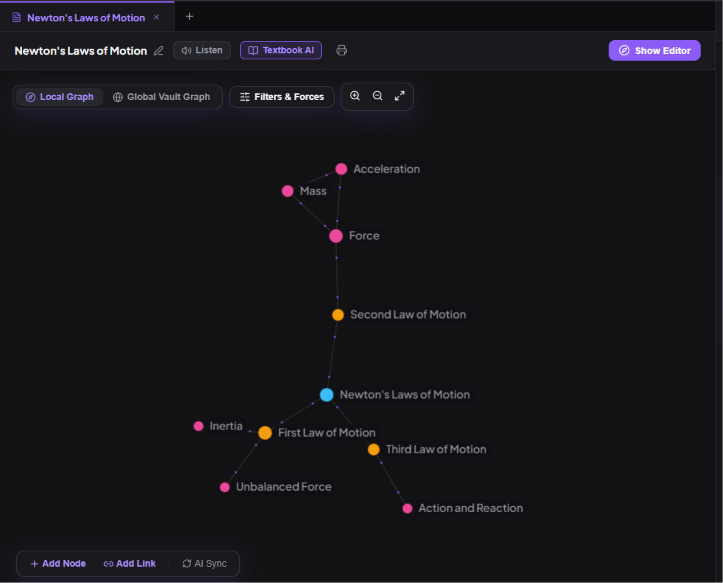
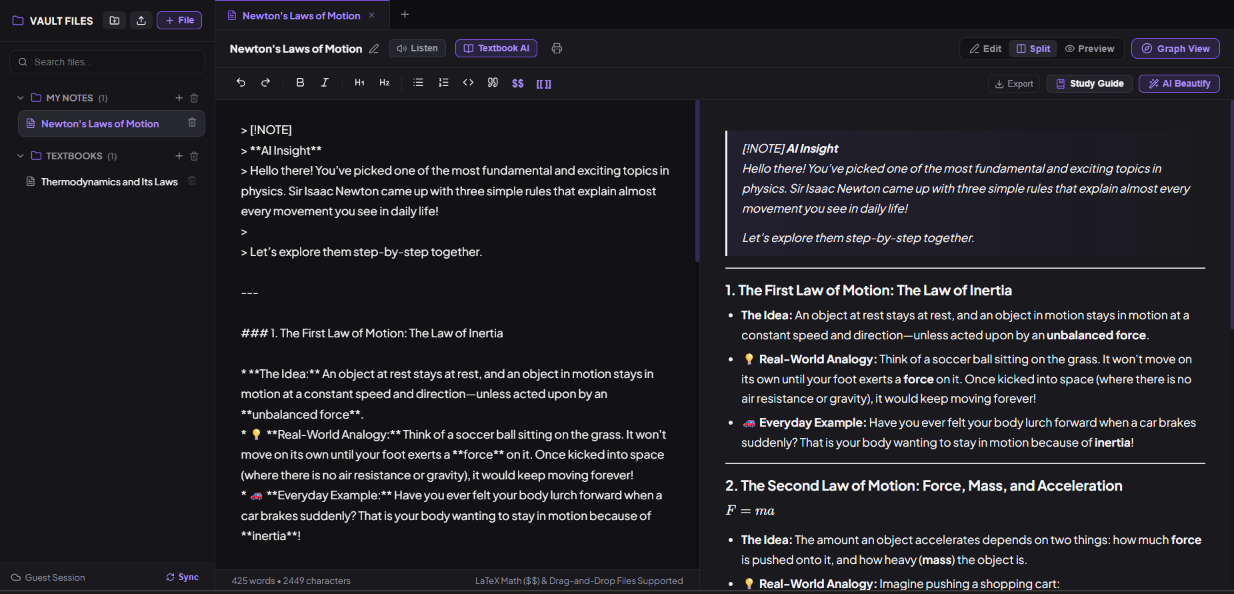
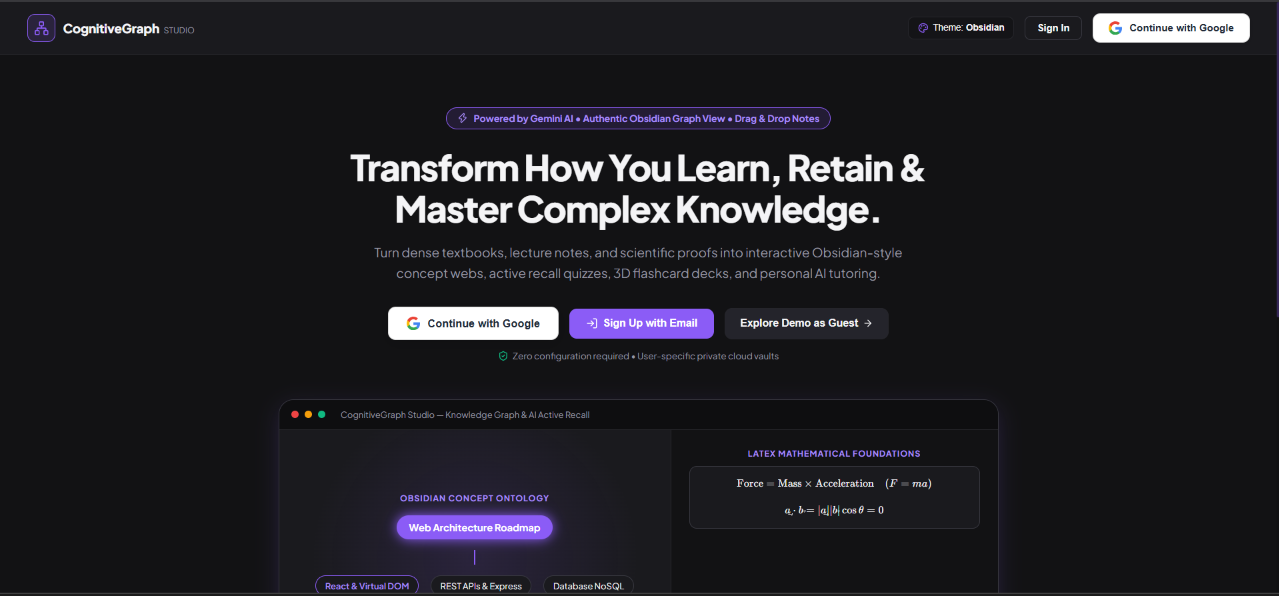
Lattice Flow Inspiration While studying difficult subjects, especially Physics and Mathematics, I noticed that a lot of concepts are connected to each other, but our notes usually don't show those connections. Everything is written chapter by chapter and topic by topic, so it becomes difficult to see the bigger picture. For example, Newton's second law (F⃗ = ma⃗) is used in rotational dynamics, and the concept of work is also connected to thermodynamics through equations such as W = ∫P dV. This made me think about whether there could be a better way to organize study material. Instead of keeping everything as separate pages of notes, I wanted to create something where related concepts could be connected and viewed together. This is how I came up with Lattice Flow. The main idea was to make studying more interactive by combining notes, an AI tutor, a knowledge graph, quizzes, and flashcards, all in one place. What It Does Lattice Flow is a study workspace where students can keep their notes and use different tools to understand and revise them. Textbook and Chapter Summarizer Students can upload notes, syllabus files, or textbook chapters. Gemini processes the content and creates summaries of the important concepts. It can also identify proofs, important conditions, and other useful information for revision. Knowledge Graph The knowledge graph is one of the main features of Lattice Flow. It looks at the concepts in the uploaded notes and finds relationships between them. The related concepts are then shown as connected nodes on a 2D graph. This makes it easier to understand how different topics are related instead of studying each chapter separately. AI Tutor Lattice Flow also has an AI tutor that can be used through text or voice. It is designed to explain concepts step by step instead of simply giving the final answer. It can also help with equations and derivations and can generate Markdown and LaTeX that can be added directly to the notes. Quizzes and Mistake Analysis The application can create quizzes from individual notes or from multiple files. If a student gives a wrong answer, the system can analyse the mistake and try to identify which part of the concept caused the confusion. This is more useful than simply showing the correct answer because it helps the student understand what they got wrong. Flashcards Lattice Flow can also generate flashcards from study material. The flashcards support formulas and have simple flip animations. Progress can be tracked so they can be used for revision. Other Features I also added voice-to-text, text-to-speech for notes, Markdown editing with a live preview, and different colour themes to make the workspace easier to use. How I Built It Lattice Flow is a full-stack web application. Frontend: • React • Vite • React Force Graph 2D Backend: • Node.js • Express Other technologies: • KaTeX for mathematical equations • remark-math and rehype-katex for Markdown and LaTeX • Google Gemini API for AI features • JSON storage for local data • Cloud database support for synchronization The knowledge graph uses a force simulation to position the nodes. Related concepts are connected with lines, while the simulation controls how the nodes move and spread out. On the backend, I added rate limiting, session security, retries, and fallback handling to make the application more reliable when the AI API has problems. Challenges I Faced One of the biggest problems I faced was generating the knowledge graph correctly. The AI would sometimes create duplicate concepts or make connections that didn't make much sense. I solved this by using a fixed JSON structure and then processing the output before displaying it. I also added checks to remove duplicate nodes and standardize their IDs. Another problem was LaTeX rendering. Markdown and LaTeX use some of the same characters, so it was sometimes difficult to edit normal text while also making sure equations such as F⃗ = ma⃗ rendered correctly. Large documents were another issue. Sending a very large textbook chapter to the AI at once could cause token limits or API errors. To deal with this, I added retry logic and fallback handling so the application could recover from temporary failures. What I Learned The biggest thing I learned from this project was that simply connecting an AI model to an application doesn't automatically make it useful for studying. Initially, I mainly asked the AI to explain concepts. The answers were usually correct, but they often felt similar to reading another textbook. I then changed the prompts so that the tutor would ask questions, build intuition first, and gradually move towards the mathematical explanation. I found this much more useful for learning difficult concepts. I also learned a lot about force-directed graphs while working on the knowledge graph. Things such as node spacing, repulsion, link distance, and collision detection have a big effect on how easy the graph is to use. What's Next There are several features I would like to add in the future: • Real-time collaboration between students • Better support for importing large PDF textbooks and research papers • Vector-based search for finding connections across large collections of notes • Automatic spaced-repetition scheduling • Reminders for revision and flashcard practice The main idea behind Lattice Flow is simple: instead of keeping study material as separate pages, I want to make it easier to see the connections between concepts and use those connections for learning, revision and better understanding of concepts. Thank You
Built With
- css3
- express.js
- gemini-api
- html5
- javascript
- katex
- markdown
- node.js
- react
- react-force-graph
- vite

Log in or sign up for Devpost to join the conversation.