-
-
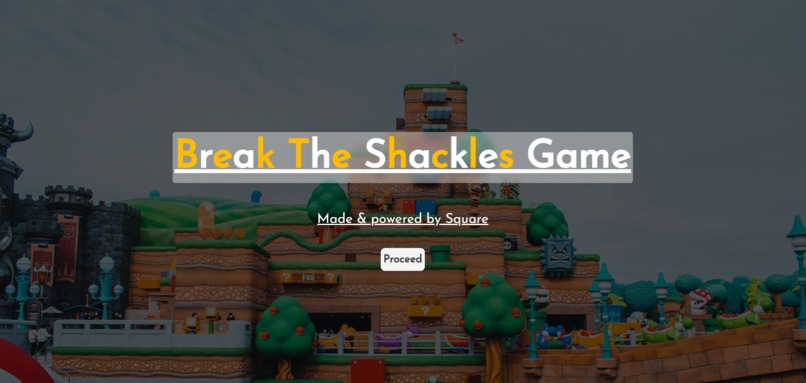
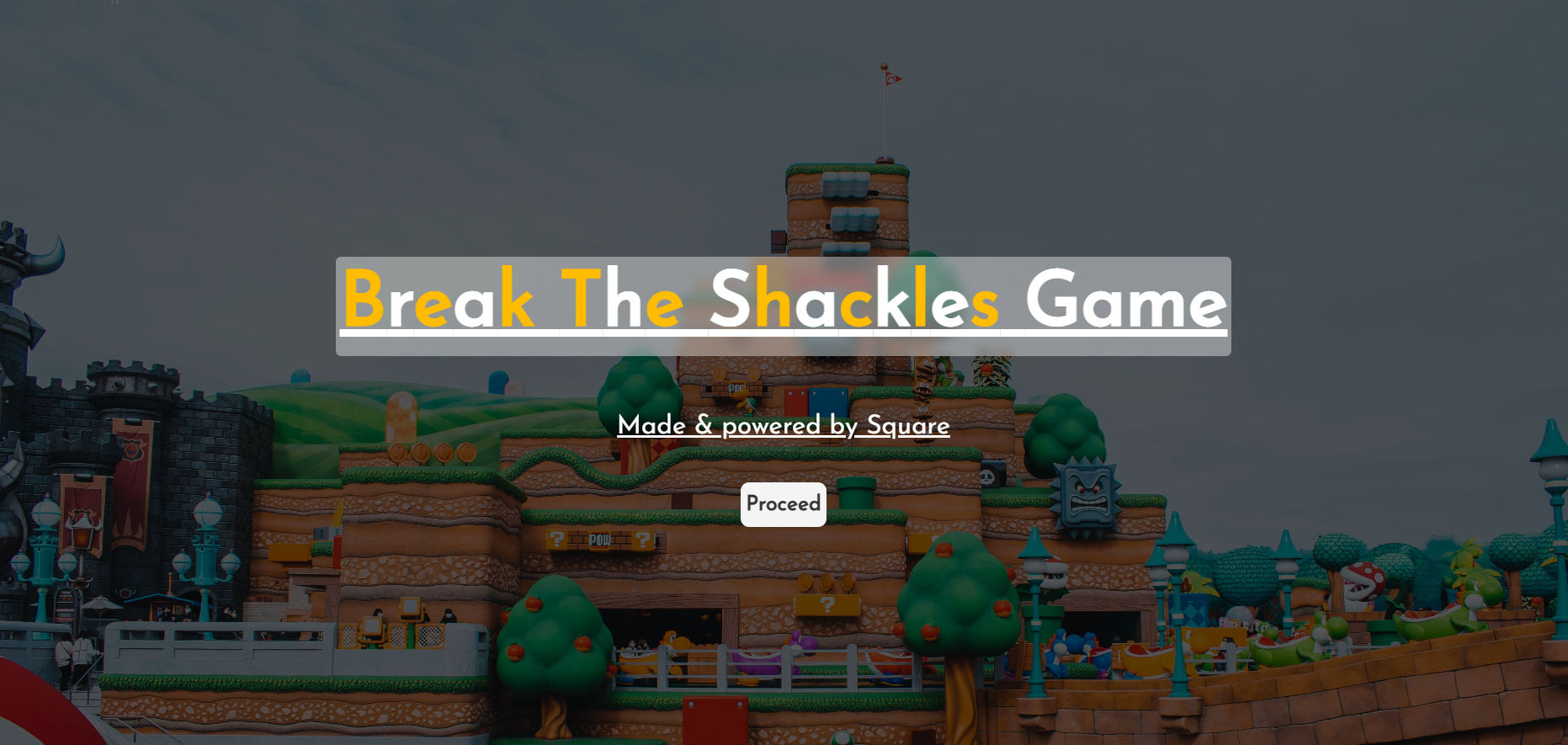
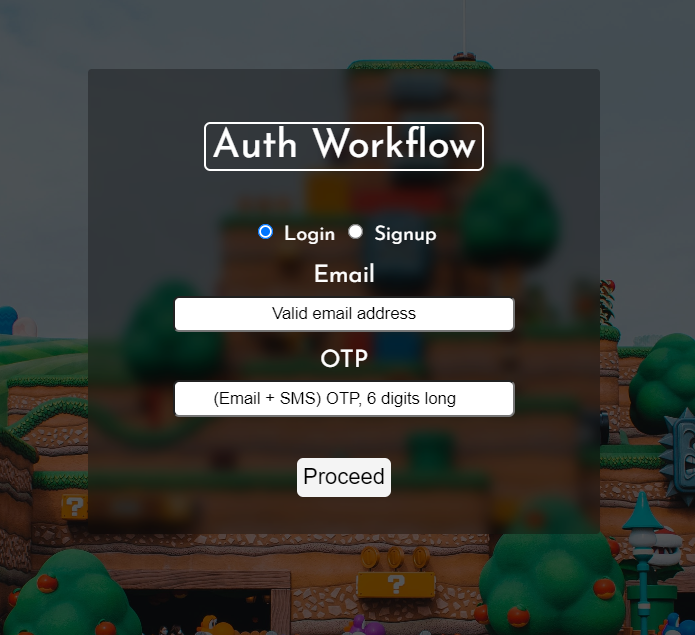
Landing page of the application
-
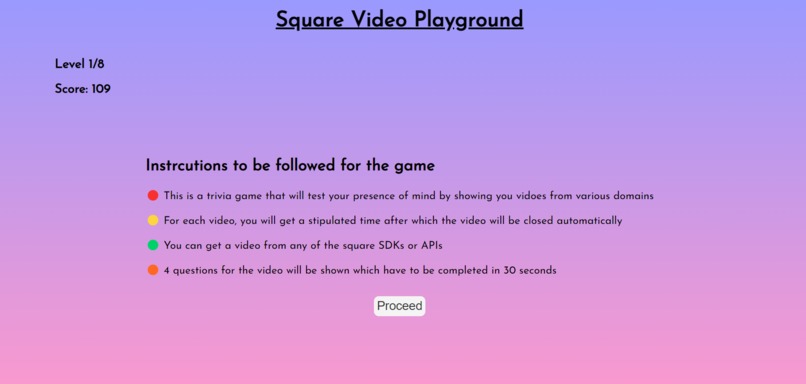
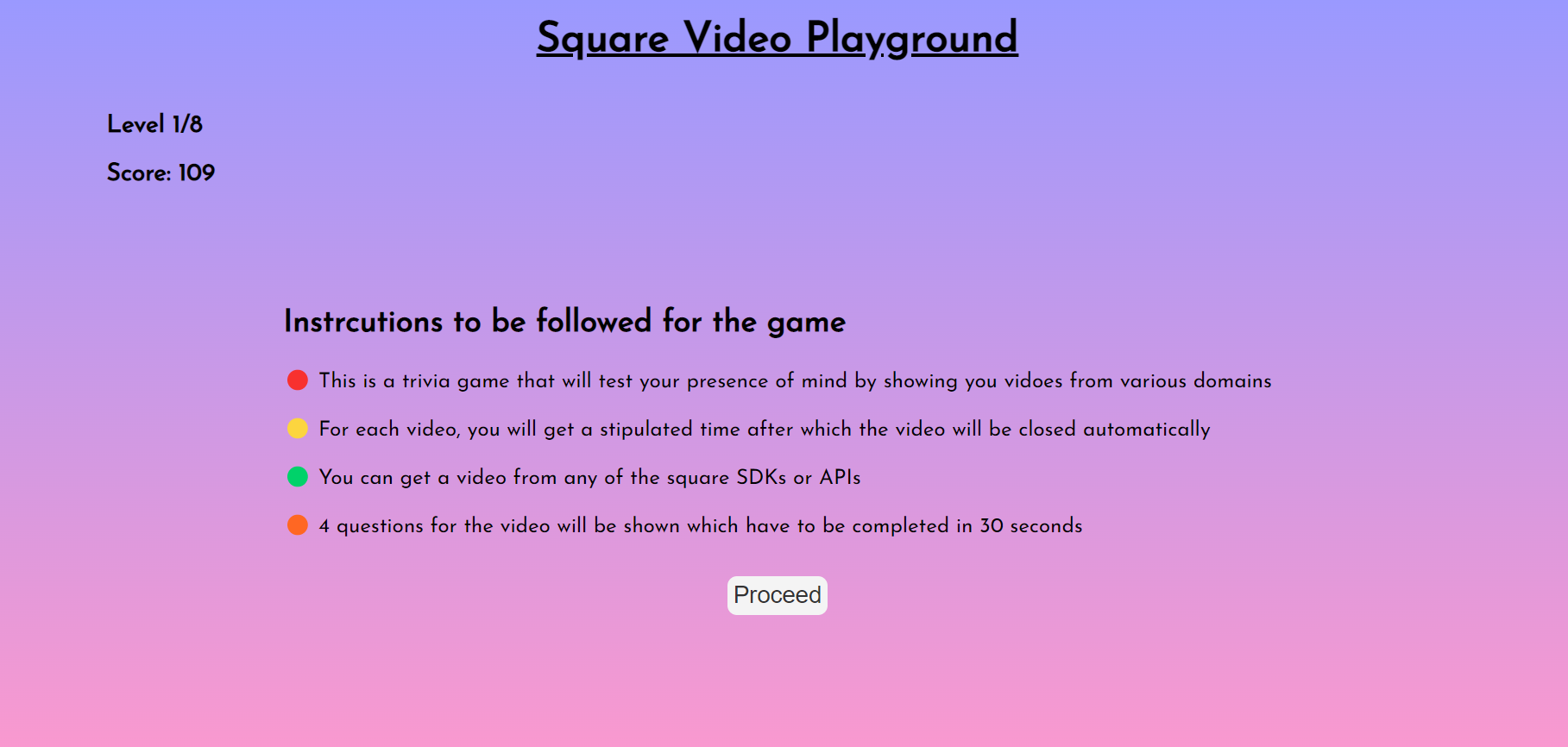
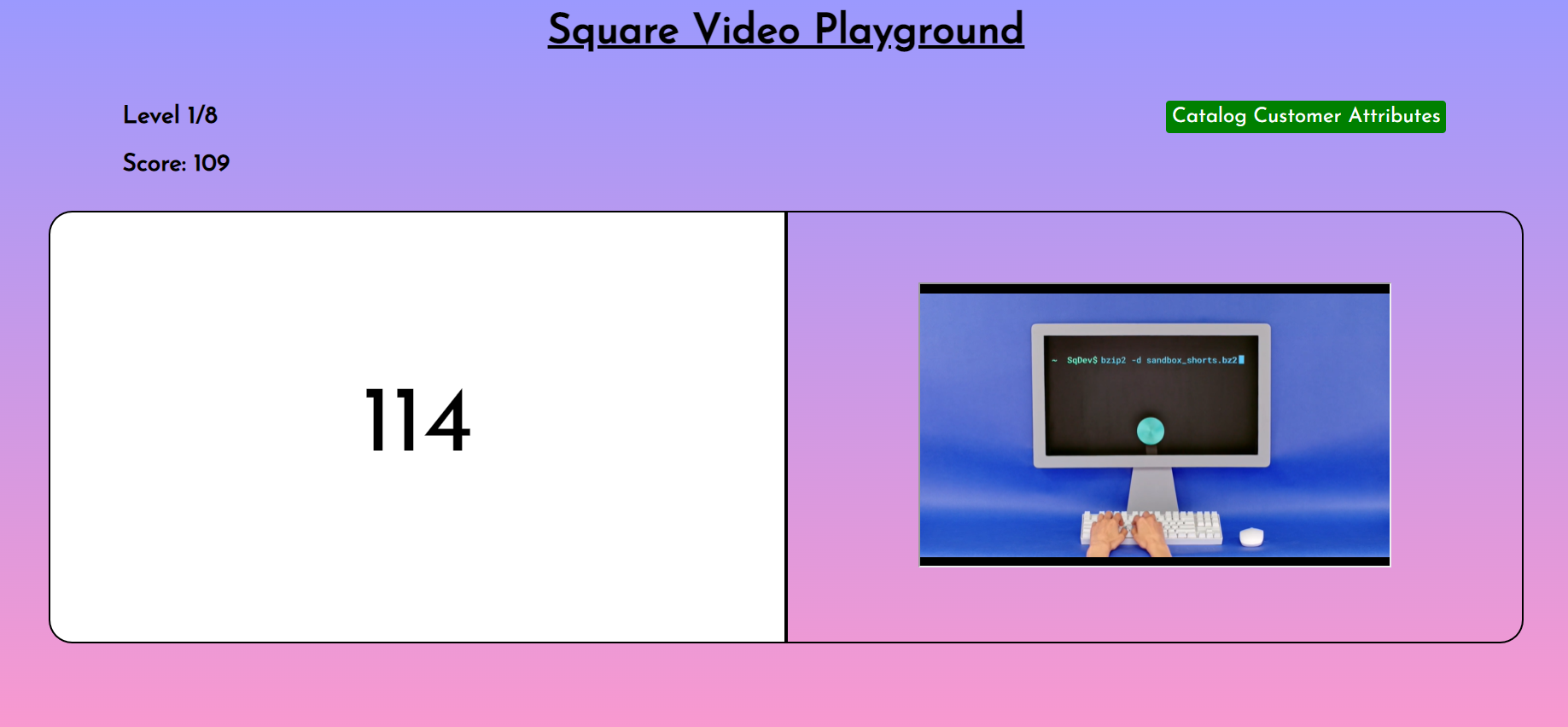
Game #1: Square Video Playground
-
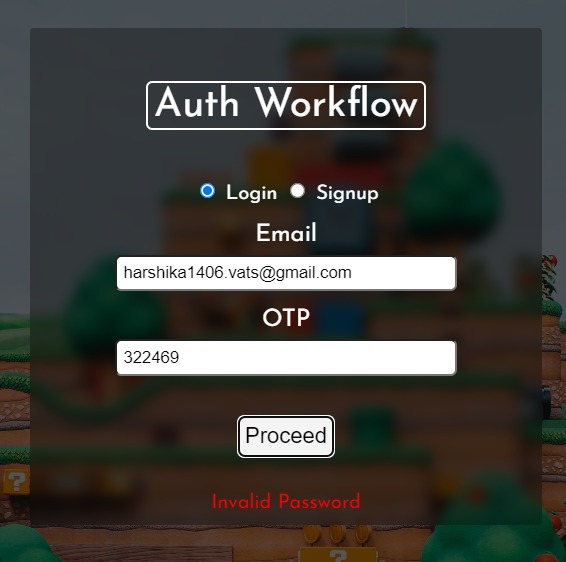
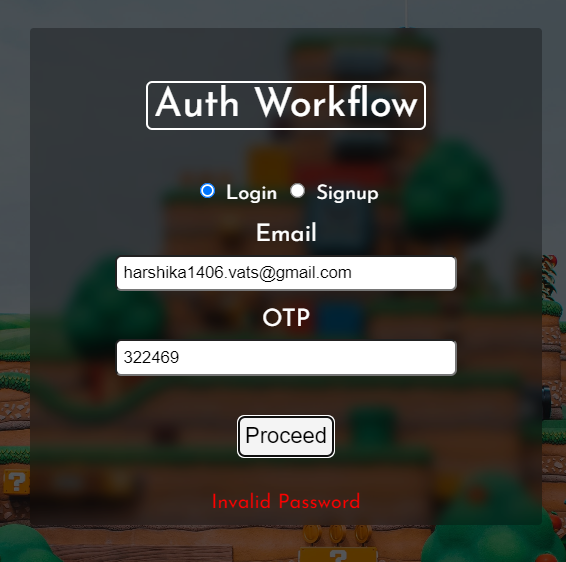
Error (wrong password)
-
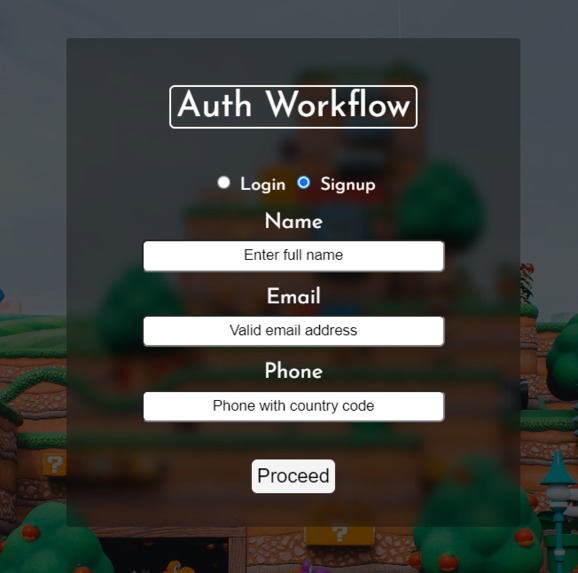
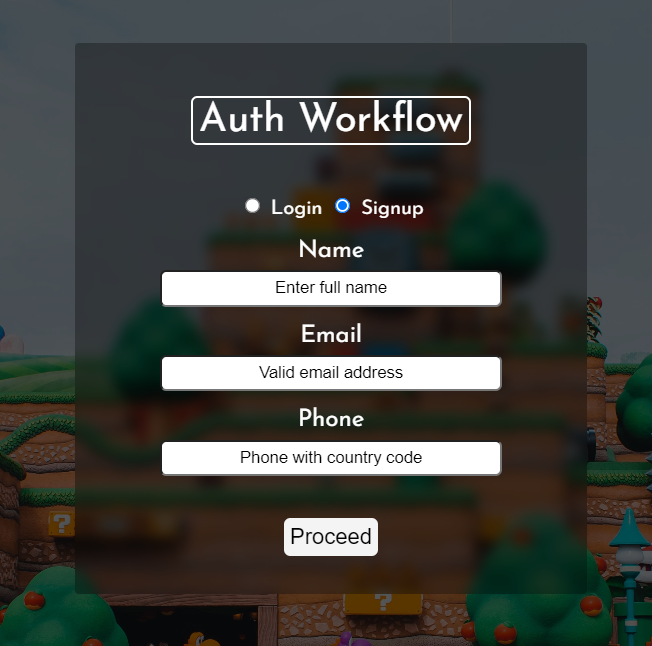
Authentication Flow - Signup
-
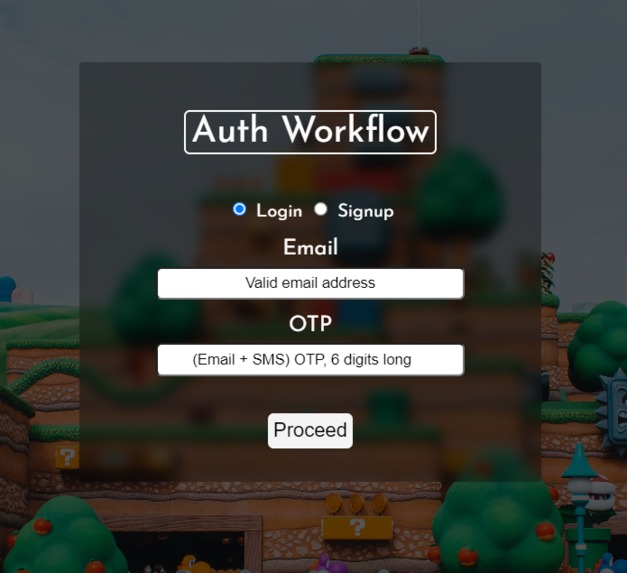
Authentication Flow - Login
-
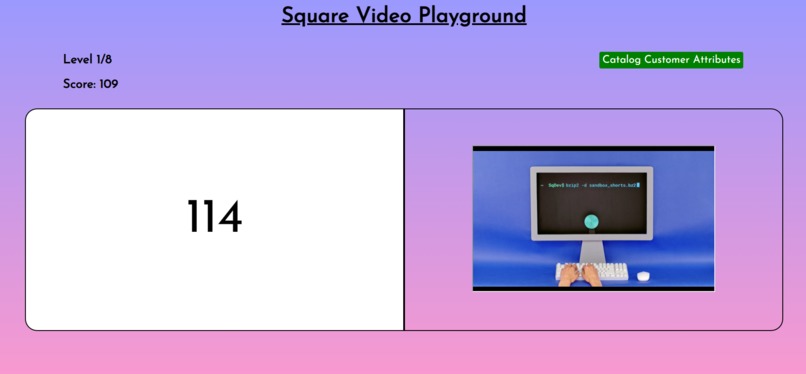
Video & timer for the video game
-
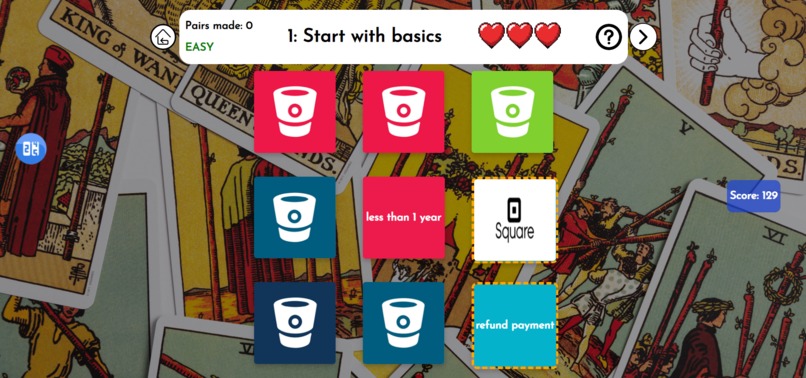
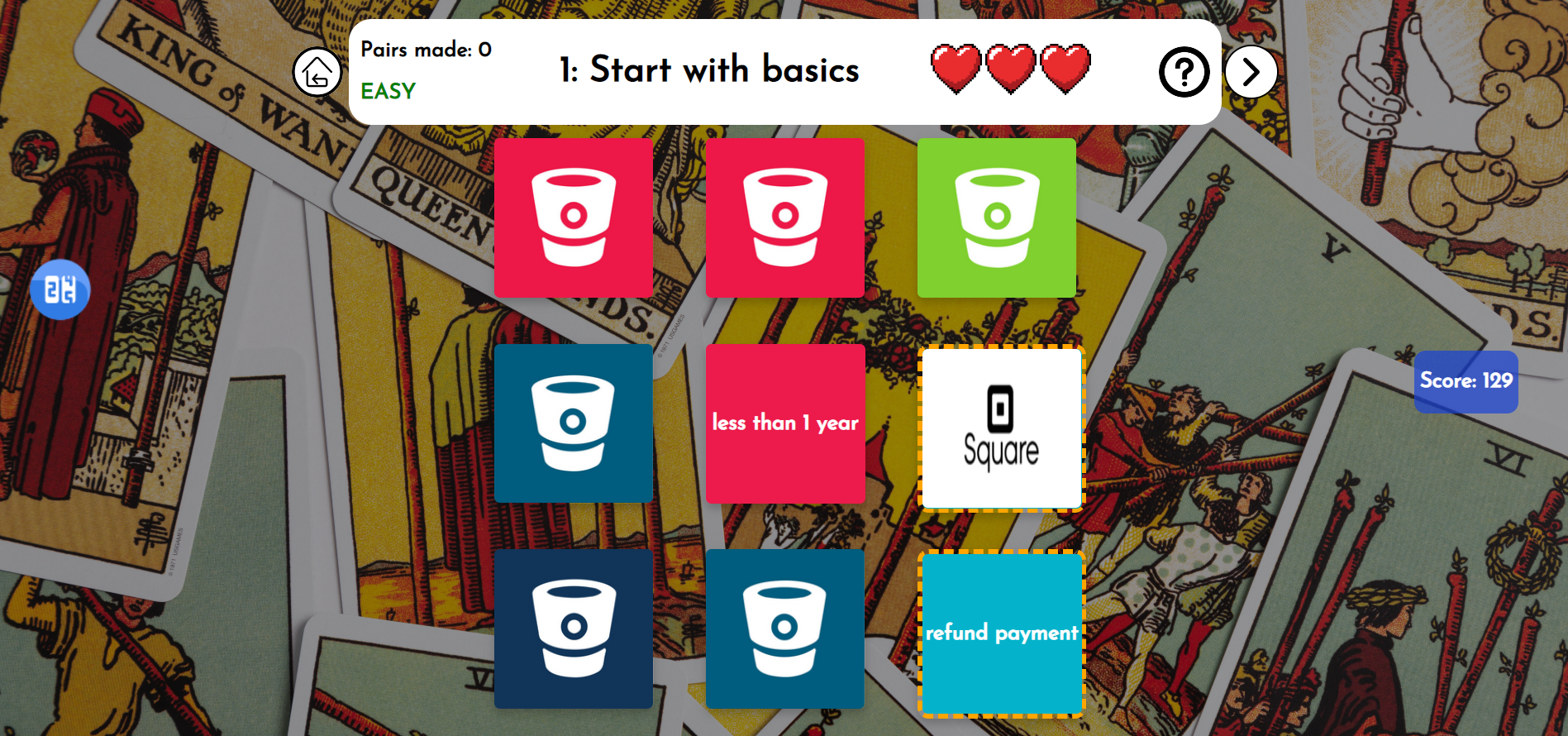
Game #2: Flip the cards game
-
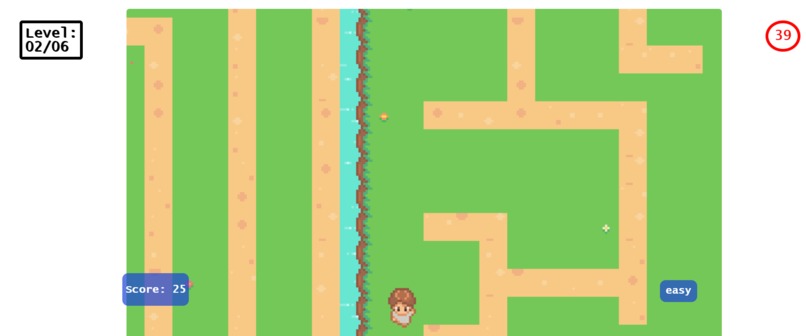
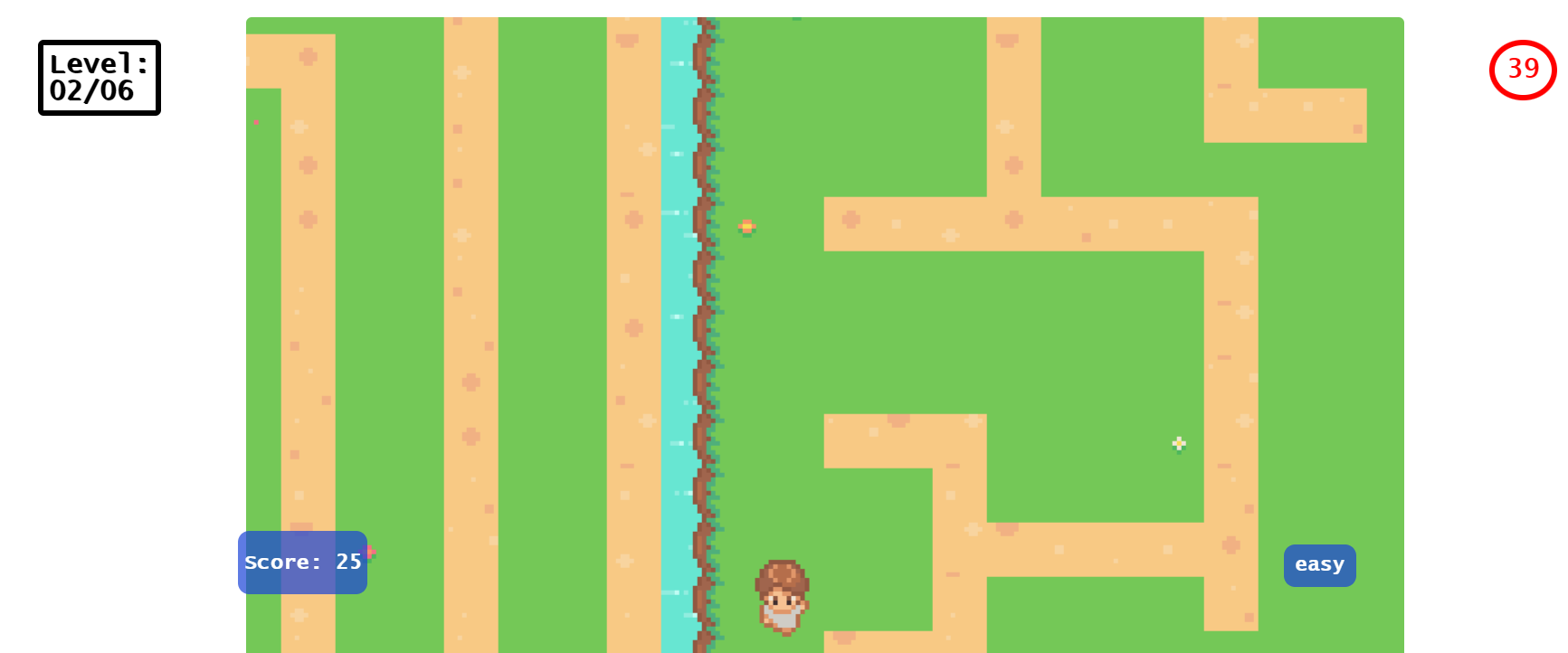
Game #3: Maze Runner
Inspiration (The Tragic Dilemma)
When I got to know about this event I was super-excited (the functionalities provided by Square cover a lot of areas) and confused at the same time because in order to go through them and see what will suit my project needs was a bit. But thanks to the amazing documentation, API explorer, and API reference, things got clearer in no time.
So, after going through most of them I thought of making an oAuth application for digital sellers and buyers where the sellers can list their inventory on the website, specifically for products that are sold as a part of marketing advertisement. I am sure you must have watched youtube videos that are just for demonstrating a product and then telling the viewers to buy the item by clicking on a link in the description or you must have seen product ads in between videos. So, through my project, the buyers can buy the product as soon as it comes onto a video, and then through Square, the payment can be done in a jiffy (the video will be paused & will be resumed after payment completion). As soon as a product appears on the page, the project will check against the inventory and if found, a link to buy that item would be seen. I spent my next 4 weeks making that project and added the Orders, Inventory, Customers, Loyalty APIs into the project.
From the start, I was planning to make a website for sellers to get their items listed whereas the buyers will be using the EXTENSION so that each tab of the browser can be controlled. I have worked with extensions beforehand and I use to first develop the index and corresponding pages of the extension as a stand-alone web app after successfully testing everything out I test it out in the Chrome extensions area. I deployed the code in the Chrome extension workspace and everything is working apart from the Square's Web Payment SDK.
At that moment I felt lost as the extension was not accepting payments and then after searching for a bit I found that the web payment SDK doesn't works with extensions. I found it under a resource points section of a documentation page and that made me vulnerable because now I was neither left with an idea for a new project nor time (around 8 days were left). At that point in time, I was having just a practical (withdraw from the event) and an impractical path (ideate a new project, make things from scratch). To no surprise, I chose the impractical path as I don't want to miss out on such a big opportunity. And this is how the project Break the Shackles came into existence.
BTS (Break the Shackles) name is not just only because of the way the project works but it is also about breaking the boundaries that were restricting me from creating a project after the fatal mistake in the previous one.
What it does
BTS is an application that is focusing on a seller and its customer at a time. What I felt while going through the previous year's hackathon entries and all other projects that are present on the internet, I felt that all of them are just utilizing the same way (using a seller as an entity that is always selling a tangible item) and the buyer just buying the item. I know there were many meaningful additions also but I thought of revamping the whole structure of utilizing Square. In this digital era, there are tons of B2B, B2C, and P2P products/companies out there that are doing the same stuff.
So, I thought of making an educational game that will be acting as a Point of Sale for a seller while the players (buyers to be precise) will be buying intangible game assets. Let's deep dive of actually what is happening:
Why a game?: Believe it or not, games are those magnets that can attract almost everyone out there and ensure that the end user is not bored at any point. And this is not just a game, it is an EDUCATIONAL / PROMOTIONAL game for Square also. There are a total of 3 sub-games out of which 2 are having things structured in such a way that a player will be getting to know about the services provided by Square and also reach the specific documentation pages
Which Square SDKs/APIs are being used?: Web payment SDK is being used to collect payment from the player whenever a purchase is being made. Customers, orders, and gift card APIs are used to ensure the smooth-onboarding process & flow of the project.
Landing Page: After entering the required files in the form fields, CUSTOMER API will first check whether these details are already attached to a customer. If that result comes out to be TRUE, then no new record is being made and in this manner, the customer/player logs into his/her account. Whereas, if the result is FALSE, then a new customer object will be created & then the user can sign up for the application. Custom attributes are also assigned to each contact object so that I can keep track of the application variables (like score, levels & much more).
Game Canvas: This is the area on which the player has to move in and find the 4 houses that will start a new game/processing. There are divisions with a lot of icons on either side of the canvas. The side division contains various models that can be opened according to the context. On the canvas itself, there are 4 houses, so let's discuss them:
Note: For entering any room on the game canvas, a specific key has to be pressed, and to enter the game, the backspace key has to be pressed. Wrong answers will decrease the score whereas correct answers will increase the score
1️⃣ Square Video Game This house can be accessed by going to the dock which is present in the bottom-right corner of the map. Key v has to be pressed in order to enter the game and in there, the payer has to first watch a video (that will be a youtube video from Square's channel and will be telling about the core concepts of Square services). Say, the time duration of the video is 2 minutes (120 seconds), so the video will be played for a total of 135 seconds. I am providing extra 15 seconds so that the user can get some spare time in which he/she can go back & forth to peek at something important. After the video timer runs out, a set of 4 questions will appear & the player has to choose the correct answers from the dropdown. Once the 30 seconds timer runs out for giving the answers, the answers will be calculated against the correct ones and if they are correct then only the player will move onto the next level followed by an increase in score. In this manner
In this manner, the player will get to know the basic & advanced videos explaining Square and its products.
2️⃣Flip the Cards Game This house is in the bottom-left corner of the map. Key b takes the player into the game and there you have to flip the tiles and make a correct TRIPLET. A correct triplet is a logical combination of an image tile & 2 textual components tile. For example: The square image tile has to be matched with web, SDK text tiles because Square provides web SDKs for payment. Once a correct triplet is made, the score increases. Players can also take a hint by clicking on the question mark icon, but the condition is that the hint can only be taken once per level and that also can be used after clocking the first tile of the triplet. In the initial levels, the tileset is 3*3 (9) whereas for the last 2 levels, the tileset increases to 5*3(15) making the game more competitive as no hints will be provided on those levels.
3️⃣Maze Runner The top-right house can be accessed by the key j and in it there are 6 mazes that the player has to pass. A timer of stipulated time runs for each level and within that time the level has to be cleared. If the player can't make it to the next maze, then the player will be respawned back to the initial position. This is clearly a game for those who are arcade lovers and loves solving puzzles.
4️⃣Personal Room (The dead end) The player must enter the top-left room only at the end of the gameplay because it is a dead end and doesn't allow coming back to the game canvas. So, when the player is done playing and enters this room, then by going near the television set, the stats collected through the entire gameplay can be seen and thus the user can actually see how many levels he passed and information like that/.
How I built it
The front end has been entirely made with vanilla JS & CSS, whereas the Square calls are being sent to GLITCH, which is running a node server that is listening to my game's request and will respond accordingly. As told earlier, the landing page calls various methods of the CUSTOMER API, and only after successfully authenticating the user he/she can move into the game canvas. As the player can make purchases in the following two manners:
🟡Buying songs: Out of the total 5 music tracks, the default one is available for everyone whereas another can be accessed by purchasing them for a certain amount of tokens.
🔵Buying hints: In the Flip the Card game, the player has to pay for the hints.
Note: For every user, a certain amount of game tokens (currency) will be dropped at the time of signing up.
That is not all, there is a Whatsapp integration also for this project. The registered customers can use this integration to get information on their WhatsApp account itself. The info that can be retrieved is as follows:
a. User can get to know about his/her game score b. Can view the balance of the gift card that was assigned to him/her at the time of signing up. c. Can view the gift card transactions so that the history can be accessed in a jiffy.
Not only the customers, I can also use WhatsApp integration to retrieve the list of customers, their scores, and much more.
With the WhatsApp integration, I am providing an extra method for the customers & sellers to access game-related information from their registered phone numbers. Through it, the user can also ask for important square links, like the documentation, API reference, API explorer & youtube playlists links, and thus even the WhatsApp integration is helping out the players in getting to know more about the square ecosystem.
Note: OTP will be required for accessing account-specific information (only authorized persons can access it) whereas the square resources endpoint can be accessed by anyone having WhatsApp.
Challenges I ran into
As I have said earlier that I have made this project in the last 7 days and I am glad I pulled it off.
Accomplishments that I'm proud of
Not just submitting any project for the event, but providing a project that is not only utilizing square SDKs, and APIs in a great manner but also educating/informing the player about square developer resources and youtube assets.
It is way far ahead of how the square was actually being consumed as of now, as this project is making sure that at every instance of using the application, the user will learn while playing.
What I learned
Never quit and believe in your skills because something great can be pulled up by sheer determination and hard work. Learning and utilizing Square services were a roller-coaster ride but in the end it ended on a sweet note
What's next for BTS
Literally speaking, I have integrated everything that I had in my mind and I am glad about this.
Built With
- contactsapi
- css
- javascript
- node.js
- ordersapi
- square
- webpaymentsdk
- whatsappbusiness-api


Log in or sign up for Devpost to join the conversation.