-
-
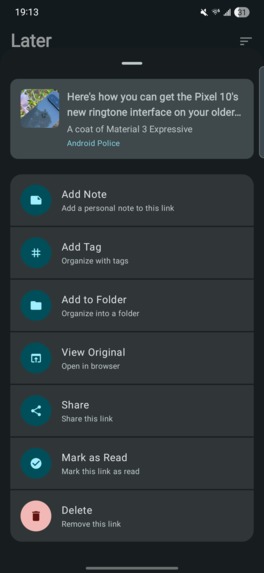
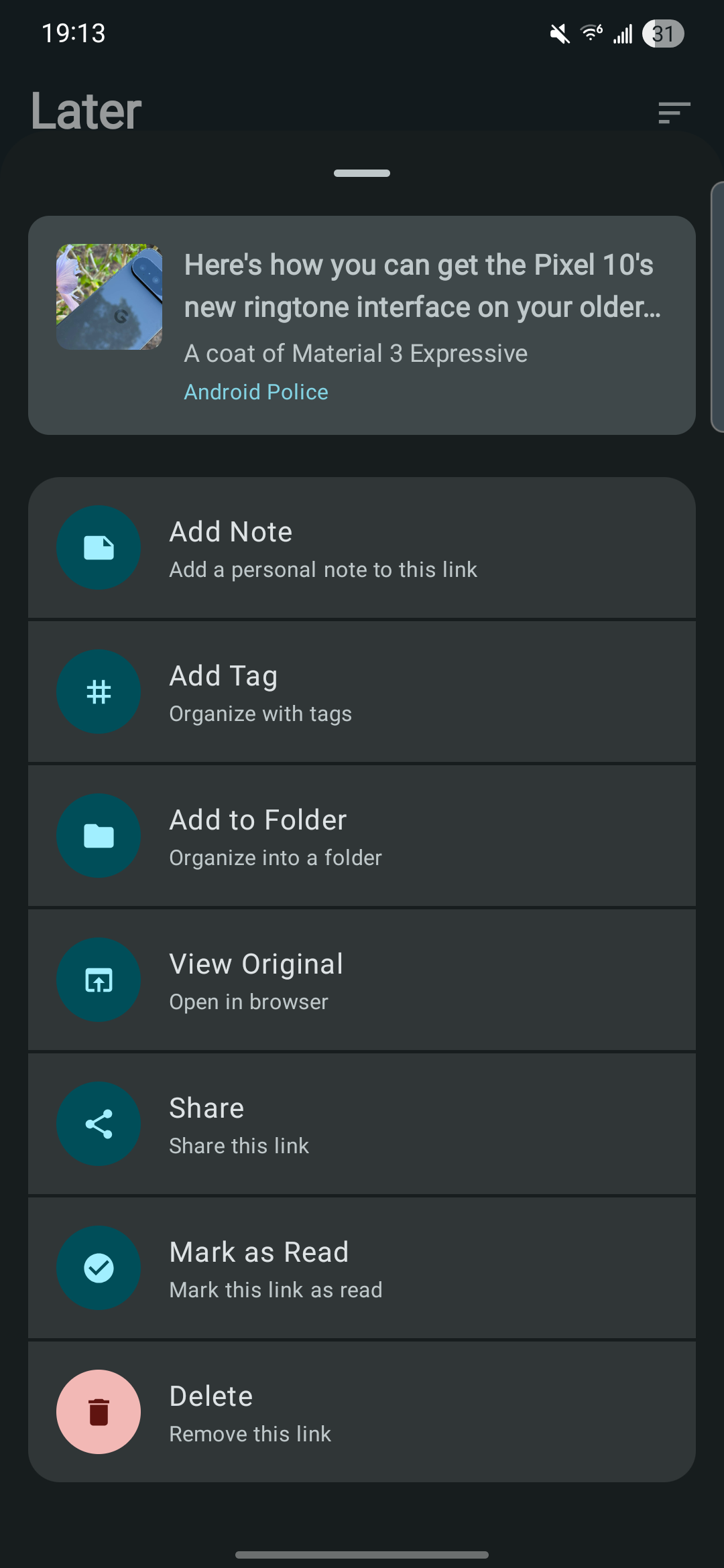
Actions menu, add tags, folders, view the original link, or clean up
-
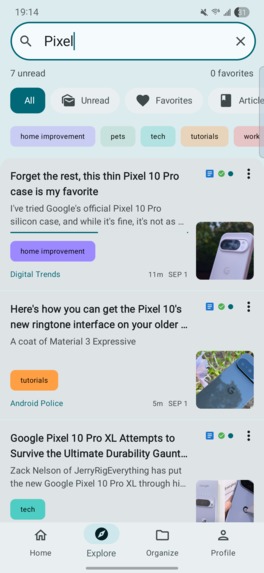
Light mode, not on Android we also use dynamic color based on your wallpaper.
-
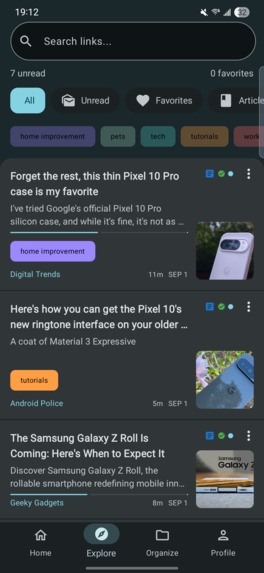
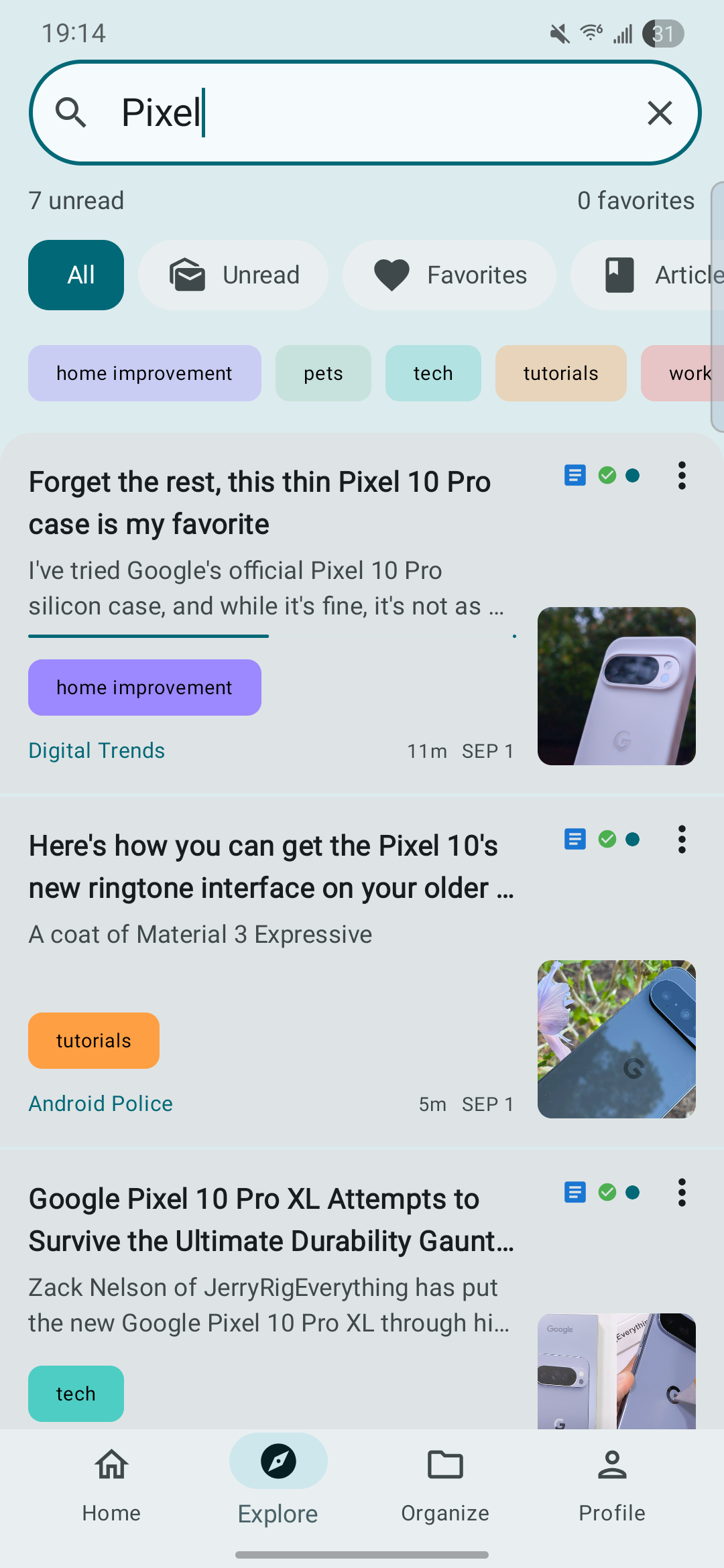
Explore, filter links by type, tags, or search through any text in the title, description, or article
-
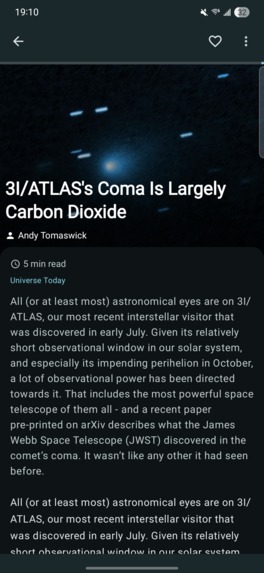
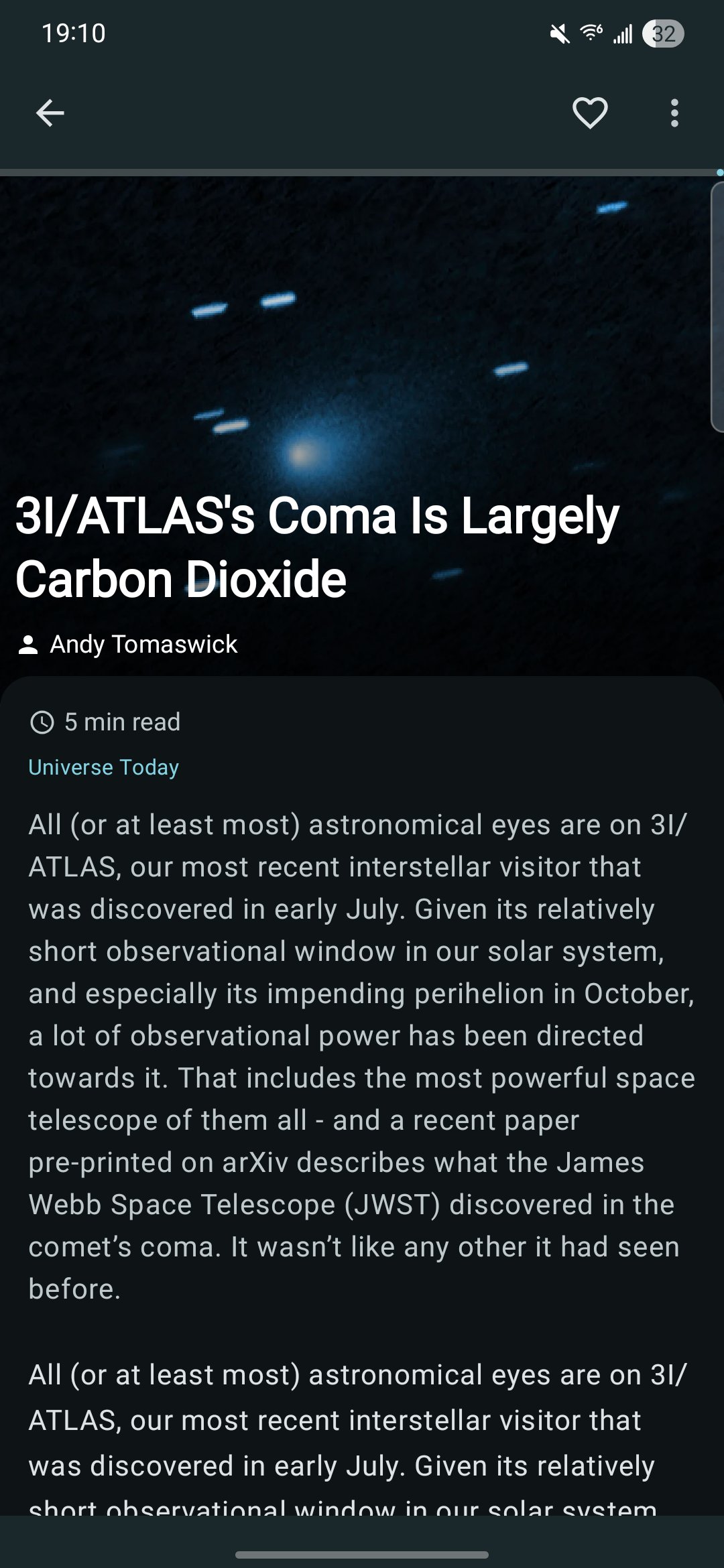
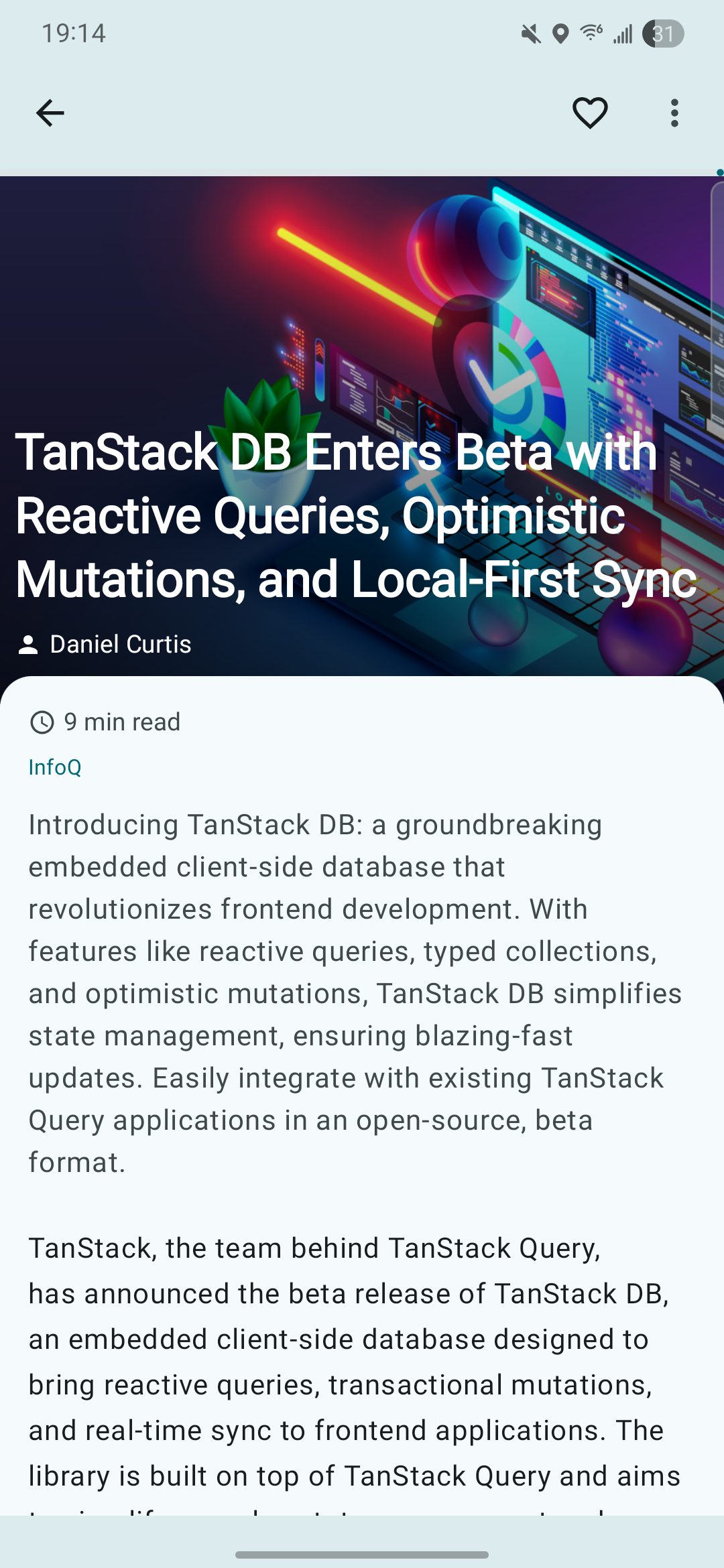
Reading view, clean representation of your saved article, with read progress, and additional settings
-
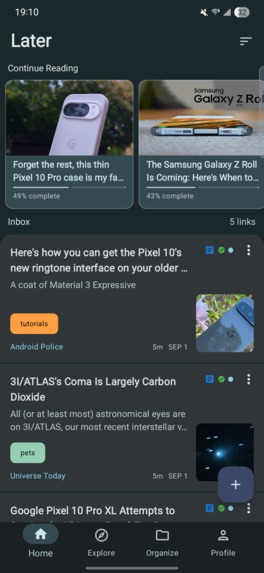
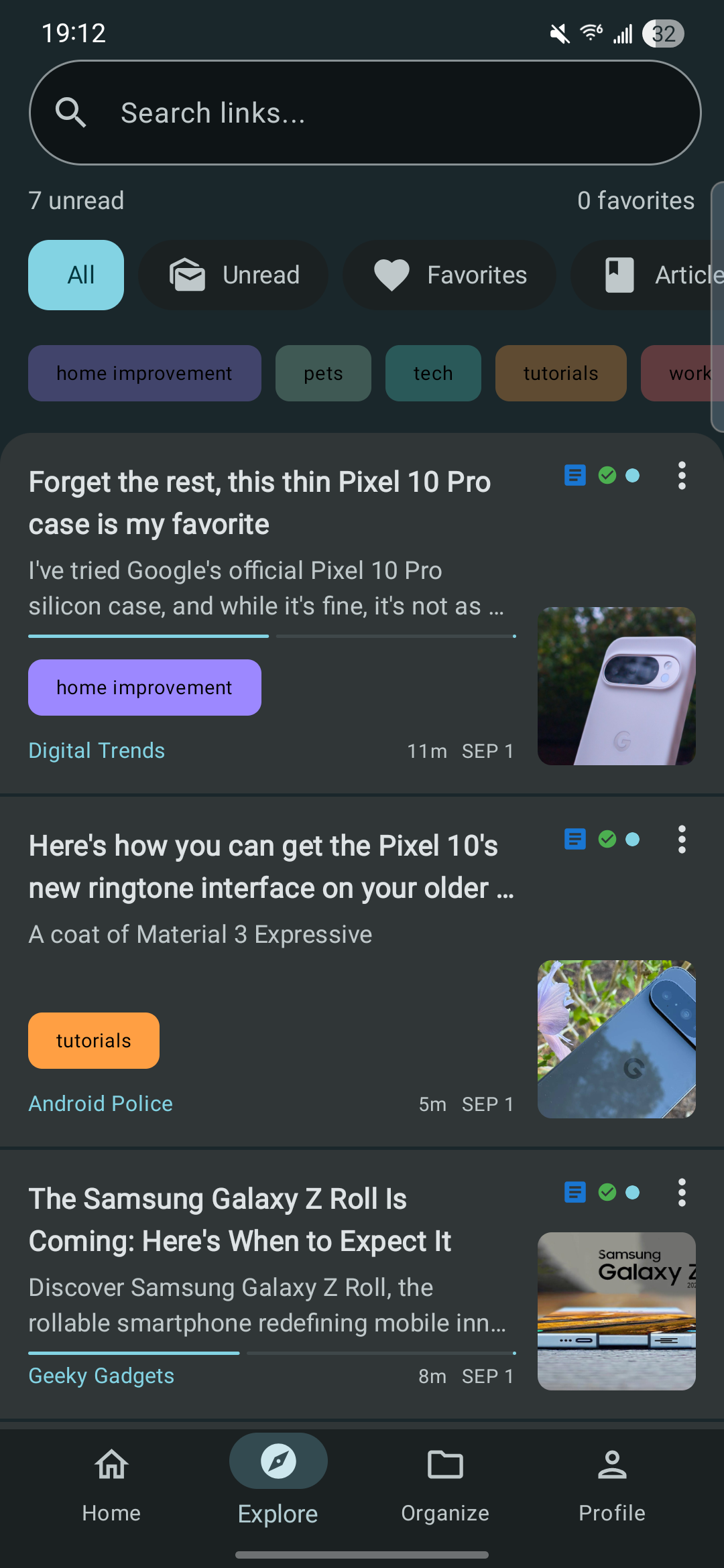
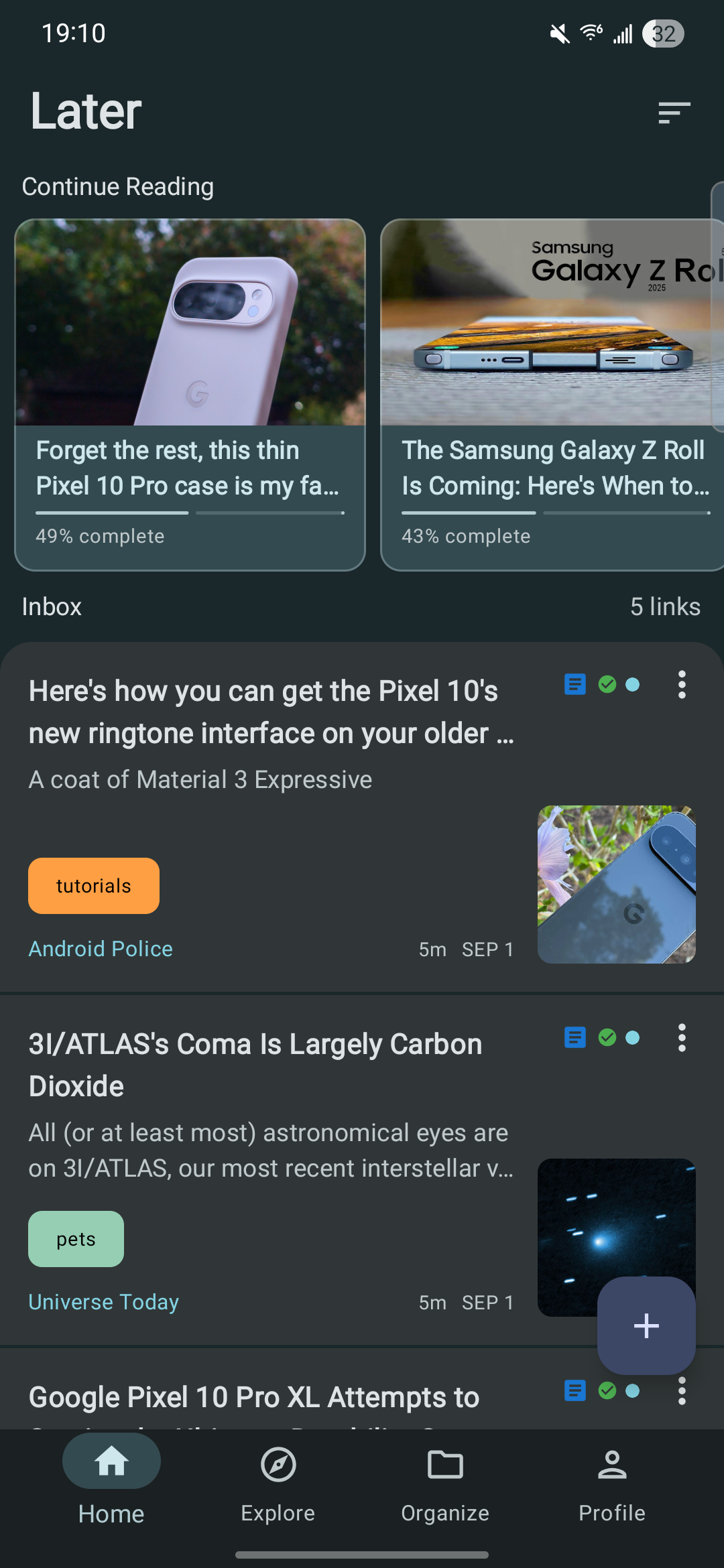
Homepage, where your inbox and continue reading queues live
-
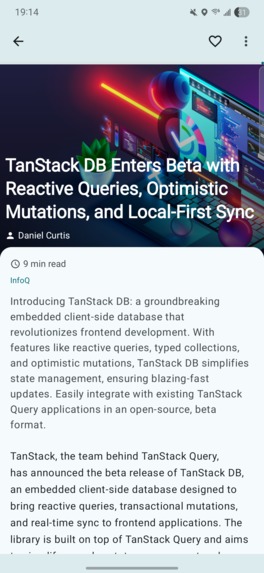
Light mode reader view
-
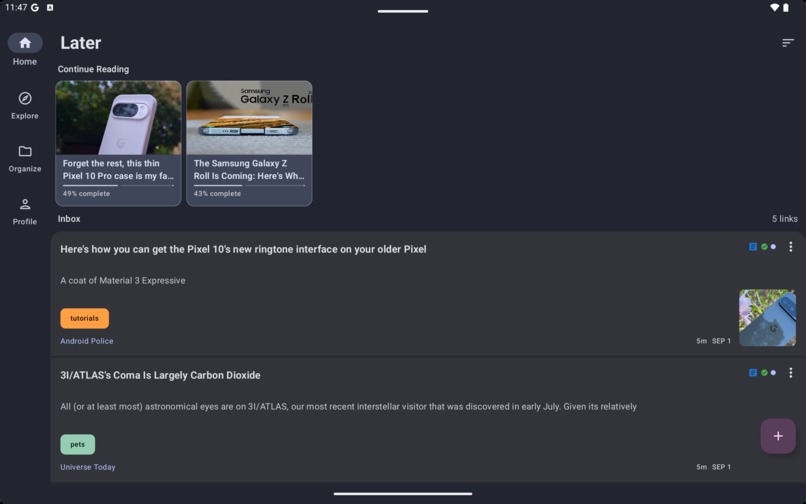
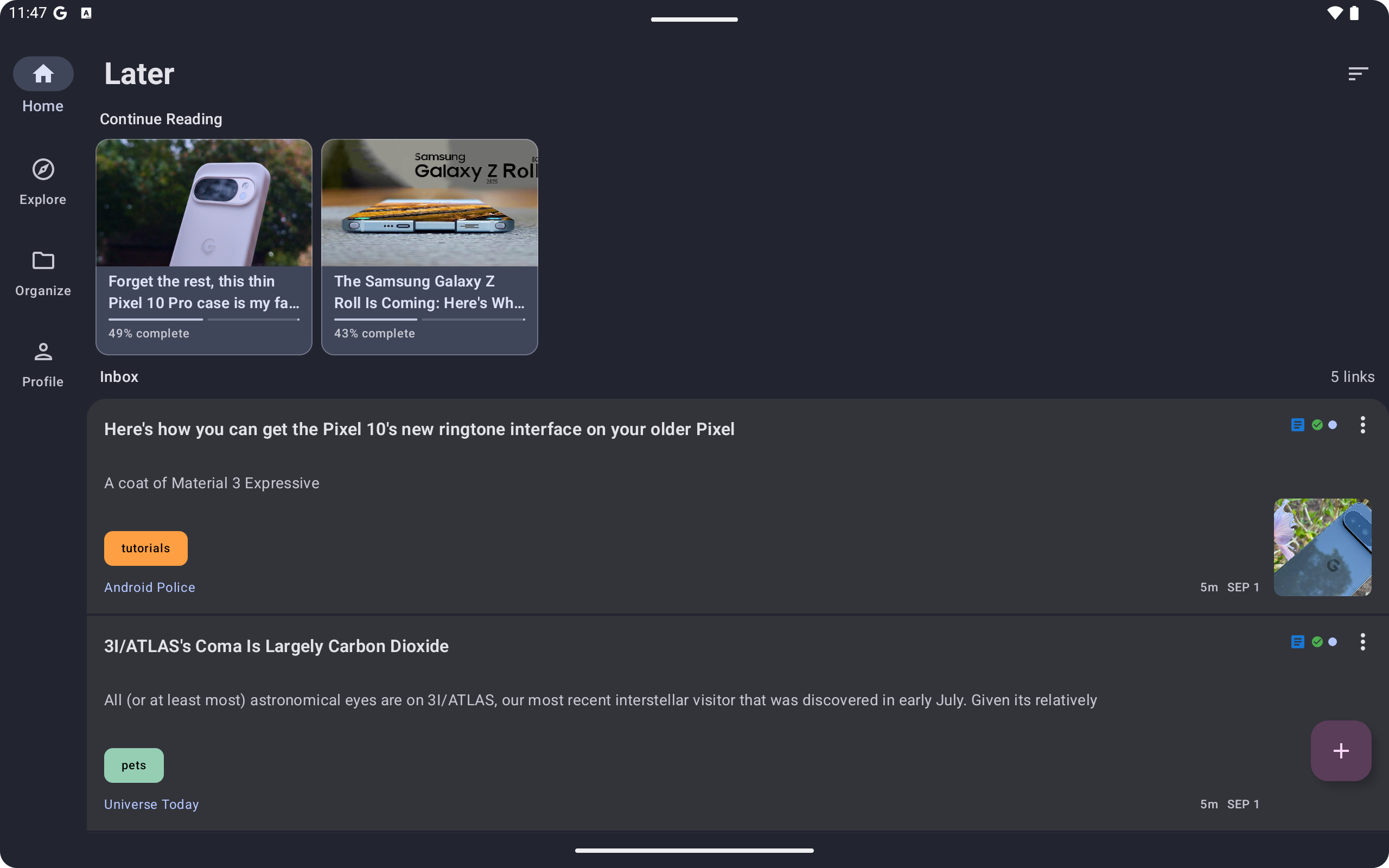
Expanded screen home page
-
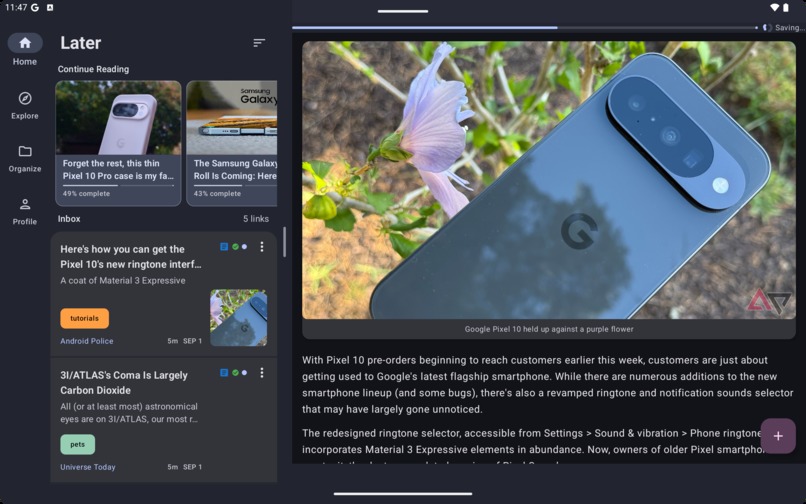
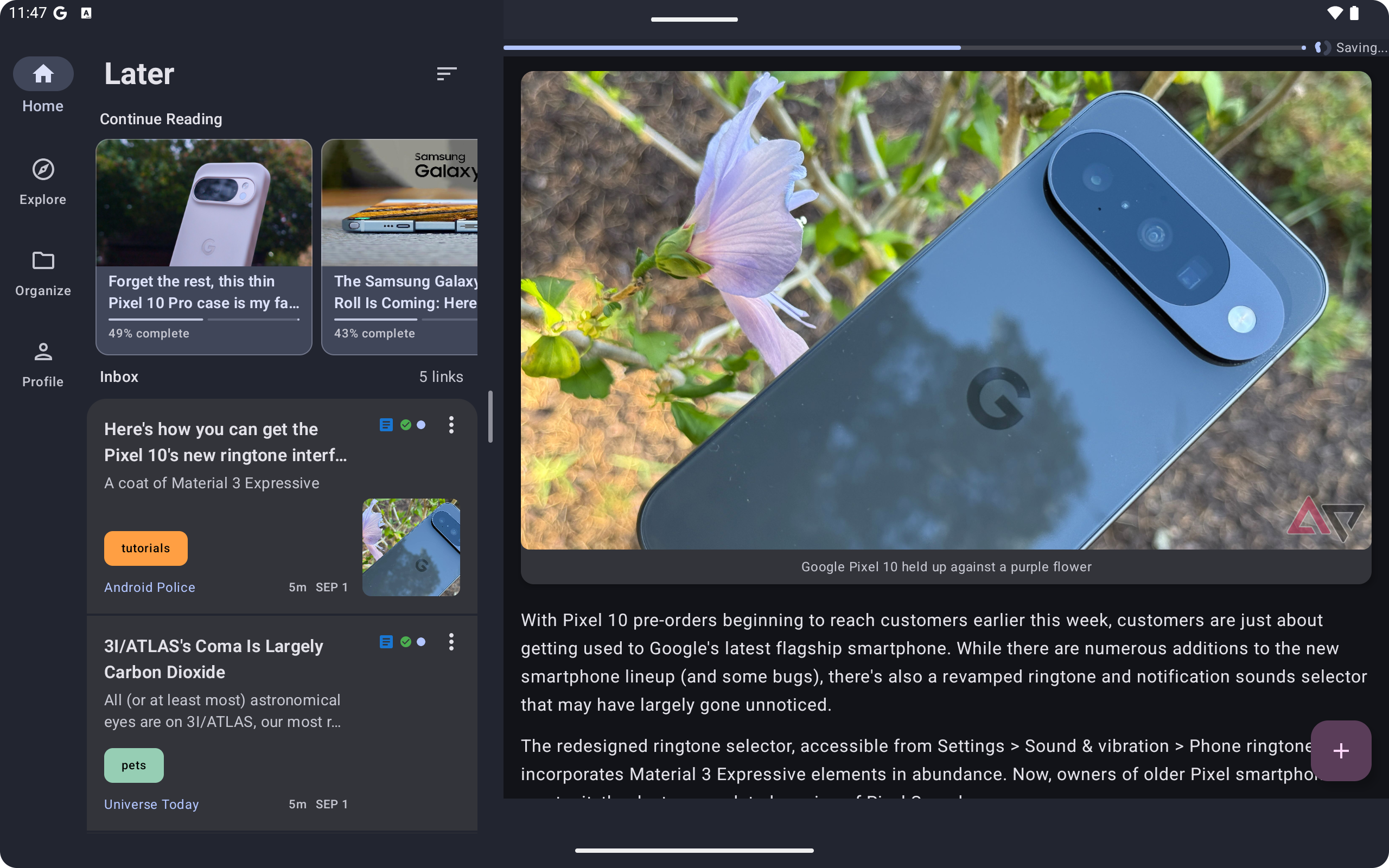
On expanded screens we use a list detail view that is resizable for your reading view.
Later - Read Later App
Inspiration
The inspiration for Later came from the closure of Pocket. While I've built other more niche products, I wanted to create something I truly use every day to learn, stay updated on development news, and keep current with events—all while working around my busy lifestyle.
With 7 kids, finding quiet time to read happens in small chunks throughout the day. I don't want to waste time on ads, popups, or scrolling through bookmarks. This is where Later comes in.
What it does
Later transforms your saved links into a clean, readable format that you can organize and navigate efficiently. As more websites become cluttered with filler content, ads, popups, and distracting elements, Later strips away the noise so you can focus on the content.
Key features:
- Clean reading experience - Content parsed and formatted for distraction-free reading
- Reading progress tracking - Never lose your place, even when interrupted
- Cross-device sync - Your progress and library stay synchronized across all devices
- Organized library - Keep your saved content clean and manageable
How we built it
Mobile Client:
- Kotlin Multiplatform / Compose Multiplatform project targeting Android and iOS
- Upcoming Chrome extension for saving links from desktop
- Desktop JVM client for reading (in development)
Backend Architecture:
- Spring Kotlin - Main API service
- Node.js - Content parser for extracting and cleaning articles
- Lambda functions - Process RevenueCat webhook events for subscription management and data storage
As a solo developer, I started with API design and UI/UX assets. Once the core backend functionality was established, I began the KMP project and worked on infrastructure. The ability to carry over models directly from the backend to the mobile client was invaluable, especially since I didn't start the mobile development until late August.
Throughout the process I broke every part down into two streams that could be done together. Whether it was working on store listings paired with analytics, or error tracking and subscription implementation. I needed to optimize how much I could get through as most days I only had from 7pm to 12pm to work on the projects.
Challenges we ran into
Initially, I expected subscription integration to be the biggest hurdle. Later operates on a freemium model where free users can save 20 links per month, while premium subscribers get unlimited saves. Thanks to RevenueCat, this ended up being one of the most straightforward parts of the project.
Real challenges included:
- Cross-platform sharing differences - Android intents vs iOS share extensions work very differently, and I had to ensure a consistent experience across both platforms
- Background processing variations - Each platform has different rules for background tasks
- Store approval processes - Creating accounts and listings for both App Store Connect and Google Play Store required careful planning and extra time for potential rejections. This is one area that almost caused me to miss the deadline, after my first submission I learned that I needed an additional third party login option and had to make the backend adjustments and implementation for Apple sign in at the very end of the project.
Fortunately, Android approved on the first submission, while iOS only required two resubmissions.
Accomplishments that we're proud of
Shipping on time, alone. I discovered this hackathon relatively late and almost didn't register. Between a full-time job and working solo, the timeline seemed daunting. Despite all the "could be's" and potential roadblocks, I decided to just get started.
Cross-platform code efficiency. I didn't initially know how much code would be shared between platforms, but platform-specific code ended up being less than 5% of the total codebase—mostly contained within the iOS share extension. This experience solidified the viability of KMP and Compose Multiplatform for both personal and professional projects.
What we learned
Content parsing complexity - Handling redirects, proxies, and unexpected page elements makes automated parsing challenging. Getting raw data is easy, but presenting it beautifully for users requires significantly more work.
Infrastructure deep dive - Since I don't work with backend infrastructure daily, I had to rapidly learn Terraform and various AWS services to build Later's backend architecture.
Time management and flexibility - This part was huge but cannot be understated that a lot of roadblocks that I ran into I would sometimes just have to table to be able to work on a couple streams at full speed, then come back to it after doing more research in downtime. Had I let myself get bogged down in details and block all my progress for the day, this project would not have been completed.
What's next for Later
I'm currently developing premium features to provide ongoing value for subscribers:
RSS Feed Integration - Premium users will be able to subscribe to RSS feeds, with content automatically parsed and ready for reading. This feature was nearly complete for launch but I wanted to polish it further.
Audio Playback - Text-to-speech functionality for premium users, complete with playlist support for continuous listening through multiple articles. Perfect for multitasking while staying informed.
Both features are mostly complete and will roll out soon to enhance the premium experience.
Built With
- amazon-web-services
- cmp
- ecs
- firebase
- grafana
- kmp
- kotlin
- lambda
- node.js
- postgresql
- redis
- revenuecat
- sentry
- spring
- sqs

Log in or sign up for Devpost to join the conversation.