-
The project's logo
-
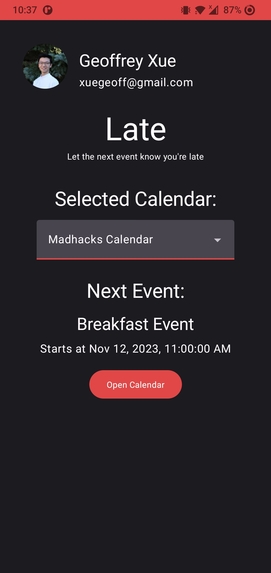
Main screen
-
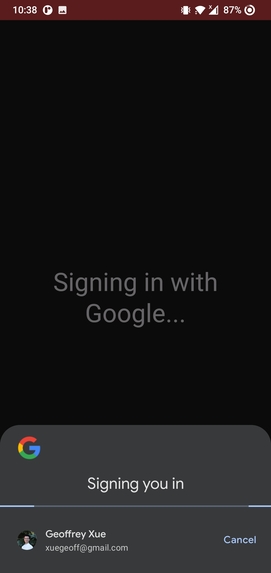
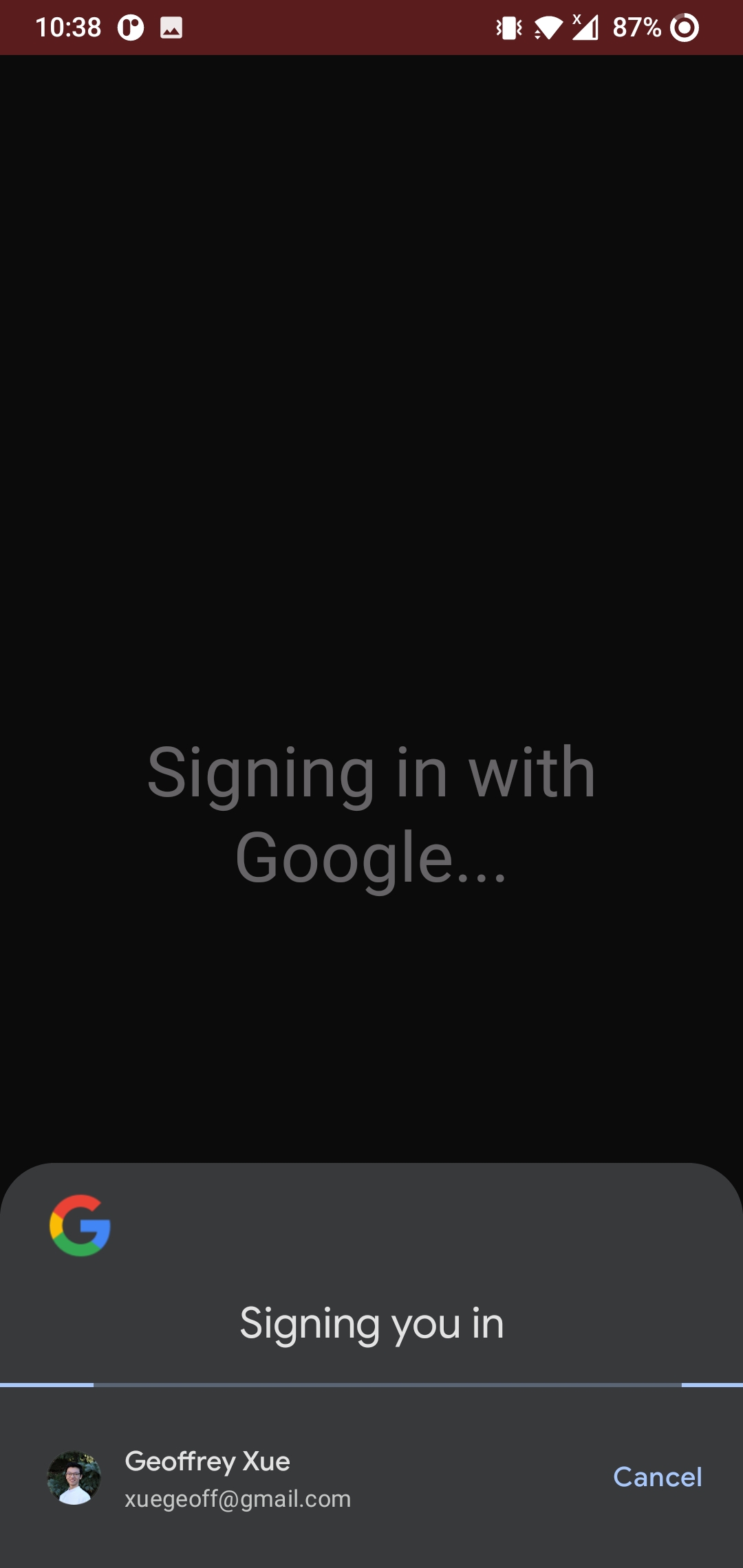
On tap login
-
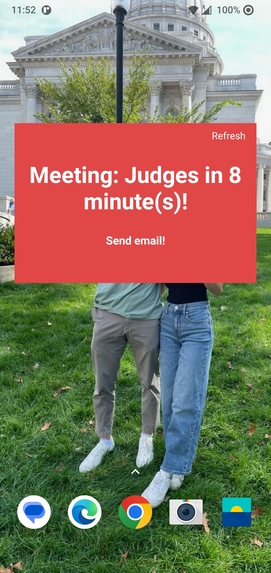
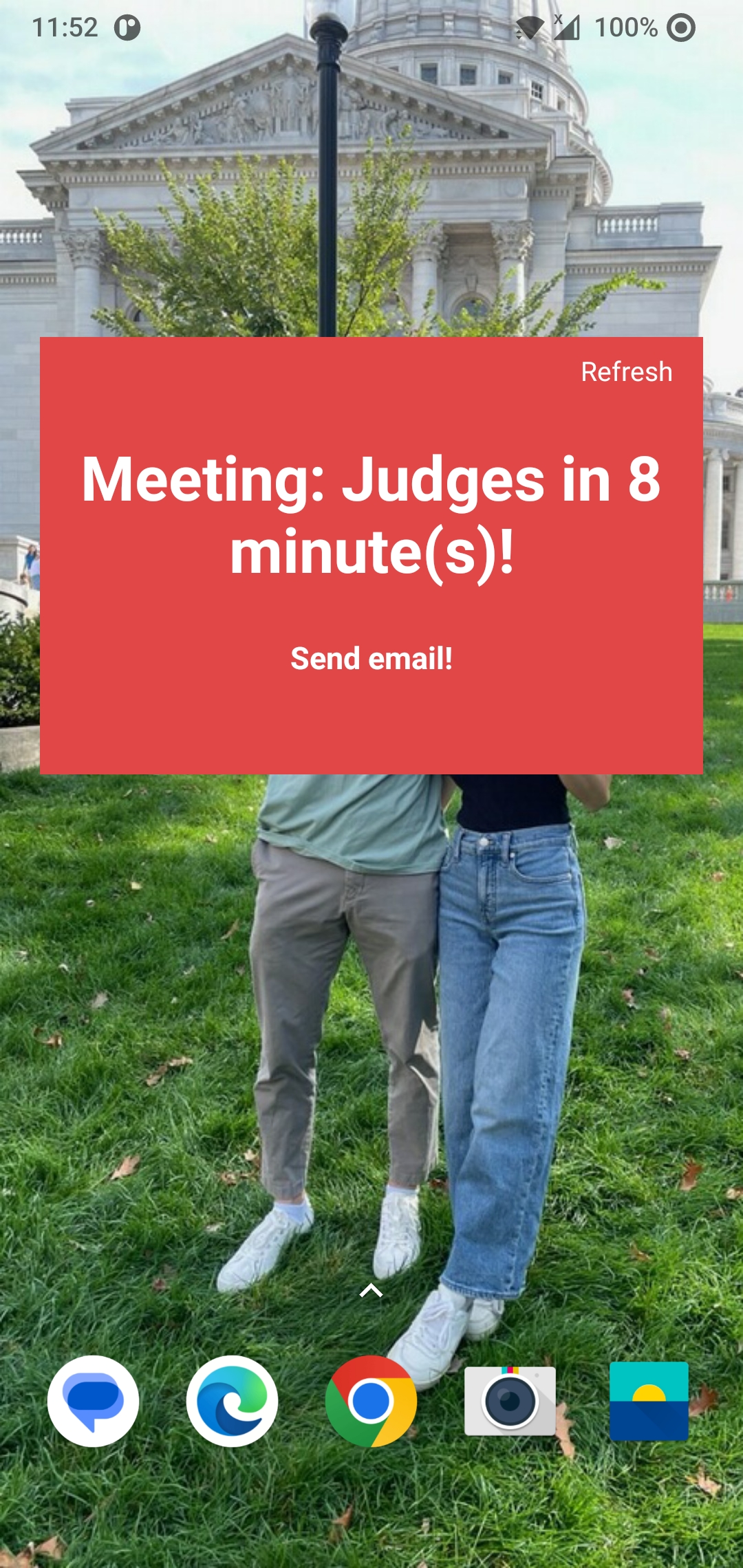
Notice
-
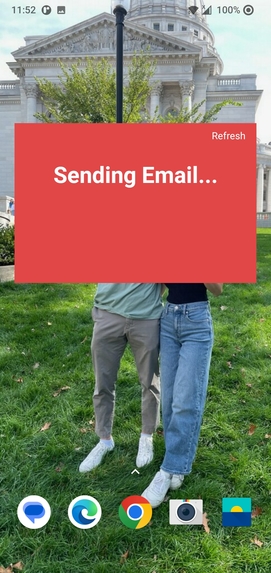
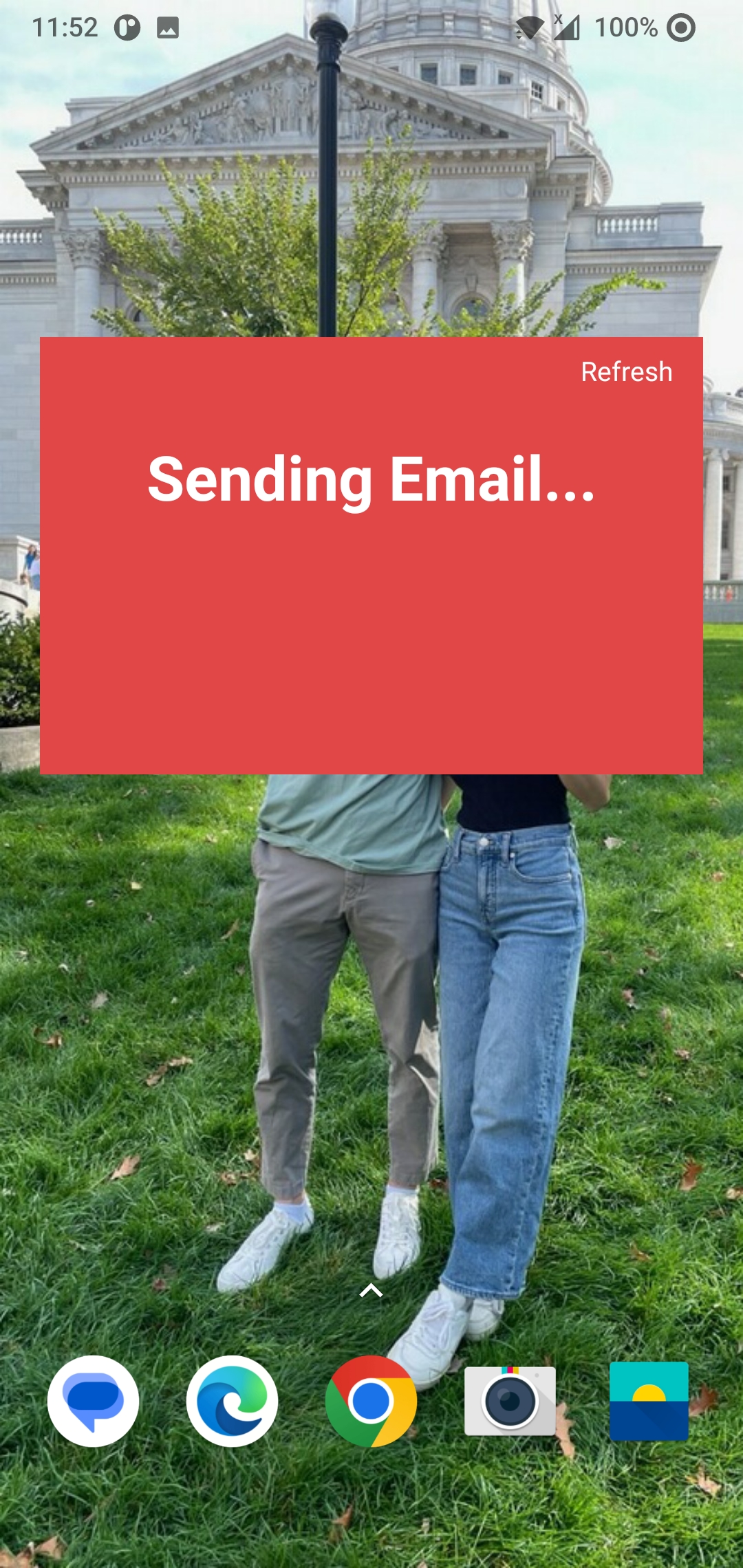
Sending email
-
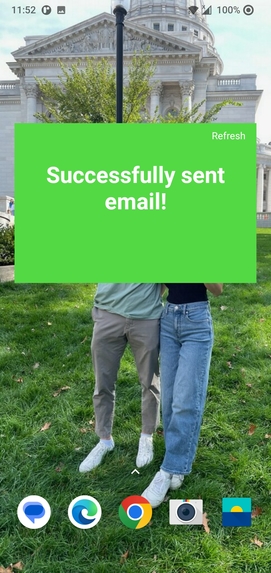
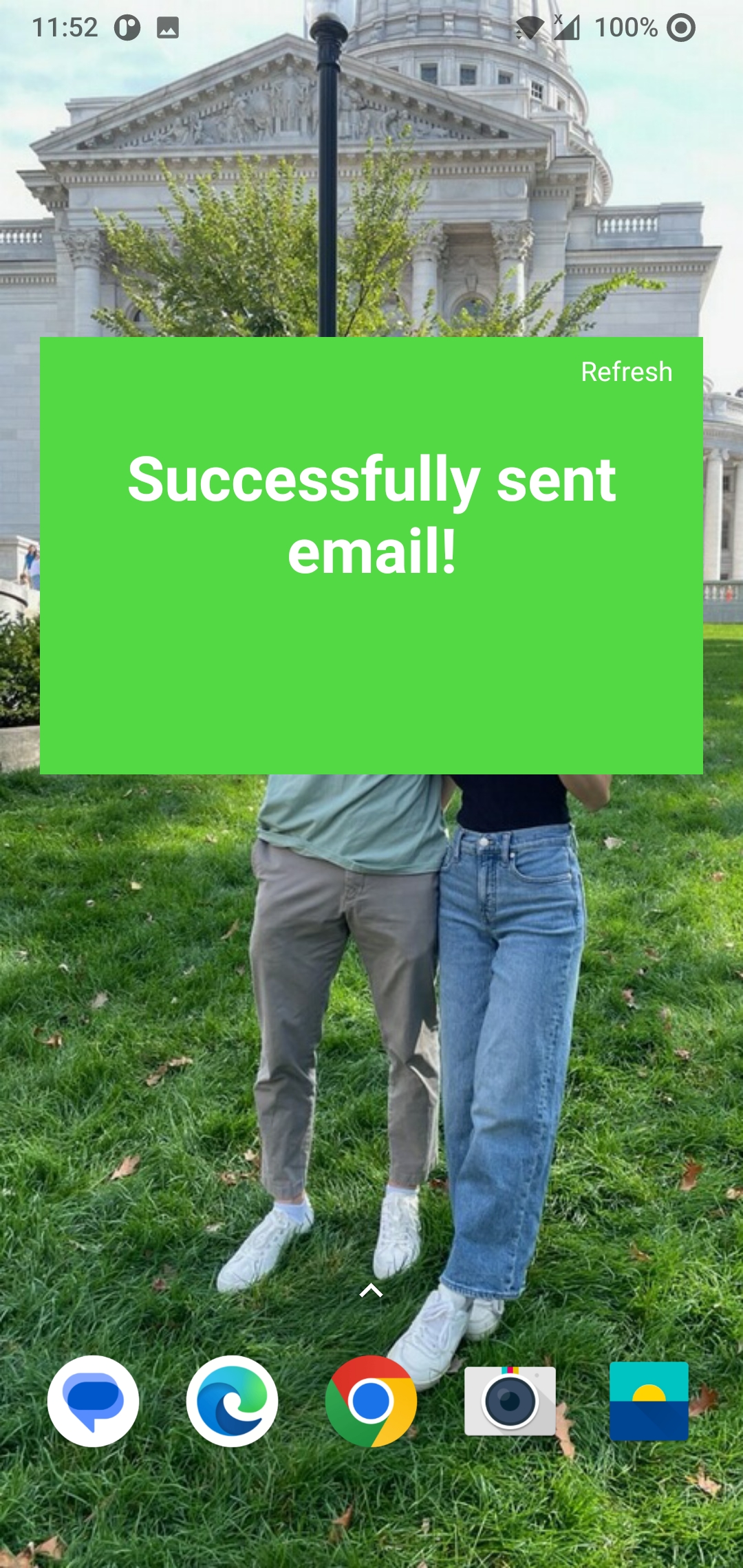
Send email success
Inspiration
Meetings! Going up the industry ladder, you calendar is increasingly packed with different kinds of meetings. As you get deep into discussion, some meetings often run over time, leading to a cascading effect of being late. Typing up a response or a longer email may not be feasible if you're engaged in the discussion. At the end of the day, people sit in meeting rooms or on empty Zoom calls contemplating whether you're coming, leading to friction.
What it does
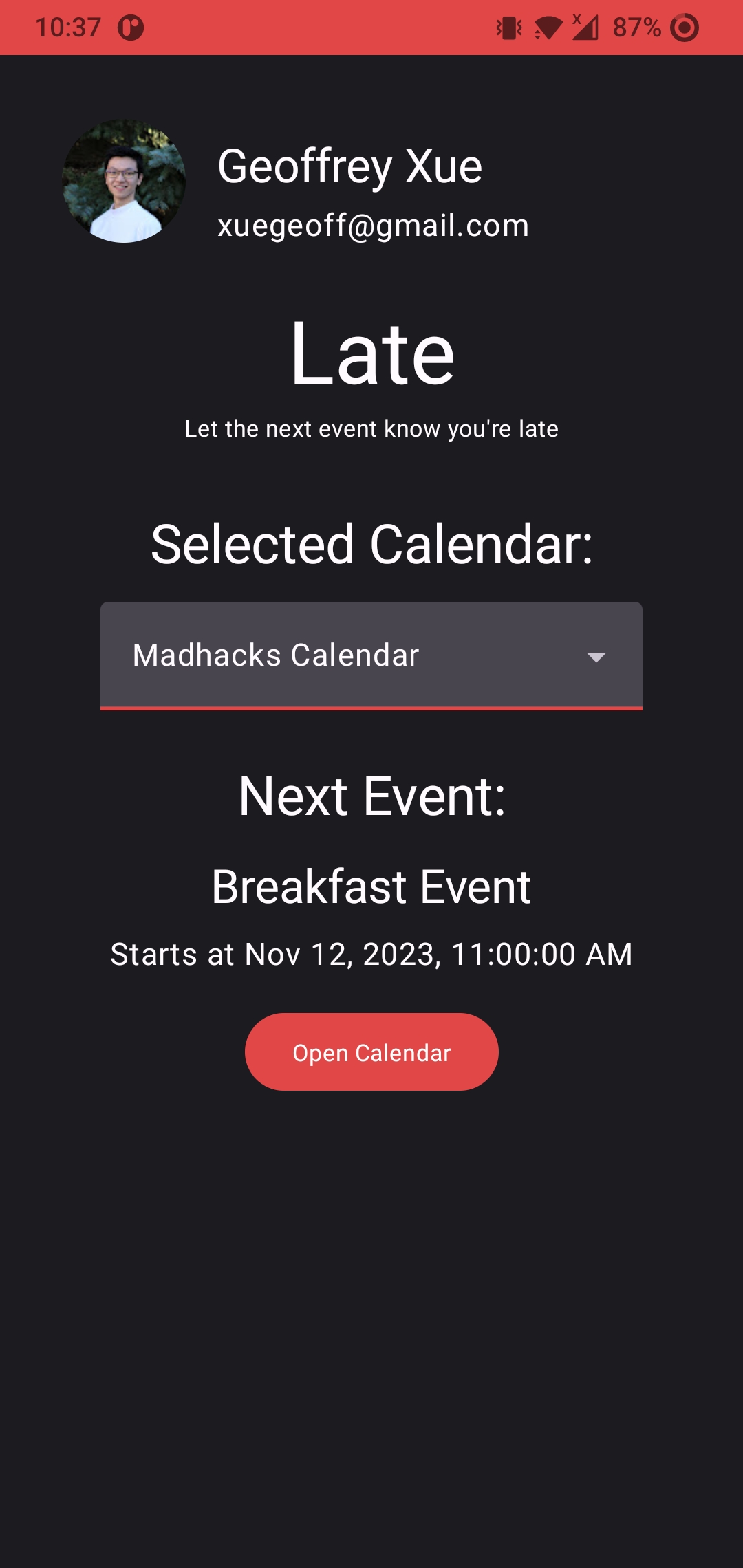
Late allows you to notify participants in your upcoming meeting that you're running late with a press of a widget, giving both you and those in the meeting some ease of mind. The anticipated event is configured via the app, which handles authenticating and authorizing you via Google One Tap.
Late prioritizes simplicity and speed above everything - get the app set up in as little as three clicks and send an email with one it does so by using Google One Tap's auto-login feature if there only exists on account to log in, and autoselecting your primary calendar upon login.
Late uses the Google Calendar API and the Google Gmail API to read events and send emails.
How we built it
The project is built entirely as an android app in Kotlin.
Challenges we ran into
I haven't touched Android Studio in at least over four years, and am entirely fresh to Kotlin.
Documentation in general using more modern Android Studio technologies was a struggle for me, as there are many conflicting types of questions, answers, and project setups due to the numerous ways to do things. In addition, the more modern strategies of building Widgets in Android Studio (using Jetpack Glance) is still not feature complete yet, which meant more workarounds for certain features.
Accomplishments that we're proud of
What we learned
What's next for Late?
Built With
- compose
- glance
- gmail
- google-calendar
- kotlin
- oauth


Log in or sign up for Devpost to join the conversation.