-
-
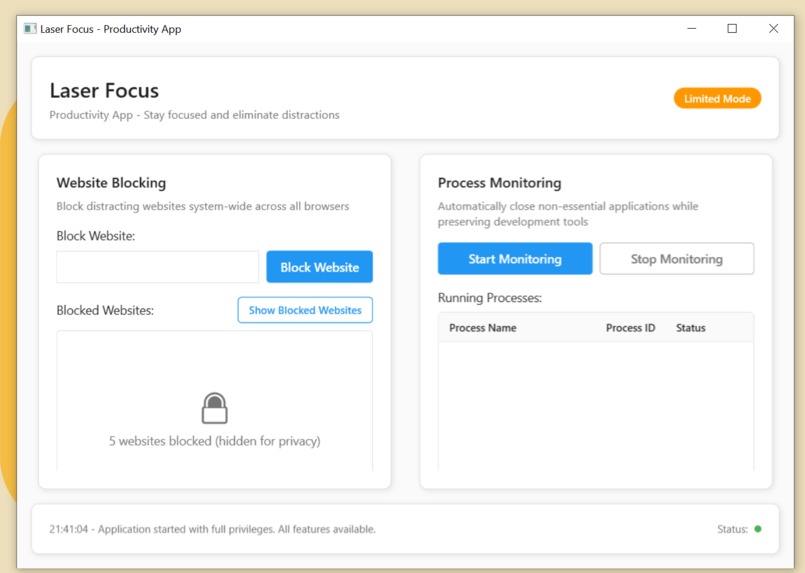
application running
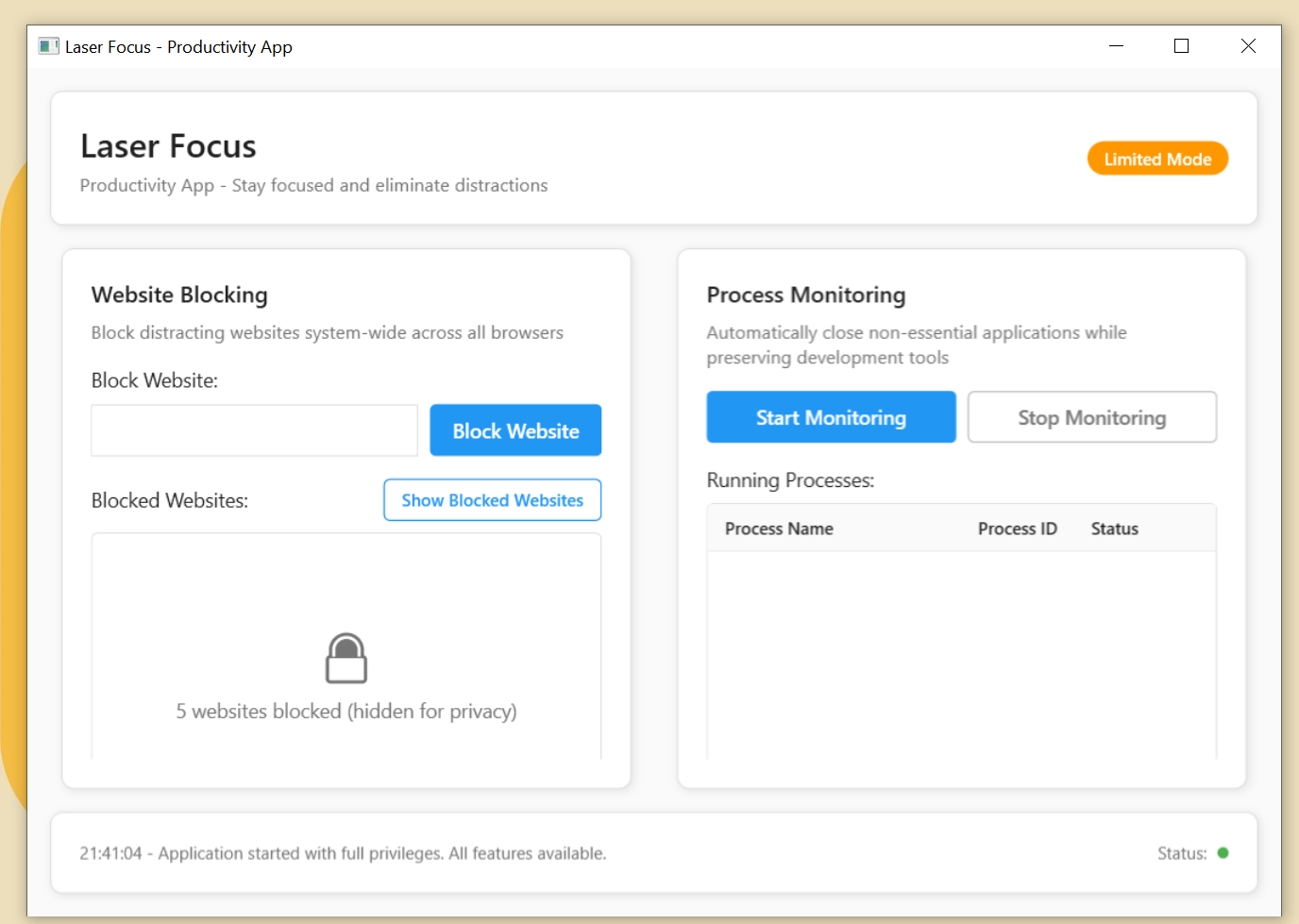
Inspiration
As a developer, I spend more time on my computer than on my phone—over 5 hours a day, sometimes much more. I've caught myself falling into the endless rabbit holes of YouTube videos, scrolling through Instagram and Facebook, or rewatching movies when I should be coding or learning something productive. It's embarrassing how often "just a quick video" turns into hours of wasted time. I already use several productivity apps on my phone that can lock distracting apps for set periods, and they work wonders for my mobile focus. But my computer? That's where the real time-wasting happens, and there wasn't a simple, effective solution for Windows that gave me the same level of control. The frustration of losing entire afternoons to digital distractions, especially when I had important projects to work on, became the driving force behind LaserFocus. I wanted to create something that would help me (and other developers) stay laser-focused on what matters.
What it does
LaserFocus is a Windows desktop application designed specifically for developers who struggle with digital distractions. It provides two core productivity features:
System-wide website blocking: Blocks distracting websites across all browsers by intelligently modifying the Windows hosts file. No more "quick" YouTube breaks that turn into hour-long sessions. Application monitoring: Automatically identifies and closes non-essential applications while keeping your development tools (VS Code, Visual Studio, Chrome for dev work, etc.) running smoothly.
The app features a clean, minimal interface with a simple on/off toggle—because when you're trying to focus, the last thing you need is a complicated productivity app distracting you from being productive!
How we built it
When I saw the Kiro hackathon announcement, I knew this was my chance to finally build the productivity tool I'd been wanting. There was just one problem: I'm a fullstack developer who had never touched C# or the .NET ecosystem. Here's how Kiro made the impossible possible:
Spec-driven development: I described my frustrations and vision to Kiro, and it helped me generate detailed specifications for the app architecture, breaking down complex system-level operations into manageable components. Task generation and execution: Based on those specs, Kiro generated specific development tasks. I could monitor the progress, make adjustments, and guide the direction while Kiro handled the heavy lifting of translating requirements into working C# code. Iterative refinement: As we built features like hosts file modification, process monitoring, and the WPF interface, I could provide feedback and request changes. Kiro would adapt and improve the implementation in real-time. Learning through doing: While Kiro was coding, I was learning—understanding C# syntax, .NET architecture patterns, and Windows system programming concepts I'd never encountered before.
The result? A fully functional Windows application with system-level permissions, real-time process monitoring, and robust error handling—all built by someone who had never written a line of C# before this hackathon.
Challenges we ran into
Learning an entirely new language and ecosystem during a hackathon was... intense. Here are the biggest hurdles:
C# and .NET architecture: Coming from web development, understanding concepts like WPF, system permissions, and native Windows APIs was like learning a new language (literally and figuratively). System-level programming: Modifying the Windows hosts file and terminating processes requires administrator privileges and careful error handling. One wrong move could crash the system or create security vulnerabilities. When Kiro hit roadblocks: Since I wasn't familiar with C# debugging or .NET project structure, when Kiro encountered issues, I often had to trust the process and provide high-level guidance rather than diving into specific technical fixes. First-time compilation: Getting that first successful build and run was genuinely nerve-wracking. Would years of web development experience translate at all to desktop application development? Windows permissions and UAC: Learning about User Account Control, administrator privileges, and why certain operations require elevation was a crash course in Windows security.
Accomplishments that we're proud of
Honestly, just getting the app to run without bugs feels like a miracle! But beyond that:
Built a fully functional desktop app in a completely new language and framework Implemented system-level features like hosts file modification and process termination safely Created a clean, distraction-free UI that actually helps with productivity instead of hindering it Learned an entire new ecosystem (C#/.NET) in record time thanks to Kiro's guidance Solved a real personal problem that I've been dealing with for years
The moment I first blocked YouTube successfully and watched LaserFocus automatically close my accidentally opened social media apps and vlc player was genuinely satisfying. It works exactly as I envisioned it.
What we learned
This hackathon was a masterclass in rapid learning and adaptive development: Technical skills: C# is surprisingly familiar once you get past the initial syntax differences—object-oriented principles translate well from other languages Desktop application architecture is fundamentally different from web apps, especially when dealing with system permissions and native OS features Windows system programming requires careful consideration of security, permissions, and user experience
About agentic development: Kiro's spec-driven approach is incredibly powerful for tackling unfamiliar territories Having an AI partner that can translate high-level requirements into detailed implementation plans removes the intimidation factor of learning new technologies The iterative feedback loop between human intent and AI execution creates a learning environment that's both productive and educational
About productivity tools: Sometimes the best tools are the simple ones—complex productivity apps can become distractions themselves System-level integration makes a huge difference in effectiveness compared to browser-only solutions
What's next for LaserFocus Productivity App
The hackathon version is just the beginning! Here's what I'm excited to build next:
Cross-platform expansion: A macOS version is definitely on the roadmap (and maybe Linux for the completionists) Smart scheduling: Time-based blocking and allowlists for different parts of the day Usage analytics: Help users understand their distraction patterns Team features: Collaborative focus sessions for remote development teams More granular controls: Website categories, time limits, and customizable application detection
The foundation is solid, and now that I've got a handle on C# and .NET (thanks, Kiro!), expanding LaserFocus feels much more achievable.

Log in or sign up for Devpost to join the conversation.